
3D Animated Magical Miniature World
An intricate multi-scene animation prompt for a Pixar-style miniature world located inside a coffee mug, featuring detailed transitions and expressive character animation.
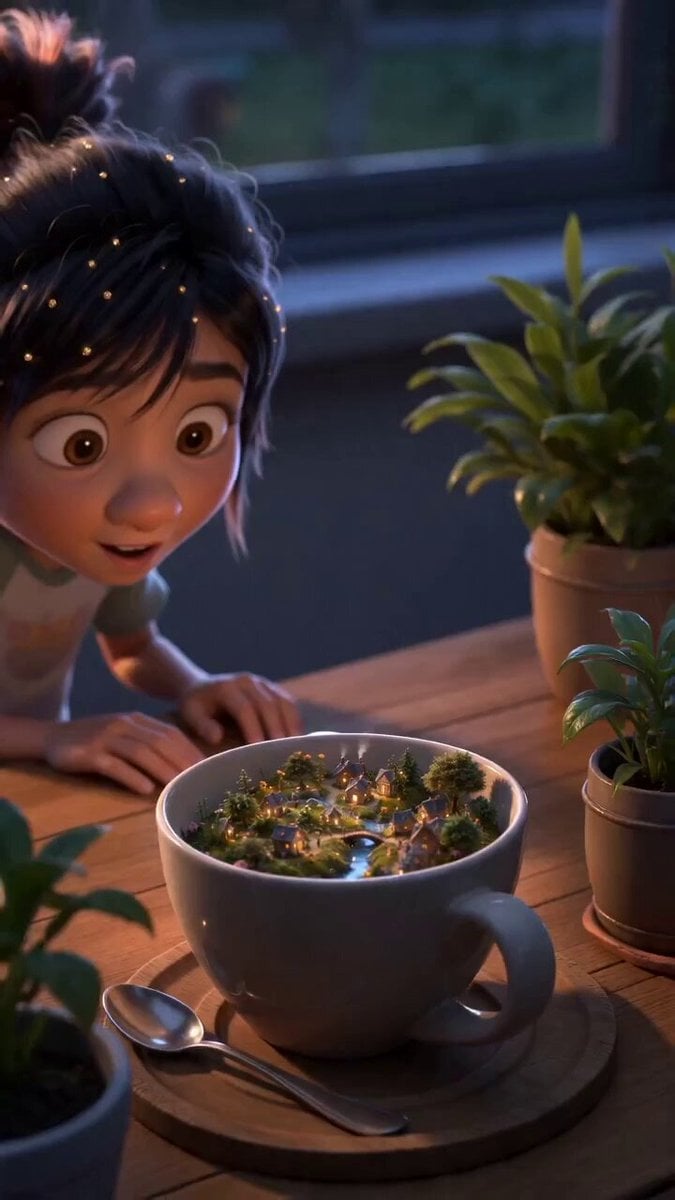
- Prompt included
- Model and format preset
- Free template
The prompt behind this video
Copy the exact prompt behind 3D Animated Magical Miniature World, or open it in the studio and make it yours.
10-Second 3D Animated Tiny World Prompt Scene 1 (0–2 sec) A curious little girl discovers a magical miniature world built across her wooden table. Tiny glowing houses, winding streets, bridges, rivers, and lush trees fit perfectly between a giant coffee mug and flower pots. The girl smiles with wonder as she gently leans closer. Pixar-quality 3D animation, expressive facial expressions, cinematic lighting, warm golden-hour sunlight, ultra-detailed environment, shallow depth of field. Scene 2 (2–4 sec) The camera smoothly flies into the miniature village. Tiny people walk through the streets, children play happily, warm lights glow inside tiny houses, a small stream flows beneath a charming wooden bridge, and smoke gently rises from miniature chimneys. Everything feels alive and magical. Scene 3 (4–6 sec) A tiny explorer pushes a wooden cart carrying a giant blueberry along a forest path surrounded by towering blades of grass. A ladybug crawls across a leaf while butterflies flutter through the air. The environment emphasizes the tiny scale with oversized plants and natural details. Smooth tracking camera, adorable character animation. Scene 4 (6–8 sec) Two tiny friends peacefully float down a crystal-clear stream inside a leaf boat. They pass beneath a small wooden bridge while waterfalls, glowing flowers, moss-covered rocks, and fireflies create a dreamy fantasy atmosphere. Soft volumetric lighting, realistic water physics, cinematic camera movement. Scene 5 (8–9 sec) The camera cuts back to the little girl watching the miniature world with joy. She rests her chin on the table, smiling as she observes the tiny villagers living their peaceful lives. Warm emotional moment, expressive Pixar-style character animation. Scene 6 (9–10 sec) The camera slowly pulls back to reveal the entire magical miniature world sitting inside a giant ceramic coffee mug on the wooden table. Tiny houses glow warmly as evening lights switch on, while the girl admires the hidden world from above. Epic cinematic ending, ultra-detailed Pixar-quality 3D animation, Unreal Engine 5 quality, ray-traced lighting, HDR, global illumination, masterpiece quality, vibrant colors, highly detailed textures, smooth camera movement, 720p, no text, no watermark.
How to use 3D Animated Magical Miniature World in 3 steps
- 1
Open
The prompt is already in the box next to the preview, with the template's model and format selected.
- 2…a portrait of your subject in softgolden-hour light, 85mm…
Personalize
Edit the subject and creative details for your destination.
- 3Generate
Generate
Press Generate — your video is created in PicX Studio, so you can compare it with the original and refine one variable at a time.
More like this
Templates with the same subject, style or setup. Open one to see its prompt.
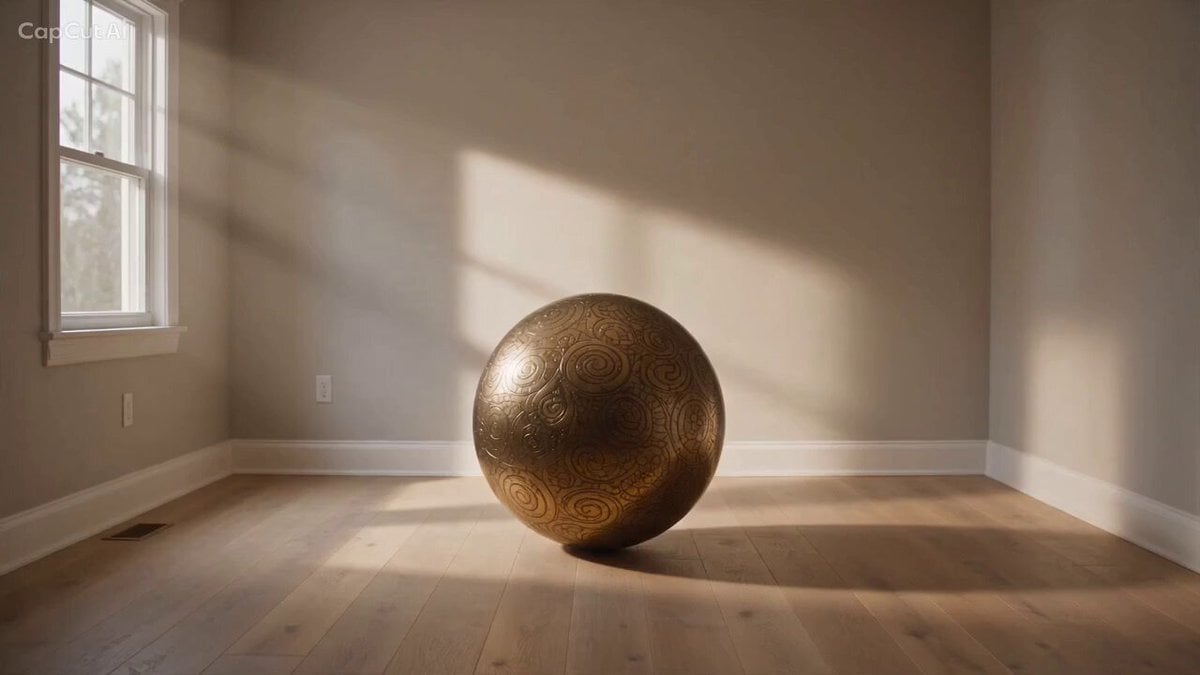
Magical Room Transformation - Seedance 2.5
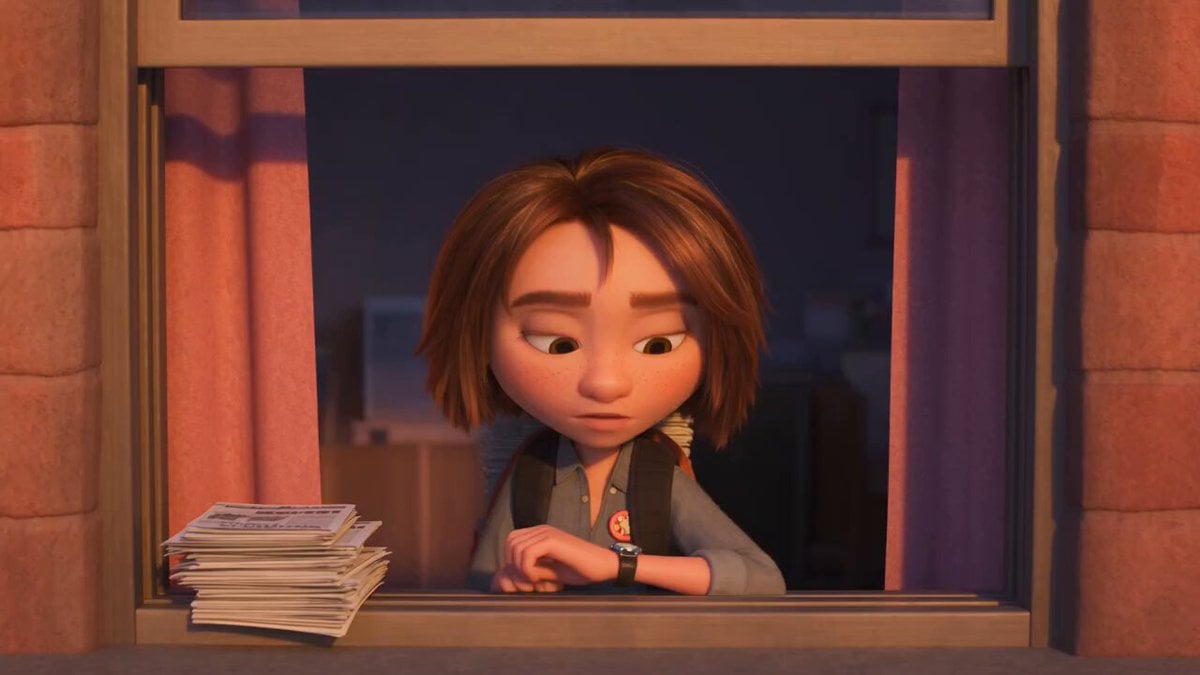
3D Animated Newspaper Delivery Short - Seedance 2.5
3D Animated Cat and Old Man - Seedance
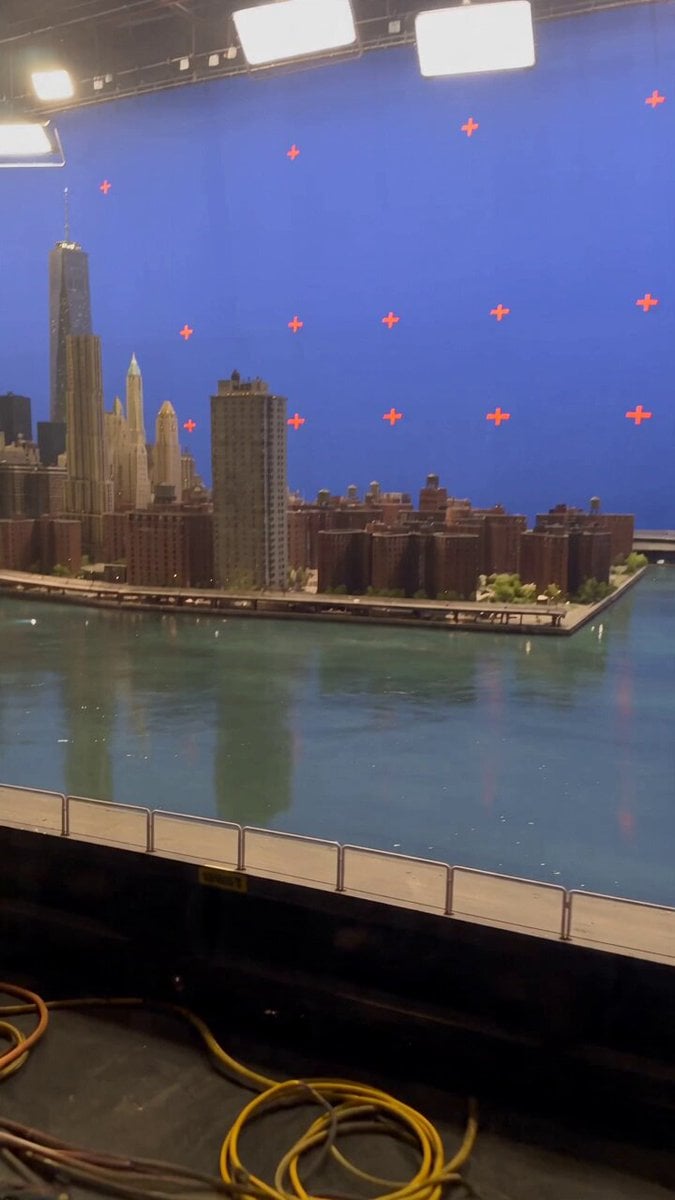
Miniature City Flood Soundstage
Miniature City Flood Soundstage
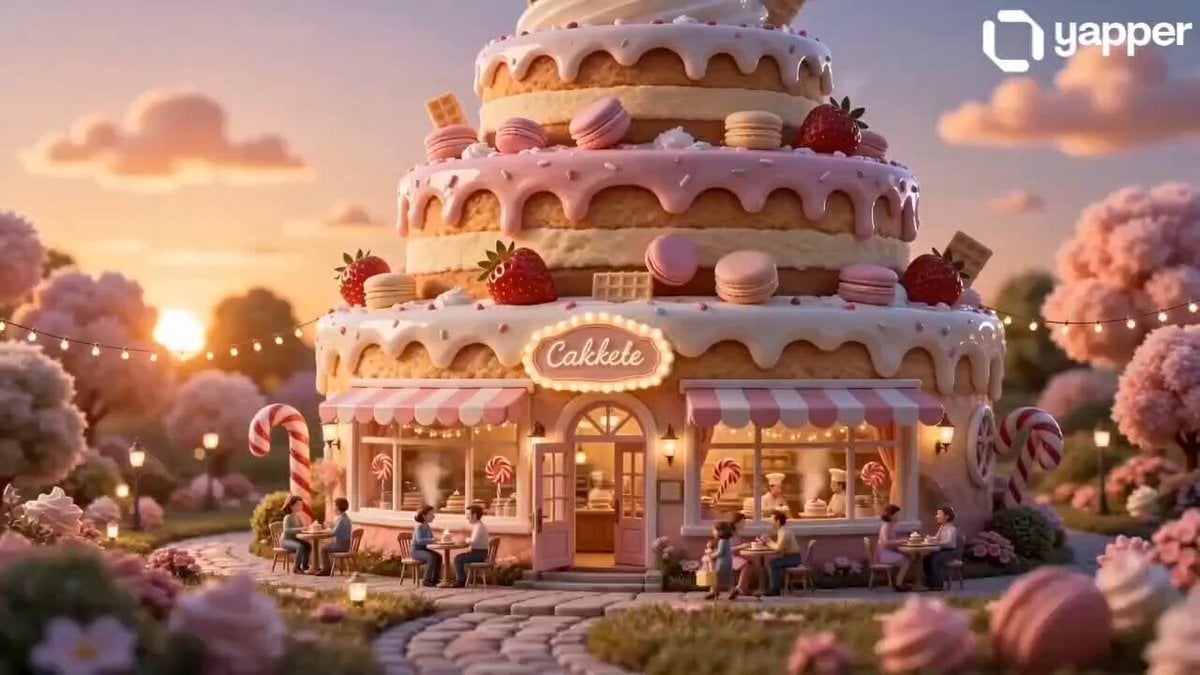
Miniature Cake Bakery World
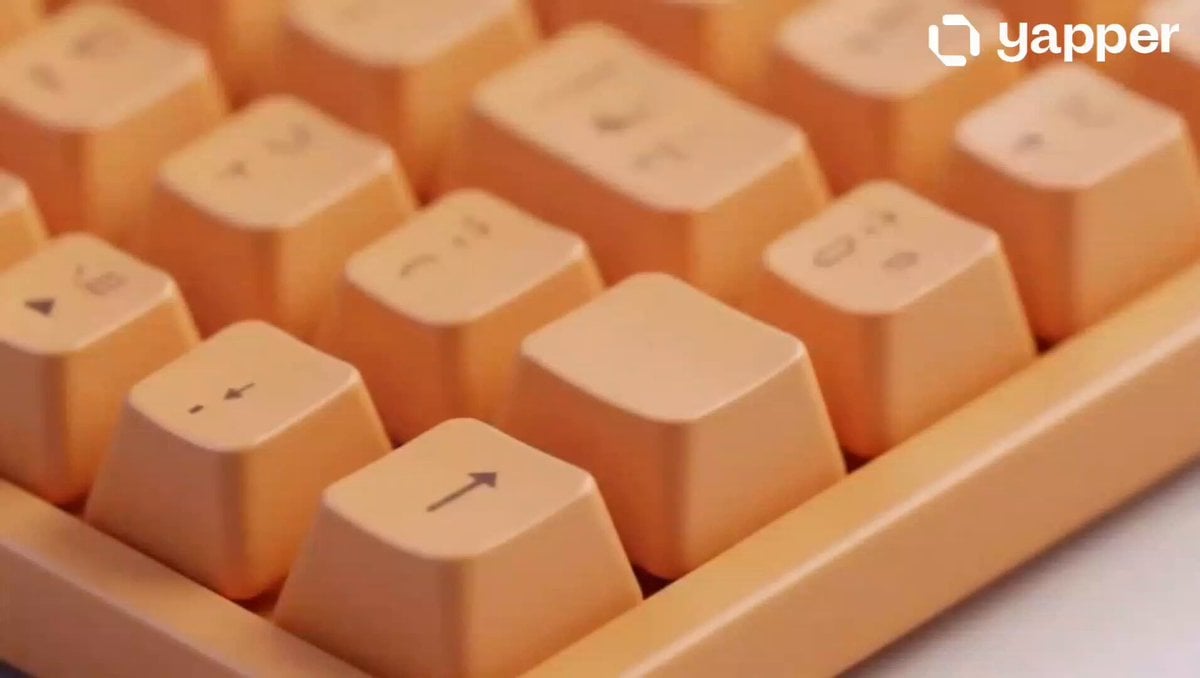
Mechanical Keyboard Hidden Miniature World
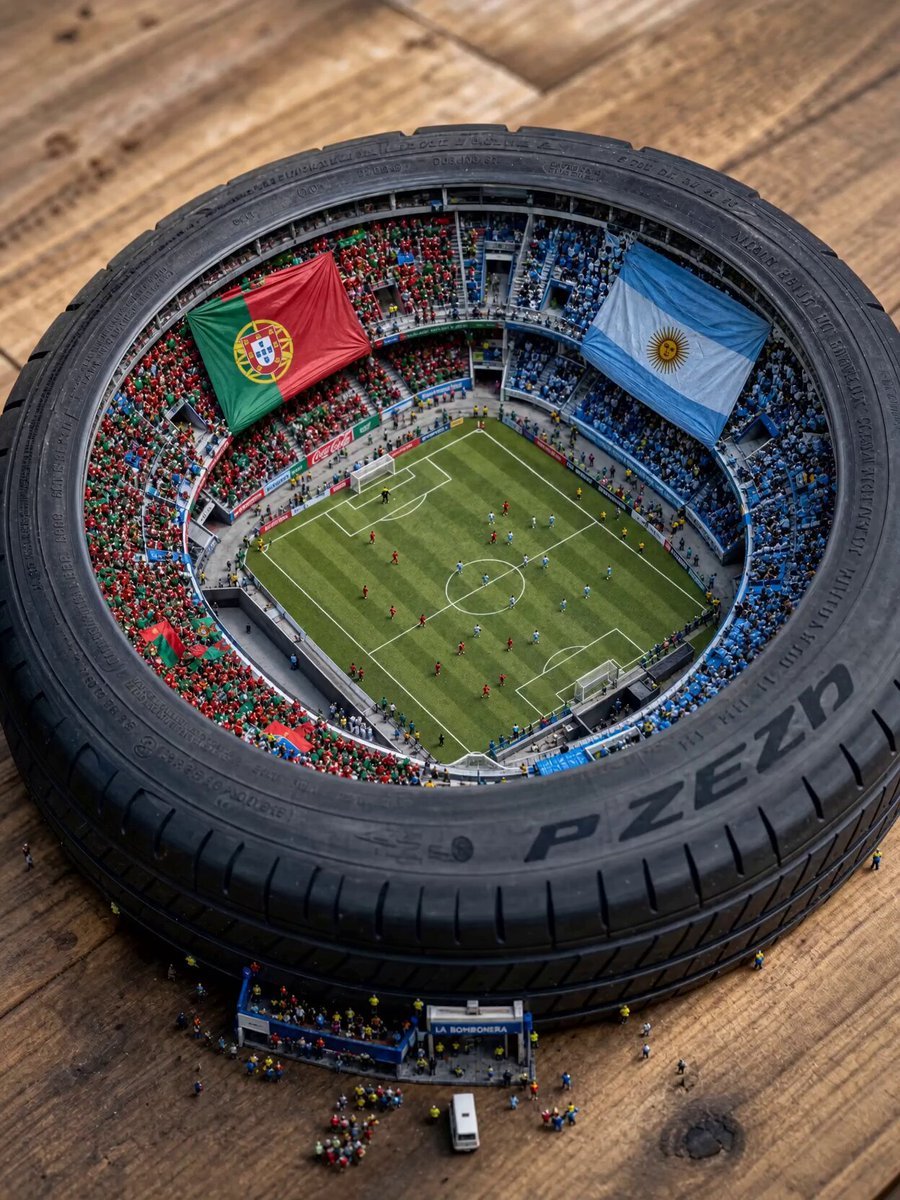
Miniature World Cup Tire Stadium
Watercolor Storybook Animated Short
Animated Comedy Coffee Mugs
Miniature Kittens Breakfast Table Dance
Magical Girl Anime Transformation Sequence
Make it yours
3D Animated Magical Miniature World works as-is. These are the safest ways to change it without losing the look.
Change one field
Copy a single group, rewrite it, and generate again so you can see what that field is doing.
Keep the frame, change the subject
Hold the composition and light of 3D Animated Magical Miniature World, then swap wardrobe, props or the person for a new take.
| If the result… | Why | Fix |
|---|---|---|
| The result drifts from the preview | Too many fields changed at once. | Reuse 3D Animated Magical Miniature World as-is first, then change one group — subject, light, or setting. |
| The model over-stylizes the scene | The prose prompt leaves finish and camera underspecified. | Add one camera or lighting sentence and stay on Seedance 2.0. |
More Seedance 2.0 templates
Other prompts made for Seedance 2.0.

Comical Martial Arts Punch Scene

Maglev Train Action Sequence

Martial Arts Fight Sequence

Wuxia Protection and Trust Script

Vintage Korean Arcade MiniDV Vlog

Mercedes 190 SL Luxury Ad

Rainy Night Supernatural Reverse Comedy Video Script

Amazon Civilization Discovery

Futuristic South Asian City Transformation

Cozy Luxury Cafe Commercial
More video prompts
Fresh picks from across the catalog.
Ultra cinematic oil painting of woman and tree
Seedance 2.0 Prompt Writing Guide and Templates
Cyberpunk Neon Motorcycle Action
Nostalgic Dream Meadow Sequence
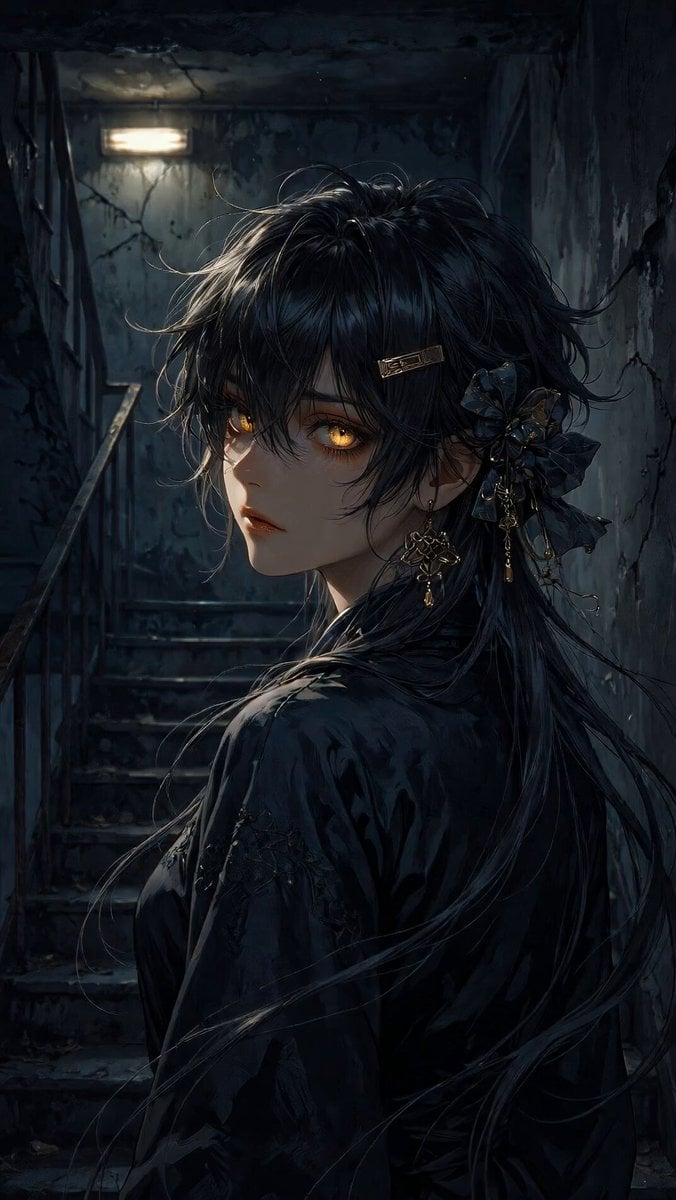
Anime Woman on Dark Stairwell
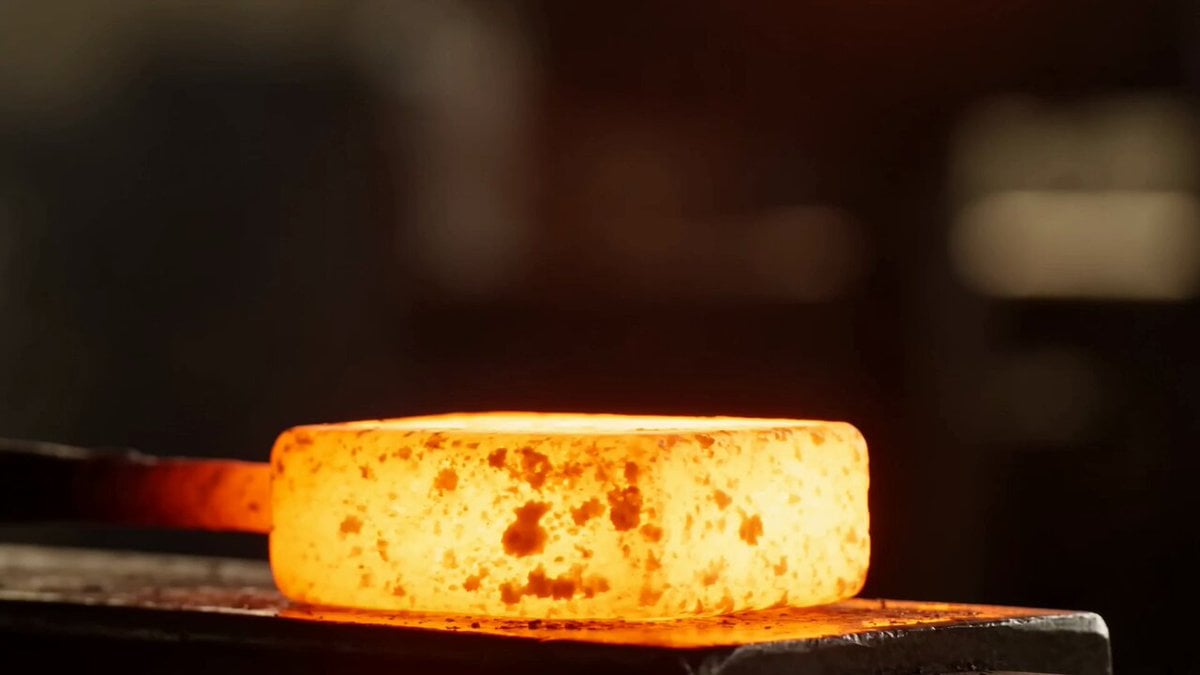
Metal Forge Visual Effect
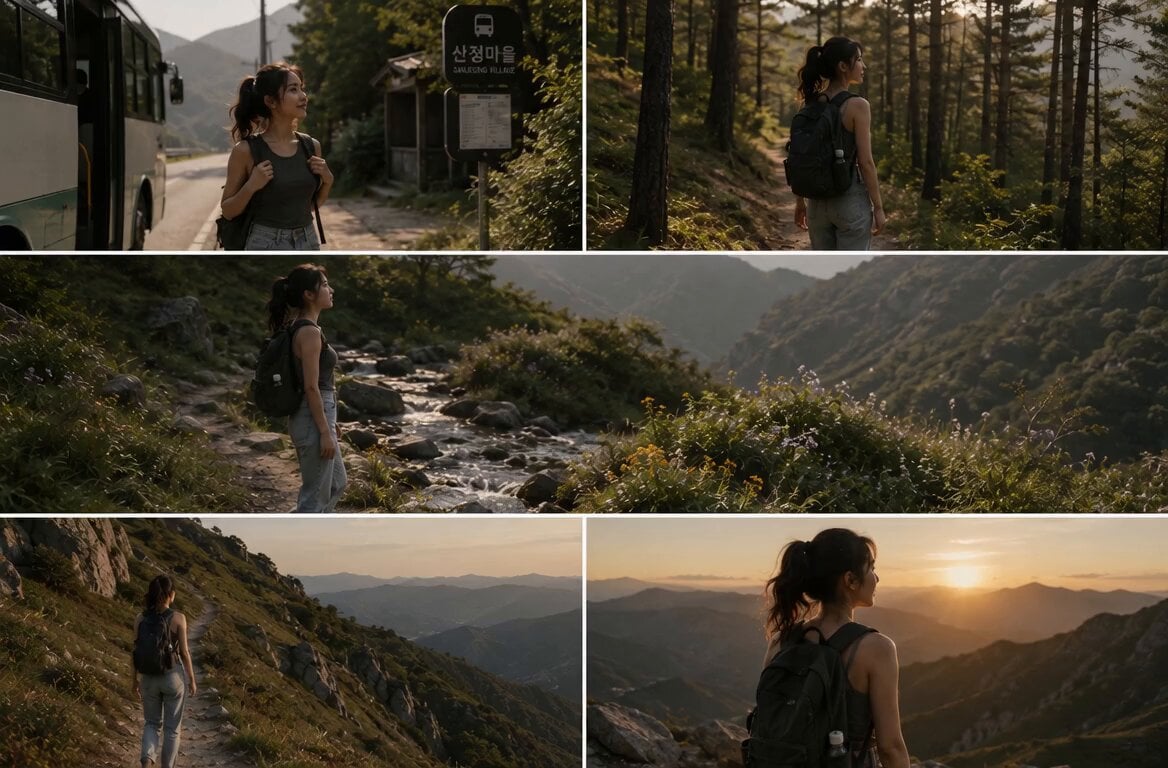
Cinematic Mountain Trekking Identity Lock
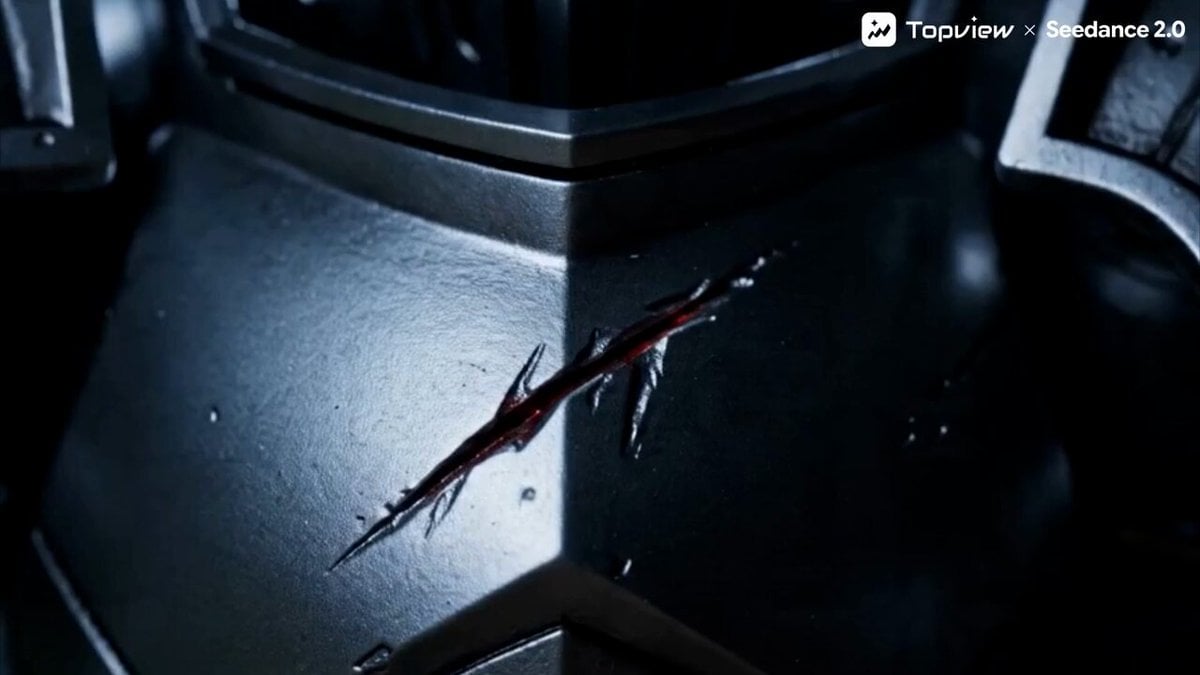
Toy Battle Macro Cinematography
Asian Woman Werewolf Transformation

Photorealistic Cinematic Portrait of a Bonsai Master
Browse template categories
3D Animated Magical Miniature World questions
How do I use the 3D Animated Magical Miniature World template?
Add your photo if the template asks for one, edit the prompt if you like — the template's model and format are already selected — and press Generate. Your version opens in PicX Studio.
Can I customize the 3D Animated Magical Miniature World template?
Yes. You can change the subject, setting, lighting, mood, format, and available model controls before creating your video.
Is the 3D Animated Magical Miniature World template free?
Opening and editing this template is free. Generating uses credits, shown on the Generate button when you are signed in.
Which AI model should I use?
Start with Seedance 2.0, which is the model associated with this template. You can compare another compatible model for a different finish.
Looking for something else? Browse all templates.

Your photo, any look
Thousands of ready templates for every top image and video model, from one credit balance.