
Cinematic Mountain Trekking Identity Lock
A high-consistency cinematic prompt for Seedance 2.0 featuring an East Asian woman trekking through various mountain landscapes with multiple camera angles and seamless character continuity.
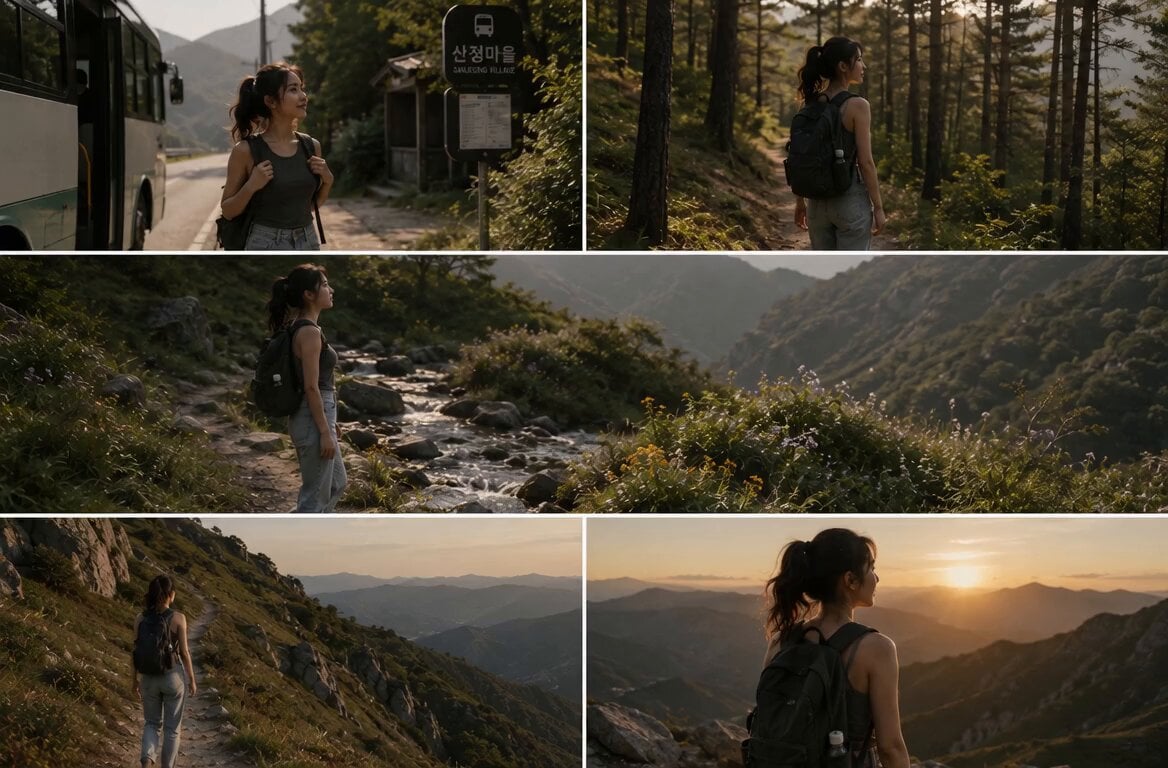
- Prompt included
- Model and format preset
- Premium template
The prompt behind this video
Copy the exact prompt behind Cinematic Mountain Trekking Identity Lock, or open it in the studio and make it yours.
Create a 15-second cinematic video. Display the uploaded reference collage for only 0.01 seconds (a single flash frame). Immediately cut to the first cinematic scene. Never show the collage again. Do not create a slideshow, storyboard, split screen, or montage. Use the uploaded images only as visual references. Keep the same young East Asian woman identical throughout the entire video. Her face, hairstyle, clothing, and body must remain consistent. Every transition must cut to a completely new camera angle. Every new scene must have a different framing, perspective, and composition while naturally continuing the story. Use a mix of wide shots, medium shots, close-ups, side views, rear views, low-angle shots, and aerial views. Never repeat the same angle or keep one shot for too long. Scene 1: A mountain bus stops at a quiet trailhead. The young East Asian woman slowly gets off the bus with a backpack and begins walking up a mountain trail. Scene 2: Rear tracking shot. She slowly walks along a peaceful forest path beneath tall pine trees. Scene 3: Side view. She continues walking beside a crystal-clear mountain stream surrounded by rocks and wildflowers. Scene 4: Wide aerial view. She follows a narrow trail overlooking green valleys and distant mountain peaks. Scene 5: Low-angle shot. She slowly walks through an alpine meadow with breathtaking scenery. Scene 6: Close-up. She smiles softly while looking at the mountains as the wind gently moves her hair. Scene 7: Wide cinematic shot. She reaches the summit and quietly admires the endless mountain landscape during golden hour. Photorealistic, cinematic, peaceful trekking, realistic slow walking, natural emotions, warm golden light, muted natural colors, subtle film grain. Audio: no dialogue, no voice-over, no music. Only realistic nature sounds: birds, wind, leaves, flowing water, footsteps, and mountain ambience. Negative prompt: no running, no climbing, no ropes, no face changes, no clothing changes, no extra people, no bad hands, no city, no helmets, no text, no subtitles, no logos, no watermark, no anime, no CGI.
How to use Cinematic Mountain Trekking Identity Lock in 3 steps
- 1Upload ImagePNG, JPG or paste
Add your photo
Upload the photo the template builds on. The prompt, model and format are already set.
- 2…a portrait of your subject in softgolden-hour light, 85mm…
Personalize
Edit the subject and creative details for your destination.
- 3Generate
Generate
Press Generate — your video is created in PicX Studio, so you can compare it with the original and refine one variable at a time.
More like this
Templates with the same subject, style or setup. Open one to see its prompt.
Image-to-Video Identity Lock for Athletic Expression
Identity Locked Image to Video
Griffin Knight Mountain Kingdom — Seedance 2.0
Mountain Cabin Scene Lock Prompt
Japanese Boxer Visual Identity
Cinematic Wuxia Identity Reversal Comedy
Premium Skincare Identity Commercial
Construction Timelapse with Scene Lock
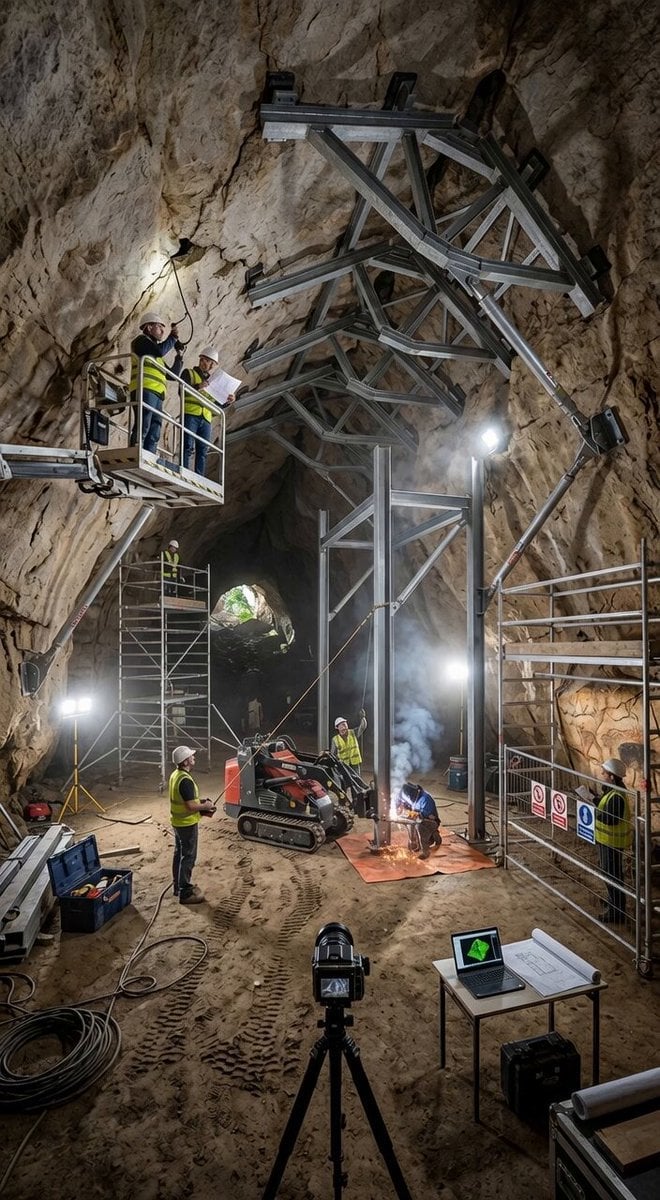
Cave Construction Scene Lock
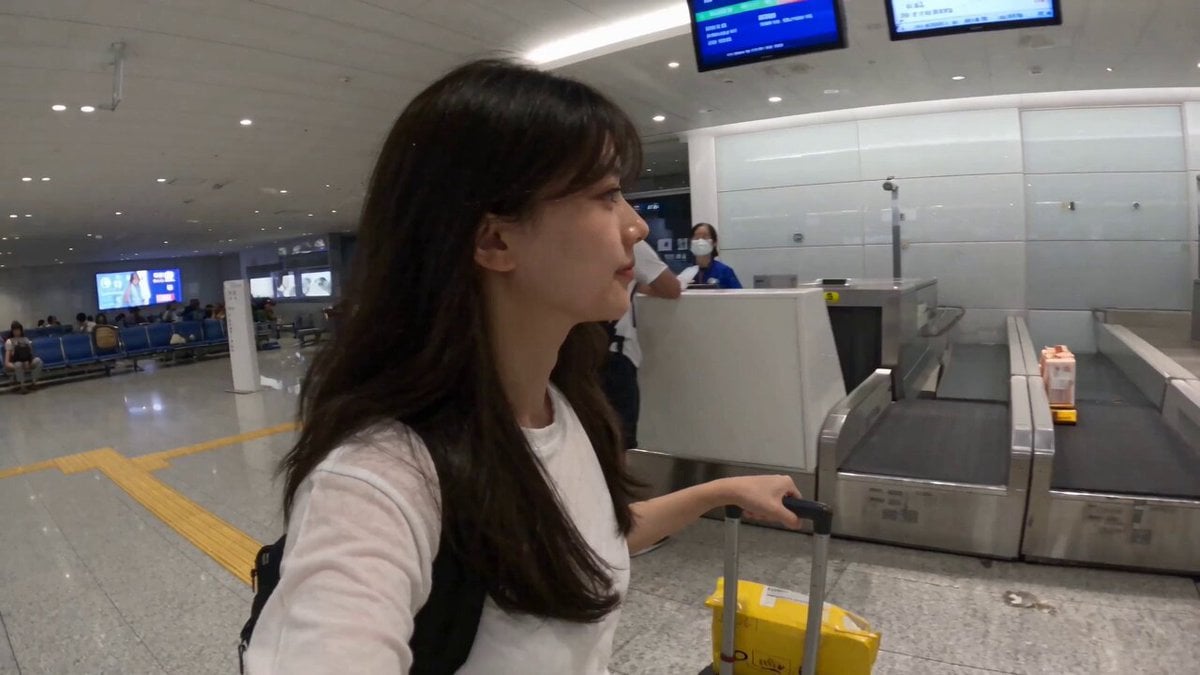
Smartphone Travel Vlog Tokyo Trip Identity Preserved
Cinematic Character Locked Video Prompt
Seedance 2.0 Character Identity Action Prompt
Make it yours
Cinematic Mountain Trekking Identity Lock works as-is. These are the safest ways to change it without losing the look.
Change one field
Copy a single group, rewrite it, and generate again so you can see what that field is doing.
Keep the frame, change the subject
Hold the composition and light of Cinematic Mountain Trekking Identity Lock, then swap wardrobe, props or the person for a new take.
| If the result… | Why | Fix |
|---|---|---|
| The result drifts from the preview | Too many fields changed at once. | Reuse Cinematic Mountain Trekking Identity Lock as-is first, then change one group — subject, light, or setting. |
| The model over-stylizes the scene | The prose prompt leaves finish and camera underspecified. | Add one camera or lighting sentence and stay on Seedance 2.0. |
More Seedance 2.0 templates
Other prompts made for Seedance 2.0.

Comical Martial Arts Punch Scene

Maglev Train Action Sequence

Martial Arts Fight Sequence

Wuxia Protection and Trust Script

Vintage Korean Arcade MiniDV Vlog

Mercedes 190 SL Luxury Ad

Rainy Night Supernatural Reverse Comedy Video Script

Amazon Civilization Discovery

Futuristic South Asian City Transformation

Cozy Luxury Cafe Commercial
More video prompts
Fresh picks from across the catalog.
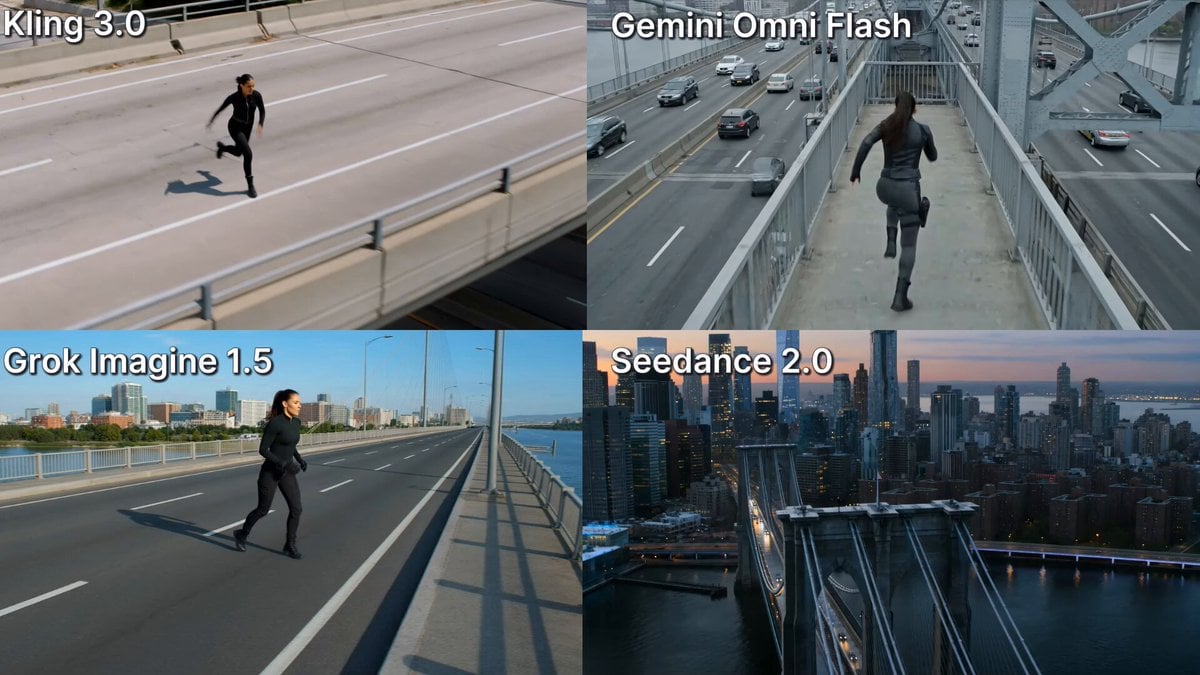
Action Stunt Scene: Bridge Jump
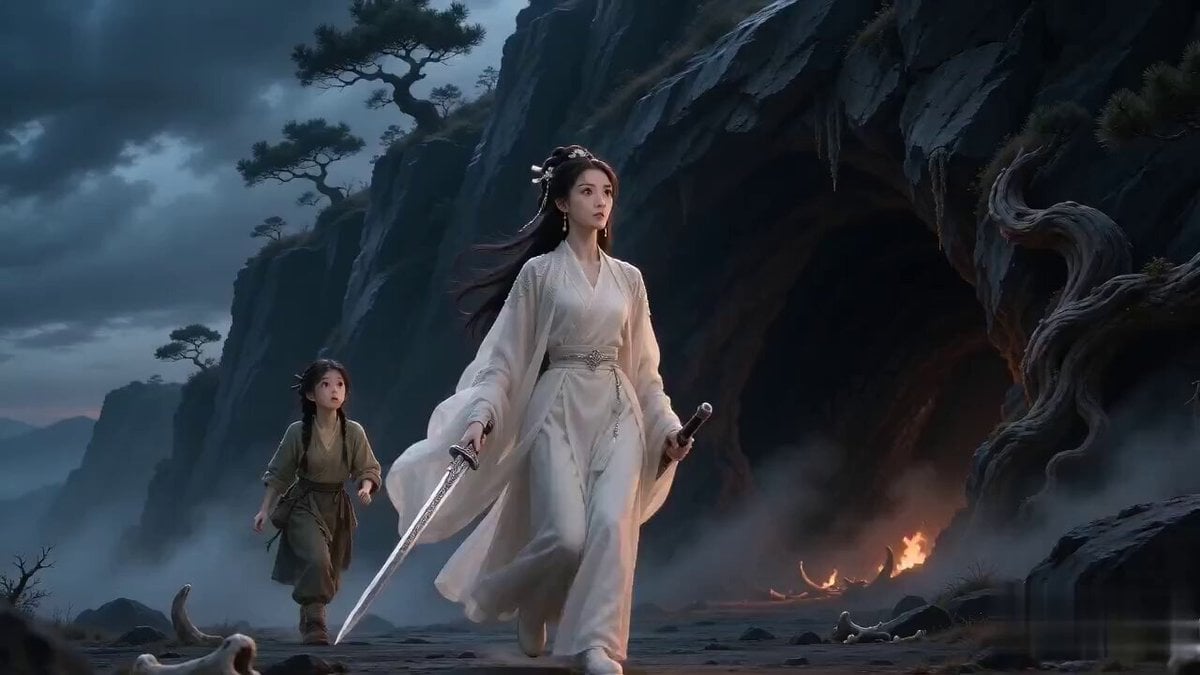
Swordswoman Dragon Cave Suspense to Comedy
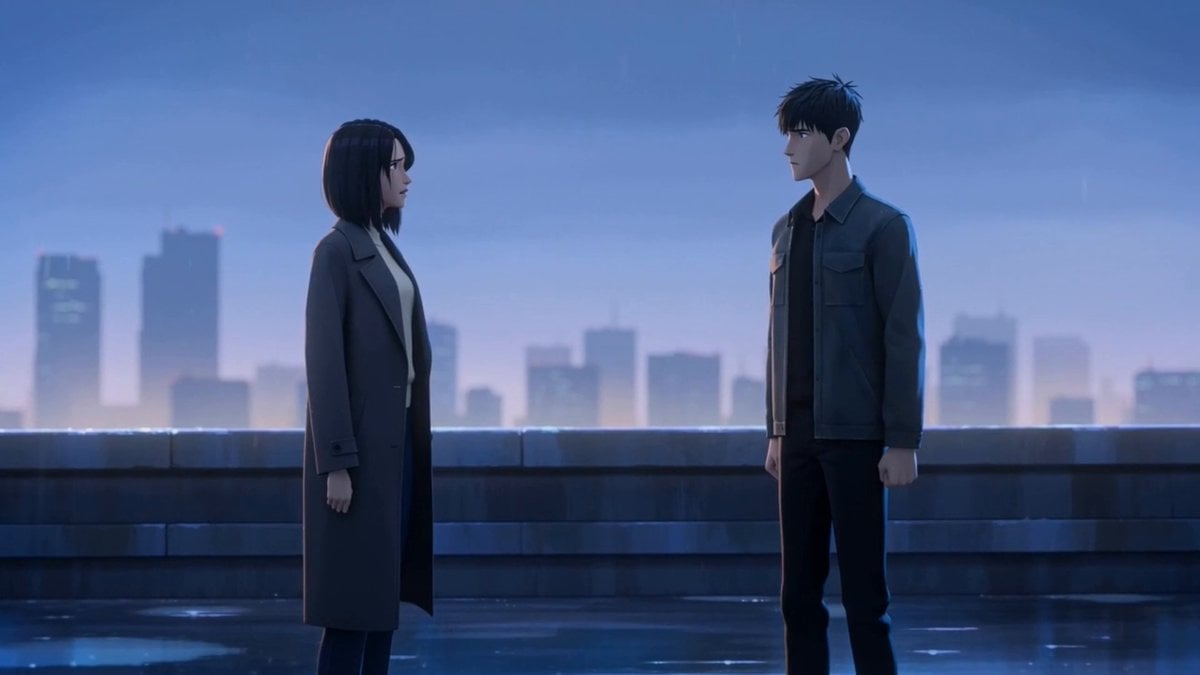
Cinematic Emotional Confrontation Prompt
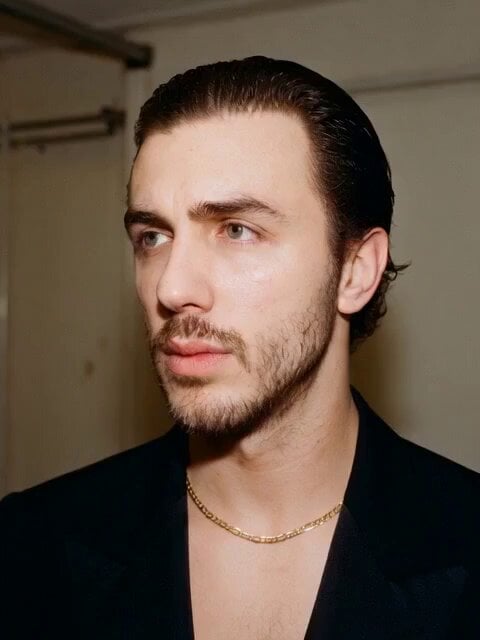
Squirrels smoking and gambling prompt
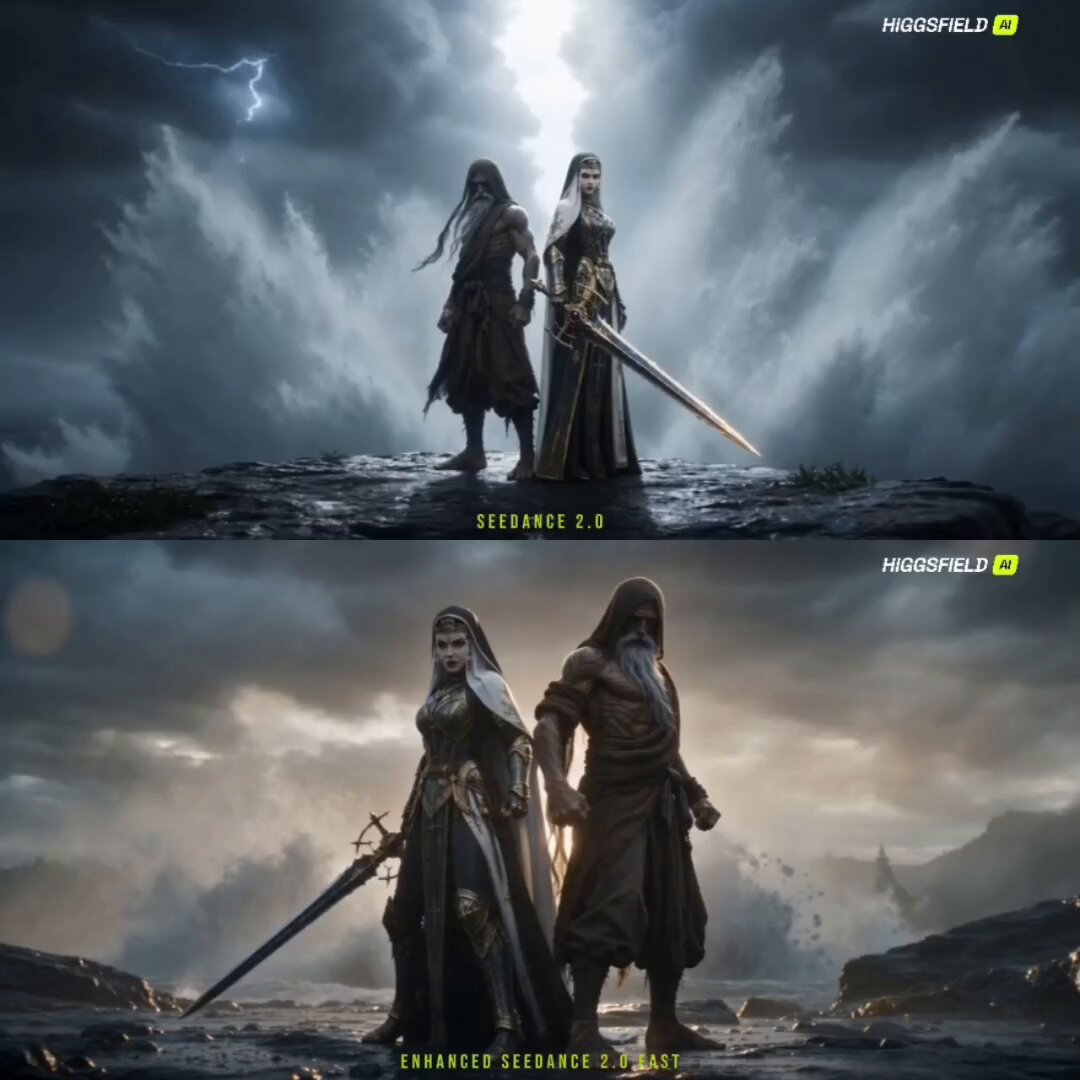
Starlit Blade Fantasy Action Sequence
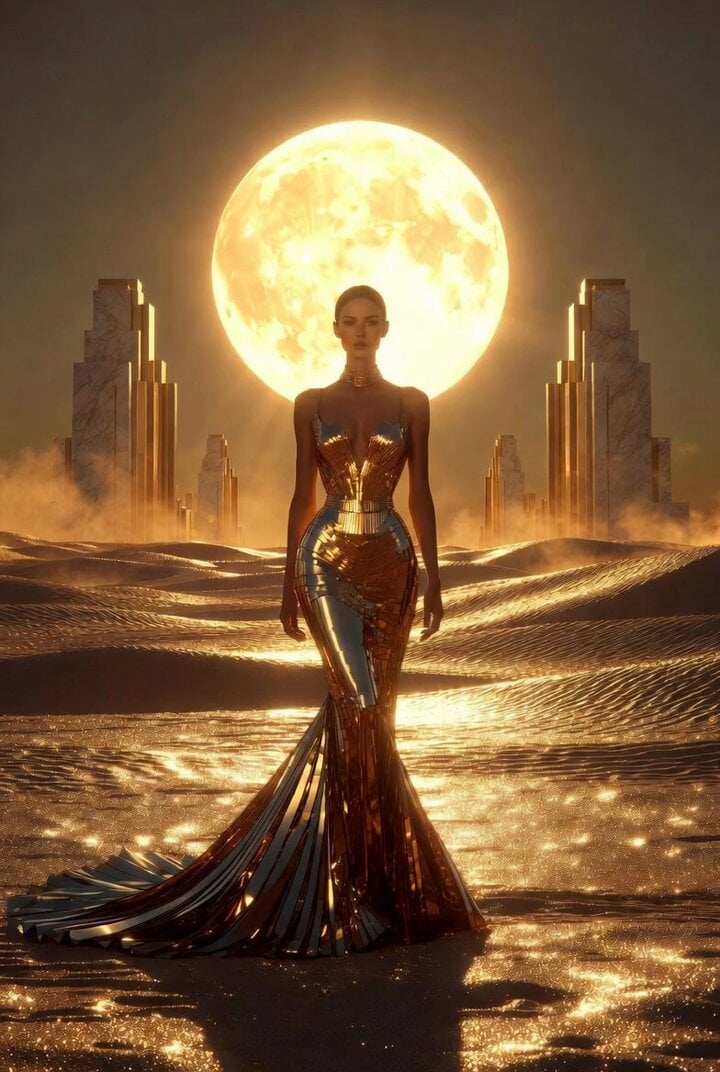
Art Deco desert goddess scene video prompt
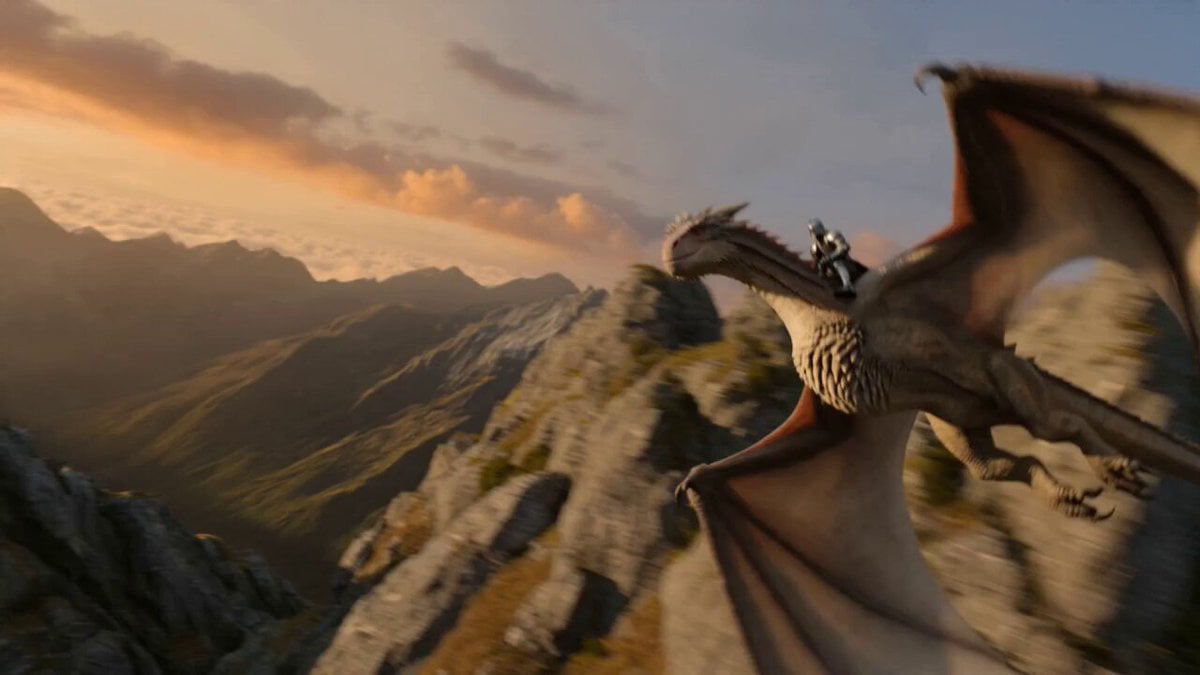
Epic Dragon Ride with Soundstage Reveal
Cinematic Cowboy Dialogue
Pixar Style Robot Adventure
Woman Walking in Chaos
Browse template categories
Cinematic Mountain Trekking Identity Lock questions
How do I use the Cinematic Mountain Trekking Identity Lock template?
Add your photo if the template asks for one, edit the prompt if you like — the template's model and format are already selected — and press Generate. Your version opens in PicX Studio.
Can I customize the Cinematic Mountain Trekking Identity Lock template?
Yes. You can change the subject, setting, lighting, mood, format, and available model controls before creating your video.
Is the Cinematic Mountain Trekking Identity Lock template free?
Opening and editing this template is free. Generating uses credits, shown on the Generate button when you are signed in.
Which AI model should I use?
Start with Seedance 2.0, which is the model associated with this template. You can compare another compatible model for a different finish.
Looking for something else? Browse all templates.

Your photo, any look
Thousands of ready templates for every top image and video model, from one credit balance.