
Mecha High-Speed Movement Cinematic Prompt (RAY-G)
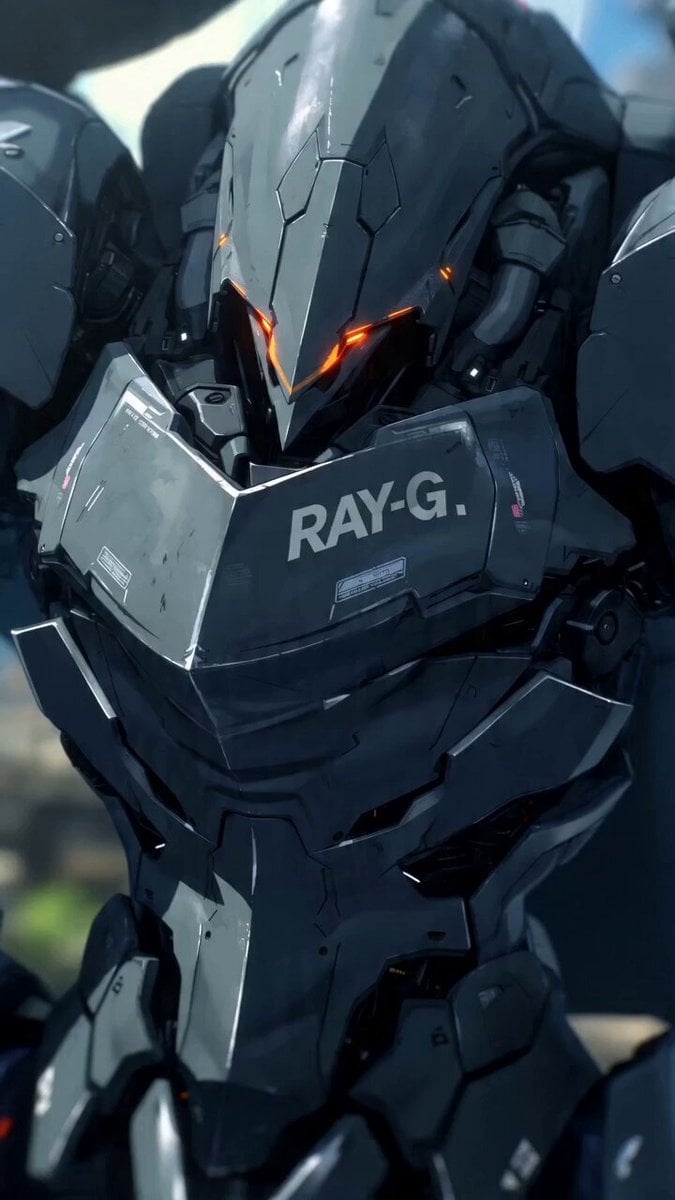
A detailed, multi-segment prompt for Seedance 2.0 to generate a 15-second video showcasing the high-speed movement of a giant mecha named RAY-G (Image 1).
- Prompt included
- Model and format preset
- Free template
The prompt behind this video
Copy the exact prompt behind Mecha High-Speed Movement Cinematic Prompt (RAY-G), or open it in the studio and make it yours.
针对您提供的巨大机甲 <<<Image1>>> (RAY-G),我为您设计了一份时长 15秒、风格极其干练、时髦(Stylish)且充满重力无视感的高速移动视频脚本。 这份提示词融合了《机动战士高达:水星的魔女》的灵动感与《金属装备》的机械冷硬风,重点在于**“瞬间爆发力”与“流线型轨迹”**。 视频生成脚本:【RAY-G: 极速切点 (Point Break)】 总时长: 15秒 风格标签: 极简主义、硬核机甲、高帧率动作、流体动力学、赛璐璐高级感。 (00:00 - 03:00) 序幕:静止的动量 (Static Potential) 镜头: 极近景(Extreme Close-up),斜角构图。 画面: 画面中心是 <<<Image1>>> 漆黑磨砂装甲上的橙色线条。线条开始像血管一样有节奏地剧烈闪烁,发出高频的嗡鸣声。 特效: 空气因高温产生剧烈扭曲(Heat Haze),背景的海面保持极度的静谧,形成动静反差。 [Prompt / 提示词]: 极近景,斜角构图。聚焦于机甲 <<<Image1>>> 的黑色磨砂装甲。鲜艳的橙色线条像呼吸灯一样高频闪烁。装甲缝隙喷射出极细的白色高压蒸汽。环境背景模糊。极简主义色彩,电影级质感,金属冷硬风格。 (03:00 - 06:00) 瞬发:突破音障 (Instant Acceleration) 镜头: 侧面追踪镜头(Side Tracking Shot),伴随强烈的拉伸感(FOV Shift)。 动作: 机甲 @image2 的鸟脚状后肢猛地一踏,脚踝处的滑轮(Land Spinner)高速旋转。瞬间从静止变为超音速,海面被切开一道笔直的白浪。 特效: 产生圆锥形的音爆云(Sonic Boom),橙色残影在空中拉出一道锋利的直线。 [Prompt / 提示词]: 侧面动态追踪。机甲 @image2 瞬间爆发起跑。足部滑轮高速旋转,在海面上切开巨大的V形浪花。超音速冲击波云。极速运动模糊,机甲拉出长长的橙色轨迹残影。空间拉伸感,震撼的加速度视觉。 (06:00 - 10:00) 垂直机动:重力反转 (Vertical Evasion) 镜头: 动态环绕升降镜头(Crane & Orbit)。 动作: 机甲奔向一座半毁的沿海巨塔,完全不减速,直接顺着垂直的墙面向上冲刺。它在垂直墙面上进行了一个华丽的180度螺旋转身,避开假想的攻击。 特效: 碎裂的玻璃碎片在空中飞舞,折射出夕阳的橙光。 [Prompt / 提示词]: 动态环绕镜头。机甲 <<<Image1>>> 在垂直建筑物表面高速冲刺,无视重力。身体进行优雅的螺旋旋转(Barrel Roll)。碎片飞溅,反射夕阳橙光。高对比度阴影,赛璐璐动画风格,极具张力的动作设计。 (10:00 - 13:00) 高光:战术滑行 (Tactical Slide) 镜头: 极低角度(Low Angle)对准足部。 动作: 机甲从高处跃下,足部在海面上进行长距离的漂移滑行。身体压低至极限,呈现掠食者般的姿态。 特效: 巨量的水雾被激起,在阳光下形成彩虹。 [Prompt / 提示词]: 极低角度。机甲 <<<Image1>>> 在海面上低重心漂移滑行。巨大的白色浪花与水雾。掠食者姿态,机械关节细致运作。夕阳余晖,金属反光,色彩饱和度极高,极致的画面纯净感。 (13:00 - 15:00) 尾声:单眼凝视 (The Glare) 镜头: 正面近景,逐渐变焦。 动作: 机甲滑行停止,身体由于惯性轻微晃动。头部导向板打开,中心那颗发光的青绿色单眼(Monocular)猛地看向镜头。 特效: 画面最后瞬间闪过一个“LOCK ON”的橙色UI界面,随即切黑。 [Prompt / 提示词]: 正面近景。机甲 @image2 停止滑行,蒸汽散去。头部青绿色单眼亮起,锐利冷酷。屏幕中心出现橙色锁定UI。电影级运镜,画面骤然切黑。
How to use Mecha High-Speed Movement Cinematic Prompt (RAY-G) in 3 steps
- 1
Open
The prompt is already in the box next to the preview, with the template's model and format selected.
- 2…a portrait of your subject in softgolden-hour light, 85mm…
Personalize
Edit the subject and creative details for your destination.
- 3Generate
Generate
Press Generate — your video is created in PicX Studio, so you can compare it with the original and refine one variable at a time.
More like this
Templates with the same subject, style or setup. Open one to see its prompt.
Highway Biker — Aggressive Lane Split (PixVerse C1)
Mecha Transformation vs Kaiju — 4-Scene Epic

Cinematic Camera Movement Keywords
Cinematic Sci-Fi Mecha Short
Epic Mecha Battle Cinematic Video
Mecha Front Commercial Ad
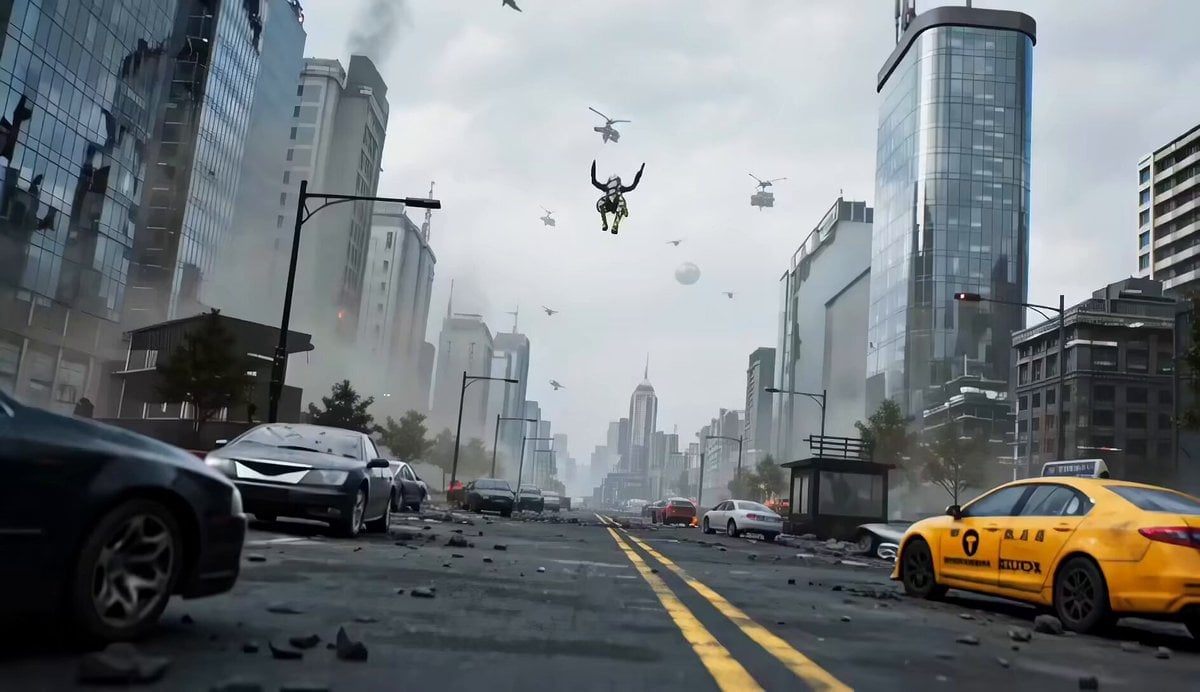
Mecha vs Titan Dragon Cinematic Combat
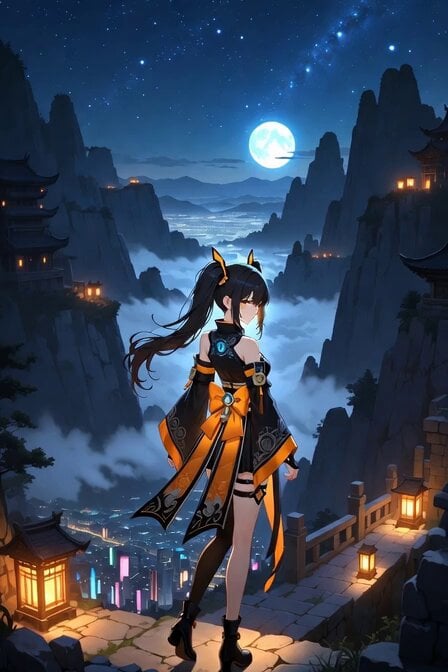
Starry Night Foggy Movement
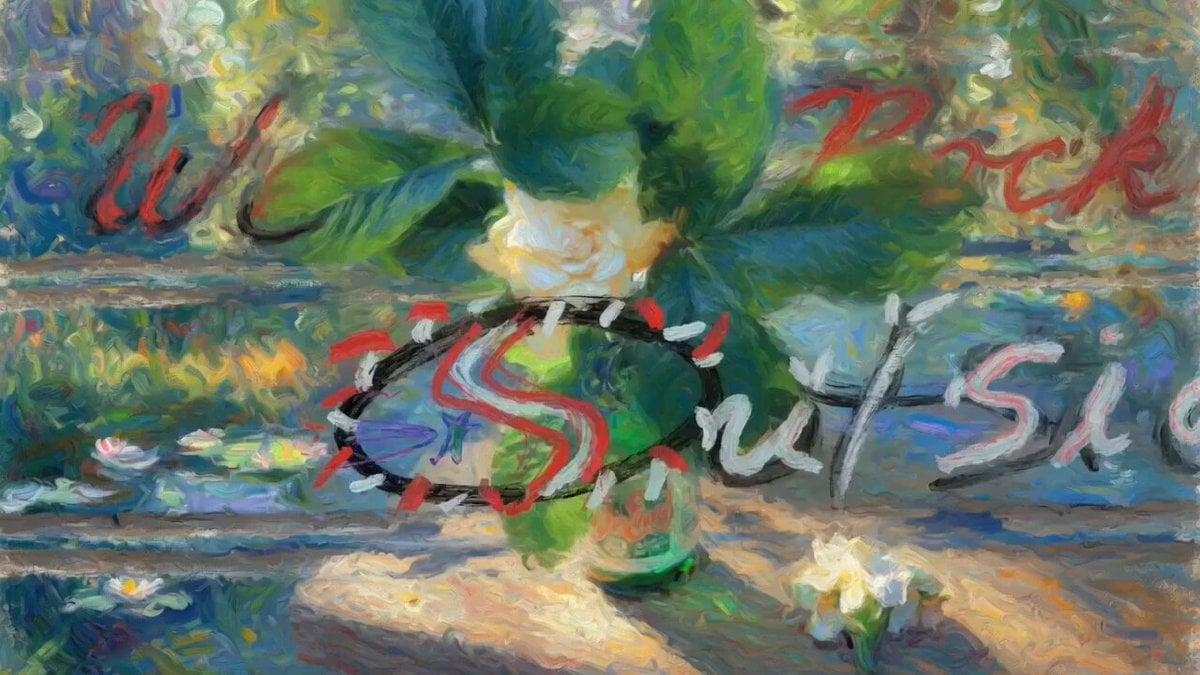
Serenity Melody Ray

Mecha Runway Tap Dance Video Prompt
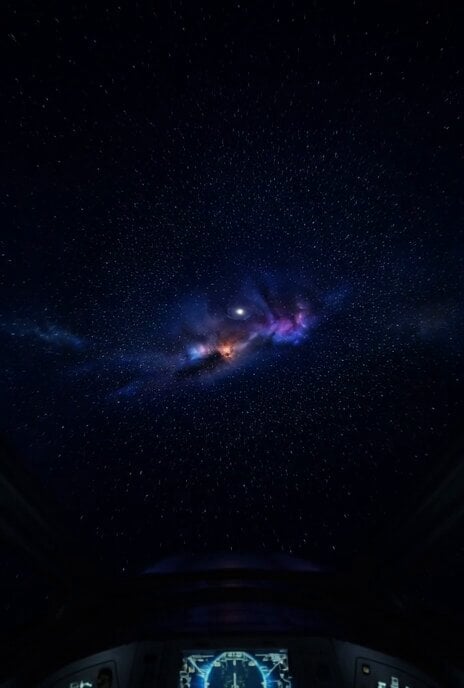
Hyper-Speed Galactic Flight
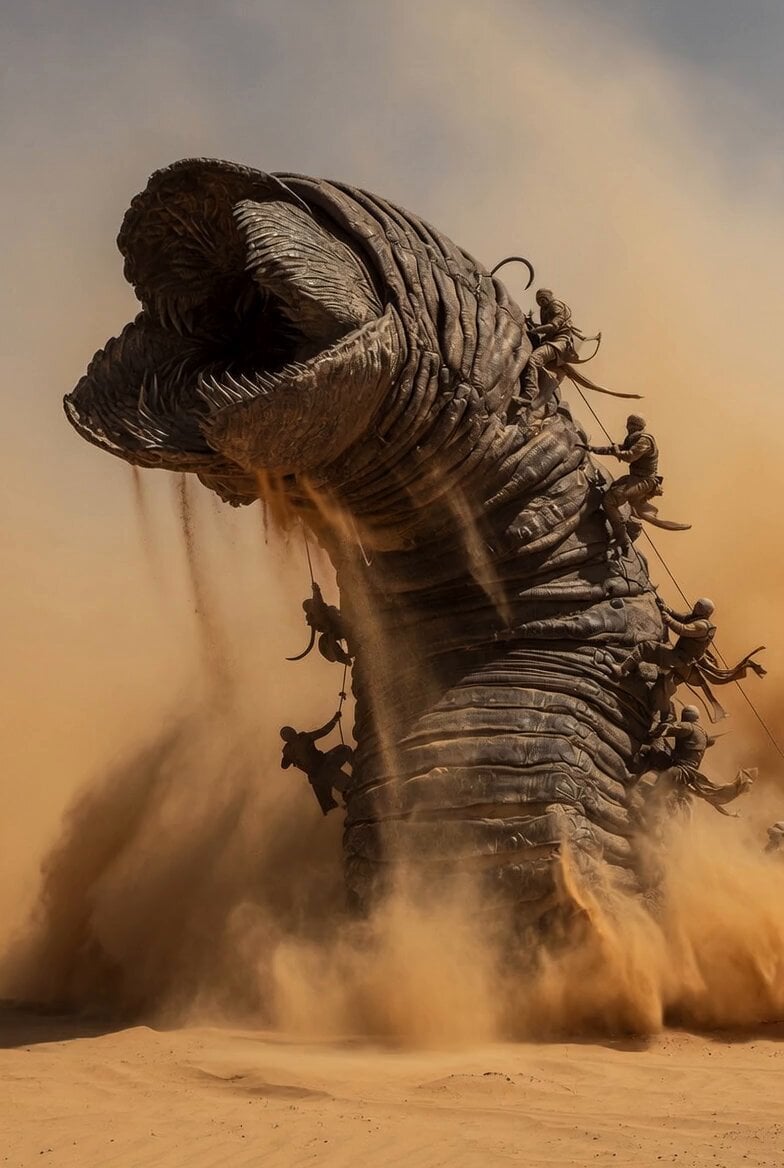
Dune Sand Worm Movement
Make it yours
Mecha High-Speed Movement Cinematic Prompt (RAY-G) works as-is. These are the safest ways to change it without losing the look.
Change one field
Copy a single group, rewrite it, and generate again so you can see what that field is doing.
Keep the frame, change the subject
Hold the composition and light of Mecha High-Speed Movement Cinematic Prompt (RAY-G), then swap wardrobe, props or the person for a new take.
| If the result… | Why | Fix |
|---|---|---|
| The result drifts from the preview | Too many fields changed at once. | Reuse Mecha High-Speed Movement Cinematic Prompt (RAY-G) as-is first, then change one group — subject, light, or setting. |
| The model over-stylizes the scene | The prose prompt leaves finish and camera underspecified. | Add one camera or lighting sentence and stay on Seedance 2.0. |
More Seedance 2.0 templates
Other prompts made for Seedance 2.0.

Comical Martial Arts Punch Scene

Maglev Train Action Sequence

Martial Arts Fight Sequence

Wuxia Protection and Trust Script

Vintage Korean Arcade MiniDV Vlog

Mercedes 190 SL Luxury Ad

Rainy Night Supernatural Reverse Comedy Video Script

Amazon Civilization Discovery

Futuristic South Asian City Transformation

Cozy Luxury Cafe Commercial
More video prompts
Fresh picks from across the catalog.
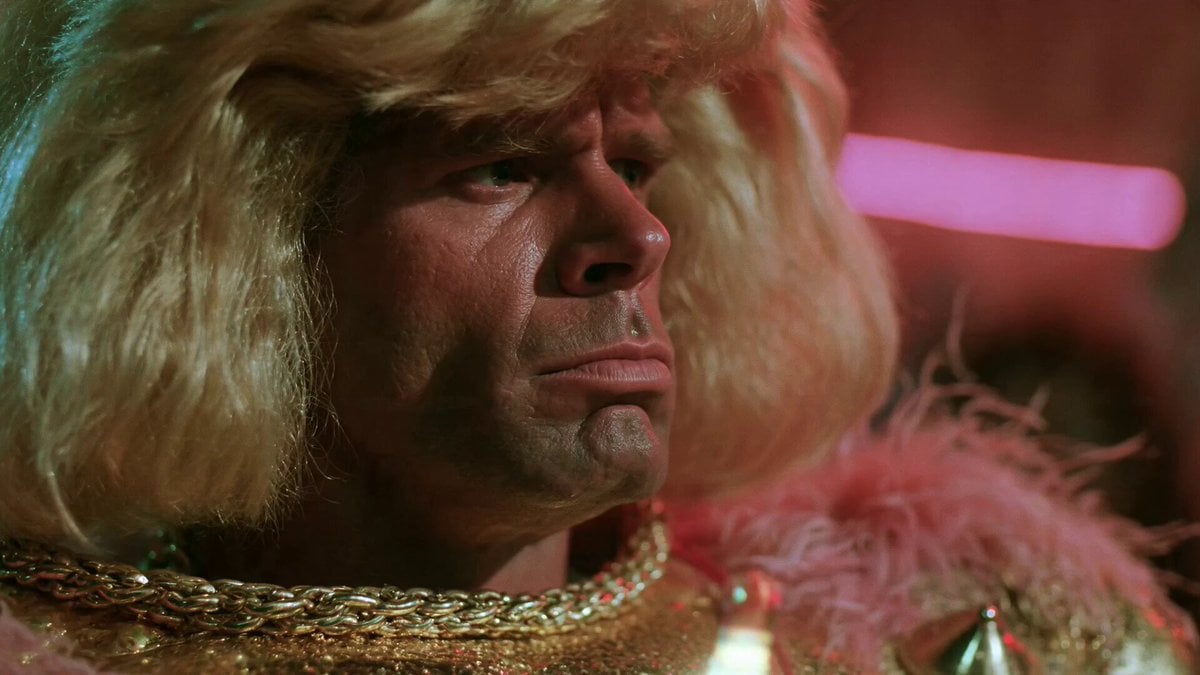
80s B-Movie Disco Transformation
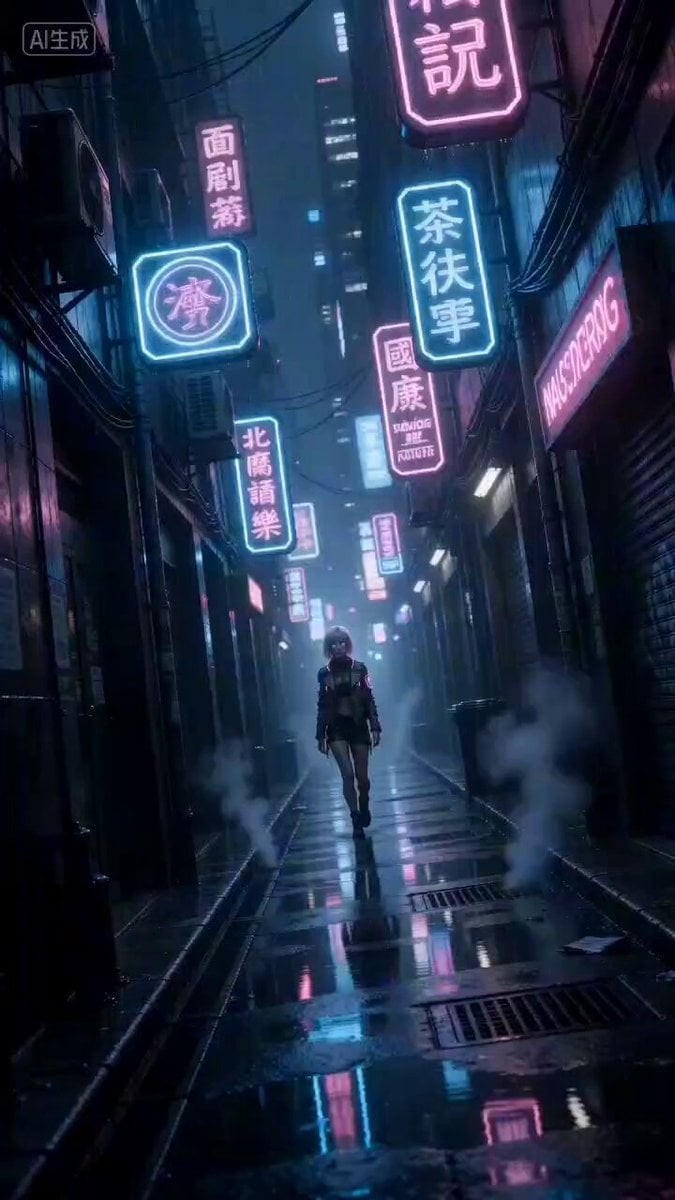
Cyberpunk Woman Video Prompt
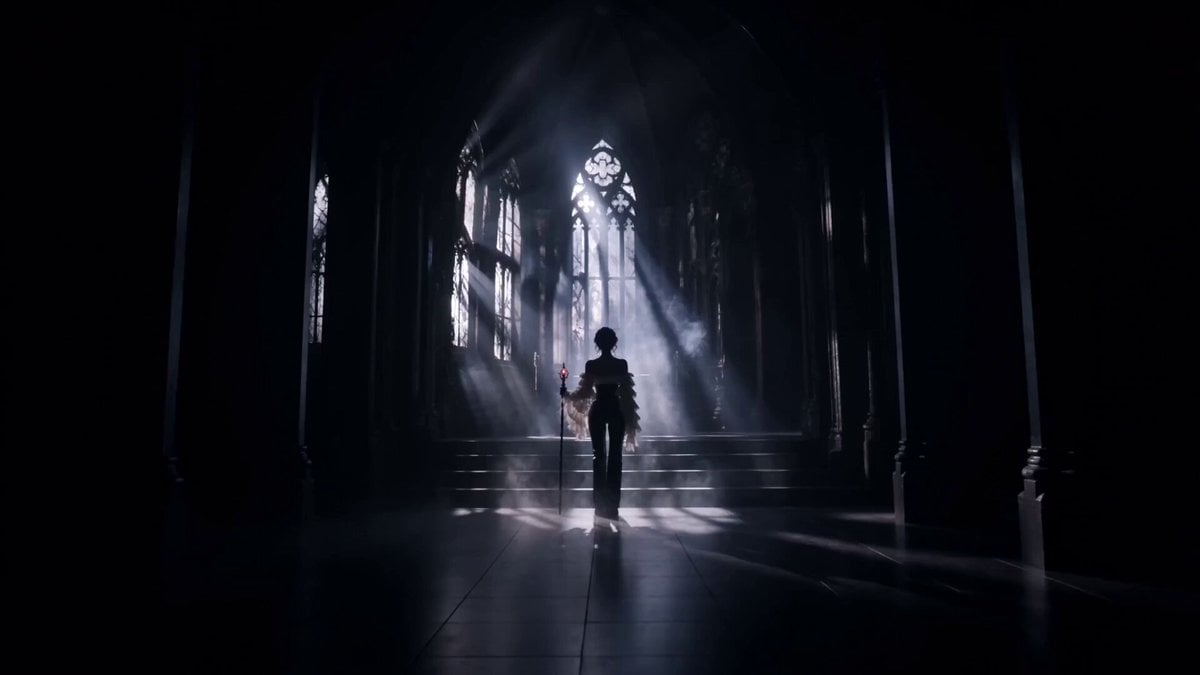
Gothic Battle Dancer Cinematic Video
Tokyo Rainy Night Cinematic Atmosphere
Luminous Jellyfish and Kronosaurus Ambush
Modern Ninja Skyscraper Lobby Combat
Coastal Downhill Skateboarding Chase
Ice Skating Video Prompt with Technical Constraints
Matrix Phase 1 Complete Prompt

Anime character omelet cooking story template
Browse template categories
Mecha High-Speed Movement Cinematic Prompt (RAY-G) questions
How do I use the Mecha High-Speed Movement Cinematic Prompt (RAY-G) template?
Add your photo if the template asks for one, edit the prompt if you like — the template's model and format are already selected — and press Generate. Your version opens in PicX Studio.
Can I customize the Mecha High-Speed Movement Cinematic Prompt (RAY-G) template?
Yes. You can change the subject, setting, lighting, mood, format, and available model controls before creating your video.
Is the Mecha High-Speed Movement Cinematic Prompt (RAY-G) template free?
Opening and editing this template is free. Generating uses credits, shown on the Generate button when you are signed in.
Which AI model should I use?
Start with Seedance 2.0, which is the model associated with this template. You can compare another compatible model for a different finish.
Looking for something else? Browse all templates.

Your photo, any look
Thousands of ready templates for every top image and video model, from one credit balance.