
Anime Comedy Chaos Video Prompt
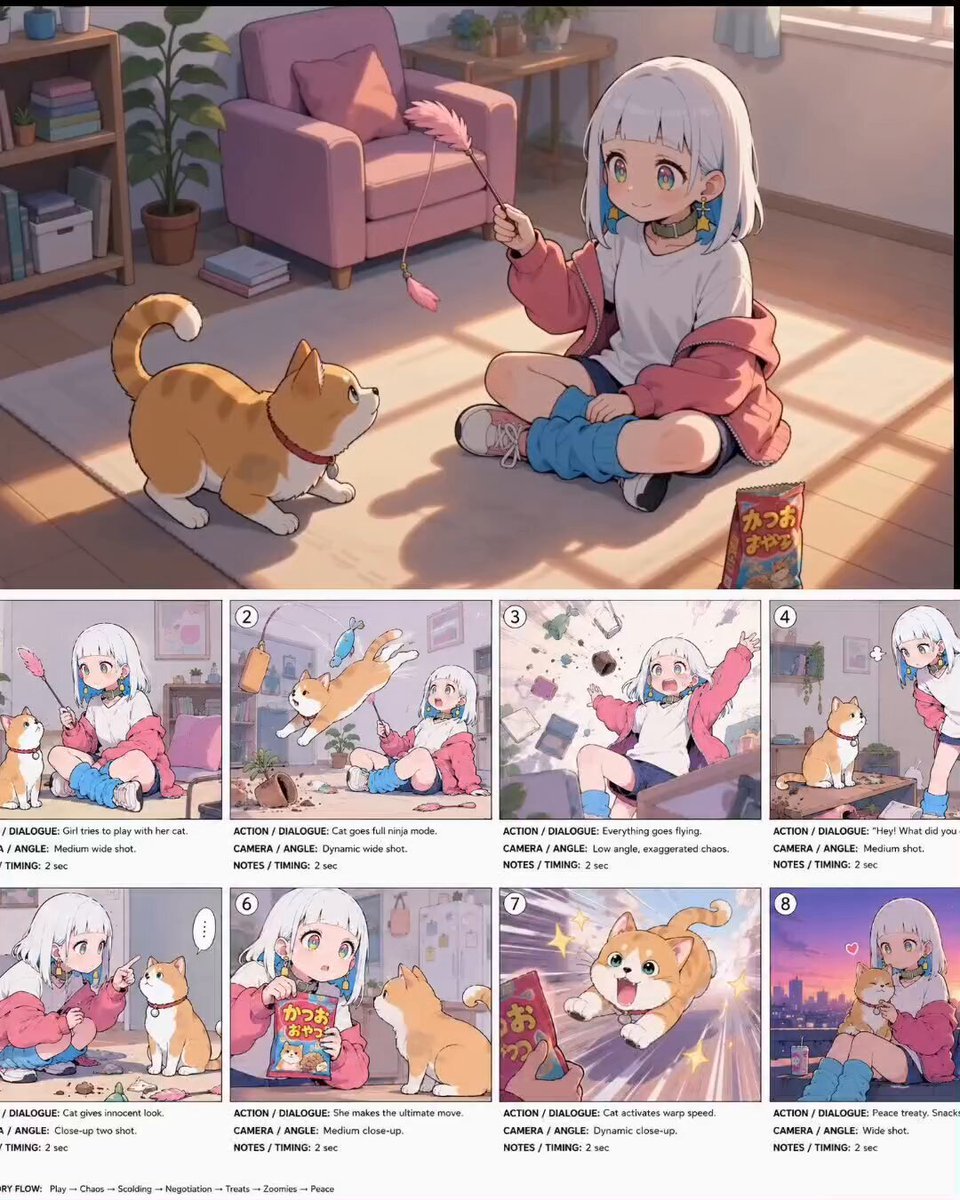
A detailed multi-shot prompt for Seedance 2.0 designed to create a 15-second anime-style short film featuring a girl and her cat, transitioning from a peaceful morning to chaotic comedy.
- Prompt included
- Model and format preset
- Premium template
The prompt behind this video
Copy the exact prompt behind Anime Comedy Chaos Video Prompt, or open it in the studio and make it yours.
SEEDANCE 2 - 15秒动漫混乱短片 风格:日系治愈动漫、柔和电影光影、赛璐璐上色、夸张搞笑演出、温暖日常氛围、动态镜头、舒适宅家感、高质量动画电影风格、马卡龙配色、超精致线稿。 格式:16:9 动漫电影画幅 时长:15秒 帧率:24fps 镜头风格:手持感动漫运镜 + 搞笑高速推拉镜头 情绪节奏:平静 → 混乱 → 搞笑 → 温暖收尾 镜头1(0秒-2秒) 中景广角。 白发少女盘腿坐在房间地板上,手里拿着粉色逗猫棒,轻轻逗着橘白猫。夕阳暖光从窗户洒进房间。猫咪安静盯着羽毛,像正在计算如何毁灭整个客厅。镜头缓慢推进。 镜头2(2秒-4秒) 突然爆发动作。 猫咪高速跃起,瞬间冲向空中,撞翻书本、花盆和零食袋。超夸张鱼眼镜头效果。杂物在空中飞舞,带有动漫动态模糊。少女震惊停住动作。快速甩镜运镜。 镜头3(4秒-6秒) 低角度混乱镜头。 整个房间陷入灾难。抱枕、纸张、玩具在空中飞散,猫咪像橘色导弹一样在家具间疯狂反弹。背景出现夸张动漫冲击线。少女崩溃大喊。 镜头4(6秒-8秒) 空气突然安静。 少女双手叉腰站在凌乱房间中央,低头盯着猫咪。猫咪却端正坐着,假装什么都没发生。空气里漂浮细小灰尘,夕阳光线柔和。镜头慢慢拉近制造搞笑压迫感。 镜头5(8秒-10秒) 近景双人镜头。 少女蹲下来认真教训猫咪,用手指轻轻戳它。猫咪无辜眨眼,毫无悔意。画面带轻微手持晃动和动漫搞笑气泡效果。 镜头6(10秒-12秒) 少女拿出猫零食。 猫咪瞬间进入兴奋模式,瞳孔变成星星形状。镜头高速推进零食袋。背景切换成彩色速度线与闪光特效。 镜头7(12秒-13.5秒) 超动态特写。 猫咪以离谱速度扑向镜头。零食袋疯狂摇晃。夸张拉伸动画效果。画面充满星星闪光 and 动漫能量爆发特效。 镜头8(13.5秒-15秒) 天台夕阳收尾。 少女抱着猫咪坐在城市天台边缘。远处城市灯光亮起,天空是紫橙渐变晚霞。微风轻轻吹动少女外套。猫咪安静窝在怀里发出呼噜声。镜头缓慢后拉,温暖结束。 负面提示词: 低质量、真人风格、3D建模感、恐怖氛围、暗黑风格、额外肢体、眼睛模糊、崩坏脸、动作僵硬、丑陋表情、水印、文字错误、低清晰度。 音效设计: 柔和Lo-fi音乐开场 → 混乱时加入夸张打击音效 → 搞笑停顿静音 → 结尾温暖钢琴旋律。 转场方式: 快速甩镜、动漫定格、夸张推镜、喜剧式硬切、结尾电影感淡出。 关键词强化: 动漫电影质量、京都动画风格、温暖混乱感、可爱猫咪日常、超高表现力角色演技、电影级动漫构图、轻松搞笑短片、治愈系动画氛围。
How to use Anime Comedy Chaos Video Prompt in 3 steps
- 1
Open
The prompt is already in the box next to the preview, with the template's model and format selected.
- 2…a portrait of your subject in softgolden-hour light, 85mm…
Personalize
Edit the subject and creative details for your destination.
- 3Generate
Generate
Press Generate — your video is created in PicX Studio, so you can compare it with the original and refine one variable at a time.
More like this
Templates with the same subject, style or setup. Open one to see its prompt.
Viking in Modern America Comedy - Seedance 2.5
Comedy Coke Bottle Prank Reel — Kling 3.0 O3 Pro

MiniMax H3 Character Introduction

Japanese Pure Love Short Film

Cartoon Donut Heist Bakery Chase

Studio Ghibli Dumpling Kitchen Cooking Scene
Naval Painting Breach — Art Gallery Flood (Seedance)
Dim Sum Chase — Shrimp Dumpling Monster
Subway Flood — Epic Tunnel Chaos
Mecha Transformation vs Kaiju — 4-Scene Epic
Animal Garden Party Bar — Comedy Short
Red Moon Eclipse Chaos Video
Make it yours
Anime Comedy Chaos Video Prompt works as-is. These are the safest ways to change it without losing the look.
Change one field
Copy a single group, rewrite it, and generate again so you can see what that field is doing.
Keep the frame, change the subject
Hold the composition and light of Anime Comedy Chaos Video Prompt, then swap wardrobe, props or the person for a new take.
| If the result… | Why | Fix |
|---|---|---|
| The result drifts from the preview | Too many fields changed at once. | Reuse Anime Comedy Chaos Video Prompt as-is first, then change one group — subject, light, or setting. |
| The model over-stylizes the scene | The prose prompt leaves finish and camera underspecified. | Add one camera or lighting sentence and stay on Seedance 2.0. |
More Seedance 2.0 templates
Other prompts made for Seedance 2.0.

Comical Martial Arts Punch Scene

Maglev Train Action Sequence

Martial Arts Fight Sequence

Wuxia Protection and Trust Script

Vintage Korean Arcade MiniDV Vlog

Mercedes 190 SL Luxury Ad

Amazon Civilization Discovery

Futuristic South Asian City Transformation

Cozy Luxury Cafe Commercial

Cyber Ronin Nanotech Transformation Video
More video prompts
Fresh picks from across the catalog.
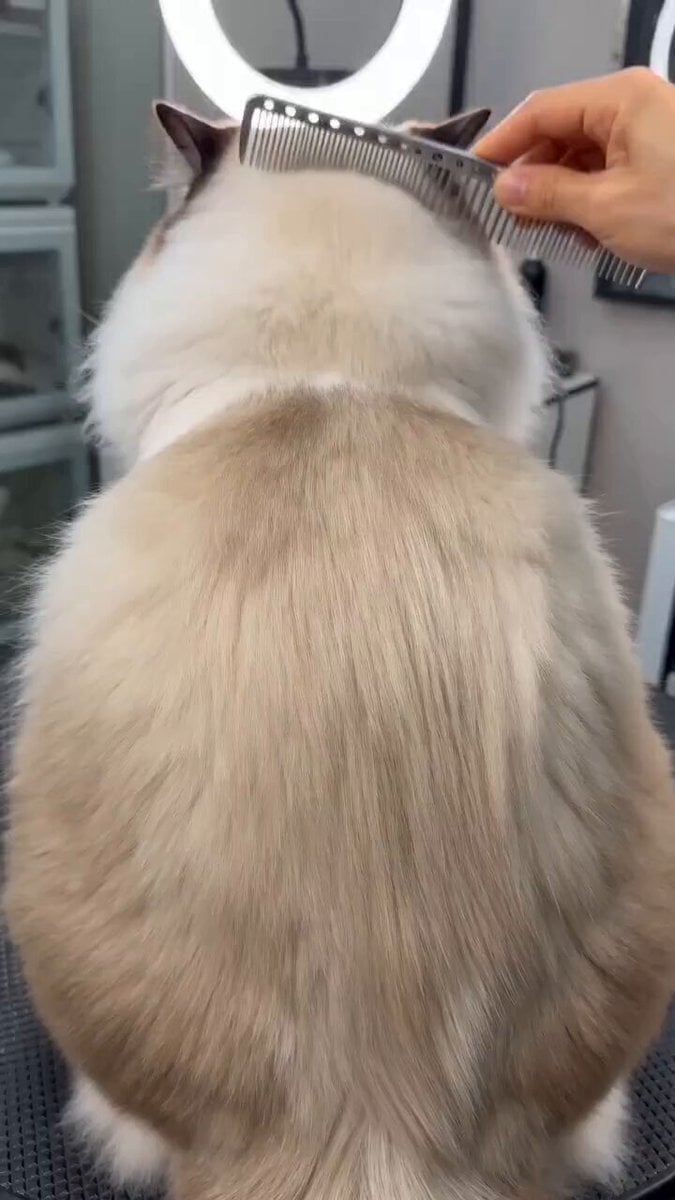
Humorous pet makeover video prompt
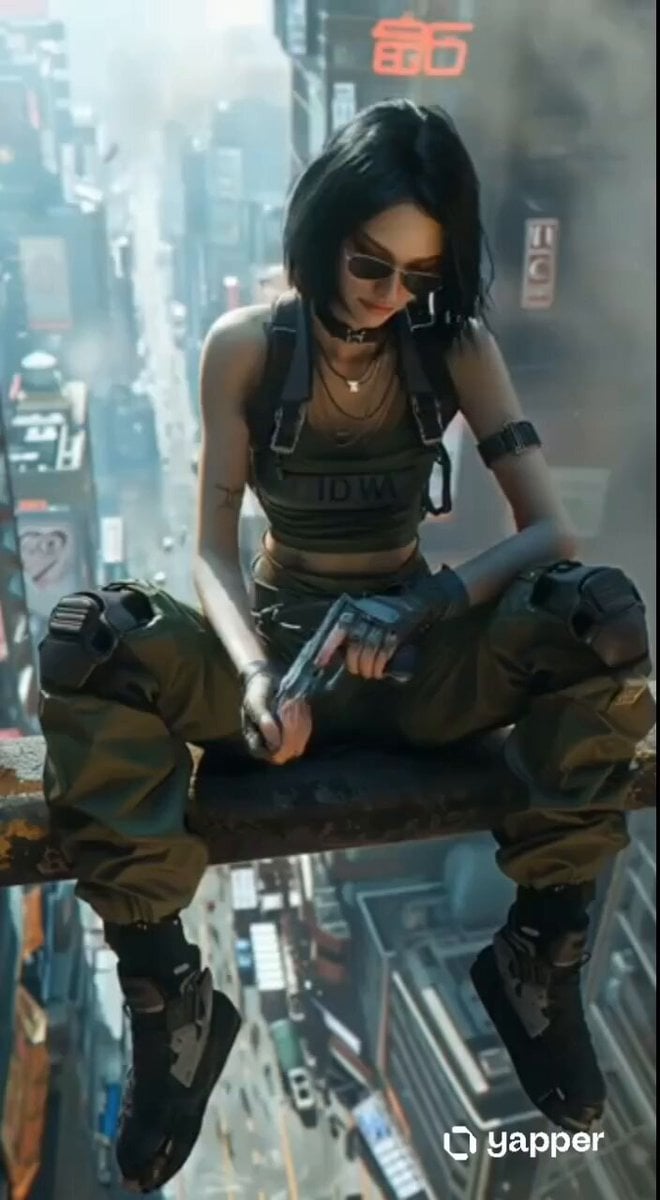
Cyberpunk Skyscraper Vertigo Fall
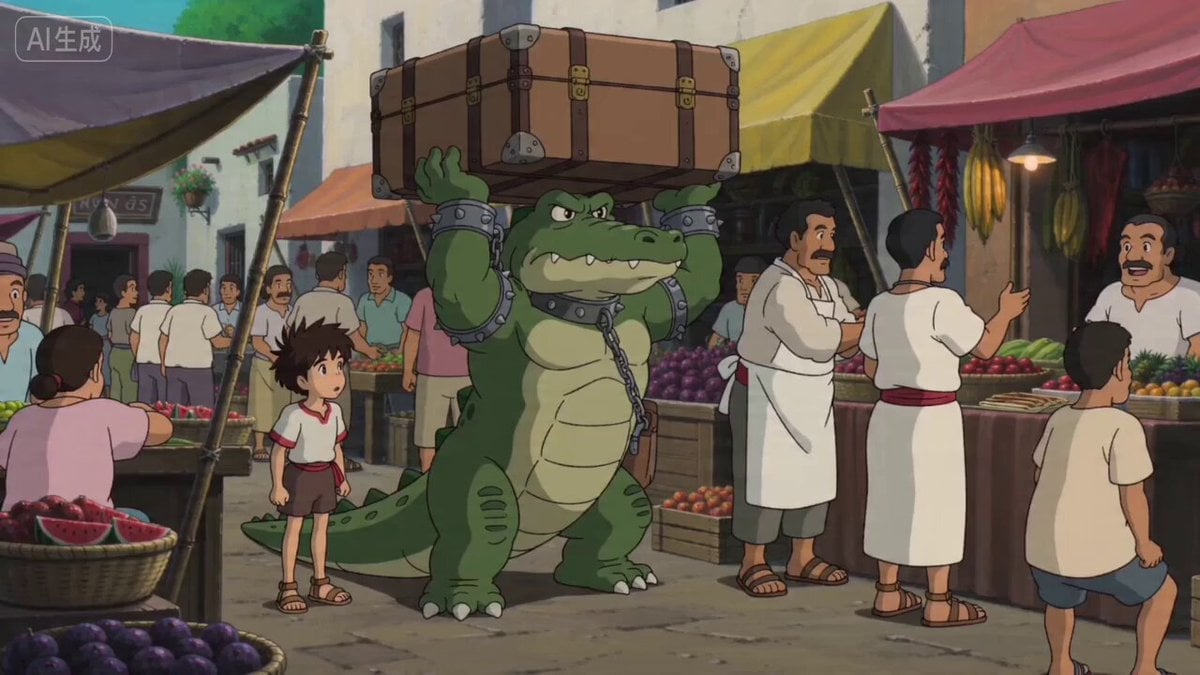
Ghibli Style Egyptian Market Scene with Crocodile Servant
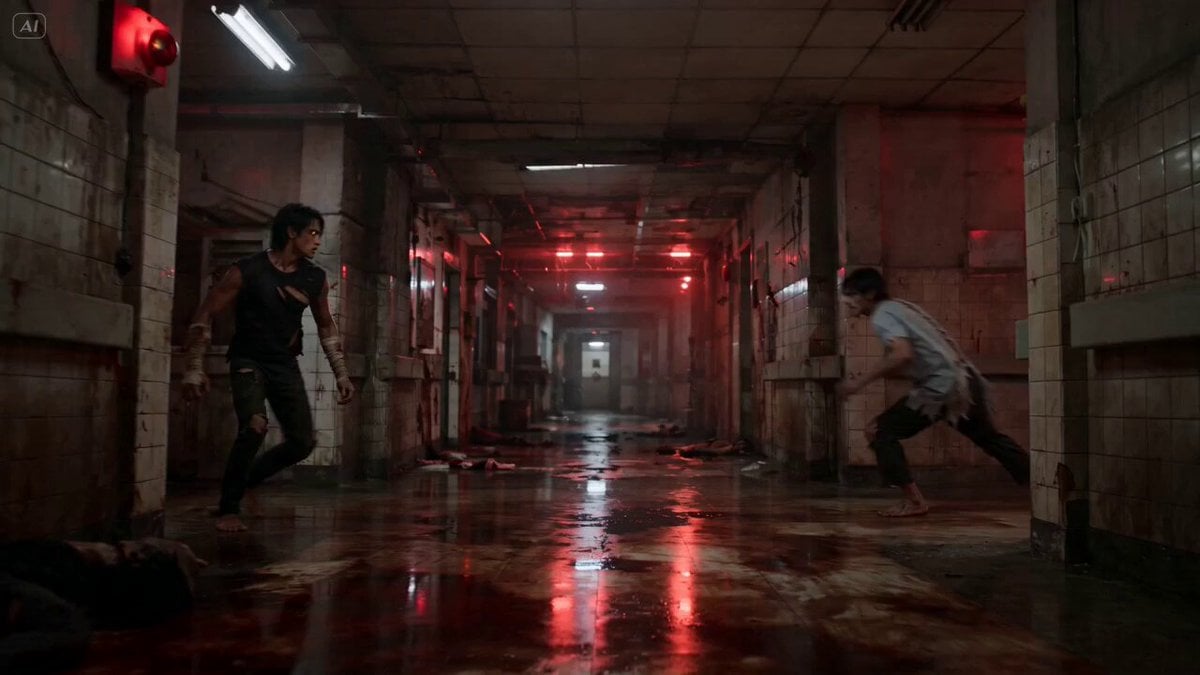
Hanuman Supernatural Martial Arts
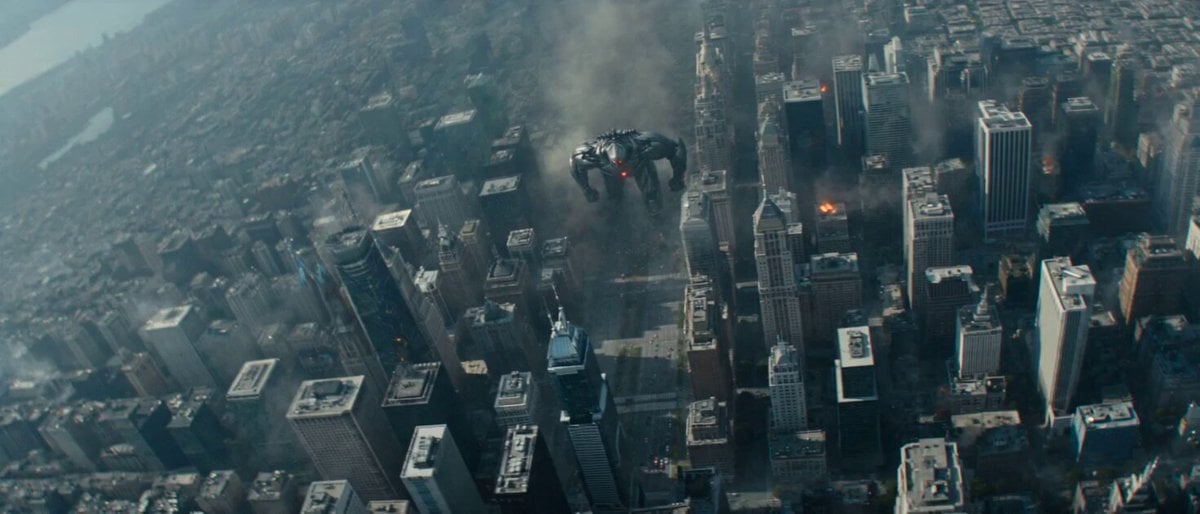
Biomechanical Creature Urban Rampage
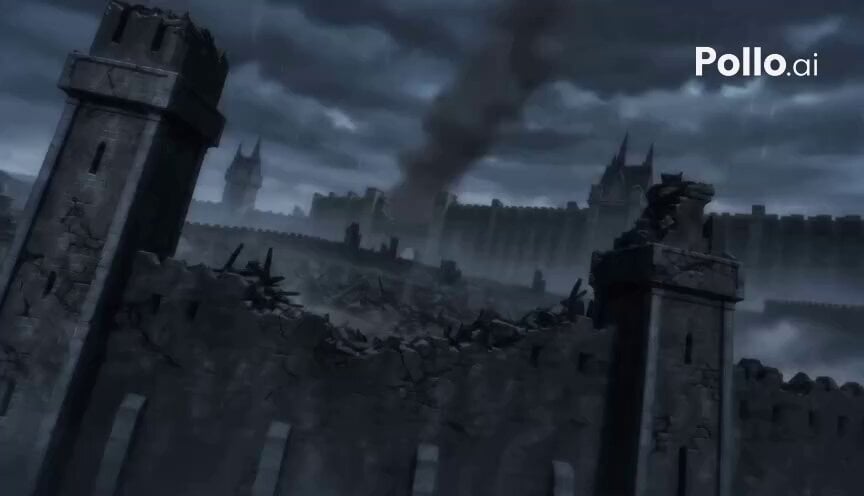
High-Tempo Dark Fantasy Action Trailer
Headshot Image Transformation
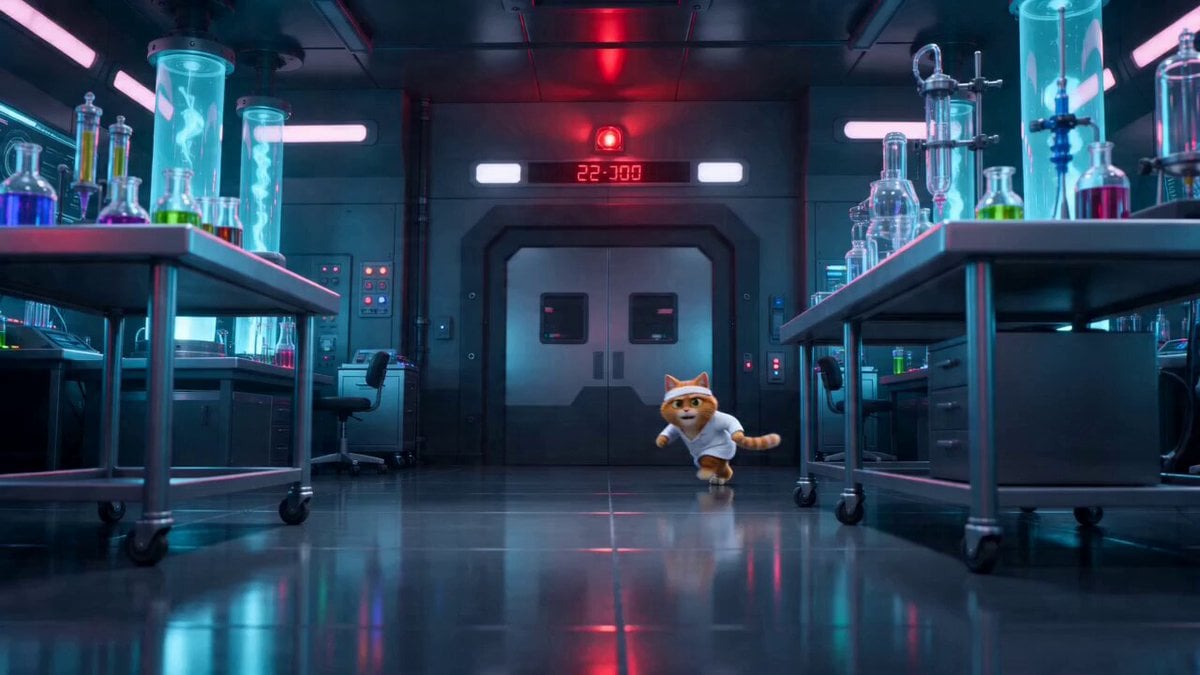
Sci-Fi Dark Comedy Chase Scene
Black Hole Event Horizon Video Prompt
Pixar Style Family Bedtime Comedy
Browse template categories
Anime Comedy Chaos Video Prompt questions
How do I use the Anime Comedy Chaos Video Prompt template?
Add your photo if the template asks for one, edit the prompt if you like — the template's model and format are already selected — and press Generate. Your version opens in PicX Studio.
Can I customize the Anime Comedy Chaos Video Prompt template?
Yes. You can change the subject, setting, lighting, mood, format, and available model controls before creating your video.
Is the Anime Comedy Chaos Video Prompt template free?
Opening and editing this template is free. Generating uses credits, shown on the Generate button when you are signed in.
Which AI model should I use?
Start with Seedance 2.0, which is the model associated with this template. You can compare another compatible model for a different finish.
Looking for something else? Browse all templates.

Your photo, any look
Thousands of ready templates for every top image and video model, from one credit balance.