
Cyberpunk Skyscraper Vertigo Fall
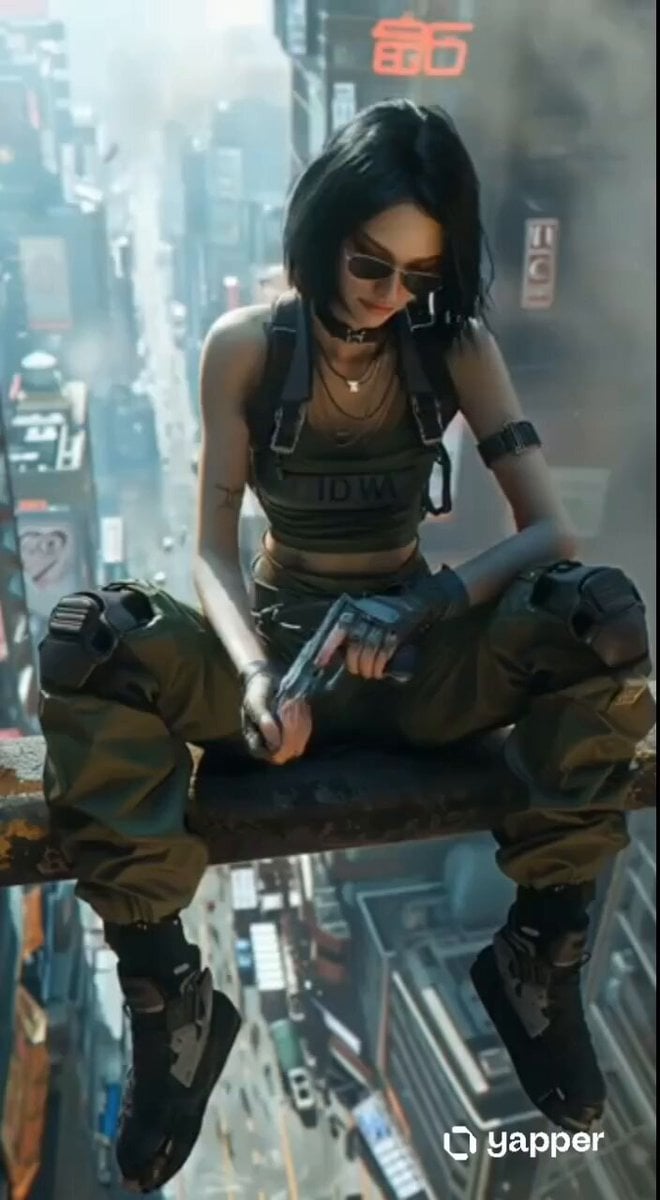
A detailed 8-second cinematic prompt for a cyberpunk scene involving a character sitting high on a rusted beam and falling into a neon-lit megacity.
- Prompt included
- Model and format preset
- Free template
The prompt behind this video
Copy the exact prompt behind Cyberpunk Skyscraper Vertigo Fall, or open it in the studio and make it yours.
Cinematic 8-second cyberpunk video, ultra-realistic, photorealistic details, dramatic lighting, heavy volumetric fog and neon glows in a dense futuristic megacity at dusk. High above the streets, a beautiful young woman with sharp short black bob haircut, pale skin, wearing aviator sunglasses, black leather choker with silver chains, green cropped tactical tank top with white "IDWA" text, black harness straps, visible tattoos on arms, fingerless gloves, green cargo pants with knee pads, black combat boots, sits casually on a rusted metal beam hundreds of meters above a bustling neon-lit street full of flying cars and traffic far below. Sequence exactly as follows: 0-2s: Wide establishing shot of her sitting on the beam, legs dangling, looking down at the city while holding a small object in her gloved hands. She speaks calmly: "Off duty, what are you doing?" 2-3s: Quick cut to medium close-up side profile, neon signs glowing red and blue behind her. She answers: "Waiting." 3-4s: She turns her head slightly toward camera, still in profile, and says: "Got bored." 4-5s: She slowly raises her gloved hand and adjusts her sunglasses with a cool, bored gesture. 5-8s: Sudden dramatic camera tilt downward from her position. She leans back and drops off the beam, falling upside down past the rusty edge. The camera plunges with her, showing vertigo-inducing height, then continues past her into a sweeping high-angle view of the endless city street below with cars, neon billboards, and skyscrapers. Final line spoken over the drop: "Of course you did." Hyper-detailed textures, cinematic color grading, moody atmosphere, Blade Runner 2049 + Cyberpunk 2077 aesthetic, subtle film grain, dynamic camera movement, 8 seconds duration, 16:9, high motion, emotionally cold and detached vibe.
How to use Cyberpunk Skyscraper Vertigo Fall in 3 steps
- 1
Open
The prompt is already in the box next to the preview, with the template's model and format selected.
- 2…a portrait of your subject in softgolden-hour light, 85mm…
Personalize
Edit the subject and creative details for your destination.
- 3Generate
Generate
Press Generate — your video is created in PicX Studio, so you can compare it with the original and refine one variable at a time.
More like this
Templates with the same subject, style or setup. Open one to see its prompt.

Cyberpunk Holographic Dance Performance - Seedance 2.5

RX-7 to Mech Transformation Cyberpunk

Live-Action Firefighter Rescue Night Scene
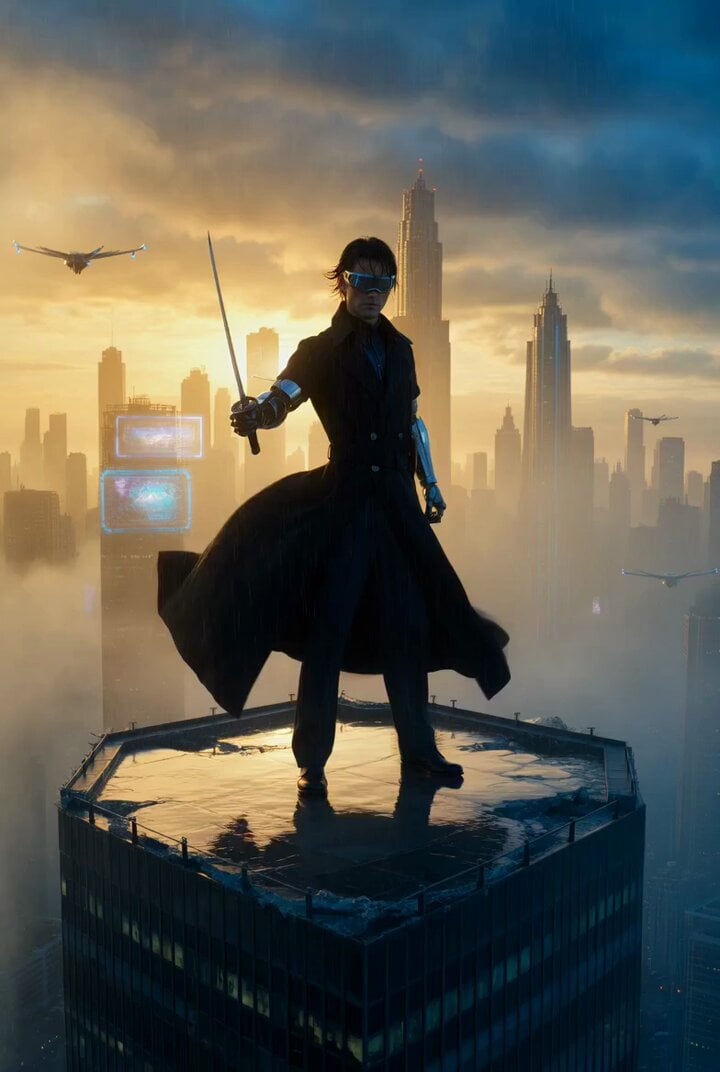
Cyberpunk samurai on a shattered skyscraper
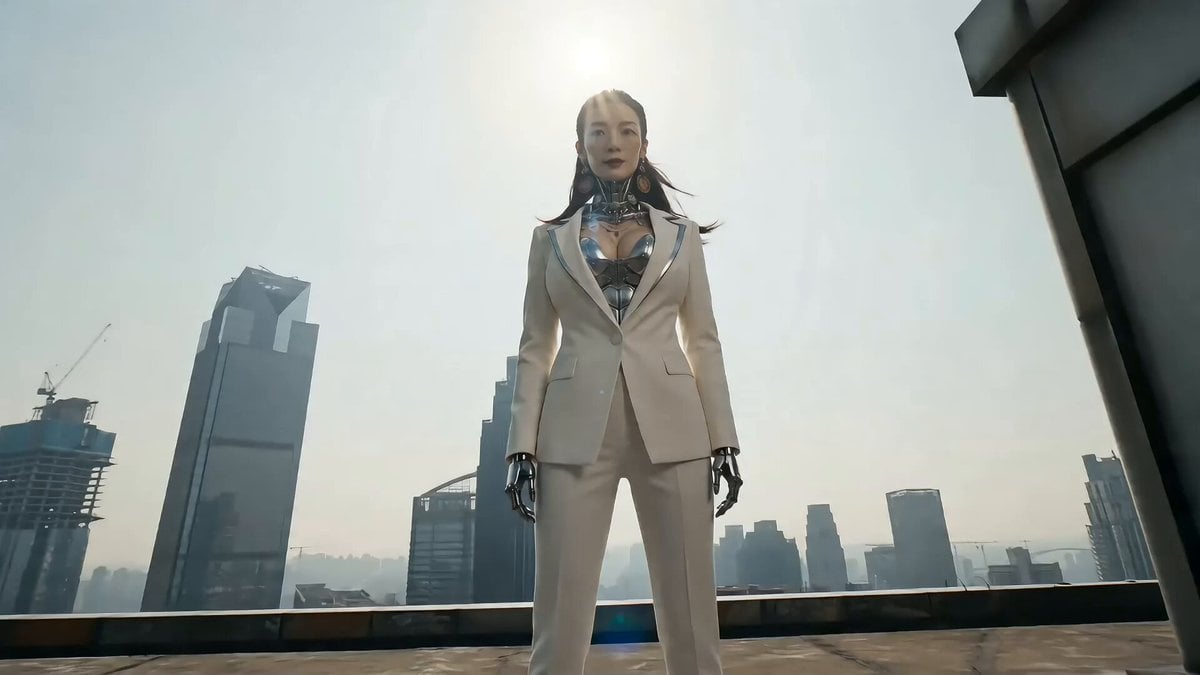
Cyberpunk Action Sequence: Elegant Female Agent Jumps from Skyscraper to Moving Car
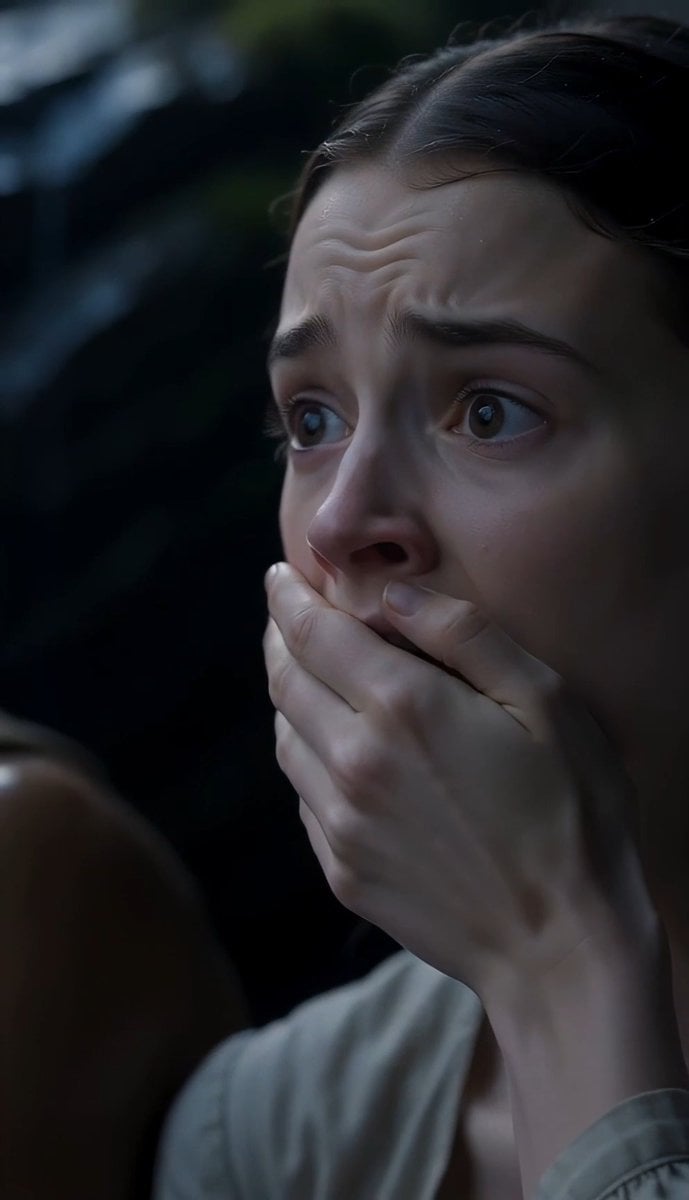
The Last of the Mohicans Waterfall Scene
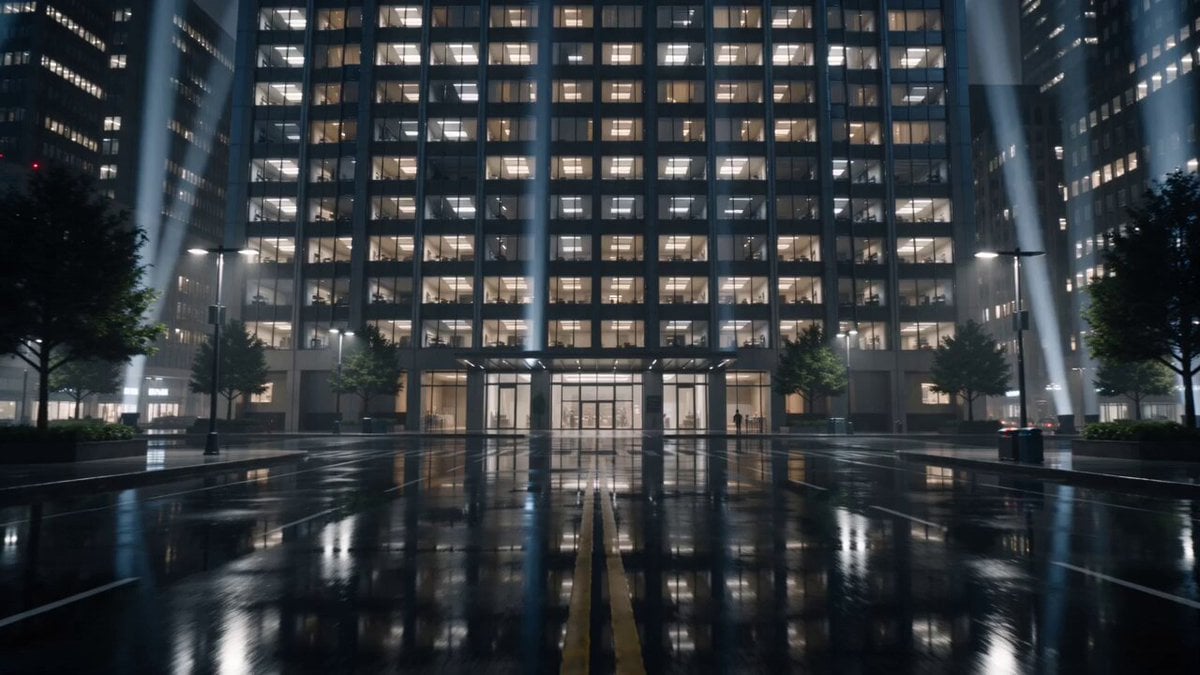
Breathing Skyscraper Night Surrealism
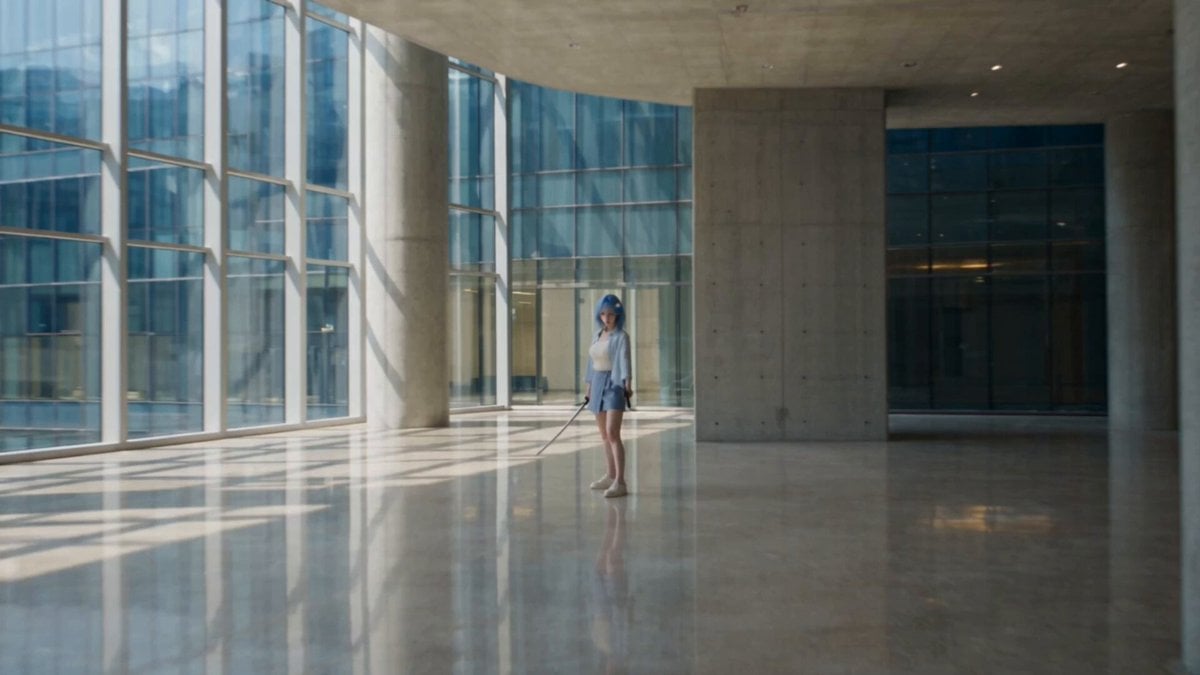
Modern Ninja Skyscraper Lobby Combat

Cyberpunk RPG Anime Action
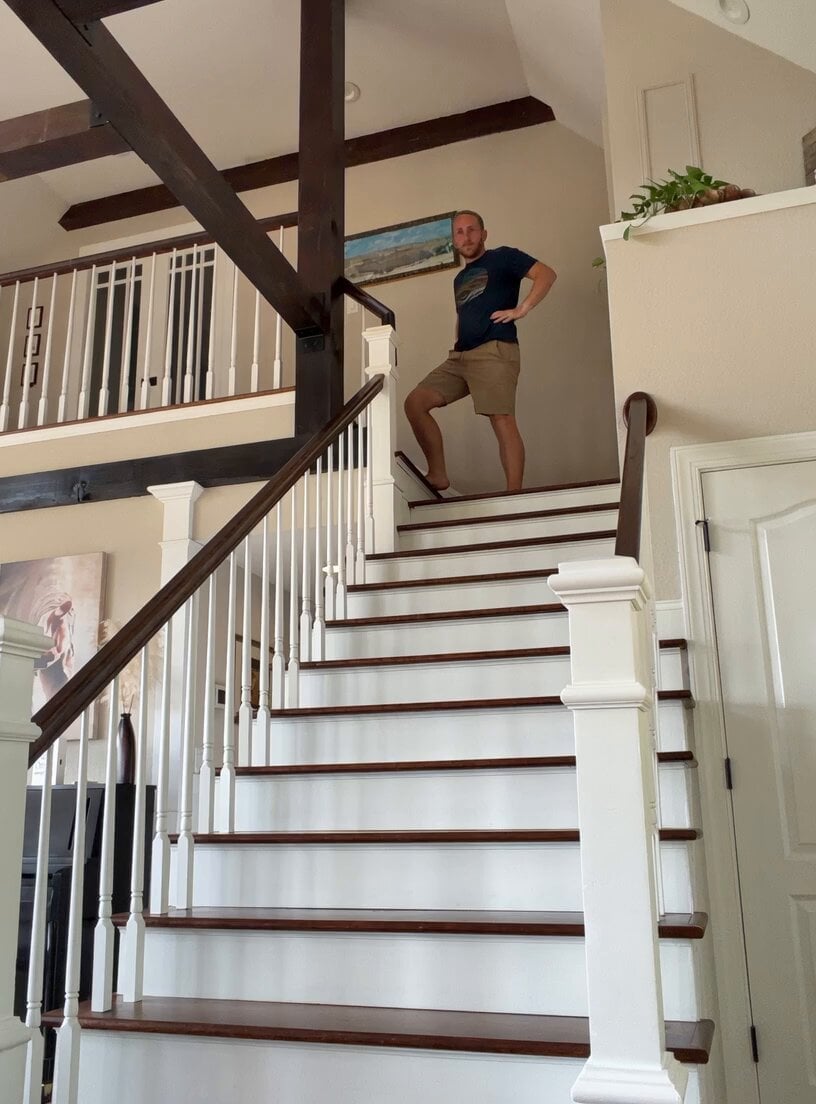
Comical Family Guy Style Stair Fall
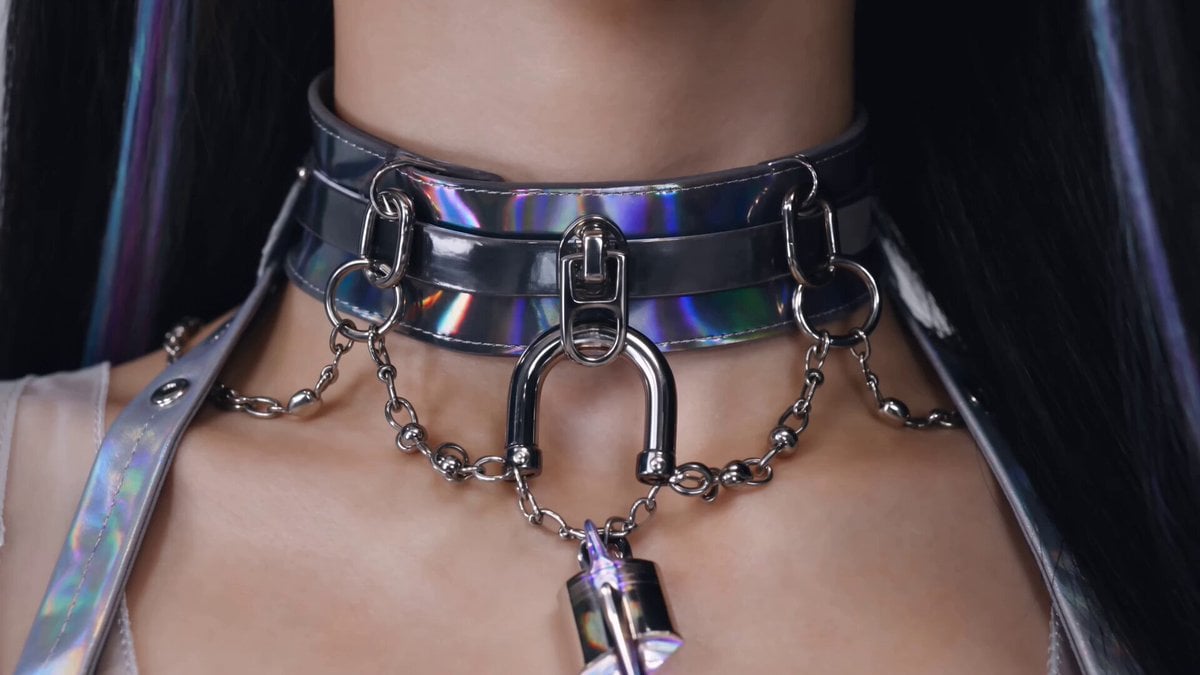
Cyberpunk K-Pop Demon Hunter Teaser
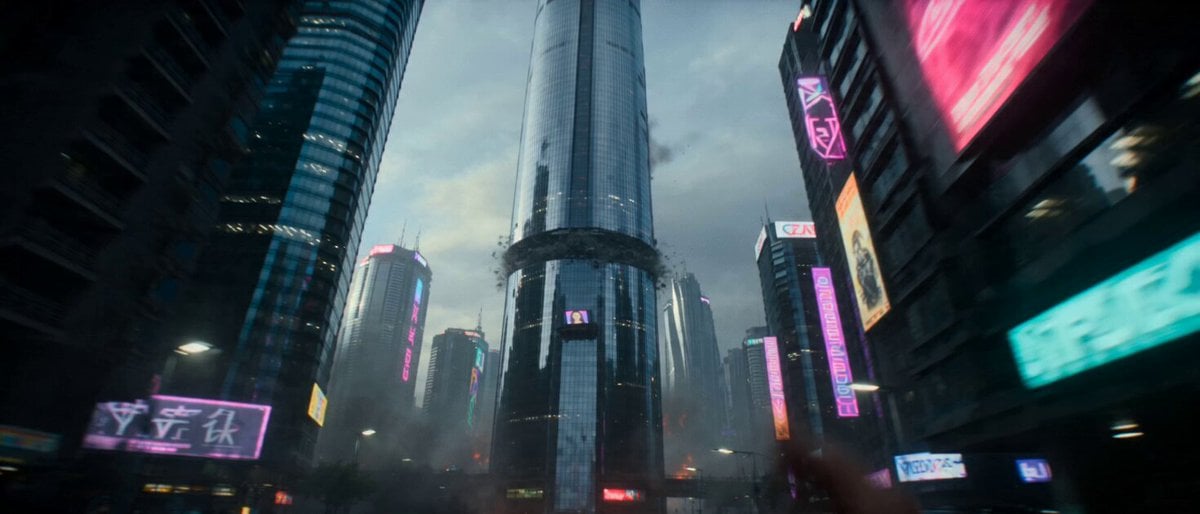
Hollywood Style Cyberpunk Disaster Movie Prompt
Make it yours
Cyberpunk Skyscraper Vertigo Fall works as-is. These are the safest ways to change it without losing the look.
Change one field
Copy a single group, rewrite it, and generate again so you can see what that field is doing.
Keep the frame, change the subject
Hold the composition and light of Cyberpunk Skyscraper Vertigo Fall, then swap wardrobe, props or the person for a new take.
| If the result… | Why | Fix |
|---|---|---|
| The result drifts from the preview | Too many fields changed at once. | Reuse Cyberpunk Skyscraper Vertigo Fall as-is first, then change one group — subject, light, or setting. |
| The model over-stylizes the scene | The prose prompt leaves finish and camera underspecified. | Add one camera or lighting sentence and stay on Seedance 2.0. |
More Seedance 2.0 templates
Other prompts made for Seedance 2.0.

Comical Martial Arts Punch Scene

Maglev Train Action Sequence

Martial Arts Fight Sequence

Wuxia Protection and Trust Script

Vintage Korean Arcade MiniDV Vlog

Mercedes 190 SL Luxury Ad

Rainy Night Supernatural Reverse Comedy Video Script

Amazon Civilization Discovery

Futuristic South Asian City Transformation

Cozy Luxury Cafe Commercial
More video prompts
Fresh picks from across the catalog.
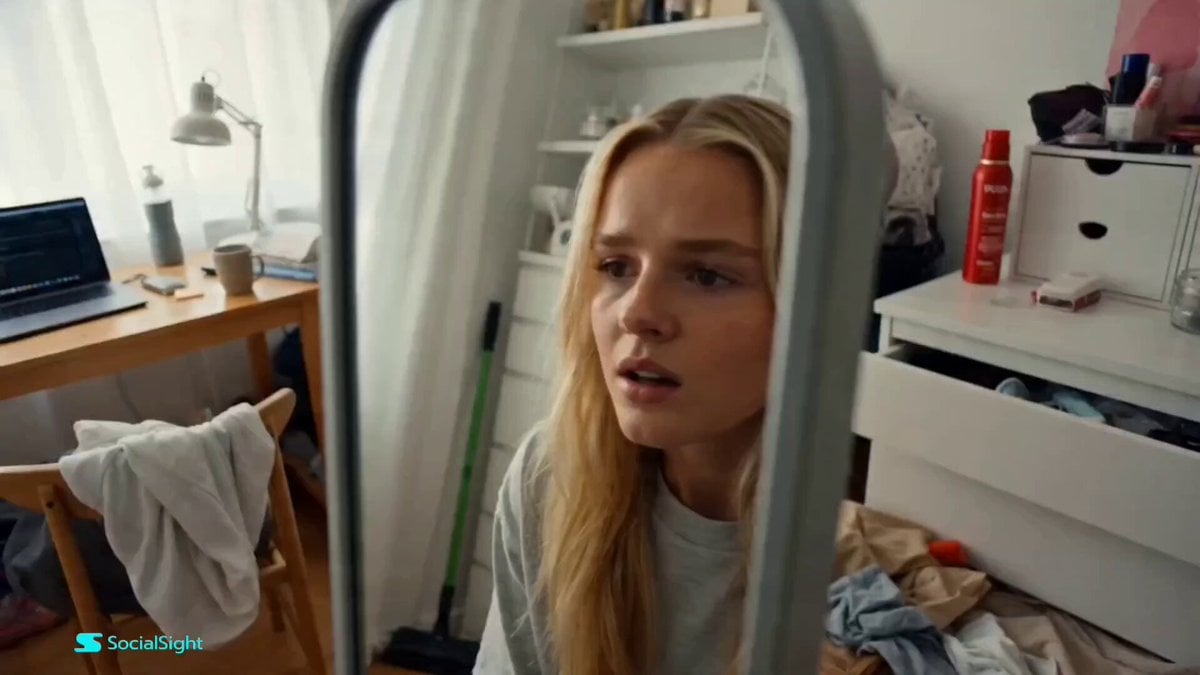
Beat-Synced Fitness Journey Arc
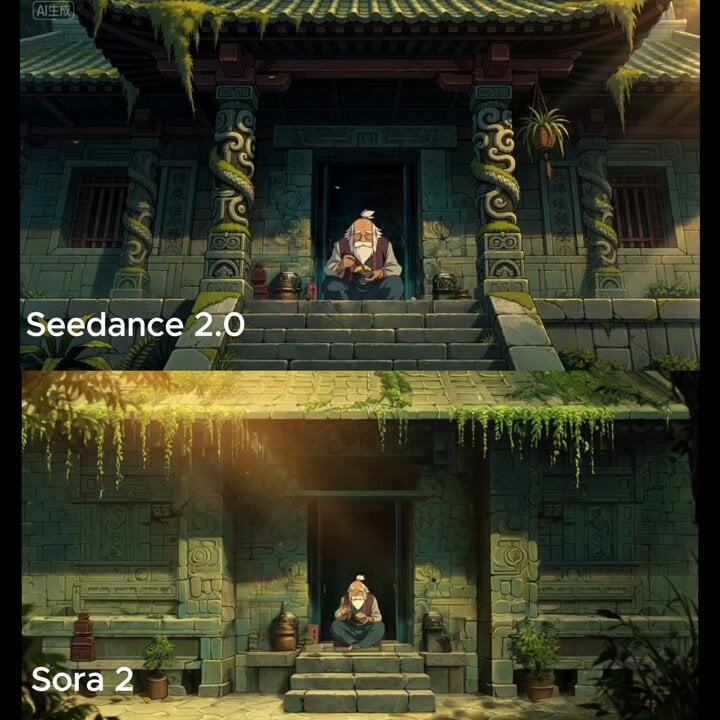
Wide cinematic shot of a temple entrance
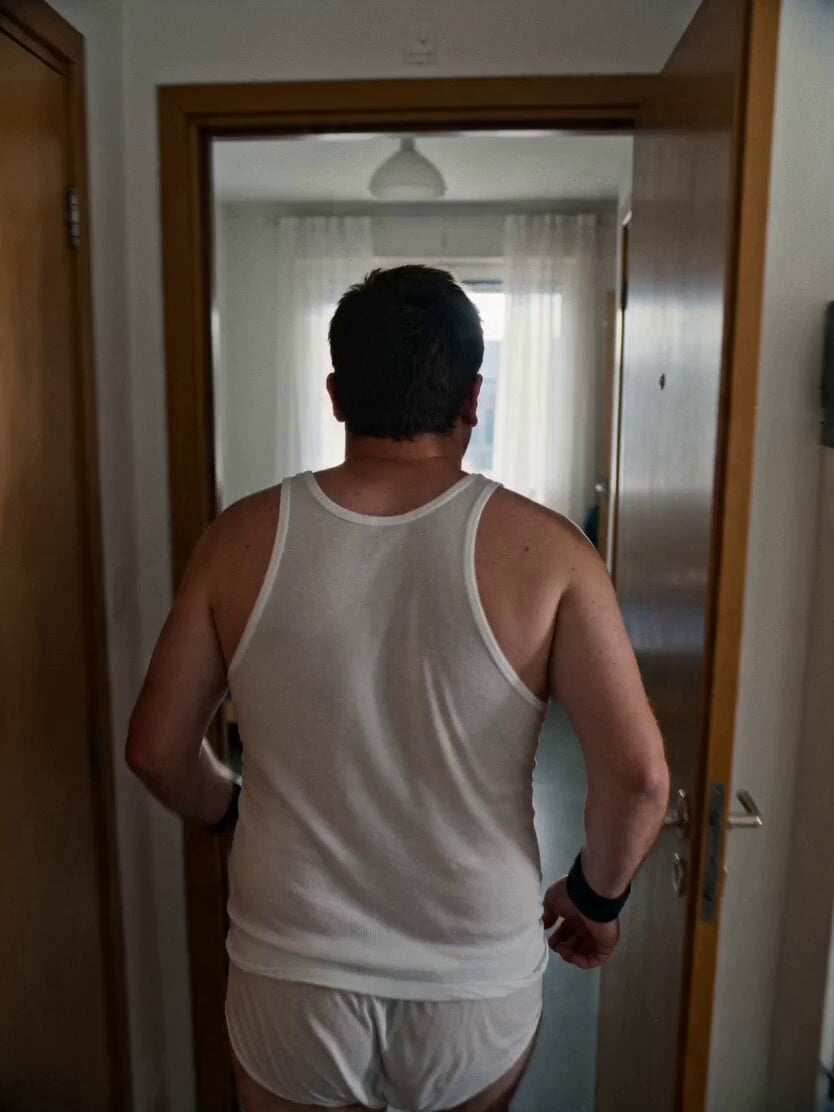
Gritty Handheld 35mm Film Aesthetic
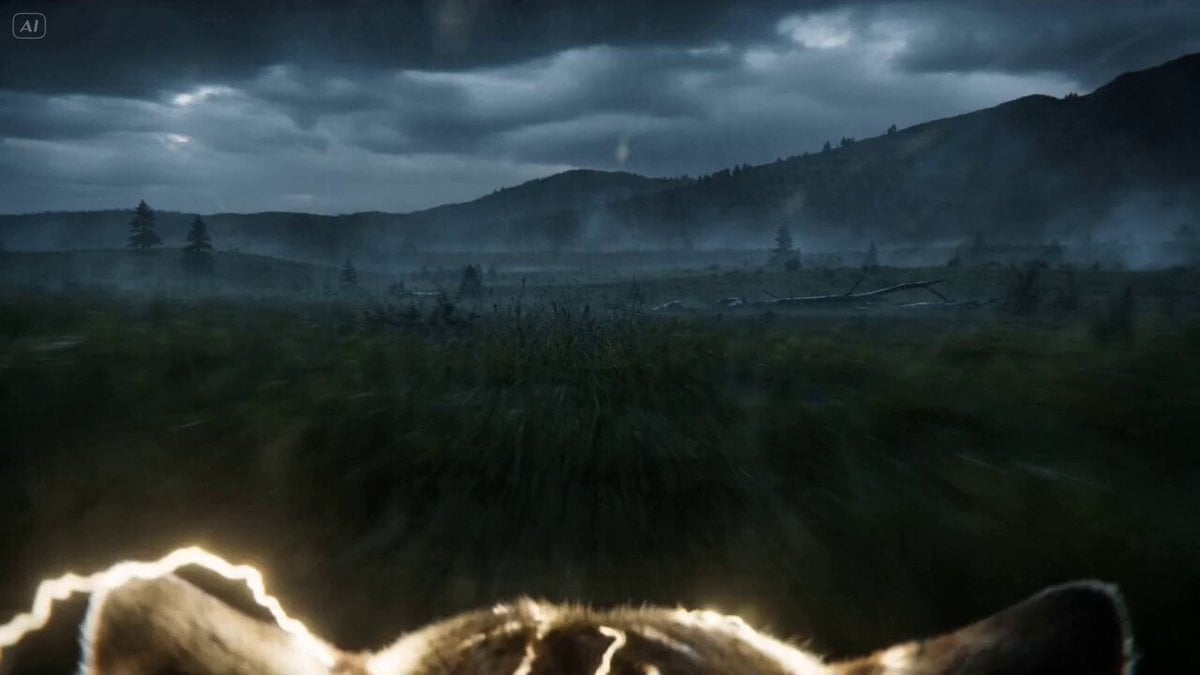
Lightning Wolf Chase Sequence (Dreamina/Seedance 2)
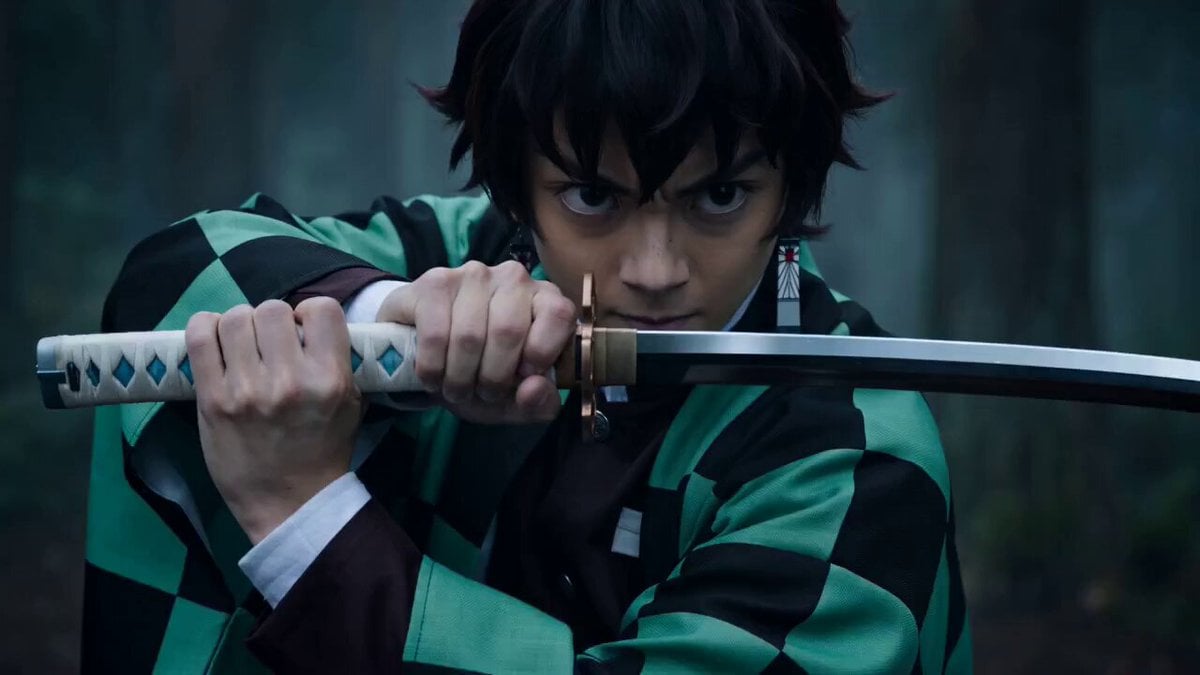
Demon Slayer Live-Action Blockbuster Video Prompt
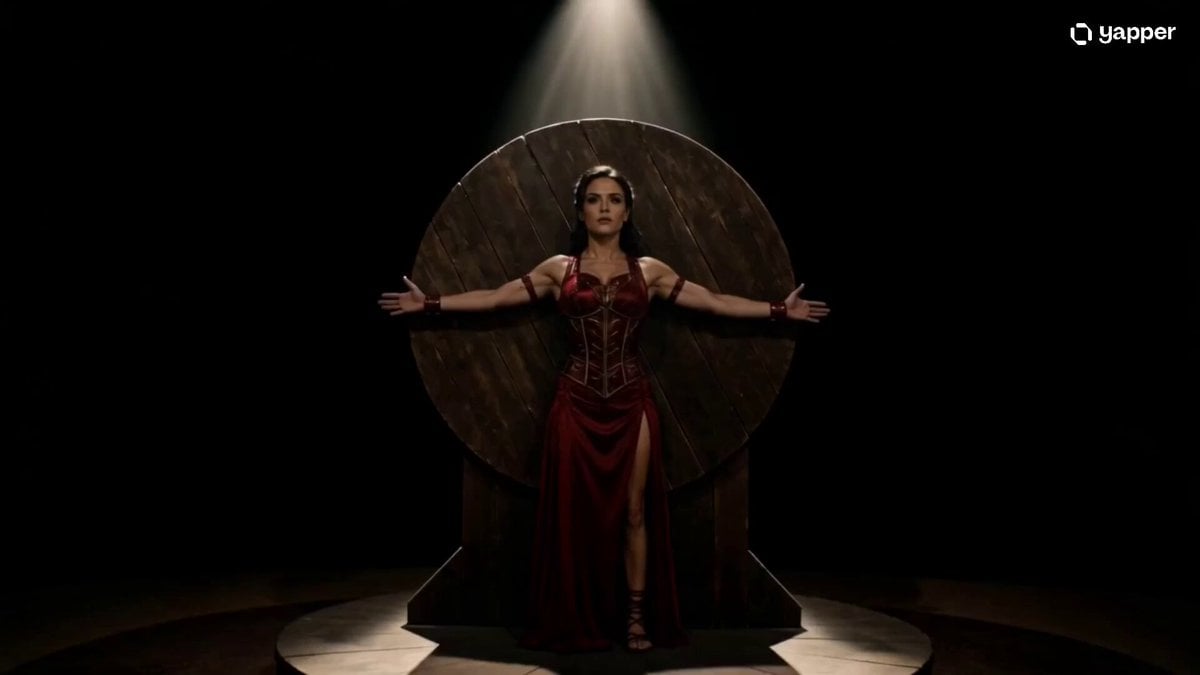
Cinematic Knife Thrower Trust Scene
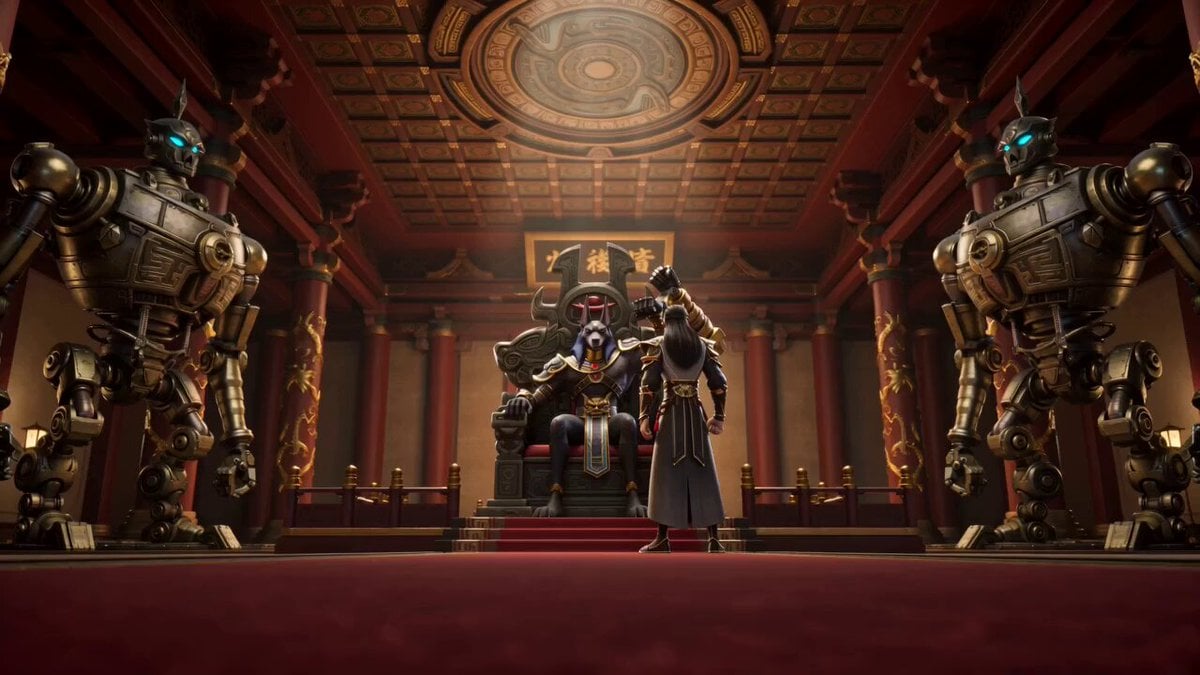
Anubis Tickle Scene
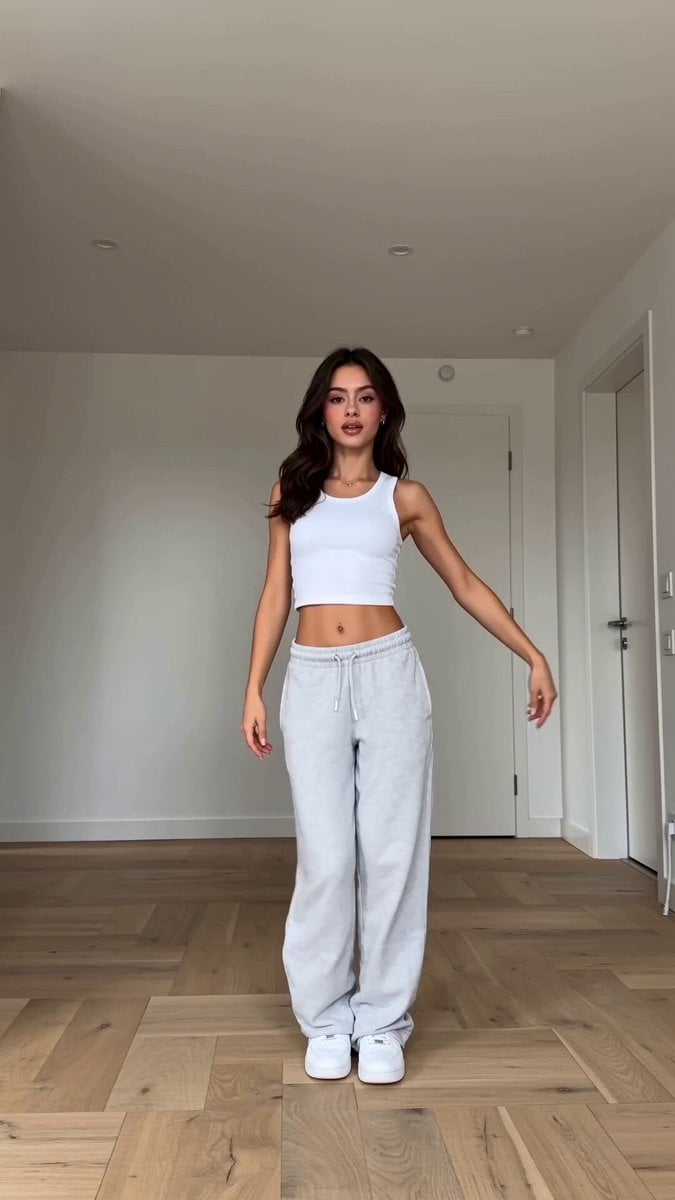
Viral K-pop Dance Choreography

Mystical Underwater Sea Goddess
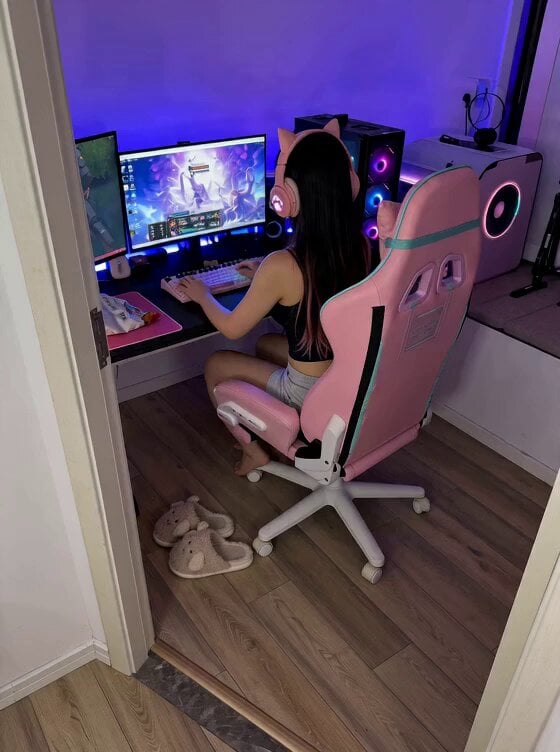
Cute Clingy Girlfriend POV Interaction
Browse template categories
Cyberpunk Skyscraper Vertigo Fall questions
How do I use the Cyberpunk Skyscraper Vertigo Fall template?
Add your photo if the template asks for one, edit the prompt if you like — the template's model and format are already selected — and press Generate. Your version opens in PicX Studio.
Can I customize the Cyberpunk Skyscraper Vertigo Fall template?
Yes. You can change the subject, setting, lighting, mood, format, and available model controls before creating your video.
Is the Cyberpunk Skyscraper Vertigo Fall template free?
Opening and editing this template is free. Generating uses credits, shown on the Generate button when you are signed in.
Which AI model should I use?
Start with Seedance 2.0, which is the model associated with this template. You can compare another compatible model for a different finish.
Looking for something else? Browse all templates.

Your photo, any look
Thousands of ready templates for every top image and video model, from one credit balance.