How do I use the Rally Truck on Lava Field template?
Edit the prompt in the box under the preview — the template's model and format are already selected — and press Generate. Your version appears right on this page.
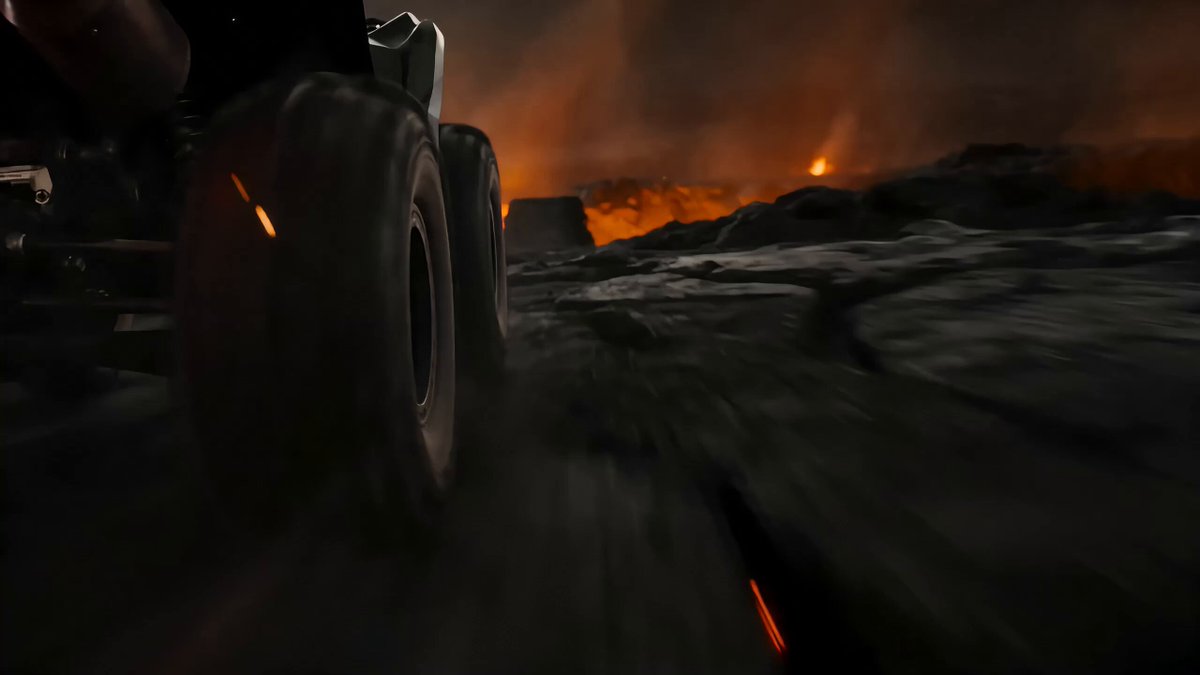
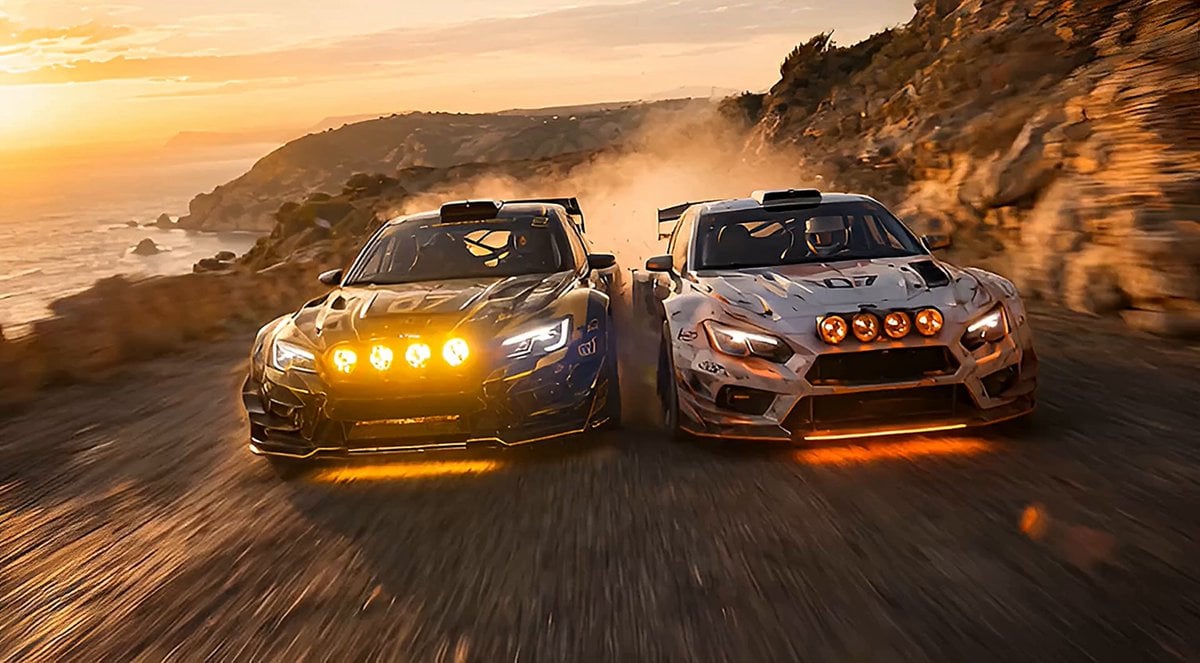
A prompt for Seedance 2.0 generating a hyperrealistic rally photography sequence of a truck driving aggressively over a black lava field in Iceland.
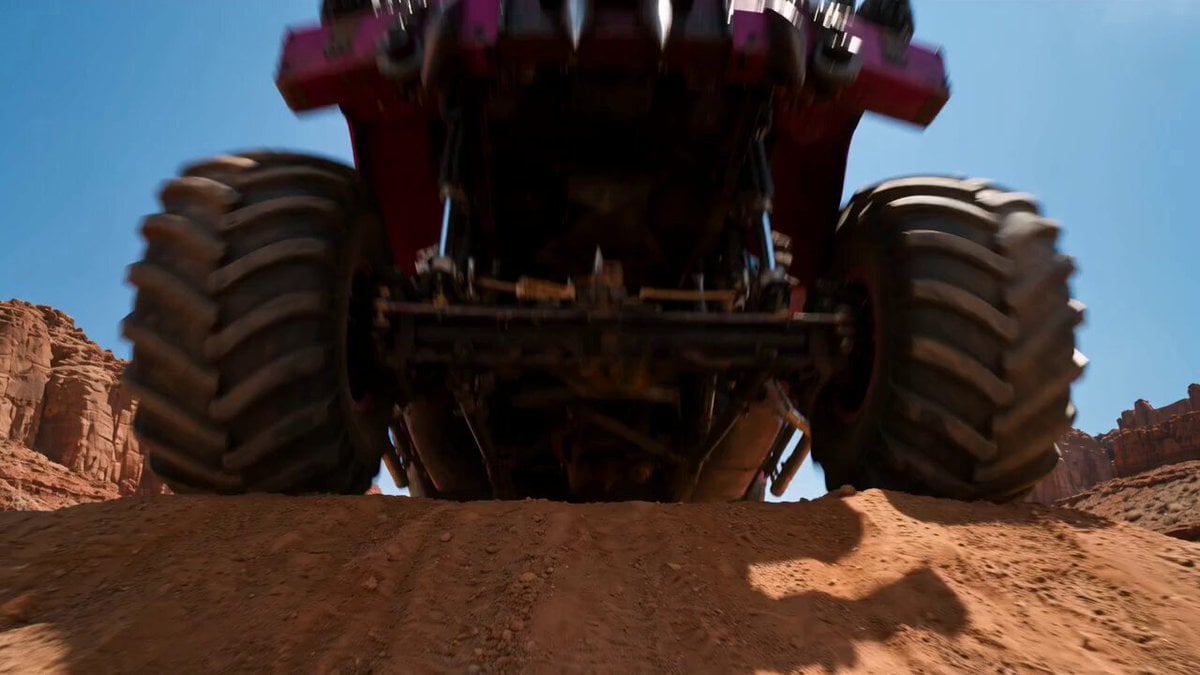
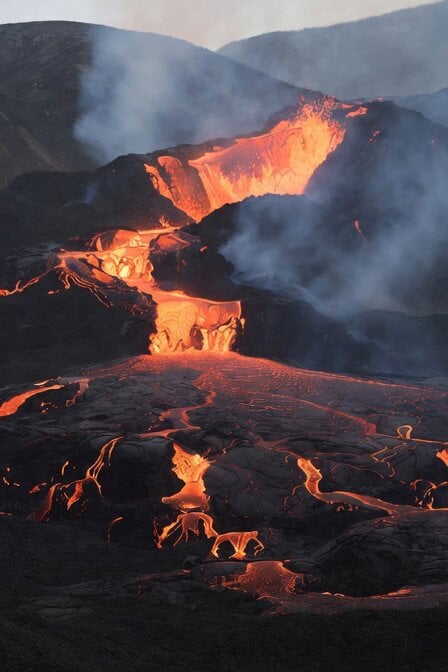
The rally truck blasts over the lava crest already at full throttle, all four wheels leaving the ground before it lands hard and drives forward. Bumper-height camera faces forward, locked on the hood and roll cage while black rock walls streak into dark ribbons on both sides. The track bends, the truck snaps right, all four wheels spinning on the loose lava gravel, body rolling hard before the suspension loads up and fires it out of the corner. Camera drops to the side, catching the gravel spray with the lava field stretching flat to the horizon. Then wide: the lava field from above, the truck a bright shape on the vast black plain. Low Icelandic sky pressing flat on the horizon. Dust trail hanging in the still air long after it passes. Black lava and bright livery, flat Icelandic overcast, volcanic plain palette, hyperreal rally photography, motion blur on rock and sky, frozen clarity on metal and rubber.
The rally truck blasts over the lava crest already at full throttle, all four wheels leaving the ground before it lands hard and drives forward. Bumper-height camera faces forward, locked on the hood and roll cage while black rock walls streak into dark ribbons on both sides. The track bends, the truck snaps right, all four wheels spinning on the loose lava gravel, body rolling hard before the suspension loads up and fires it out of the corner. Camera drops to the side, catching the gravel spray with the lava field stretching flat to the horizon. Then wide: the lava field from above, the truck a bright shape on the vast black plain. Low Icelandic sky pressing flat on the horizon. Dust trail hanging in the still air long after it passes. Black lava and bright livery, flat Icelandic overcast, volcanic plain palette, hyperreal rally photography, motion blur on rock and sky, frozen clarity on metal and rubber.
Edit the prompt in the box under the preview — the template's model and format are already selected — and press Generate. Your version appears right on this page.
Yes. You can change the subject, setting, lighting, mood, format, and available model controls before creating your video.
Opening and editing this template is free. Generating uses credits, shown on the Generate button when you are signed in.
Start with Seedance 2.0, which is the model associated with this template. You can compare another compatible model for a different finish.
Follow a topic to a crawlable collection of related PicX Studio templates.