
Stylish Woman at Stadium Broadcast
A prompt for a hyper-realistic commercial-style video of a woman enjoying a football match.
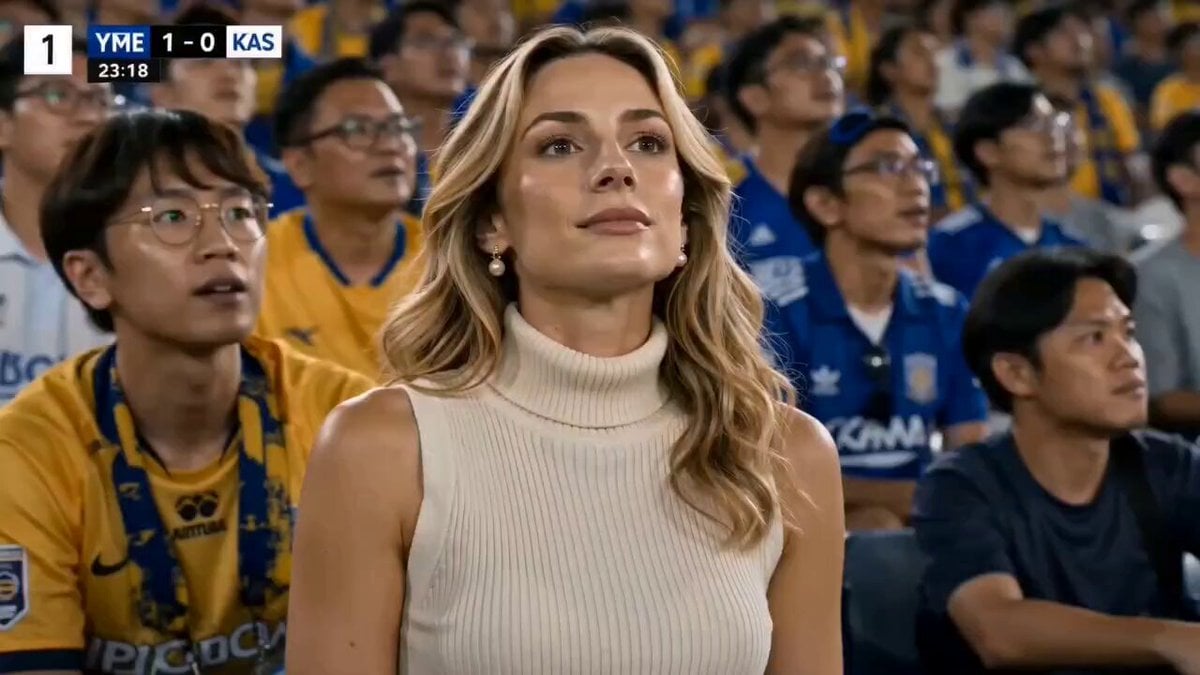
- Prompt included
- Model and format preset
- Premium template
The prompt behind this video
Copy the exact prompt behind Stylish Woman at Stadium Broadcast, or open it in the studio and make it yours.
Hyper-realistic cinematic sports broadcast video of a beautiful stylish woman with natural blonde wavy hair sitting naturally among real football fans inside a packed stadium, wearing a cream-colored sleeveless turtleneck knit top and pearl earrings, realistic live match atmosphere, yellow and blue cheering crowd in background, authentic sports broadcast camera perspective, handheld live TV camera feel, shallow depth of field, realistic skin texture, soft cinematic motion blur, bright stadium floodlights, scoreboard overlay and sports network watermark on screen, she watches the football match intensely while naturally holding a blue Japanese premium beverage can, crowd reacting emotionally around her, realistic fan movements, immersive stadium ambience, she smiles softly and takes a sip from the can while staying focused on the game, cinematic close-ups mixed with broadcast-style medium shots, ultra realistic commercial cinematography, premium beverage advertisement aesthetic, dynamic crowd energy, subtle camera shake like live sports coverage, emotional realistic expressions, final close-up shot where she looks directly into the camera and blows a slow flying kiss toward the lens with soft smile, crowd cheering behind her, cinematic ending, luxury advertisement quality, realistic live broadcast visuals, masterpiece quality, ultra detailed, 4K, smooth natural motion --ar 16:9.
How to use Stylish Woman at Stadium Broadcast in 3 steps
- 1
Open
The prompt is already in the box next to the preview, with the template's model and format selected.
- 2…a portrait of your subject in softgolden-hour light, 85mm…
Personalize
Edit the subject and creative details for your destination.
- 3Generate
Generate
Press Generate — your video is created in PicX Studio, so you can compare it with the original and refine one variable at a time.
More like this
Templates with the same subject, style or setup. Open one to see its prompt.
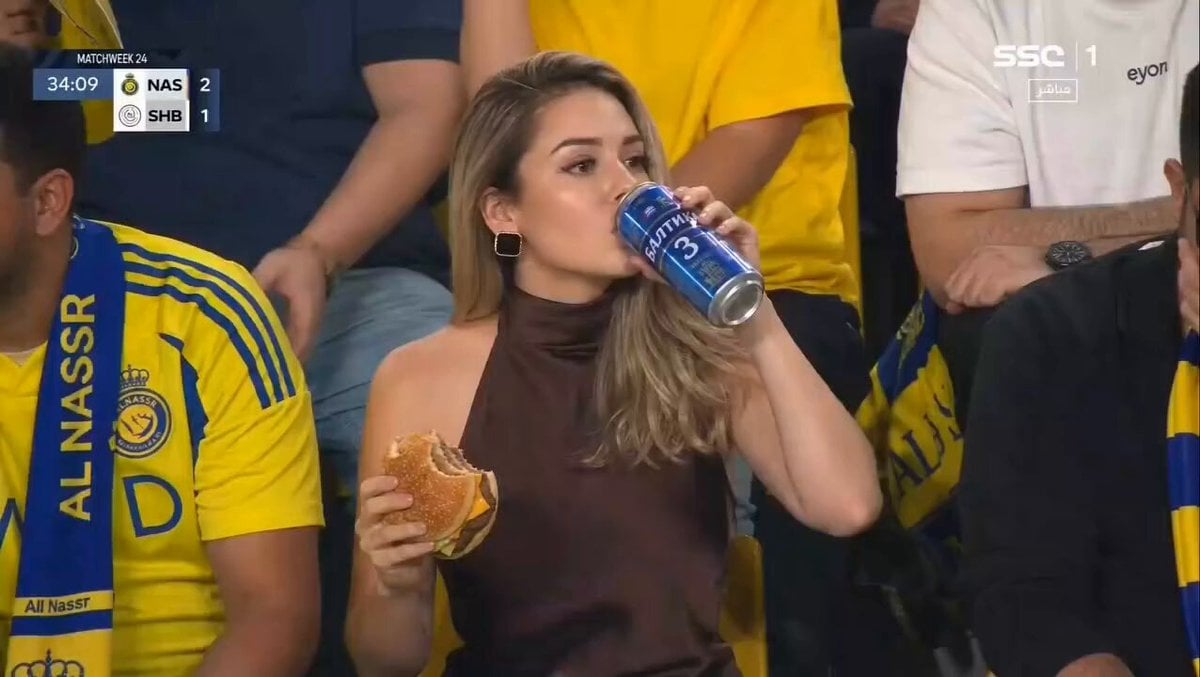
Glamorous Woman Stadium Broadcast
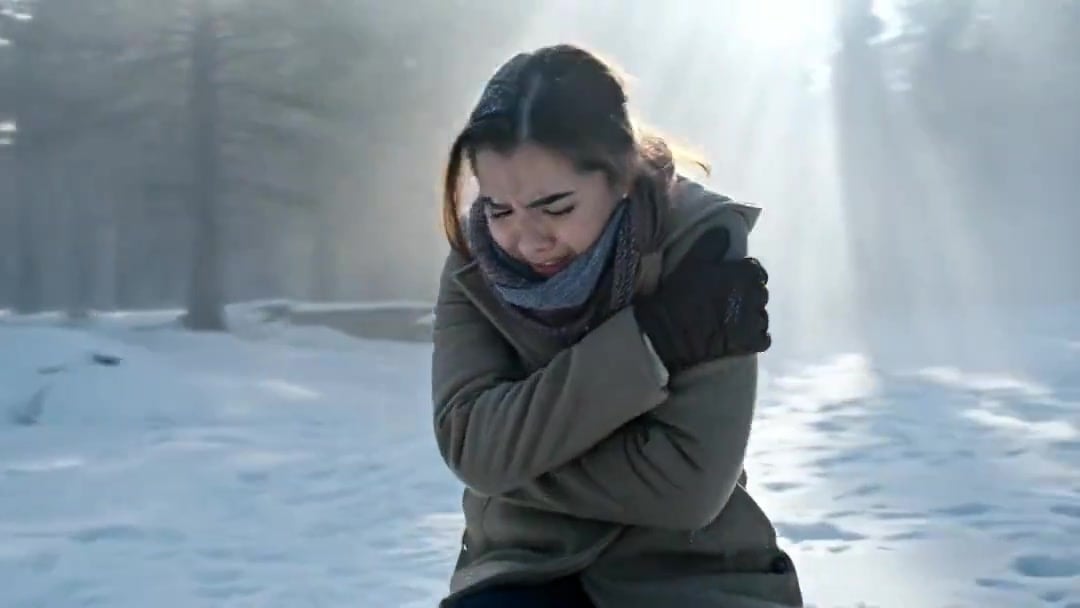
Arc Shot Frozen Woman Snow — Kling 3.0 v3 Pro
Arc Shot Frozen Woman Snow — Kling 3.0 v3 Pro

Blonde Woman Driving Green 1960s Mustang Golden Hour
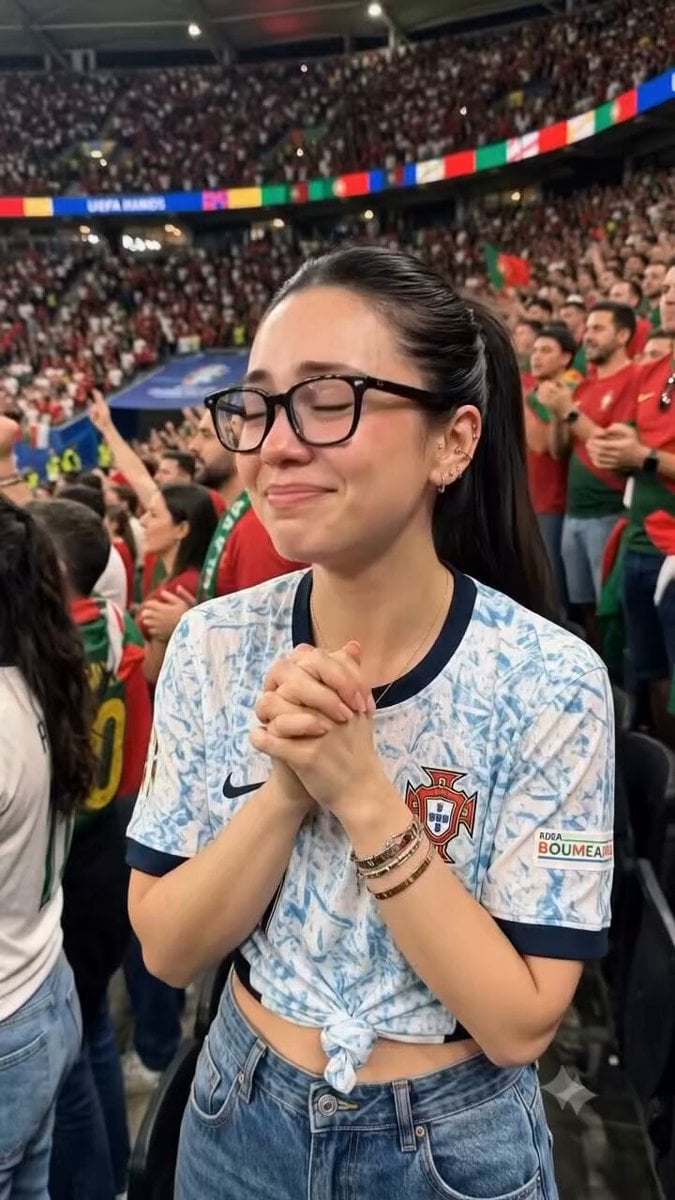
Candid Joyful Woman Football Stadium Portrait
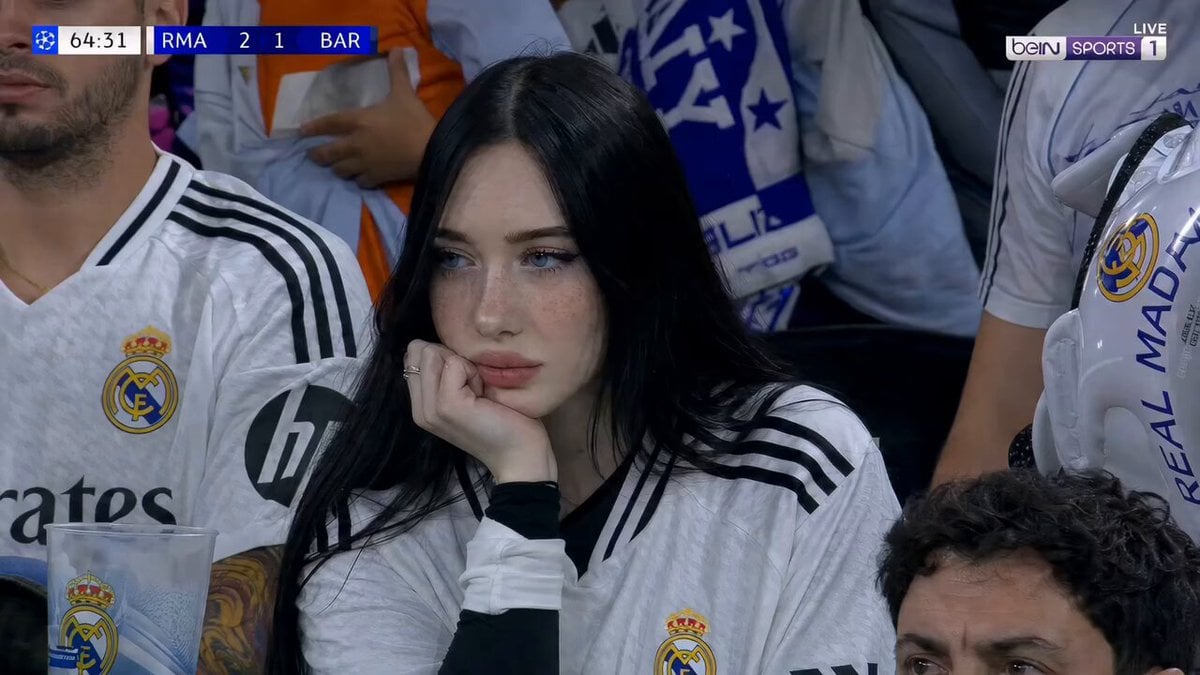
Football Stadium Fan Broadcast Shot

Stadium Crowd Candid Broadcast
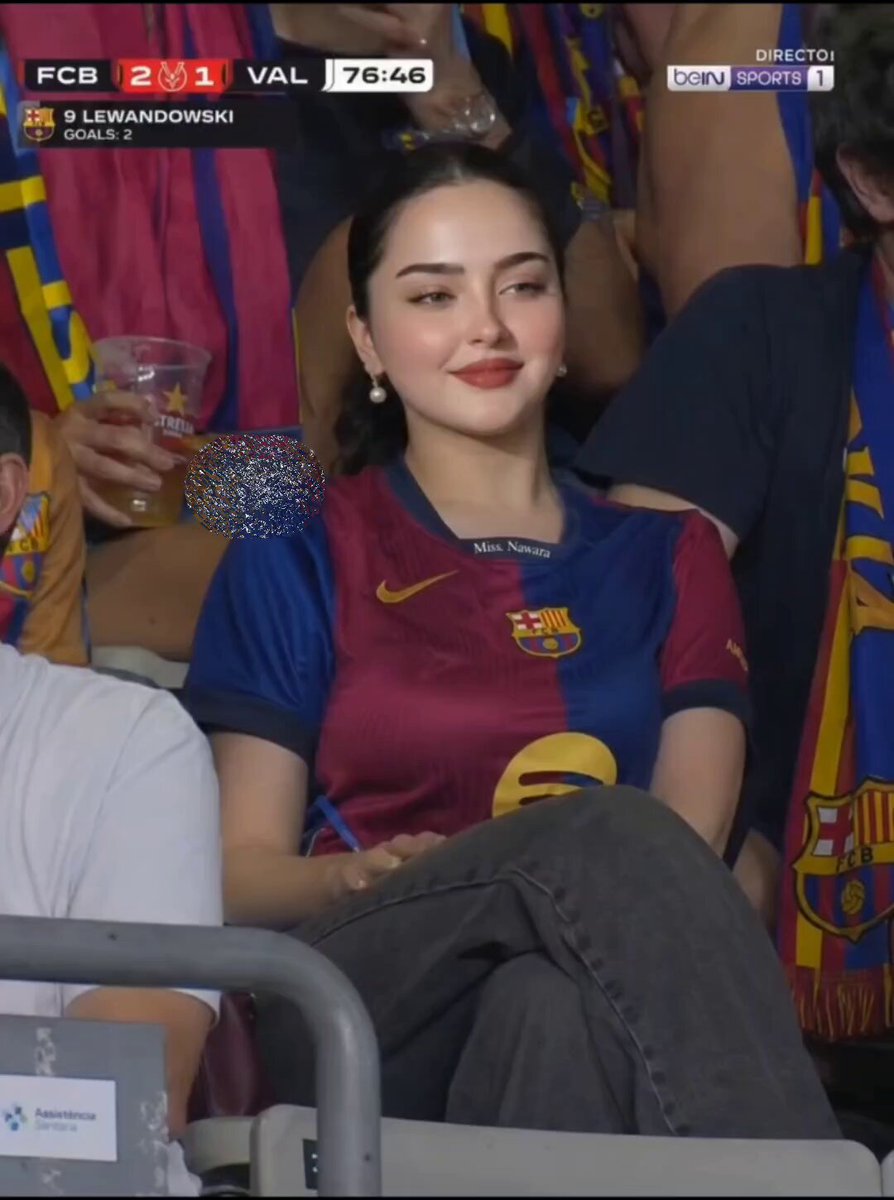
FC Barcelona Stadium Fan Broadcast
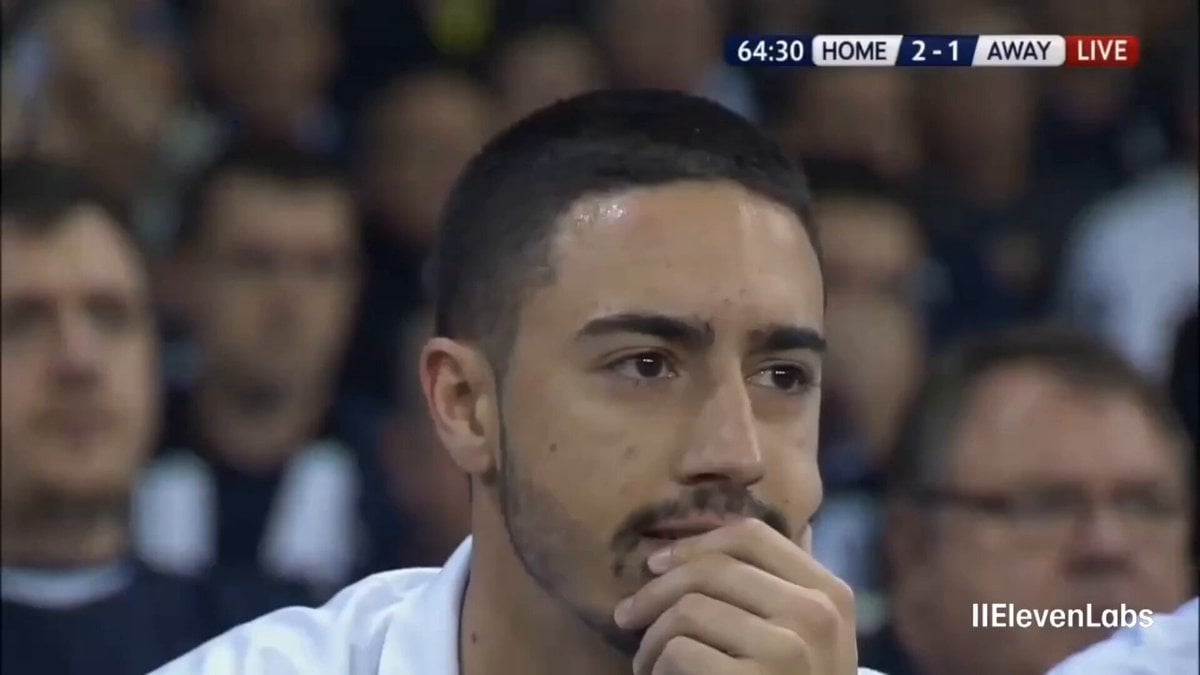
Football Stadium Broadcast Portrait
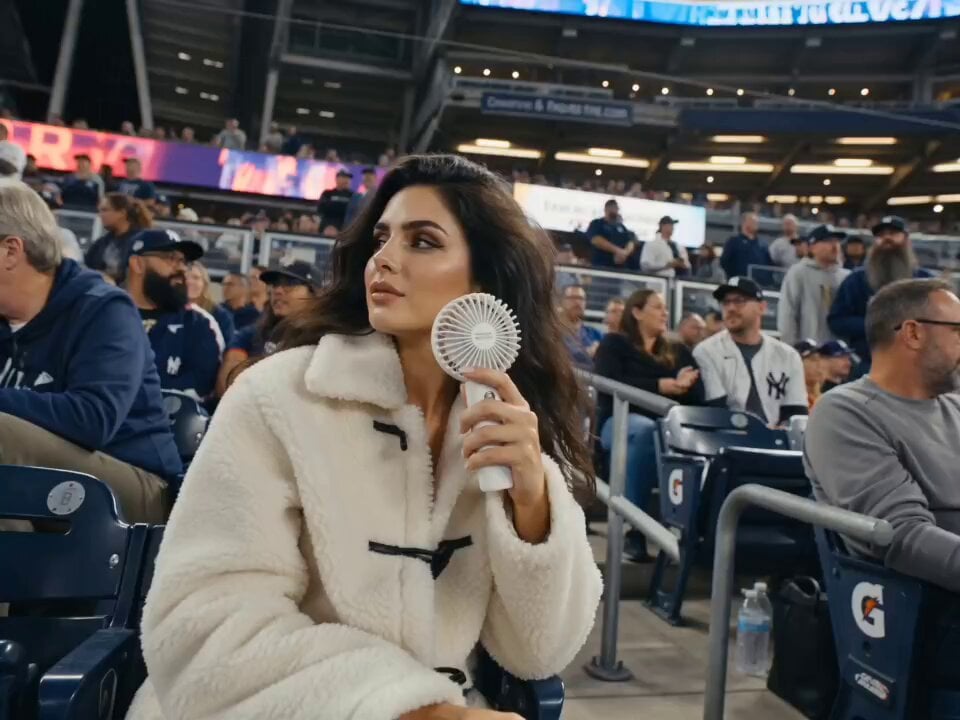
Korean Baseball Stadium Broadcast
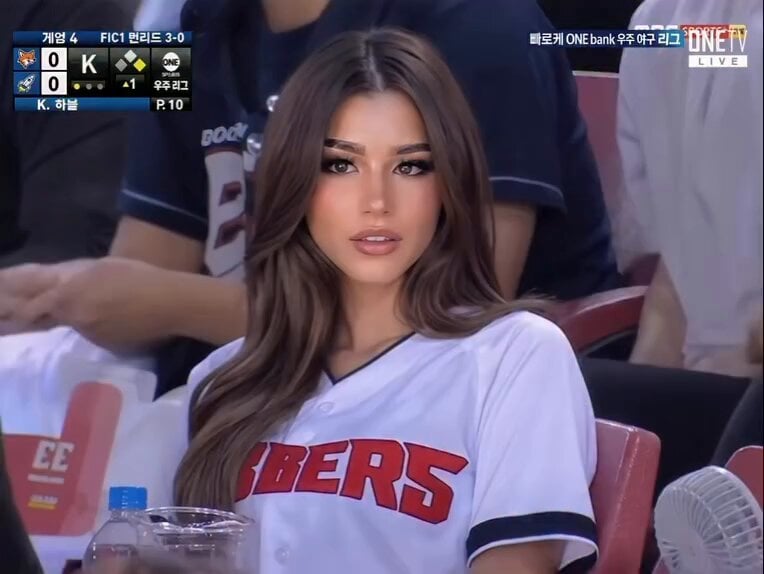
Baseball Stadium Broadcast Reaction Shot
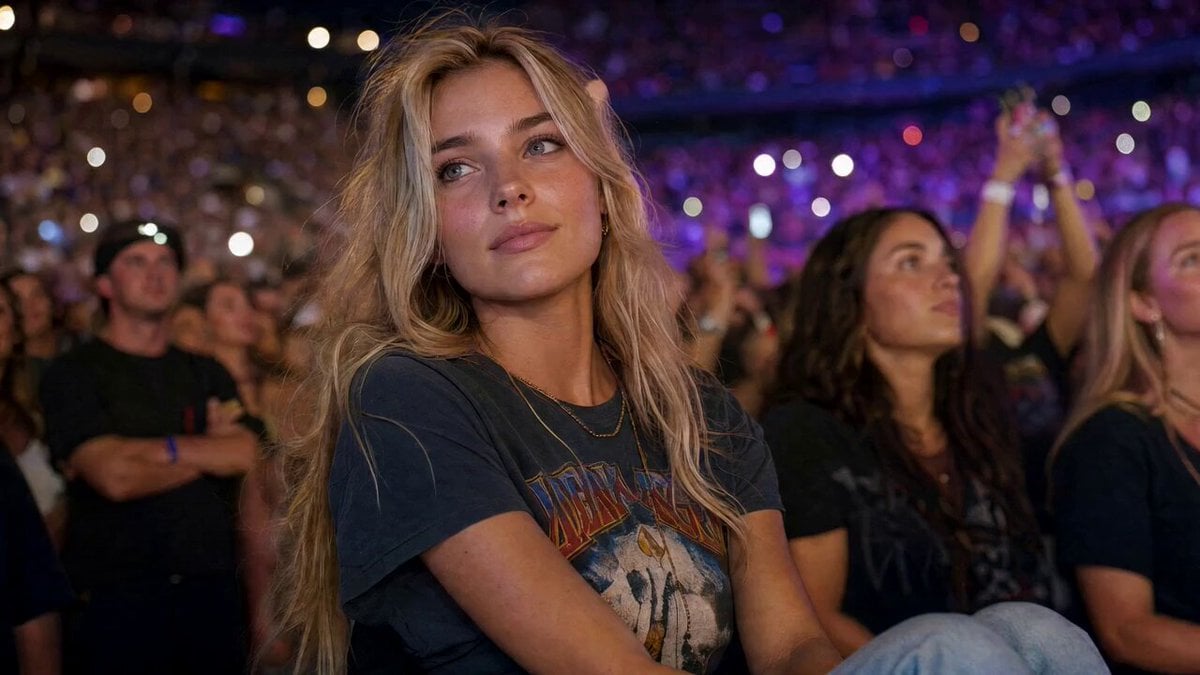
Concert Stadium Blonde Woman Close-up
Make it yours
Stylish Woman at Stadium Broadcast works as-is. These are the safest ways to change it without losing the look.
Change one field
Copy a single group, rewrite it, and generate again so you can see what that field is doing.
Keep the frame, change the subject
Hold the composition and light of Stylish Woman at Stadium Broadcast, then swap wardrobe, props or the person for a new take.
| If the result… | Why | Fix |
|---|---|---|
| The result drifts from the preview | Too many fields changed at once. | Reuse Stylish Woman at Stadium Broadcast as-is first, then change one group — subject, light, or setting. |
| The model over-stylizes the scene | The prose prompt leaves finish and camera underspecified. | Add one camera or lighting sentence and stay on Seedance 2.0. |
More Seedance 2.0 templates
Other prompts made for Seedance 2.0.

Comical Martial Arts Punch Scene

Maglev Train Action Sequence

Martial Arts Fight Sequence

Wuxia Protection and Trust Script

Vintage Korean Arcade MiniDV Vlog

Mercedes 190 SL Luxury Ad

Rainy Night Supernatural Reverse Comedy Video Script

Amazon Civilization Discovery

Futuristic South Asian City Transformation

Cozy Luxury Cafe Commercial
More video prompts
Fresh picks from across the catalog.

Continuous Planet Collapse Escape Sequence
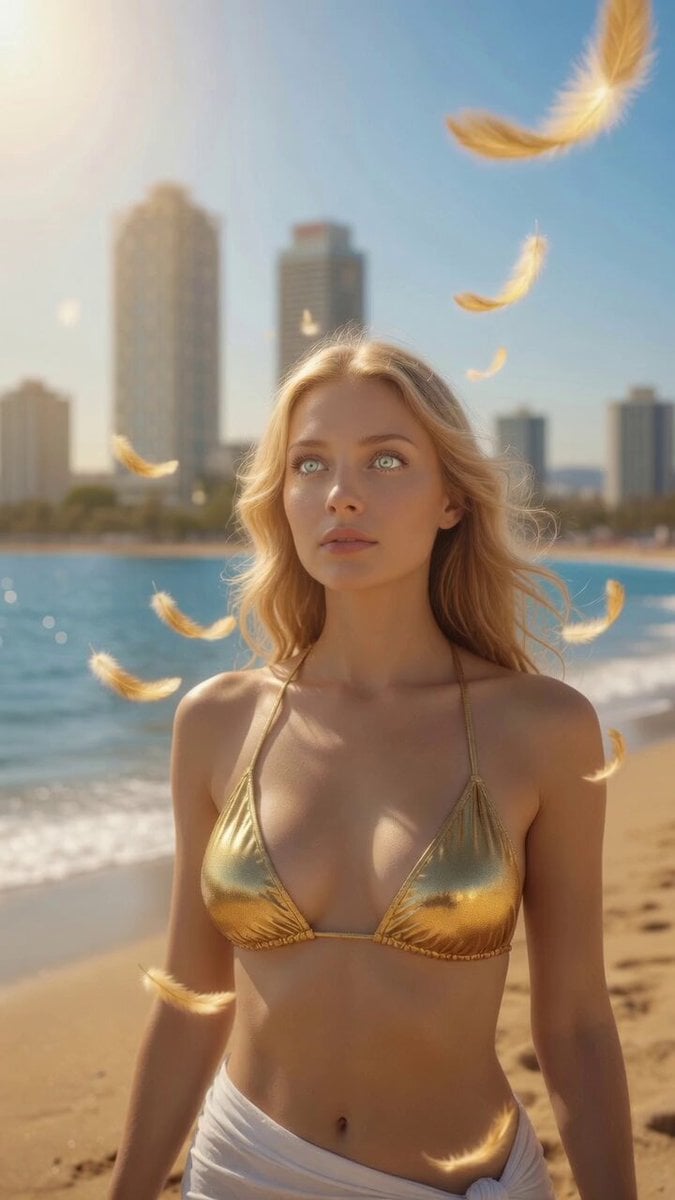
Ethereal Angel on Barcelona Beach

Giant Robot Pilot on Moon
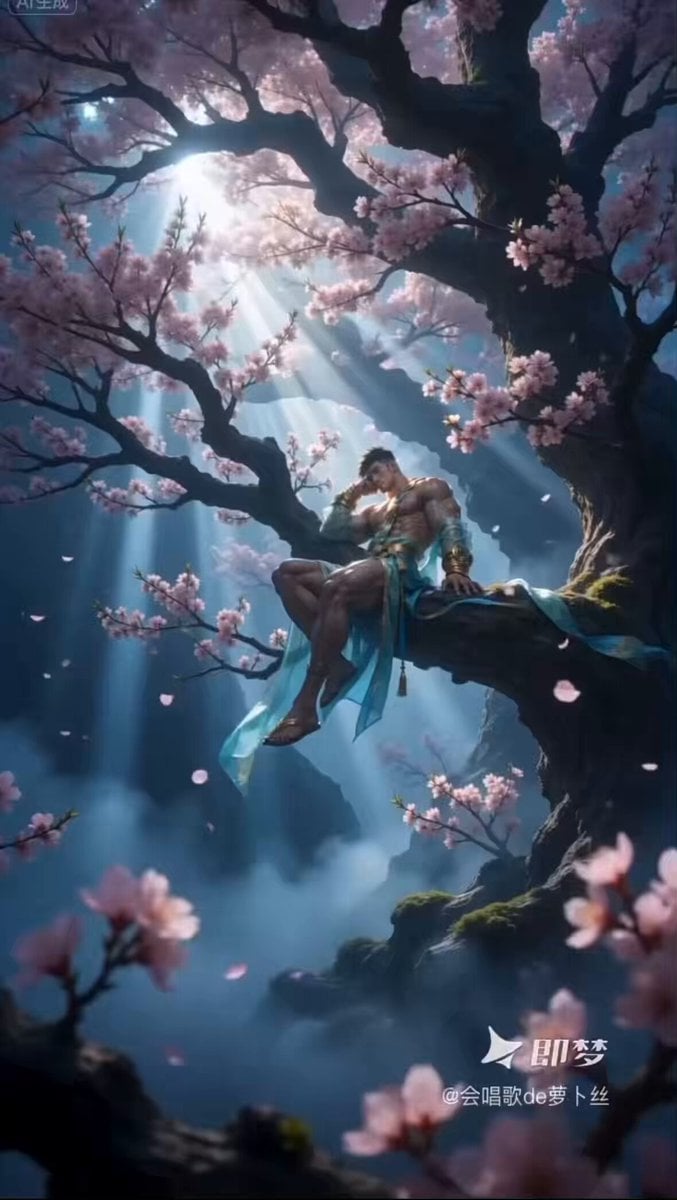
Ethereal Xianxia Immortal resting by Ancient Tree
Anime Music Video: Silver-Haired Idol on Tokyo Rooftop

2D Fantasy Anime Wizard Dragon Summoning
UGC Shampoo Video Advertisement

Man at a Bar with Moon Landing on TV

Giant Crocodile River Attack
The Veil is Getting Thinner
Browse template categories
Stylish Woman at Stadium Broadcast questions
How do I use the Stylish Woman at Stadium Broadcast template?
Add your photo if the template asks for one, edit the prompt if you like — the template's model and format are already selected — and press Generate. Your version opens in PicX Studio.
Can I customize the Stylish Woman at Stadium Broadcast template?
Yes. You can change the subject, setting, lighting, mood, format, and available model controls before creating your video.
Is the Stylish Woman at Stadium Broadcast template free?
Opening and editing this template is free. Generating uses credits, shown on the Generate button when you are signed in.
Which AI model should I use?
Start with Seedance 2.0, which is the model associated with this template. You can compare another compatible model for a different finish.
Looking for something else? Browse all templates.

Your photo, any look
Thousands of ready templates for every top image and video model, from one credit balance.