
FC Barcelona Stadium Fan Broadcast
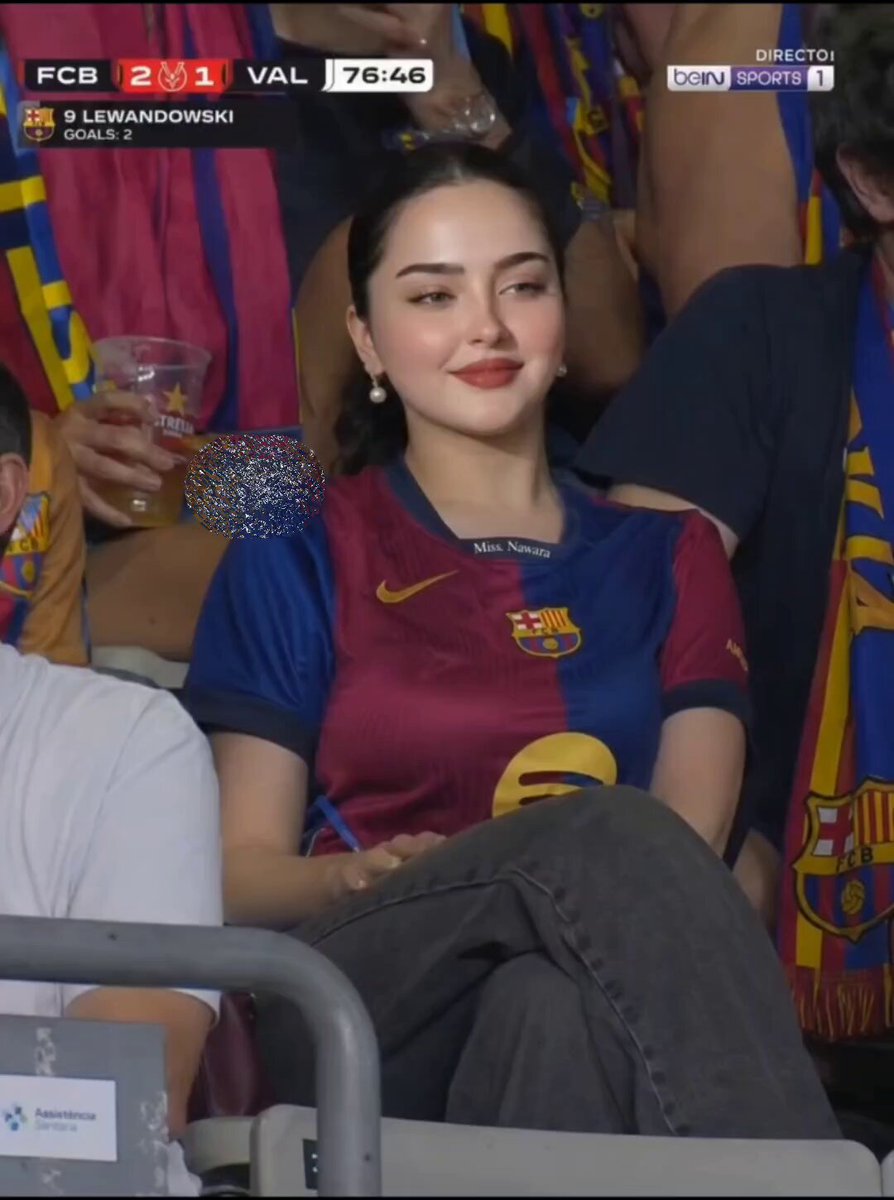
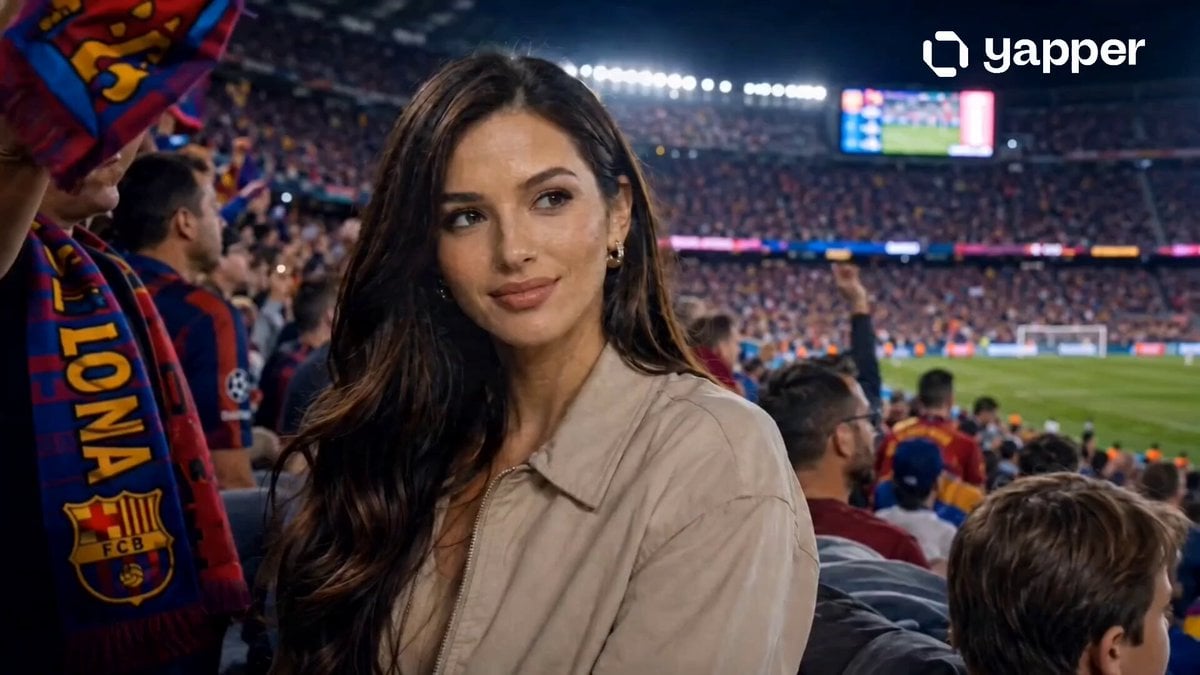
A detailed video prompt for generating a photorealistic sports broadcast scene featuring a female fan reacting to a goal in the FC Barcelona stadium.
- Prompt included
- Model and format preset
- Free template
The prompt behind this video
Copy the exact prompt behind FC Barcelona Stadium Fan Broadcast, or open it in the studio and make it yours.
Photorealistic vertical 9:16 sports broadcast footage. A young woman with fair porcelain skin, sleek dark hair in a low bun, pearl drop earrings, and subtle glam makeup sits in FC Barcelona stadium stands wearing a Barça home jersey. Telephoto compressed framing, shallow depth of field, fans in blurred background holding scarves and flags. Motion sequence: She sits relaxed, smiling softly at the pitch — then her expression shifts: eyes widen, lips part slightly, head turns left toward the field reacting to a goal. A slow push-in on her face reveals skin pores, natural eye reflections, lipstick sheen. She raises one hand to her cheek, then breaks into a radiant smile. Fans surge behind her in soft bokeh motion. Camera: Slow handheld zoom-in, slight natural shake, broadcast telephoto compression. Sports TV overlay graphics in top corners. Live match scoreboard HUD. beIN Sports broadcast aesthetic. Style: Cinematic 4K, warm stadium floodlight color grade, natural motion blur, ultra-detailed facial microexpressions, photorealistic skin texture, viral reel energy.
How to use FC Barcelona Stadium Fan Broadcast in 3 steps
- 1
Open
The prompt is already in the box next to the preview, with the template's model and format selected.
- 2…a portrait of your subject in softgolden-hour light, 85mm…
Personalize
Edit the subject and creative details for your destination.
- 3Generate
Generate
Press Generate — your video is created in PicX Studio, so you can compare it with the original and refine one variable at a time.
More like this
Templates with the same subject, style or setup. Open one to see its prompt.
Football Stadium Fan Broadcast Shot
Cricket Stadium Fan Broadcast
Hyper-Realistic Stadium Fan Video
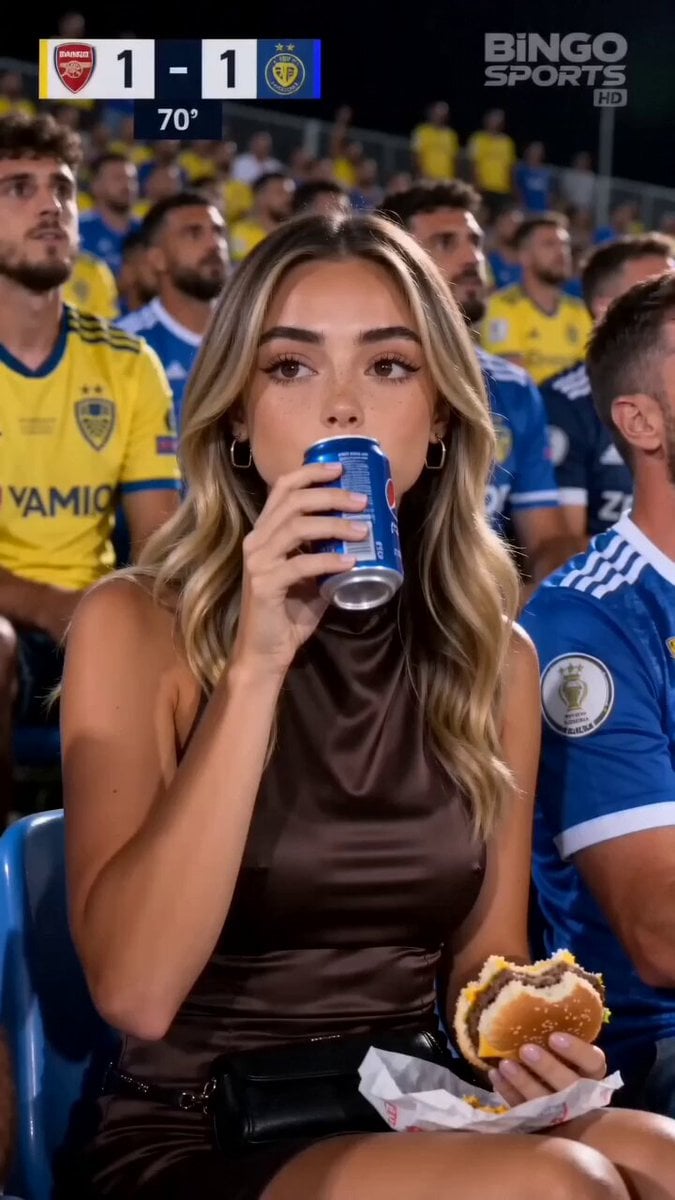
Stadium Crowd Candid Broadcast
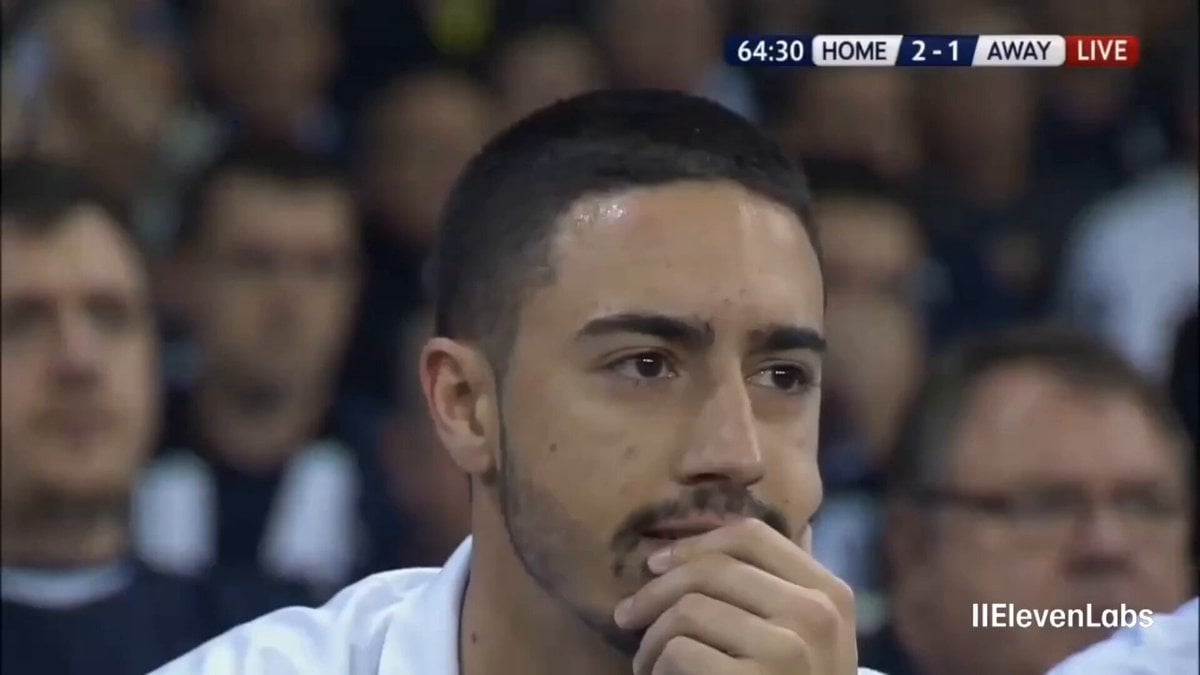
Football Stadium Broadcast Portrait
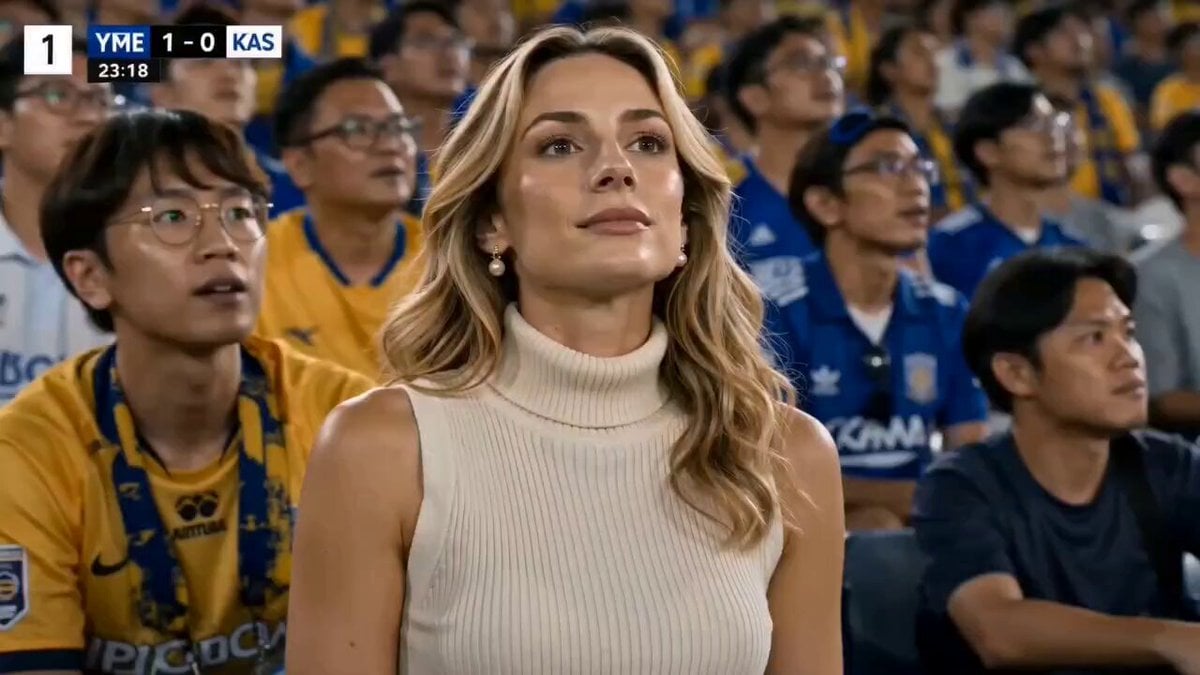
Stylish Woman at Stadium Broadcast
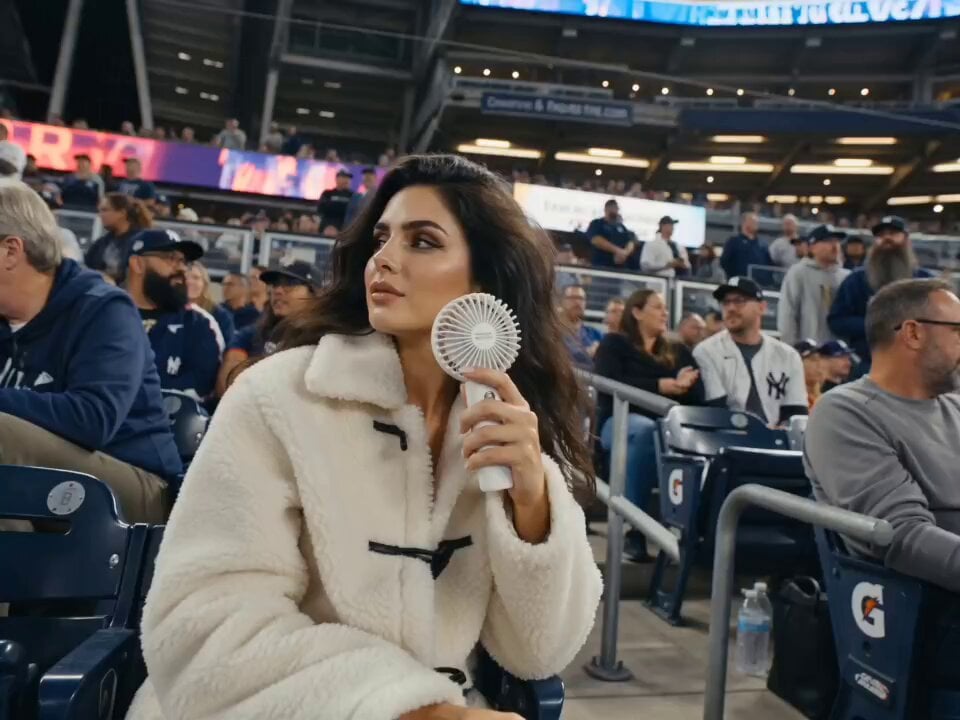
Korean Baseball Stadium Broadcast
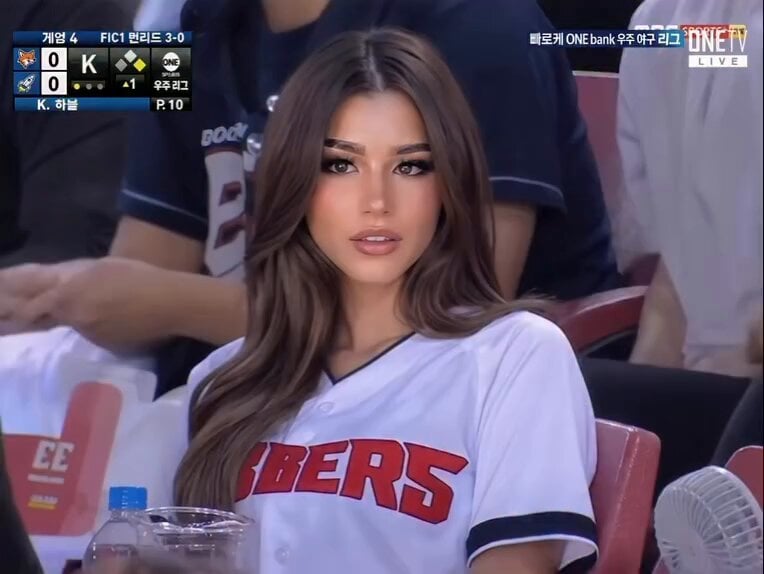
Baseball Stadium Broadcast Reaction Shot
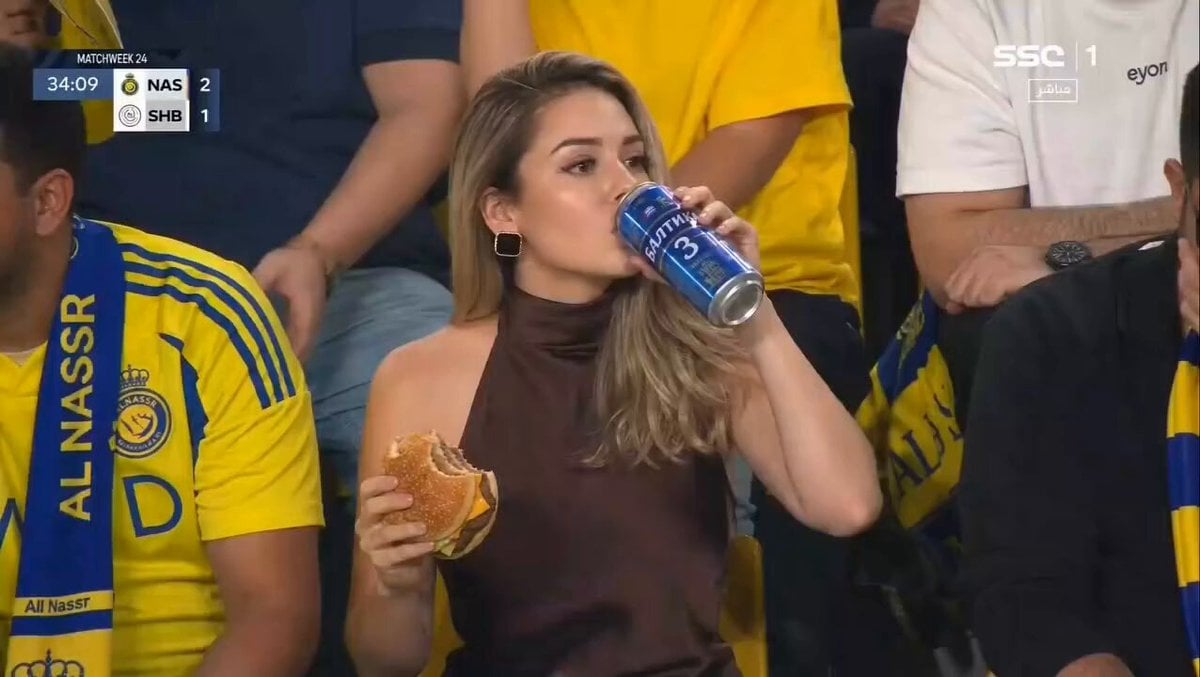
Glamorous Woman Stadium Broadcast

IPL Stadium Catch Broadcast
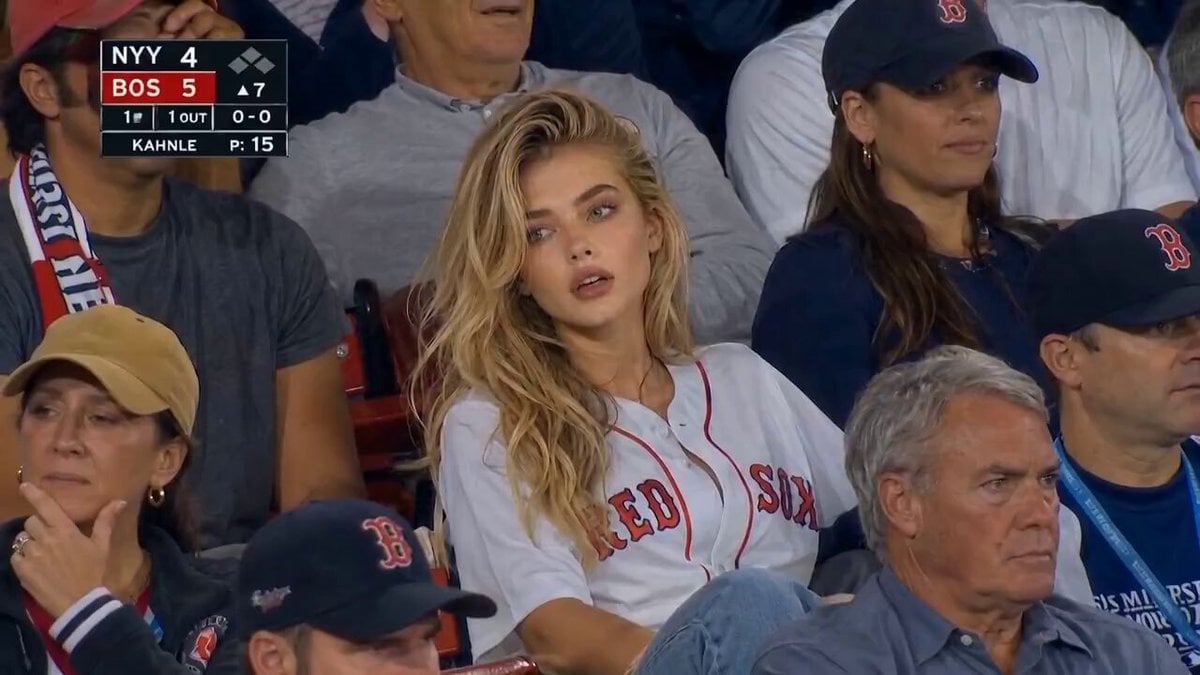
MLB Baseball Stadium Fan Reaction
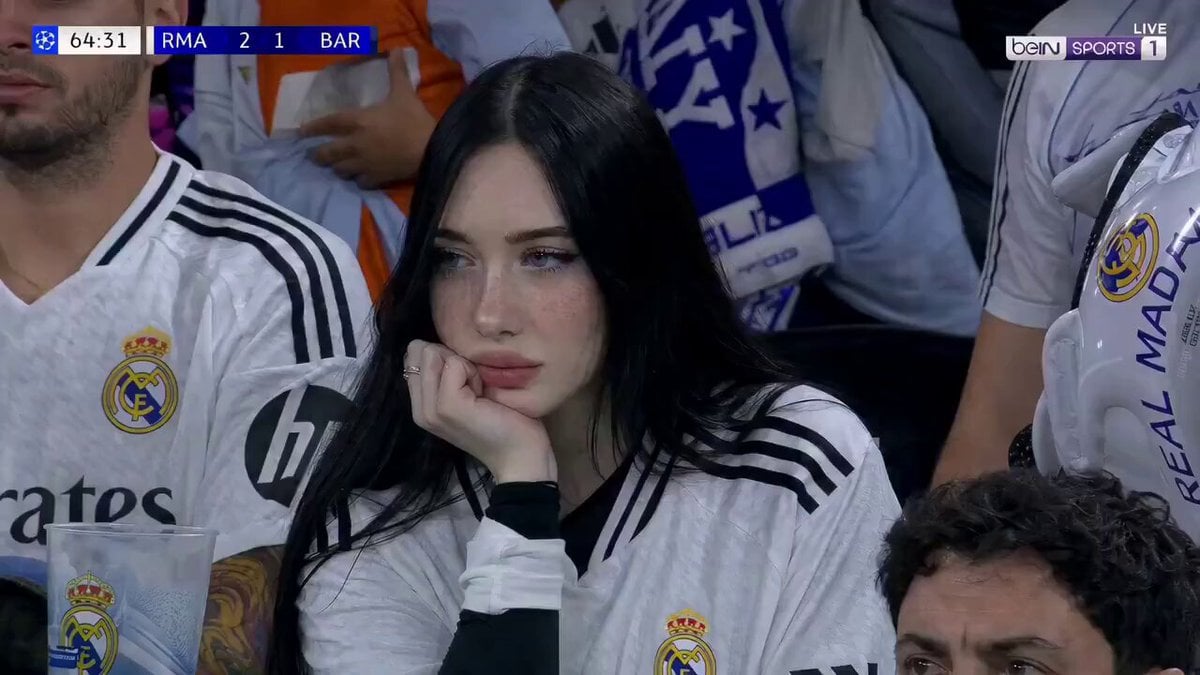
Football Match Female Fan Broadcast
Make it yours
FC Barcelona Stadium Fan Broadcast works as-is. These are the safest ways to change it without losing the look.
Change one field
Copy a single group, rewrite it, and generate again so you can see what that field is doing.
Keep the frame, change the subject
Hold the composition and light of FC Barcelona Stadium Fan Broadcast, then swap wardrobe, props or the person for a new take.
| If the result… | Why | Fix |
|---|---|---|
| The result drifts from the preview | Too many fields changed at once. | Reuse FC Barcelona Stadium Fan Broadcast as-is first, then change one group — subject, light, or setting. |
| The model over-stylizes the scene | The prose prompt leaves finish and camera underspecified. | Add one camera or lighting sentence and stay on Seedance 2.0. |
More Seedance 2.0 templates
Other prompts made for Seedance 2.0.

Comical Martial Arts Punch Scene

Maglev Train Action Sequence

Martial Arts Fight Sequence

Wuxia Protection and Trust Script

Vintage Korean Arcade MiniDV Vlog

Mercedes 190 SL Luxury Ad

Rainy Night Supernatural Reverse Comedy Video Script

Amazon Civilization Discovery

Futuristic South Asian City Transformation

Cozy Luxury Cafe Commercial
More video prompts
Fresh picks from across the catalog.

Gag Anime Comedy Reaction Scene
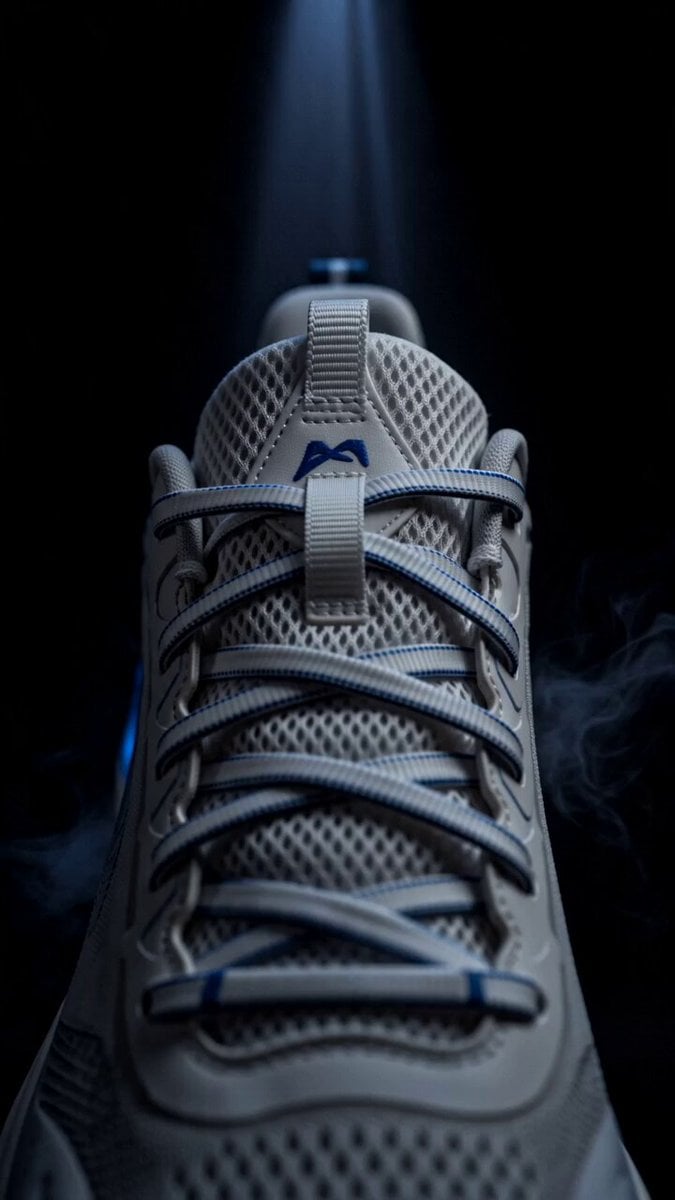
Blue Sports Shoe Product Commercial Shots
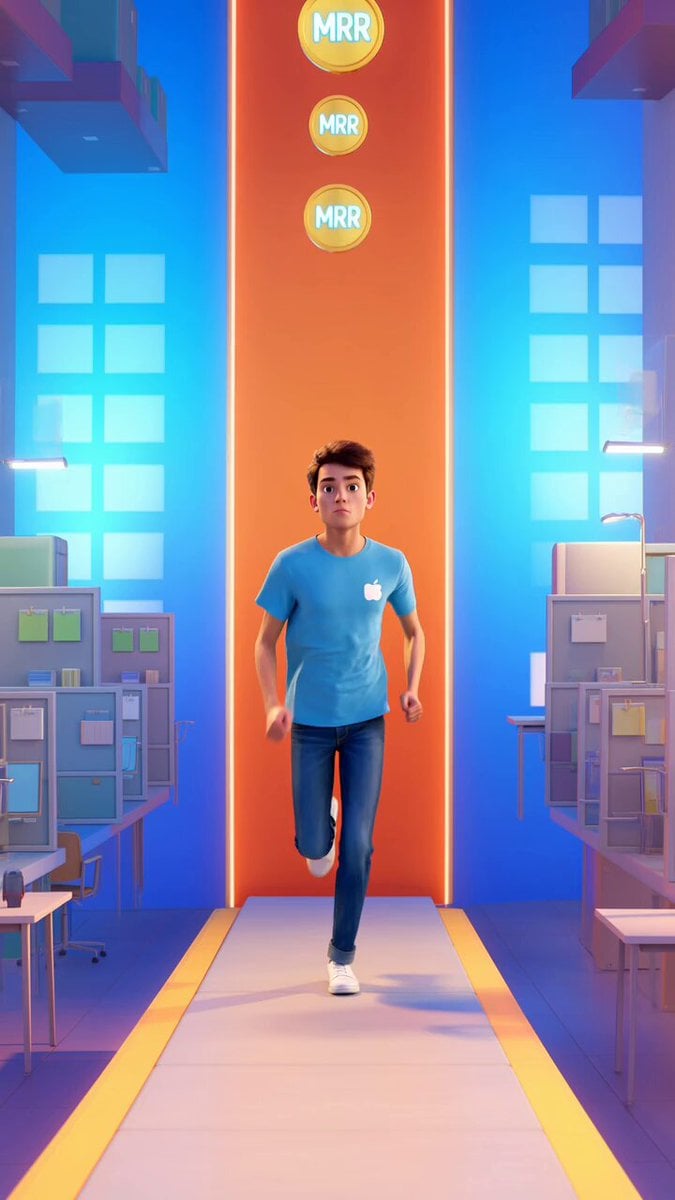
Endless Runner Mobile Game Video Prompt
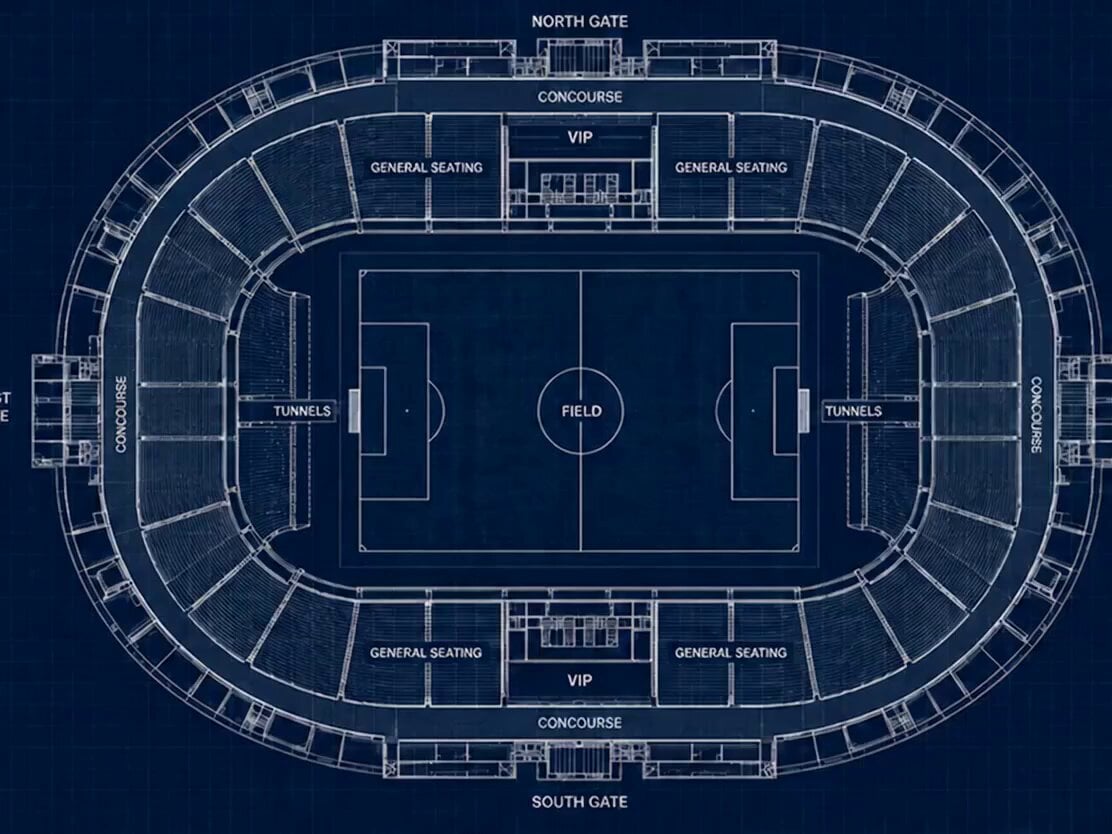
Stadium Construction Blueprint Timelapse
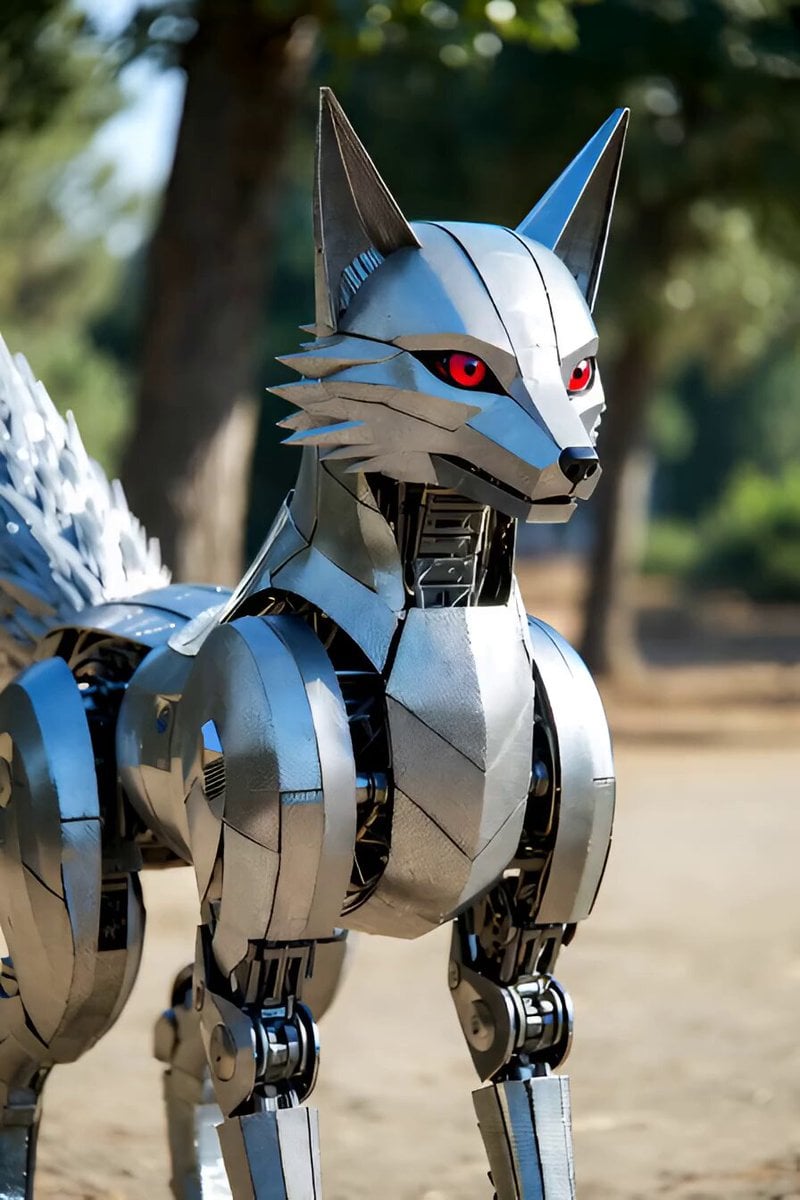
Singing Robot Fox Animation
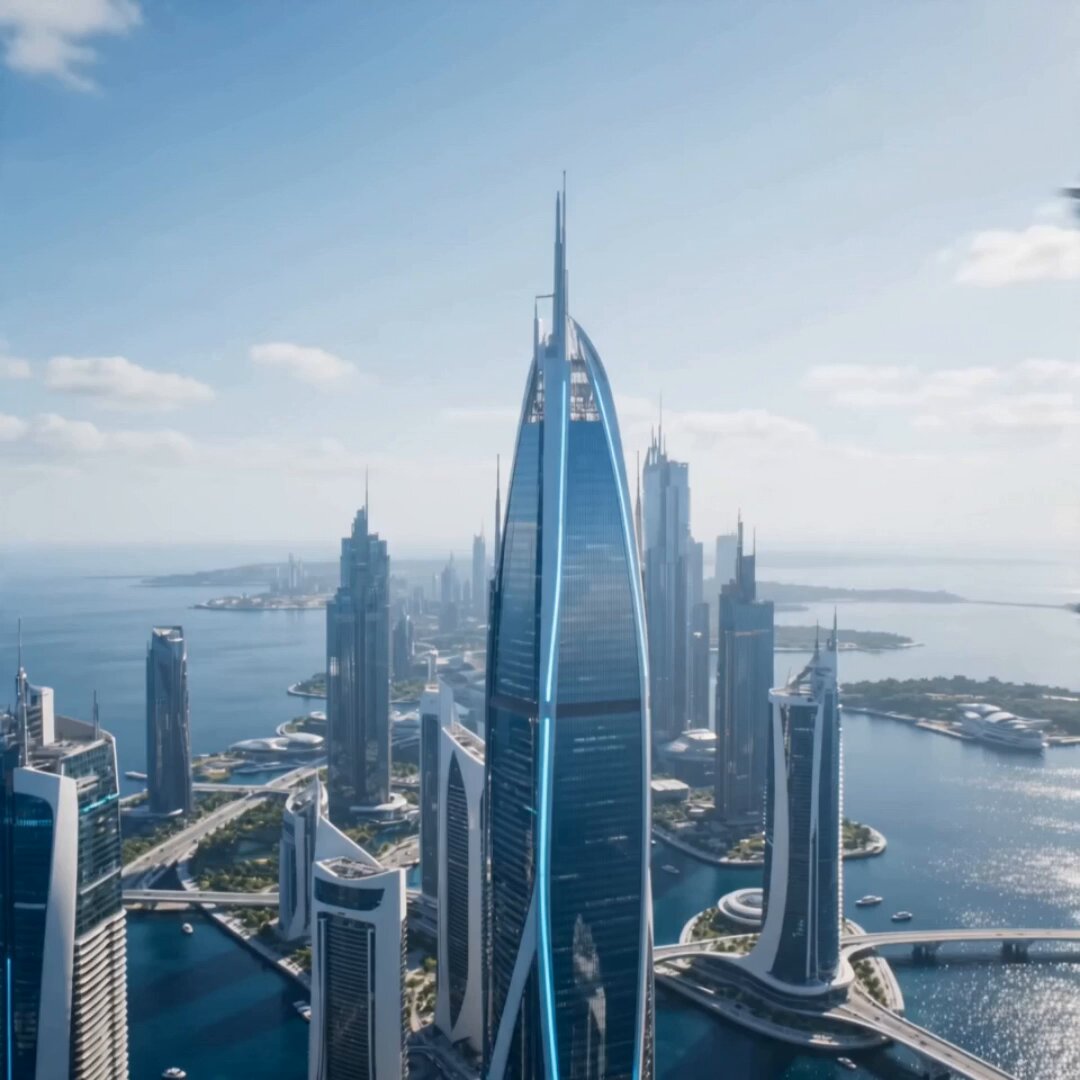
Ocean Megacity Bird's-Eye View Flight

Starborn Warrior Anime Awakening Scene
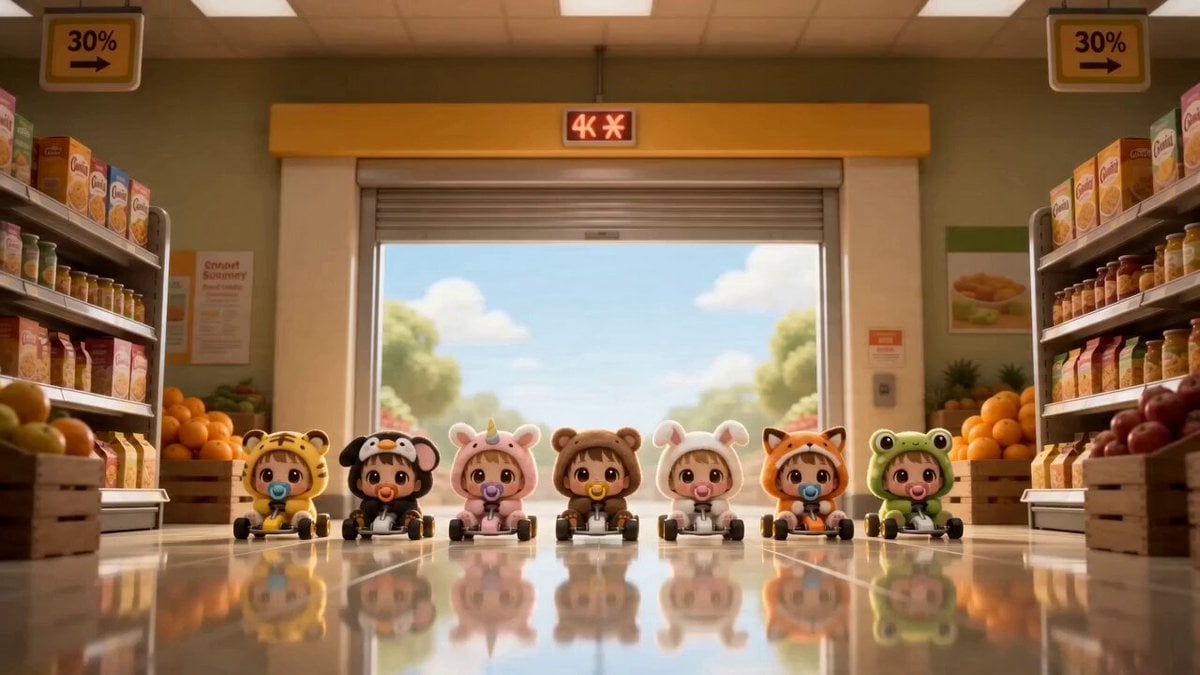
Chibi Baby Go-Kart Race Montage
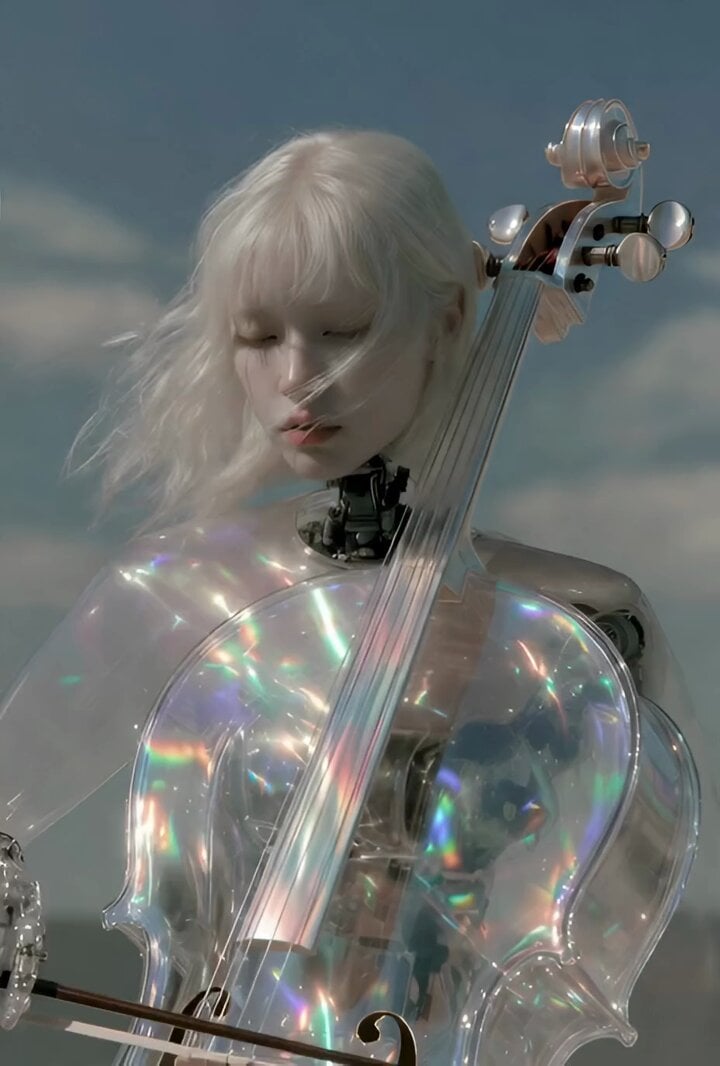
Surreal futuristic video prompt

Retro Japanese Cat Heist Animation
Browse template categories
FC Barcelona Stadium Fan Broadcast questions
How do I use the FC Barcelona Stadium Fan Broadcast template?
Add your photo if the template asks for one, edit the prompt if you like — the template's model and format are already selected — and press Generate. Your version opens in PicX Studio.
Can I customize the FC Barcelona Stadium Fan Broadcast template?
Yes. You can change the subject, setting, lighting, mood, format, and available model controls before creating your video.
Is the FC Barcelona Stadium Fan Broadcast template free?
Opening and editing this template is free. Generating uses credits, shown on the Generate button when you are signed in.
Which AI model should I use?
Start with Seedance 2.0, which is the model associated with this template. You can compare another compatible model for a different finish.
Looking for something else? Browse all templates.

Your photo, any look
Thousands of ready templates for every top image and video model, from one credit balance.