How do I use the Sailor Mars Realistic Mirror Selfie template?
Edit the prompt in the box under the preview — the template's model and format are already selected — and press Generate. Your version appears right on this page.
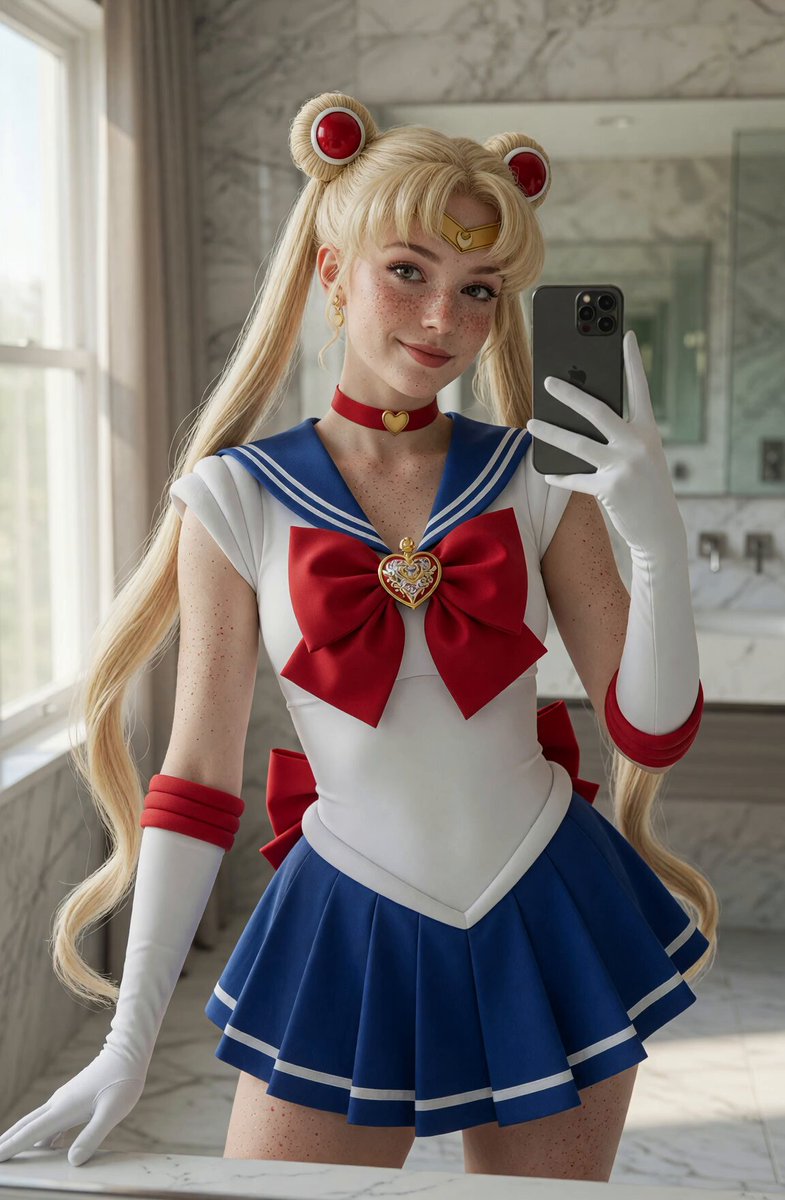
A highly detailed and realistic prompt for Sailor Mars taking a mirror selfie in a modern bathroom with her cat Luna.
Highly realistic mirror selfie of Rei Hino as Sailor Mars, natural freckles on her face, shoulders and chest. She has long, straight glossy black hair with straight bangs flowing down her back. She wears an accurate classic Sailor Mars outfit: white leotard, red sailor collar with white trim, large purple bow with red circular center and golden brooch, short red pleated skirt with purple underskirt and gold trim, golden tiara with red gemstone, long white gloves with red cuffs, shiny red boots, red choker with golden star pendant. She is sitting in a modern bright marble bathroom, taking a mirror selfie with a black smartphone in her right hand. In her left arm she is gently holding a small black cat - Luna from Sailor Moon, with shiny black fur, big golden eyes, and a yellow crescent moon symbol on her forehead. Luna looks calm and curious. Sailor Mars looks directly at the camera with a confident, slightly playful and charming smile. Soft natural window lighting, realistic skin texture, visible freckles, sharp focus.
Highly realistic mirror selfie of Rei Hino as Sailor Mars, natural freckles on her face, shoulders and chest. She has long, straight glossy black hair with straight bangs flowing down her back. She wears an accurate classic Sailor Mars outfit: white leotard, red sailor collar with white trim, large purple bow with red circular center and golden brooch, short red pleated skirt with purple underskirt and gold trim, golden tiara with red gemstone, long white gloves with red cuffs, shiny red boots, red choker with golden star pendant. She is sitting in a modern bright marble bathroom, taking a mirror selfie with a black smartphone in her right hand. In her left arm she is gently holding a small black cat - Luna from Sailor Moon, with shiny black fur, big golden eyes, and a yellow crescent moon symbol on her forehead. Luna looks calm and curious. Sailor Mars looks directly at the camera with a confident, slightly playful and charming smile. Soft natural window lighting, realistic skin texture, visible freckles, sharp focus.
Edit the prompt in the box under the preview — the template's model and format are already selected — and press Generate. Your version appears right on this page.
Yes. You can change the subject, setting, lighting, mood, format, and available model controls before creating your video.
Opening and editing this template is free. Generating uses credits, shown on the Generate button when you are signed in.
Start with Grok Imagine, which is the model associated with this template. You can compare another compatible model for a different finish.
Follow a topic to a crawlable collection of related PicX Studio templates.