How do I use the Live Sports News Crowd Surge Report template?
Edit the prompt in the box under the preview — the template's model and format are already selected — and press Generate. Your version appears right on this page.
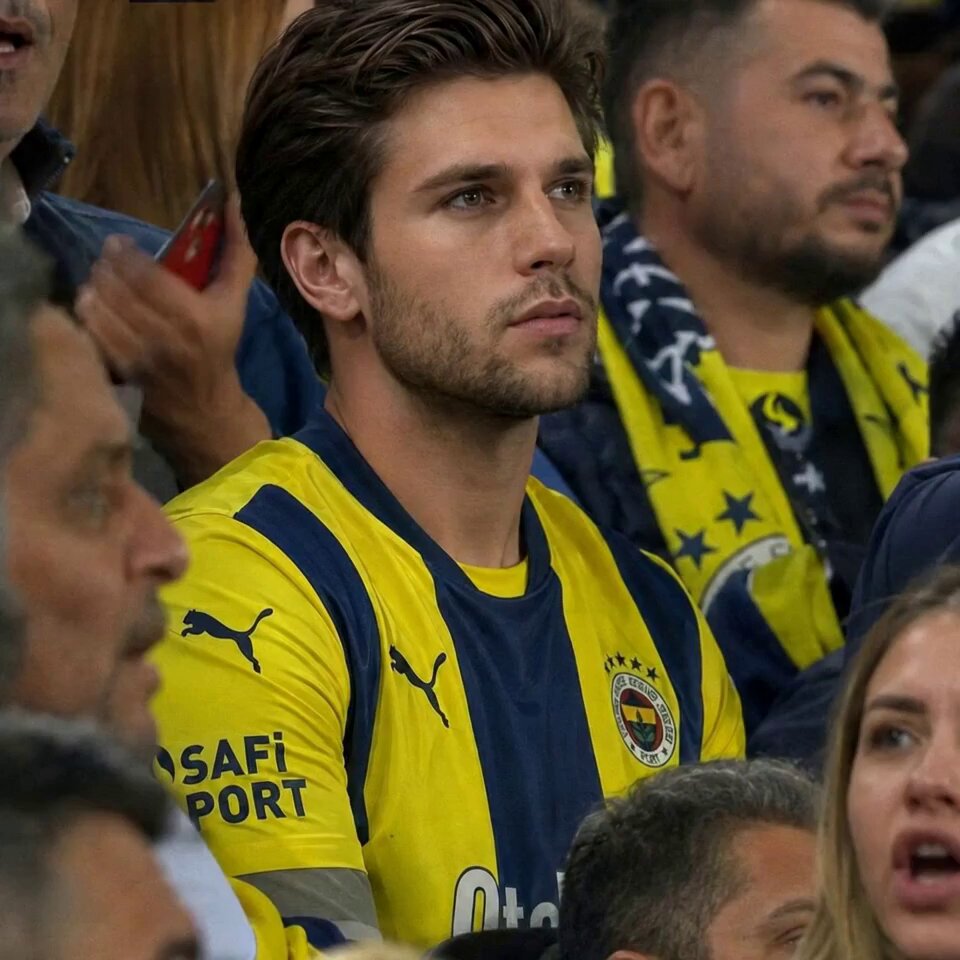
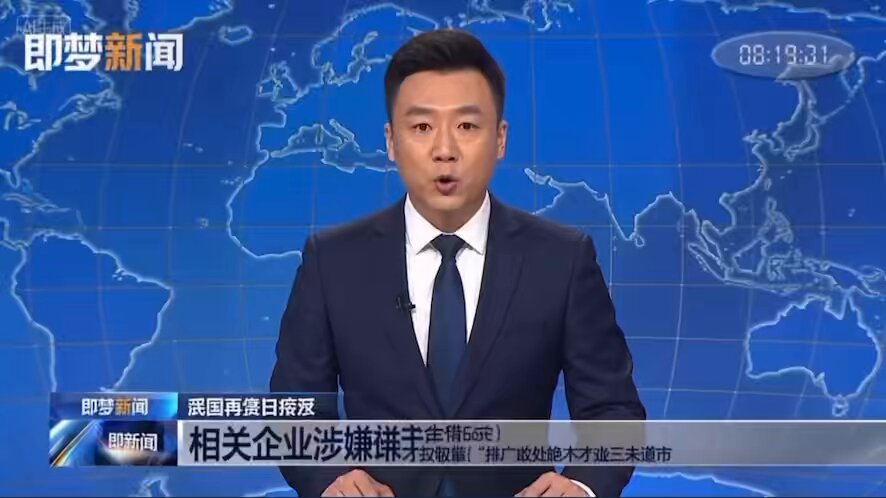
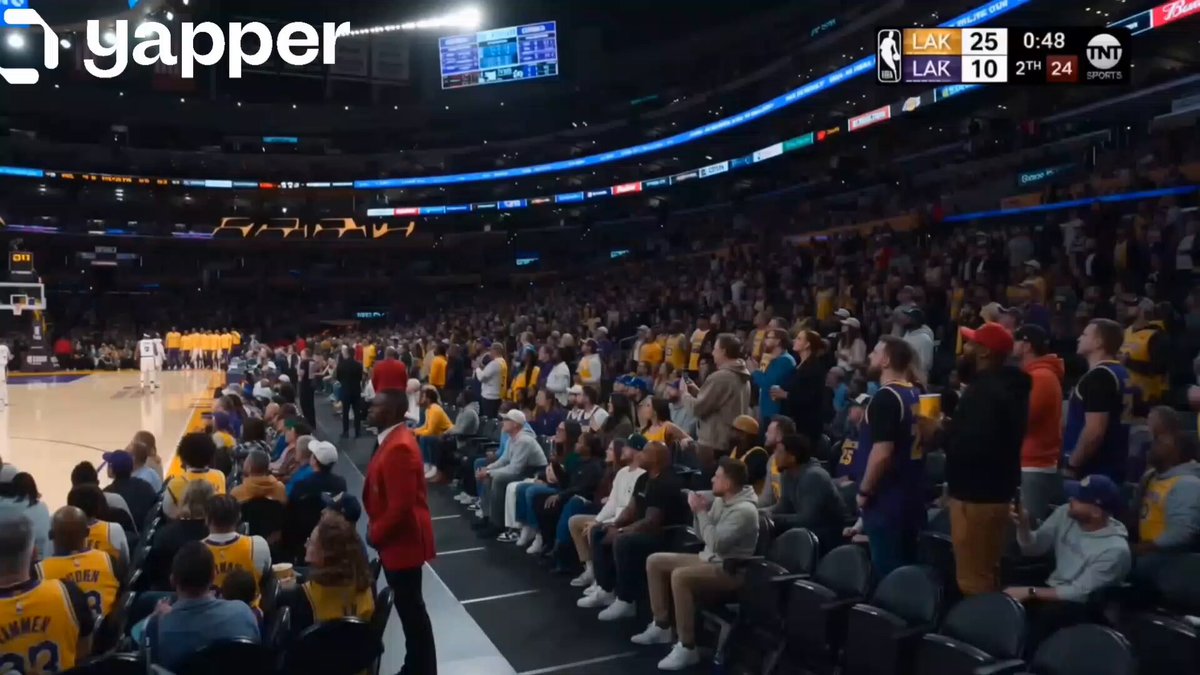
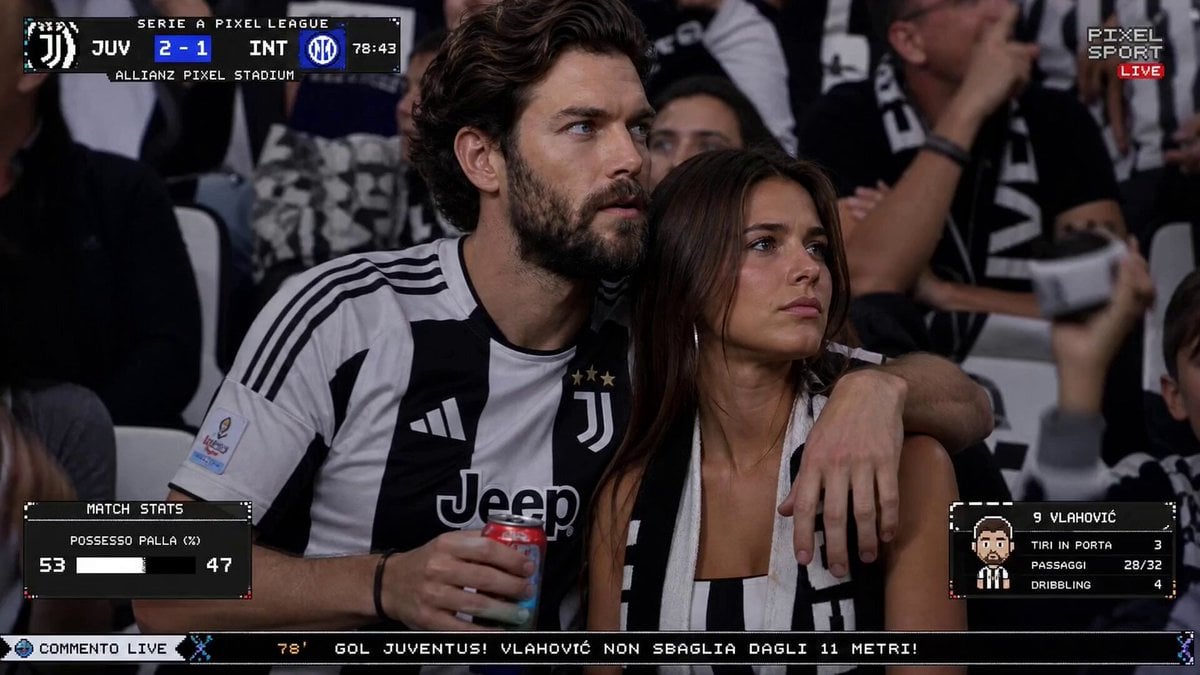
A realistic broadcast-style news report prompt covering a crowd surge incident outside a stadium, incorporating reporter actions and authentic camera movements.
BROADCAST TYPE: Live sports news report covering a crowd surge incident outside a packed stadium before a major match. ON-AIR REPORTER: Male journalist, late 20s. Team-branded jacket, wireless mic, slightly breathless from moving through crowd. LIVE BROADCAST TIME: 8:05 PM. Stadium floodlights blazing. Night sky, entrance gates visible with crowd pressure building. REPORT LOCATION: Stadium main entrance. Barricades bending under crowd weight. Security personnel pushing back fans. Ambulance on standby nearby. BROADCAST CAMERA: Shoulder-mounted camera weaving through the edge of the crowd. Frequent jostling causing minor frame shake. Quick pans between reporter and security line. Flood-light flares occasionally hitting lens. LIVE SEGMENTS: Opening: Reporter explains the overcrowding situation building at the gates. Update: Camera shows security reinforcing barricades as crowd pushes forward. Eyewitness Moment: A fan near the front briefly shouts about being unable to move. Situation Change: A barricade shifts, prompting sudden security response and whistle blows. Closing: Reporter signs off amid ongoing crowd control efforts, urging calm. LIVE AUDIO: Roaring crowd chants, whistles, security megaphone commands, reporter's urgent voice, no music. BROADCAST REALISM: Chaotic but authentic, crowd behaving unpredictably, security ignoring camera, reporter occasionally jostled mid-sentence, unscripted feel throughout.
BROADCAST TYPE: Live sports news report covering a crowd surge incident outside a packed stadium before a major match. ON-AIR REPORTER: Male journalist, late 20s. Team-branded jacket, wireless mic, slightly breathless from moving through crowd. LIVE BROADCAST TIME: 8:05 PM. Stadium floodlights blazing. Night sky, entrance gates visible with crowd pressure building. REPORT LOCATION: Stadium main entrance. Barricades bending under crowd weight. Security personnel pushing back fans. Ambulance on standby nearby. BROADCAST CAMERA: Shoulder-mounted camera weaving through the edge of the crowd. Frequent jostling causing minor frame shake. Quick pans between reporter and security line. Flood-light flares occasionally hitting lens. LIVE SEGMENTS: Opening: Reporter explains the overcrowding situation building at the gates. Update: Camera shows security reinforcing barricades as crowd pushes forward. Eyewitness Moment: A fan near the front briefly shouts about being unable to move. Situation Change: A barricade shifts, prompting sudden security response and whistle blows. Closing: Reporter signs off amid ongoing crowd control efforts, urging calm. LIVE AUDIO: Roaring crowd chants, whistles, security megaphone commands, reporter's urgent voice, no music. BROADCAST REALISM: Chaotic but authentic, crowd behaving unpredictably, security ignoring camera, reporter occasionally jostled mid-sentence, unscripted feel throughout.
Edit the prompt in the box under the preview — the template's model and format are already selected — and press Generate. Your version appears right on this page.
Yes. You can change the subject, setting, lighting, mood, format, and available model controls before creating your video.
Opening and editing this template is free. Generating uses credits, shown on the Generate button when you are signed in.
Start with Seedance 2.0, which is the model associated with this template. You can compare another compatible model for a different finish.
Follow a topic to a crawlable collection of related PicX Studio templates.