
Colossal Stone Gargoyle Awakening
A cinematic, apocalyptic prompt describing a gargoyle awakening atop Notre-Dame and chasing through the streets of Paris.

- Prompt included
- Model and format preset
- Free template
The prompt behind this video
Copy the exact prompt behind Colossal Stone Gargoyle Awakening, or open it in the studio and make it yours.
A colossal stone gargoyle awakens atop Notre-Dame at dusk, its cracked surface shifting as glowing energy pulses through ancient engravings, opening on an extreme close-up of stone fragments breaking apart from its face, then the camera pulls back into a dramatic crane shot revealing Paris below, transitioning into a vertigo dolly zoom as the gargoyle spreads its massive wings and leaps into the air, camera diving alongside it in a hyperspeed aerial chase between Haussmann buildings, wings smashing through rooftops, debris raining into the streets, cutting to a ground-level tracking shot as civilians flee while shadows sweep across the city, then snapping into a 360° orbit as the creature lands violently on the Seine riverbank, causing a shockwave that cracks pavement and shatters windows, followed by a low-angle push-in as it roars, dust and stone particles swirling in volumetric light, ending with a wide aerial shot of Paris engulfed in chaos, smoke rising around the Eiffel Tower in the distance, ultra-realistic destruction, cinematic lighting, and epic apocalyptic atmosphere.
How to use Colossal Stone Gargoyle Awakening in 3 steps
- 1
Open
The prompt is already in the box next to the preview, with the template's model and format selected.
- 2…a portrait of your subject in softgolden-hour light, 85mm…
Personalize
Edit the subject and creative details for your destination.
- 3Generate
Generate
Press Generate — your video is created in PicX Studio, so you can compare it with the original and refine one variable at a time.
More like this
Templates with the same subject, style or setup. Open one to see its prompt.
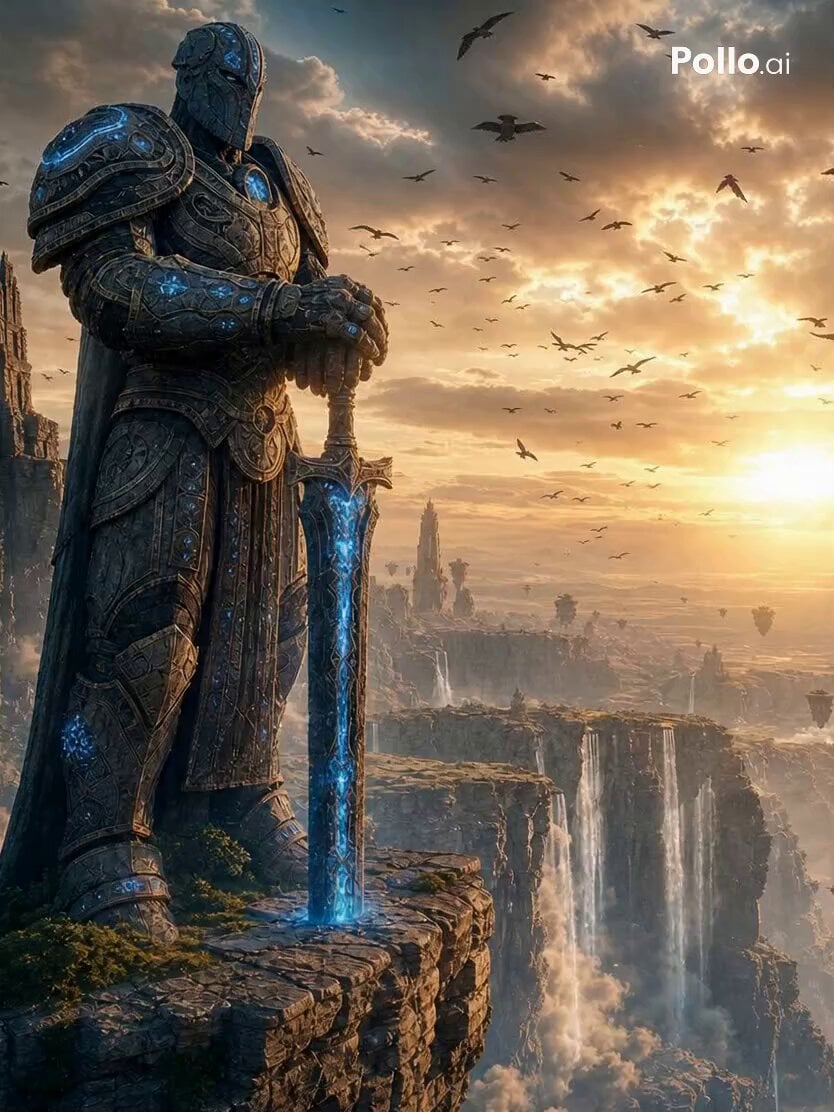
Ancient Stone Guardian Awakening
Colossal Sea Creature — Stormy Shore Charge (Seedance)
Tiny Figure Climbing a Giant — Low Angle Seedance
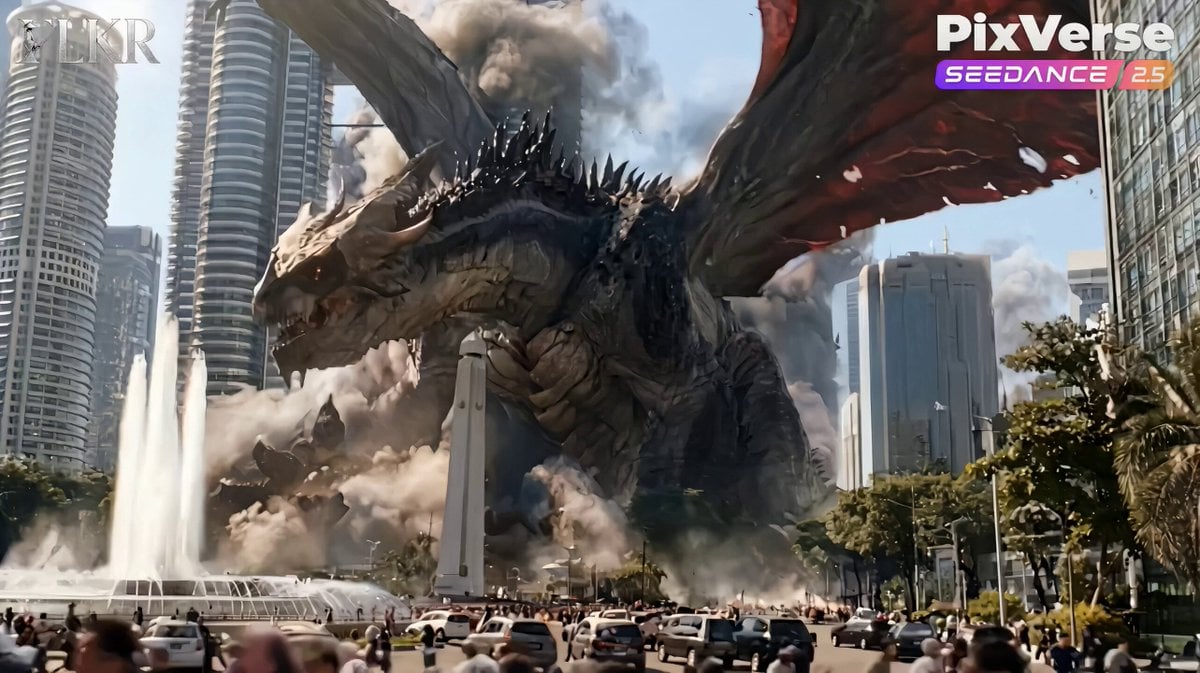
Colossal Dragon Disaster Scene Prompt
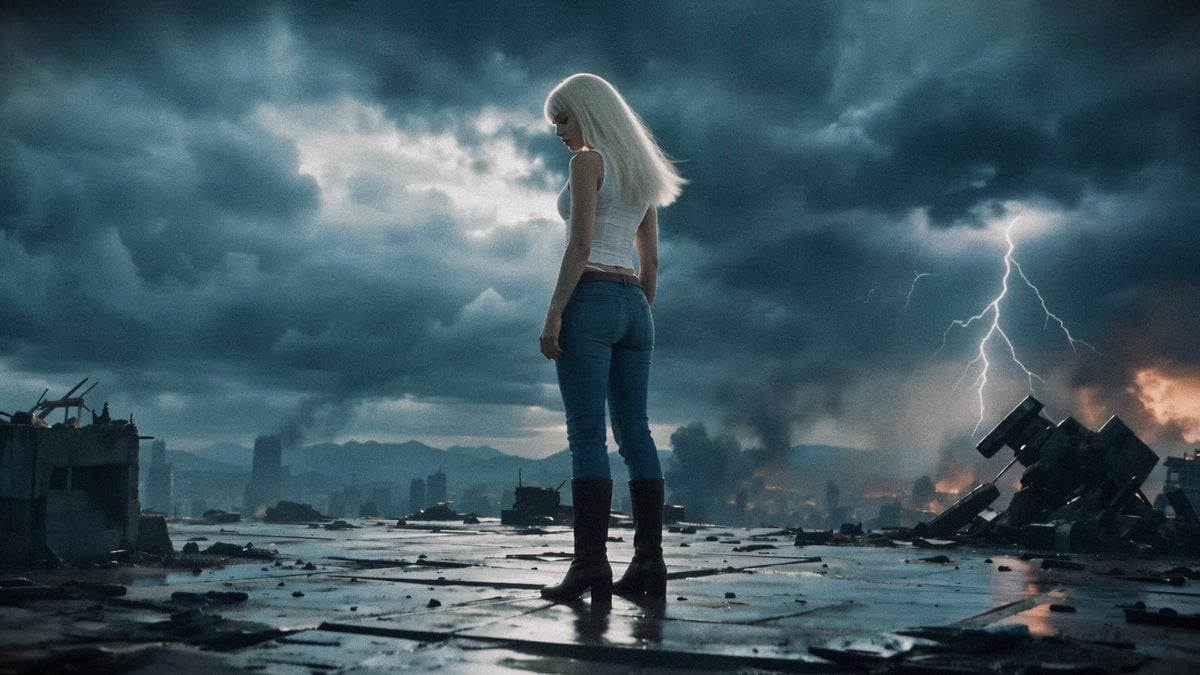
Post-Apocalyptic Mecha Awakening Transformation
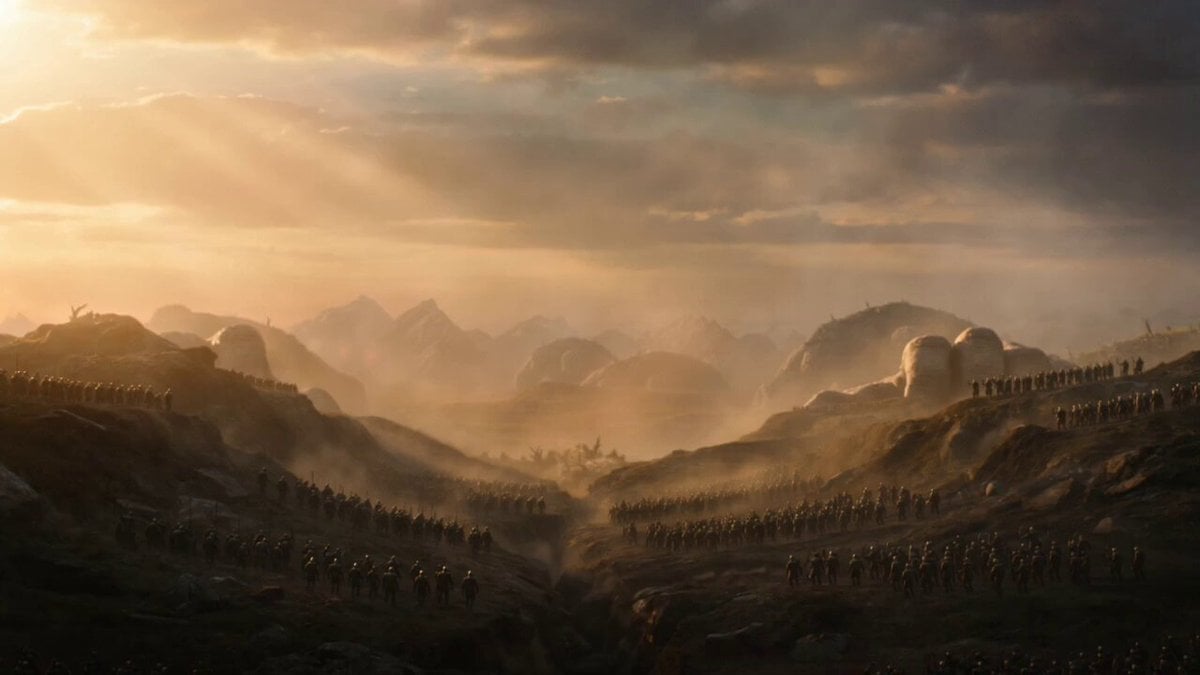
Cinematic Stone Giants Sunrise Video Prompt
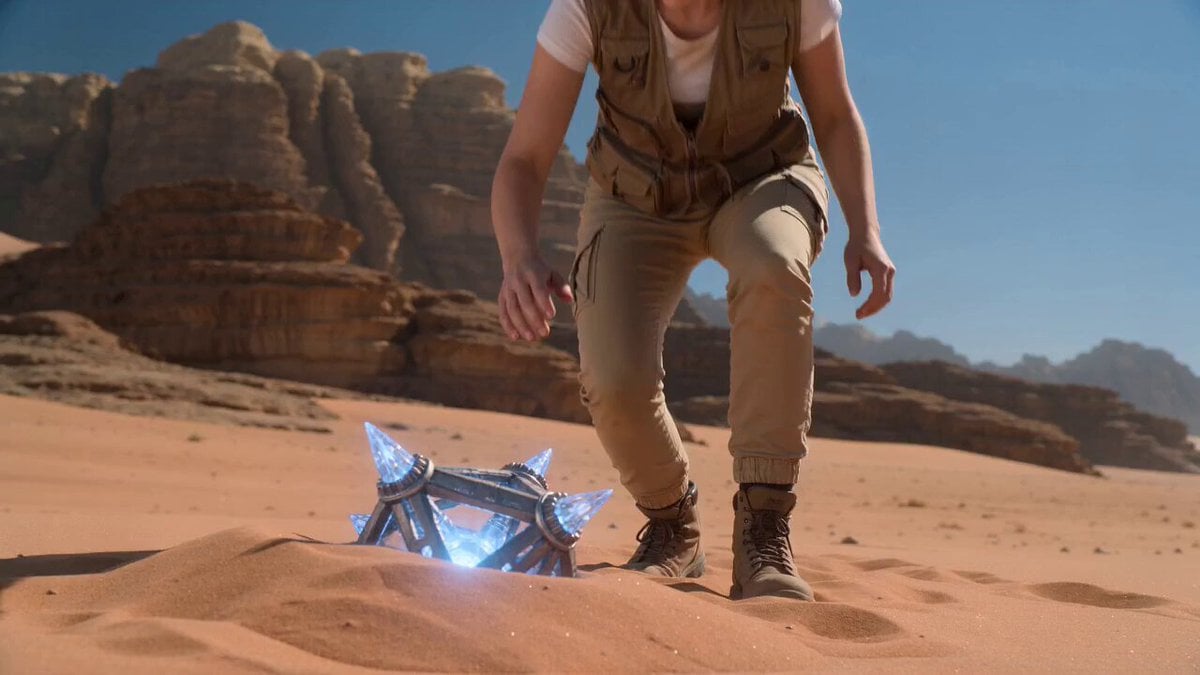
Desert Sci-Fi Epic Artifact Awakening
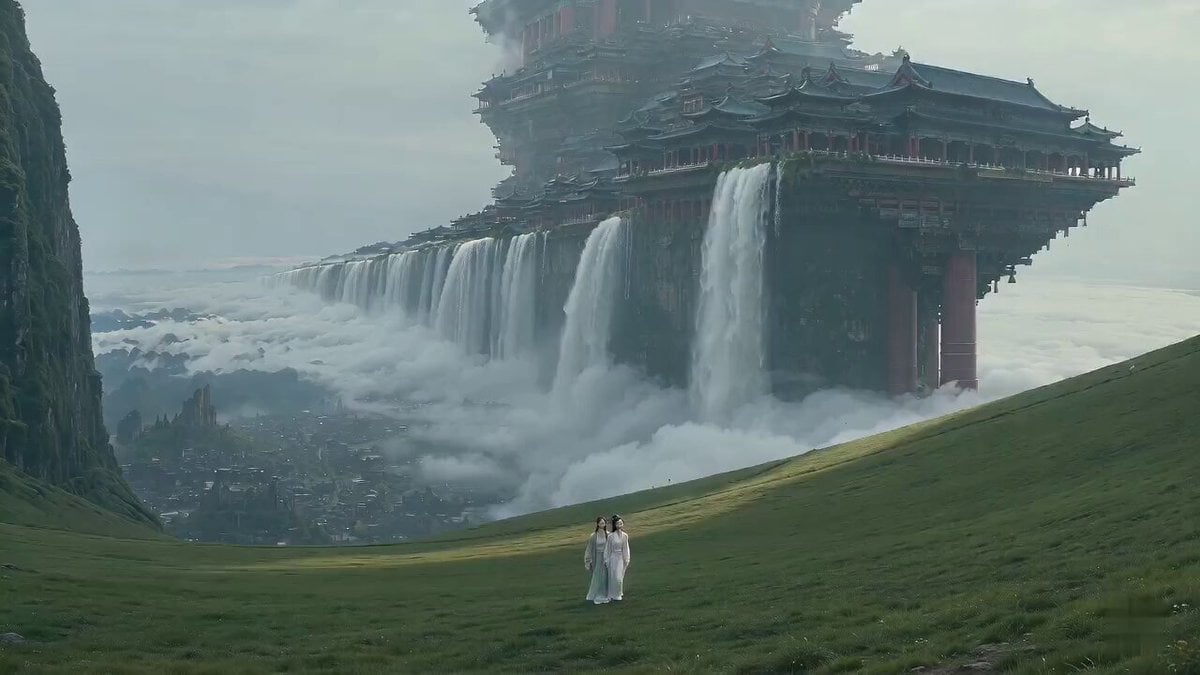
Surreal Immortal Mountain Environment Awakening
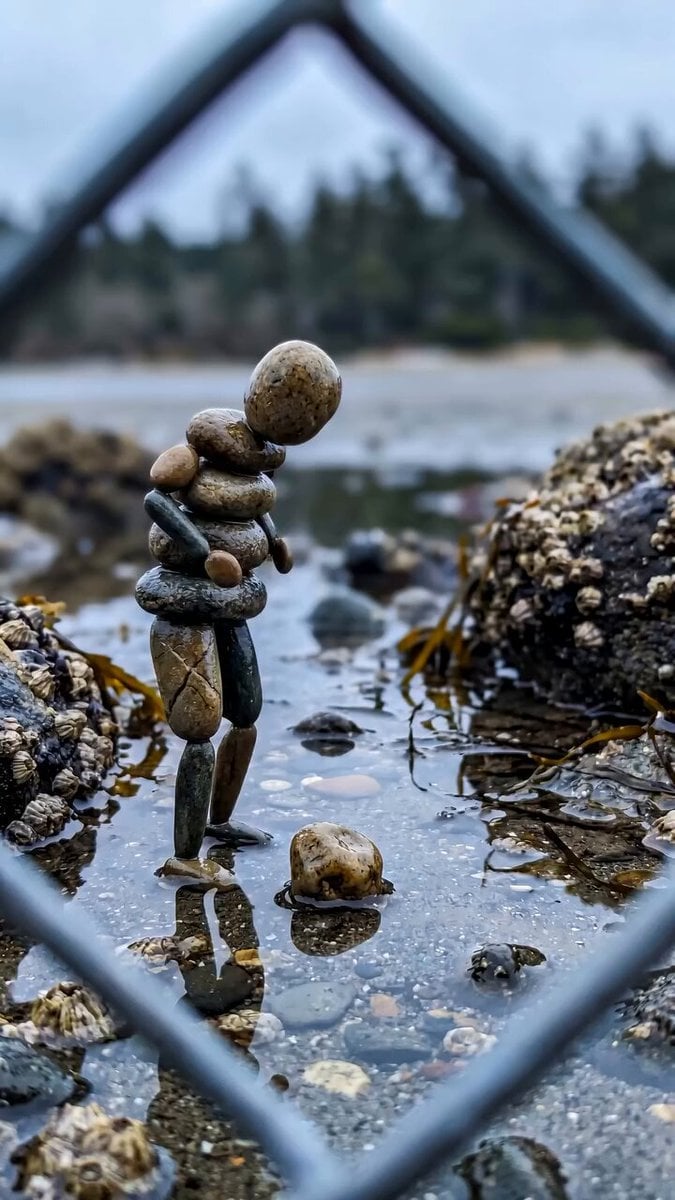
Stone Humanoid Stop Motion Animation
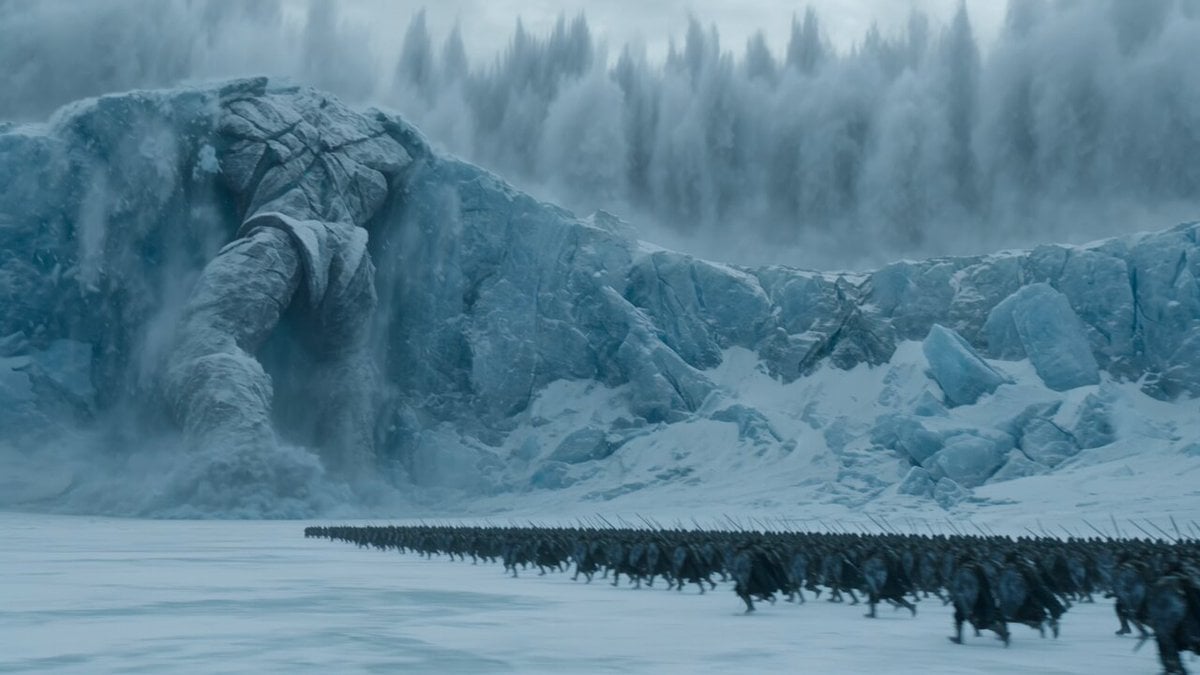
Epic Ice Fantasy Titan Awakening
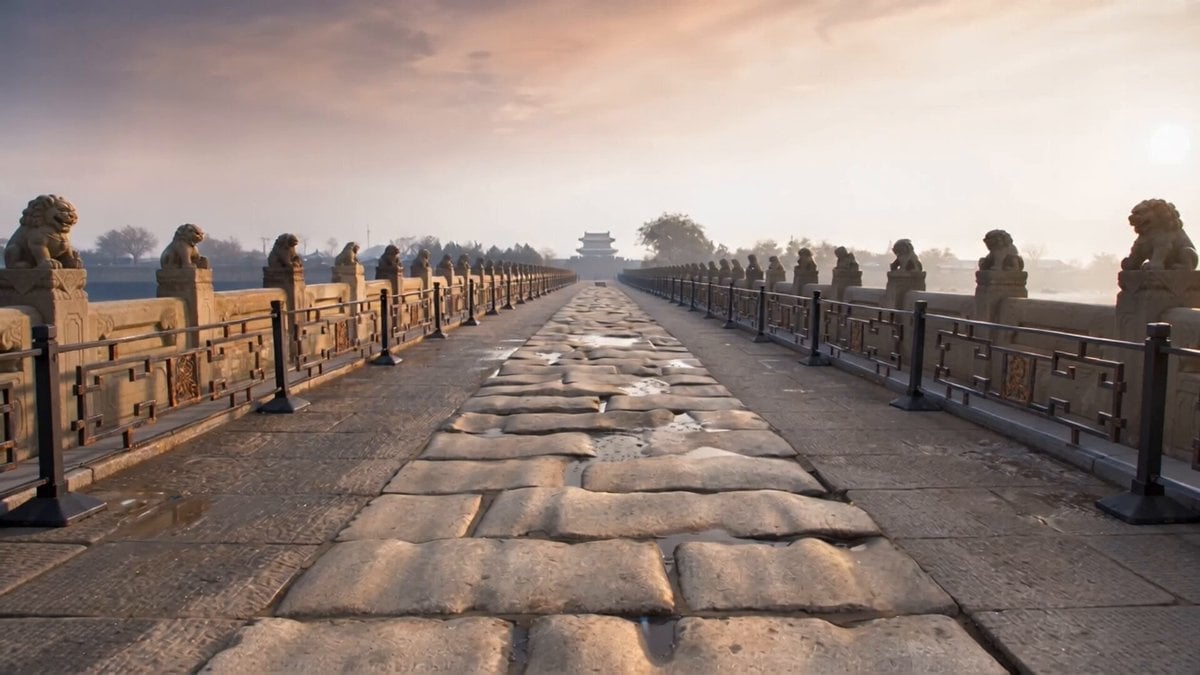
Stone Lions Coming to Life
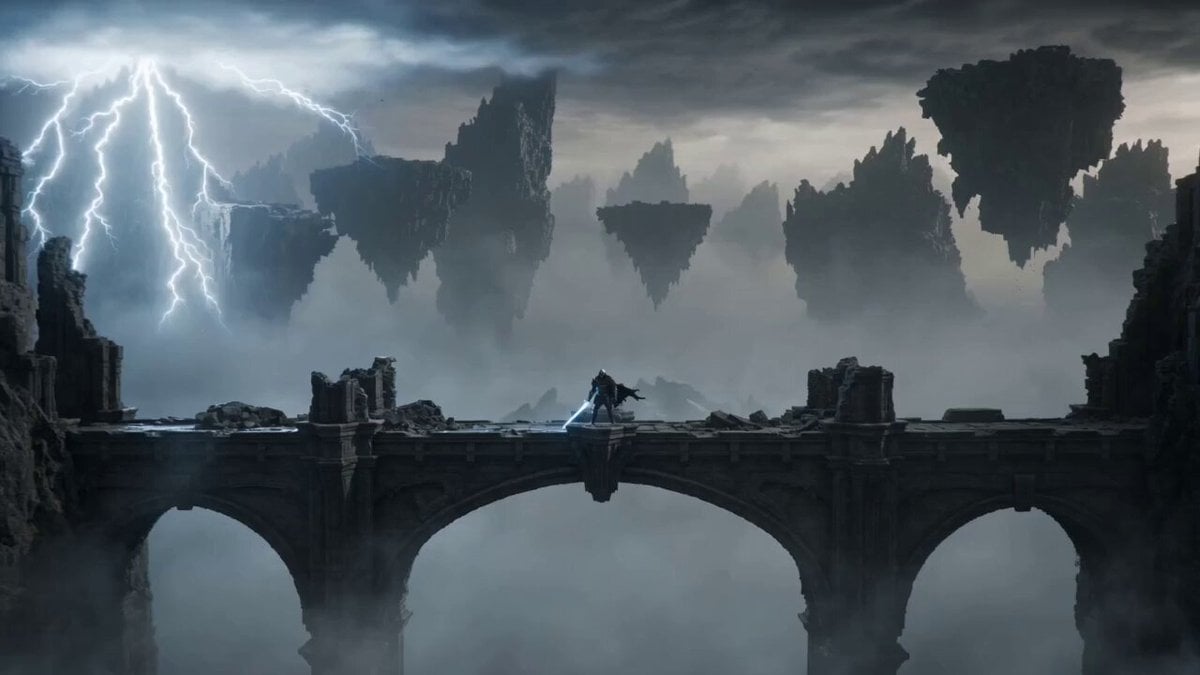
Knight vs Stone Titan Epic Battle
Make it yours
Colossal Stone Gargoyle Awakening works as-is. These are the safest ways to change it without losing the look.
Change one field
Copy a single group, rewrite it, and generate again so you can see what that field is doing.
Keep the frame, change the subject
Hold the composition and light of Colossal Stone Gargoyle Awakening, then swap wardrobe, props or the person for a new take.
| If the result… | Why | Fix |
|---|---|---|
| The result drifts from the preview | Too many fields changed at once. | Reuse Colossal Stone Gargoyle Awakening as-is first, then change one group — subject, light, or setting. |
| The model over-stylizes the scene | The prose prompt leaves finish and camera underspecified. | Add one camera or lighting sentence and stay on Seedance 2.0. |
More Seedance 2.0 templates
Other prompts made for Seedance 2.0.

Comical Martial Arts Punch Scene

Maglev Train Action Sequence

Martial Arts Fight Sequence

Wuxia Protection and Trust Script

Vintage Korean Arcade MiniDV Vlog

Mercedes 190 SL Luxury Ad

Rainy Night Supernatural Reverse Comedy Video Script

Amazon Civilization Discovery

Futuristic South Asian City Transformation

Cozy Luxury Cafe Commercial
More video prompts
Fresh picks from across the catalog.
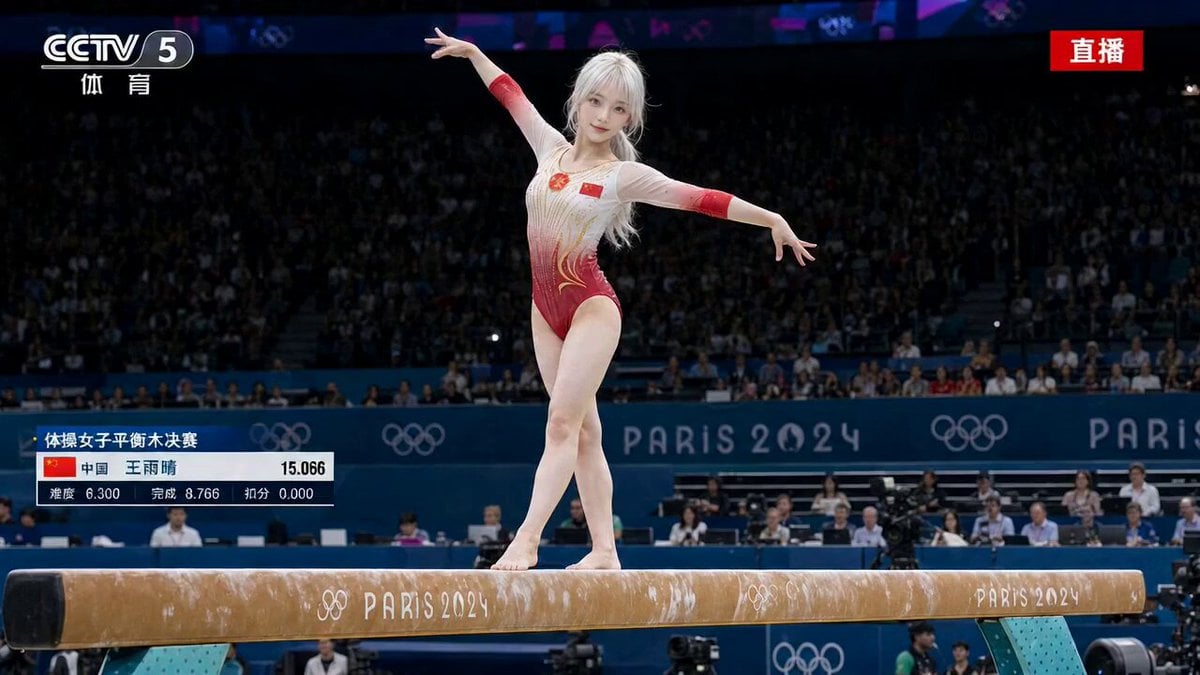
Olympic Gymnastics Balance Beam Sequence
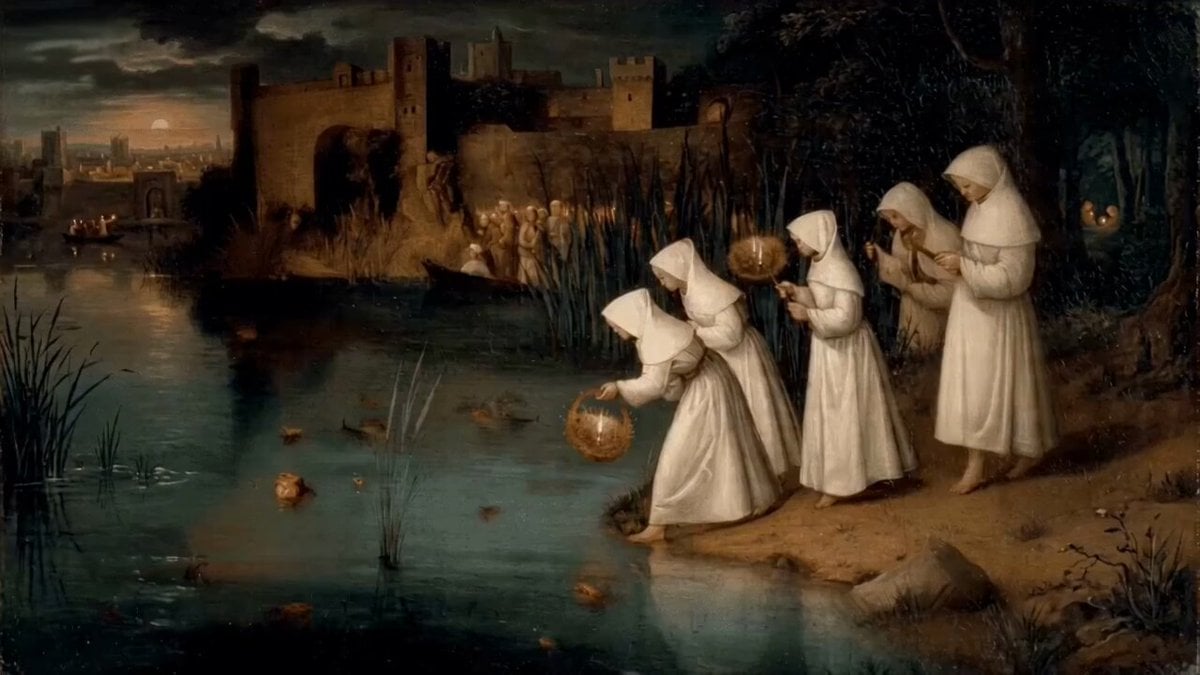
Women Placing Glowing Lanterns on Water in Hieronymus Bosch Style

Floating Desert Museum Cinematic Film
Giant Crocodile River Attack
Cinematic Car-to-Robot Transformation
Zelda: Breath of the Wild - Hyrule Dawn Cinematic Prompt
Forest Guardian Spirit Awakening
Urban Fantasy RPG Combat Animation

Woman wearing designer dress and high fashion accessories
Alien Cargo Ship Attack
Browse template categories
Colossal Stone Gargoyle Awakening questions
How do I use the Colossal Stone Gargoyle Awakening template?
Add your photo if the template asks for one, edit the prompt if you like — the template's model and format are already selected — and press Generate. Your version opens in PicX Studio.
Can I customize the Colossal Stone Gargoyle Awakening template?
Yes. You can change the subject, setting, lighting, mood, format, and available model controls before creating your video.
Is the Colossal Stone Gargoyle Awakening template free?
Opening and editing this template is free. Generating uses credits, shown on the Generate button when you are signed in.
Which AI model should I use?
Start with Seedance 2.0, which is the model associated with this template. You can compare another compatible model for a different finish.
Looking for something else? Browse all templates.

Your photo, any look
Thousands of ready templates for every top image and video model, from one credit balance.