How do I use the Extreme Cinematic Surfing Continuous Shot template?
Edit the prompt in the box under the preview — the template's model and format are already selected — and press Generate. Your version appears right on this page.
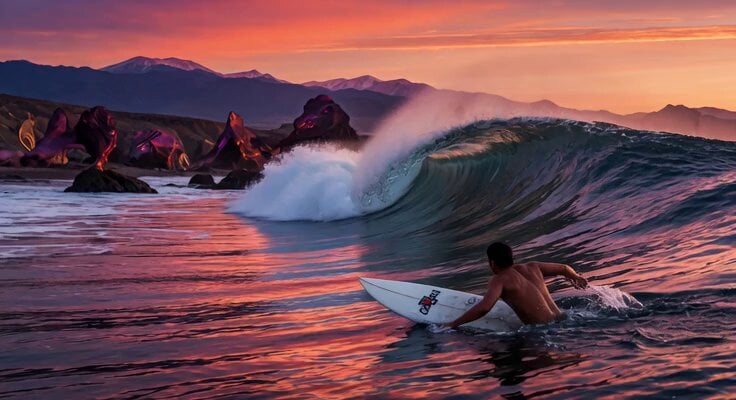
A detailed prompt for a 15-second continuous cinematic shot of a female surfer, featuring realistic physics and dynamic camera angles.
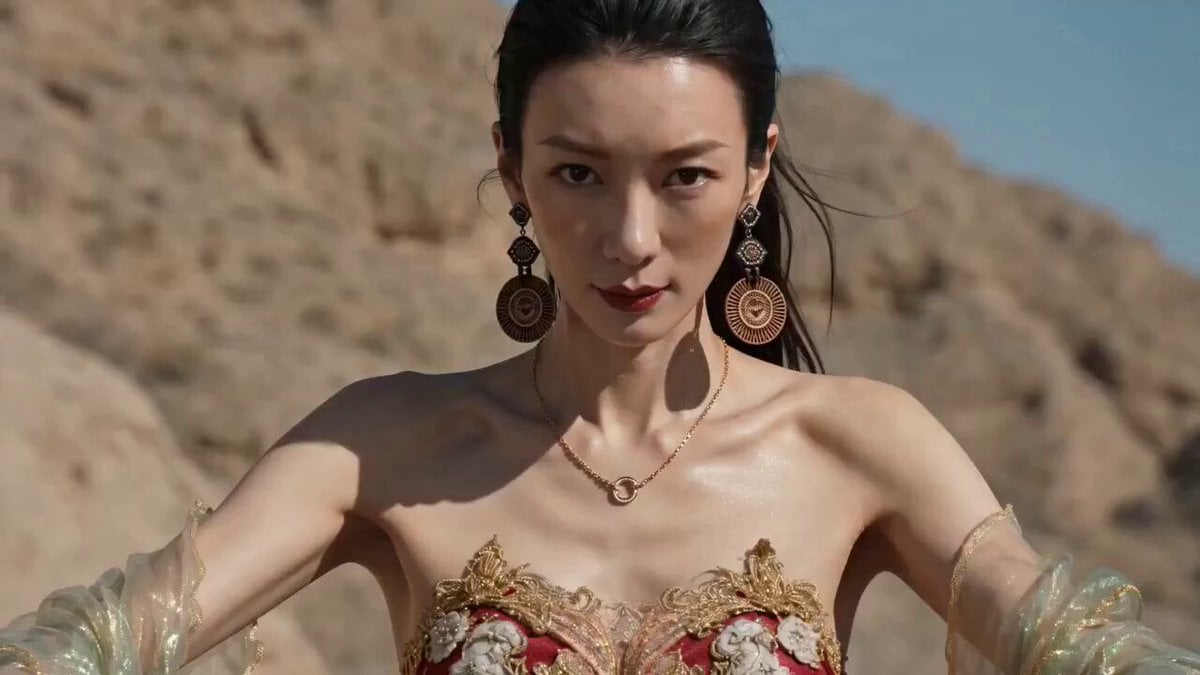
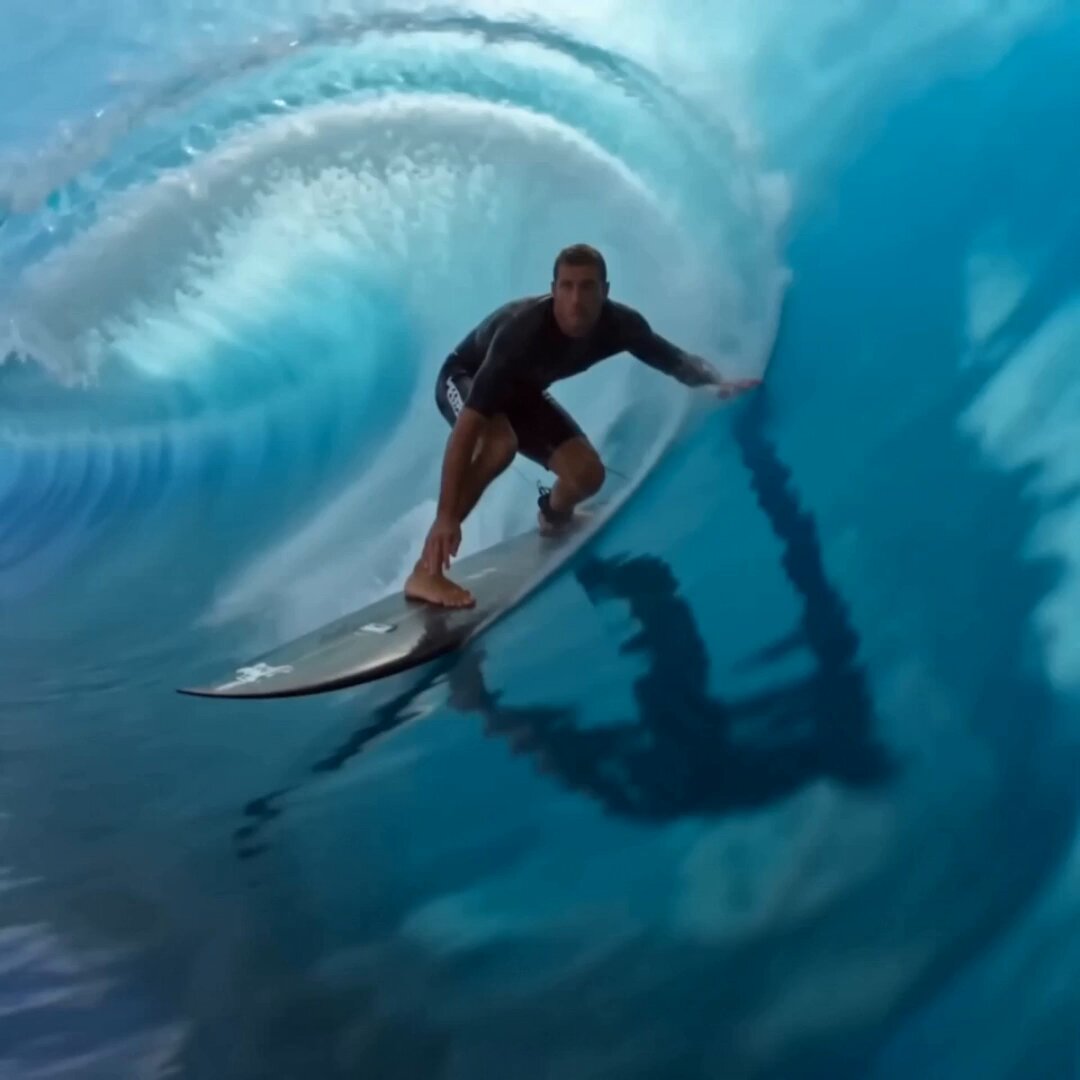
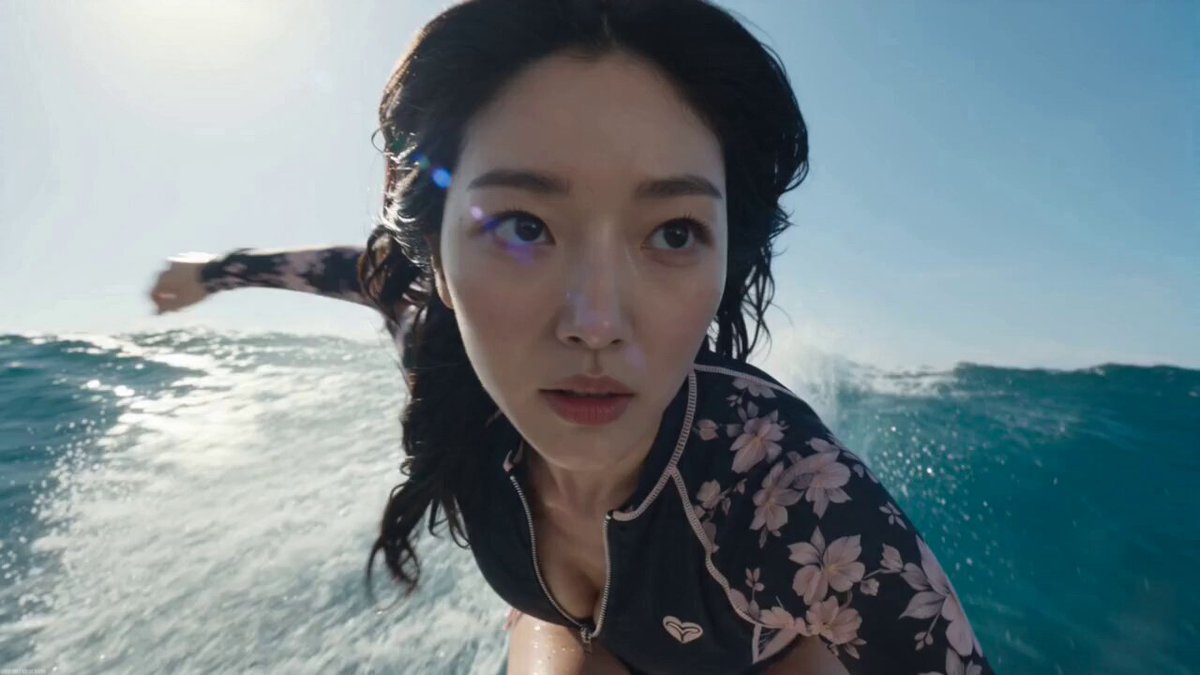
创建一段超电影感的 15 秒连续单镜头极限冲浪视频。严格使用提供的角色表作为女性【@图片1】的身份、面部、苍白皮肤、明亮的眼睛、长直黑色头发、运动体型、白色 - 海军蓝冲浪服装、白色 / 蓝色冲浪板以及所有装备的参考。不得更改她的身份、服装、板子或装备。 整个视频中仅出现一名冲浪者:仅此女性。不得在海洋或天空的任何位置显示其他冲浪者、冲浪者、游泳者、船只、剪影 or 背景人物。她完全独自一人。 场景:开阔海洋,在明亮的日光下,深蓝绿色海水、阳光反射、起伏波浪、海水飞溅以及强劲风力。氛围必须感觉原始、快速、危险、电影感十足且物理上可信。 视频风格:一段连续的 15 秒镜头,无剪辑、无隐藏剪辑、无转场、无蒙太奇。超现实运动、自然运动模糊、镜头上的水滴、海水飞溅、风声、拉线张力、板子掠过水面的声音,以及可信的身体重量调整。无文字、无标志、无字幕,无音乐,无配乐,保留现场音效。 视频以女性已经站在冲浪板上,在平浪的推动下快速前移,她朝向镜头的强烈正面视角开始。镜头非常靠近她的上半身和面部,略微低位,展示 she 专注的眼睛、被风吹动的湿润黑发、不断调整的姿势和脸部表情。她看起来平静、无畏且完全掌控局面。 镜头平稳地向下移动,同时保持在她前方,然后以一次不间断的动作围绕她的身体滑向靠近冲浪板的低位追踪角度。一旦在她身后,镜头保持极低的位置,在板子水平,靠近水面,从身后略微偏移于尾部和边缘位置跟随,仿佛在追逐穿越海洋的板子。 她猛烈加速,向后倚靠海浪的冲力。板子快速划过水面,切入小波浪。她放下了一只手,用指尖掠过水面,向低位镜头向后抛洒水花。镜头捕捉水触、板子振动、两腿用力、速度和水花。 然后她向一个上升的波浪加速。 海浪越来越大,她压上板子的边缘。她有力地腾空而起。整个跳跃保持在同一连续镜头中。当她上升时,时间切换到戏剧性的慢动作。水滴悬浮在空中,她的头发在风中抬起,冲浪板清晰可见。 在空中时,她执行一个受控的冲浪旋转。镜头保持低位,略微在动作后方和下方,向上观看她旋转。她短暂地将脸转向镜头,眼神强烈而专注,然后自然继续。 在顶点,慢动作变得更加戏剧化。她向下伸手,用一只手抓住冲浪板,同时用另一只手调整姿势保持平衡。 板子靠近镜头,白色 / 蓝绿色设计清晰可见,下方水花闪耀,身后空旷的海洋延伸开来。这是主要的病毒式高光时刻。 她松开板子,完成旋转,并以猛烈的爆炸性水花干净着陆。 镜头保持在板子后方的低位水面水平,紧密跟随冲击。她蹲下,瞬间恢复速度,继续冲过波浪,在又一个大浪形成的水幕半圆形穹洞侧壁快速滑过,跟随拍摄,水花充满镜头。 视频在她仍在同一不间断单镜头中快速移动,以英雄视角正面脸部中景特写结束。
创建一段超电影感的 15 秒连续单镜头极限冲浪视频。严格使用提供的角色表作为女性【@图片1】的身份、面部、苍白皮肤、明亮的眼睛、长直黑色头发、运动体型、白色 - 海军蓝冲浪服装、白色 / 蓝色冲浪板以及所有装备的参考。不得更改她的身份、服装、板子或装备。 整个视频中仅出现一名冲浪者:仅此女性。不得在海洋或天空的任何位置显示其他冲浪者、冲浪者、游泳者、船只、剪影 or 背景人物。她完全独自一人。 场景:开阔海洋,在明亮的日光下,深蓝绿色海水、阳光反射、起伏波浪、海水飞溅以及强劲风力。氛围必须感觉原始、快速、危险、电影感十足且物理上可信。 视频风格:一段连续的 15 秒镜头,无剪辑、无隐藏剪辑、无转场、无蒙太奇。超现实运动、自然运动模糊、镜头上的水滴、海水飞溅、风声、拉线张力、板子掠过水面的声音,以及可信的身体重量调整。无文字、无标志、无字幕,无音乐,无配乐,保留现场音效。 视频以女性已经站在冲浪板上,在平浪的推动下快速前移,她朝向镜头的强烈正面视角开始。镜头非常靠近她的上半身和面部,略微低位,展示 she 专注的眼睛、被风吹动的湿润黑发、不断调整的姿势和脸部表情。她看起来平静、无畏且完全掌控局面。 镜头平稳地向下移动,同时保持在她前方,然后以一次不间断的动作围绕她的身体滑向靠近冲浪板的低位追踪角度。一旦在她身后,镜头保持极低的位置,在板子水平,靠近水面,从身后略微偏移于尾部和边缘位置跟随,仿佛在追逐穿越海洋的板子。 她猛烈加速,向后倚靠海浪的冲力。板子快速划过水面,切入小波浪。她放下了一只手,用指尖掠过水面,向低位镜头向后抛洒水花。镜头捕捉水触、板子振动、两腿用力、速度和水花。 然后她向一个上升的波浪加速。 海浪越来越大,她压上板子的边缘。她有力地腾空而起。整个跳跃保持在同一连续镜头中。当她上升时,时间切换到戏剧性的慢动作。水滴悬浮在空中,她的头发在风中抬起,冲浪板清晰可见。 在空中时,她执行一个受控的冲浪旋转。镜头保持低位,略微在动作后方和下方,向上观看她旋转。她短暂地将脸转向镜头,眼神强烈而专注,然后自然继续。 在顶点,慢动作变得更加戏剧化。她向下伸手,用一只手抓住冲浪板,同时用另一只手调整姿势保持平衡。 板子靠近镜头,白色 / 蓝绿色设计清晰可见,下方水花闪耀,身后空旷的海洋延伸开来。这是主要的病毒式高光时刻。 她松开板子,完成旋转,并以猛烈的爆炸性水花干净着陆。 镜头保持在板子后方的低位水面水平,紧密跟随冲击。她蹲下,瞬间恢复速度,继续冲过波浪,在又一个大浪形成的水幕半圆形穹洞侧壁快速滑过,跟随拍摄,水花充满镜头。 视频在她仍在同一不间断单镜头中快速移动,以英雄视角正面脸部中景特写结束。
Edit the prompt in the box under the preview — the template's model and format are already selected — and press Generate. Your version appears right on this page.
Yes. You can change the subject, setting, lighting, mood, format, and available model controls before creating your video.
Opening and editing this template is free. Generating uses credits, shown on the Generate button when you are signed in.
Start with Seedance 2.0, which is the model associated with this template. You can compare another compatible model for a different finish.
Follow a topic to a crawlable collection of related PicX Studio templates.