
Anime Impact Punch with Extreme Slow Motion
A comprehensive multi-shot anime prompt for Dreamina Seedance, detailing a dramatic punch impact with slow-motion distortion and high-speed knockback physics.
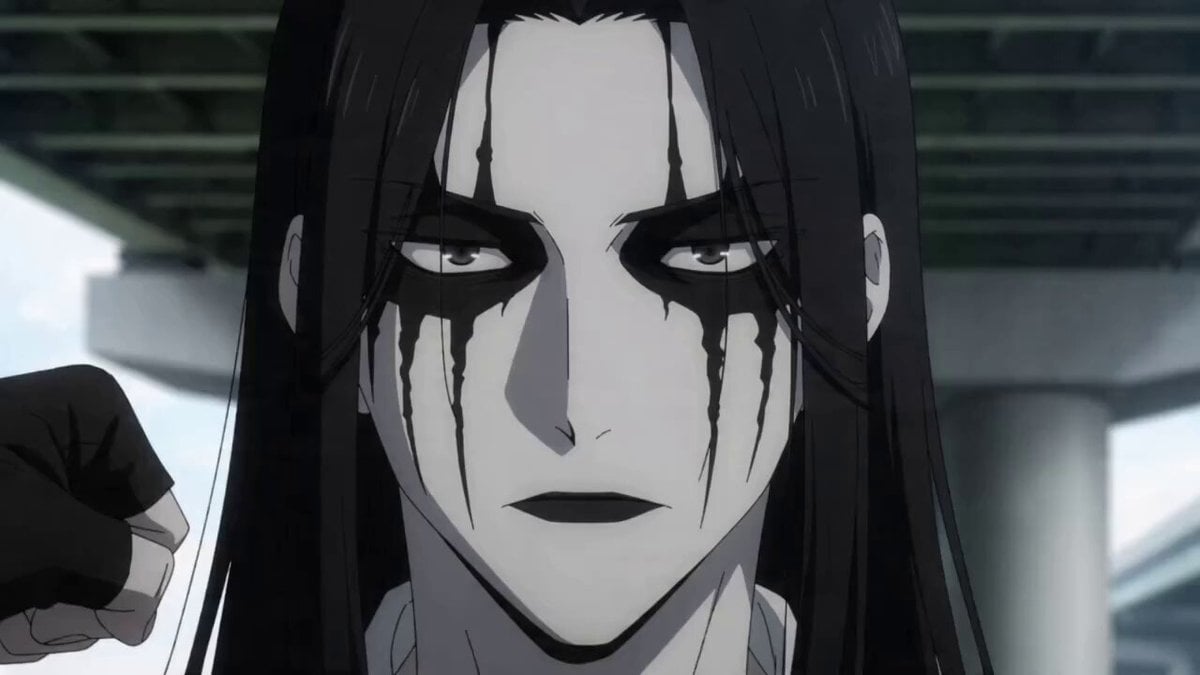
- Prompt included
- Model and format preset
- Free template
The prompt behind this video
Copy the exact prompt behind Anime Impact Punch with Extreme Slow Motion, or open it in the studio and make it yours.
【動画内容】(使うキャラ。以降○○)の顔面の超クローズアップ。正面からの画角。 【場所】河川敷の高架下、昼間、日陰。 【衝撃の直撃と、時間差で地面に転がるパンチシーン】 Shot 1 (cut1) — 5.0秒 目的: 正面からのクローズアップで、フックの直撃と顔面の歪みを捉える。 内容: アニメ調。カメラは殴られる○○の顔面を真正面から捉えた超クローズアップ。次の瞬間、画面外の横から鋭い軌道で回り込んできた強烈なフックが、○○の左頬を真横から激しく捉える。 その直撃の瞬間から映像が極限の超スローモーションへと切り替わる。真正面のカメラに向かって、パンチの凄まじい衝撃エネルギーで○○の頬の皮膚や筋肉が水面の波紋のようにゆっくりと痛々しく歪んでいく様が克明に映し出される。 ○○の目は驚愕と恐怖で大きく見開かれ、瞳孔がじわじわと開いていく。口元から吹き飛んだ数滴の唾液や汗のしぶきは、空中に留まりながらも、極めてゆっくりとした速度で軌跡を描きながら外側へと流れていく。 キャラクター/プロダクト: 殴られる○○(正面からのクローズアップ)、真横から顔を捉えるフックの拳、ゆっくりと宙を舞う唾液のしぶき 効果音: 殴られた瞬間に「ドグォォォン!」という重低音の衝撃音。直後、時間が引き延ばされるような「キィィィン」という耳鳴りのような高音が響き、周囲の音が完全に遮断される。さらに心臓の鼓動が「ドクン……ドクン……」と、不気味なほど非常に遅いテンポで重く響き渡る。 叫び声(深いエコーがかかり、不自然に低く引き延ばされた苦悶の絶叫): 「う、うぉぉぉ……おぉ……おぉ……っ!!(残響:お…お…お…)」 Shot 2 (cut2) — 4.5秒 目的: 画角をバッと切り替え、吹き飛んで地面を転がるキャラを激しいカメラワークで追従する。 内容: アニメ調。カットの頭で画角がバッと横方向のミディアムショットへと切り替わる。それまで引き延ばされていた超スローモーションが、一転して通常以上の「超高速スピード」へと急加速する。フックの拳に溜まっていた凄まじい威力が一気に解放され、○○の体全体が後方へと凄まじいスピードで吹き飛ばされる。カメラは吹き飛ぶスピードに合わせ、並走するように激しく横移動しながら追従する(並走カメラワーク)。○○は背中から激しく地面に叩きつけられ、勢いが止まらずに「ズササササッ!」と猛烈な勢いで地面を何回転もゴロゴロと激しく転がっていく。カメラは転がりバウンドする○○の姿を画面中央に捉え続け、周囲に激しく舞い上がる土煙や埃、強烈なスピード感のモーションブラーをリアルタイムで臨場感たっぷりに映し出す。 キャラクター/プロダクト: ○○(吹き飛び、激しく転がる)、並走・追従するカメラワーク、舞い上がる土煙 効果音: それまで響いていた低音エコーがパツンと途切れ、溜まっていたエネルギーが爆発する「バキィィィィン!!」という凄まじい破壊音。続いて地面に激突する「ドガシャァァン!」という重い衝撃音と、カメラが一緒に移動しながら捉える、地面を猛烈に転がり摩擦する「ズササササササササッ!」という連続した激しい摩擦音。 叫び声(カットの切り替わり頭に通常スピードの短い叫び): 「ぐはっーー!!」 環境音: 転がり終わってカメラの動きが止まった後、ハァハァという荒い息遣いと、風に舞う砂埃の音がサラサラと流れる。
How to use Anime Impact Punch with Extreme Slow Motion in 3 steps
- 1
Open
The prompt is already in the box next to the preview, with the template's model and format selected.
- 2…a portrait of your subject in softgolden-hour light, 85mm…
Personalize
Edit the subject and creative details for your destination.
- 3Generate
Generate
Press Generate — your video is created in PicX Studio, so you can compare it with the original and refine one variable at a time.
More like this
Templates with the same subject, style or setup. Open one to see its prompt.
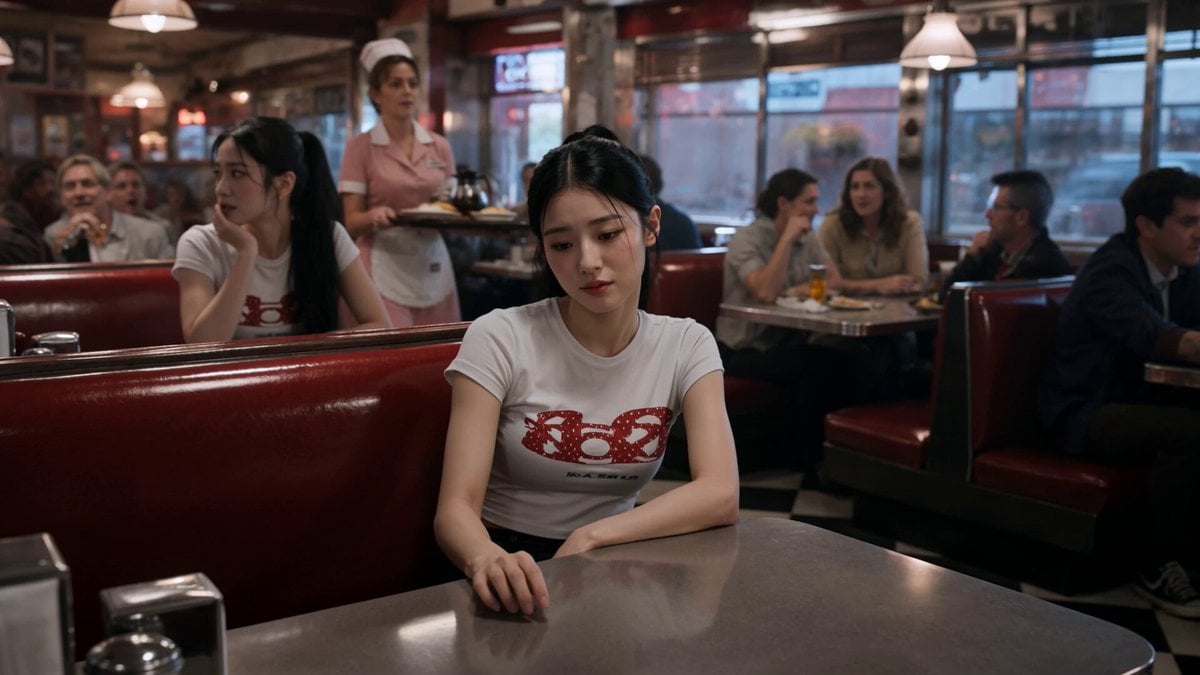
Slow-Motion 90s Diner Explosion - Seedance 2.5
Extreme Macro Glowing Ember Slow Motion
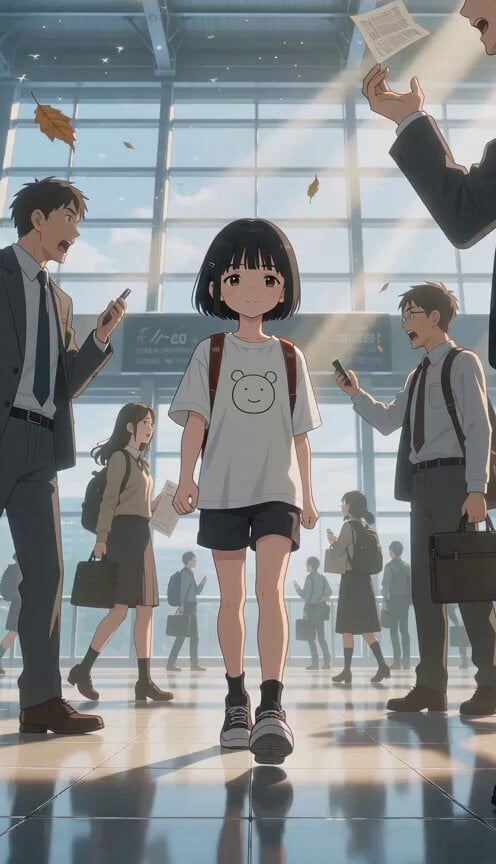
Slow Motion Station Anime Girl
Slow Motion Himalayan Cat
Cinematic Slow Motion Cereal Breakfast

MiniMax H3 Character Introduction

Japanese Pure Love Short Film
Slow Motion Office Flood Chaos
Slow Motion Flood Disaster Cinematography
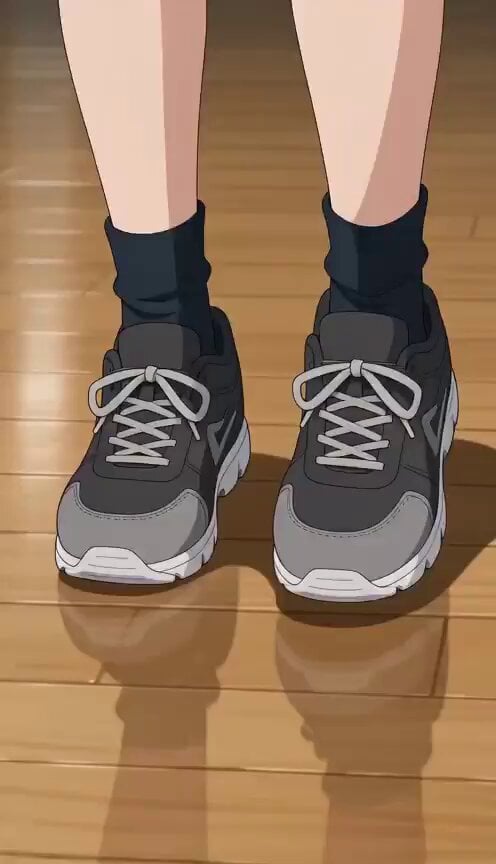
Anime Stumble Impact Scene

Studio Ghibli Dumpling Kitchen Cooking Scene
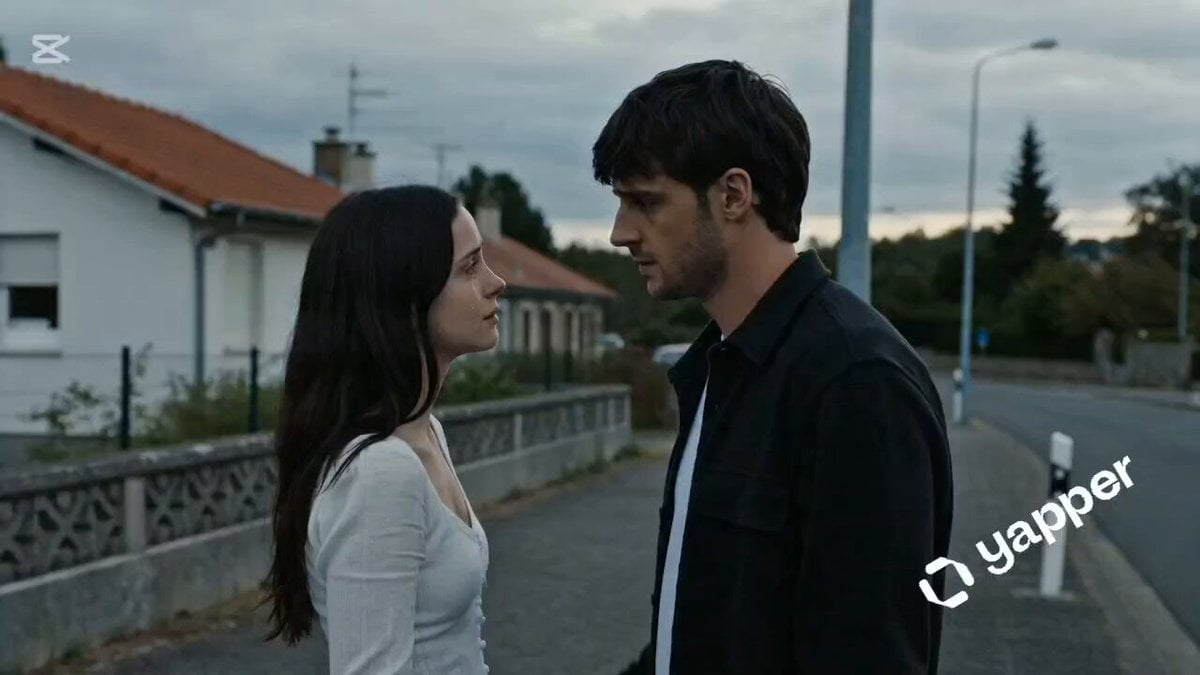
Lahore Street Slow Motion Cinematic
Make it yours
Anime Impact Punch with Extreme Slow Motion works as-is. These are the safest ways to change it without losing the look.
Change one field
Copy a single group, rewrite it, and generate again so you can see what that field is doing.
Keep the frame, change the subject
Hold the composition and light of Anime Impact Punch with Extreme Slow Motion, then swap wardrobe, props or the person for a new take.
| If the result… | Why | Fix |
|---|---|---|
| The result drifts from the preview | Too many fields changed at once. | Reuse Anime Impact Punch with Extreme Slow Motion as-is first, then change one group — subject, light, or setting. |
| The model over-stylizes the scene | The prose prompt leaves finish and camera underspecified. | Add one camera or lighting sentence and stay on Seedance 2.0. |
More Seedance 2.0 templates
Other prompts made for Seedance 2.0.

Comical Martial Arts Punch Scene

Maglev Train Action Sequence

Martial Arts Fight Sequence

Wuxia Protection and Trust Script

Vintage Korean Arcade MiniDV Vlog

Mercedes 190 SL Luxury Ad

Rainy Night Supernatural Reverse Comedy Video Script

Amazon Civilization Discovery

Futuristic South Asian City Transformation

Cozy Luxury Cafe Commercial
More video prompts
Fresh picks from across the catalog.
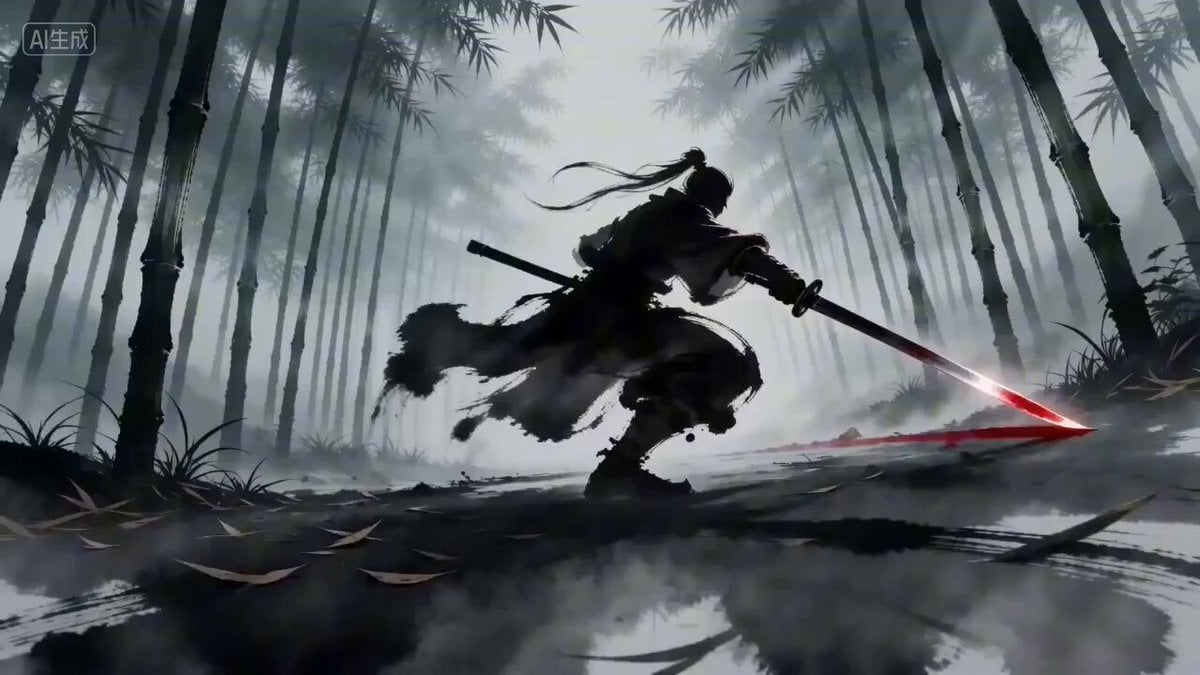
Seedance 2.0 Prompt for 'Twin Duel' Ink Style Video
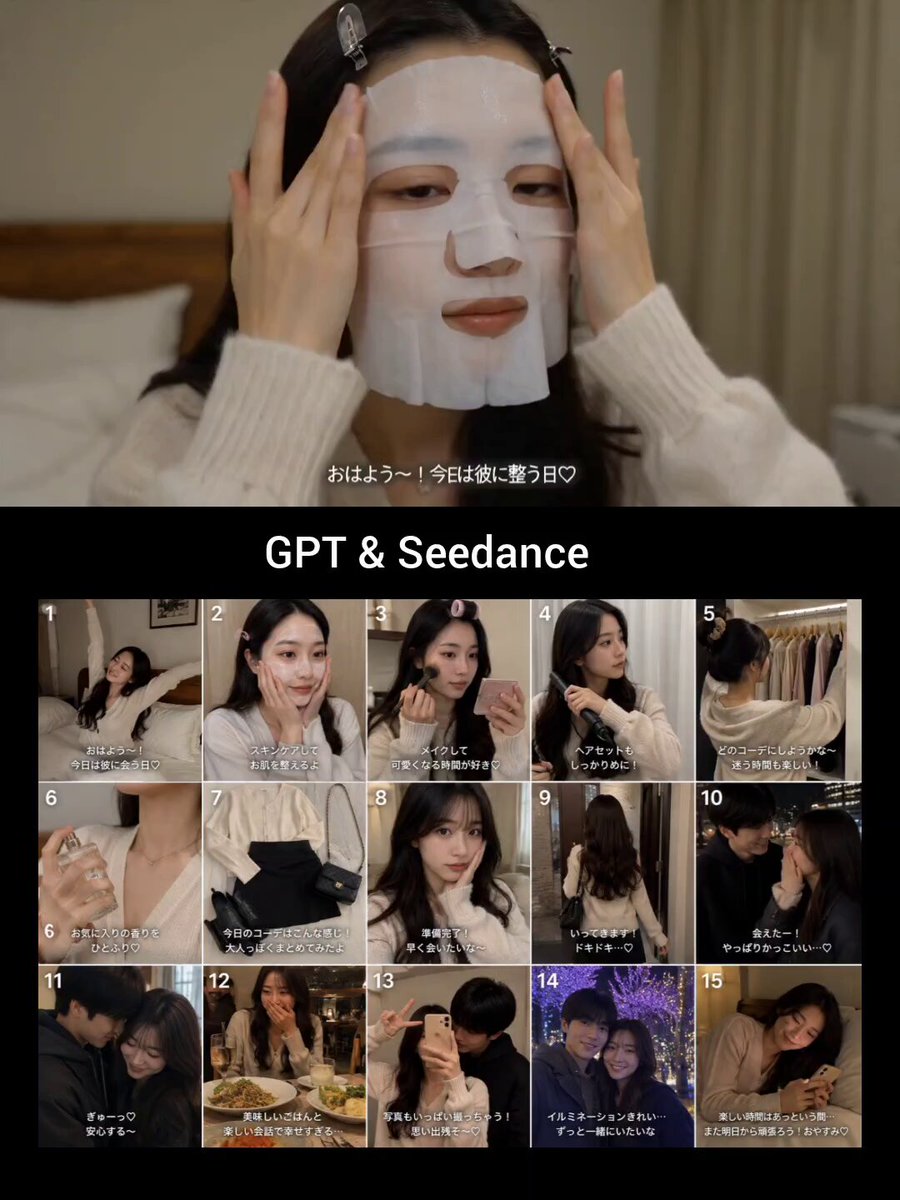
Japanese GRWM Date Vlog
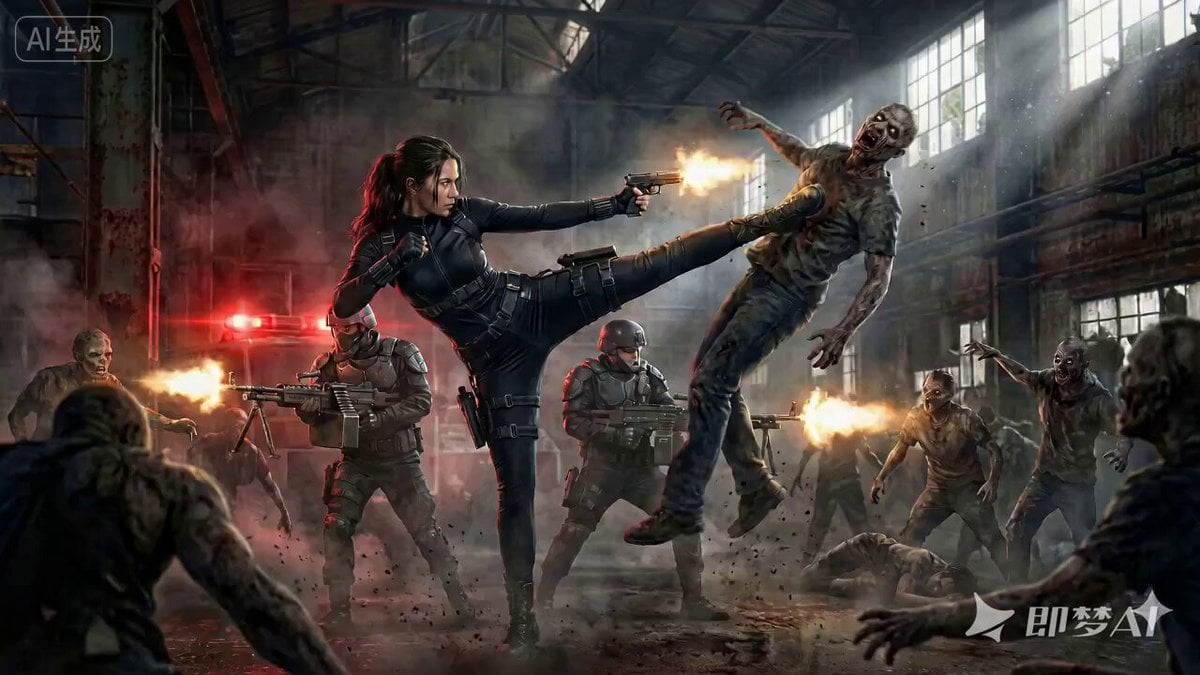
Cinematic Action Movie Scene Prompt
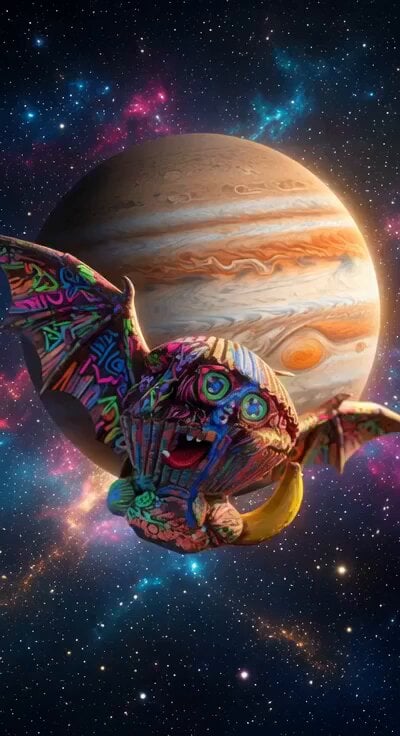
Living Metal Organisms Video

Ram 1701 jeans advertisement video prompt
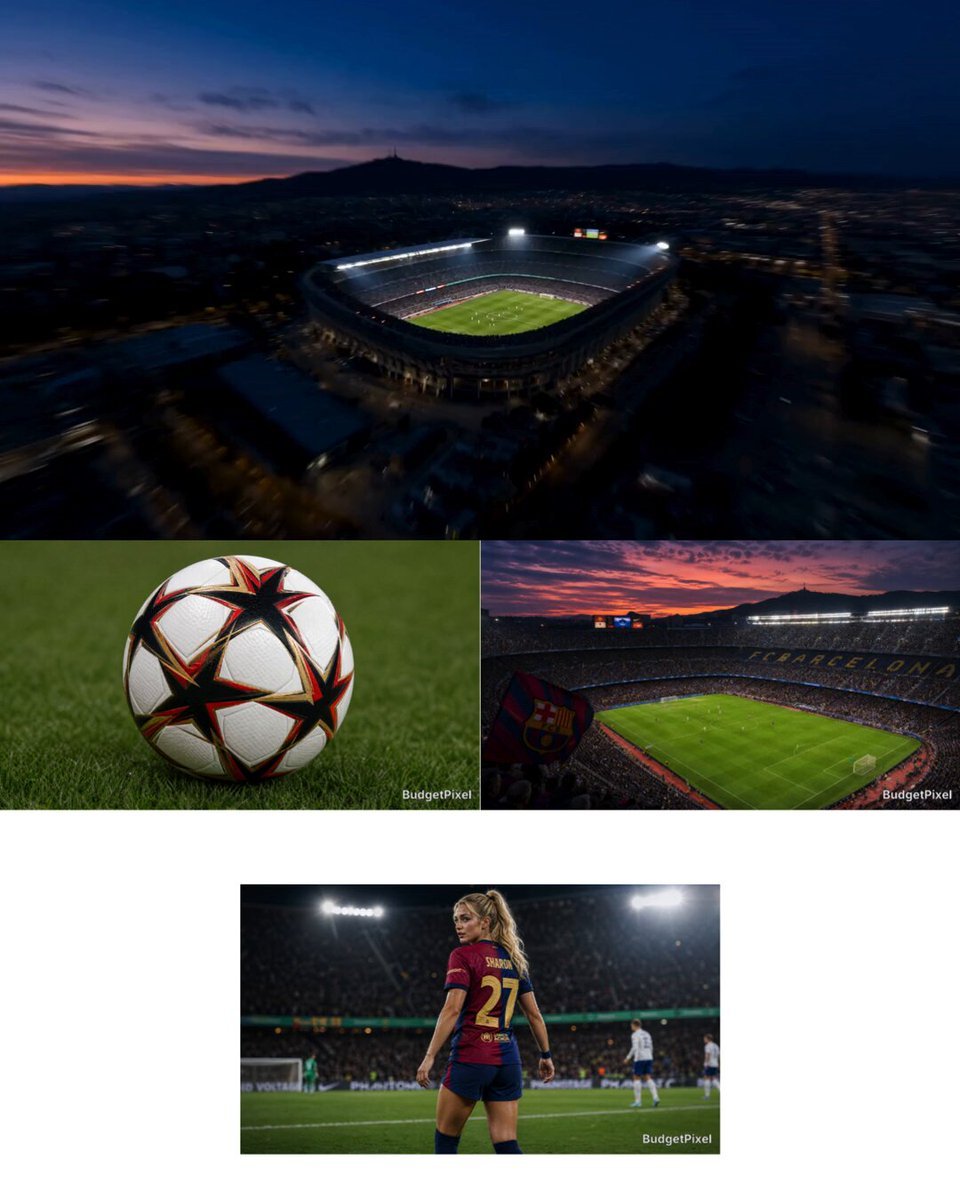
Intense Football Match Storyboard
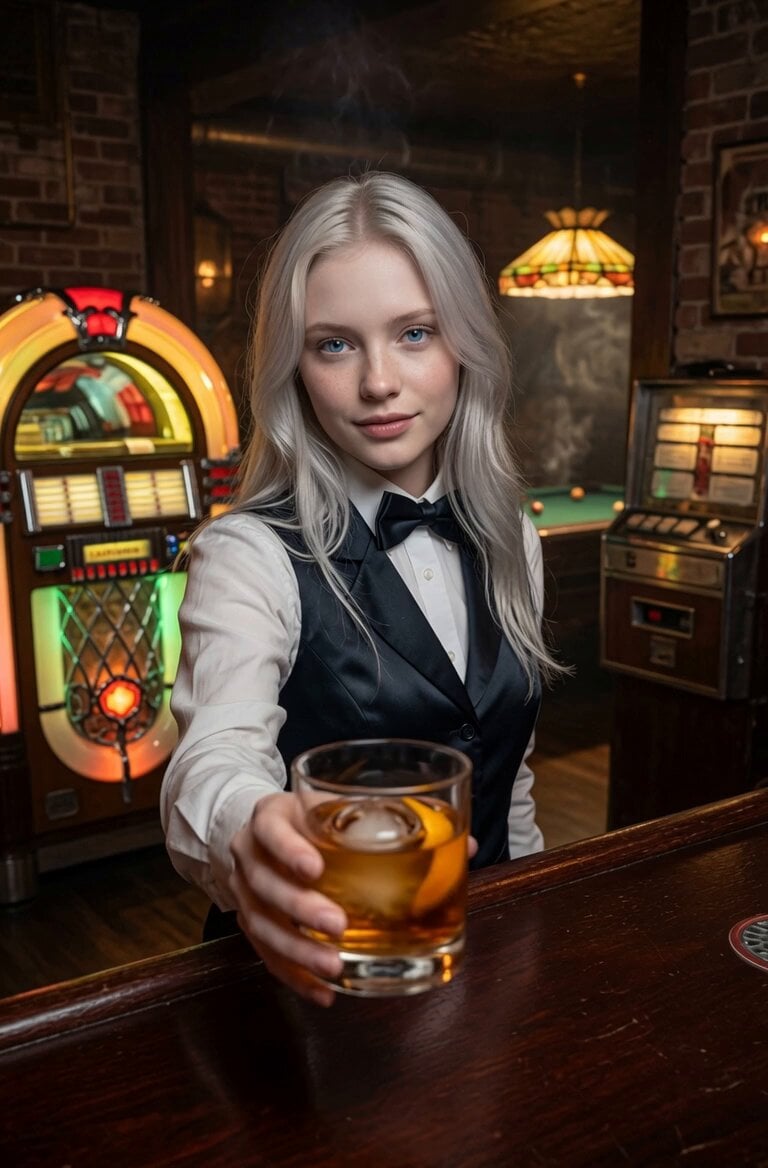
Futuristic Home Transition Video
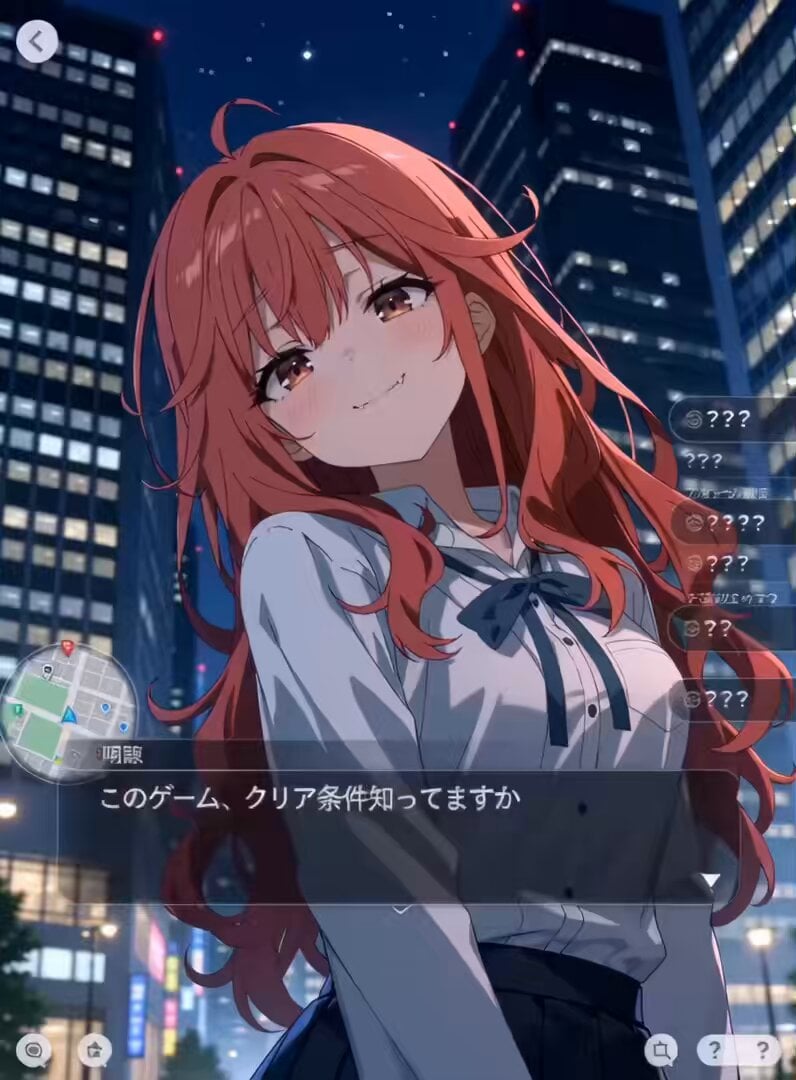
Urban RPG Gameplay Animation

SpaceX Starship Launch Scene

Dolphin Marine Documentary Footage
Browse template categories
Anime Impact Punch with Extreme Slow Motion questions
How do I use the Anime Impact Punch with Extreme Slow Motion template?
Add your photo if the template asks for one, edit the prompt if you like — the template's model and format are already selected — and press Generate. Your version opens in PicX Studio.
Can I customize the Anime Impact Punch with Extreme Slow Motion template?
Yes. You can change the subject, setting, lighting, mood, format, and available model controls before creating your video.
Is the Anime Impact Punch with Extreme Slow Motion template free?
Opening and editing this template is free. Generating uses credits, shown on the Generate button when you are signed in.
Which AI model should I use?
Start with Seedance 2.0, which is the model associated with this template. You can compare another compatible model for a different finish.
Looking for something else? Browse all templates.

Your photo, any look
Thousands of ready templates for every top image and video model, from one credit balance.