
FPV Football Match Cinematic
An intricate instruction set for an FPV drone flight through a football stadium, featuring Kylian Mbappé and a Brazil vs France match with specific movement guides.
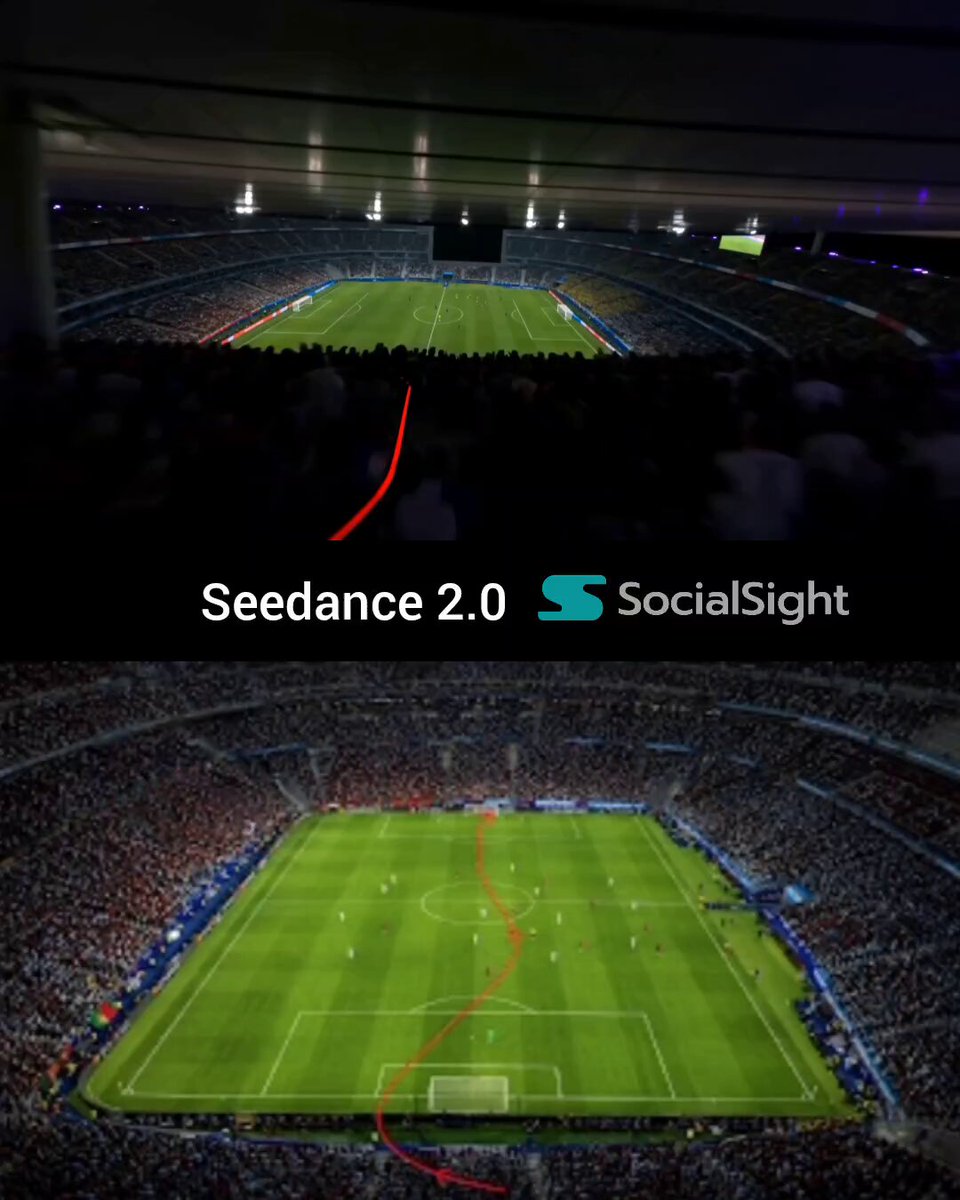
- Prompt included
- Model and format preset
- Premium template
The prompt behind this video
Copy the exact prompt behind FPV Football Match Cinematic, or open it in the studio and make it yours.
Use the uploaded image as a terrain navigation map. The red route is a camera navigation guide only. IMPORTANT: The red line, red arrows, route markings, annotations, guides, overlays, and all navigation graphics visible in the reference image are strictly for camera path planning only. They must be completely removed before rendering. Under no circumstances may any red route element, arrow, line, marking, overlay, trail, path indicator, navigation graphic, or residual artifact appear in any frame of the final video. Create a 15-second single continuous FPV cinematic flight inside the football stadium shown in the image. One continuous shot. No cuts. No transitions. No teleportation. No scene resets. Invisible FPV camera only. MATCH SETUP Brazil: Yellow shirts, blue shorts. Full squad of unique players. Every Brazil player has a different face, hairstyle, body type, animation behavior, and jersey number. No duplicated characters. No cloned players. No repeated faces. No repeated jersey numbers. France: Dark navy blue shirts, white shorts. Full squad of unique players. Every France player has a different face, hairstyle, body type, animation behavior, and jersey number. No duplicated characters. No cloned players. No repeated faces. No repeated jersey numbers. Kylian Mbappé: France jersey number 10. Clearly recognizable as the team's star player. Remains visible throughout the sequence. Main subject of the camera and gameplay. Unique appearance not shared by any other player. France maintains possession of the ball during the entire sequence. CAMERA ROUTE & ACTION 0s–3s Begin above the lower stadium entrance and fly forward following the route exactly. As the camera enters the stadium, France has possession. Mbappé (#10) receives the ball near his own half and immediately explodes forward with pace. The camera smoothly descends toward pitch level while tracking Mbappé. 3s–7s Enter the stadium interior and continue following the route. Mbappé carries the ball with explosive close control and high-speed bursts. Brazil defenders begin closing him down with urgent pressure. The camera flies low and close to the action, tracking both Mbappé and the ball. Players react naturally and dynamically to the play. 7s–12s Follow the route through midfield. Mbappé performs realistic elite-level movement — pace changes, sharp cuts, acceleration, body feints, and precise ball control. Brazil defenders attempt tackles and interceptions but fail. France teammates make intelligent supporting runs to stretch the defensive shape. The ball remains under Mbappé's control with realistic football physics. All surrounding players exhibit unique movement patterns and individual animations. 12s–15s Approach the attacking penalty area. Mbappé breaks through the final defensive line with a decisive burst of speed. The camera closes in while maintaining smooth FPV movement. Mbappé enters a clear shooting position directly in front of
How to use FPV Football Match Cinematic in 3 steps
- 1Upload ImagePNG, JPG or paste
Add your photo
Upload the photo the template builds on. The prompt, model and format are already set.
- 2…a portrait of your subject in softgolden-hour light, 85mm…
Personalize
Edit the subject and creative details for your destination.
- 3Generate
Generate
Press Generate — your video is created in PicX Studio, so you can compare it with the original and refine one variable at a time.
More like this
Templates with the same subject, style or setup. Open one to see its prompt.
FPV Drone Skier Tracking — Kling 3.0 O3 Pro

FPV Multilingual Landscape Flight
Three-Thousand-Year Football History
Viral Football Match Comedy Broadcast
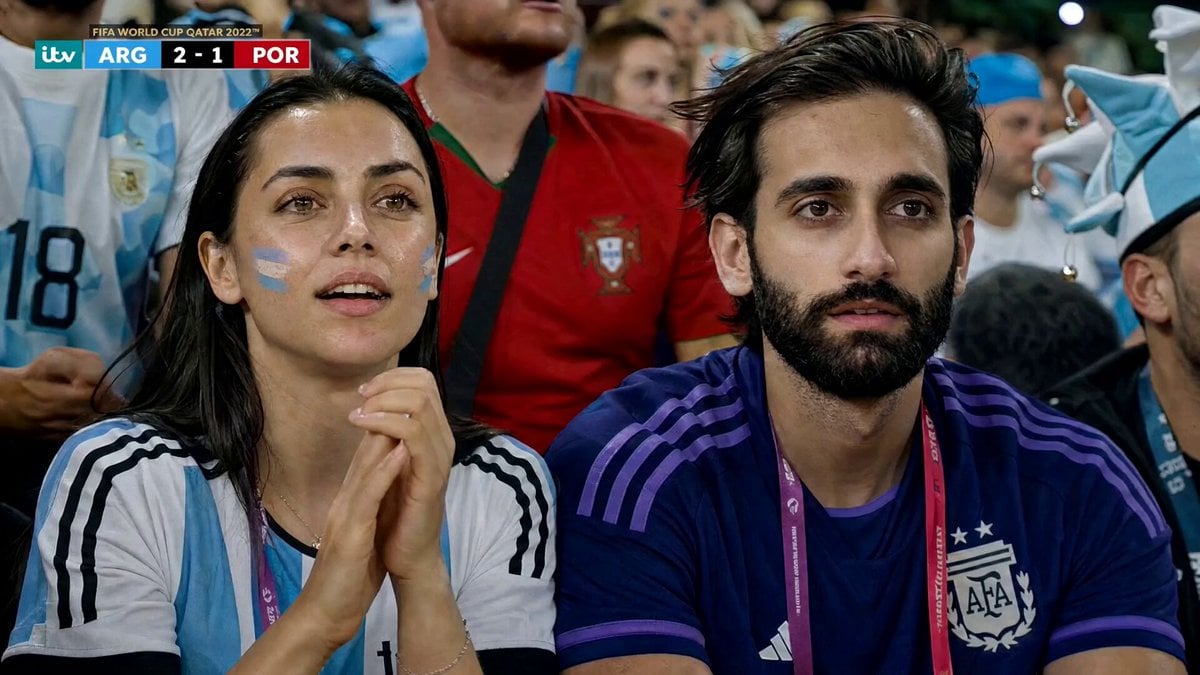
Football Match Fan Reaction
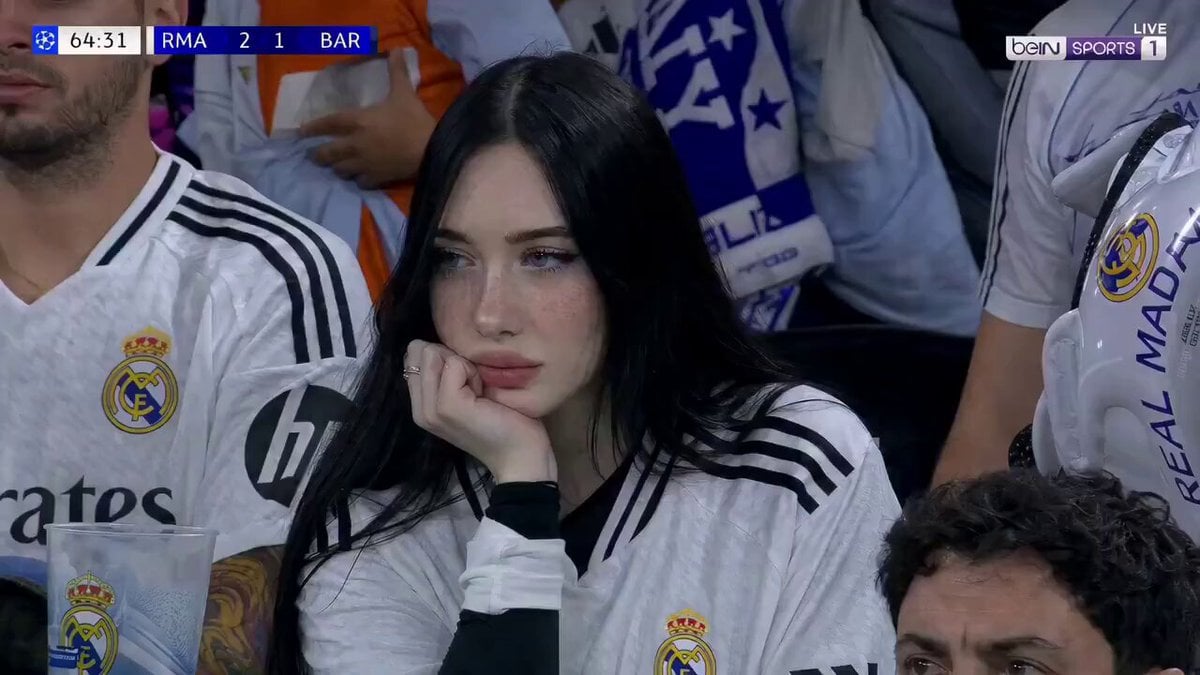
Football Match Female Fan Broadcast
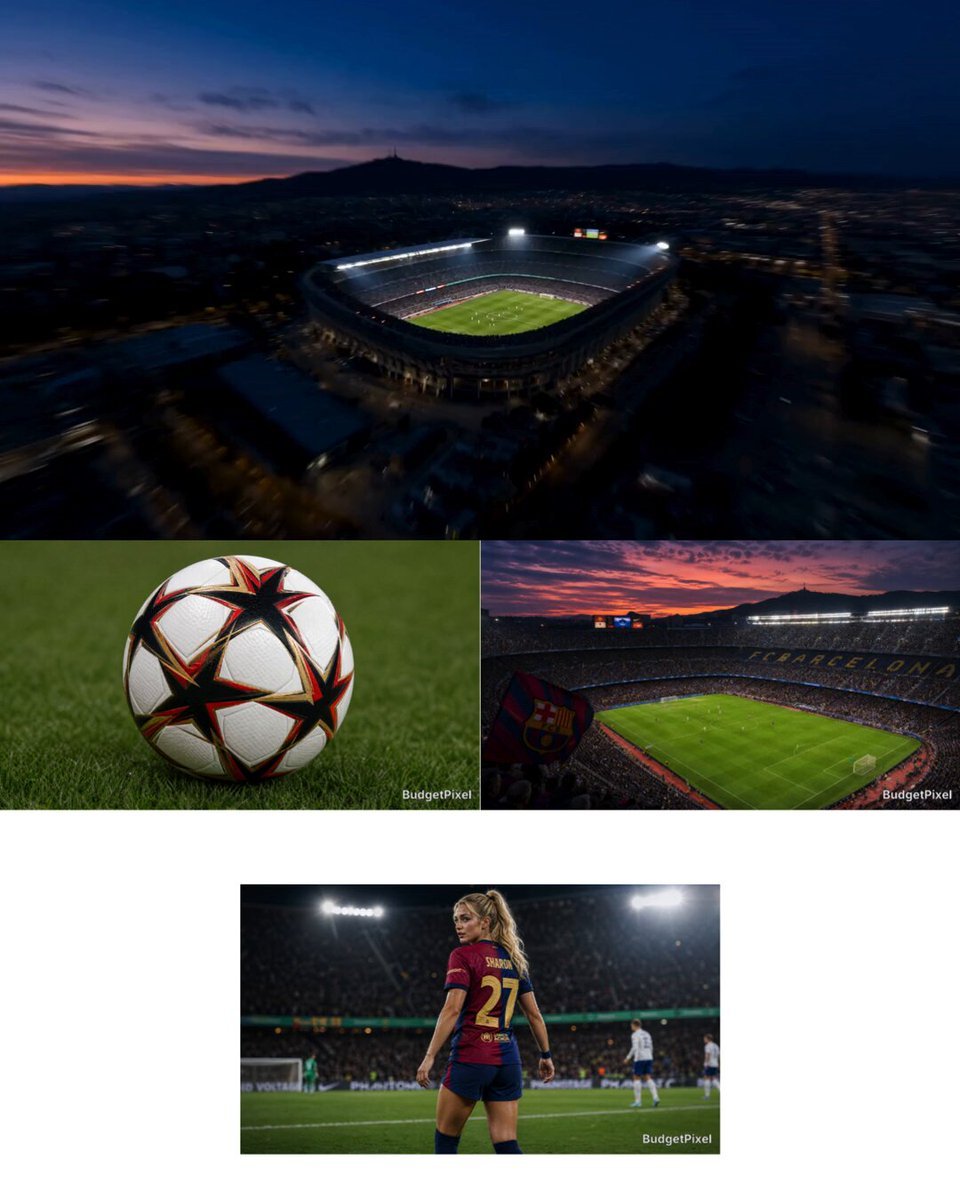
Intense Football Match Storyboard
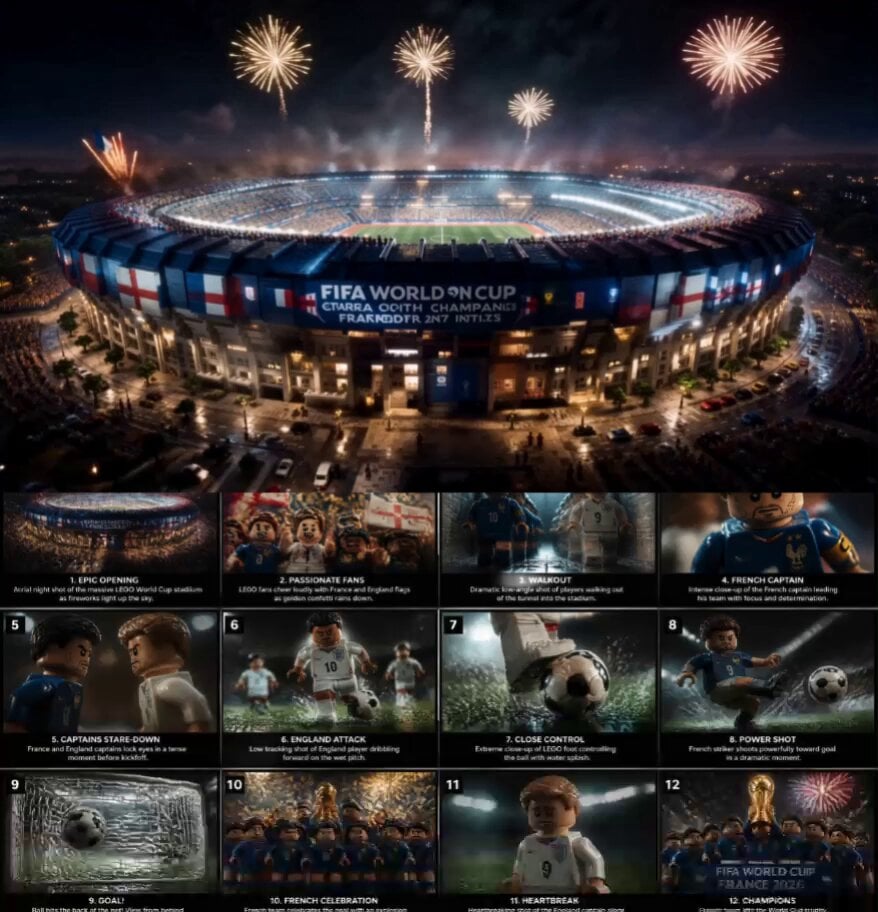
Cinematic LEGO Football Match Storyboard
Football Match Day Cinematic POV Vlog
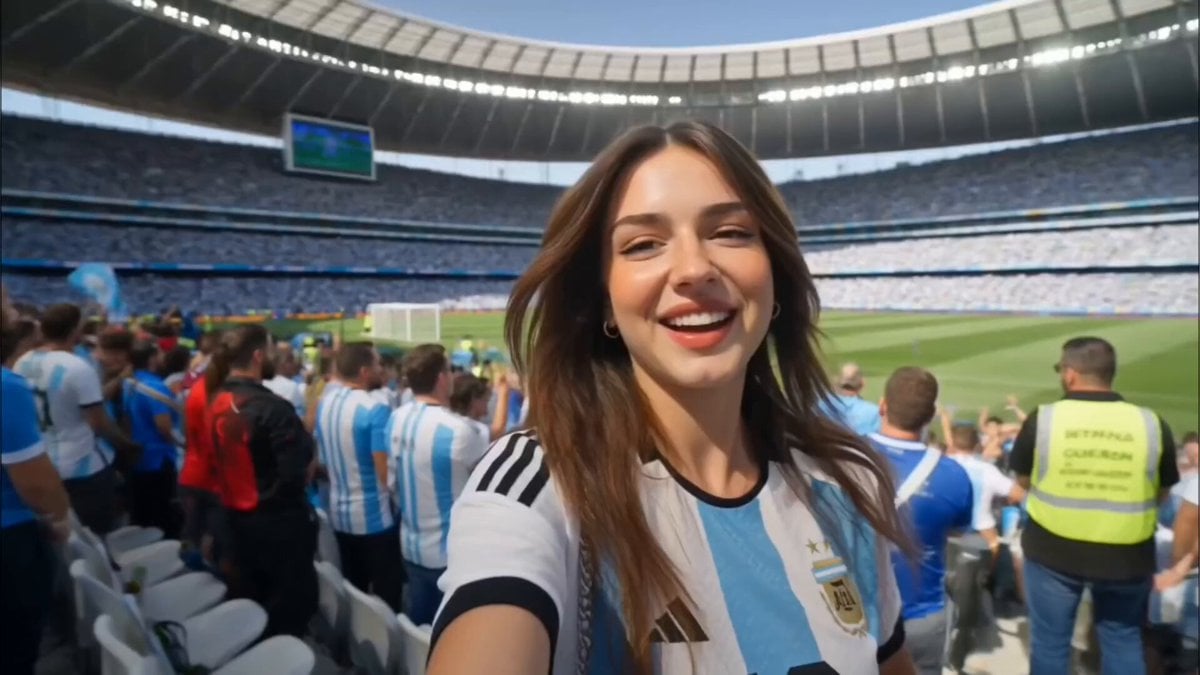
Argentina Football Fan Match Day Vlog
Pearl Harbor Attack — Seedance 2.0 FPV
Amazon FPV Drone Chase — Seedance 2.0
Make it yours
FPV Football Match Cinematic works as-is. These are the safest ways to change it without losing the look.
Change one field
Copy a single group, rewrite it, and generate again so you can see what that field is doing.
Keep the frame, change the subject
Hold the composition and light of FPV Football Match Cinematic, then swap wardrobe, props or the person for a new take.
| If the result… | Why | Fix |
|---|---|---|
| The result drifts from the preview | Too many fields changed at once. | Reuse FPV Football Match Cinematic as-is first, then change one group — subject, light, or setting. |
| The model over-stylizes the scene | The prose prompt leaves finish and camera underspecified. | Add one camera or lighting sentence and stay on Seedance 2.0. |
More Seedance 2.0 templates
Other prompts made for Seedance 2.0.

Comical Martial Arts Punch Scene

Maglev Train Action Sequence

Martial Arts Fight Sequence

Wuxia Protection and Trust Script

Vintage Korean Arcade MiniDV Vlog

Mercedes 190 SL Luxury Ad

Rainy Night Supernatural Reverse Comedy Video Script

Amazon Civilization Discovery

Futuristic South Asian City Transformation

Cozy Luxury Cafe Commercial
More video prompts
Fresh picks from across the catalog.

Cinematic heart-shaped ocean split view
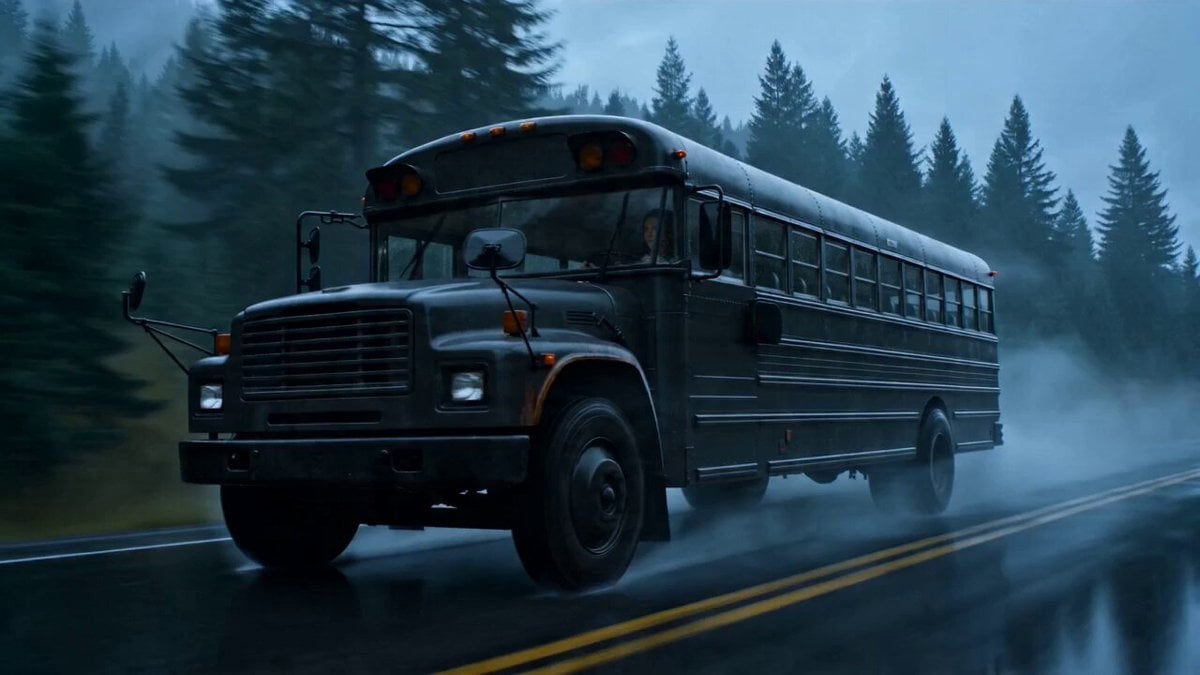
Transforming School Bus Mecha

Paper Airplane POV Flight
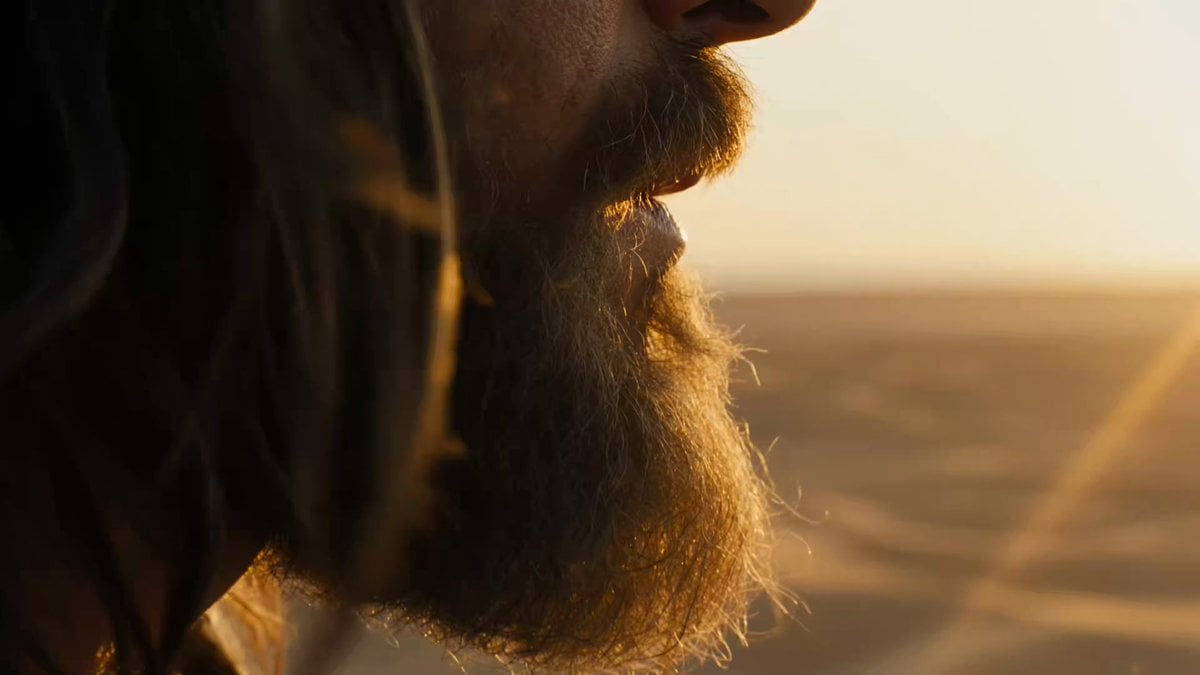
Macro Portrait Cinematic Traveler

Futuristic Forest City World

Deadpan Cinematic Dialogue Shot
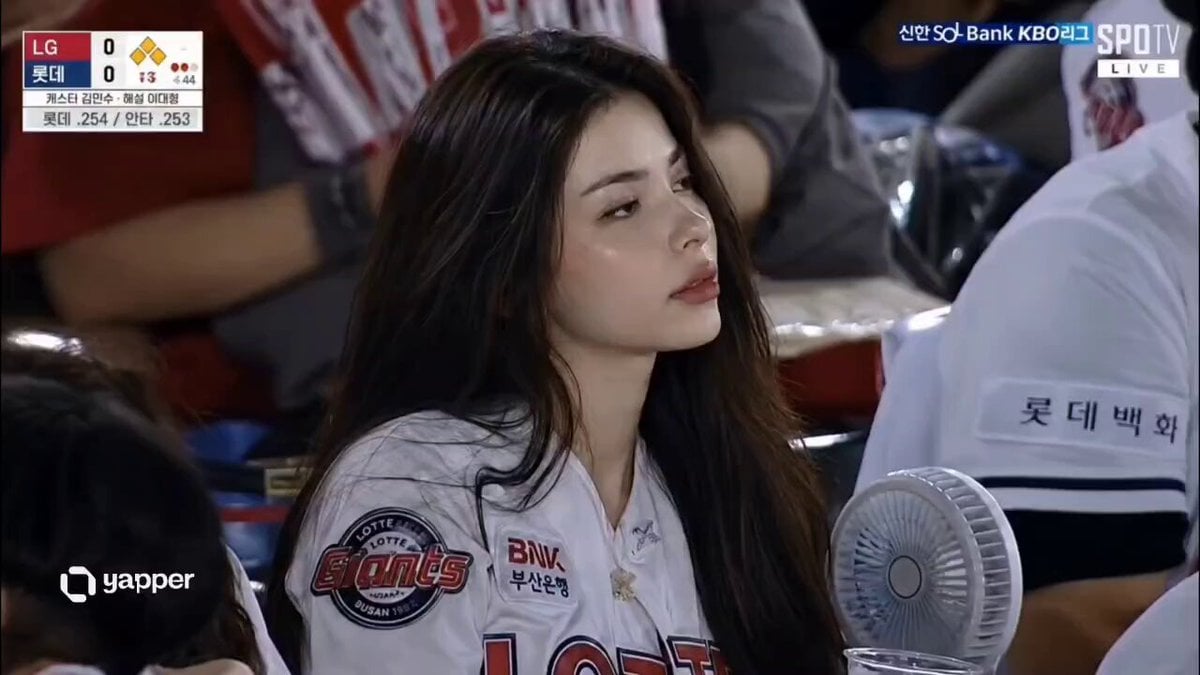
Korean Baseball Stadium Spectator Candid

Seedance 2.0 Prompt: Melancholic Chibi Penguin in Snow

Hyperrealistic Physics and Inertia Prompt

Cinematic Ancient Palace Beauty Close-up
Browse template categories
FPV Football Match Cinematic questions
How do I use the FPV Football Match Cinematic template?
Add your photo if the template asks for one, edit the prompt if you like — the template's model and format are already selected — and press Generate. Your version opens in PicX Studio.
Can I customize the FPV Football Match Cinematic template?
Yes. You can change the subject, setting, lighting, mood, format, and available model controls before creating your video.
Is the FPV Football Match Cinematic template free?
Opening and editing this template is free. Generating uses credits, shown on the Generate button when you are signed in.
Which AI model should I use?
Start with Seedance 2.0, which is the model associated with this template. You can compare another compatible model for a different finish.
Looking for something else? Browse all templates.

Your photo, any look
Thousands of ready templates for every top image and video model, from one credit balance.