
Futuristic Forest City World
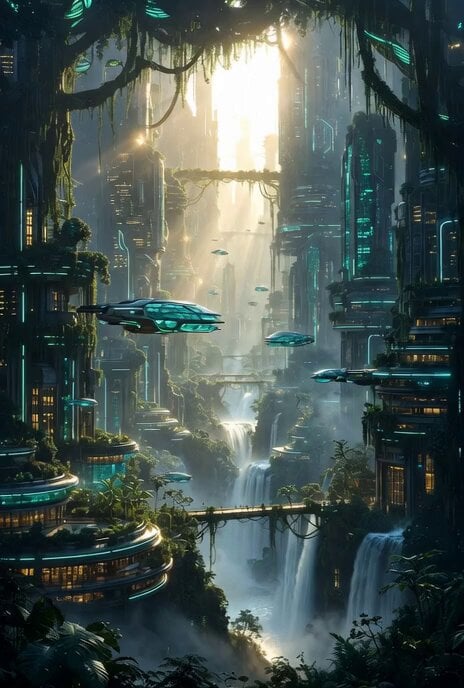
A detailed prompt for Grok Imagine to generate a breathtaking futuristic forest city world in 8K photorealistic detail, blending ultra-modern, bio-luminescent skyscrapers with an ancient, dense jungle canopy in an…
- Prompt included
- Model and format preset
- Free template
The prompt behind this video
Copy the exact prompt behind Futuristic Forest City World, or open it in the studio and make it yours.
A breathtaking futuristic forest city world in 8K photorealistic detail, where ultra-modern skyscrapers made of living bio-luminescent trees, glowing emerald glass, and organic smart materials seamlessly merge with an ancient, dense jungle canopy. Towering tree-buildings covered in vines and holographic leaves rise hundreds of stories high, connected by elegant vine bridges and floating sky-walks. Sleek flying vehicles and glowing drones weave between the foliage. Cascading waterfalls flow from building terraces into misty rivers below. Bioluminescent flora and neon-cyan energy veins light the scene at golden hour, with warm sunlight rays piercing through the thick canopy creating god rays and magical atmosphere. Eco-cyberpunk utopia style, perfect harmony between advanced technology and untouched nature, intricate architecture
How to use Futuristic Forest City World in 3 steps
- 1
Open
The prompt is already in the box next to the preview, with the template's model and format selected.
- 2…a portrait of your subject in softgolden-hour light, 85mm…
Personalize
Edit the subject and creative details for your destination.
- 3Generate
Generate
Press Generate — your video is created in PicX Studio, so you can compare it with the original and refine one variable at a time.
More like this
Templates with the same subject, style or setup. Open one to see its prompt.
Italian World Cup Reaction

Glowing Water Forest Night Prompt

Psychedelic Purple Disc World Video

Futuristic Neon Metropolis Sky
Futuristic Robot Competition Showcase

Utopian World of Harmony and Peace
Cinematic Solarpunk Biophilic Megacity at Golden Hour
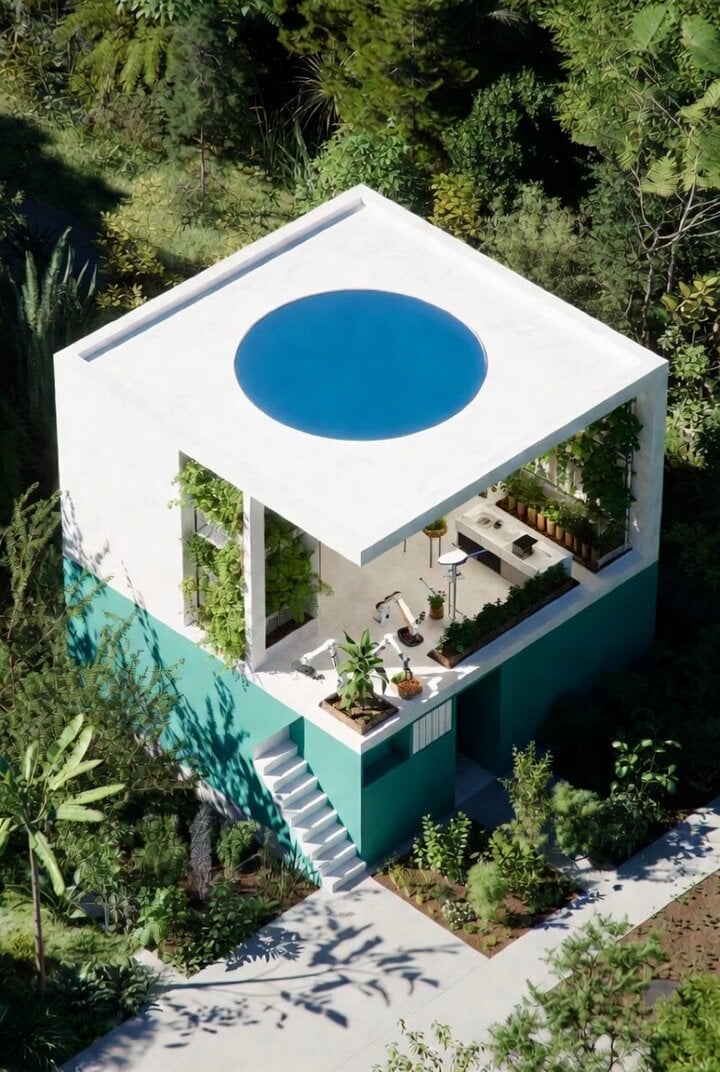
Futuristic Water Delivery Craft Video

Comic Book Style Forest Fairy Video
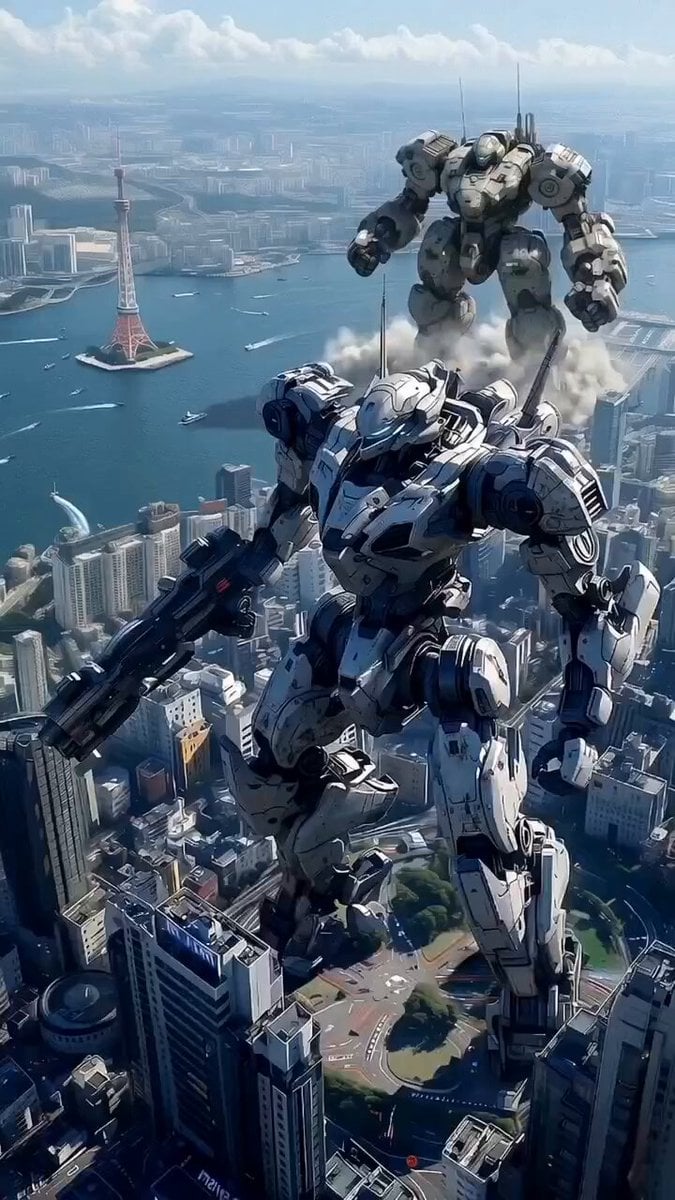
Futuristic Mech Rampage
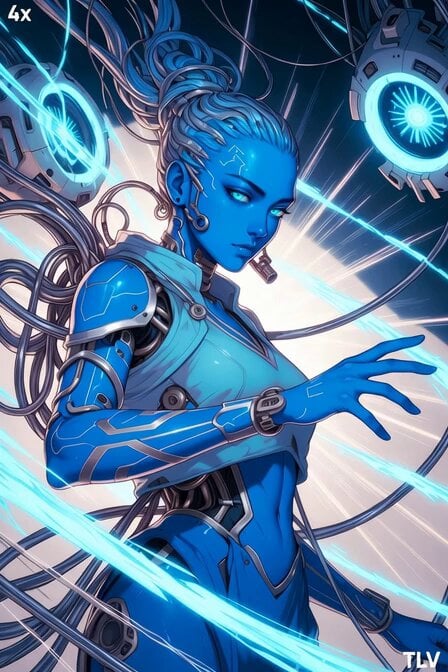
Futuristic Blue Humanoid Tech Evolution
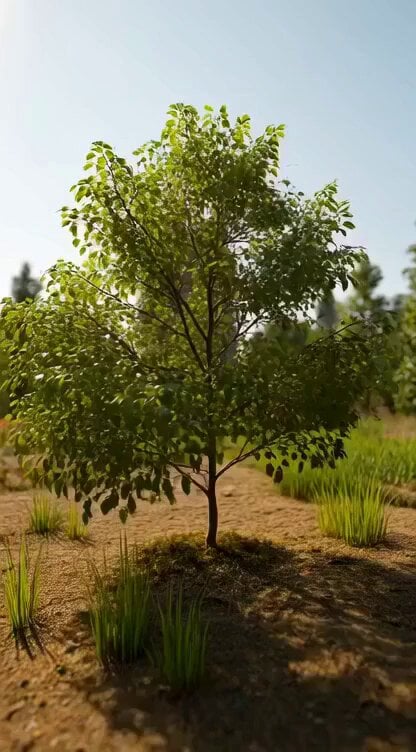
Giant Cat in Miniature Forest
Make it yours
Futuristic Forest City World works as-is. These are the safest ways to change it without losing the look.
Change one field
Copy a single group, rewrite it, and generate again so you can see what that field is doing.
Keep the frame, change the subject
Hold the composition and light of Futuristic Forest City World, then swap wardrobe, props or the person for a new take.
| If the result… | Why | Fix |
|---|---|---|
| The result drifts from the preview | Too many fields changed at once. | Reuse Futuristic Forest City World as-is first, then change one group — subject, light, or setting. |
| The model over-stylizes the scene | The prose prompt leaves finish and camera underspecified. | Add one camera or lighting sentence and stay on Grok Imagine. |
More Grok Imagine templates
Other prompts made for Grok Imagine.

Pterodactyl Transformation Journey

Candle Mandala Mirror Video

Mecha Runway Tap Dance Video Prompt

Quantum Inventor in Sonoran Desert

Emotional Angry Couple Drama

Train Zooming in Star Field Video Prompt

Cyberpunk Guerrilla Girl Video Generation

Detailed multi-part video prompt

Interior View Video Generation Prompt
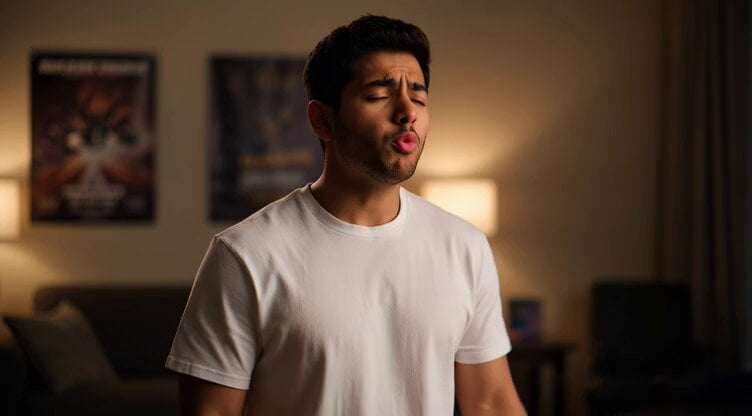
GTA 6 never came out in 1 million years
More video prompts
Fresh picks from across the catalog.
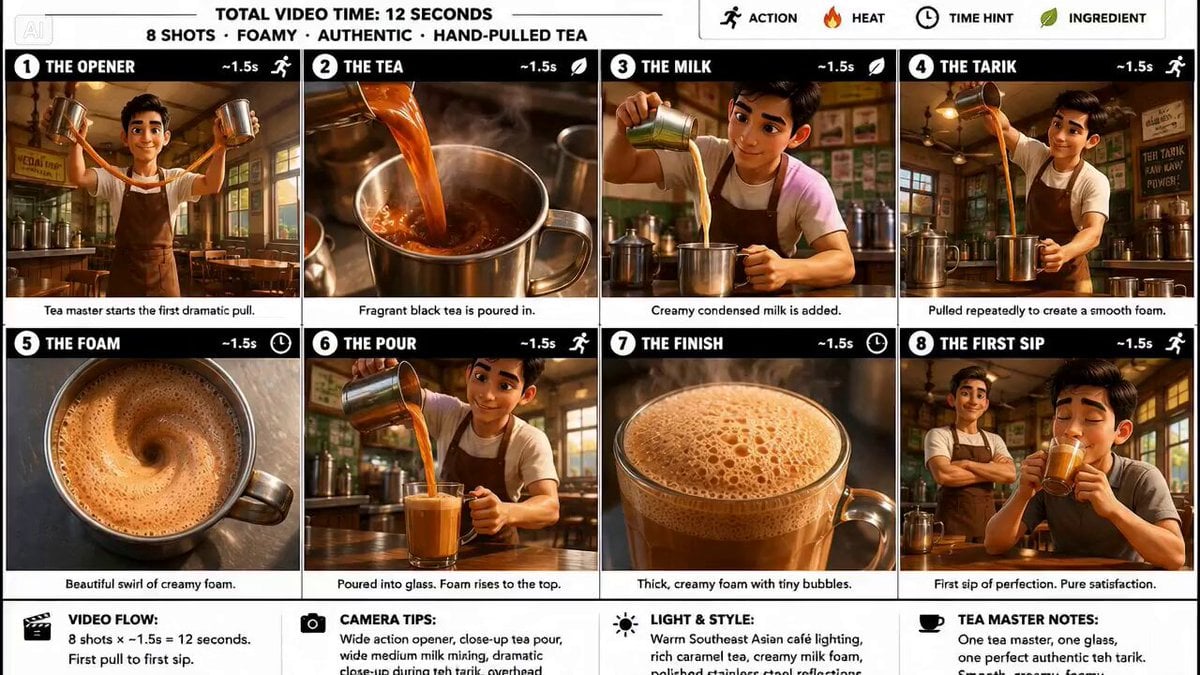
Traditional Tea Master Pixar Animation

Luxury Perfume Boutique Tracking Shot
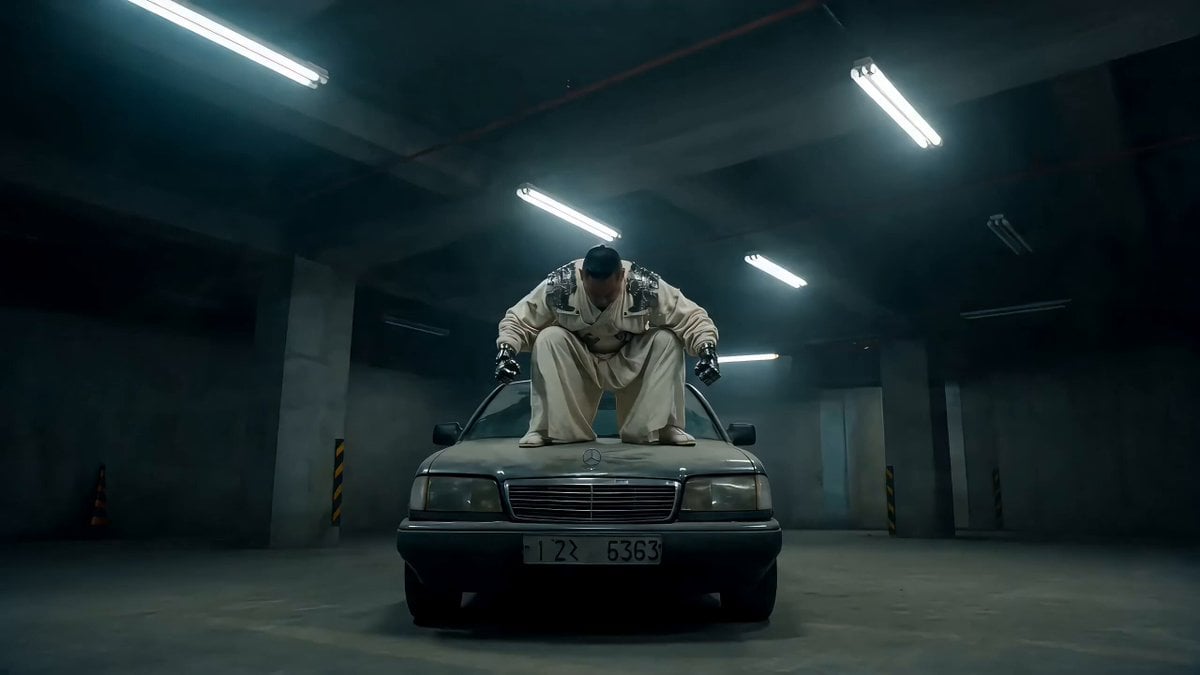
Street Fighter-Inspired Car Destruction Video Prompt for Seedance 2.0
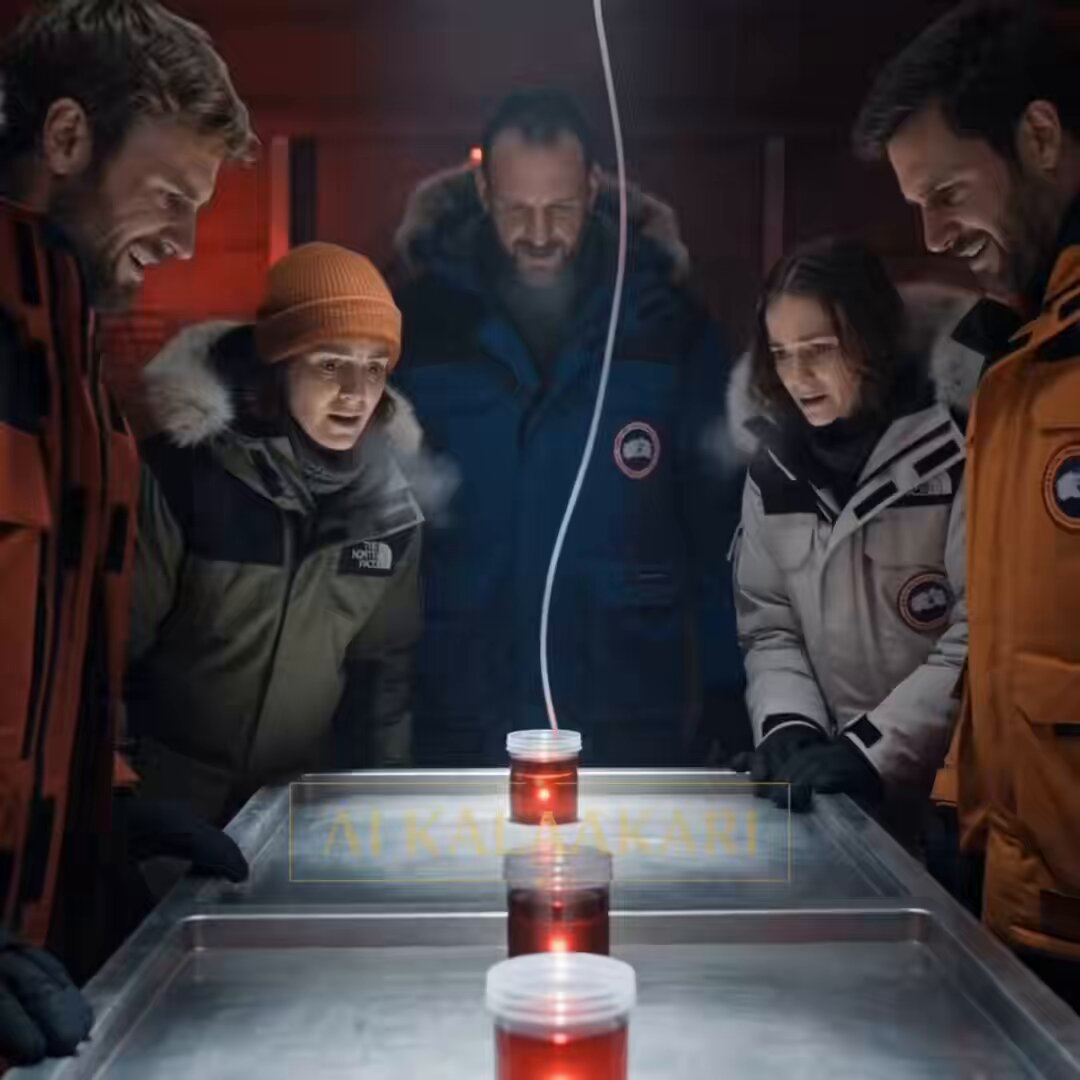
Antarctic Research Station Blood Test Horror

The founder was actually a Swiss student named Hans
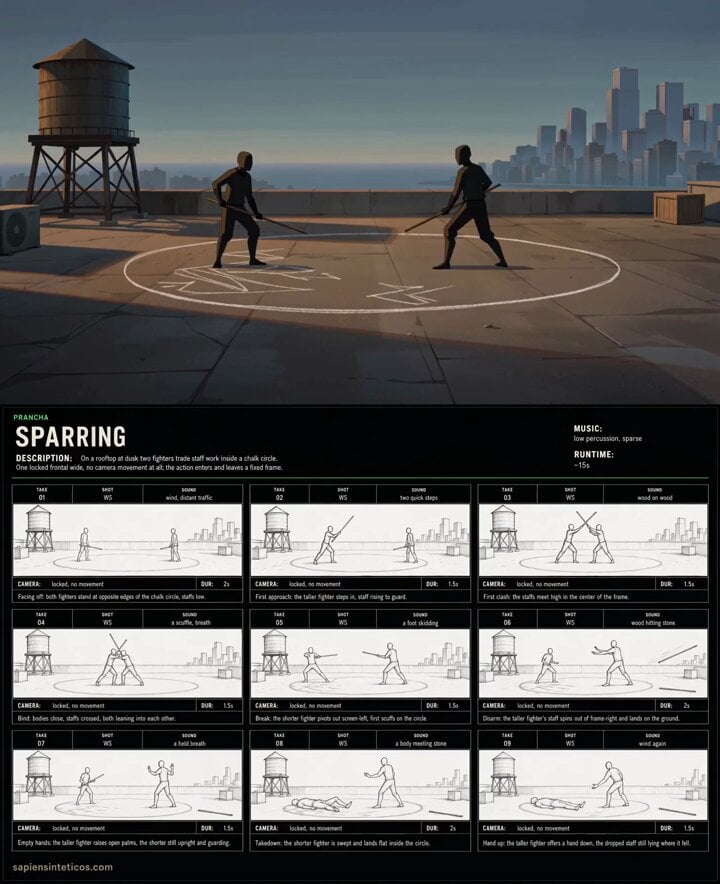
Anime Rooftop Staff Fight Storyboard
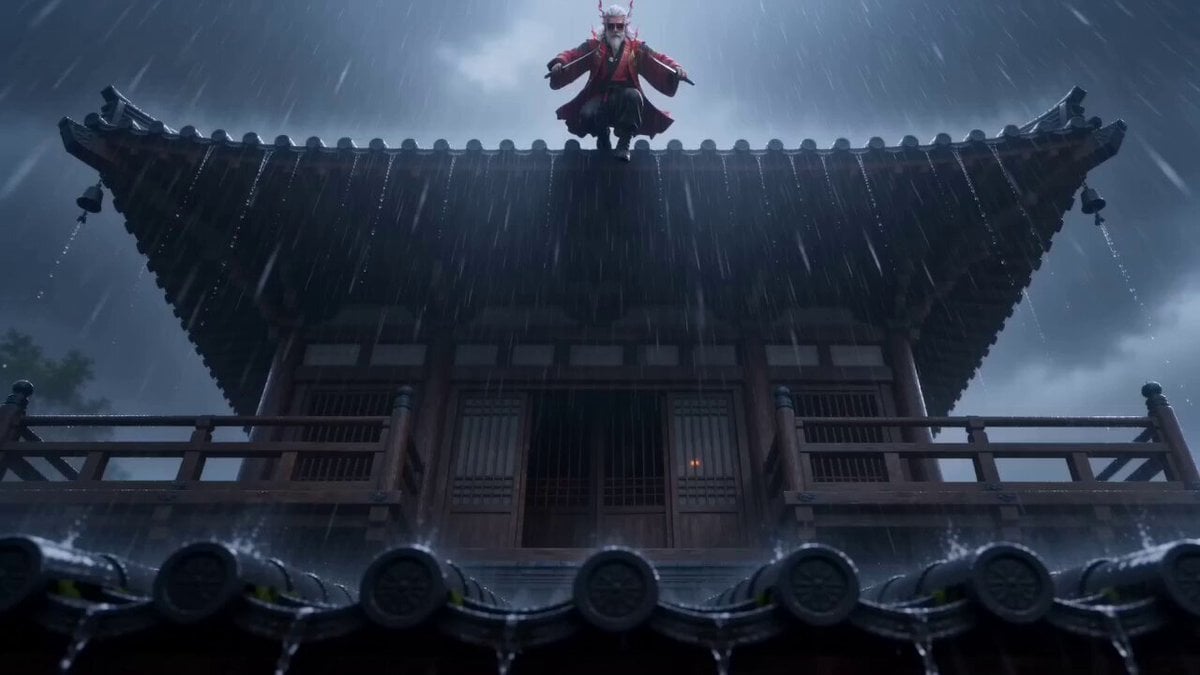
Wuxia Combat Short Video Prompt (Seedance 2.0)

Old Fashioned Scales with Cursive Sign Prompt

Cosmic Sand Silhouette Transformation

Rhythmic Hairstyle Transformation Video Prompt
Browse template categories
Futuristic Forest City World questions
How do I use the Futuristic Forest City World template?
Add your photo if the template asks for one, edit the prompt if you like — the template's model and format are already selected — and press Generate. Your version opens in PicX Studio.
Can I customize the Futuristic Forest City World template?
Yes. You can change the subject, setting, lighting, mood, format, and available model controls before creating your video.
Is the Futuristic Forest City World template free?
Opening and editing this template is free. Generating uses credits, shown on the Generate button when you are signed in.
Which AI model should I use?
Start with Grok Imagine, which is the model associated with this template. You can compare another compatible model for a different finish.
Looking for something else? Browse all templates.

Your photo, any look
Thousands of ready templates for every top image and video model, from one credit balance.