
Anime Rooftop Staff Fight Storyboard
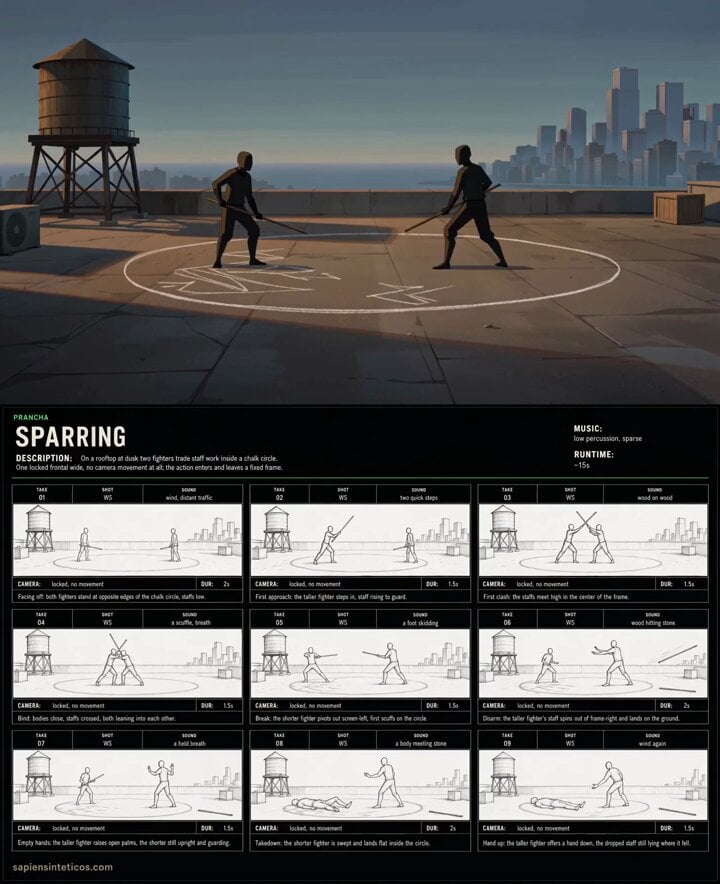
A detailed storyboard-to-video prompt for Seedance 2.0 that converts a 9-panel contact sheet into a single unbroken cinematic anime shot of two fighters on a rooftop at dusk.
- Prompt included
- Model and format preset
- Free template
The prompt behind this video
Copy the exact prompt behind Anime Rooftop Staff Fight Storyboard, or open it in the studio and make it yours.
Use the first reference image (9 panel storyboard contact sheet whose cells are labelled TAKE 01 to TAKE 09) as ordered key poses TAKE 01-TAKE 09 for ONE unbroken LOCKED shot: the camera never moves, the action passes through TAKE 01 to TAKE 09 inside a fixed frame, without cuts or holds; completely ignore its line-sketch style, panel frames, gutters and any text. LOOK & WORLD: Modern 2D cel-shaded anime with painted backgrounds and clean confident linework. On a city rooftop at dusk, two fighters in simple training clothes trade staff work inside a chalk circle. Warm low dusk light, long shadows on concrete, cool blue city haze behind. One fixed 24mm lens, deep focus, cinematic. The lens never changes. CONTINUITY (binding, not flavour): Locked frontal wide at waist height, unchanged from TAKE 01 to TAKE 09. Stage anchors hold their positions throughout: rooftop water tank screen-left, chalk circle center, city skyline screen-right, crate at right. The chalk circle is unbroken through TAKE 04; scuff marks start at TAKE 05 and persist. One staff drops at TAKE 06 and stays on the ground for the rest of the take. The screen-left fighter is upright through TAKE 07 and grounded from TAKE 08 on. Stage anchors hold their screen positions throughout, the camera height never changes, and every state pinned to a TAKE number is true from that TAKE onward and false before it. Never invent a shot that the sheet does not have. ACTION & CAMERA: the camera is bolted down. No cuts, no zoom, no pan, no tilt, no tracking, no shake, no reframing. Only the action moves, entering and leaving a fixed frame. (TAKE 01) locked, no movement, Facing off: both fighters stand at opposite edges of the chalk circle, staffs low. (TAKE 02) locked, no movement, First approach: the screen-left fighter steps in, staff rising to guard. (TAKE 03) locked, no movement, First clash: the staffs meet high in the center of the frame. (TAKE 04) locked, no movement, Bind: bodies close, staffs crossed, both leaning into each other. (TAKE 05) locked, no movement, Break: the screen-right fighter pivots away, first scuffs on the circle. (TAKE 06) locked, no movement, Disarm: the screen-right fighter staff spins out to frame-right and lands on the ground. (TAKE 07) locked, no movement, Empty hands: the screen-right fighter raises open palms, the other still guarding. (TAKE 08) locked, no movement, Takedown: the screen-left fighter is swept and lands flat inside the circle. (TAKE 09) locked, no movement, Hand up
How to use Anime Rooftop Staff Fight Storyboard in 3 steps
- 1Upload ImagePNG, JPG or paste
Add your photo
Upload the photo the template builds on. The prompt, model and format are already set.
- 2…a portrait of your subject in softgolden-hour light, 85mm…
Personalize
Edit the subject and creative details for your destination.
- 3Generate
Generate
Press Generate — your video is created in PicX Studio, so you can compare it with the original and refine one variable at a time.
More like this
Templates with the same subject, style or setup. Open one to see its prompt.
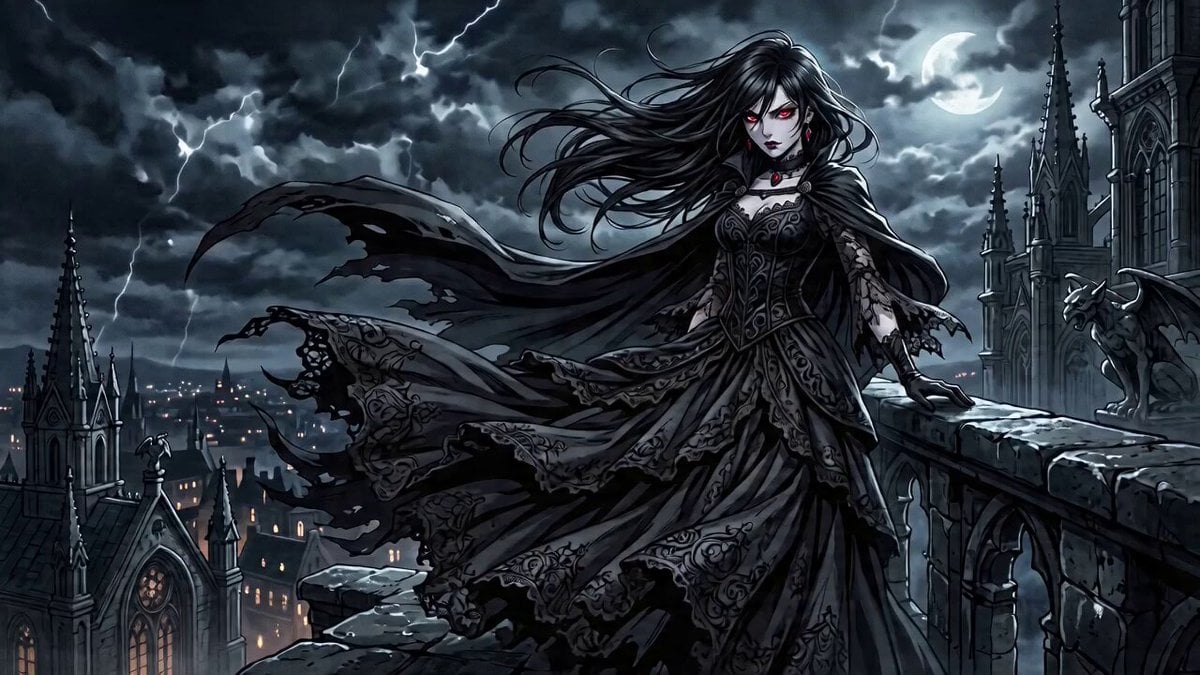
Anime-Style Rooftop Fight Scene Prompt for Seedance 2.0
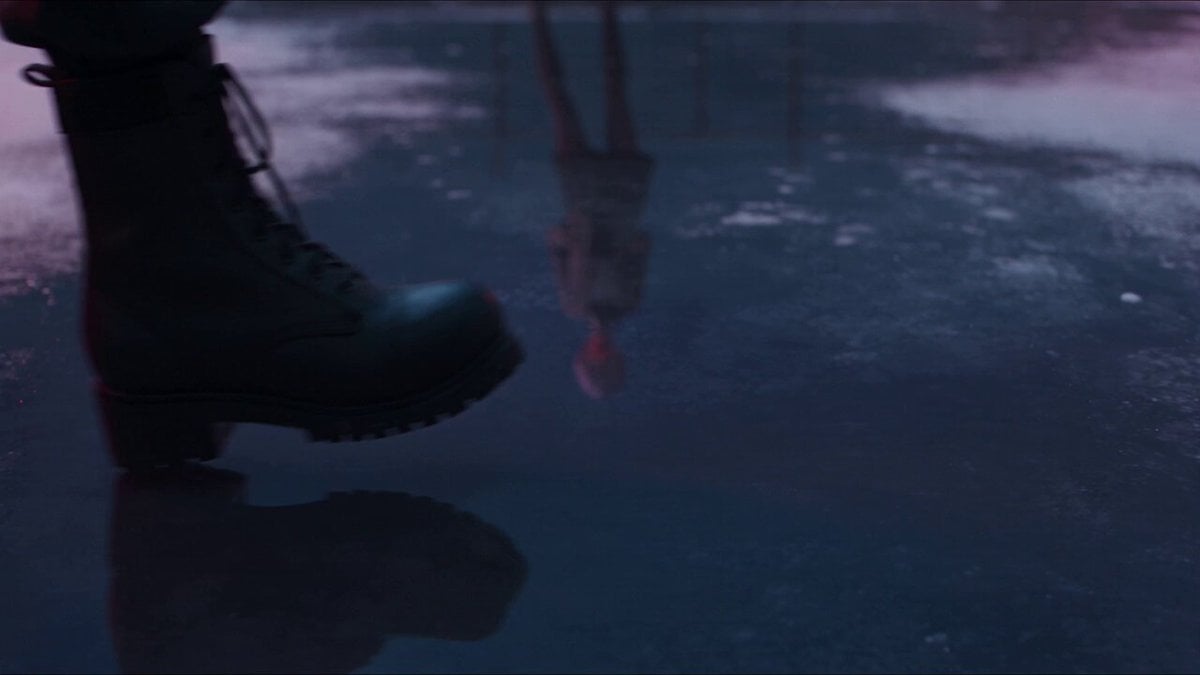
Anime Fantasy Rooftop Combat Sequence

Cinematic Anime Night City Rooftop
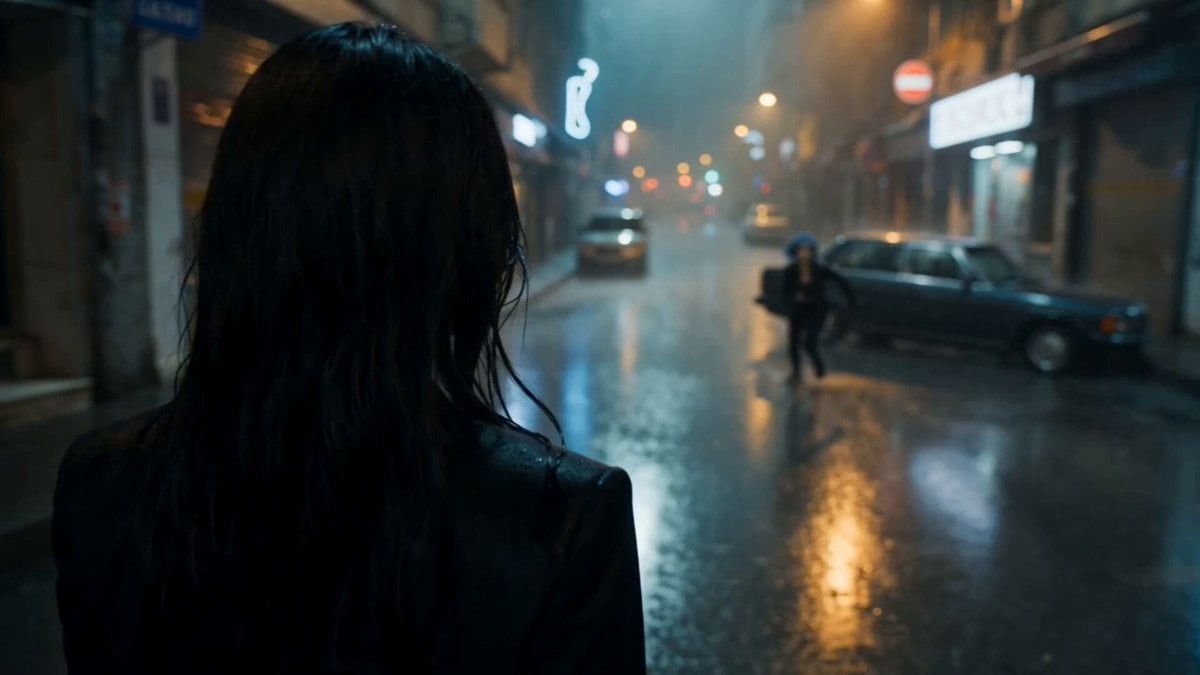
Cinematic Istanbul Night Fight - Seedance 2.5
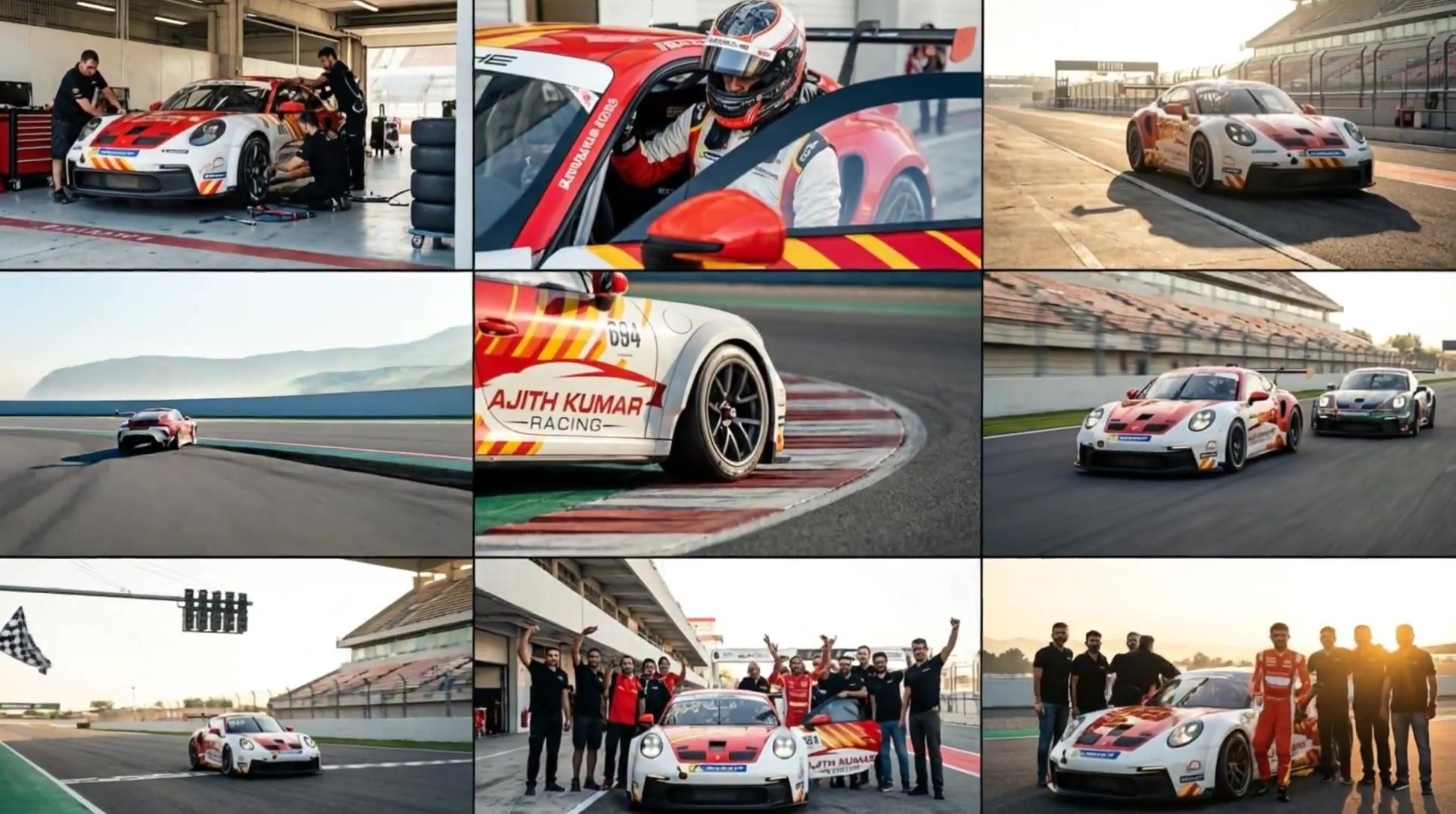
3x3 Grid Storyboard Racing — Kling 3.0 O3 Pro
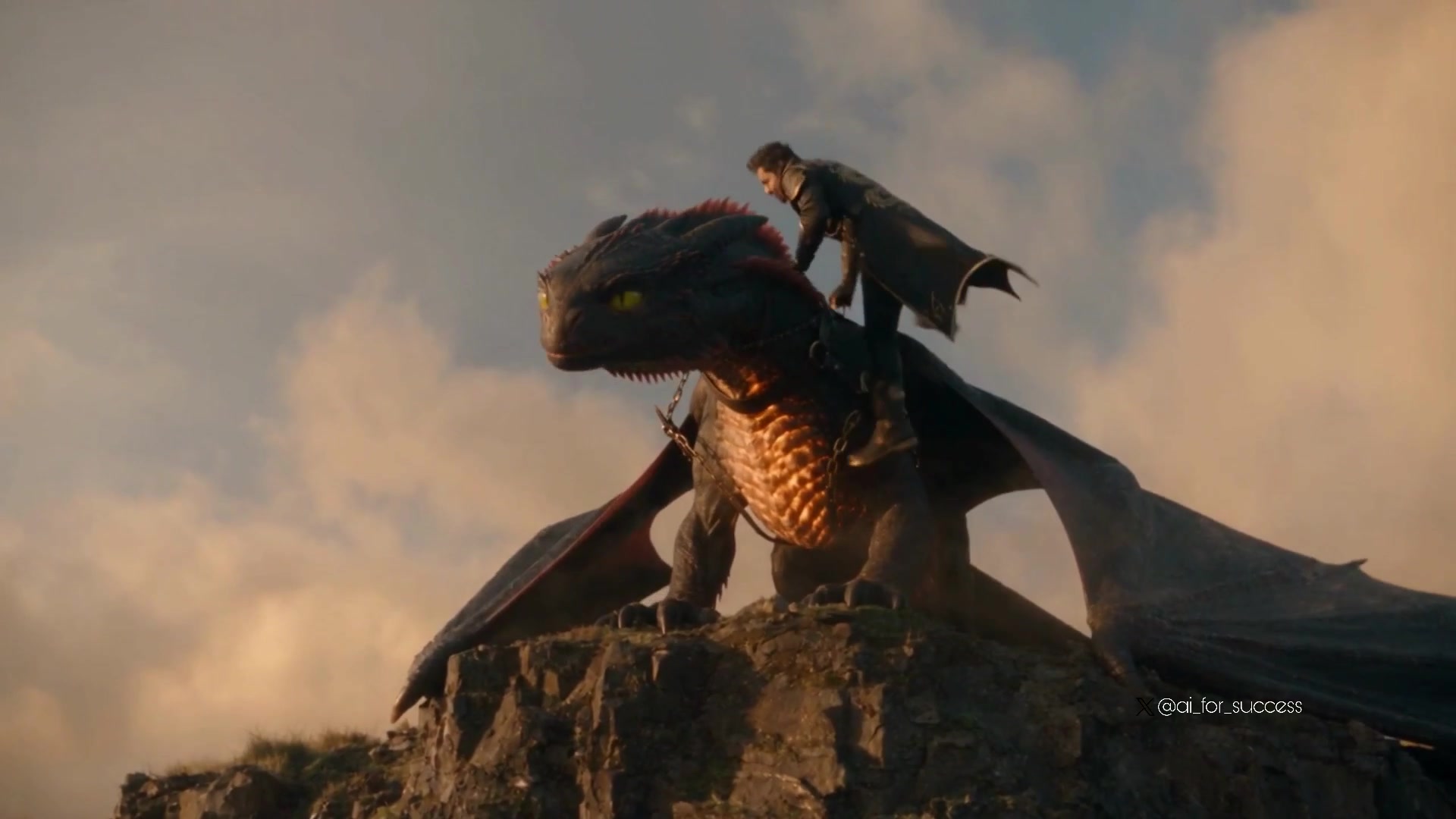
Dragon Rider Cinematic Flight — Seedance 2.5
Rooftop Parkour Motion Control

MiniMax H3 Character Introduction

Luxury Lifestyle Day Vlog
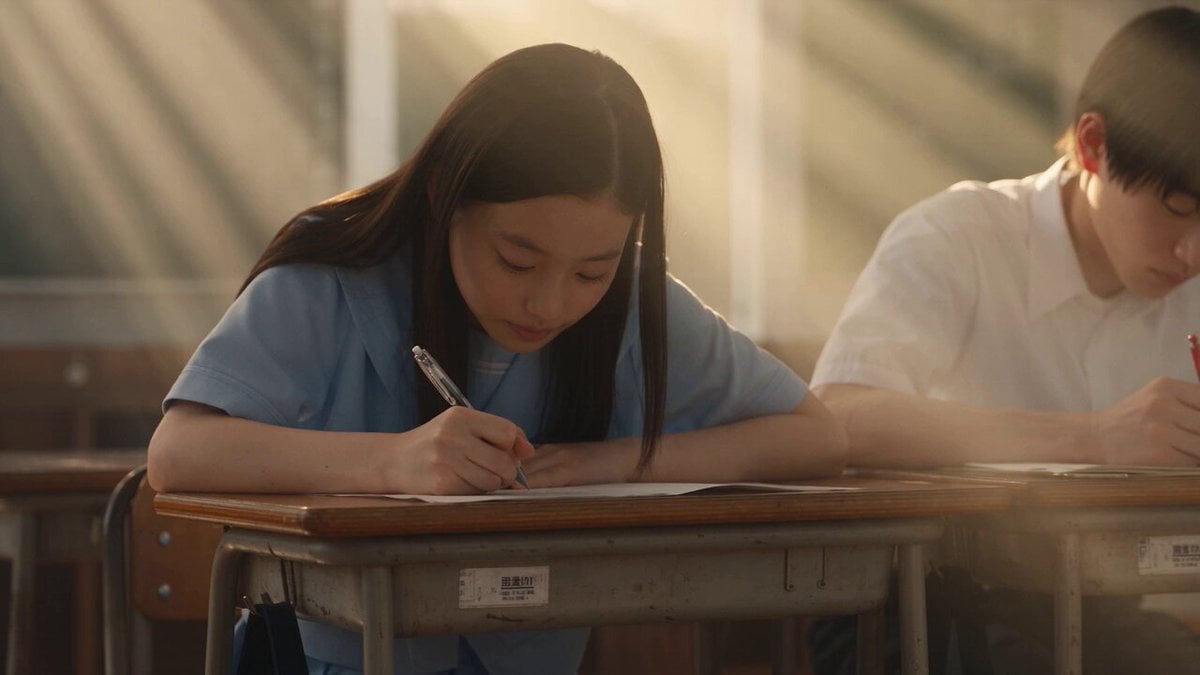
Japanese Pure Love Short Film
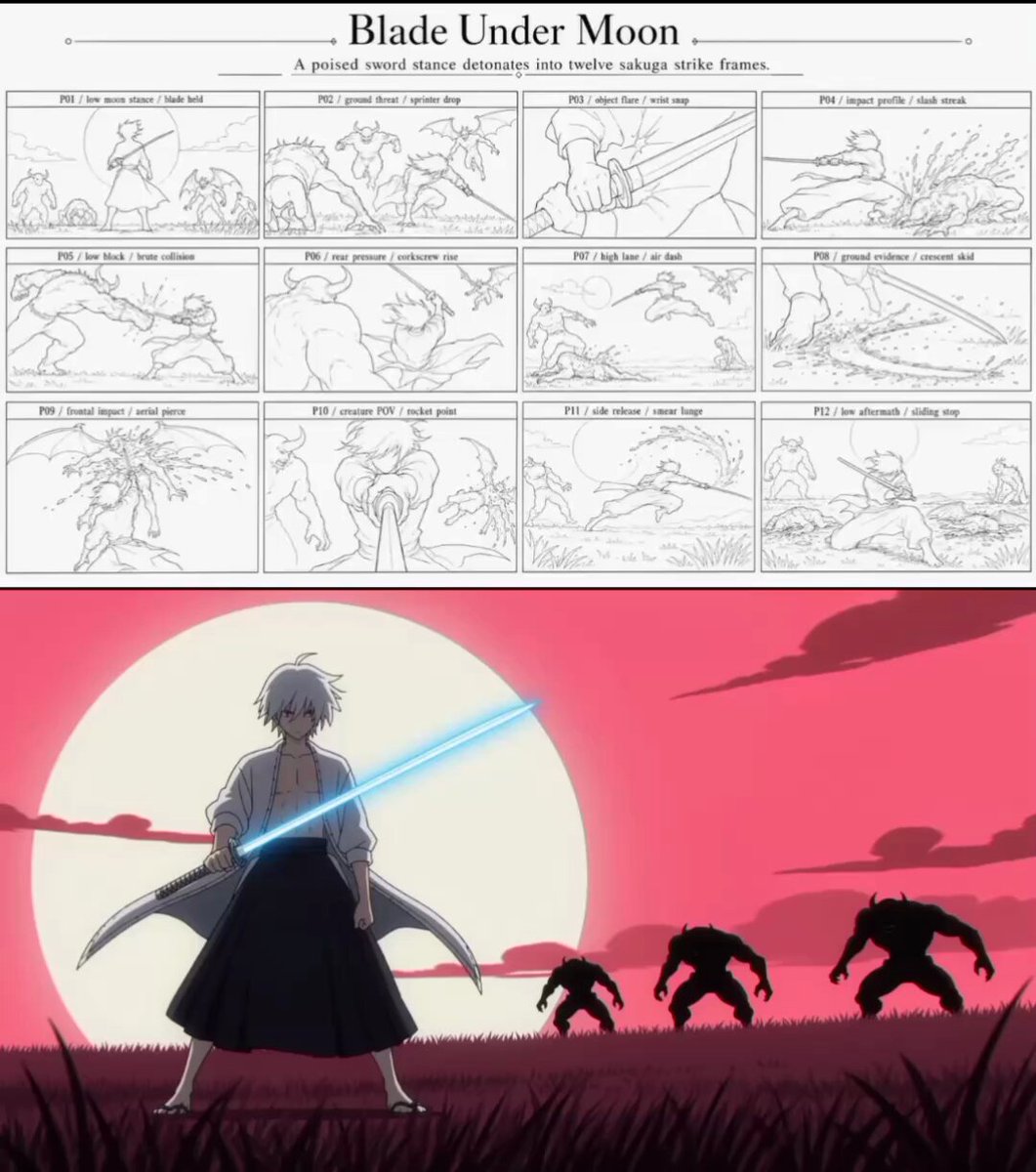
Sakuga Anime Action Storyboard
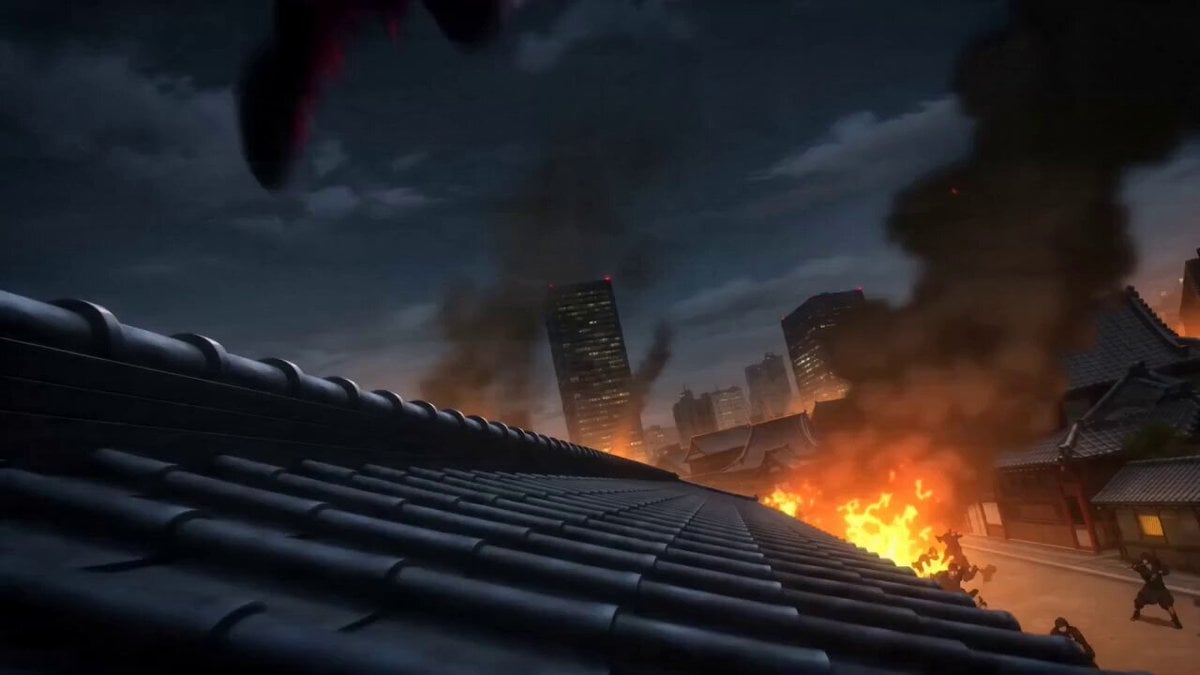
Anime Kunoichi Rooftop Battle
Make it yours
Anime Rooftop Staff Fight Storyboard works as-is. These are the safest ways to change it without losing the look.
Change one field
Copy a single group, rewrite it, and generate again so you can see what that field is doing.
Keep the frame, change the subject
Hold the composition and light of Anime Rooftop Staff Fight Storyboard, then swap wardrobe, props or the person for a new take.
| If the result… | Why | Fix |
|---|---|---|
| The result drifts from the preview | Too many fields changed at once. | Reuse Anime Rooftop Staff Fight Storyboard as-is first, then change one group — subject, light, or setting. |
| The model over-stylizes the scene | The prose prompt leaves finish and camera underspecified. | Add one camera or lighting sentence and stay on Seedance 2.0. |
More Seedance 2.0 templates
Other prompts made for Seedance 2.0.

Comical Martial Arts Punch Scene

Maglev Train Action Sequence

Wuxia Protection and Trust Script

Vintage Korean Arcade MiniDV Vlog

Mercedes 190 SL Luxury Ad

Rainy Night Supernatural Reverse Comedy Video Script

Amazon Civilization Discovery

Futuristic South Asian City Transformation

Cozy Luxury Cafe Commercial

Cyber Ronin Nanotech Transformation Video
More video prompts
Fresh picks from across the catalog.
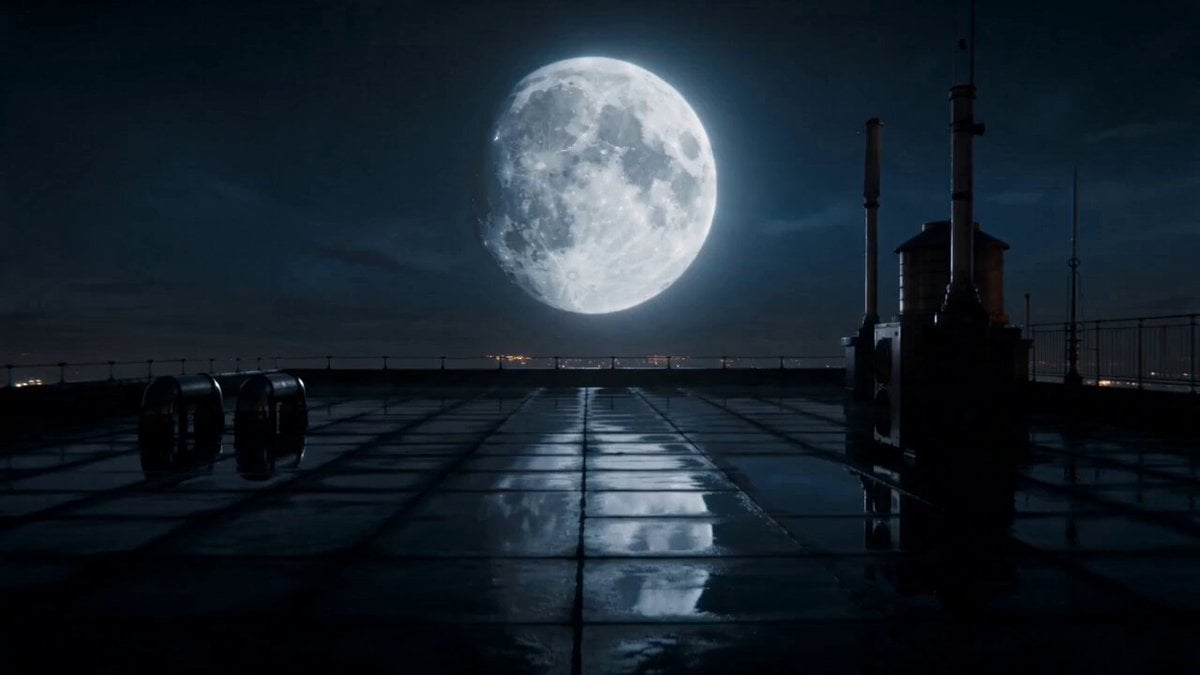
Ethereal Lunar Moth Transformation

DV Tape Camcorder Gym Vlog
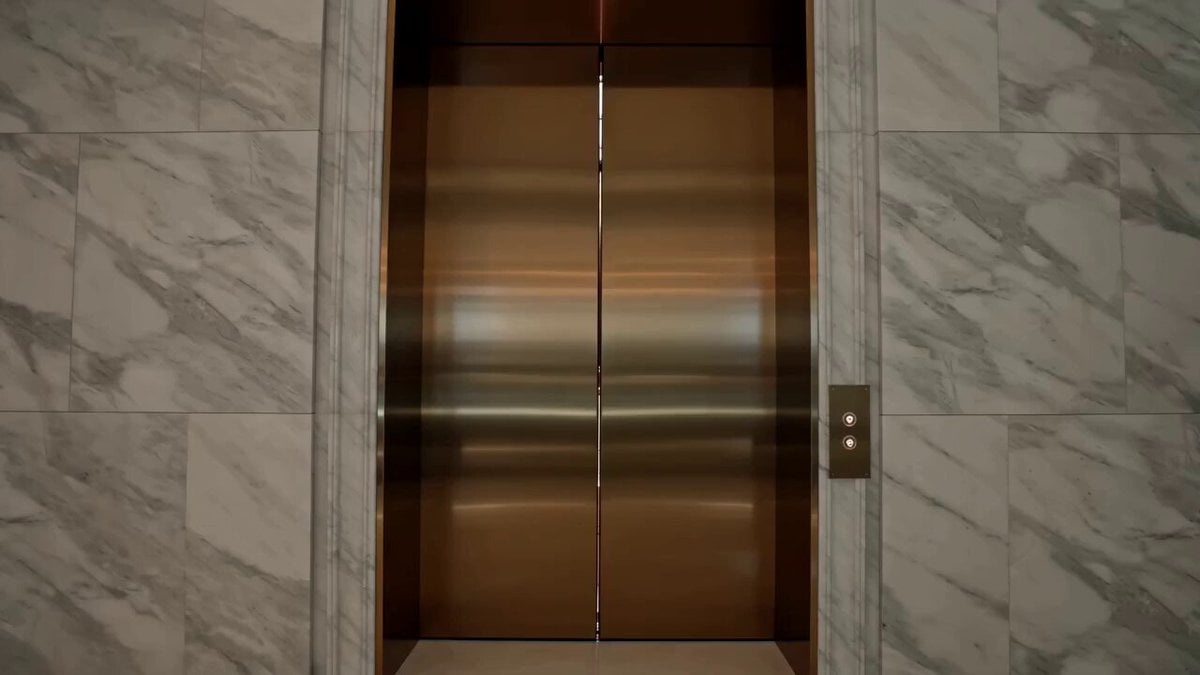
Luxury Fashion Elevator Commercial
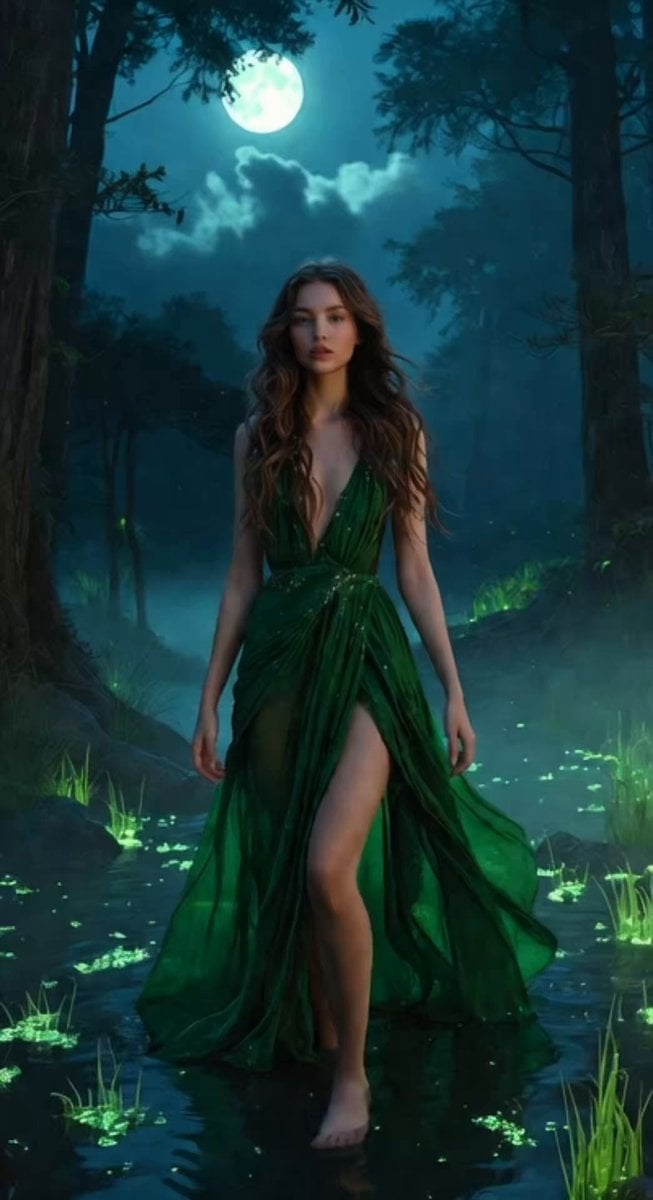
Glowing Water Forest Night Prompt
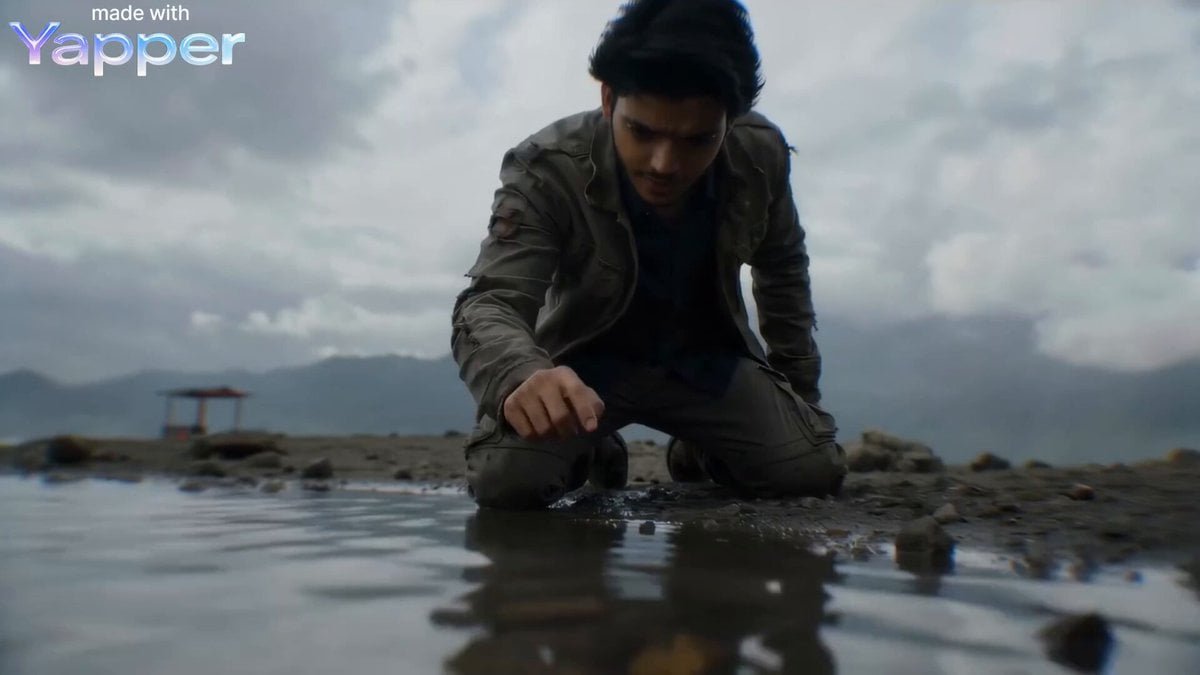
Second Cinematic Transformation Scene Prompt (IMAX Style)
Korean Cute Expression Prompt
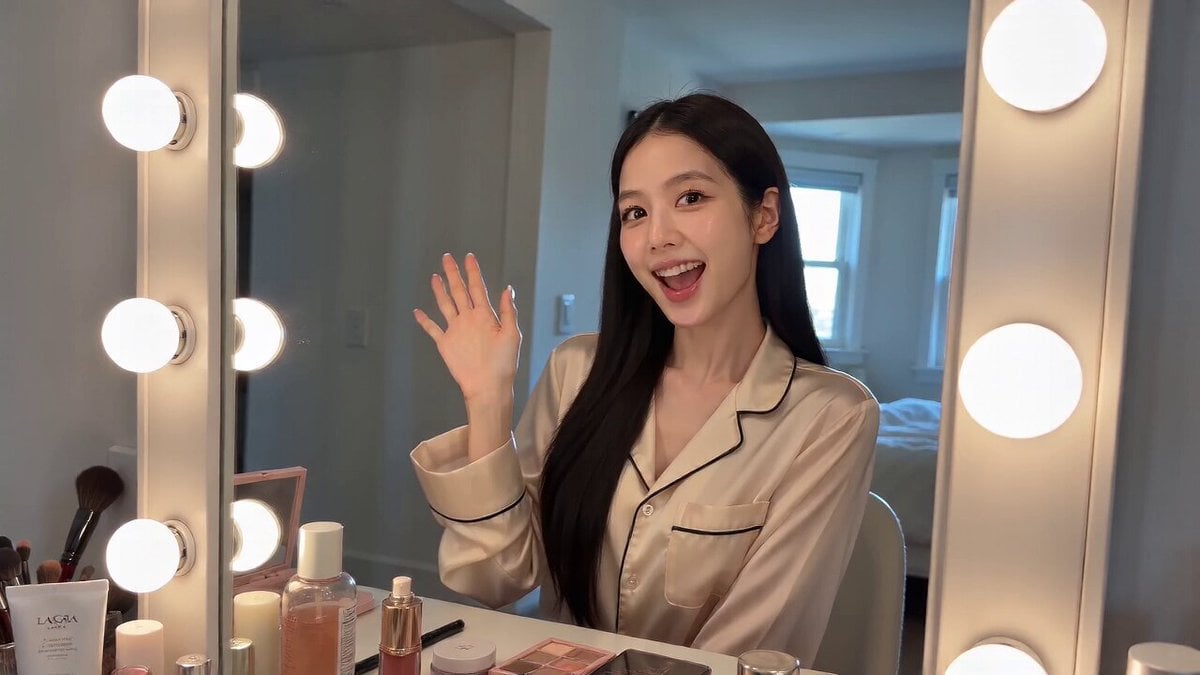
Handheld iPhone Selfie POV
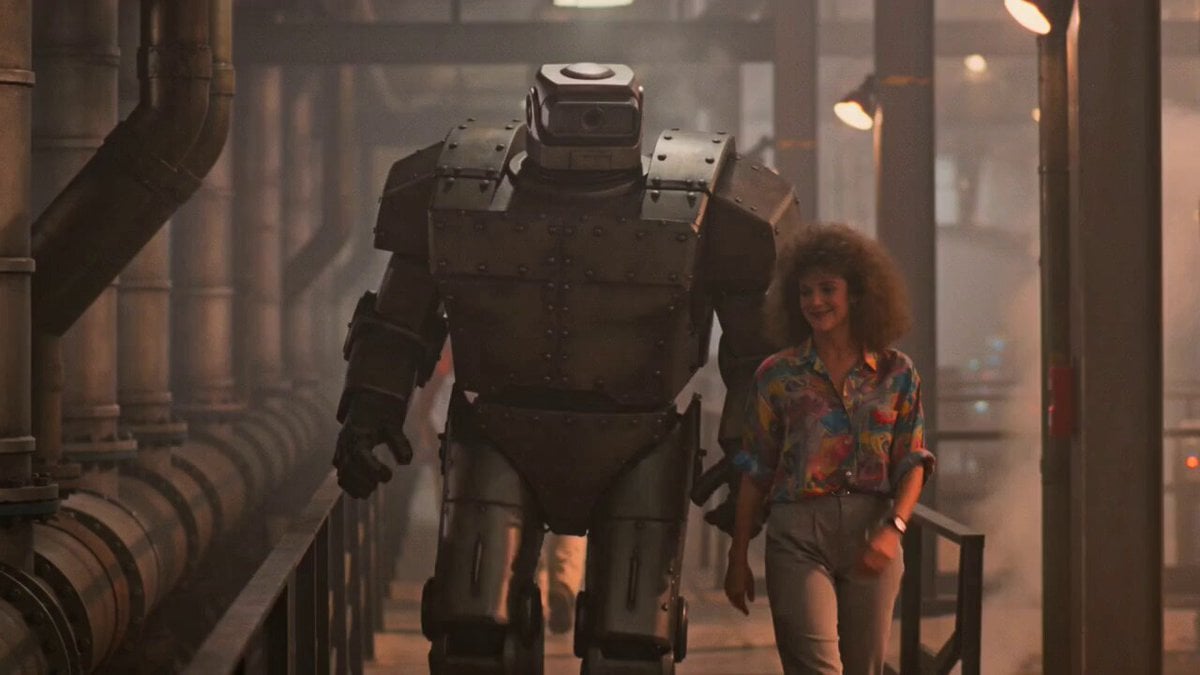
1980s Retro Sci-Fi Comedy Scene
Video Prompt for 3D Cubic Lattice Visualization

Desert Leviathan and Shamanic Belly Dancer
Browse template categories
Anime Rooftop Staff Fight Storyboard questions
How do I use the Anime Rooftop Staff Fight Storyboard template?
Add your photo if the template asks for one, edit the prompt if you like — the template's model and format are already selected — and press Generate. Your version opens in PicX Studio.
Can I customize the Anime Rooftop Staff Fight Storyboard template?
Yes. You can change the subject, setting, lighting, mood, format, and available model controls before creating your video.
Is the Anime Rooftop Staff Fight Storyboard template free?
Opening and editing this template is free. Generating uses credits, shown on the Generate button when you are signed in.
Which AI model should I use?
Start with Seedance 2.0, which is the model associated with this template. You can compare another compatible model for a different finish.
Looking for something else? Browse all templates.

Your photo, any look
Thousands of ready templates for every top image and video model, from one credit balance.