
Handheld iPhone Selfie POV
A cinematic prompt designed to mimic the imperfect, natural look of a handheld iPhone selfie video with realistic camera movements.
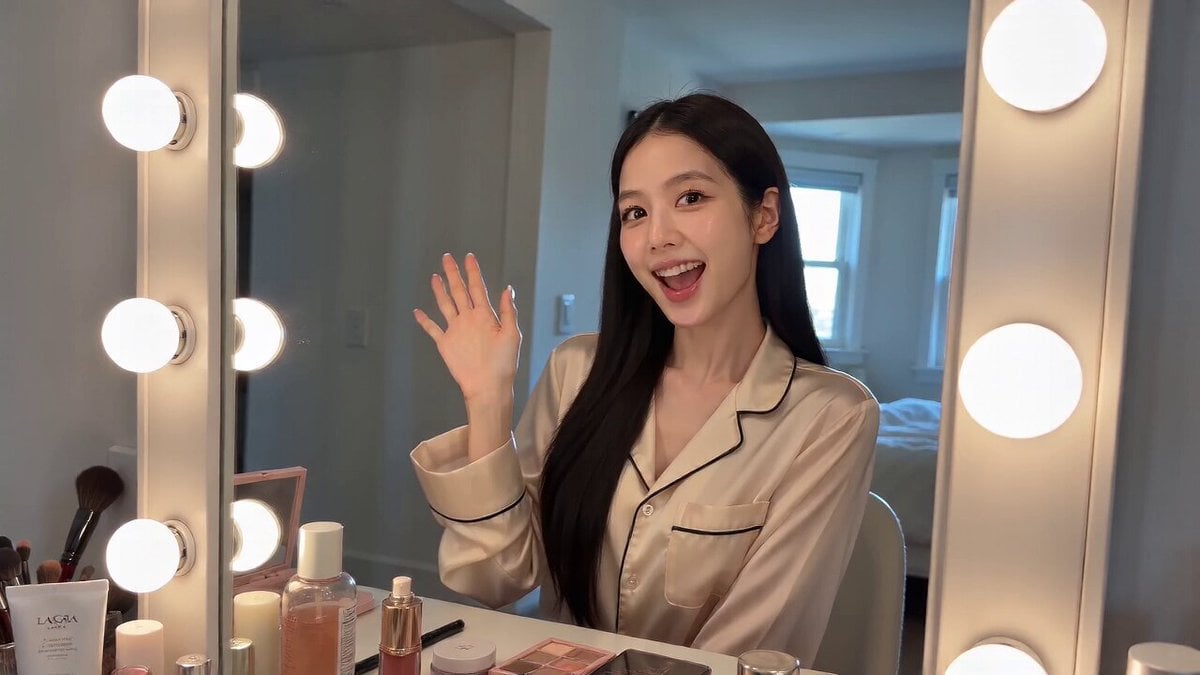
- Prompt included
- Model and format preset
- Premium template
The prompt behind this video
Copy the exact prompt behind Handheld iPhone Selfie POV, or open it in the studio and make it yours.
iPhone 手机手持拍摄自己,或偶尔将摄像机靠在梳妆镜上。只拍自拍/第一人称视角。自然的手抖、不完美的取景、延迟对焦、笨拙的变焦、轻微的主体丢失、脸部偶尔被裁切。摄像机本身永不出现。 自然光线,高清像素质量,柔和的对比度、真实的肤色。 风格:休闲的
How to use Handheld iPhone Selfie POV in 3 steps
- 1
Open
The prompt is already in the box next to the preview, with the template's model and format selected.
- 2…a portrait of your subject in softgolden-hour light, 85mm…
Personalize
Edit the subject and creative details for your destination.
- 3Generate
Generate
Press Generate — your video is created in PicX Studio, so you can compare it with the original and refine one variable at a time.
More like this
Templates with the same subject, style or setup. Open one to see its prompt.
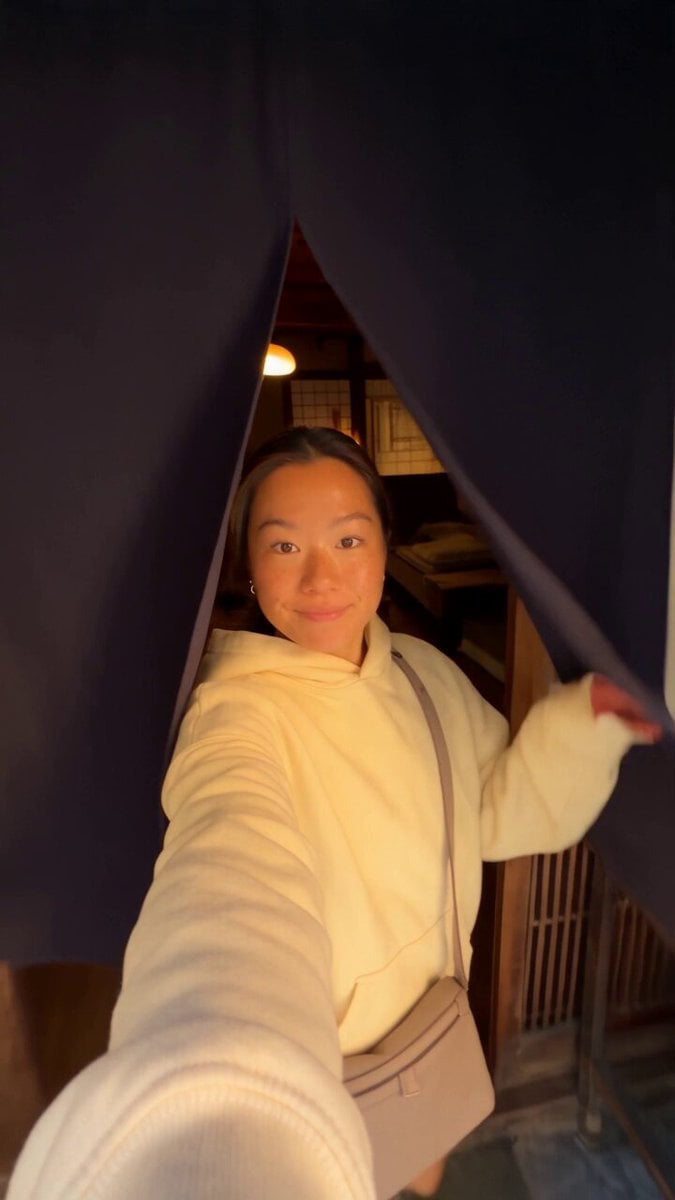
Kyoto Morning Selfie Vlog
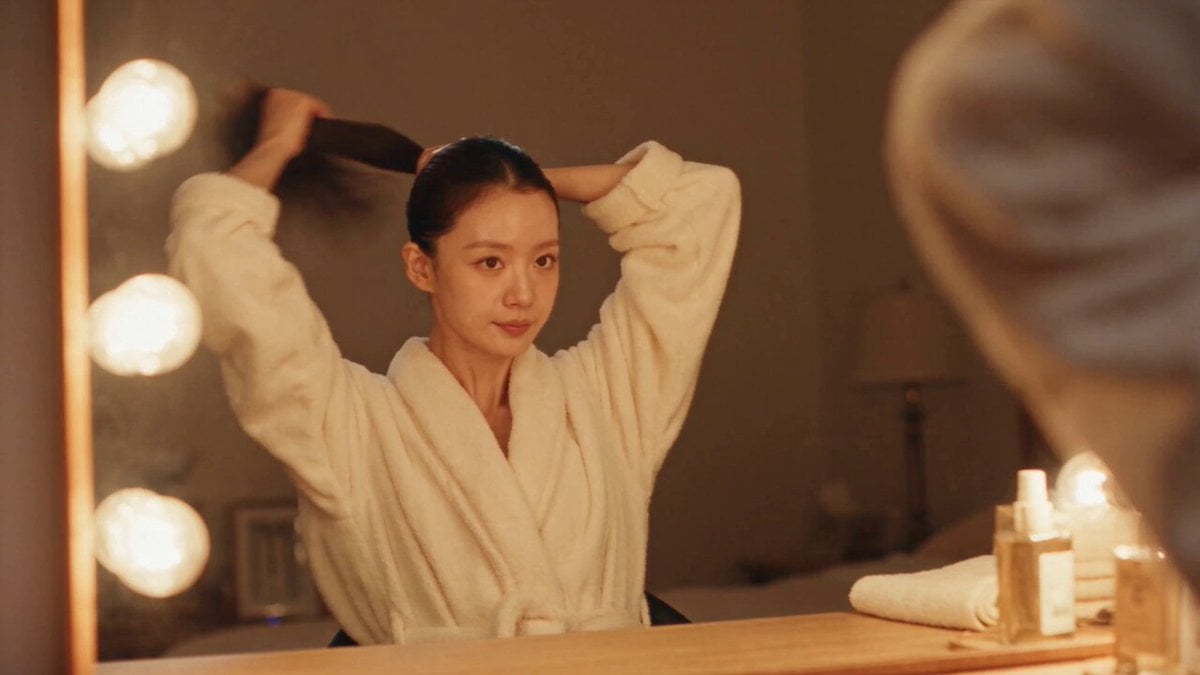
DV Camcorder POV Gym Montage — Seedance 2.5
DV Camcorder POV Gym Montage — Seedance 2.5
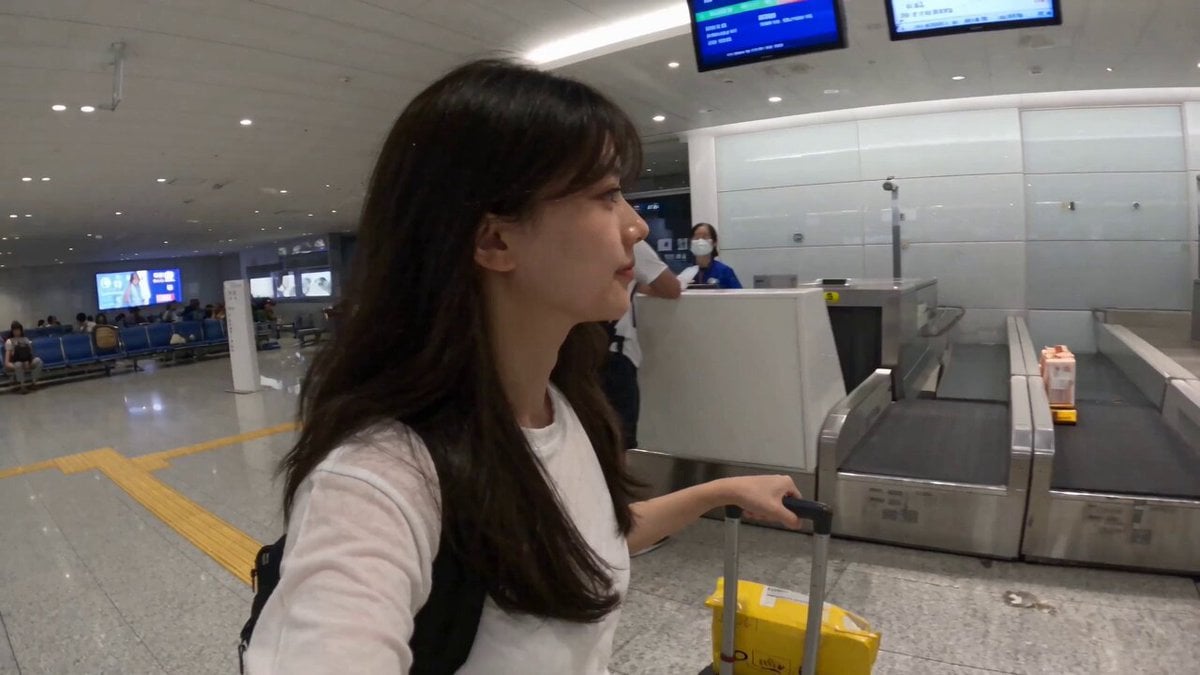
Smartphone Travel Vlog Tokyo Trip Identity Preserved
POV iPhone Selfie Reaction Video
Handheld POV Nighttime Taxi Video
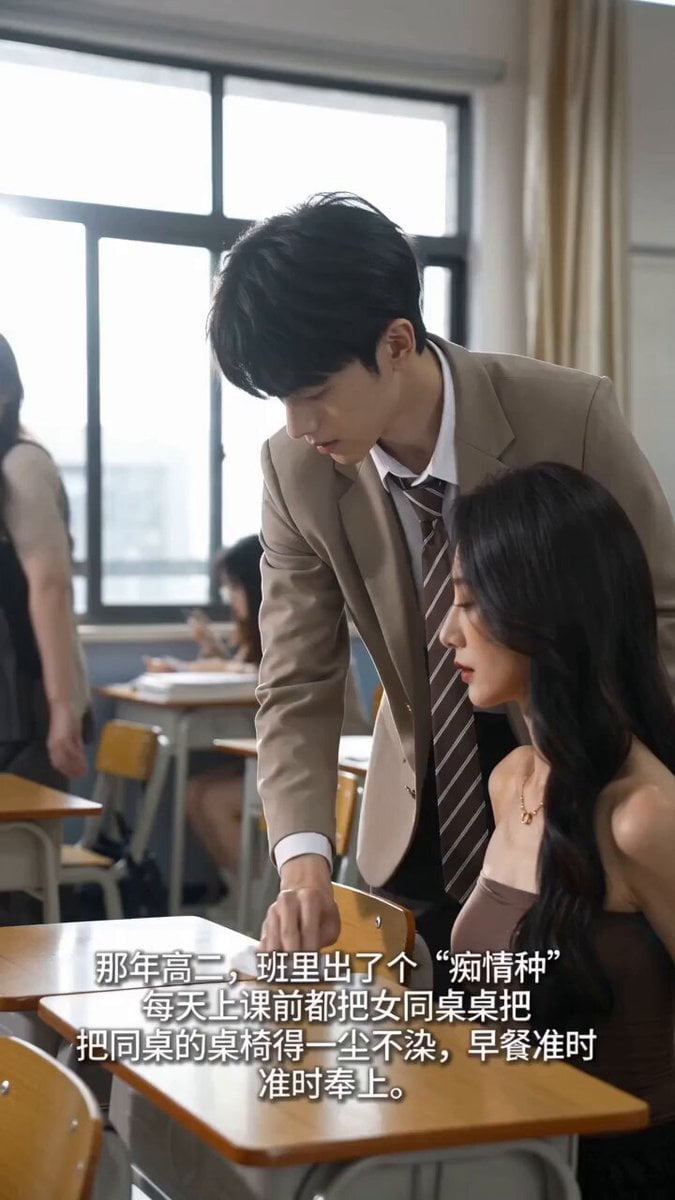
Handheld iPhone Style School Romance
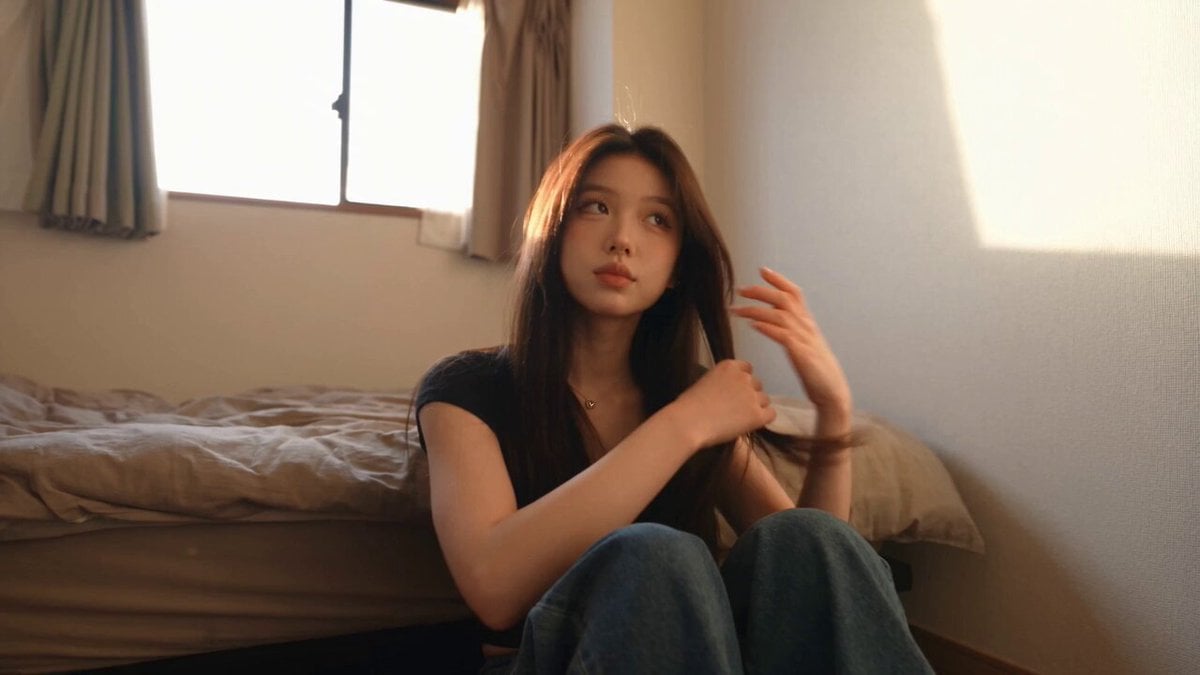
Handheld Tokyo Travel Vlog - Seedance 2.5
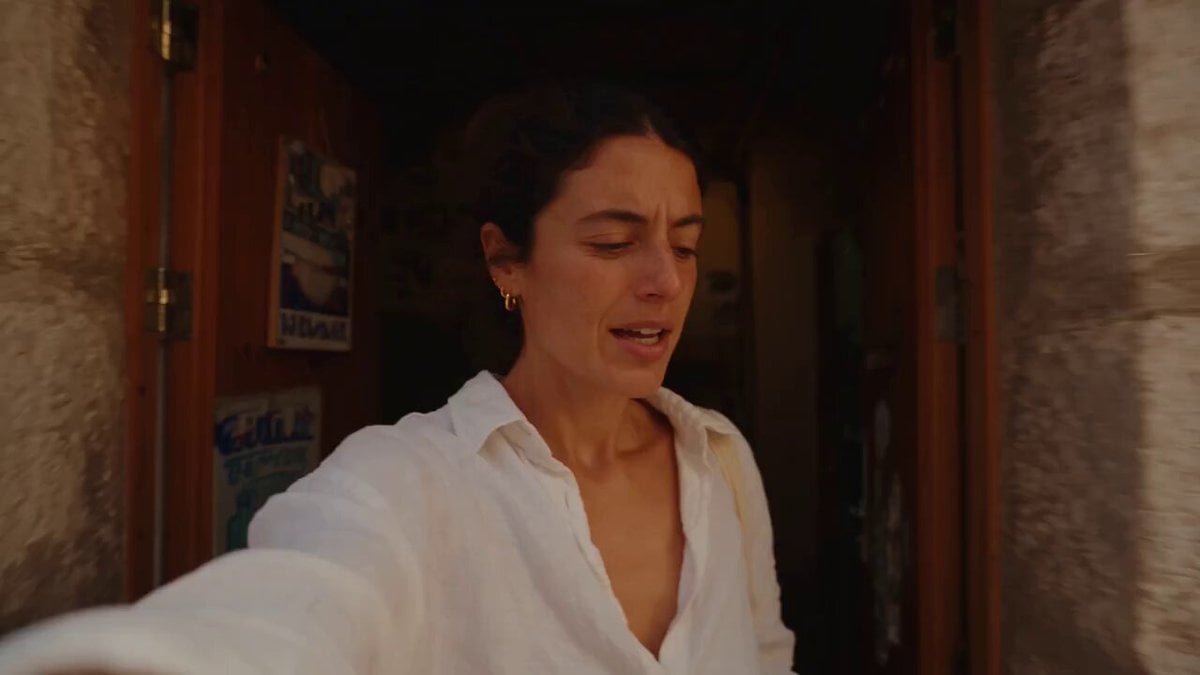
Mediterranean Morning Coffee Run Vlog (Seedance 2.5)
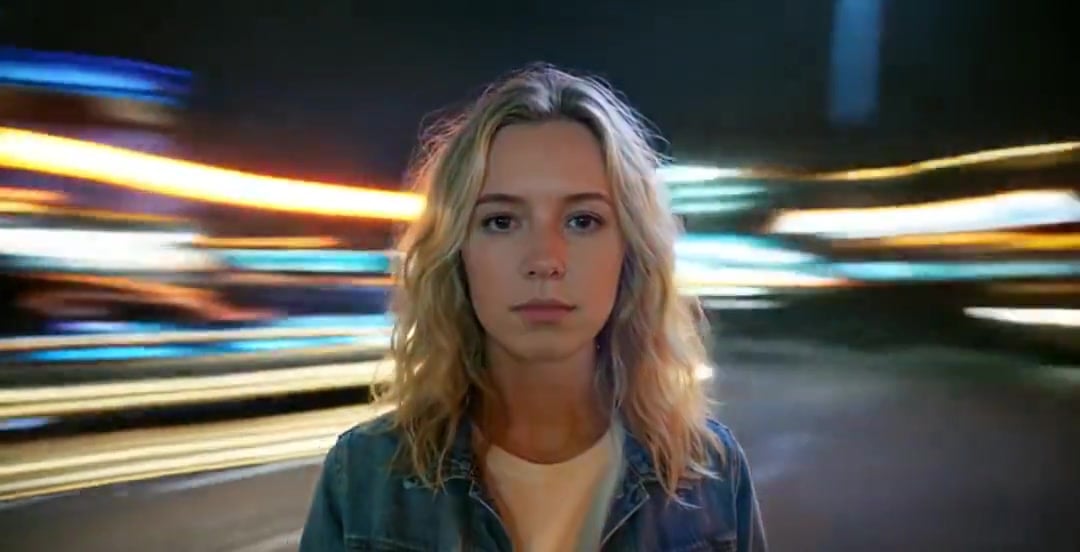
Handheld Neon Chaos Motion Blur — Kling 3.0 v3 Pro
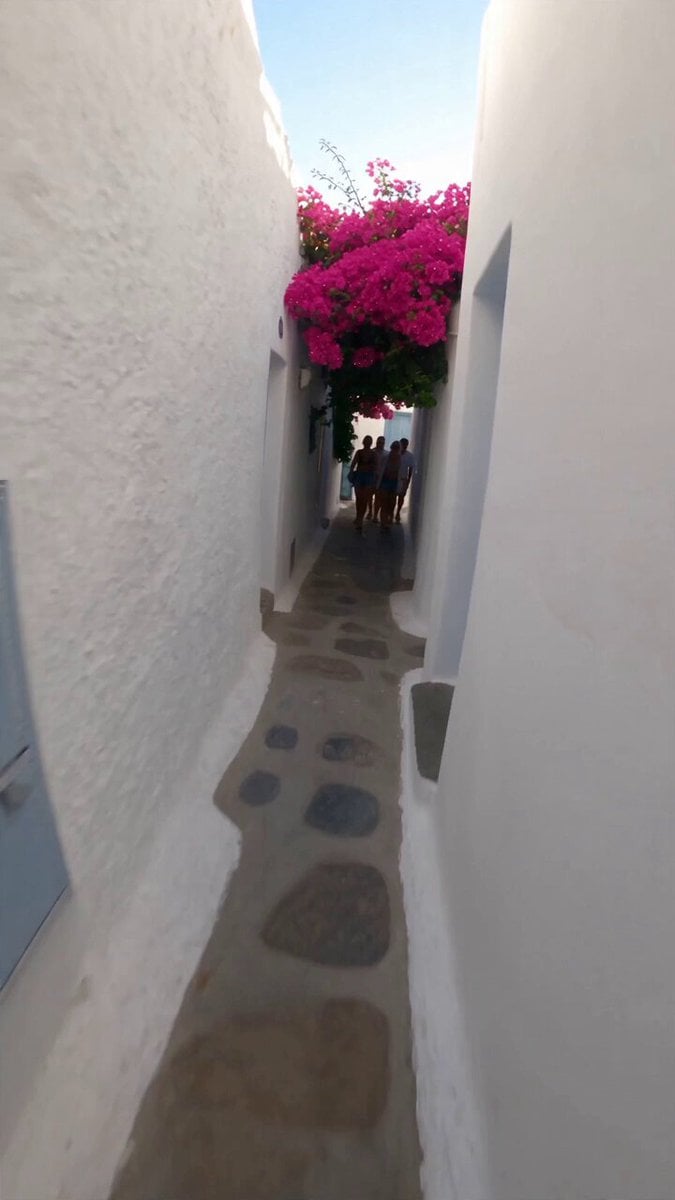
Selfie Travel Vlog Mykonos
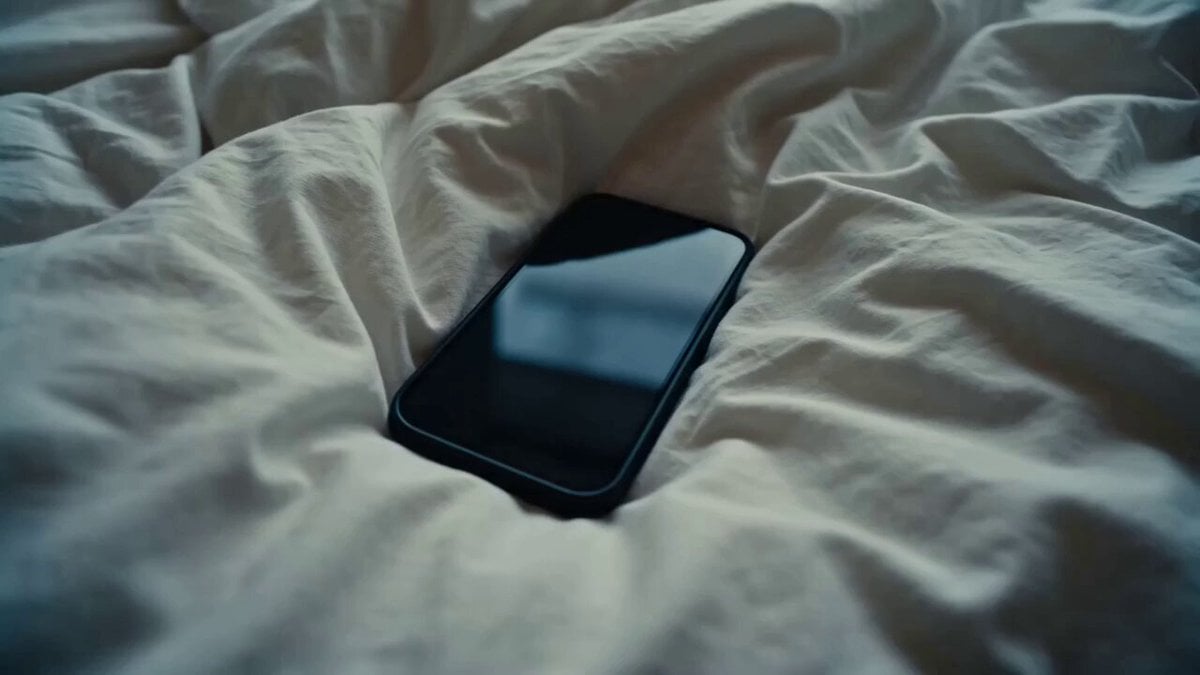
Rushed Morning Routine Montage
Make it yours
Handheld iPhone Selfie POV works as-is. These are the safest ways to change it without losing the look.
Change one field
Copy a single group, rewrite it, and generate again so you can see what that field is doing.
Keep the frame, change the subject
Hold the composition and light of Handheld iPhone Selfie POV, then swap wardrobe, props or the person for a new take.
| If the result… | Why | Fix |
|---|---|---|
| The result drifts from the preview | Too many fields changed at once. | Reuse Handheld iPhone Selfie POV as-is first, then change one group — subject, light, or setting. |
| The model over-stylizes the scene | The prose prompt leaves finish and camera underspecified. | Add one camera or lighting sentence and stay on Seedance 2.0. |
More Seedance 2.0 templates
Other prompts made for Seedance 2.0.

Comical Martial Arts Punch Scene

Maglev Train Action Sequence

Martial Arts Fight Sequence

Wuxia Protection and Trust Script

Vintage Korean Arcade MiniDV Vlog

Mercedes 190 SL Luxury Ad

Rainy Night Supernatural Reverse Comedy Video Script

Amazon Civilization Discovery

Futuristic South Asian City Transformation

Cozy Luxury Cafe Commercial
More video prompts
Fresh picks from across the catalog.
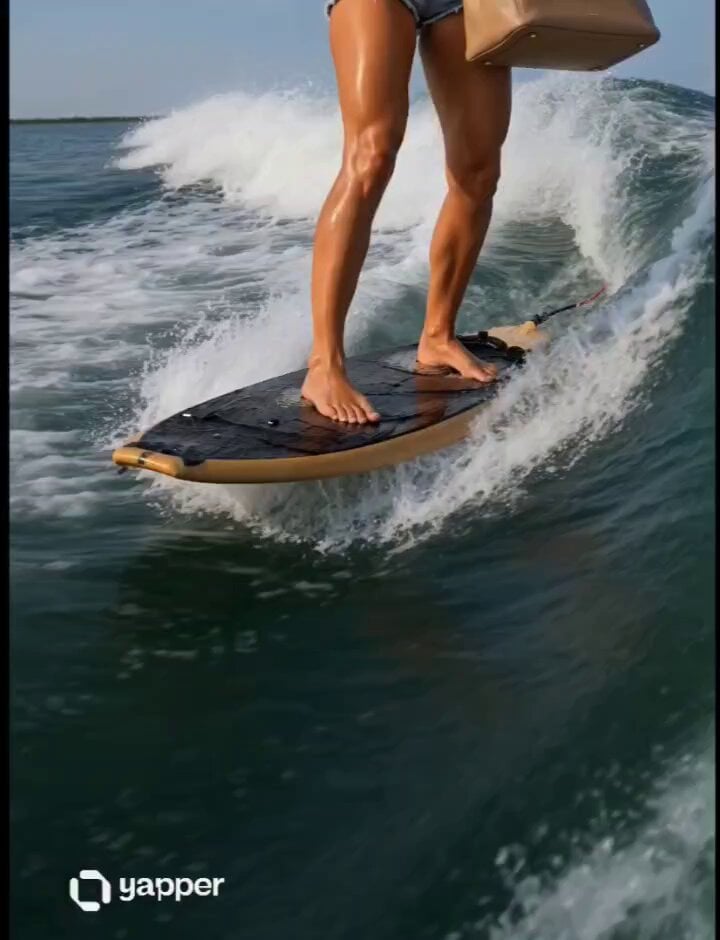
Cinematic Wakesurfing Lifestyle
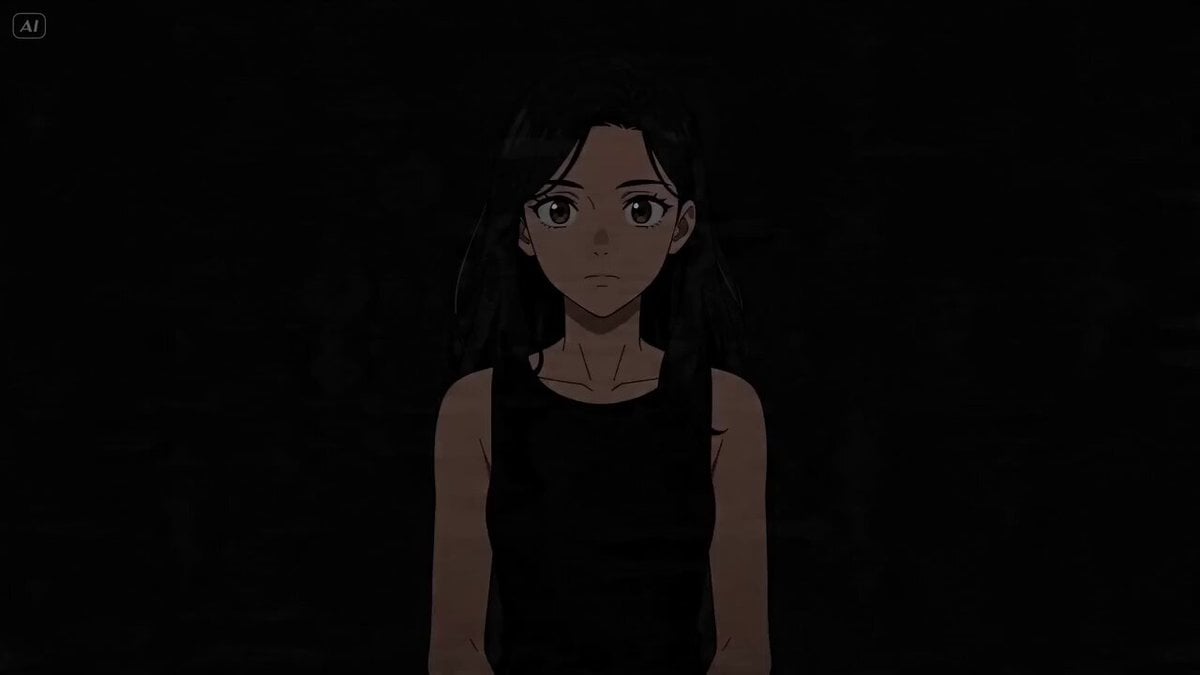
Cinematic Lighting Showcase
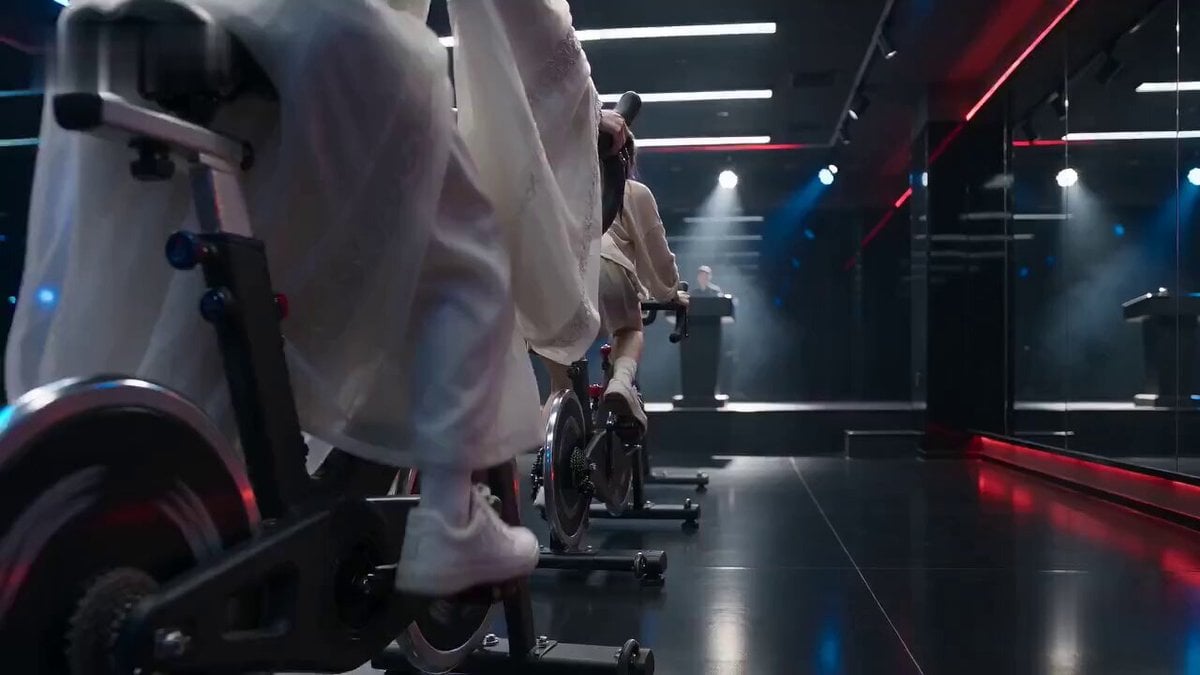
Cinematic Exercise Bike Cavalry Charge Misdirection

Miniature Sprite Can House Construction
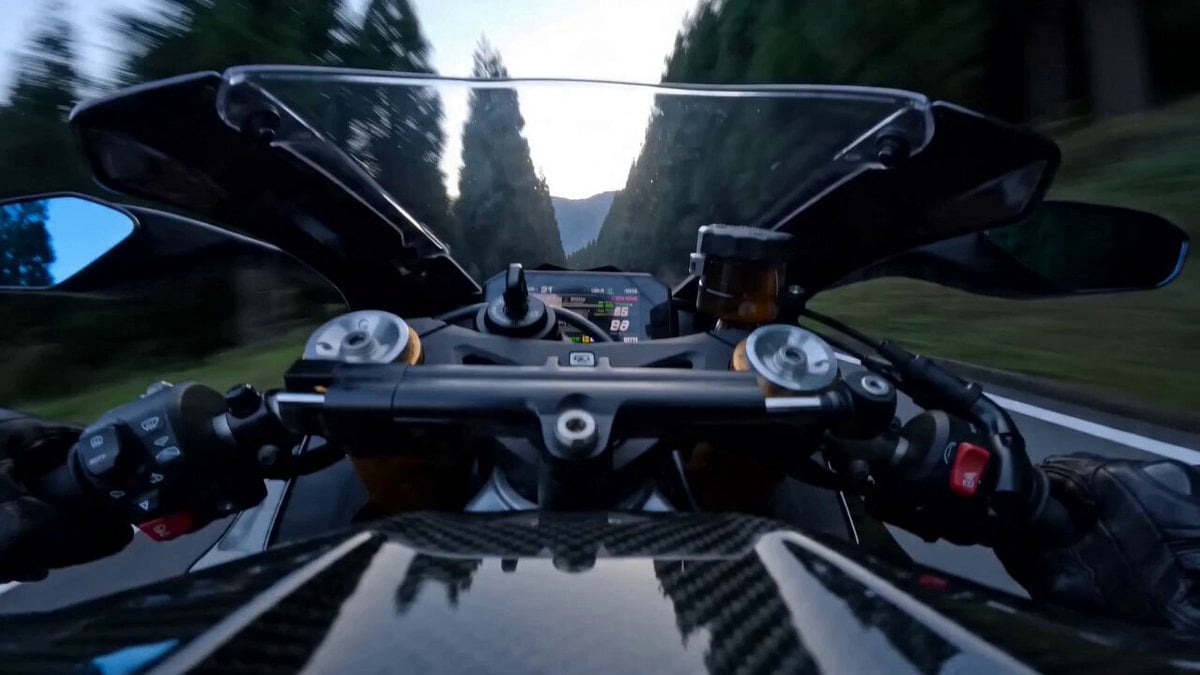
Superbike Touge Run Prompt for Seedance 2.0

Female Operative Facility Infiltration Action
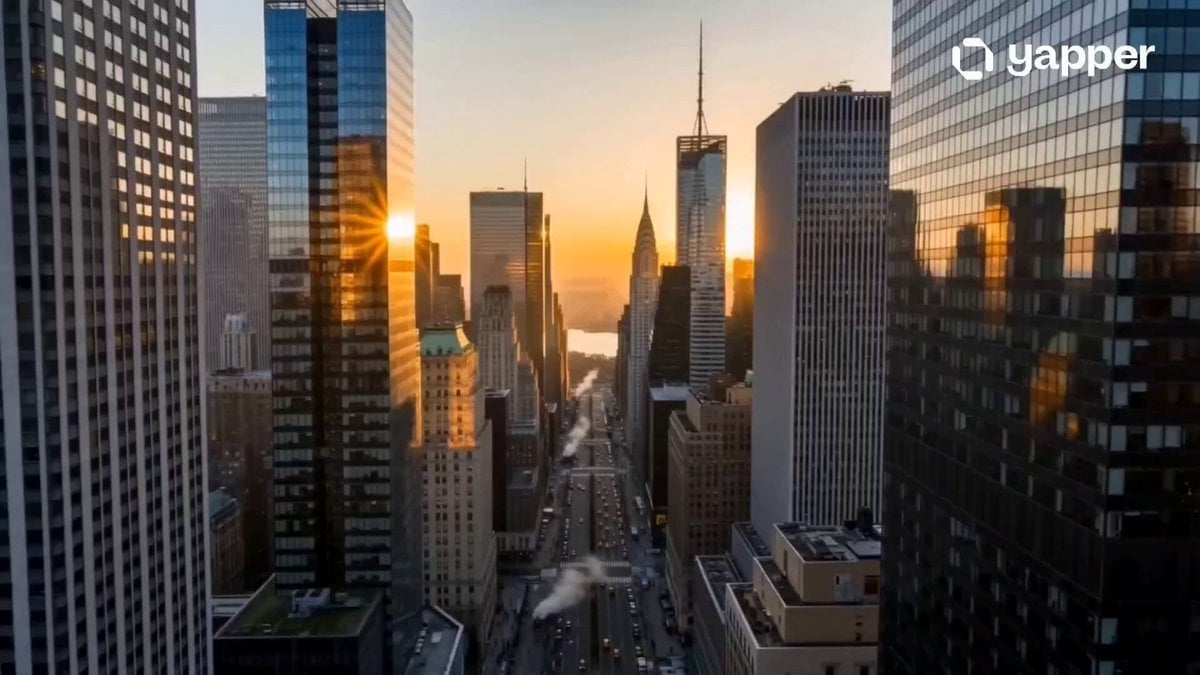
Cinematic New York City Travel Film
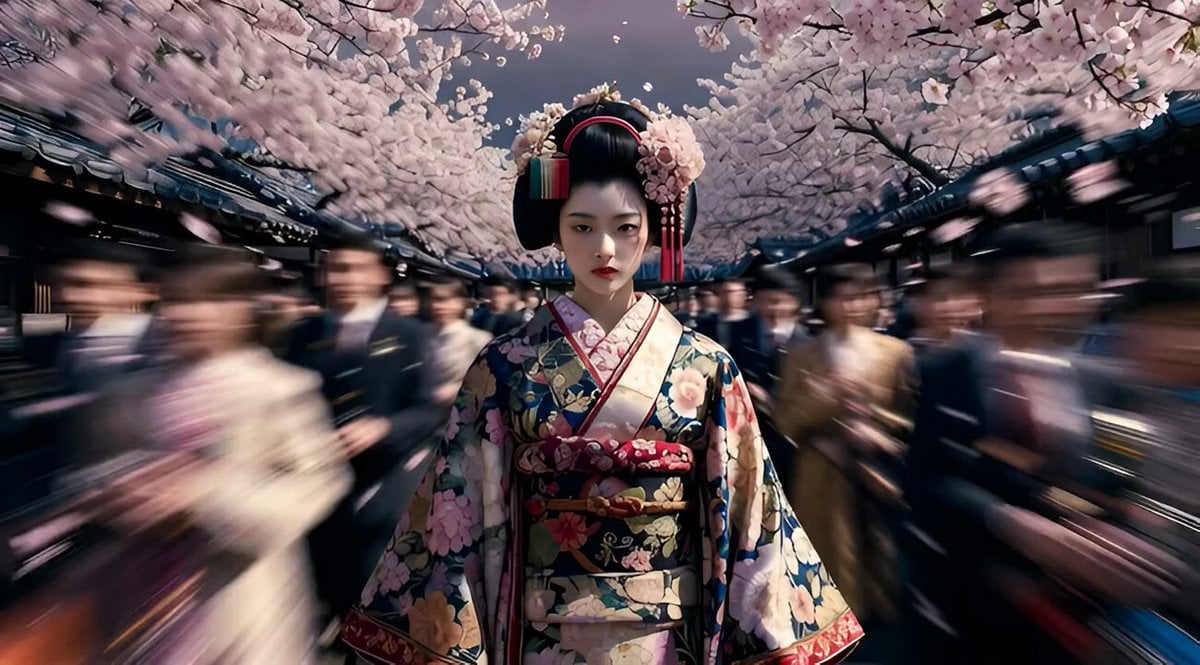
Avant-garde Floral Geisha Couture

Don Bluth Style Egyptian Anubis Animation
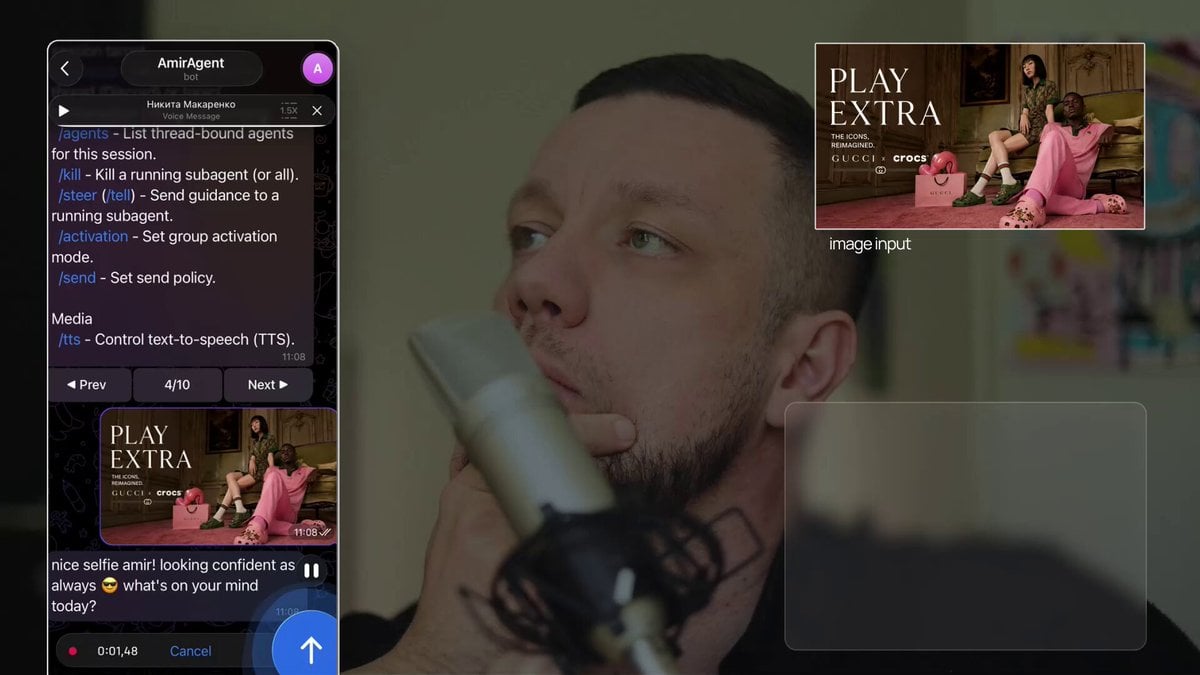
Poster-to-Video Fashion Ad
Browse template categories
Handheld iPhone Selfie POV questions
How do I use the Handheld iPhone Selfie POV template?
Add your photo if the template asks for one, edit the prompt if you like — the template's model and format are already selected — and press Generate. Your version opens in PicX Studio.
Can I customize the Handheld iPhone Selfie POV template?
Yes. You can change the subject, setting, lighting, mood, format, and available model controls before creating your video.
Is the Handheld iPhone Selfie POV template free?
Opening and editing this template is free. Generating uses credits, shown on the Generate button when you are signed in.
Which AI model should I use?
Start with Seedance 2.0, which is the model associated with this template. You can compare another compatible model for a different finish.
Looking for something else? Browse all templates.

Your photo, any look
Thousands of ready templates for every top image and video model, from one credit balance.