
Paper Airplane POV Flight
A highly detailed Seedance 2.0 prompt for a continuous 8-second POV flight on a paper airplane through Marbella, Spain.

- Prompt included
- Model and format preset
- Free template
The prompt behind this video
Copy the exact prompt behind Paper Airplane POV Flight, or open it in the studio and make it yours.
SHOT TYPE Hyper-realistic POV flight from a paper airplane. The sharp white paper airplane nose/tip stays perfectly locked at the bottom-center of the frame for the entire video (never disappears). VISUAL STYLE Ultra-real cinematic realism with real-world depth, scale, and lighting. Single continuous shot only. NO cuts, NO transitions, NO teleporting, NO warping, NO morphing, NO distortions. Everything must look physically real. CAMERA FEEL Camera is rigidly mounted on the paper airplane. Fast forward glide with natural paper-plane physics. Organic wind-driven speed changes. Physically accurate motion blur only during high speed. Subtle turbulence shake and vibration. Movement must feel lightweight, unstable, and airy (NOT drone-like). SETTING Marbella, Spain — Mediterranean coastal city. White villas, rooftops, palm trees, narrow streets, balconies, cafés, boulevard shops. Cars moving below and small realistic pedestrians walking. LIGHTING Bright Mediterranean daytime sunlight with slightly warm golden tone. Realistic shadows and highlights on white buildings. FLIGHT SEQUENCE (STRICT TIMING 8s) 0:00 – 0:02 Start EXACTLY from <<<image_1>>> rooftop viewpoint. Instant acceleration forward. Slight downward dive toward the city. Rooftops and trees rush past closely with strong motion blur. 0:02 – 0:04 Fast smooth right turn into a street leading to the boulevard. Strong parallax with buildings passing close on both sides. Palm leaves whip past frame edges. One bird crosses extremely close during the turn (near-miss). 0:04 – 0:06 High-speed straight flight through the Marbella boulevard. Cars driving below, pedestrians walking, cafés and terraces visible. Speed ramp: fast → slight slowdown → fast again. Motion blur increases during acceleration. Two birds pass at different depths. 0:06 – 0:08 Plane drops lower near street level. Near-miss moment: passes extremely close to a palm tree or balcony edge. Final fast push toward the horizon. Golden sunlight glows on buildings. One bird crosses extremely close to the lens for a cinematic finish. SOUND DESIGN Loud wind rush (dominant), subtle paper flutter vibration, distant city ambience (cars + street noise), bird wing flaps during close passes. MANDATORY RULES Paper airplane tip must stay visible 100% of the time. Start frame must match <<<image_1>>> exactly. Single continuous shot only. No glitches, no warping, no AI bending artifacts. Realistic motion blur and real-world physics only. DURATION 8 seconds PRIORITY Maximum realism, cinematic, stable motion consistency.
How to use Paper Airplane POV Flight in 3 steps
- 1
Open
The prompt is already in the box next to the preview, with the template's model and format selected.
- 2…a portrait of your subject in softgolden-hour light, 85mm…
Personalize
Edit the subject and creative details for your destination.
- 3Generate
Generate
Press Generate — your video is created in PicX Studio, so you can compare it with the original and refine one variable at a time.
More like this
Templates with the same subject, style or setup. Open one to see its prompt.
FPV Multilingual Landscape Flight

DV Camcorder POV Gym Montage — Seedance 2.5
DV Camcorder POV Gym Montage — Seedance 2.5
POV Paper Camera Effect
Hyperrealistic Miniature Girl on a Paper Airplane Video Prompt
Honey Bee and Paper Airplane Video
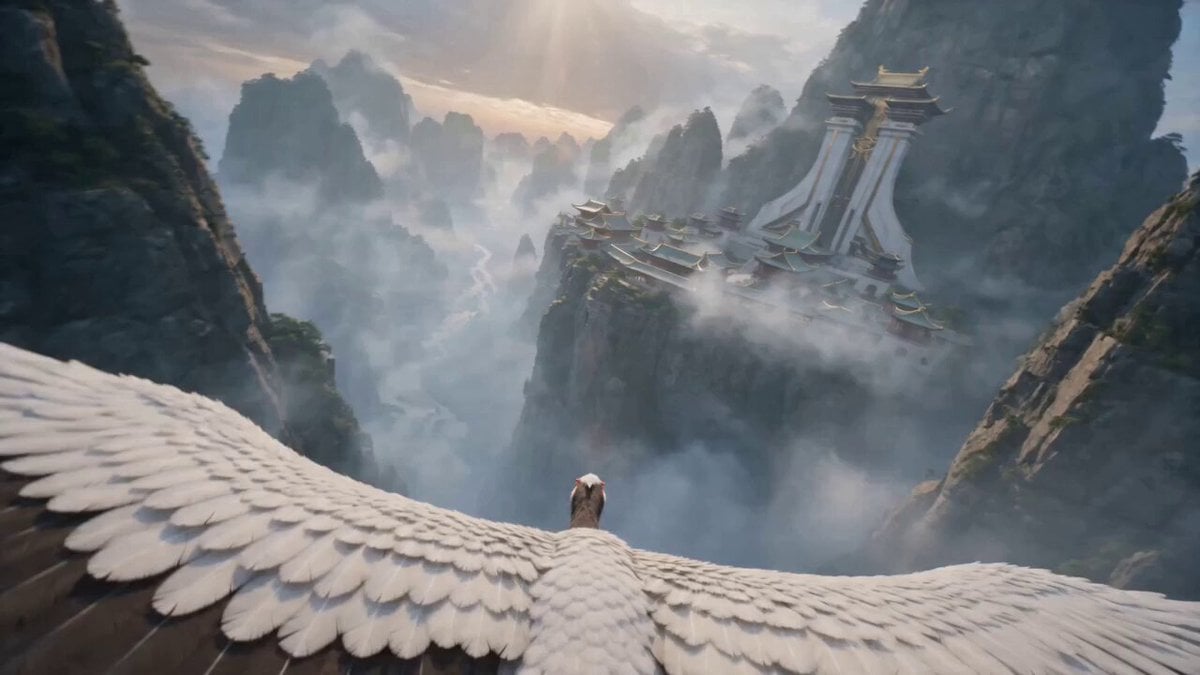
First-Person POV White Crane Flight
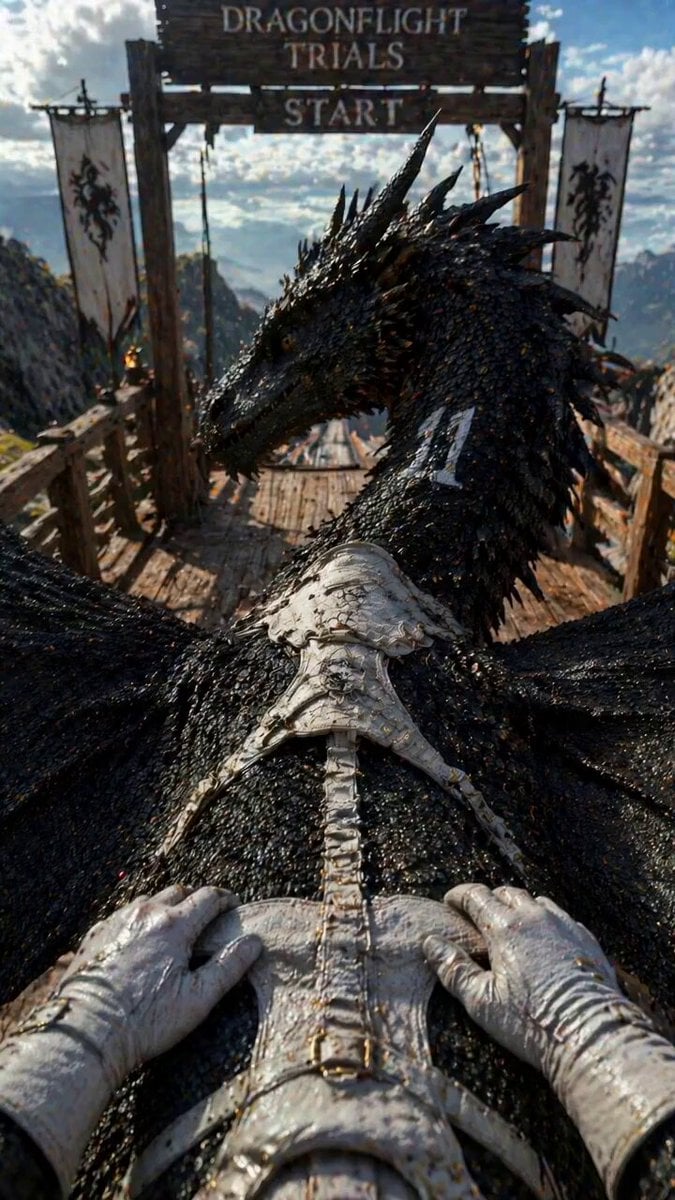
Dragonflight Trials POV
Ice Queen — Frozen Battlefield Time Control (Seedance)
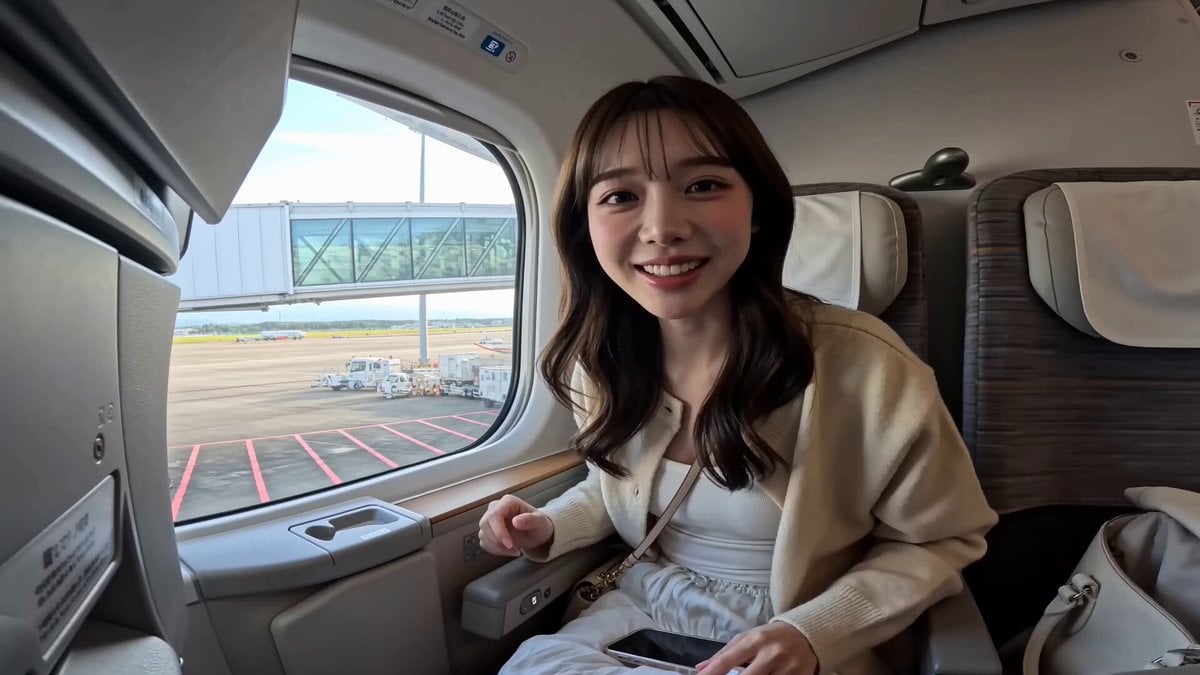
Japanese Airplane Travel Vlog
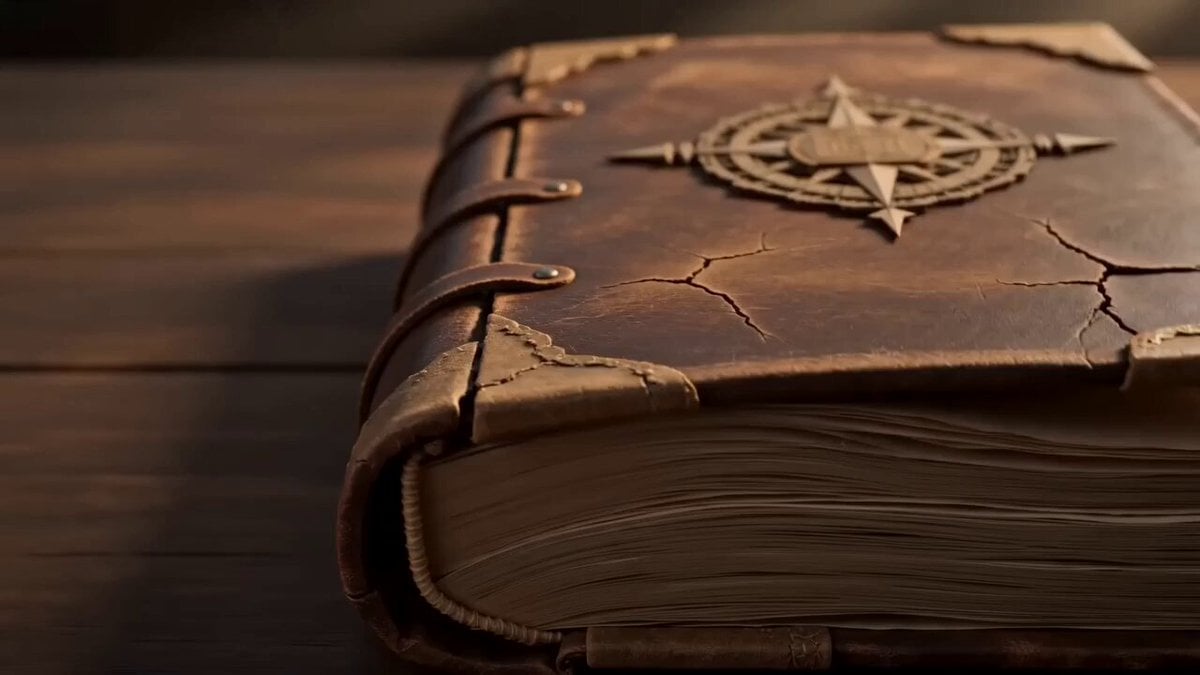
Pop-up Book Paper Craft Animation
Fantasy Broom Flight Cinematic
Make it yours
Paper Airplane POV Flight works as-is. These are the safest ways to change it without losing the look.
Change one field
Copy a single group, rewrite it, and generate again so you can see what that field is doing.
Keep the frame, change the subject
Hold the composition and light of Paper Airplane POV Flight, then swap wardrobe, props or the person for a new take.
| If the result… | Why | Fix |
|---|---|---|
| The result drifts from the preview | Too many fields changed at once. | Reuse Paper Airplane POV Flight as-is first, then change one group — subject, light, or setting. |
| The model over-stylizes the scene | The prose prompt leaves finish and camera underspecified. | Add one camera or lighting sentence and stay on Seedance 2.0. |
More Seedance 2.0 templates
Other prompts made for Seedance 2.0.

Comical Martial Arts Punch Scene

Maglev Train Action Sequence

Martial Arts Fight Sequence

Wuxia Protection and Trust Script

Vintage Korean Arcade MiniDV Vlog

Mercedes 190 SL Luxury Ad

Rainy Night Supernatural Reverse Comedy Video Script

Amazon Civilization Discovery

Futuristic South Asian City Transformation

Cozy Luxury Cafe Commercial
More video prompts
Fresh picks from across the catalog.
Luxury Product Showcase Transition
Imperial Dragon Mecha Warrior
Handheld Home Video Gardening Montage
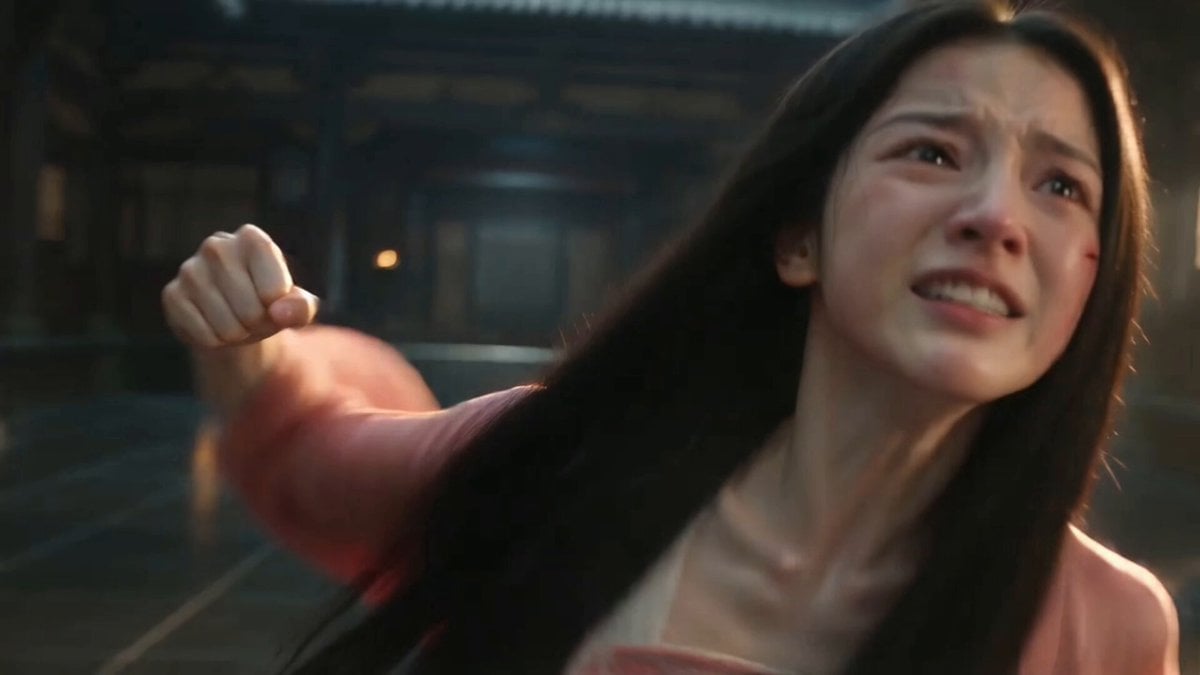
Ancient Chinese Pink Ru Skirt

Luxury Lifestyle Day Vlog
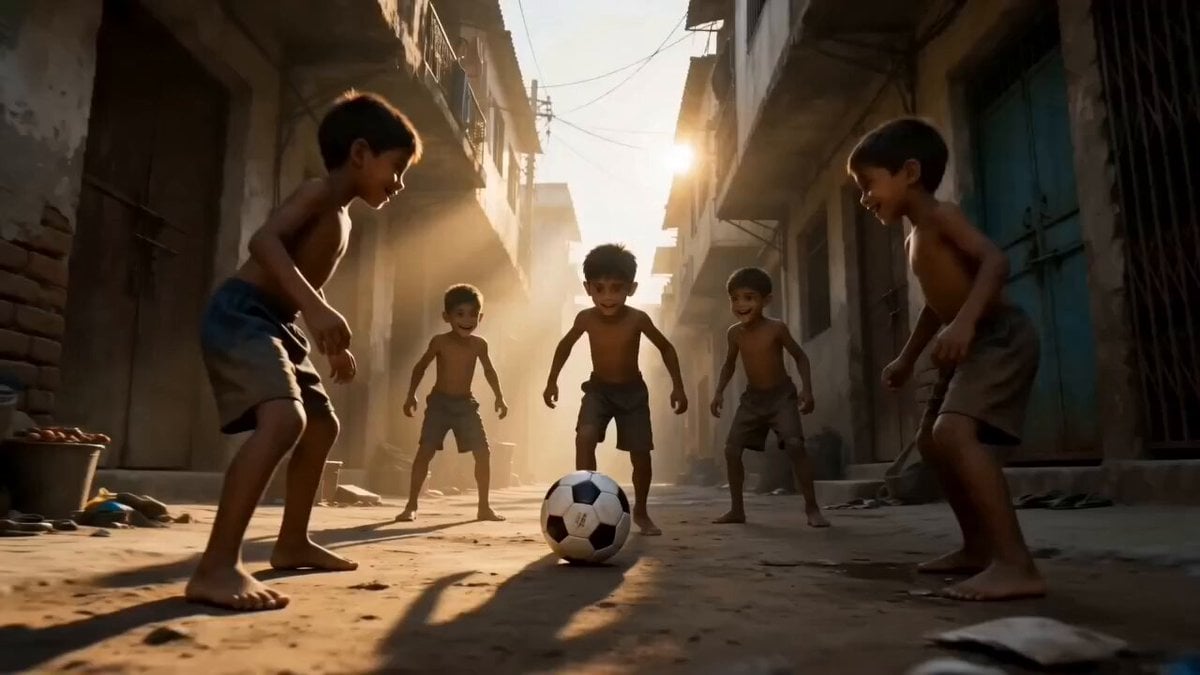
Global Football Cinematic Journey
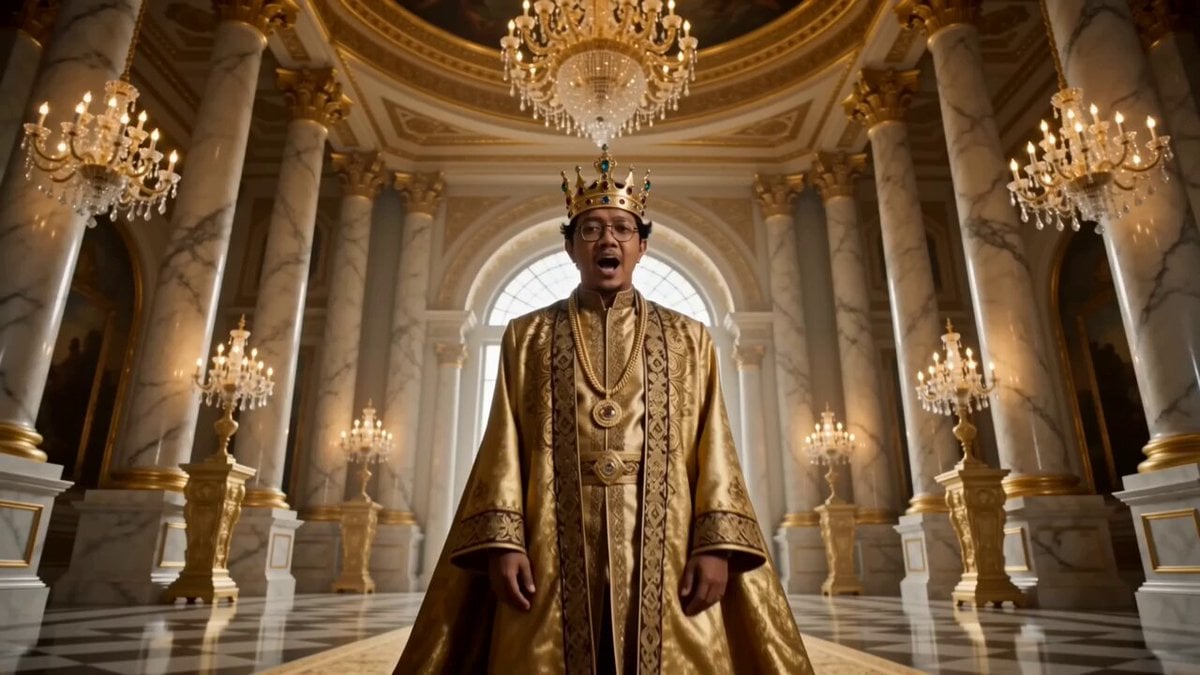
Golden Royal King Rap Music Video
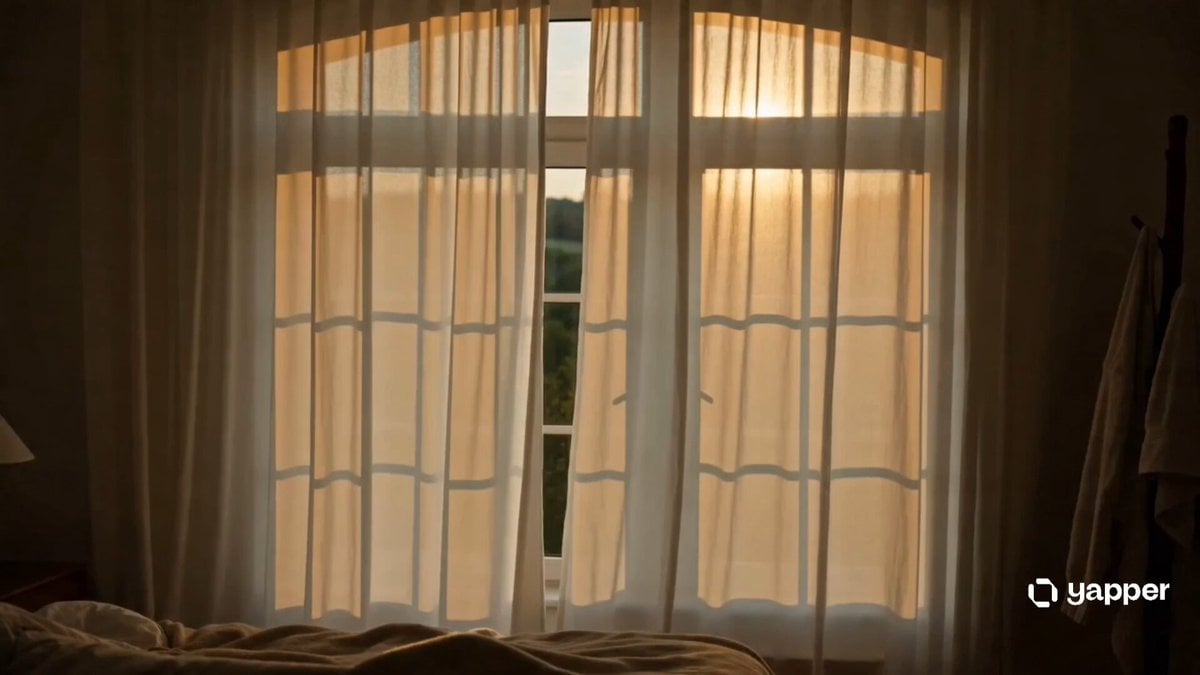
Morning Routine Cinematic
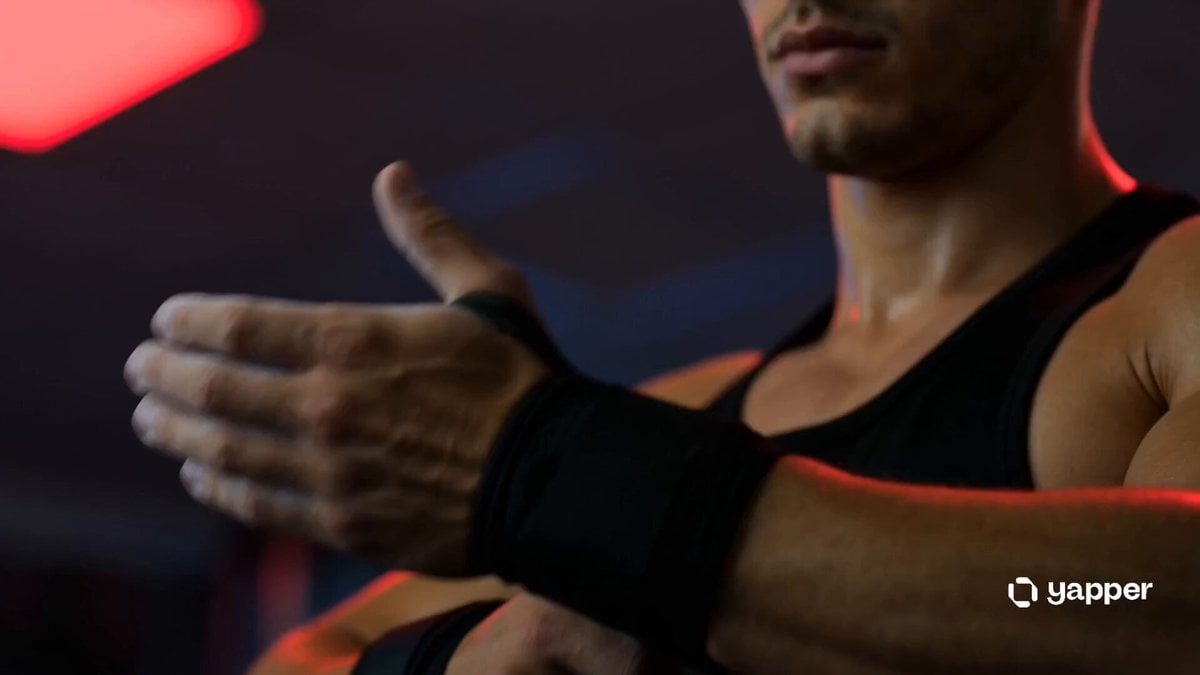
Cinematic Gym Training Intensity
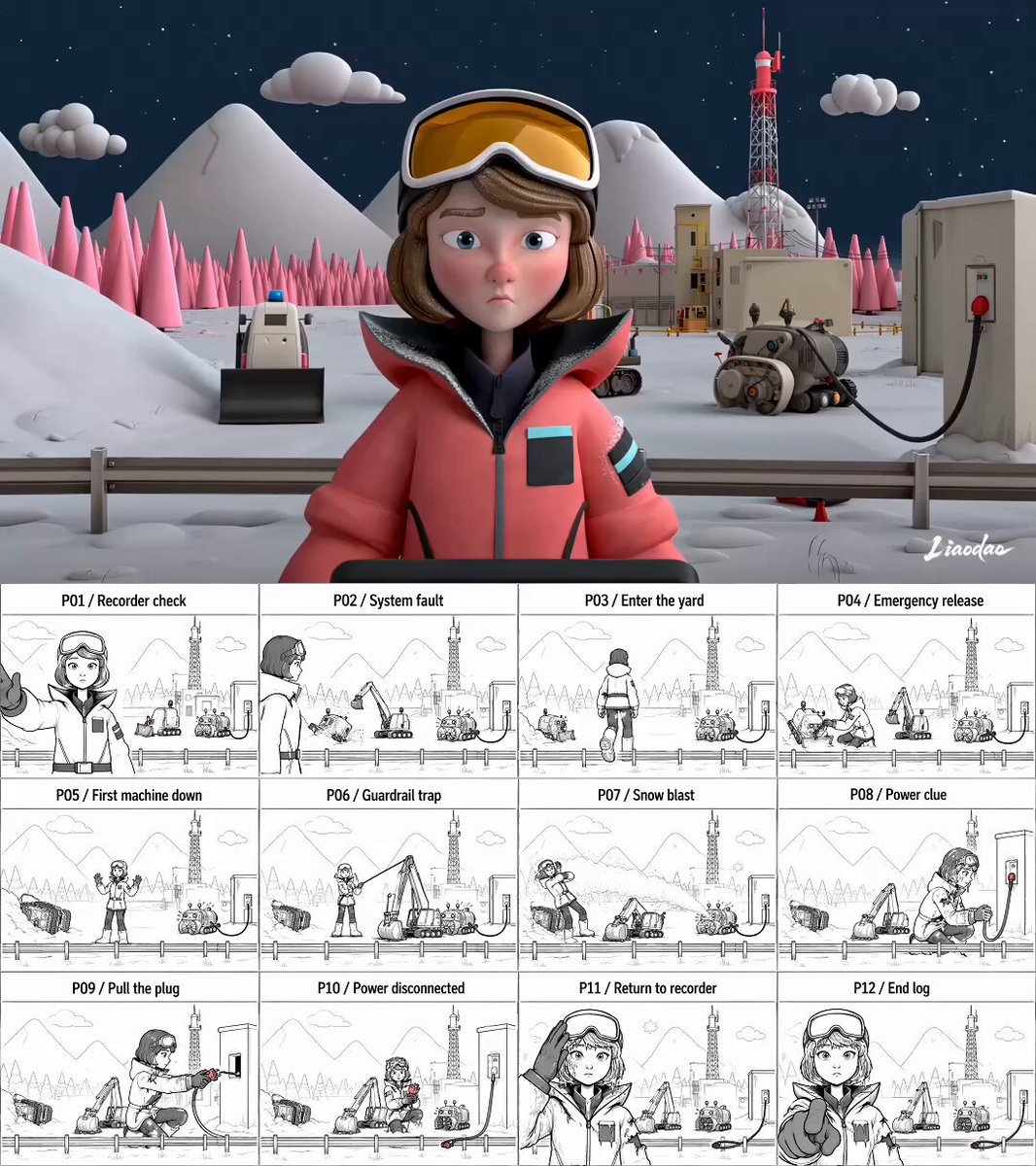
Miniature 3D Animation Snowfield Comedy
Browse template categories
Paper Airplane POV Flight questions
How do I use the Paper Airplane POV Flight template?
Add your photo if the template asks for one, edit the prompt if you like — the template's model and format are already selected — and press Generate. Your version opens in PicX Studio.
Can I customize the Paper Airplane POV Flight template?
Yes. You can change the subject, setting, lighting, mood, format, and available model controls before creating your video.
Is the Paper Airplane POV Flight template free?
Opening and editing this template is free. Generating uses credits, shown on the Generate button when you are signed in.
Which AI model should I use?
Start with Seedance 2.0, which is the model associated with this template. You can compare another compatible model for a different finish.
Looking for something else? Browse all templates.

Your photo, any look
Thousands of ready templates for every top image and video model, from one credit balance.