
Pop-up Book Paper Craft Animation
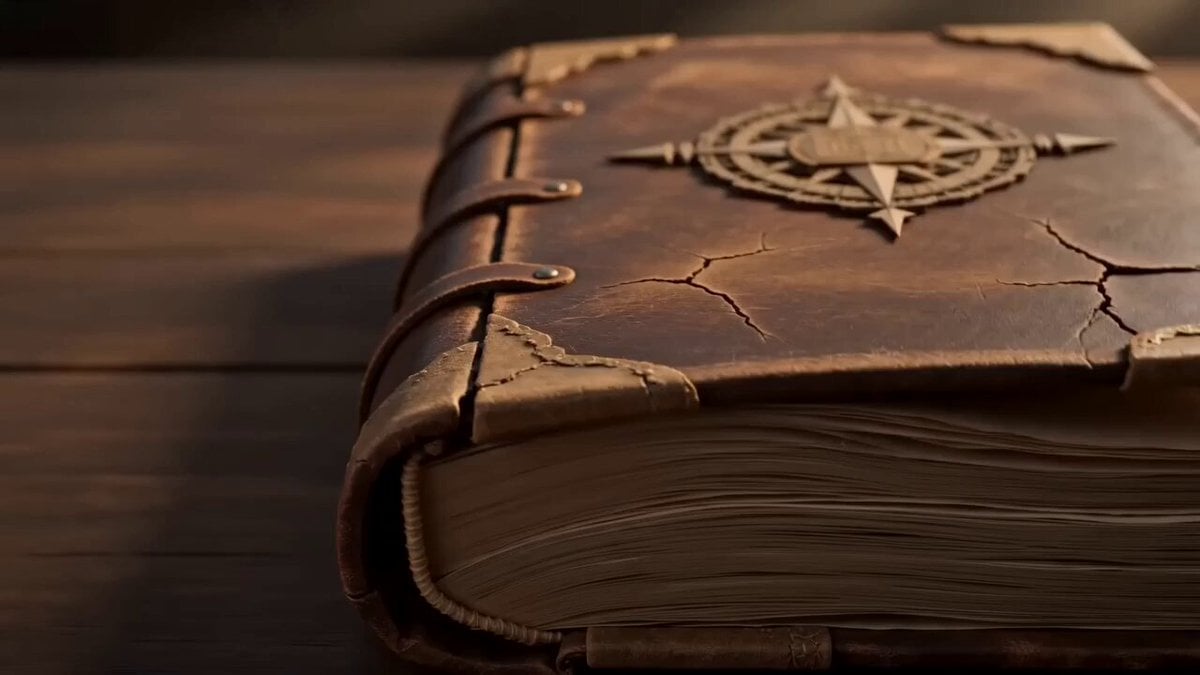
A creative prompt for a 15-second animation of a physical paper map unfolding and transforming like a pop-up book.
- Prompt included
- Model and format preset
- Free template
The prompt behind this video
Copy the exact prompt behind Pop-up Book Paper Craft Animation, or open it in the studio and make it yours.
Pop-up book paper craft animation, 15 seconds, 16:9. Masterpiece paper engineering. Multi-layered topographic paper design, intricate cut-paper landscapes, embossed details, gold foil map markings, moving paper mechanisms, handcrafted textures, cinematic warm lighting, shallow depth of field. Everything exists as physical paper emerging from an antique atlas. No voice. Audio: turning pages, rustling paper, subtle orchestral wonder. ACT 1 (0-4s) An ancient atlas opens. A magnificent paper map unfolds across both pages. Mountains rise in layered paper relief. Forests, rivers, bridges, cities, and ships emerge from hidden folds. Tiny paper clouds float above the landscape. Camera travels low across the terrain. ACT 2 (4-8s) A page turns. The map begins reorganizing itself. Rivers fold upward into roads. Mountains flatten and transform into oceans. Cities slide across hidden paper tracks. Entire regions rotate and lock into new positions like a giant mechanical puzzle. ACT 3 (8-12s) Another page turns. The map becomes increasingly impossible. New continents unfold from beneath existing continents. Bridges span across the sky. Floating islands emerge from layered mechanisms. Endless paper geography grows outward beyond the original map. ACT 4 (12-15s) Final page turn. The entire world folds inward through thousands of synchronized paper movements, transforming into a giant ornate compass made from landscapes, cities, oceans, and mountains. The compass expands and unfolds into an even larger impossible map extending beyond the book's edges. Freeze on the completed transformation.
How to use Pop-up Book Paper Craft Animation in 3 steps
- 1
Open
The prompt is already in the box next to the preview, with the template's model and format selected.
- 2…a portrait of your subject in softgolden-hour light, 85mm…
Personalize
Edit the subject and creative details for your destination.
- 3Generate
Generate
Press Generate — your video is created in PicX Studio, so you can compare it with the original and refine one variable at a time.
More like this
Templates with the same subject, style or setup. Open one to see its prompt.
Stop Motion Paper Craft Assembly Animation
K-Pop Fancam Style Dance Animation
Handcrafted Paper City Short Film

3D Glossy Fairy Animation - Seedance 2.5
Picture Book Animal Animation
Paper-cut Budapest Animation

Anime Dance Video in Pop-up Book Style

Silk Road Pomegranate Folk Animation

Multilingual Creative Typography Loop
ASMR Pressed Flower Bookmark Animation
Oil-on-Paper Snow Storm Animation
Vintage Japanese Paper Collage Animation
Make it yours
Pop-up Book Paper Craft Animation works as-is. These are the safest ways to change it without losing the look.
Change one field
Copy a single group, rewrite it, and generate again so you can see what that field is doing.
Keep the frame, change the subject
Hold the composition and light of Pop-up Book Paper Craft Animation, then swap wardrobe, props or the person for a new take.
| If the result… | Why | Fix |
|---|---|---|
| The result drifts from the preview | Too many fields changed at once. | Reuse Pop-up Book Paper Craft Animation as-is first, then change one group — subject, light, or setting. |
| The model over-stylizes the scene | The prose prompt leaves finish and camera underspecified. | Add one camera or lighting sentence and stay on Seedance 2.0. |
More Seedance 2.0 templates
Other prompts made for Seedance 2.0.

Comical Martial Arts Punch Scene

Maglev Train Action Sequence

Martial Arts Fight Sequence

Wuxia Protection and Trust Script

Vintage Korean Arcade MiniDV Vlog

Mercedes 190 SL Luxury Ad

Rainy Night Supernatural Reverse Comedy Video Script

Amazon Civilization Discovery

Futuristic South Asian City Transformation

Cozy Luxury Cafe Commercial
More video prompts
Fresh picks from across the catalog.
Exploded View Spaceship Video Prompt
Intricate Fantasy Woman Profile and Cityscape
Shiba Inu London Sunset
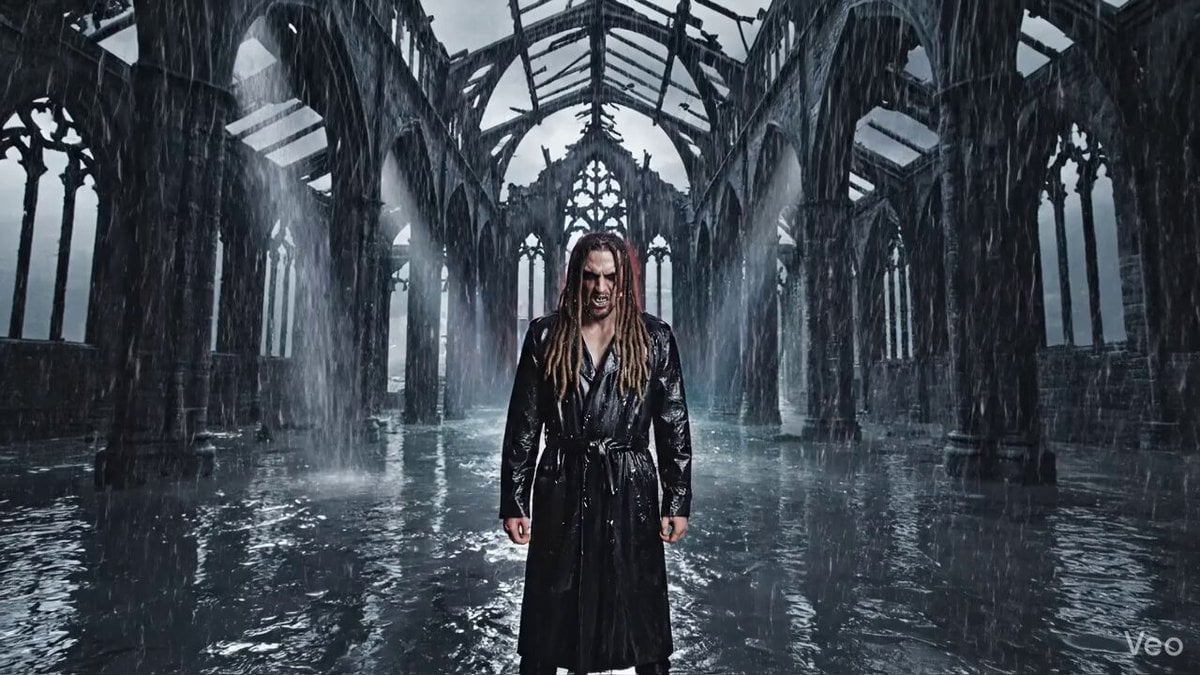
Cinematic Nu-Metal Nightmare Style Prompt
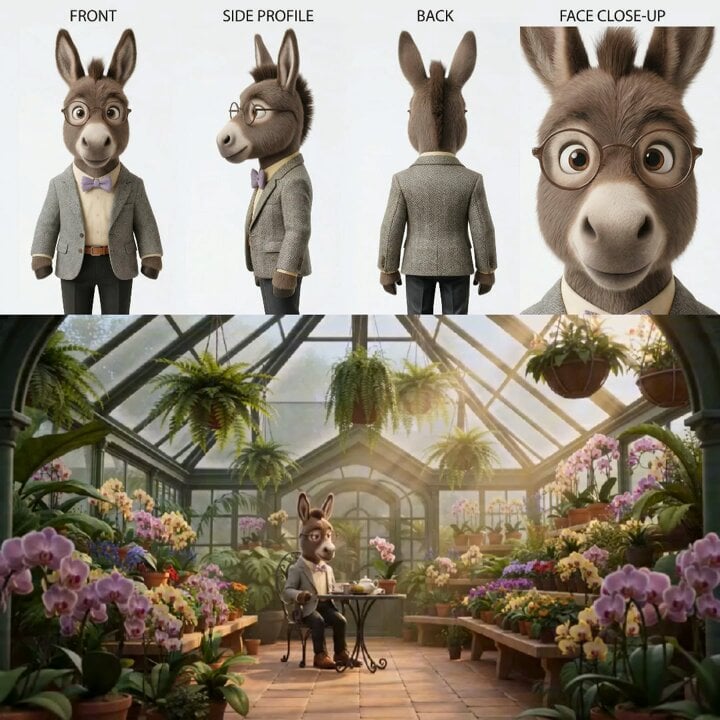
Animated Goat-Man Tea Ceremony Sequence
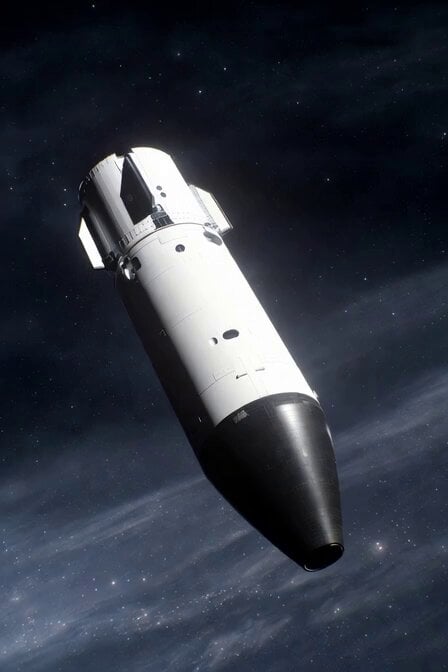
Realistic Spacecraft Flyby
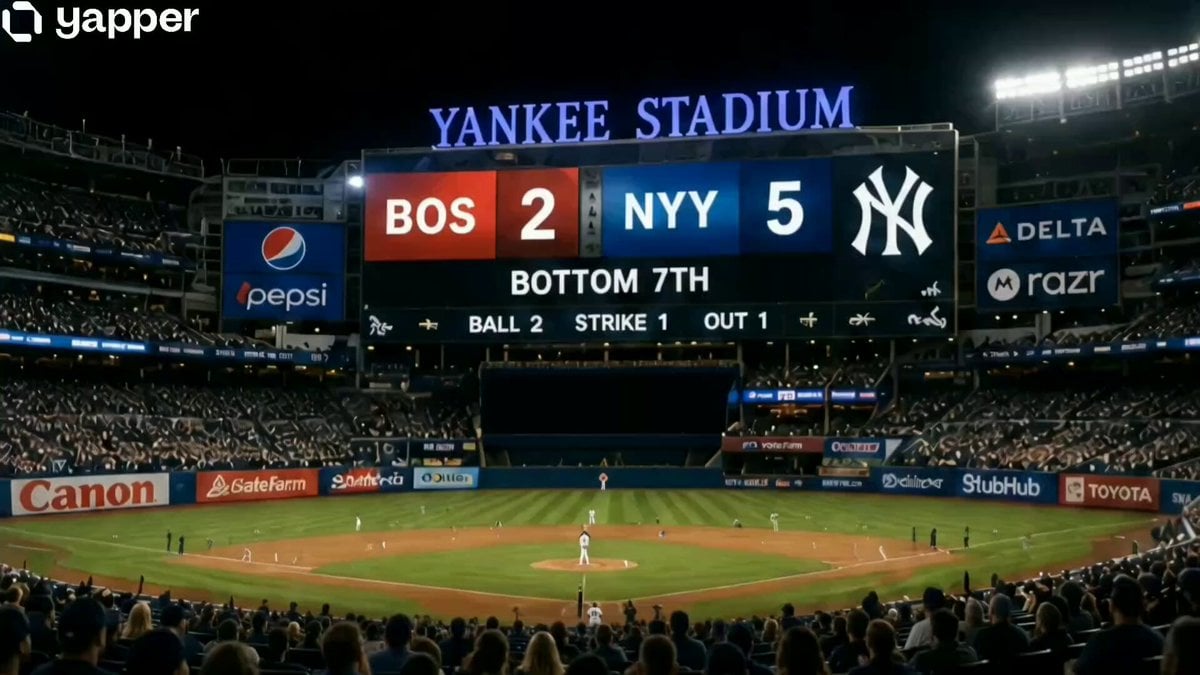
Tabby Cat Yankees Fan
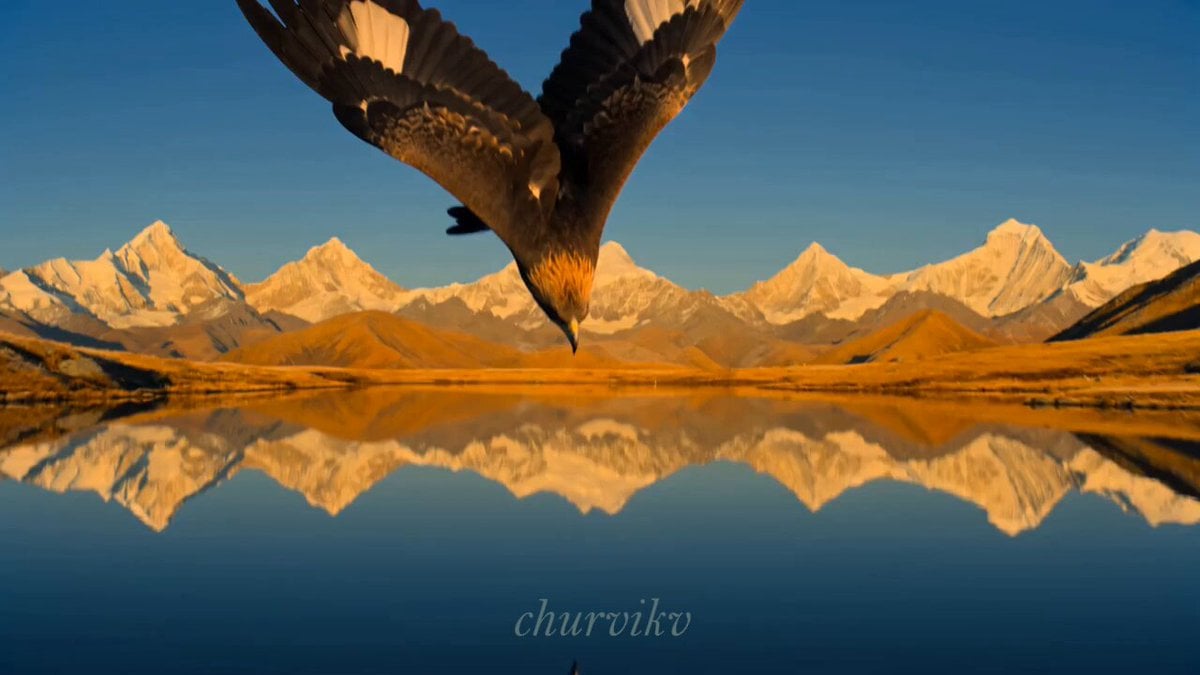
Cinematic Storyboard Sequence Transition
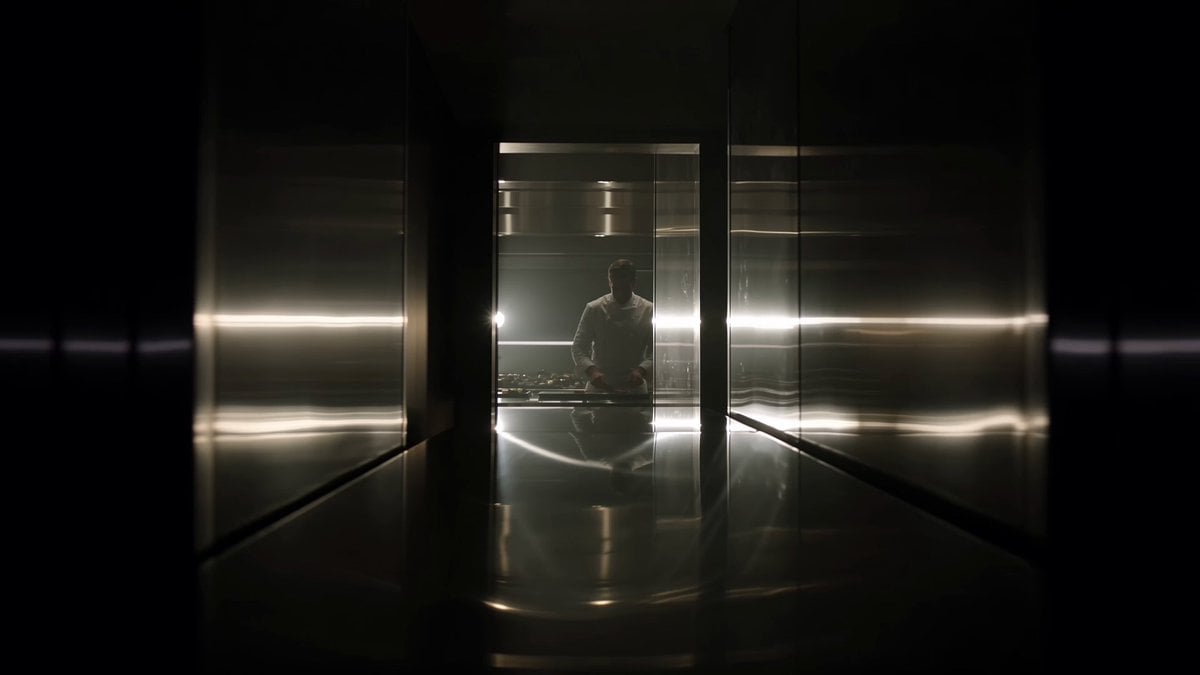
Michelin-Star Chef Signature Dish
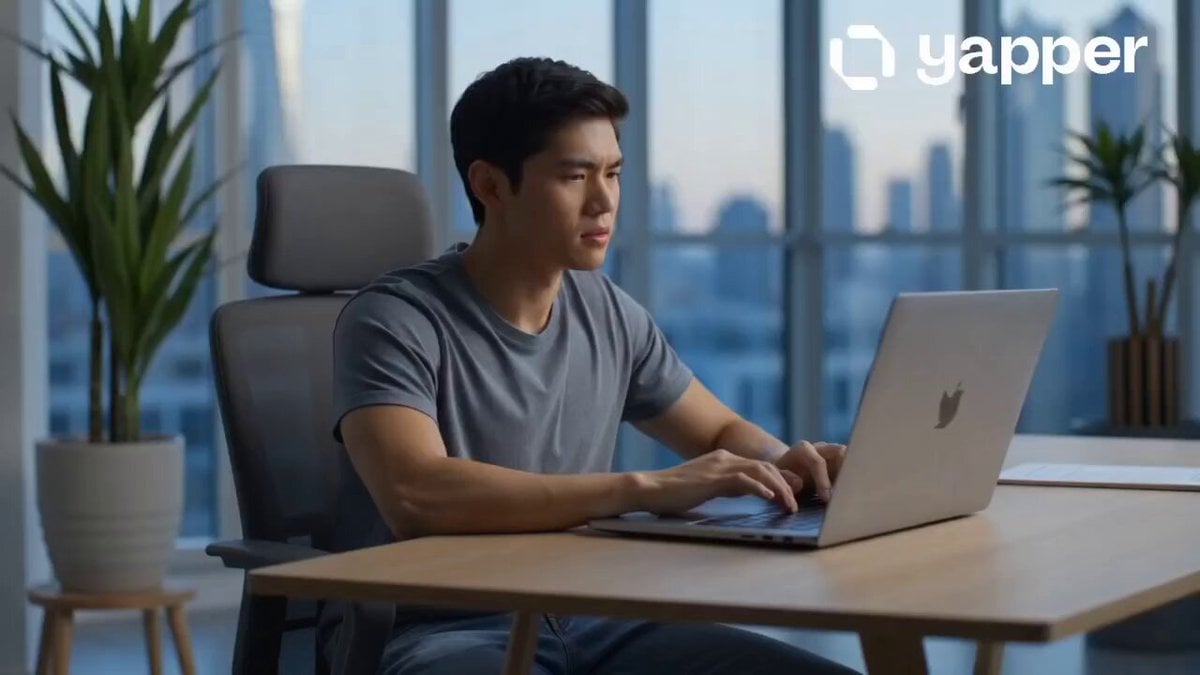
AI Tools Content Creator Growth Journey
Browse template categories
Pop-up Book Paper Craft Animation questions
How do I use the Pop-up Book Paper Craft Animation template?
Add your photo if the template asks for one, edit the prompt if you like — the template's model and format are already selected — and press Generate. Your version opens in PicX Studio.
Can I customize the Pop-up Book Paper Craft Animation template?
Yes. You can change the subject, setting, lighting, mood, format, and available model controls before creating your video.
Is the Pop-up Book Paper Craft Animation template free?
Opening and editing this template is free. Generating uses credits, shown on the Generate button when you are signed in.
Which AI model should I use?
Start with Seedance 2.0, which is the model associated with this template. You can compare another compatible model for a different finish.
Looking for something else? Browse all templates.

Your photo, any look
Thousands of ready templates for every top image and video model, from one credit balance.