
Vintage Japanese Paper Collage Animation
A complex, detailed prompt for generating a 15-second Japan-inspired digital paper collage animation with stop-motion and cutout aesthetics.
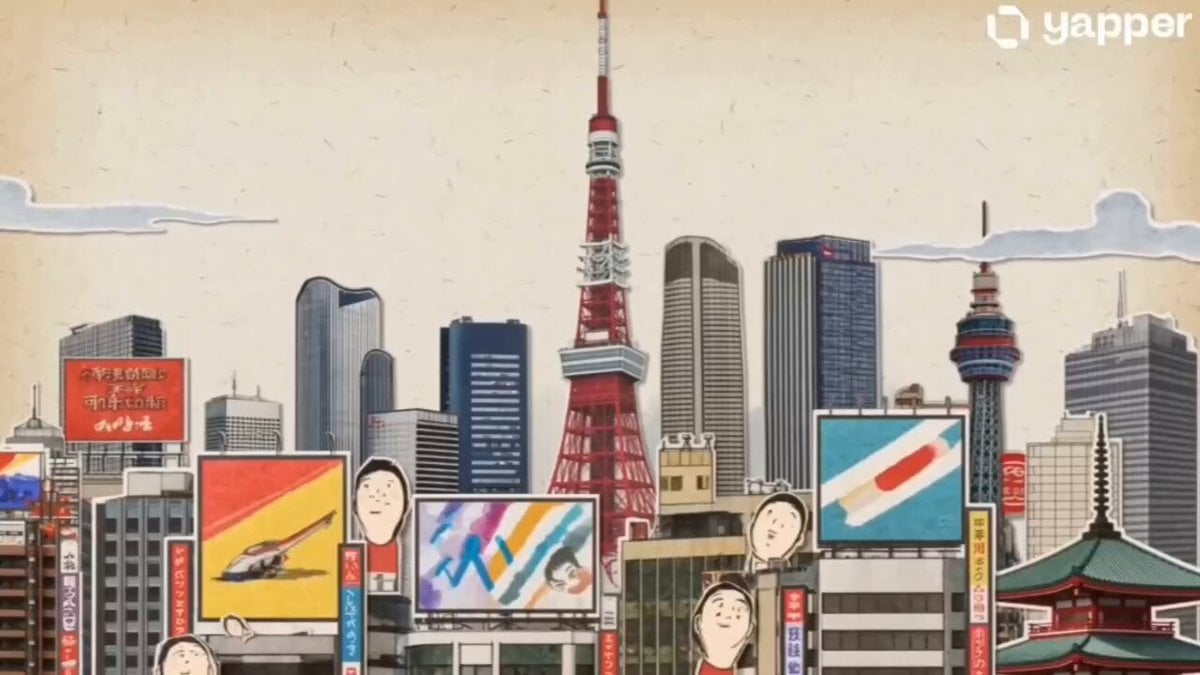
- Prompt included
- Model and format preset
- Free template
The prompt behind this video
Copy the exact prompt behind Vintage Japanese Paper Collage Animation, or open it in the studio and make it yours.
Create a 15-second wide cinematic landscape video intro, 16:9, using Seedance 2.0 style motion. A seamless one-take digital paper collage animation inspired by classic 1950s–1960s illustrated Japan travel books, especially the charming mood of mid-century Japanese tourism posters, vintage picture books, and editorial travel illustrations, but do not copy any exact existing artwork or page. The video combines realistic photographic magazine cutouts of Japan with hand-drawn paper illustration elements. Use stop-motion cutout animation, torn paper edges, visible paper grain, offset print texture, halftone dots, gouache color patches, pastel pencil marks, imperfect handmade shapes, and layered collage depth. The mood is nostalgic, elegant, warm, refined, optimistic, and distinctly Japanese. Keep generous off-white negative space throughout, like a sophisticated vintage travel postcard coming alive. The camera moves continuously in one smooth tracking shot, like an animated pop-up book. Paper layers slide, fold, flip, rotate, and snap into place with rhythmic motion. Use dynamic parallax between photo cutouts and illustrated paper shapes. Fast-paced but never chaotic. Premium After Effects-style paper collage motion graphics, tactile and handmade, not glossy. Timeline flow: From 0 to 4 seconds, begin on a warm off-white paper background. A realistic photographic cutout of Mount Fuji emerges from the bottom of the frame. Layered paper clouds drift gently across the scene. A stylized red torii gate pops up like a vintage travel-book illustration, painted with loose gouache strokes and pastel textures. Small paper cherry blossoms, koi fish motifs, folding fans, and tiny expressive travelers appear with stop-motion snaps. Traditional rooftops unfold in the background like paper accordion structures. From 4 to 8 seconds, the camera tracks smoothly across a Kyoto-inspired streetscape. Wooden machiya buildings are constructed from layered paper strips, combining illustrated linework with photographic architectural fragments. Decorative lantern shapes, bicycles, tea cups, and paper umbrellas briefly animate into view before sliding away. The composition remains airy with large areas of elegant off-white paper. In the distance, layered pagodas and temple silhouettes rise from textured paper cutouts. From 8 to 12 seconds, transition seamlessly into a stylized Tokyo cityscape made from layered photographic building clippings and hand-painted paper rectangles. The city feels vibrant but translated into soft printed color blocks rather than realistic neon. A simplified Tokyo Tower rises from the center like a pop-up book structure, built from cream, vermilion red, muted navy, mustard yellow, warm gray, and soft teal paper layers. Tiny illustrated figures look upward in wonder. All signs, screens, and billboards remain abstract and completely unreadable, with no real brands, logos
How to use Vintage Japanese Paper Collage Animation in 3 steps
- 1
Open
The prompt is already in the box next to the preview, with the template's model and format selected.
- 2…a portrait of your subject in softgolden-hour light, 85mm…
Personalize
Edit the subject and creative details for your destination.
- 3Generate
Generate
Press Generate — your video is created in PicX Studio, so you can compare it with the original and refine one variable at a time.
More like this
Templates with the same subject, style or setup. Open one to see its prompt.
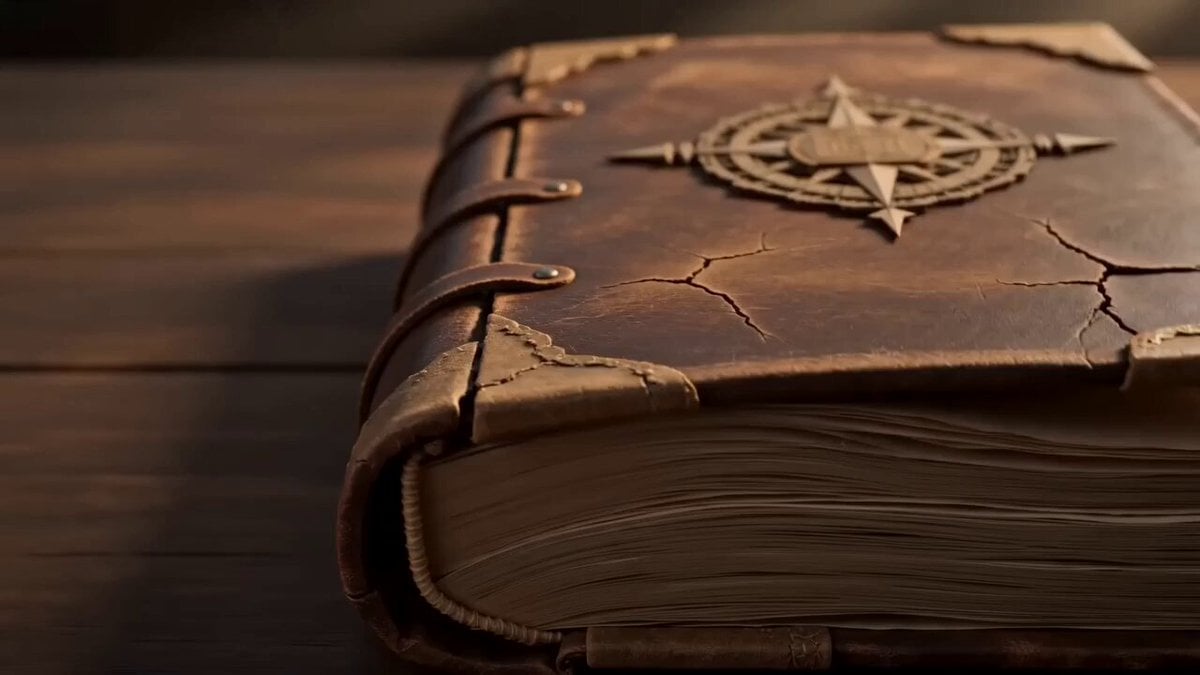
Pop-up Book Paper Craft Animation
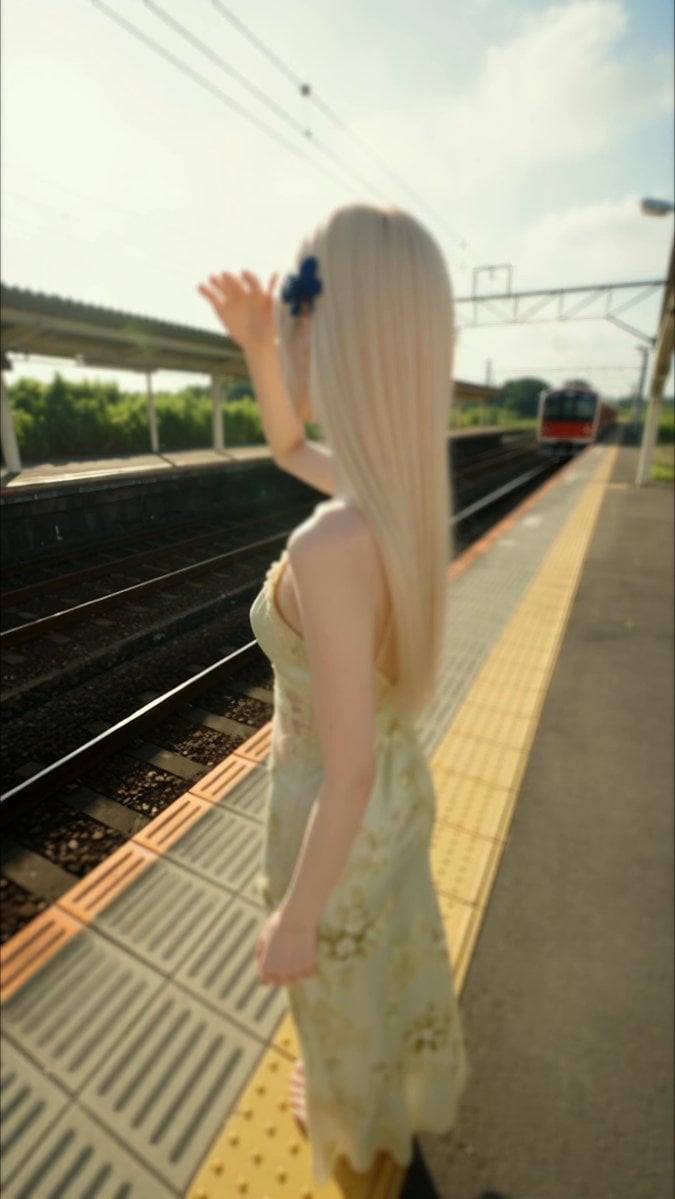
Vintage Japanese MiniDV Travel Memory

3D Glossy Fairy Animation - Seedance 2.5

Vintage Japanese POV Vlog
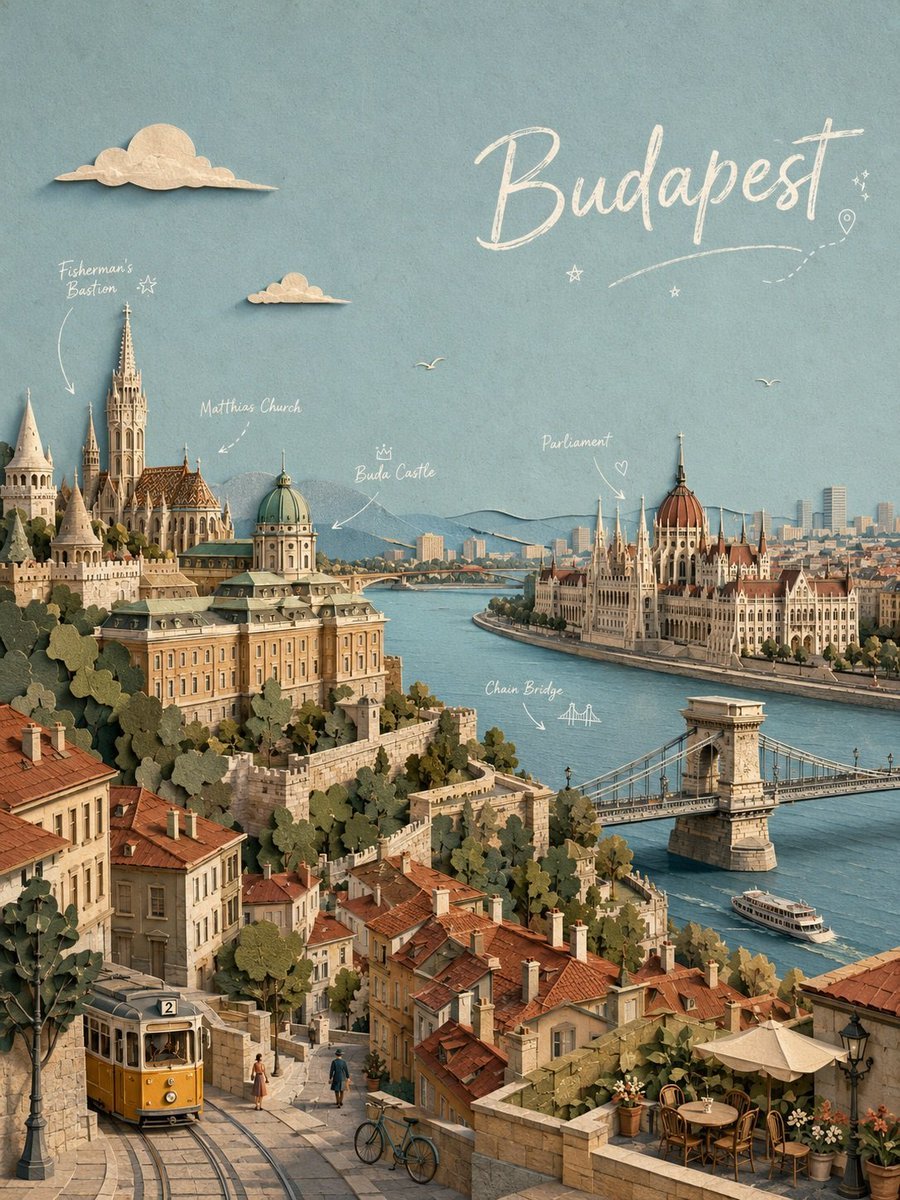
Paper-cut Budapest Animation

Silk Road Pomegranate Folk Animation

Multilingual Creative Typography Loop

Japanese Pure Love Short Film

Kyoto Morning Selfie Vlog
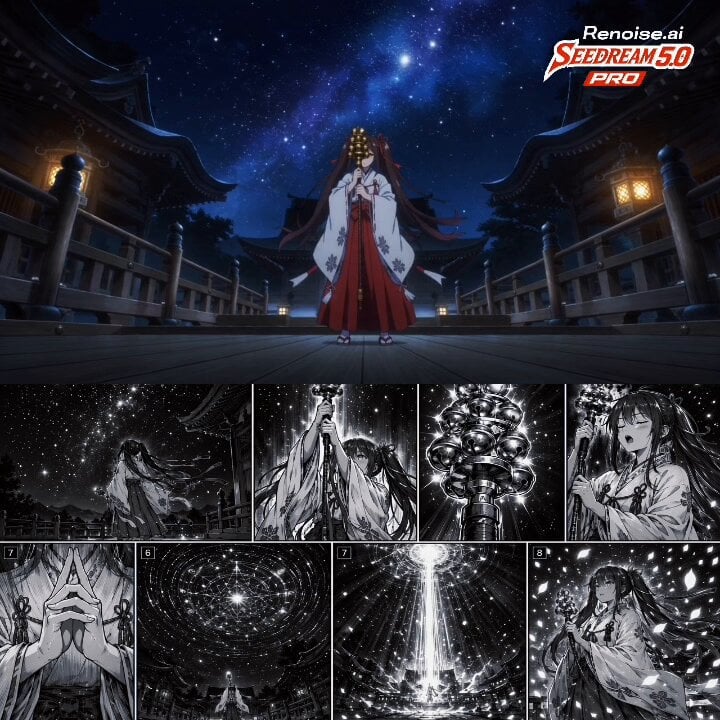
Japanese Anime Cinematic Animation
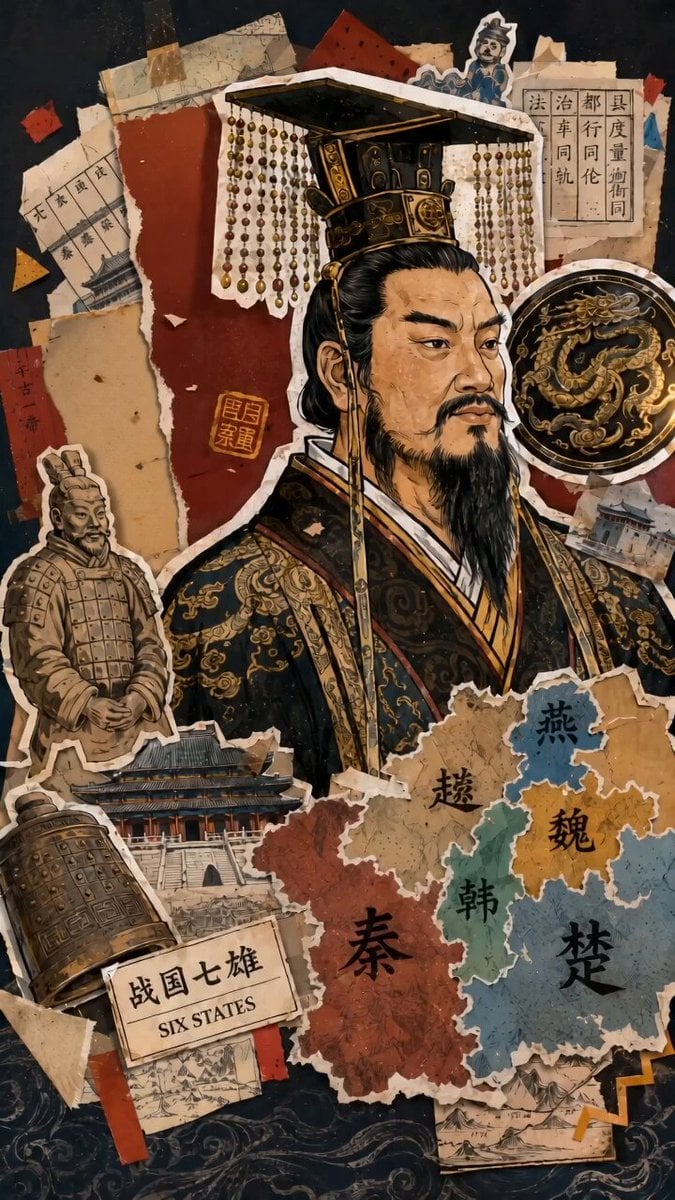
Vox-Style History Collage Animation
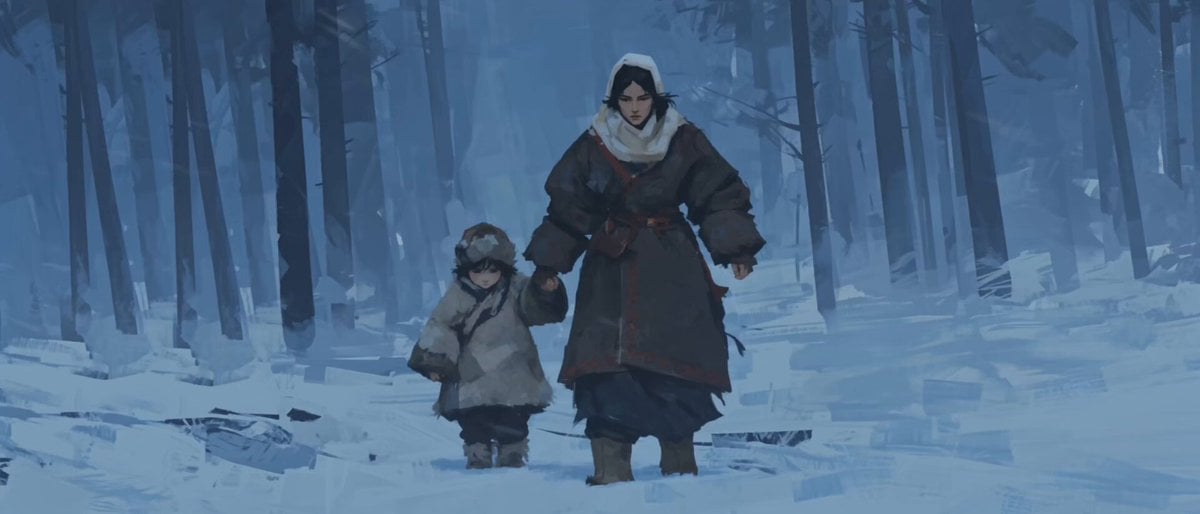
Oil-on-Paper Snow Storm Animation
Make it yours
Vintage Japanese Paper Collage Animation works as-is. These are the safest ways to change it without losing the look.
Change one field
Copy a single group, rewrite it, and generate again so you can see what that field is doing.
Keep the frame, change the subject
Hold the composition and light of Vintage Japanese Paper Collage Animation, then swap wardrobe, props or the person for a new take.
| If the result… | Why | Fix |
|---|---|---|
| The result drifts from the preview | Too many fields changed at once. | Reuse Vintage Japanese Paper Collage Animation as-is first, then change one group — subject, light, or setting. |
| The model over-stylizes the scene | The prose prompt leaves finish and camera underspecified. | Add one camera or lighting sentence and stay on Seedance 2.0. |
More Seedance 2.0 templates
Other prompts made for Seedance 2.0.

Comical Martial Arts Punch Scene

Maglev Train Action Sequence

Martial Arts Fight Sequence

Wuxia Protection and Trust Script

Vintage Korean Arcade MiniDV Vlog

Mercedes 190 SL Luxury Ad

Rainy Night Supernatural Reverse Comedy Video Script

Amazon Civilization Discovery

Futuristic South Asian City Transformation

Cozy Luxury Cafe Commercial
More video prompts
Fresh picks from across the catalog.
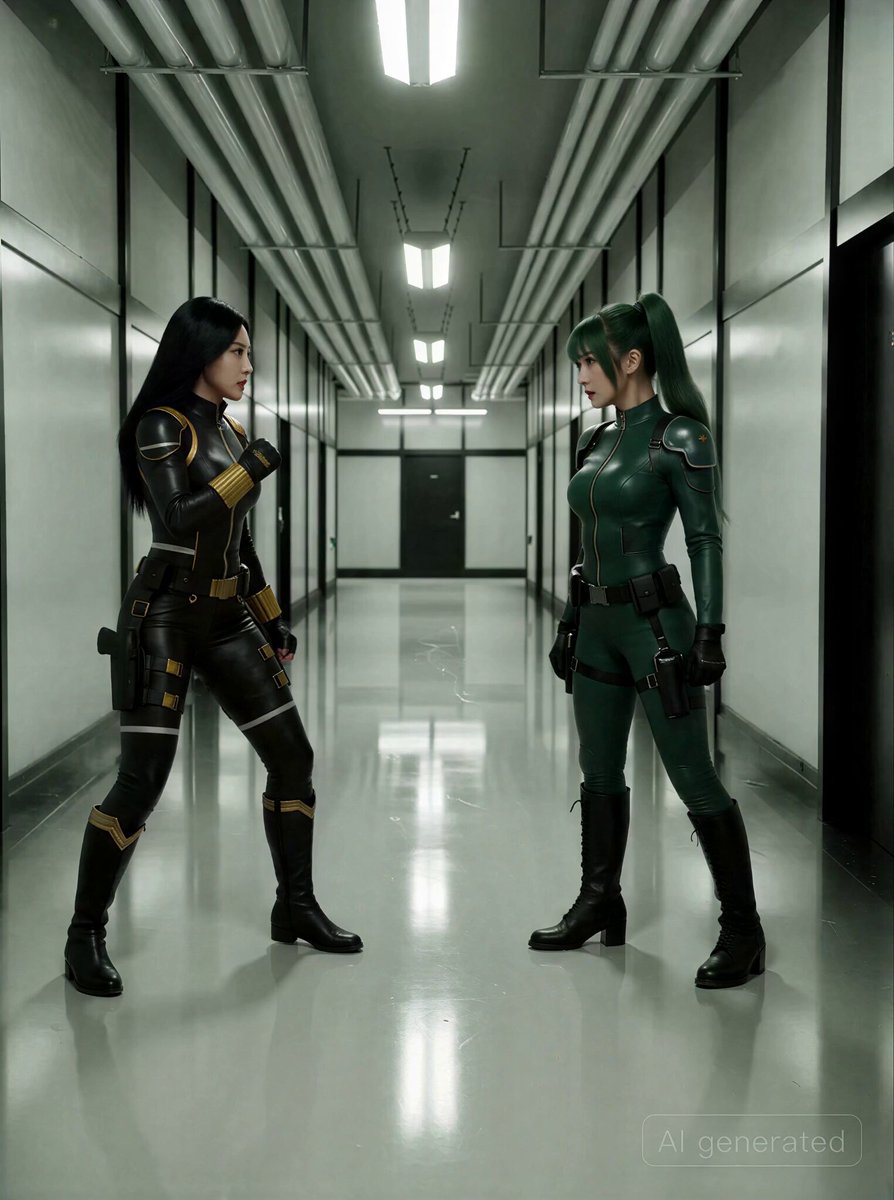
Espionage-Thriller Fight Scene Prompt with Image References
Ice Cream Trickster Showdown Video Prompt

Heroine fighting letter-eating creatures
Precise Character Rotation Sequence
Futuristic Anime City PV Sequence

Intimate Emotional Drama Scene

Modern Luxury Villa Video

Peaceful Fairy Women and Lotus Animation

Red Carpet Fashion Entrance
Parallel Cat Universe Podcast
Browse template categories
Vintage Japanese Paper Collage Animation questions
How do I use the Vintage Japanese Paper Collage Animation template?
Add your photo if the template asks for one, edit the prompt if you like — the template's model and format are already selected — and press Generate. Your version opens in PicX Studio.
Can I customize the Vintage Japanese Paper Collage Animation template?
Yes. You can change the subject, setting, lighting, mood, format, and available model controls before creating your video.
Is the Vintage Japanese Paper Collage Animation template free?
Opening and editing this template is free. Generating uses credits, shown on the Generate button when you are signed in.
Which AI model should I use?
Start with Seedance 2.0, which is the model associated with this template. You can compare another compatible model for a different finish.
Looking for something else? Browse all templates.

Your photo, any look
Thousands of ready templates for every top image and video model, from one credit balance.