
Intimate Emotional Drama Scene
A cinematic video prompt for an emotional drama scene featuring a woman looking at an old photograph, with detailed instructions for acting and lighting.
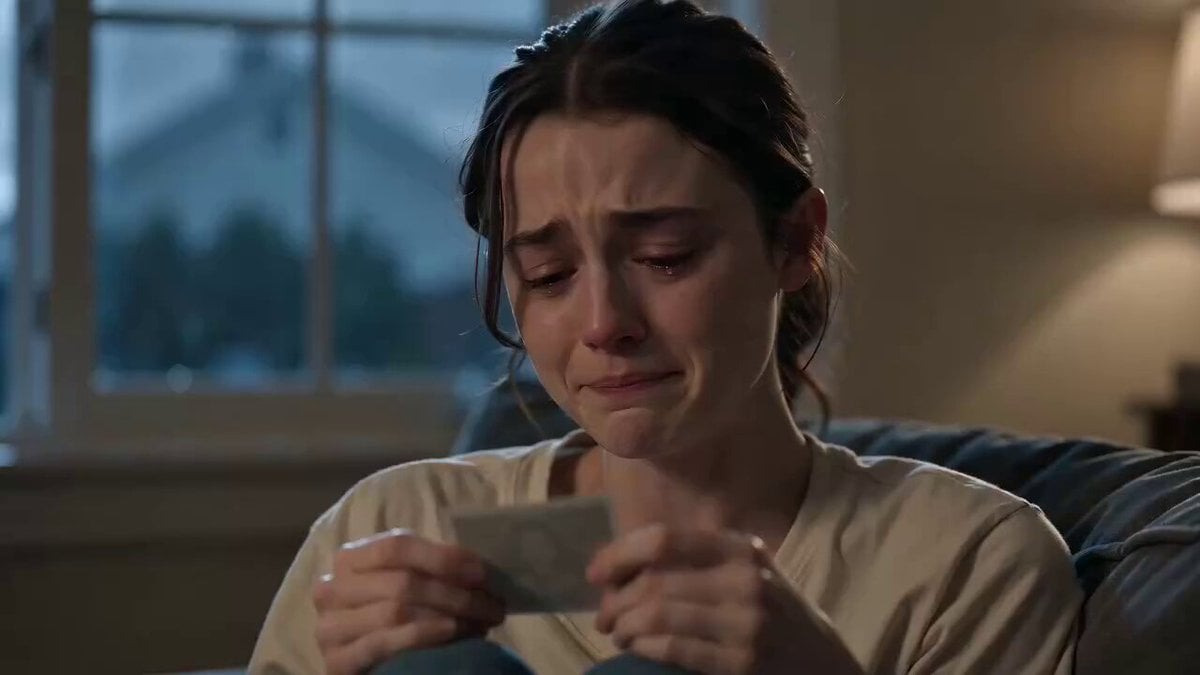
- Prompt included
- Model and format preset
- Premium template
The prompt behind this video
Copy the exact prompt behind Intimate Emotional Drama Scene, or open it in the studio and make it yours.
15 seconds, 16:9 cinematic, single continuous handheld close up shot, slow subtle push-in, no cuts. Global setup: Intimate emotional drama scene, soft natural lighting from a nearby window, slightly desaturated color grade, shallow depth of field with soft background blur. Setting: a quiet living room at dusk, muted blue grey light mixing with a single warm lamp. Subject: a woman in her late 20s, simple clothing, seated on the edge of a couch, holding something small in her hands (an old photograph). Ambient sound: quiet room tone, her breathing, soft distant rain against a window, faint melancholic piano underneath. [0:00–0:03] She sits still, looking down at the photograph in her hands, eyes glistening, jaw tightening as she tries to hold composure. Slow push-in on her face. [0:03–0:06] Her breath catches, a single tear falls, voice trembling, she says quietly, "I just... I wasn't ready to say goodbye." She wipes her cheek quickly, almost embarrassed by the tear. [0:06–0:09] She looks up briefly, eyes red, voice breaking further, "Everyone keeps saying it gets easier. It doesn't feel like that yet." A shaky exhale, she presses her lips together. [0:09–0:12] She looks back down at the photo, thumb gently tracing its edge, whispers, "I just miss you. That's all." Her shoulders drop slightly, a quiet release of tension rather than a breakdown. [0:12–0:15] She closes her eyes, takes a slow breath, holds the photograph to her chest, a faint sad smile forming despite the tears. Soft fade to black. Style: naturalistic acting, realistic tears and skin tone, restrained emotional performance (not exaggerated), cinematic but grounded, no over stylized filters. Constraints: consistent character appearance and lighting throughout, natural lip sync to dialogue, no distorted facial features, no text overlays, subtle and believable emotional pacing throughout
How to use Intimate Emotional Drama Scene in 3 steps
- 1Upload ImagePNG, JPG or paste
Add your photo
Upload the photo the template builds on. The prompt, model and format are already set.
- 2…a portrait of your subject in softgolden-hour light, 85mm…
Personalize
Edit the subject and creative details for your destination.
- 3Generate
Generate
Press Generate — your video is created in PicX Studio, so you can compare it with the original and refine one variable at a time.
More like this
Templates with the same subject, style or setup. Open one to see its prompt.
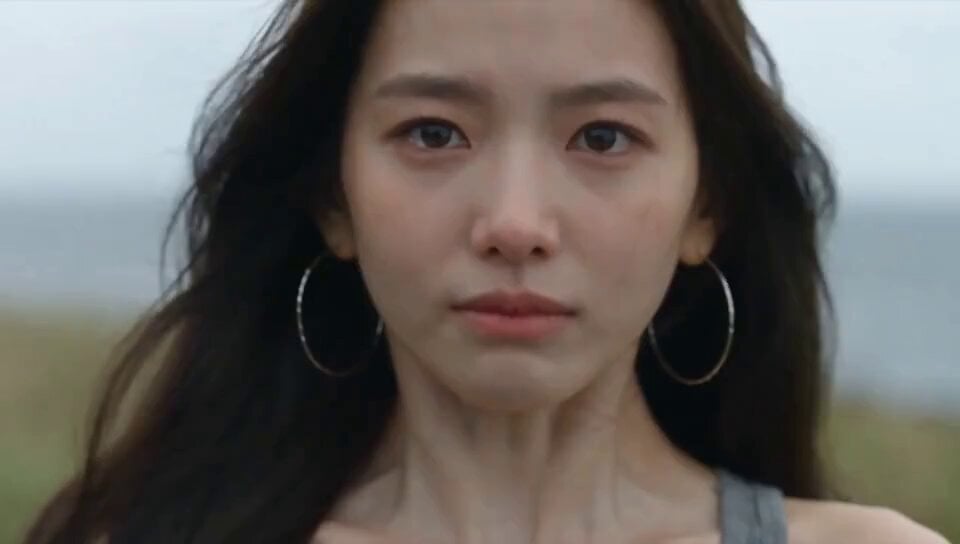
Emotional Breakdown and Fabric Interaction - Seedance 2.5
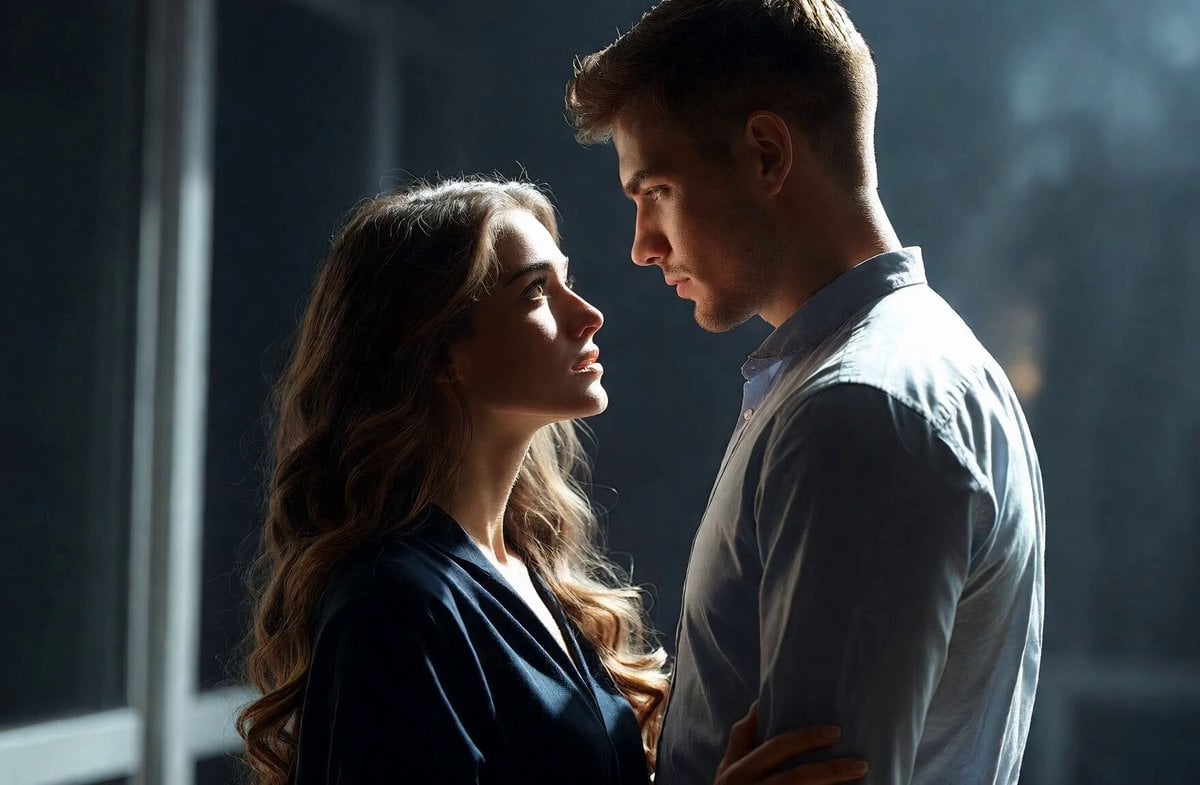
Intimate Future Conversation Couple

Muscular men intimate embrace cinematic video
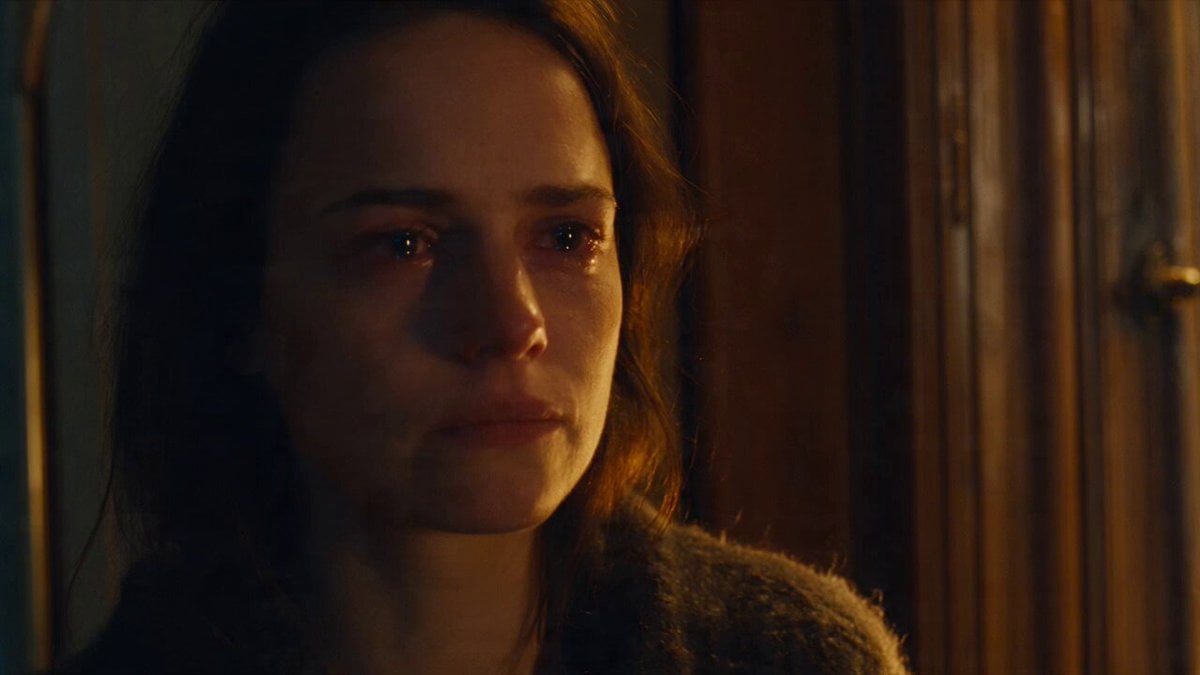
Emotional Parisian Apartment Drama
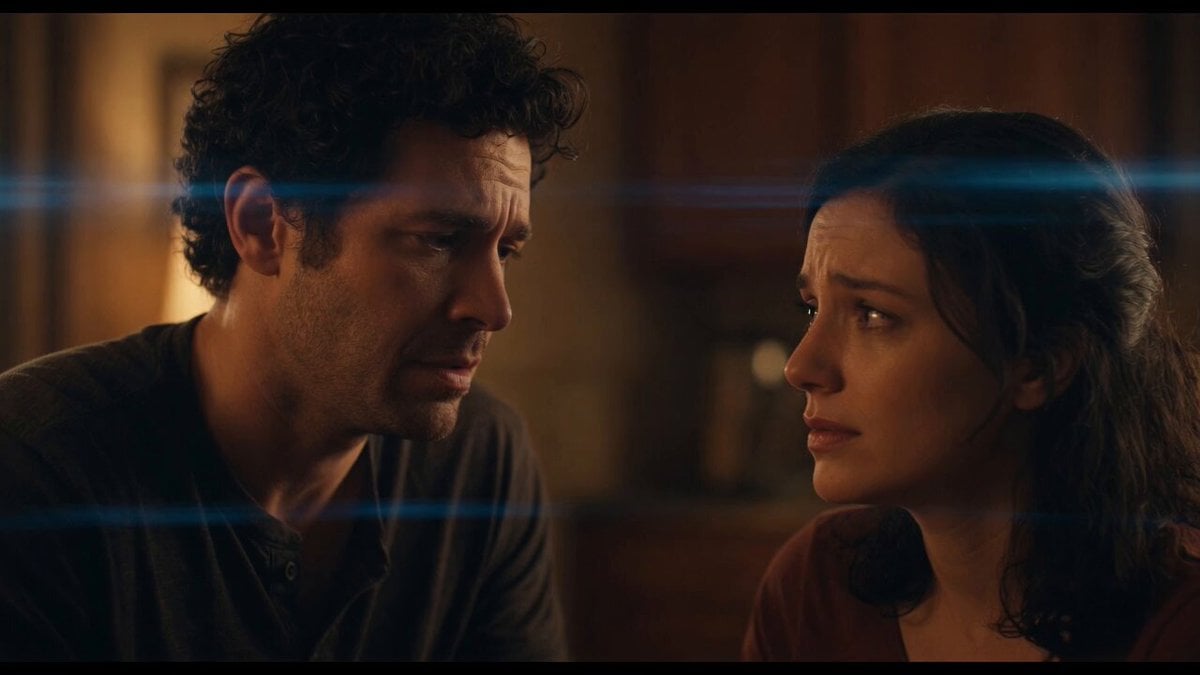
Emotional Angry Couple Drama
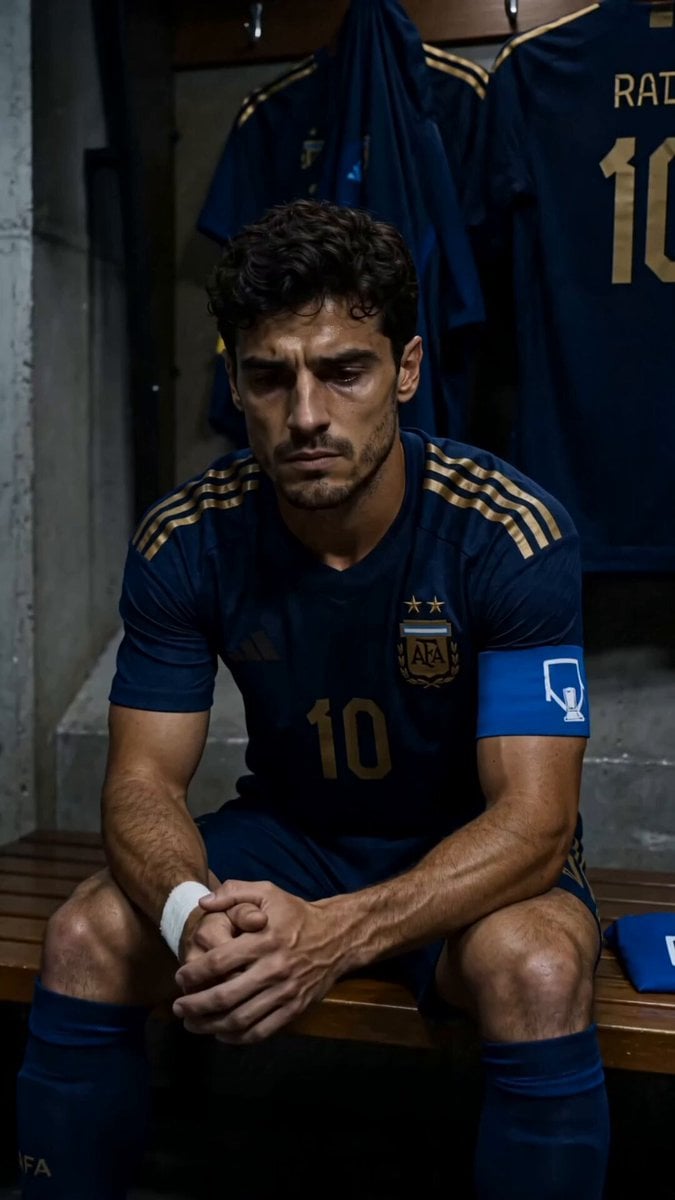
World Cup Final Emotional Drama
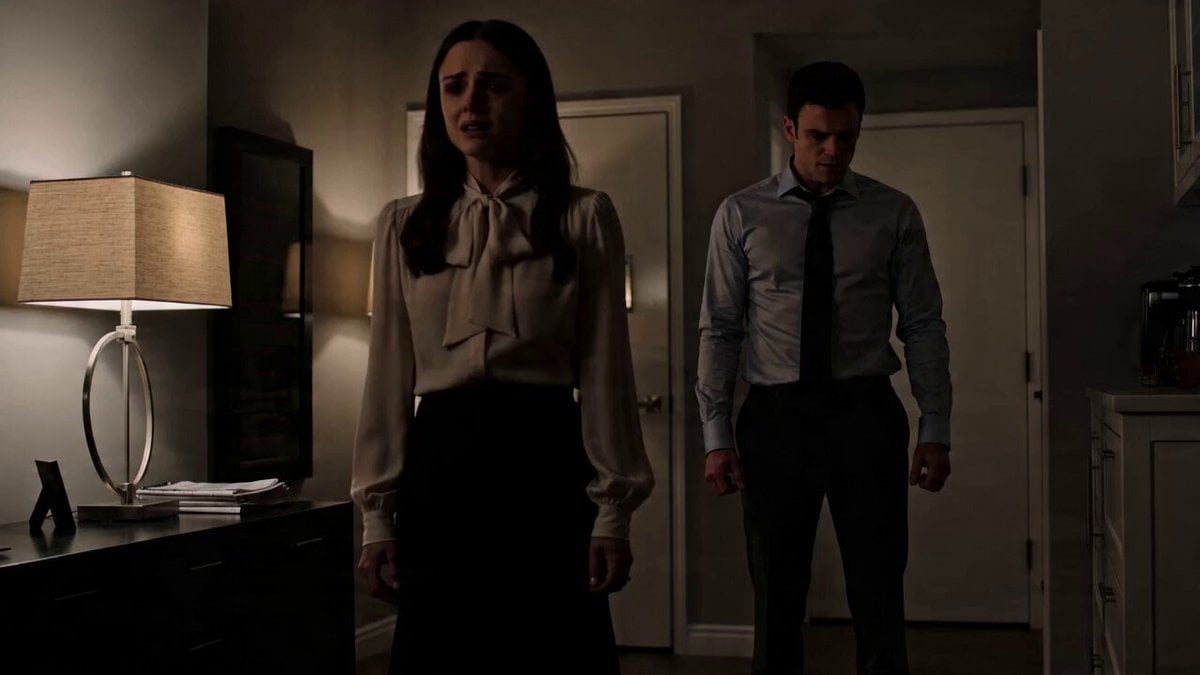
Emotional Drama Scene Prompt
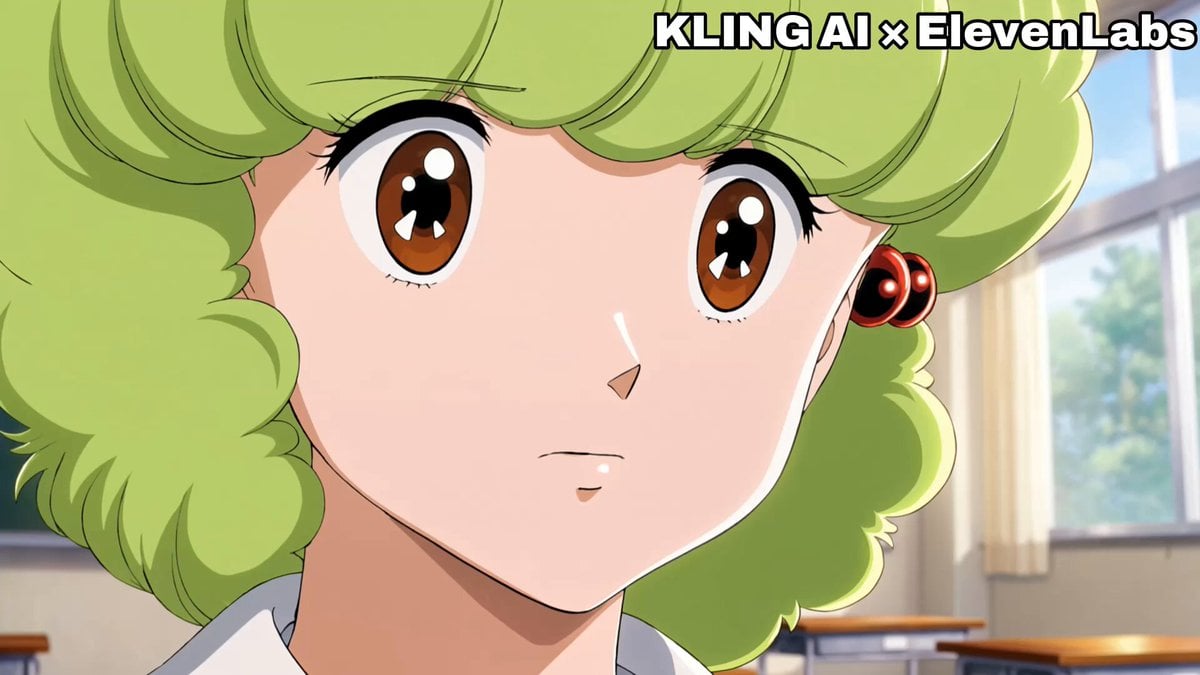
Emotional Anime Monologue Video
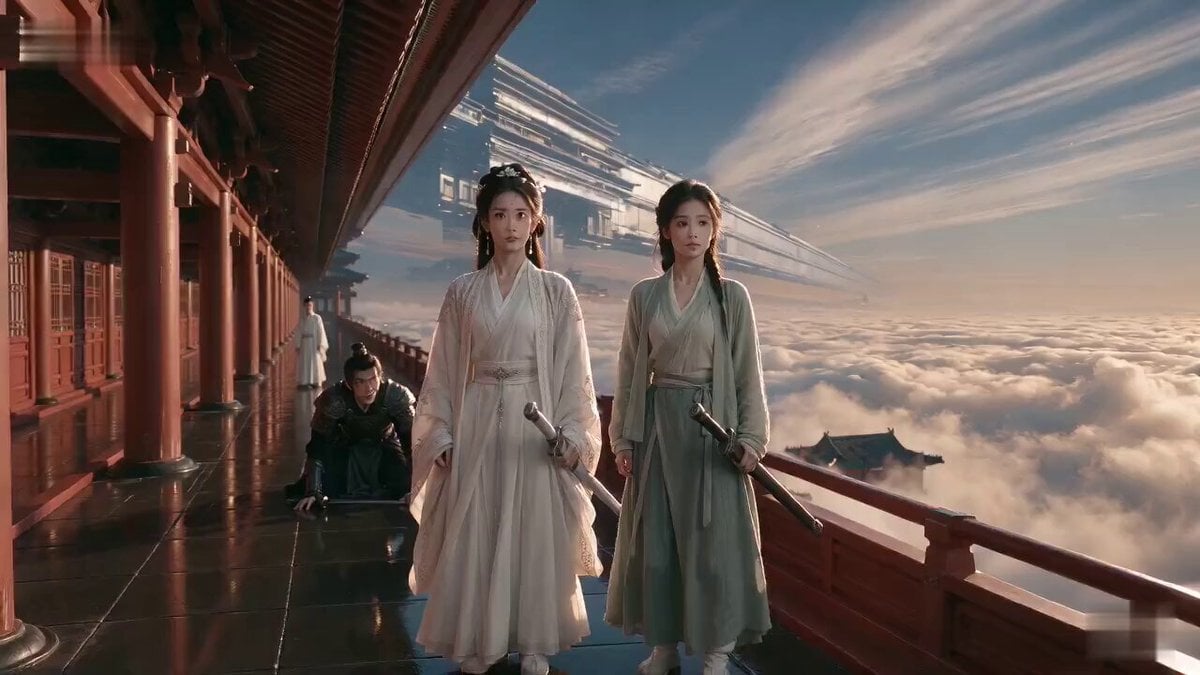
Wuxia Weakness and Home Drama
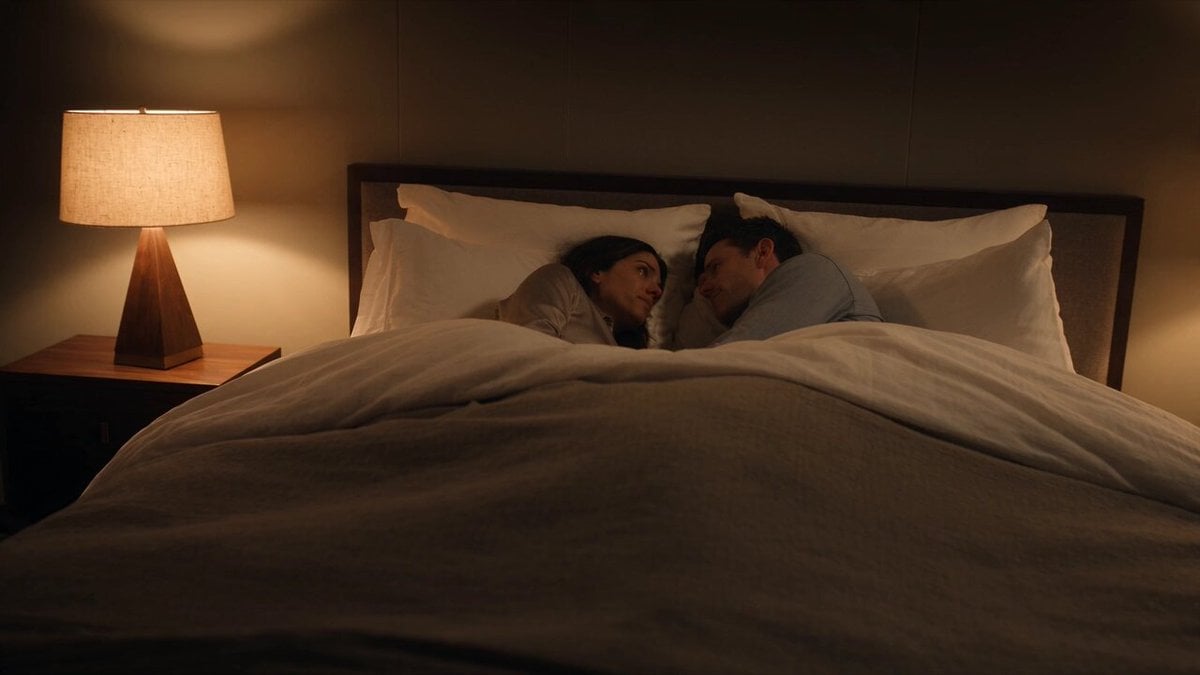
Emotional Bedroom Dialogue Scene
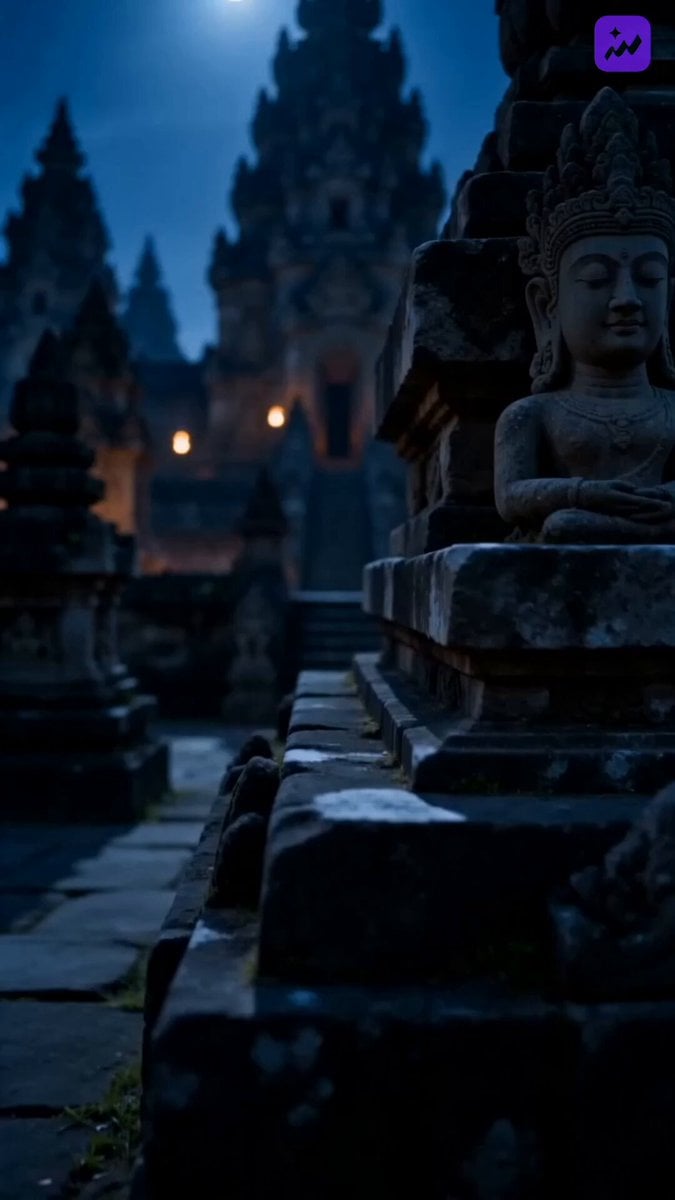
Indonesian Folklore Cinematic Short Drama
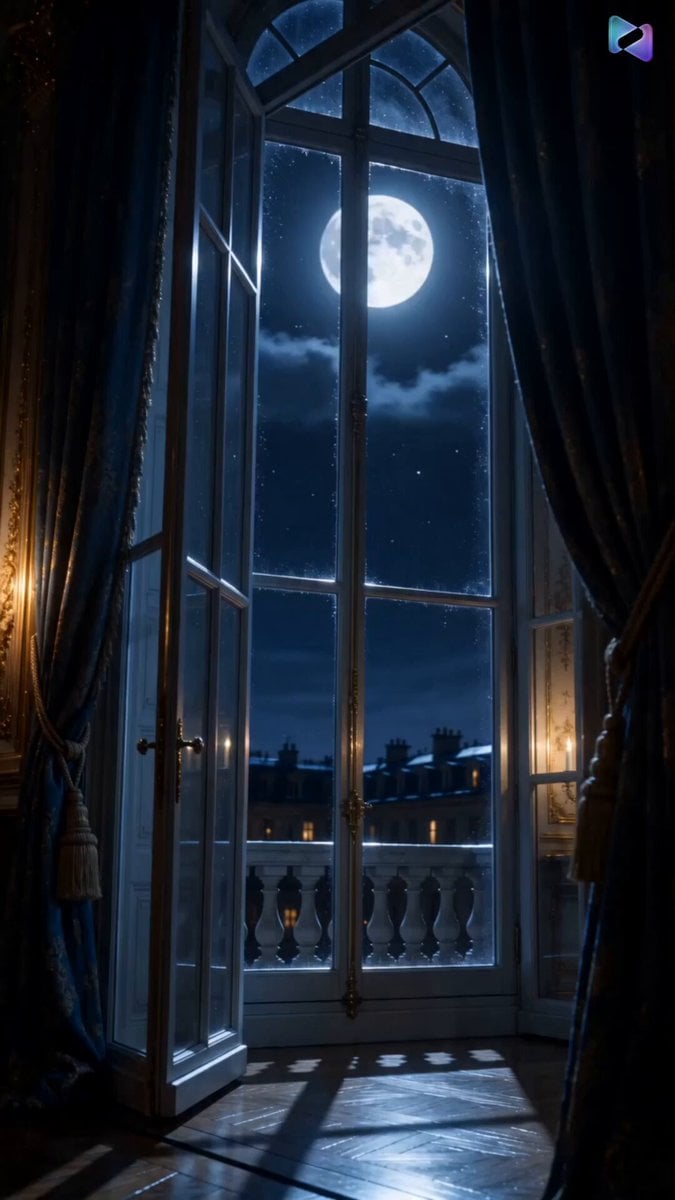
Versailles Palace Period Drama Script
Make it yours
Intimate Emotional Drama Scene works as-is. These are the safest ways to change it without losing the look.
Change one field
Copy a single group, rewrite it, and generate again so you can see what that field is doing.
Keep the frame, change the subject
Hold the composition and light of Intimate Emotional Drama Scene, then swap wardrobe, props or the person for a new take.
| If the result… | Why | Fix |
|---|---|---|
| The result drifts from the preview | Too many fields changed at once. | Reuse Intimate Emotional Drama Scene as-is first, then change one group — subject, light, or setting. |
| The model over-stylizes the scene | The prose prompt leaves finish and camera underspecified. | Add one camera or lighting sentence and stay on Seedance 2.0. |
More Seedance 2.0 templates
Other prompts made for Seedance 2.0.

Comical Martial Arts Punch Scene

Maglev Train Action Sequence

Martial Arts Fight Sequence

Wuxia Protection and Trust Script

Vintage Korean Arcade MiniDV Vlog

Mercedes 190 SL Luxury Ad

Rainy Night Supernatural Reverse Comedy Video Script

Amazon Civilization Discovery

Futuristic South Asian City Transformation

Cozy Luxury Cafe Commercial
More video prompts
Fresh picks from across the catalog.

Macro Arrow Shaft Micro-World War
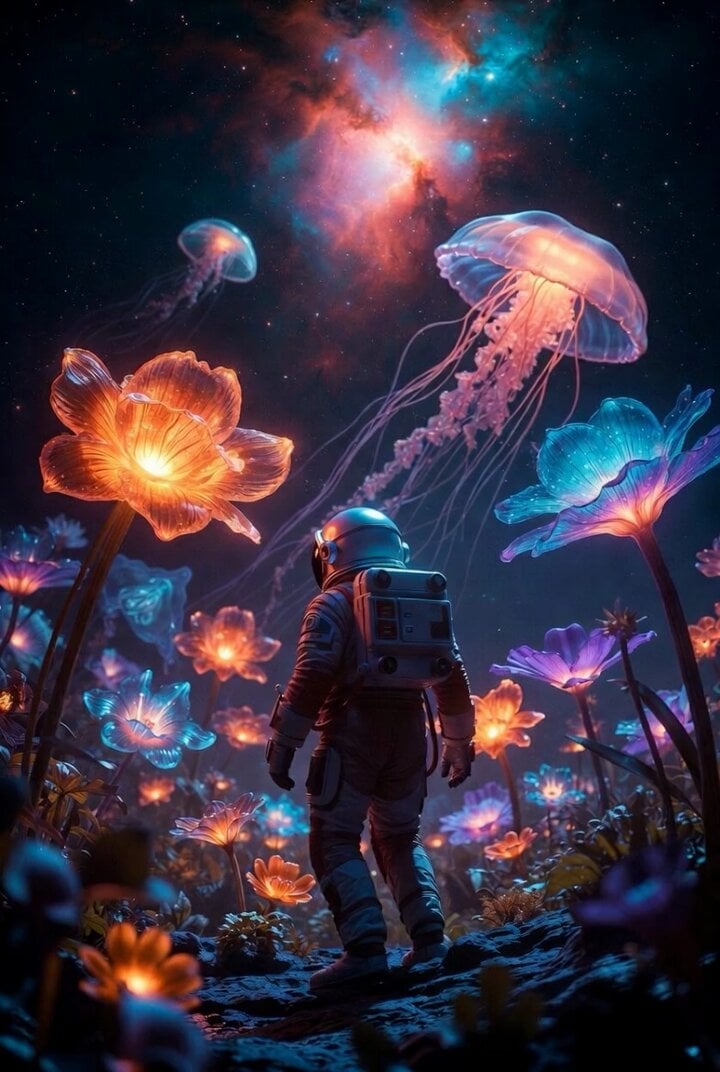
Surreal alien garden astronaut video prompt
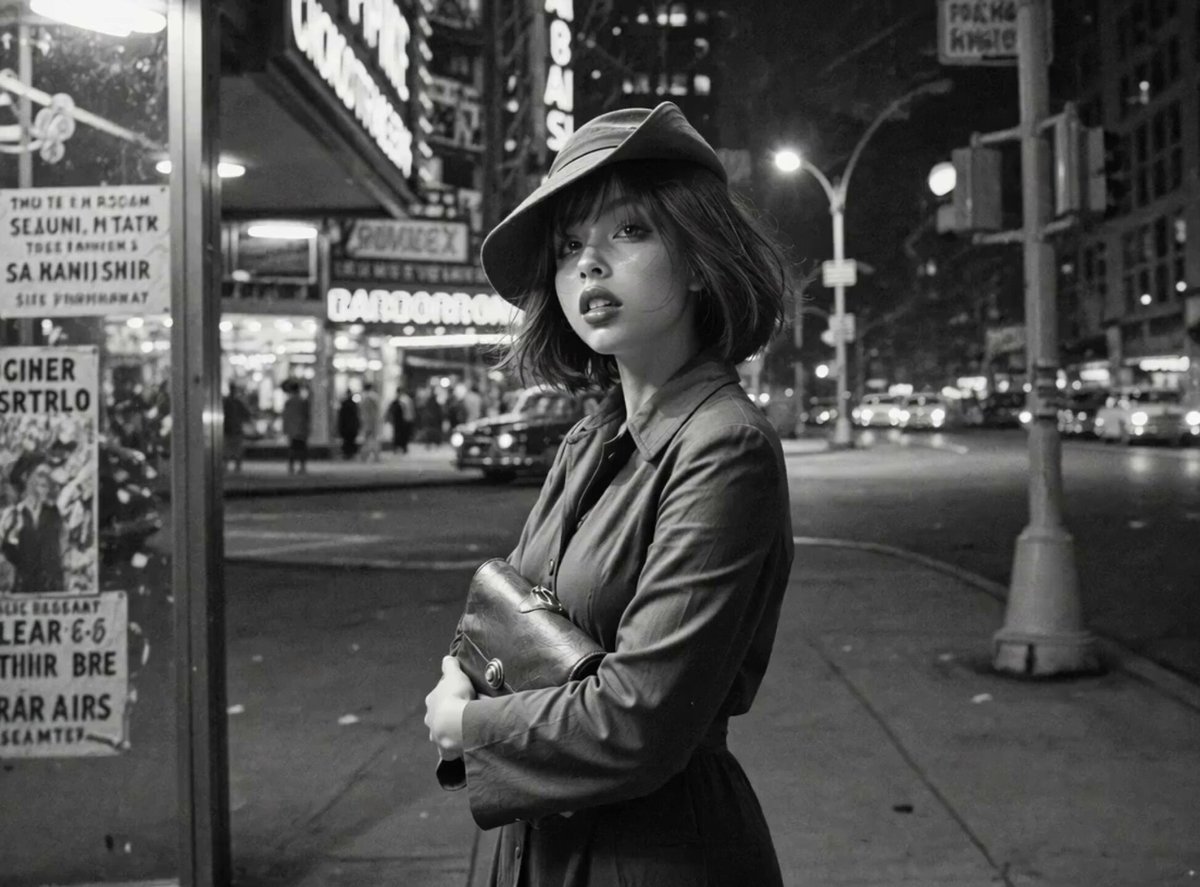
Neon Jazz Cityscape

Rooftop Martial Arts Fight at Sunset
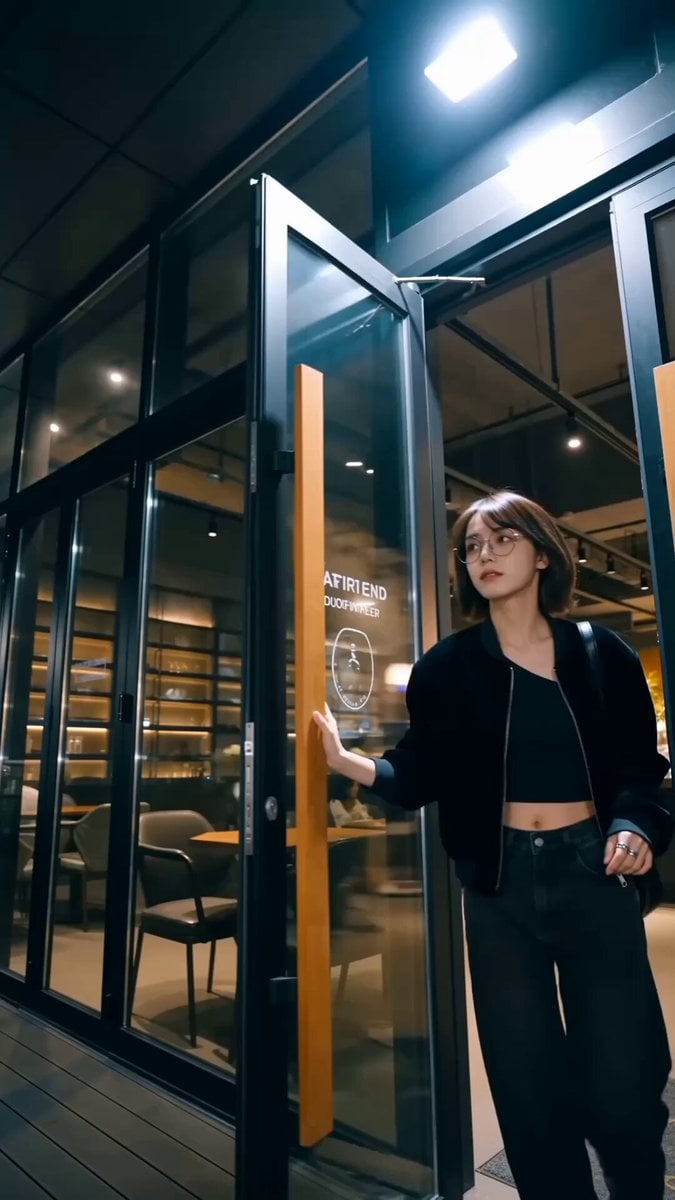
Handheld Influencer Night Vlog
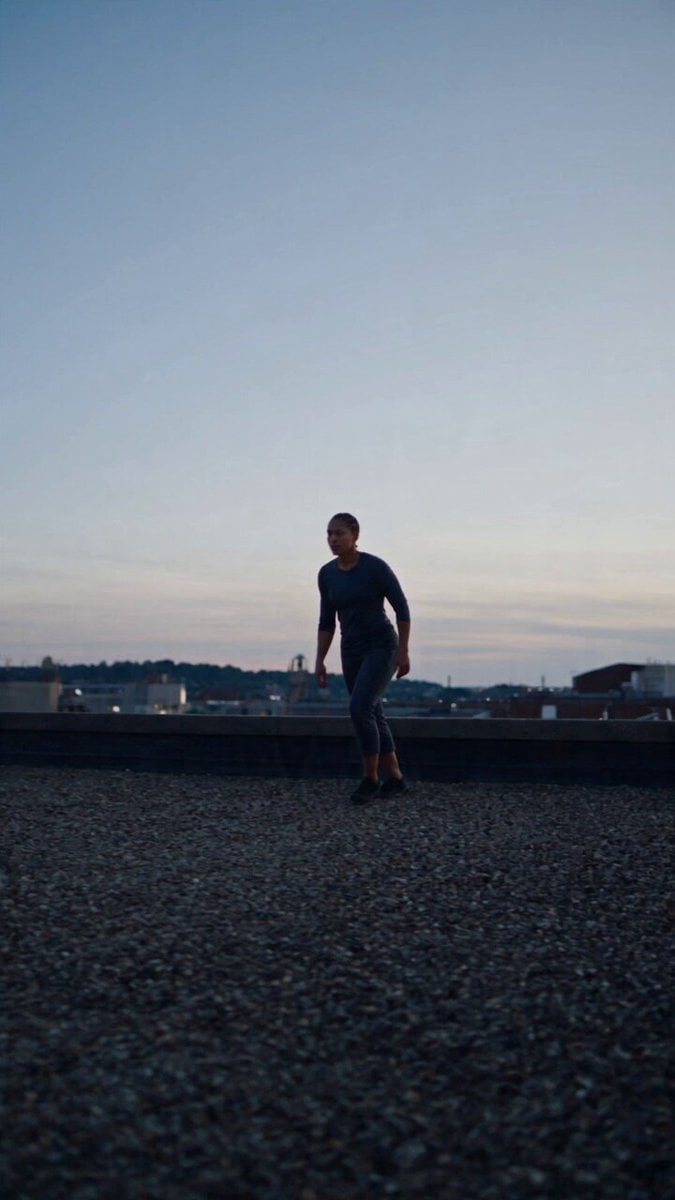
Product Ad Drink Can 110° Orbit
Vexaria Cinematic Sequence Animation
Eastern Classical Immortal Heroine Video Prompt
Live-Action Scenery Switching Prompt (Lat/Long)
Seedance 2.0 Multi-Clip Video Prompt: Immortal Apprentice
Browse template categories
Intimate Emotional Drama Scene questions
How do I use the Intimate Emotional Drama Scene template?
Add your photo if the template asks for one, edit the prompt if you like — the template's model and format are already selected — and press Generate. Your version opens in PicX Studio.
Can I customize the Intimate Emotional Drama Scene template?
Yes. You can change the subject, setting, lighting, mood, format, and available model controls before creating your video.
Is the Intimate Emotional Drama Scene template free?
Opening and editing this template is free. Generating uses credits, shown on the Generate button when you are signed in.
Which AI model should I use?
Start with Seedance 2.0, which is the model associated with this template. You can compare another compatible model for a different finish.
Looking for something else? Browse all templates.

Your photo, any look
Thousands of ready templates for every top image and video model, from one credit balance.