
Oil-on-Paper Snow Storm Animation
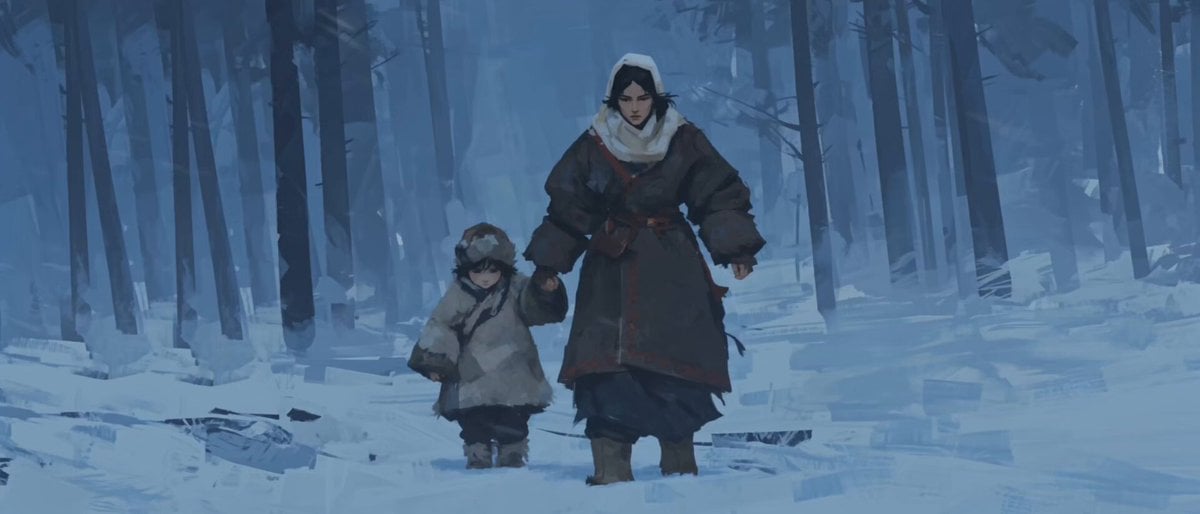
A cinematic video prompt for a hand-drawn frame-by-frame animation style depicting a mother and child in a heavy blizzard, using cold moonlight and atmospheric haze.
- Prompt included
- Model and format preset
- Free template
The prompt behind this video
Copy the exact prompt behind Oil-on-Paper Snow Storm Animation, or open it in the studio and make it yours.
8K IMAX cinematic. Hand-drawn frame-by-frame animation at 12 frames per second, every frame individually painted by hand with visible brushstrokes, oil-on-paper texture, hand-drawn line jitter between frames, stop-motion-like temporal stutter, frame-hold animation cadence. No smooth interpolation, no CGI, no 3D rendering, no game engine, no game cutscene aesthetic. Cinematography by Emmanuel Lubezki × Roger Deakins. Shot with a physical cine lens using a 180° shutter motion blur. Composition follows the rule of thirds and golden ratio. Camera remains on the shadow side of the subjects with strong contre-jour framing. Lighting comes from a single unified source: pale, cold moonlight from above filtered through extremely thick atmospheric haze. Every character and every environmental element are illuminated by the same light. Soft pale-blue moonlight tints skin, fabric, snow, and tree trunks equally. Cold rim lighting outlines shoulders, heads, and head cloths while faces remain in soft shadow. Environment: a snow-covered forest engulfed in an extremely heavy blizzard and dense freezing fog. Visibility is limited to approximately 3 meters. Everything beyond dissolves into a solid white-out haze, leaving only the nearest trees and figures readable. Thick walls of fog erase depth. Powerful horizontal winds drive dense curtains of snow across the frame. Snow rapidly accumulates on robes, shoulders, and head cloths. Breath instantly turns into vapor and is torn away by the wind. Robes, loose fabric, and hair whip violently sideways under powerful gusts. Characters: a desperate mother and her young child lost in the freezing storm. They are exhausted, terrified, and nearing the limits of their strength. The mother struggles to hide her panic in order to comfort the child, while the child openly cries in fear and clings to the mother. Character reactions to the weather: both squint tightly against the wind, shield their faces with a hand or forearm, duck their heads low, bury their faces into collars or head cloths, and lean their entire bodies into the force of the storm while trudging through deep snow. Color palette: 60% snow-blue, 30% black tree trunks, 10% cold accent tones. Physics are completely realistic, respecting gravity, inertia, natural cloth dynamics, proper snow interaction, and accurate contact shadows. No floating objects or unrealistic movement. Continuity is maintained across every shot: identical characters, clothing, props, environment, lighting, and weather. Every character continues moving naturally from the first frame through every cut without continuity breaks.
How to use Oil-on-Paper Snow Storm Animation in 3 steps
- 1
Open
The prompt is already in the box next to the preview, with the template's model and format selected.
- 2…a portrait of your subject in softgolden-hour light, 85mm…
Personalize
Edit the subject and creative details for your destination.
- 3Generate
Generate
Press Generate — your video is created in PicX Studio, so you can compare it with the original and refine one variable at a time.
More like this
Templates with the same subject, style or setup. Open one to see its prompt.
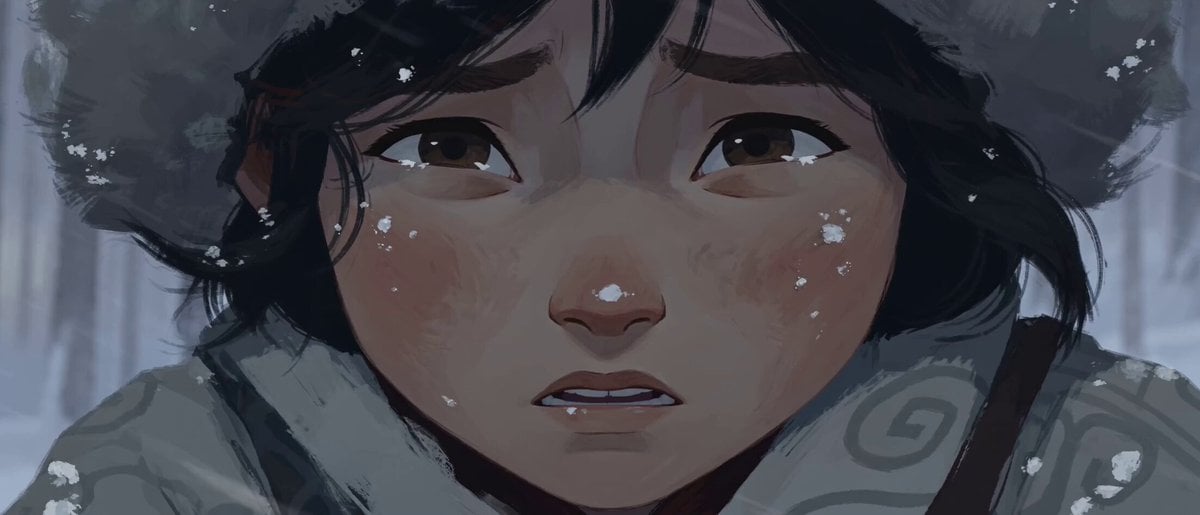
Hand-Drawn 2D Snowstorm Animation
Pop-up Book Paper Craft Animation
3D Glossy Fairy Animation - Seedance 2.5

Paper-cut Budapest Animation
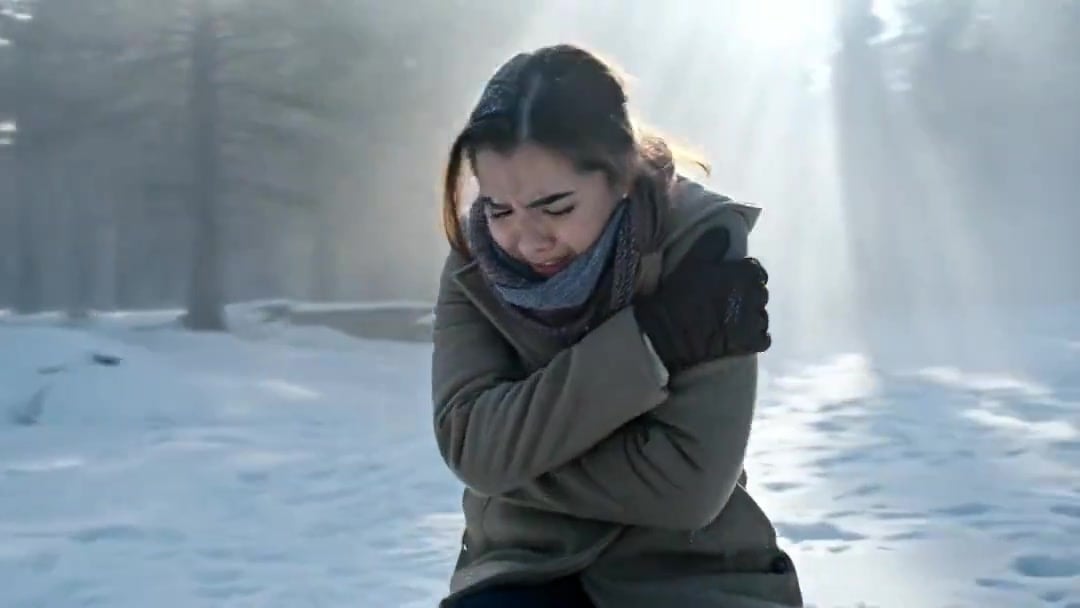
Arc Shot Frozen Woman Snow — Kling 3.0 v3 Pro
Arc Shot Frozen Woman Snow — Kling 3.0 v3 Pro
Silk Road Pomegranate Folk Animation
Multilingual Creative Typography Loop
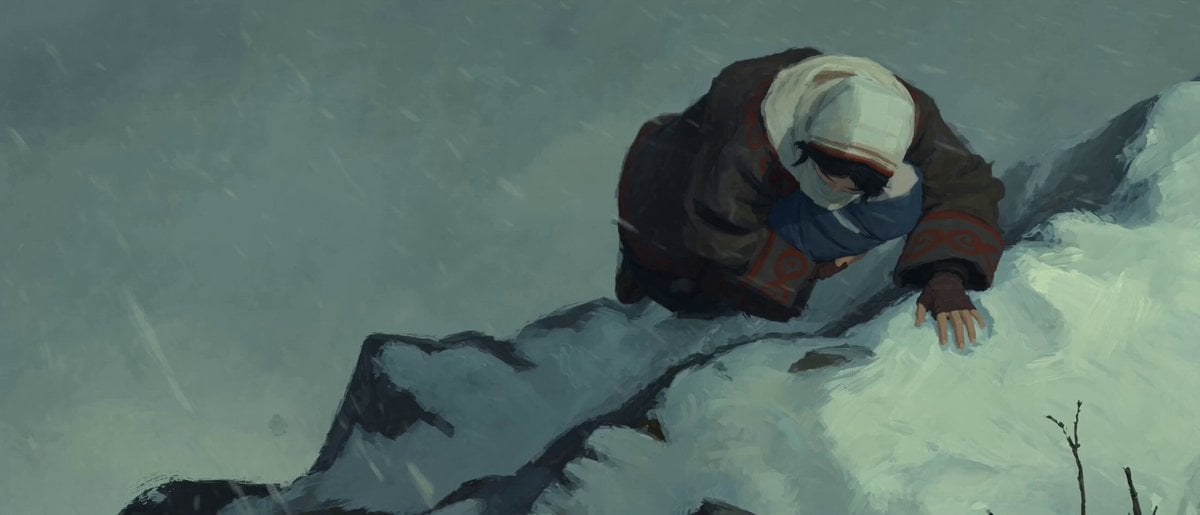
Stop-Motion Oil Painting Animation
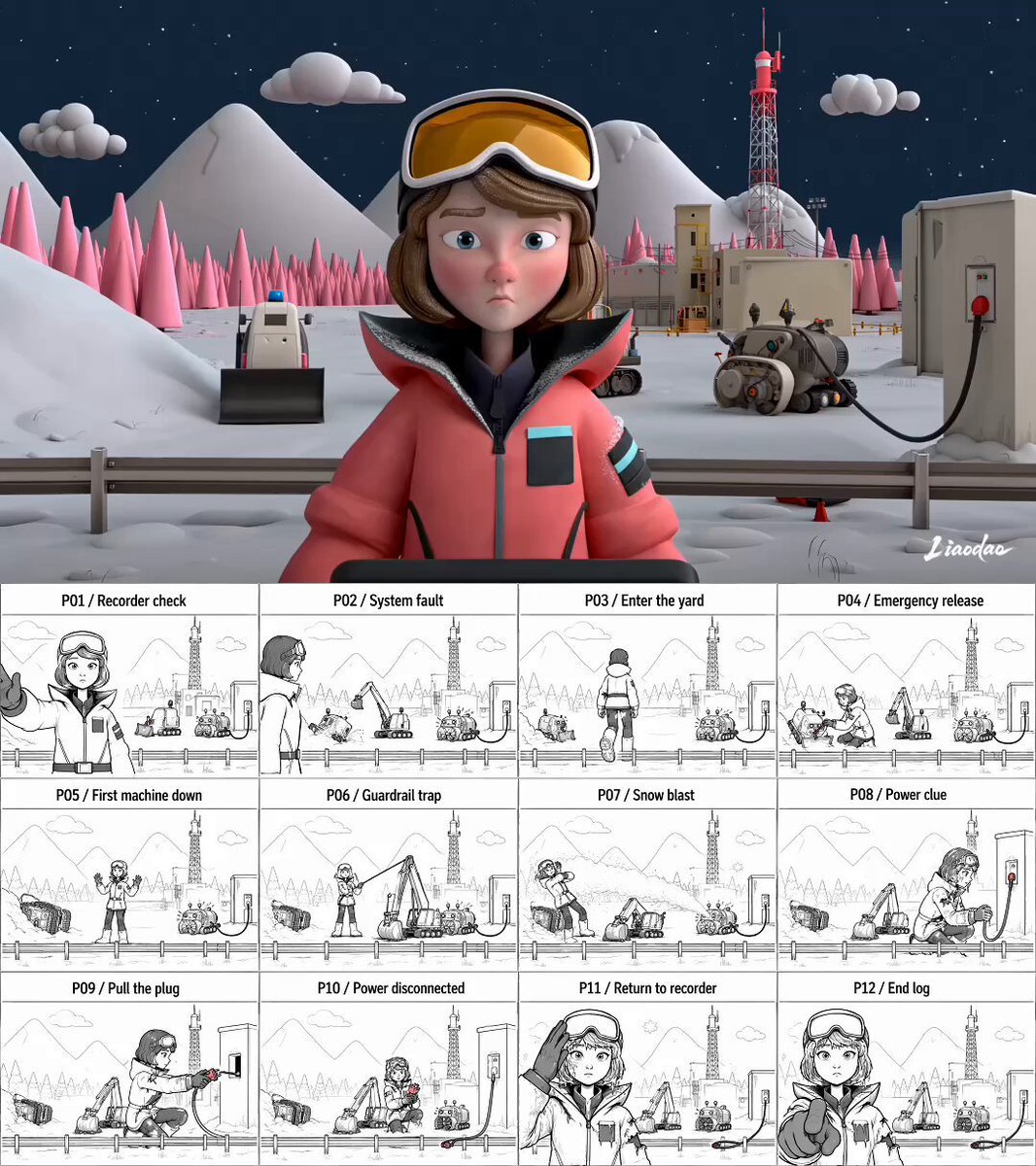
Miniature 3D Animation Snowfield Comedy
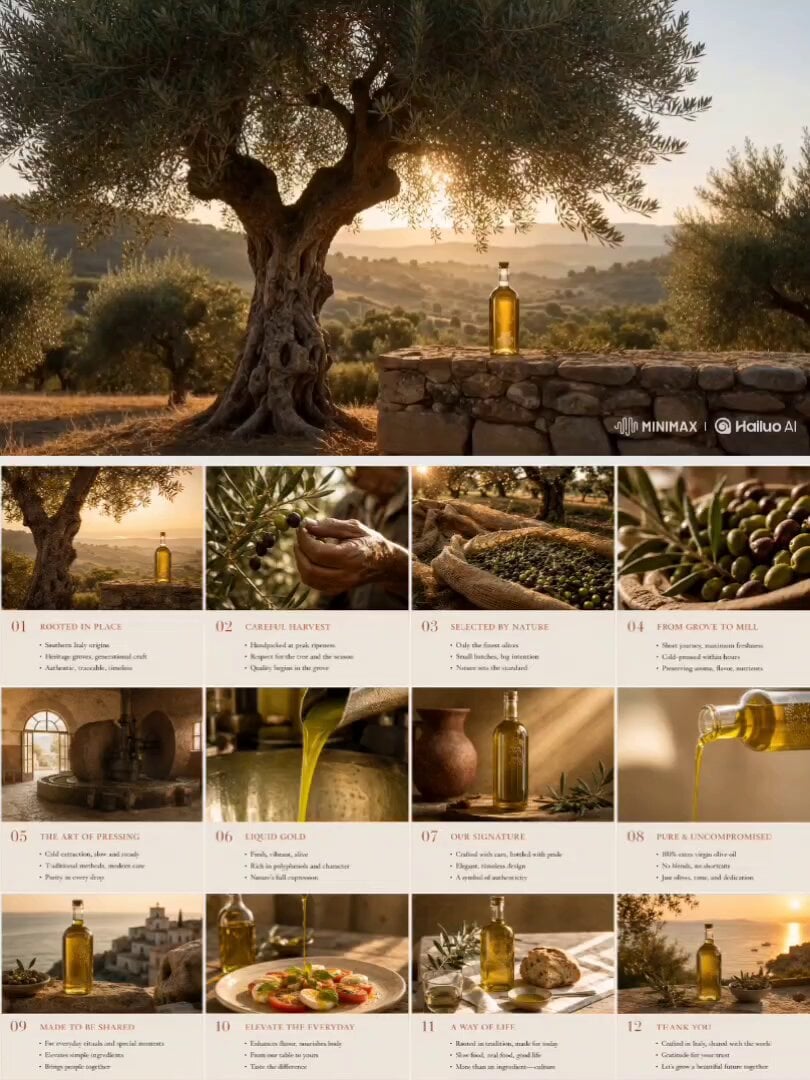
Olive Oil Storyboard Animation
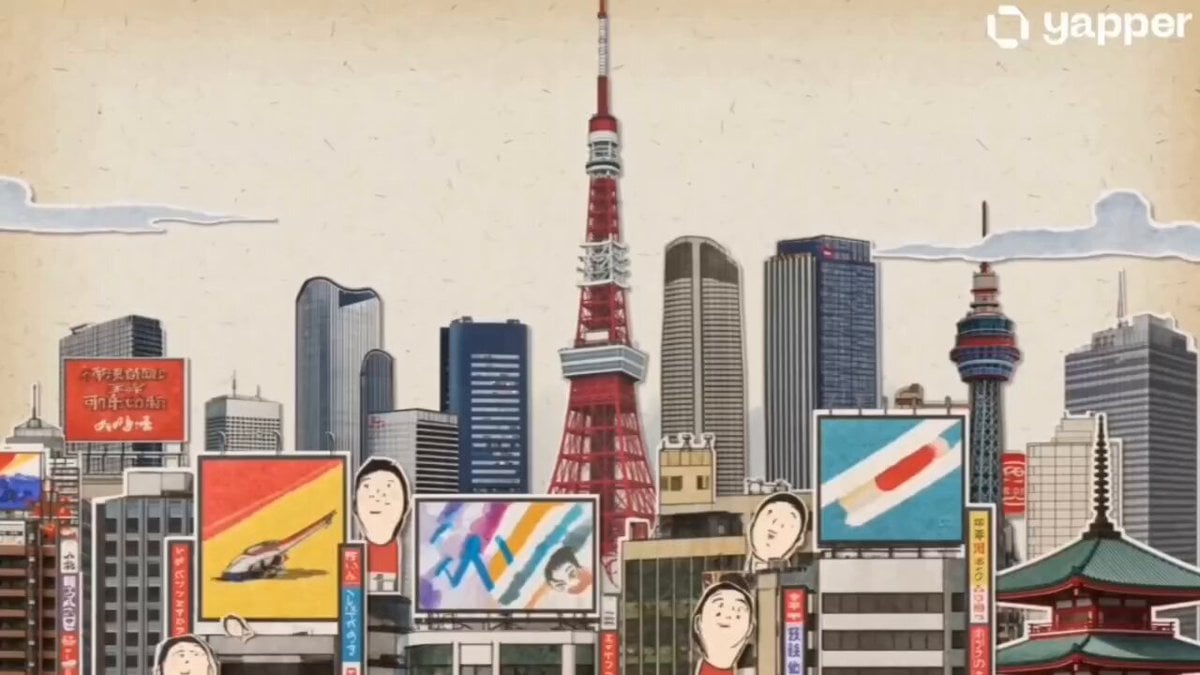
Vintage Japanese Paper Collage Animation
Make it yours
Oil-on-Paper Snow Storm Animation works as-is. These are the safest ways to change it without losing the look.
Change one field
Copy a single group, rewrite it, and generate again so you can see what that field is doing.
Keep the frame, change the subject
Hold the composition and light of Oil-on-Paper Snow Storm Animation, then swap wardrobe, props or the person for a new take.
| If the result… | Why | Fix |
|---|---|---|
| The result drifts from the preview | Too many fields changed at once. | Reuse Oil-on-Paper Snow Storm Animation as-is first, then change one group — subject, light, or setting. |
| The model over-stylizes the scene | The prose prompt leaves finish and camera underspecified. | Add one camera or lighting sentence and stay on Seedance 2.0. |
More Seedance 2.0 templates
Other prompts made for Seedance 2.0.

Comical Martial Arts Punch Scene

Maglev Train Action Sequence

Martial Arts Fight Sequence

Wuxia Protection and Trust Script

Vintage Korean Arcade MiniDV Vlog

Mercedes 190 SL Luxury Ad

Rainy Night Supernatural Reverse Comedy Video Script

Amazon Civilization Discovery

Futuristic South Asian City Transformation

Cozy Luxury Cafe Commercial
More video prompts
Fresh picks from across the catalog.

Cinematic Cozy Rain Home Sequence
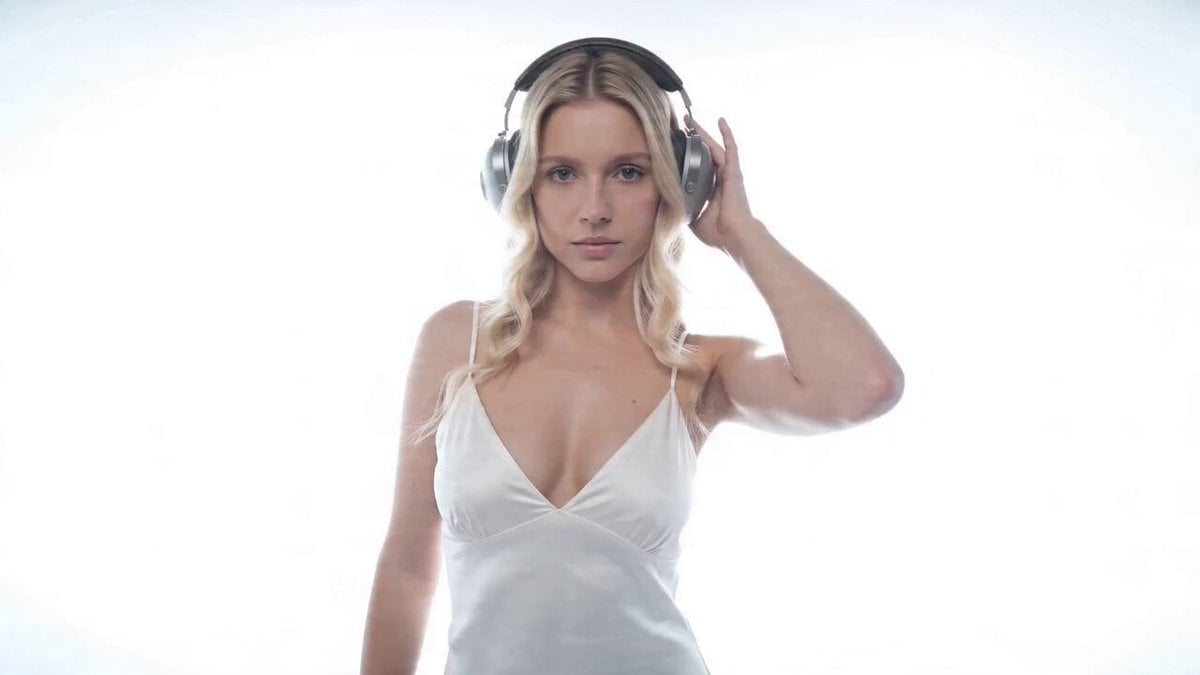
Music Video Style Pose Acceleration Prompt
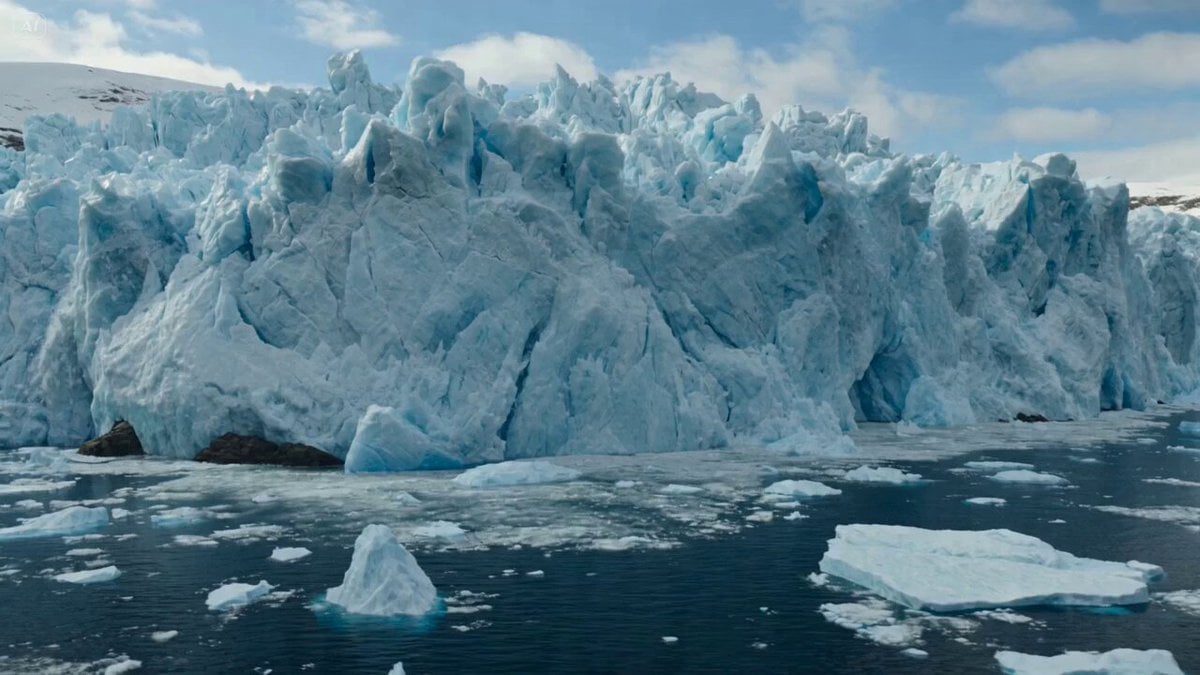
Glacier Collapse Disaster Scene
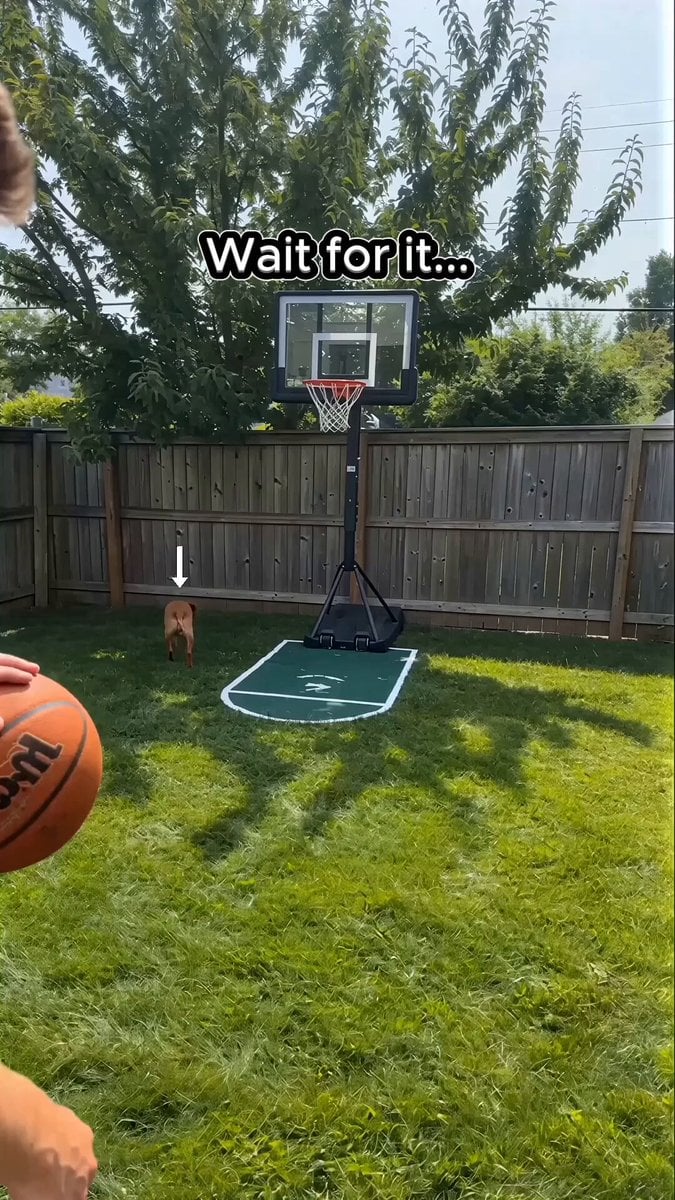
Basketball Dribbling Social Media Video Prompt
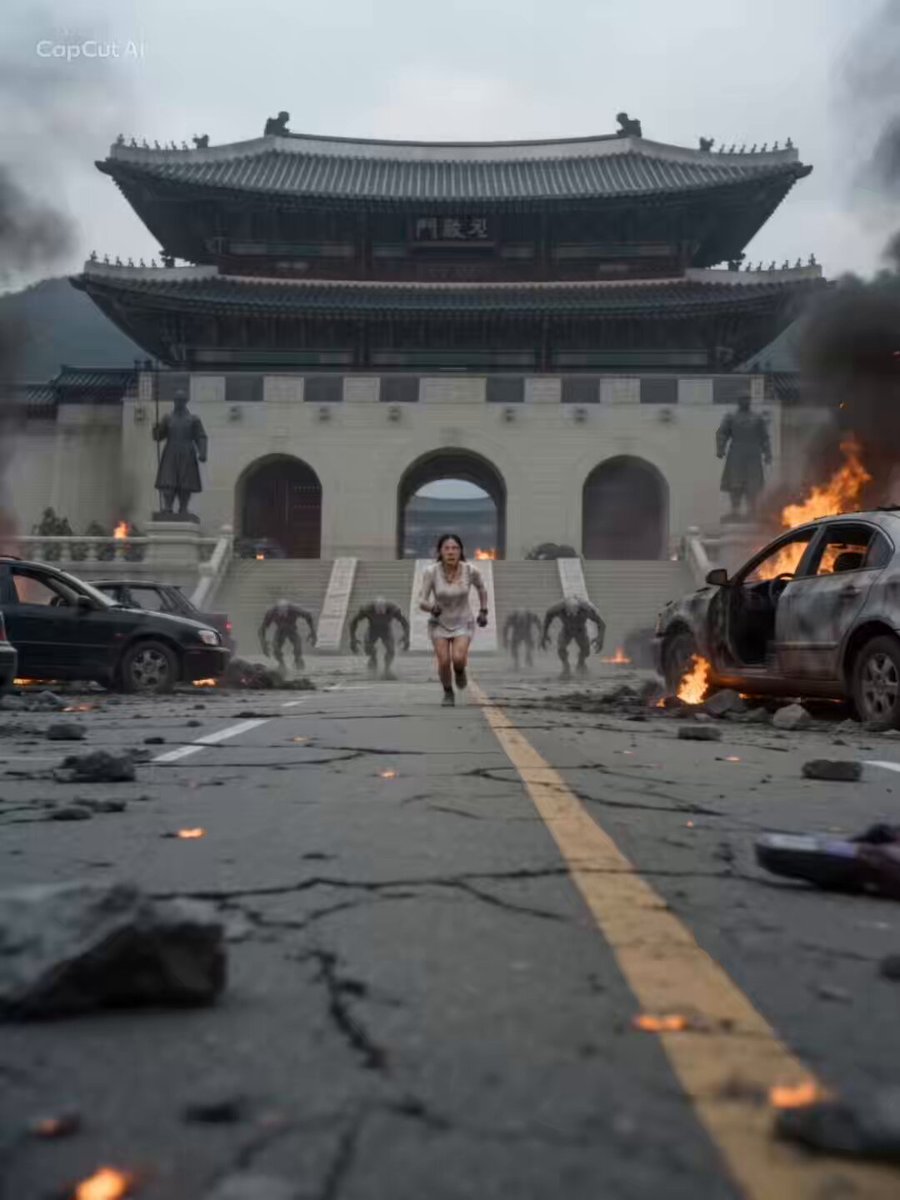
Mecha Armor Assembly at Gwanghwamun

Cyberpunk Guerrilla Girl Video Generation

Video Script for 'Accidentally Touching Girlfriend' using Seedance 2.0
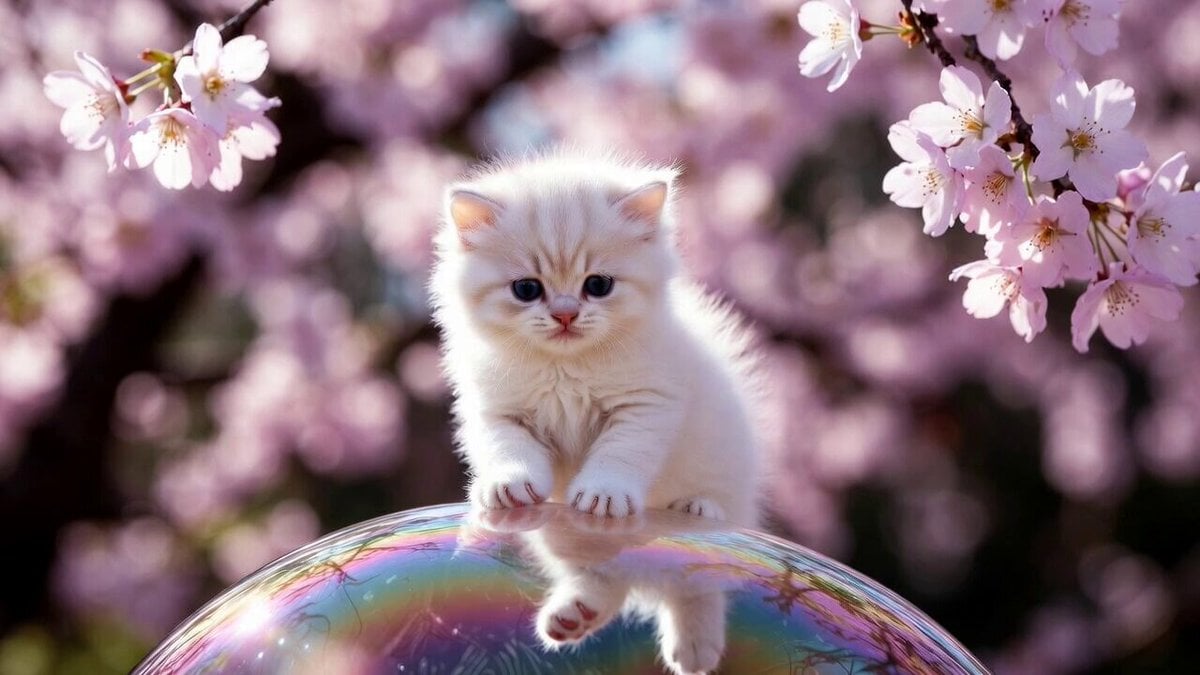
Cute Kitty on Soap Bubble Video Prompt
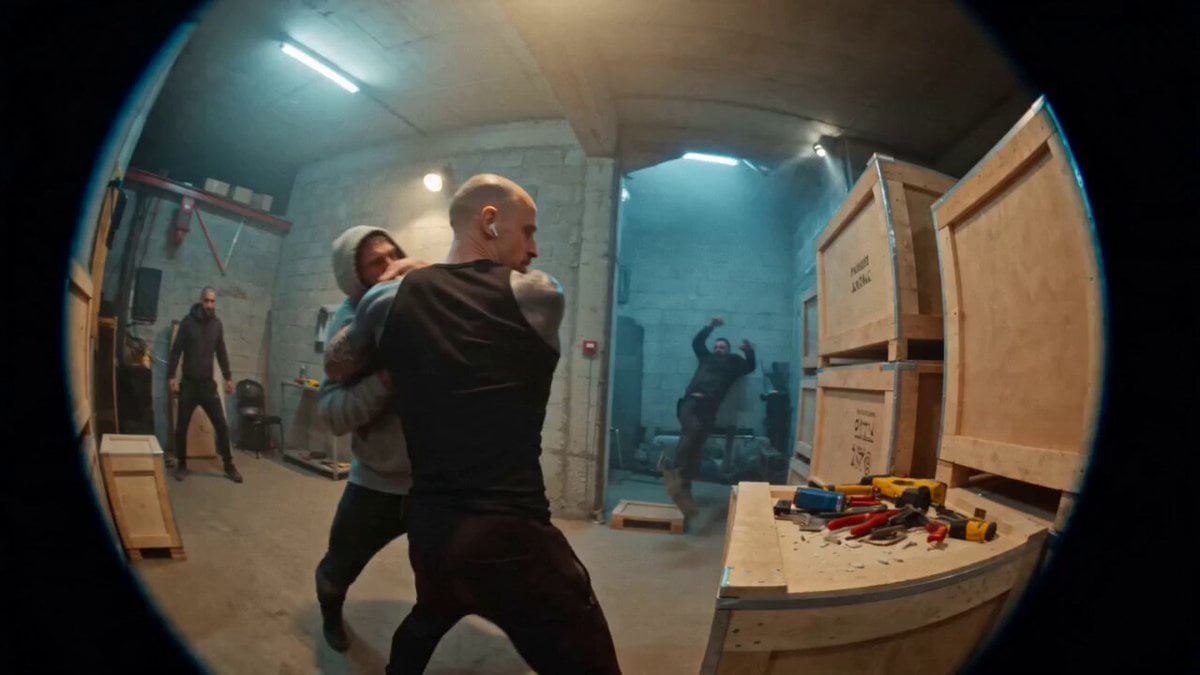
Urban Warehouse Street Fight Sequence
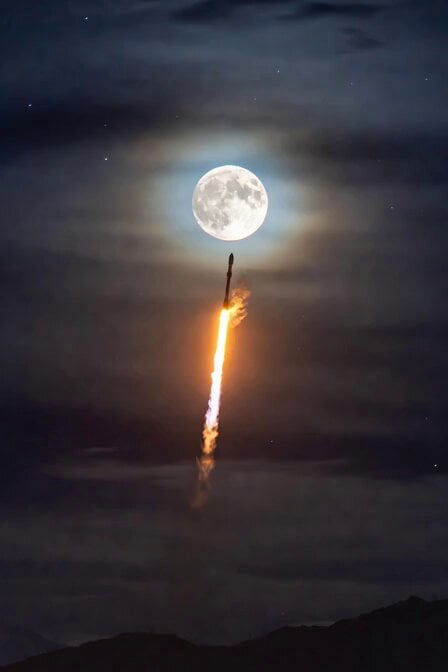
Rocket Launching to Moon Video
Browse template categories
Oil-on-Paper Snow Storm Animation questions
How do I use the Oil-on-Paper Snow Storm Animation template?
Add your photo if the template asks for one, edit the prompt if you like — the template's model and format are already selected — and press Generate. Your version opens in PicX Studio.
Can I customize the Oil-on-Paper Snow Storm Animation template?
Yes. You can change the subject, setting, lighting, mood, format, and available model controls before creating your video.
Is the Oil-on-Paper Snow Storm Animation template free?
Opening and editing this template is free. Generating uses credits, shown on the Generate button when you are signed in.
Which AI model should I use?
Start with Seedance 2.0, which is the model associated with this template. You can compare another compatible model for a different finish.
Looking for something else? Browse all templates.

Your photo, any look
Thousands of ready templates for every top image and video model, from one credit balance.