
Mecha Armor Assembly at Gwanghwamun
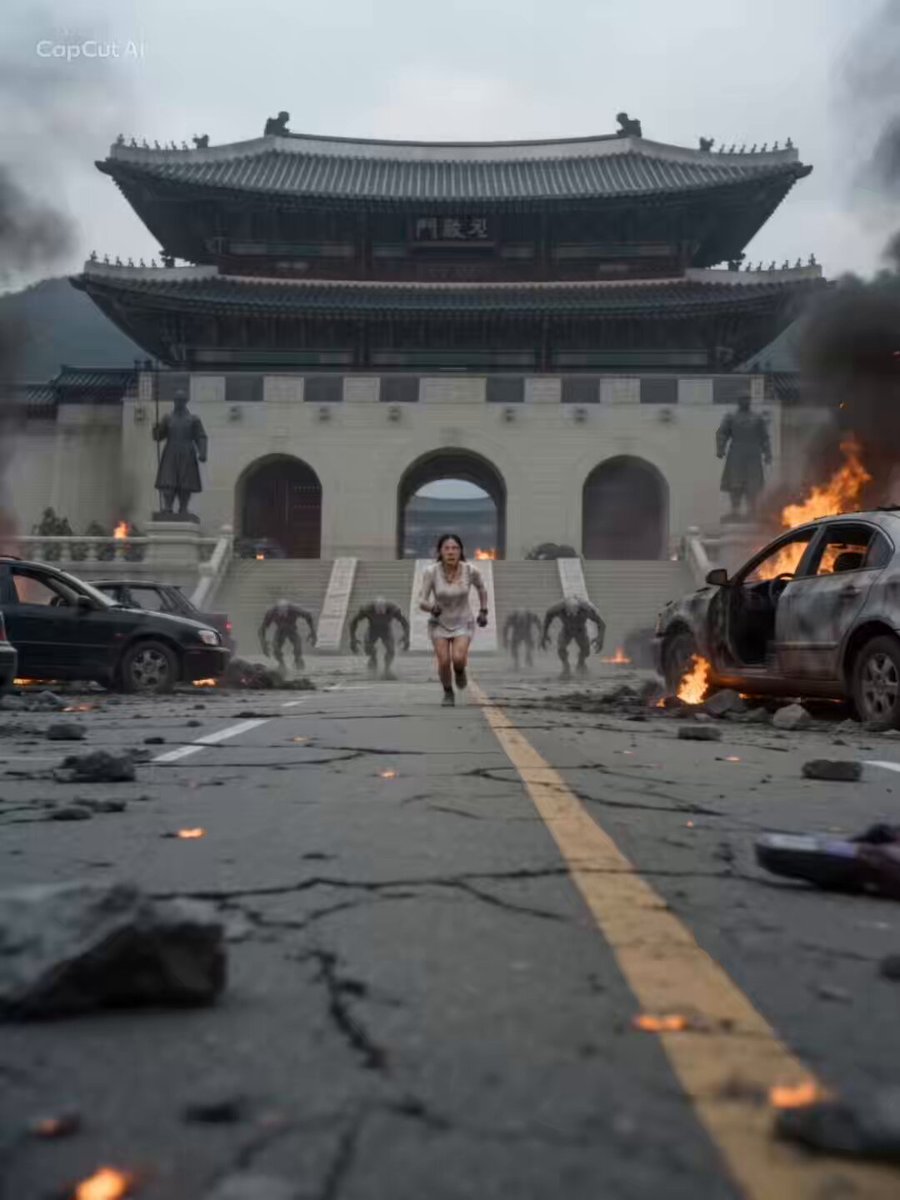
An incredibly detailed 15-second cinematic prompt depicting a modular mecha armor assembly on an Asian female heroine fighting beasts in a destroyed Seoul landmark.
- Prompt included
- Model and format preset
- Premium template
The prompt behind this video
Copy the exact prompt behind Mecha Armor Assembly at Gwanghwamun, or open it in the studio and make it yours.
Ultra-realistic cinematic devastation at Gwanghwamun Gate. The square is torn apart—cracked asphalt, overturned vehicles still burning, smoke drifting low across the ground. Debris scatters with every impact. In the distance, damaged statues of Sejong the Great and Yi Sun-sin stand partially fractured, looming through haze. Visual Tone: gritty, grounded, no fantasy glow—only firelight, sparks, and natural destruction Camera: handheld but controlled, shallow depth of field, motion blur on fast action Atmosphere: ash, dust, embers, shockwaves moving through air ⸻ 👤 CHARACTER Asian female (match to @image_1), torn white dress, skin marked with dust and minor cuts. Expression calm, focused—completely locked in despite chaos. ⸻ ⚙️ ARMOR SYSTEM Modular exosuit (purple + silver-teal from @image_2), mechanical—not magical. Each piece: enters frame at high velocity locks with hard metallic impact emits sparks + pressure bursts aligns with precision under motion ⸻ 🐺 ENEMIES Lean grey-black beasts: fast, low to the ground sharp claws scraping asphalt glowing red eyes cutting through smoke attack in coordinated bursts, circling and lunging ⸻ 0–2s — “THE HUNT” [Wide handheld shot — immediate motion] Camera rushes forward at ground level. The heroine sprints through wreckage, breathing steady. Behind her: beasts tear through debris claws hitting pavement, sparks flying From above and sides—armor components streak into frame, barely missing her as they close in. ⸻ 2–6s — “ASSEMBLY IN MOTION” [Aggressive tracking — low to mid angles] Boots slam onto her feet mid-stride → heavy metallic CLAMP Leg plates snap in → dust bursts outward Waist and torso lock with force → slight body jolt from impact Camera stays close, shifting angles fast but readable, tracking her momentum. ⸻ 6–9s — “SEAL + TURN” [Controlled orbit shot — rising intensity] Helmet components slide in and seal around her head with tight precision. A faint internal glow pulses through seams (subtle, not flashy). She slows—just slightly—and turns. Camera orbits 180° around her as beasts close in from all directions. Dust lifts from ground pressure. ⸻ 9–12s — “FIRST IMPACT” [Tight combat framing — physical hits] A beast lunges— She counters instantly: one punch → direct impact → creature thrown violently into a wrecked car metal-on-impact sound, sparks burst Camera shakes lightly on contact. ⸻ 12–14s — “CHAIN STRIKE” Second attacker mid-air— She grabs and redirects: slams it sideways into burning debris small explosion bursts outward Firelight reflects across armor surfaces. ⸻ 14–15s — “FINAL BEAT” [Low-angle hero shot] Final beast charges— She drives a downward strike into the ground. Impact: cracked asphalt fractures outward dust and debris blast in a circular shockwave She lands in a half-kneeling pose. Everything settles for a split second: smoke drifting embers falling beasts down
How to use Mecha Armor Assembly at Gwanghwamun in 3 steps
- 1
Open
The prompt is already in the box next to the preview, with the template's model and format selected.
- 2…a portrait of your subject in softgolden-hour light, 85mm…
Personalize
Edit the subject and creative details for your destination.
- 3Generate
Generate
Press Generate — your video is created in PicX Studio, so you can compare it with the original and refine one variable at a time.
More like this
Templates with the same subject, style or setup. Open one to see its prompt.
Futuristic Mecha Armor Assembly Sequence
Cinematic 8K Mid-Flight Armor Assembly
Mechanical Bird Rapid Self-Assembly
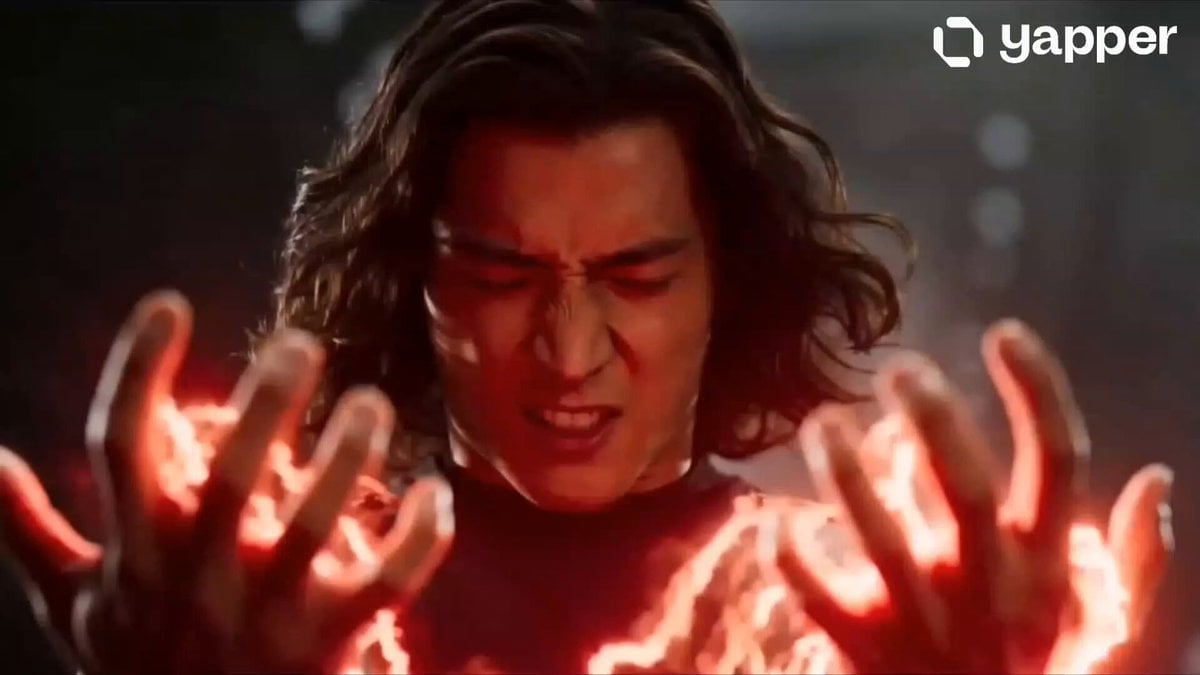
Mecha Exoskeleton Assembly Sequence
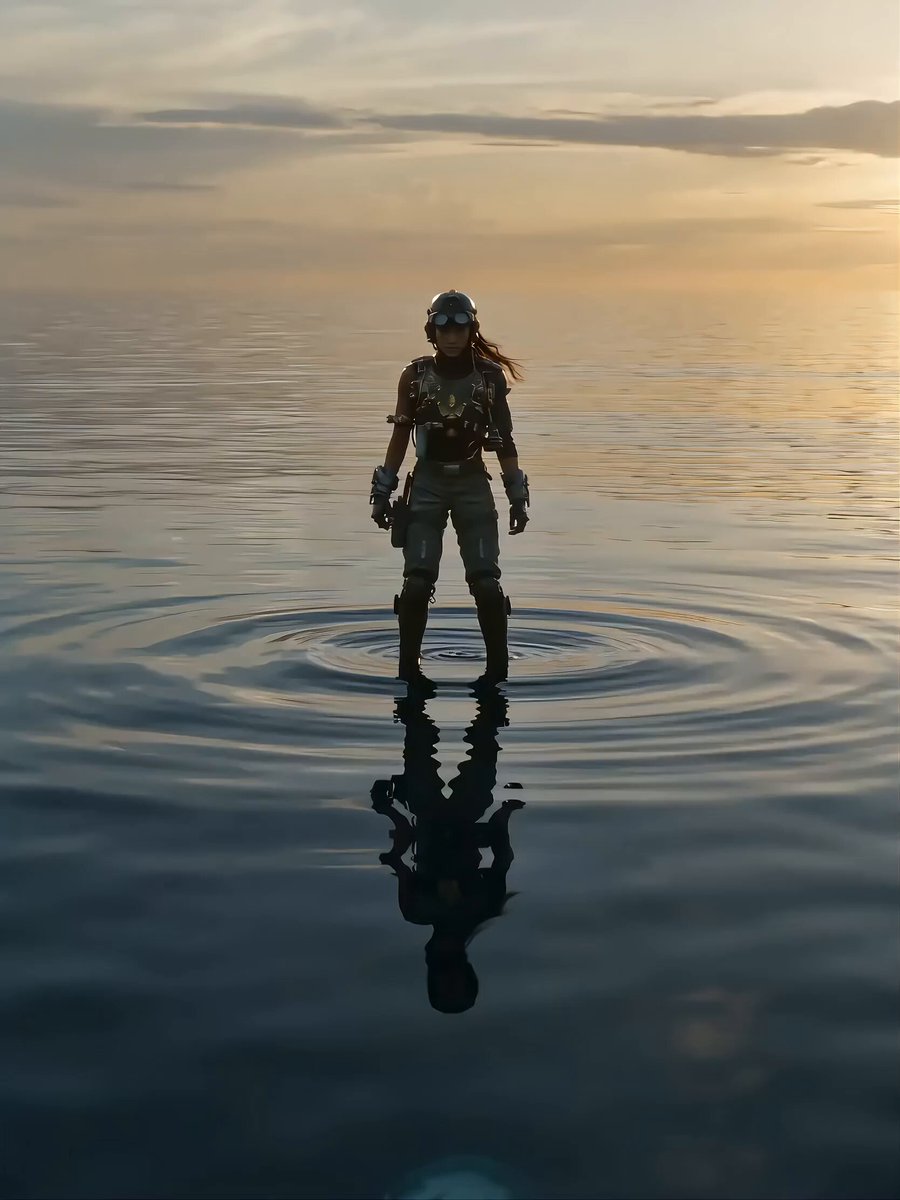
Seedance 2.0 Cinematic Mecha Assembly Prompt
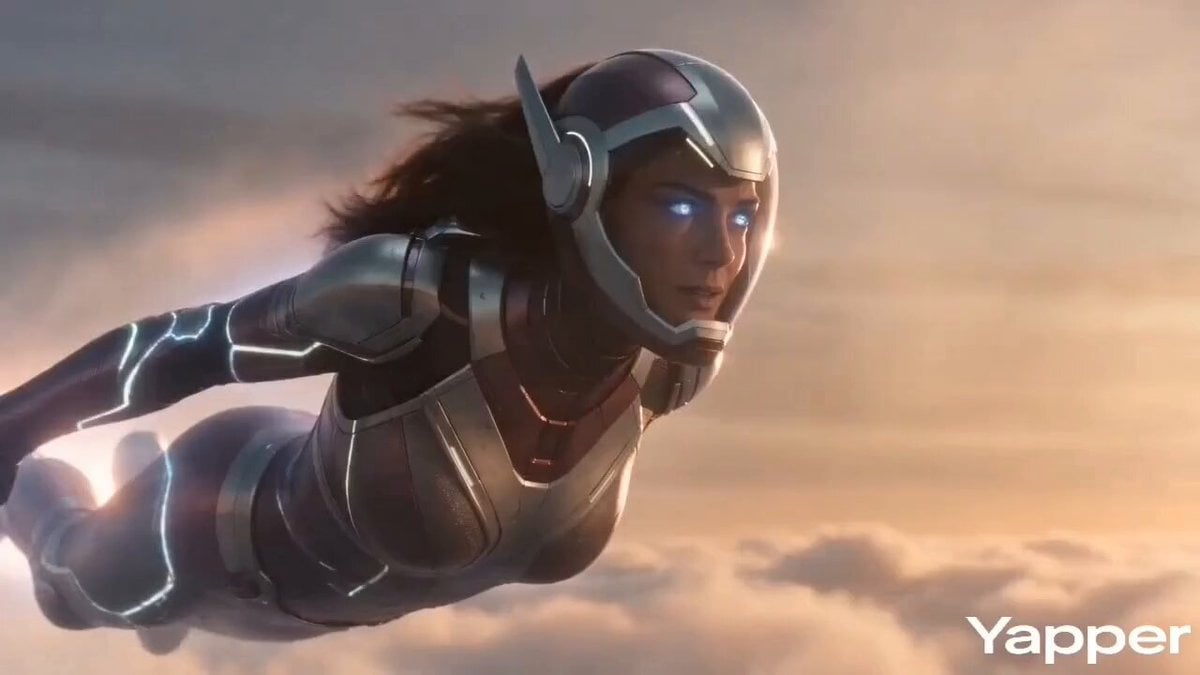
Female Character Armor Assembly and Flight
Stone Colossus Desert Riders — Golden Fire Reveal
Mecha Transformation vs Kaiju — 4-Scene Epic
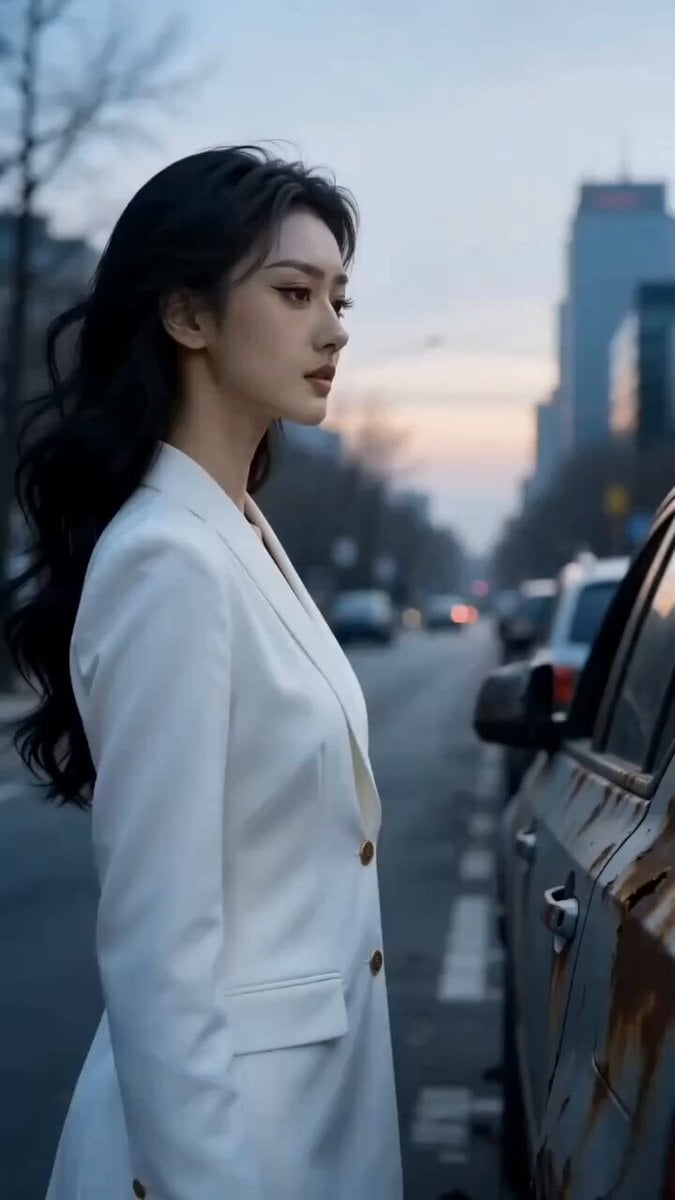
Dark Armored Warrior Transformation
Cinematic Sci-Fi Mecha Short
Xianxia Furniture Assembly Comedy
Epic Mecha Battle Cinematic Video
Make it yours
Mecha Armor Assembly at Gwanghwamun works as-is. These are the safest ways to change it without losing the look.
Change one field
Copy a single group, rewrite it, and generate again so you can see what that field is doing.
Keep the frame, change the subject
Hold the composition and light of Mecha Armor Assembly at Gwanghwamun, then swap wardrobe, props or the person for a new take.
| If the result… | Why | Fix |
|---|---|---|
| The result drifts from the preview | Too many fields changed at once. | Reuse Mecha Armor Assembly at Gwanghwamun as-is first, then change one group — subject, light, or setting. |
| The model over-stylizes the scene | The prose prompt leaves finish and camera underspecified. | Add one camera or lighting sentence and stay on Seedance 2.0. |
More Seedance 2.0 templates
Other prompts made for Seedance 2.0.

Comical Martial Arts Punch Scene

Maglev Train Action Sequence

Martial Arts Fight Sequence

Wuxia Protection and Trust Script

Vintage Korean Arcade MiniDV Vlog

Mercedes 190 SL Luxury Ad

Rainy Night Supernatural Reverse Comedy Video Script

Amazon Civilization Discovery

Futuristic South Asian City Transformation

Cozy Luxury Cafe Commercial
More video prompts
Fresh picks from across the catalog.
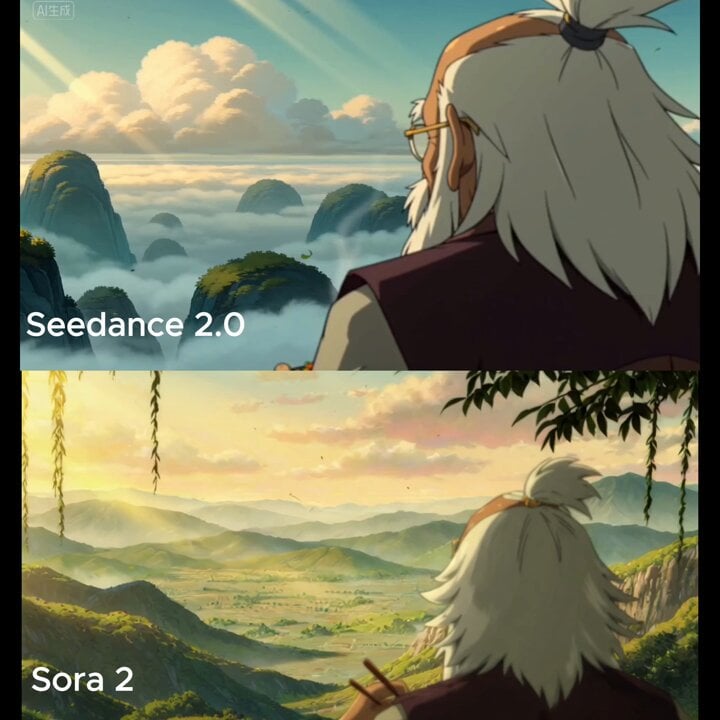
Over-the-shoulder shot of a quiet fantasy landscape with slowly drifting clouds
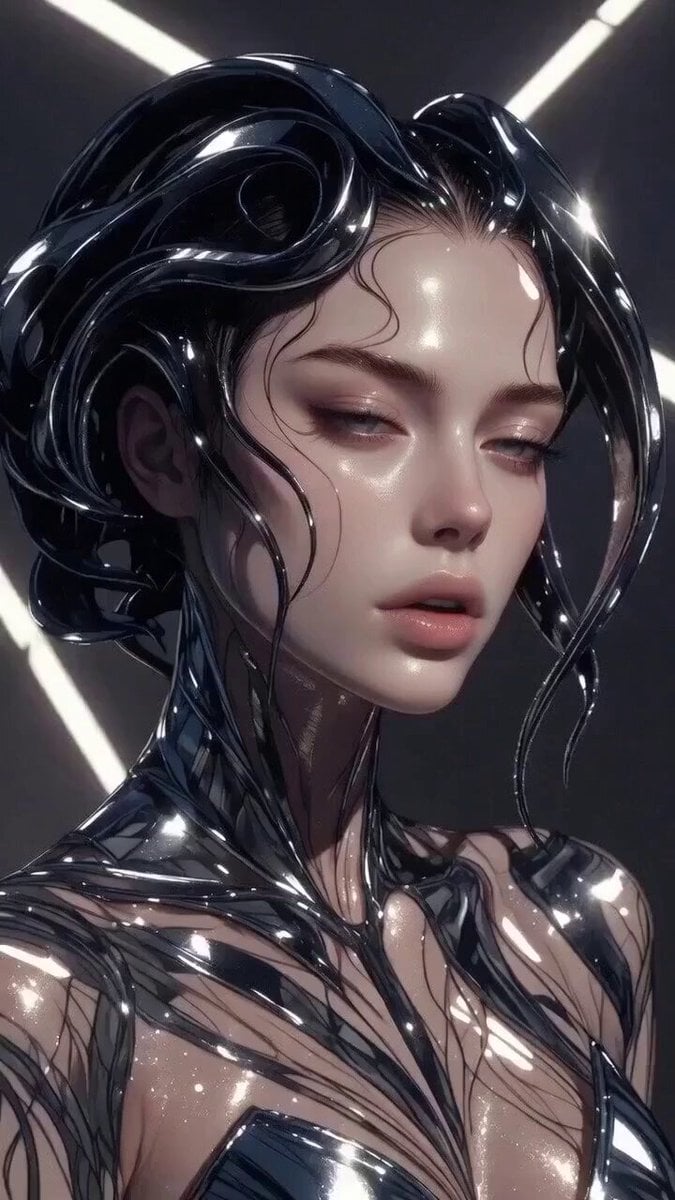
Multi-stage video generation prompt with camera movements
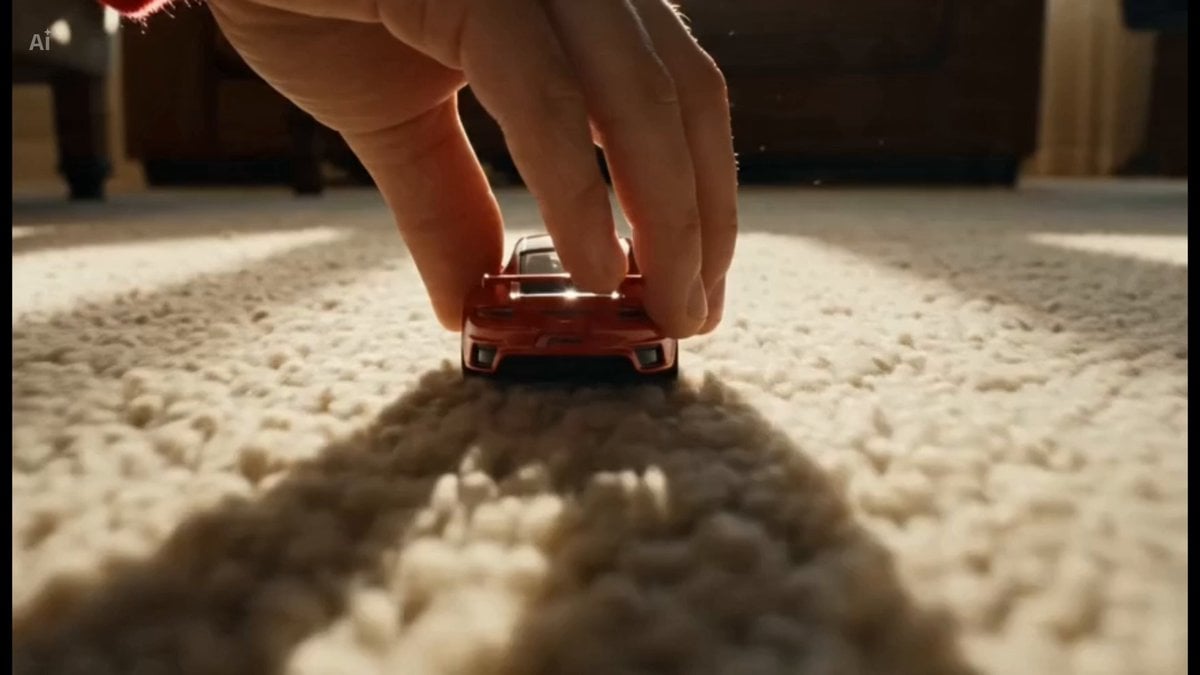
Childhood Imagination to Reality Car Race Video Prompt
Claude Prompt: One-Page Executive Report/Summary
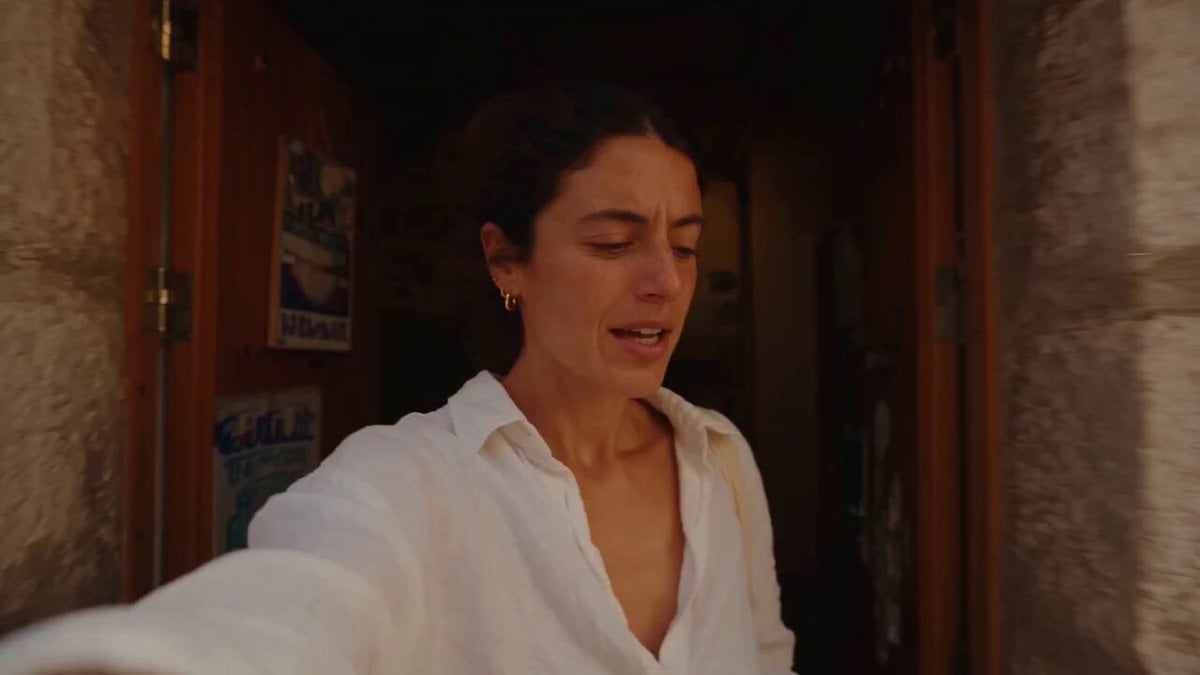
Mediterranean Coffee Run Vlog - Seedance 2.5
Mario Minecraft Battle
Cinematic embrace in Gustave Klimt style

Retro CRT Manifesto Poster
Continuous Shot Transformation and Lightsaber Ignition

Cinematic First Date in Garden Cafe
Browse template categories
Mecha Armor Assembly at Gwanghwamun questions
How do I use the Mecha Armor Assembly at Gwanghwamun template?
Add your photo if the template asks for one, edit the prompt if you like — the template's model and format are already selected — and press Generate. Your version opens in PicX Studio.
Can I customize the Mecha Armor Assembly at Gwanghwamun template?
Yes. You can change the subject, setting, lighting, mood, format, and available model controls before creating your video.
Is the Mecha Armor Assembly at Gwanghwamun template free?
Opening and editing this template is free. Generating uses credits, shown on the Generate button when you are signed in.
Which AI model should I use?
Start with Seedance 2.0, which is the model associated with this template. You can compare another compatible model for a different finish.
Looking for something else? Browse all templates.

Your photo, any look
Thousands of ready templates for every top image and video model, from one credit balance.