
Mechanical Bird Rapid Self-Assembly
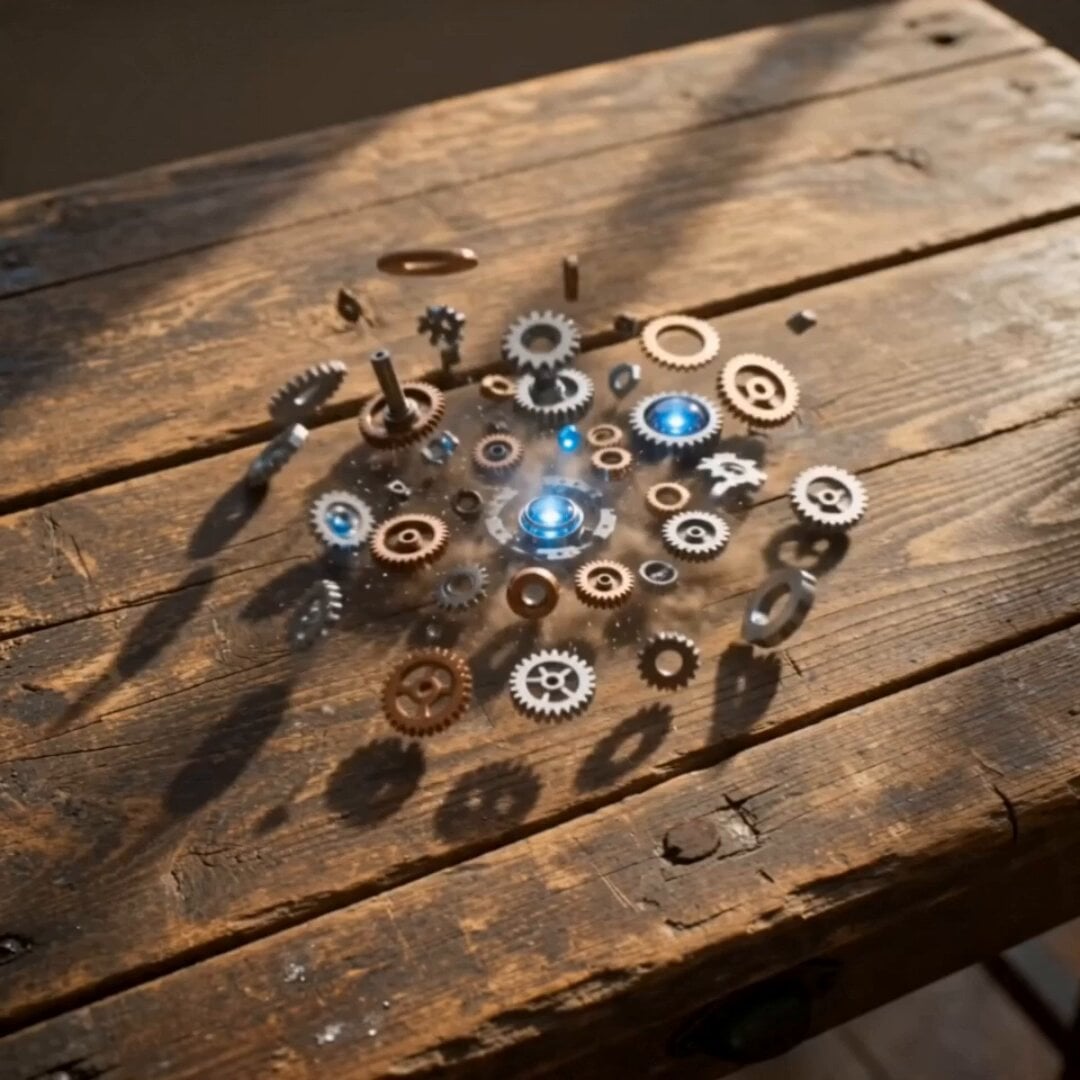
A detailed cinematic prompt for generating a high-quality video of a mechanical bird assembling itself from gears and fragments on a wooden desk.
- Prompt included
- Model and format preset
- Free template
The prompt behind this video
Copy the exact prompt behind Mechanical Bird Rapid Self-Assembly, or open it in the studio and make it yours.
A 15-second cinematic video. On an old wooden desk in a bright sunlit room filled with clear morning light, a magical mechanical bird is created through rapid self-assembly. The bird is visually striking: polished silver and brass body, luminous blue core, jewel-like eyes, and translucent stained-glass wings. Keep the story simple: fast assembly, vivid awakening, dramatic flight. Small metal parts, gears, and glowing fragments swirl through the air and snap together into the bird in a beautiful time-lapse-like sequence. Its core begins to pulse, its eyes light up, and its wings spread open with energy. Then it bursts upward, scattering dust and sparkling particles, and flies quickly toward a large bright window. Use energetic cinematic camera movement: overhead assembly shot, extreme macro details, sudden push-in, short orbit, low-angle rise, and a dramatic final pull-back to a wide shot filled with sunlight. Bright clear morning sunlight, airy atmosphere, clean highlights, crisp reflections, vivid light, elegant motion, strong visual impact, no text, no logo. The room should feel bright and fresh, not dark, not cloudy, not gray or muted. No background music. Sound effects only.
How to use Mechanical Bird Rapid Self-Assembly in 3 steps
- 1
Open
The prompt is already in the box next to the preview, with the template's model and format selected.
- 2…a portrait of your subject in softgolden-hour light, 85mm…
Personalize
Edit the subject and creative details for your destination.
- 3Generate
Generate
Press Generate — your video is created in PicX Studio, so you can compare it with the original and refine one variable at a time.
More like this
Templates with the same subject, style or setup. Open one to see its prompt.

Mechanical Flower Bloom Brand Film
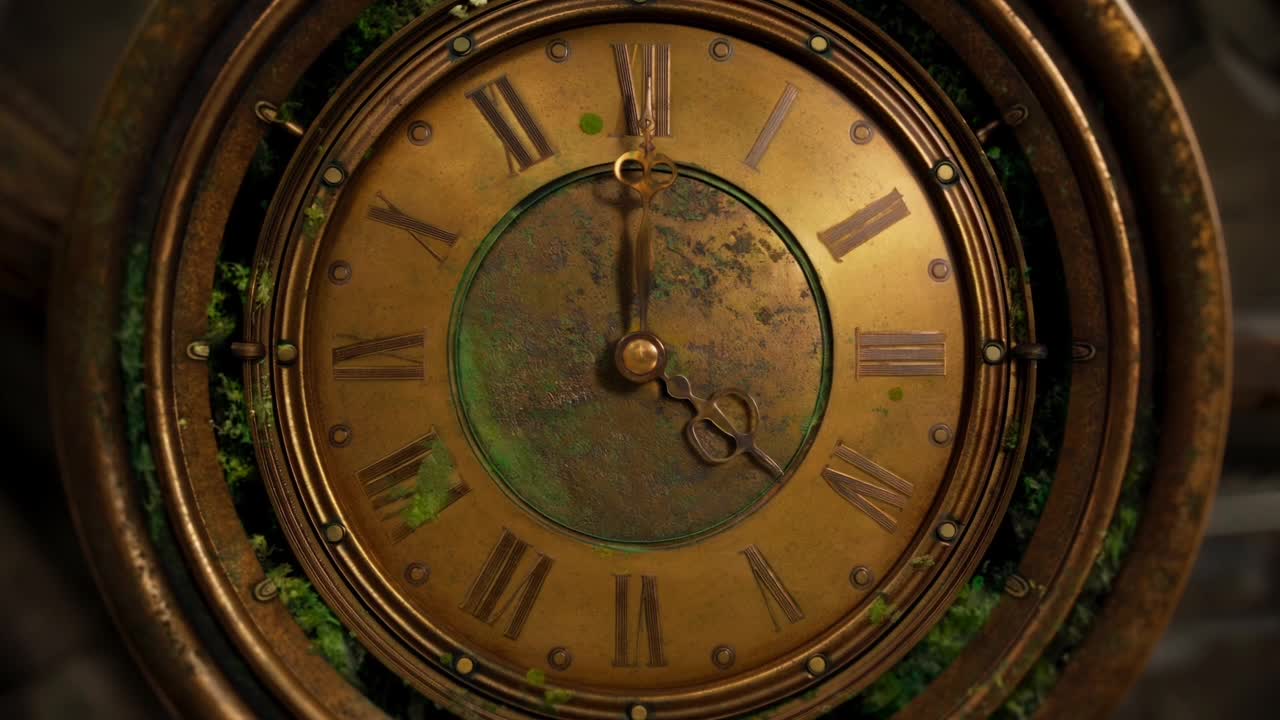
Steampunk Clockwork Odyssey
Electric Guitar Summoning — White Roses Field
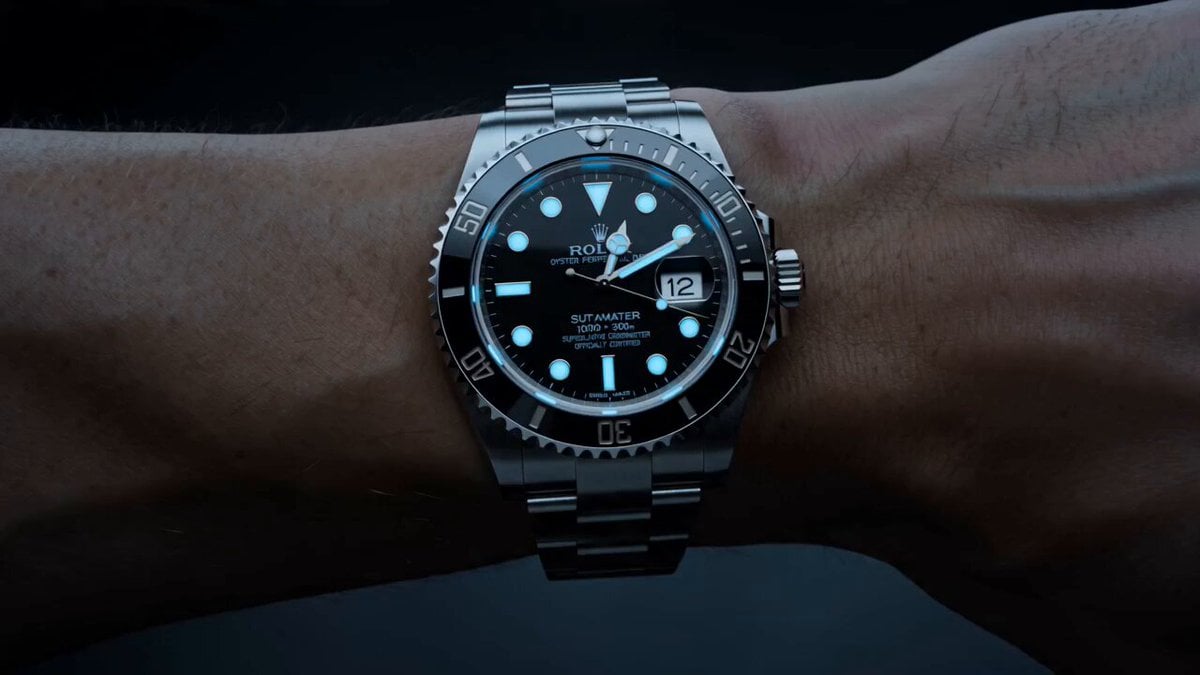
Watch to Mechanical Butterfly Transformation Prompt
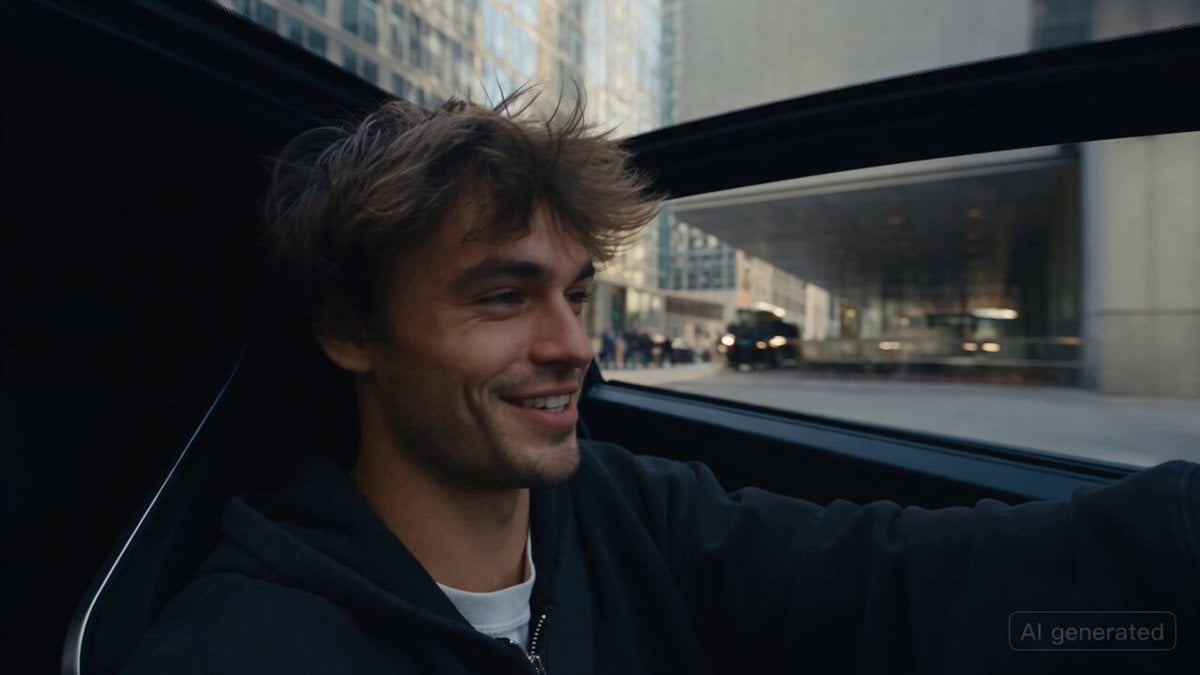
Car Guardian Mechanical Transformation Vlog
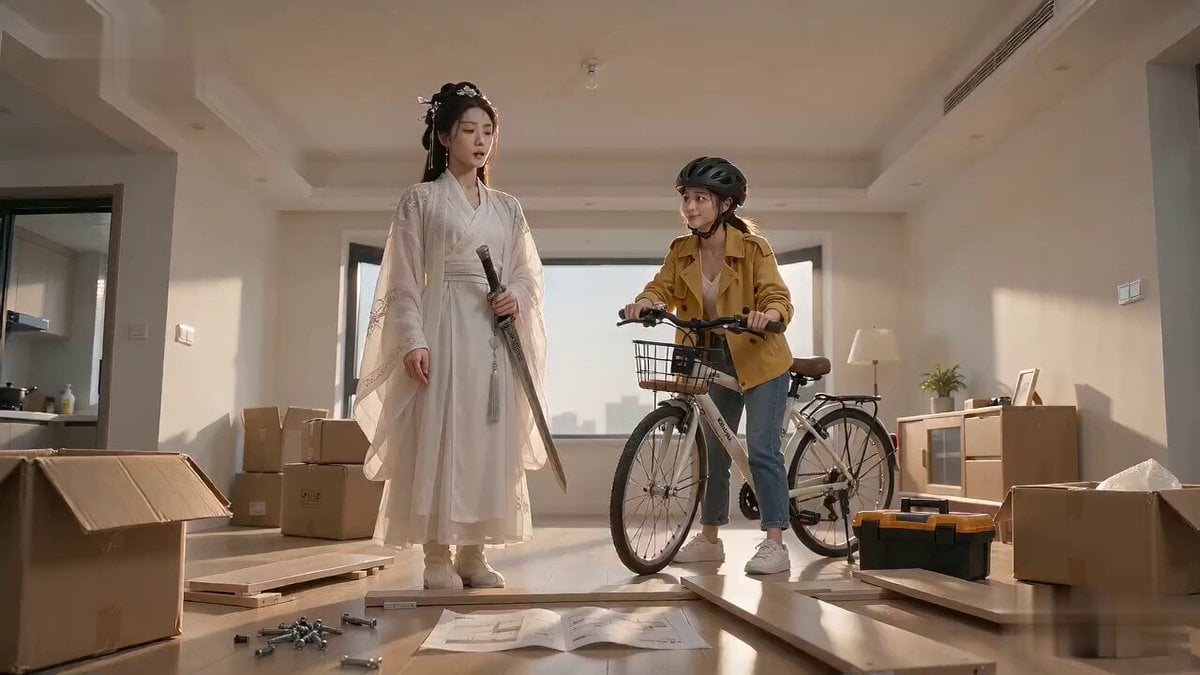
Xianxia Furniture Assembly Comedy
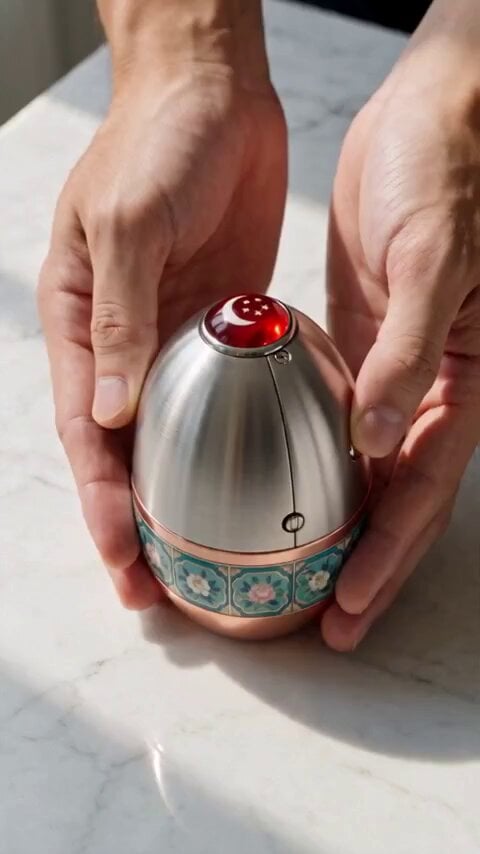
Mechanical Merlion Transformation ASMR

Fantasy Enchantress and Mechanical Owl
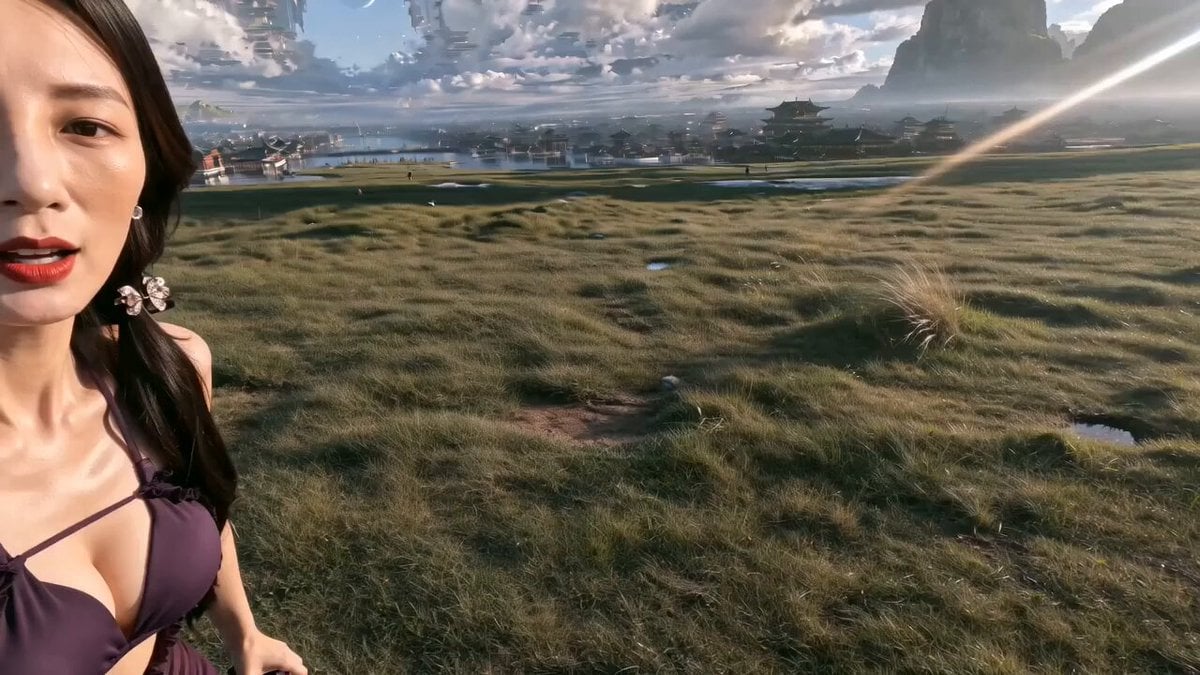
Epic Chinese Fantasy MiniDV Self-Vlog
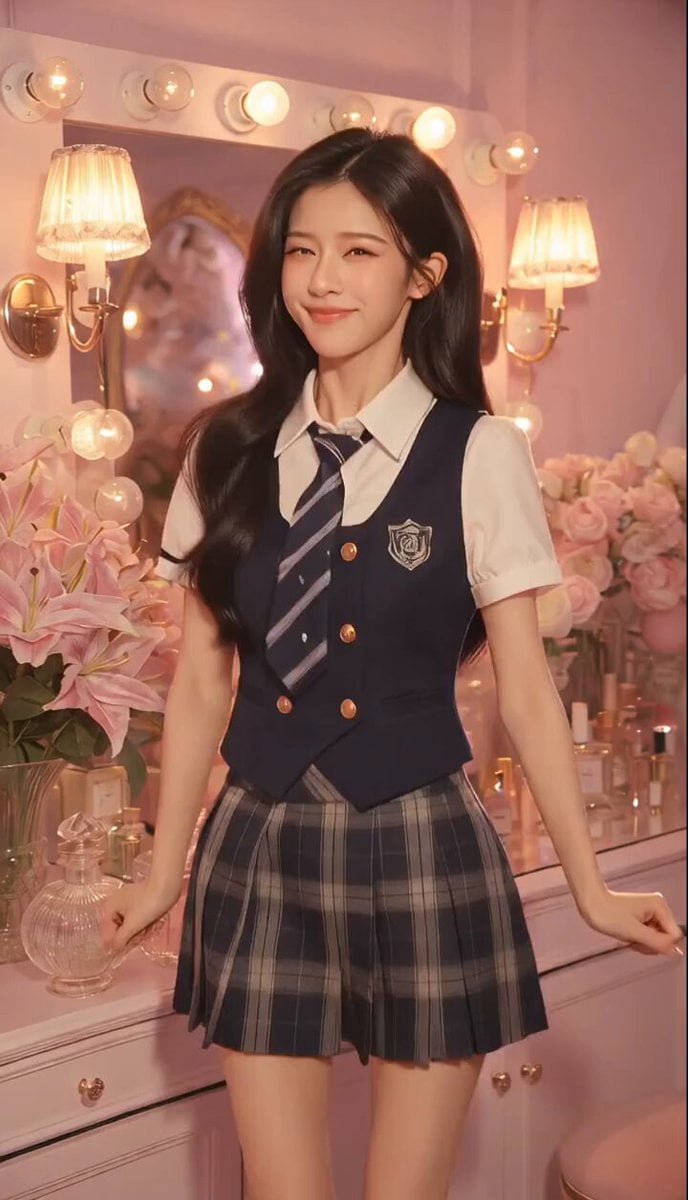
Sweet and Cool Rapid Outfit Change
Mechanical Jumping Robot Rabbit
Grok Imagine Mechanical and Ethereal Creature Prompts
Make it yours
Mechanical Bird Rapid Self-Assembly works as-is. These are the safest ways to change it without losing the look.
Change one field
Copy a single group, rewrite it, and generate again so you can see what that field is doing.
Keep the frame, change the subject
Hold the composition and light of Mechanical Bird Rapid Self-Assembly, then swap wardrobe, props or the person for a new take.
| If the result… | Why | Fix |
|---|---|---|
| The result drifts from the preview | Too many fields changed at once. | Reuse Mechanical Bird Rapid Self-Assembly as-is first, then change one group — subject, light, or setting. |
| The model over-stylizes the scene | The prose prompt leaves finish and camera underspecified. | Add one camera or lighting sentence and stay on Seedance 2.0. |
More Seedance 2.0 templates
Other prompts made for Seedance 2.0.

Comical Martial Arts Punch Scene

Maglev Train Action Sequence

Martial Arts Fight Sequence

Wuxia Protection and Trust Script

Vintage Korean Arcade MiniDV Vlog

Mercedes 190 SL Luxury Ad

Rainy Night Supernatural Reverse Comedy Video Script

Amazon Civilization Discovery

Futuristic South Asian City Transformation

Cozy Luxury Cafe Commercial
More video prompts
Fresh picks from across the catalog.

Futuristic Home Transition Video

Robotic Clock Emerging from a Portal

Dramatic Character Gacha Reveal Sequence
Dance Video Generation Prompt using Image and Video References
Found Footage Crocodile Monster Rampage

Woman Laughing Hysterically Prompt

Runner Sprinting Through Crowded Market Video
Duttasomrat Time Freeze Viral
Anime Girl Character Spin and Smile

The Last of the Mohicans Waterfall Scene
Browse template categories
Mechanical Bird Rapid Self-Assembly questions
How do I use the Mechanical Bird Rapid Self-Assembly template?
Add your photo if the template asks for one, edit the prompt if you like — the template's model and format are already selected — and press Generate. Your version opens in PicX Studio.
Can I customize the Mechanical Bird Rapid Self-Assembly template?
Yes. You can change the subject, setting, lighting, mood, format, and available model controls before creating your video.
Is the Mechanical Bird Rapid Self-Assembly template free?
Opening and editing this template is free. Generating uses credits, shown on the Generate button when you are signed in.
Which AI model should I use?
Start with Seedance 2.0, which is the model associated with this template. You can compare another compatible model for a different finish.
Looking for something else? Browse all templates.

Your photo, any look
Thousands of ready templates for every top image and video model, from one credit balance.