
Continuous Shot Transformation and Lightsaber Ignition
A detailed, continuous-shot prompt designed for video generation, attempting to replicate a 15-second clip featuring a transformation sequence and the ignition of a lightsaber.
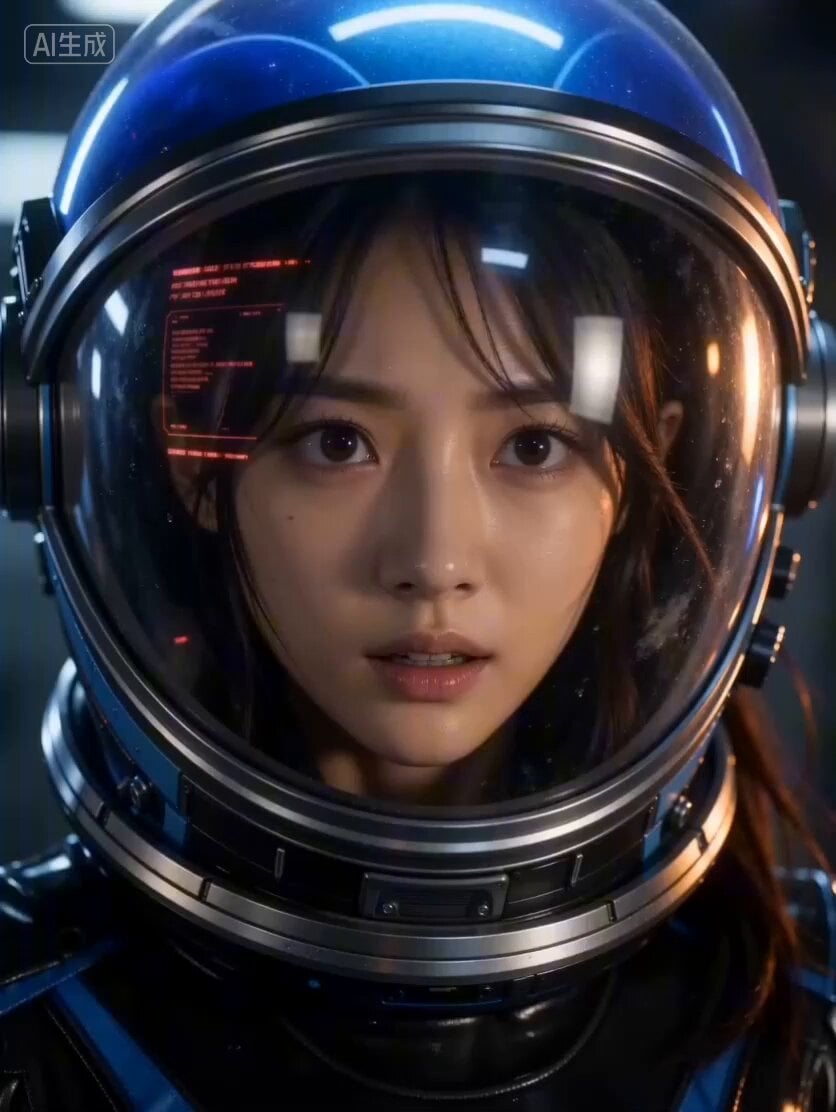
- Prompt included
- Model and format preset
- Premium template
The prompt behind this video
Copy the exact prompt behind Continuous Shot Transformation and Lightsaber Ignition, or open it in the studio and make it yours.
The video begins with [@Image 1] holding a camera, shaking it to shoot close-up of the astronaut's nervous eyes behind the mask. The exhaled breath fogs up the glass, and red head-up display information scrolls. Cut to another shot. Continuously track and shoot her forearm, where the mechanical plate unfolds outward, with pistons and gears meshing together. The camera moves down to her hand, and mechanical components flip out from her hand, transforming layer by layer into a futuristic, industrial-style hilt. In this continuous shot, as the hilt continues to form a glowing laser blade and ignite, the camera keeps moving down. Then, in the same continuous shot, the holographic laser blade extends in holographic segments, which are digitally processed and combined into a complete laser katana. Cut to another shot. A shaking wide-angle lens shows an industrial docking舱, with rusty gantries hidden in the fog. We hear and see a huge alien monster rushing towards her from the fog. Cut to another shot. A medium shot slowly moves down, showing her leaning forward in a dramatic martial arts sword-holding pose. Her laser blade leaves an energy trail and emits a powerful hum. The film style is sci-fi cinematic, with a low-saturation blue color palette paired with warm orange, featuring a film grain effect and handheld camera shake. Sound effects include the hum of the blade, metallic clicks, the sound of boots stepping on metal, focused breathing, deep impacts, and cinematic horror drone sounds.
How to use Continuous Shot Transformation and Lightsaber Ignition in 3 steps
- 1Upload ImagePNG, JPG or paste
Add your photo
Upload the photo the template builds on. The prompt, model and format are already set.
- 2…a portrait of your subject in softgolden-hour light, 85mm…
Personalize
Edit the subject and creative details for your destination.
- 3Generate
Generate
Press Generate — your video is created in PicX Studio, so you can compare it with the original and refine one variable at a time.
More like this
Templates with the same subject, style or setup. Open one to see its prompt.

Magical Room Transformation - Seedance 2.5

Dark Tokusatsu Transformation - Seedance 2.5

RX-7 to Mech Transformation Cyberpunk
Civilization Timelapse — Centuries in One Shot
Mecha Transformation vs Kaiju — 4-Scene Epic

Continuous Character Transformation Sequence

Continuous Life Transformation Sequence
Cinematic Continuous Jet Ski Action
Extreme Cinematic Surfing Continuous Shot

Continuous Paper Performance
Continuous Butterfly and Parrot Forest Chase

Anime Style Angry Girl Hair Ignition
Make it yours
Continuous Shot Transformation and Lightsaber Ignition works as-is. These are the safest ways to change it without losing the look.
Change one field
Copy a single group, rewrite it, and generate again so you can see what that field is doing.
Keep the frame, change the subject
Hold the composition and light of Continuous Shot Transformation and Lightsaber Ignition, then swap wardrobe, props or the person for a new take.
| If the result… | Why | Fix |
|---|---|---|
| The result drifts from the preview | Too many fields changed at once. | Reuse Continuous Shot Transformation and Lightsaber Ignition as-is first, then change one group — subject, light, or setting. |
| The model over-stylizes the scene | The prose prompt leaves finish and camera underspecified. | Add one camera or lighting sentence and stay on Seedance 2.0. |
More Seedance 2.0 templates
Other prompts made for Seedance 2.0.

Comical Martial Arts Punch Scene

Maglev Train Action Sequence

Martial Arts Fight Sequence

Wuxia Protection and Trust Script

Vintage Korean Arcade MiniDV Vlog

Mercedes 190 SL Luxury Ad

Rainy Night Supernatural Reverse Comedy Video Script

Amazon Civilization Discovery

Futuristic South Asian City Transformation

Cozy Luxury Cafe Commercial
More video prompts
Fresh picks from across the catalog.
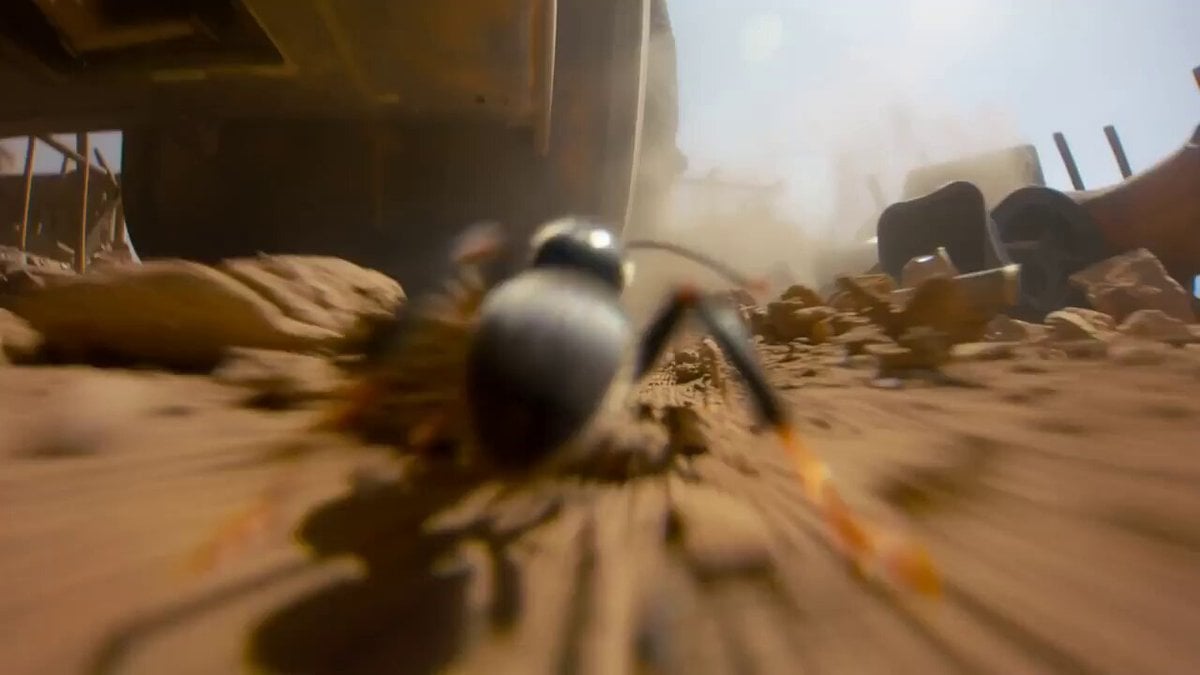
Micro-Scale Ant POV Construction Site

Chronological Pasta Cooking Storyboard
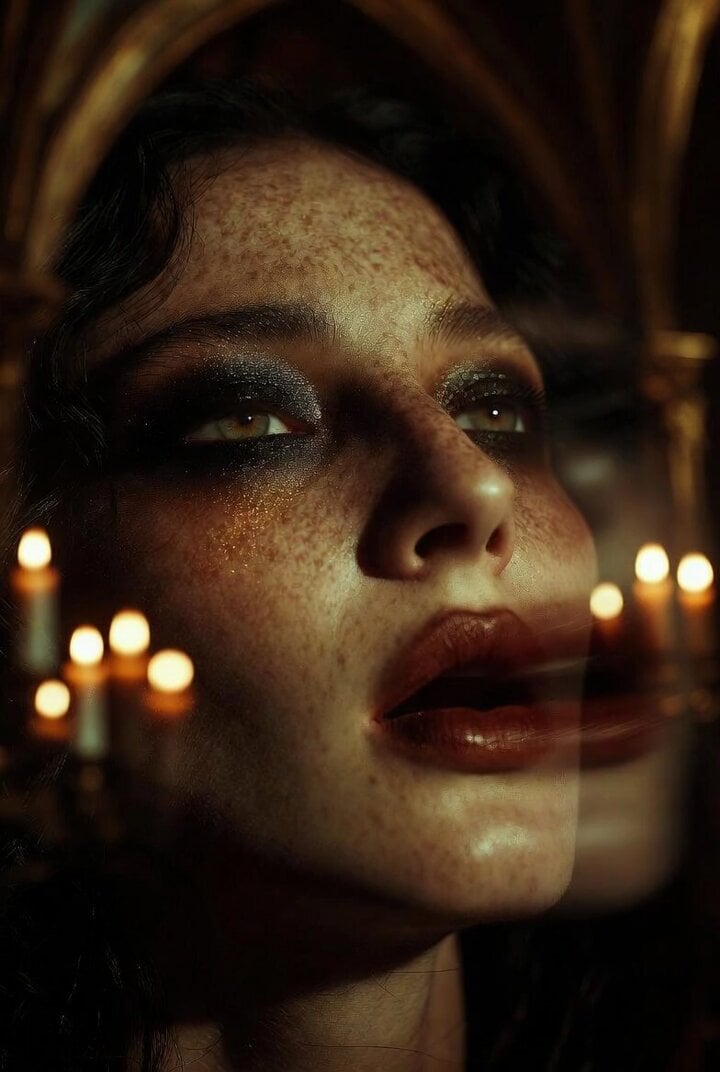
Extreme Close-up Portrait of a Dark Oracle
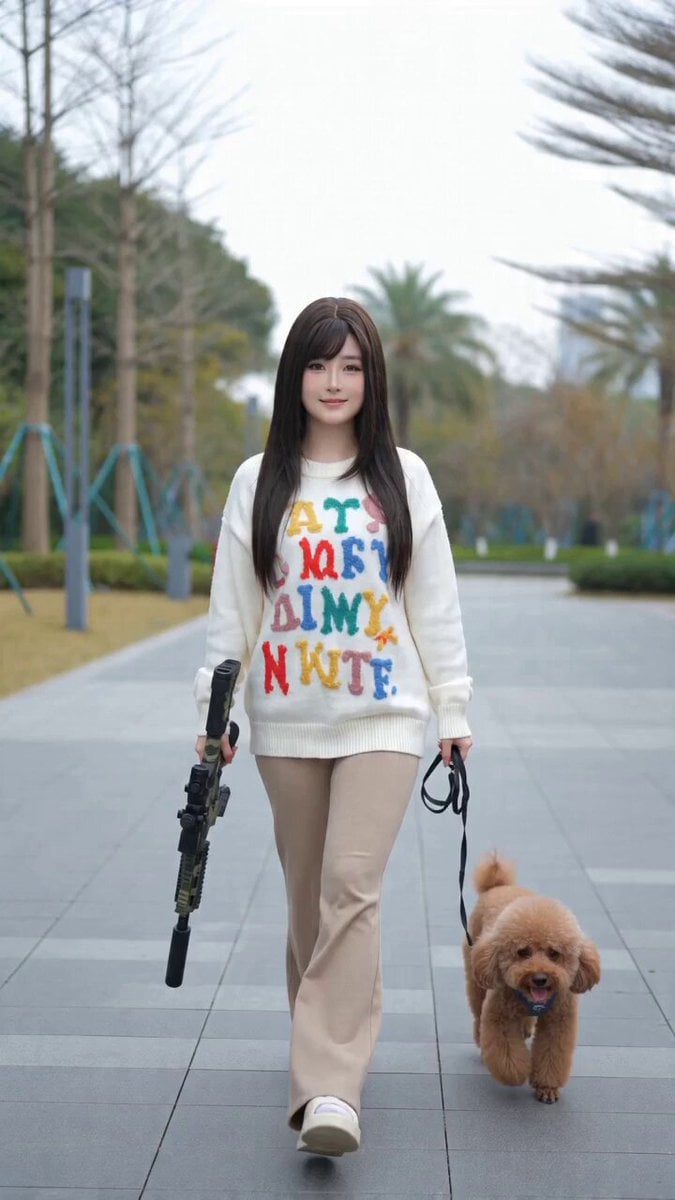
Ice Princess Battle Transformation Video Prompt

Cinematic Soccer Journey Across the World
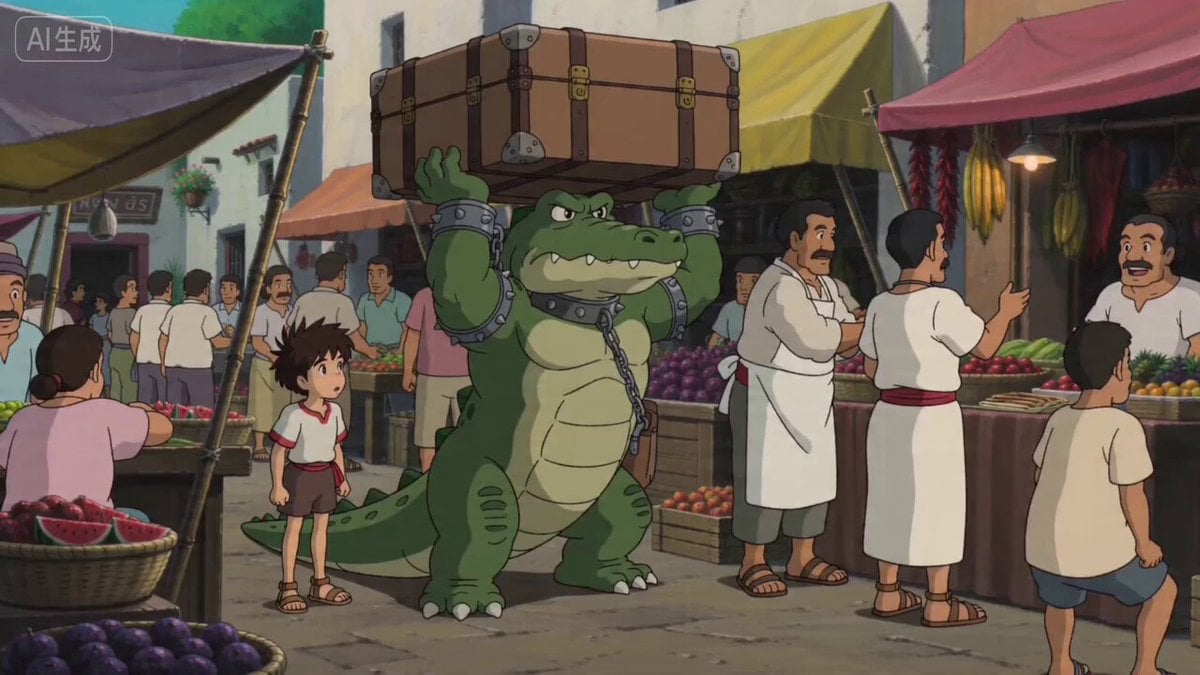
Ghibli Style Egyptian Market Scene with Crocodile Servant
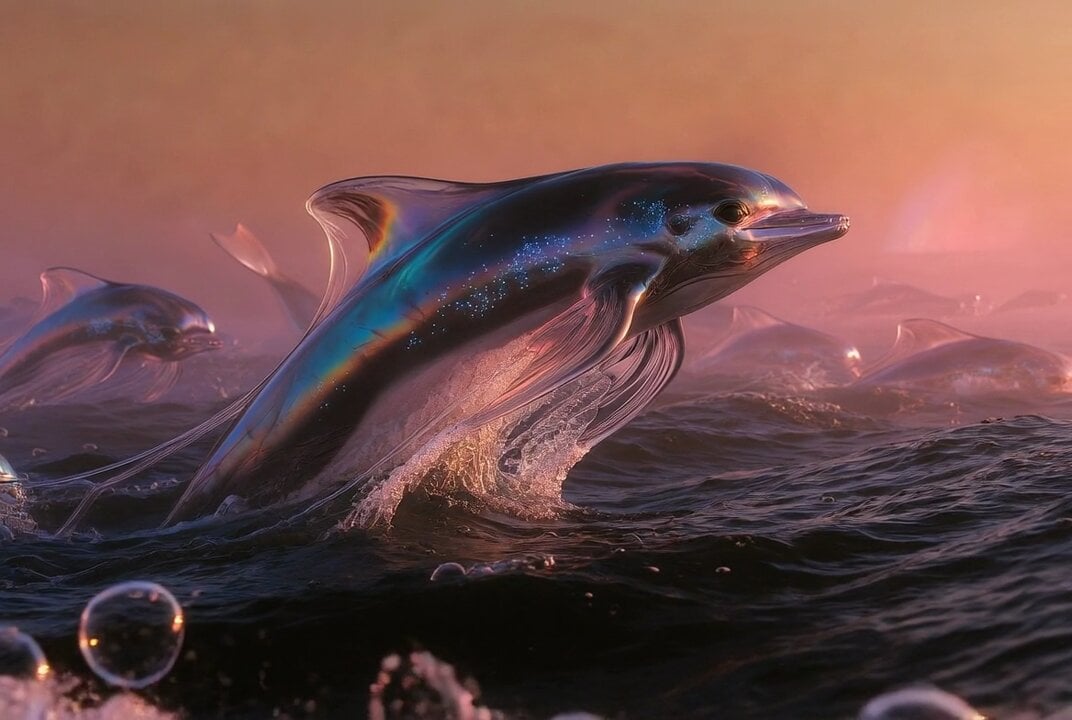
Hydrocarbon Slick-Swimmers in Methane Sea
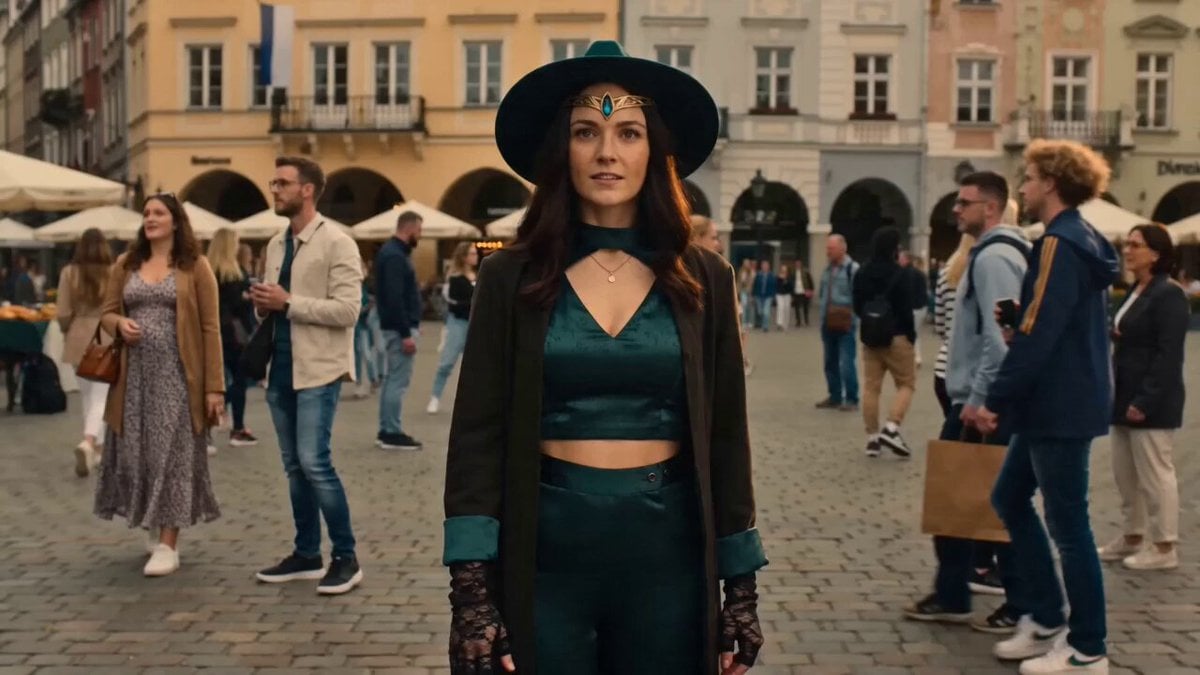
The Woman Who Stopped Time Narrative
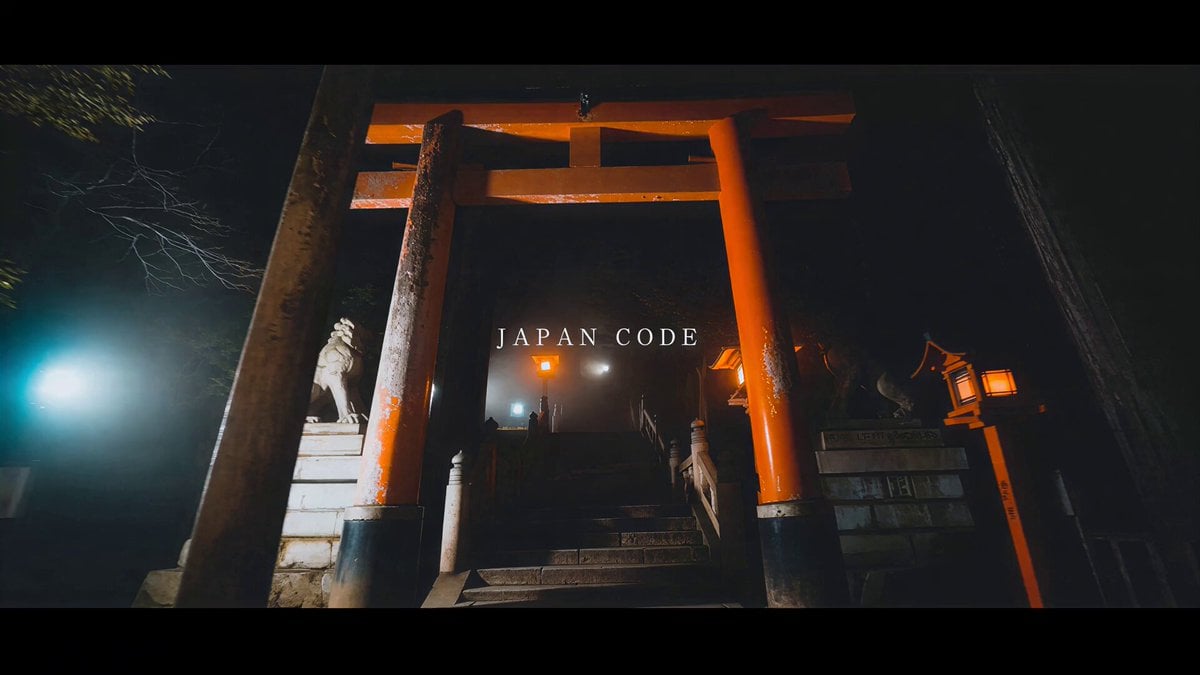
High-Energy Japan Travel Documentary Montage
Video prompt for a convenience store devolving into another dimension
Browse template categories
Continuous Shot Transformation and Lightsaber Ignition questions
How do I use the Continuous Shot Transformation and Lightsaber Ignition template?
Add your photo if the template asks for one, edit the prompt if you like — the template's model and format are already selected — and press Generate. Your version opens in PicX Studio.
Can I customize the Continuous Shot Transformation and Lightsaber Ignition template?
Yes. You can change the subject, setting, lighting, mood, format, and available model controls before creating your video.
Is the Continuous Shot Transformation and Lightsaber Ignition template free?
Opening and editing this template is free. Generating uses credits, shown on the Generate button when you are signed in.
Which AI model should I use?
Start with Seedance 2.0, which is the model associated with this template. You can compare another compatible model for a different finish.
Looking for something else? Browse all templates.

Your photo, any look
Thousands of ready templates for every top image and video model, from one credit balance.