
Ice Princess Battle Transformation Video Prompt
A multi-shot action sequence starting with a gritty tactical feel and transitioning into a high-saturation magical fantasy style.
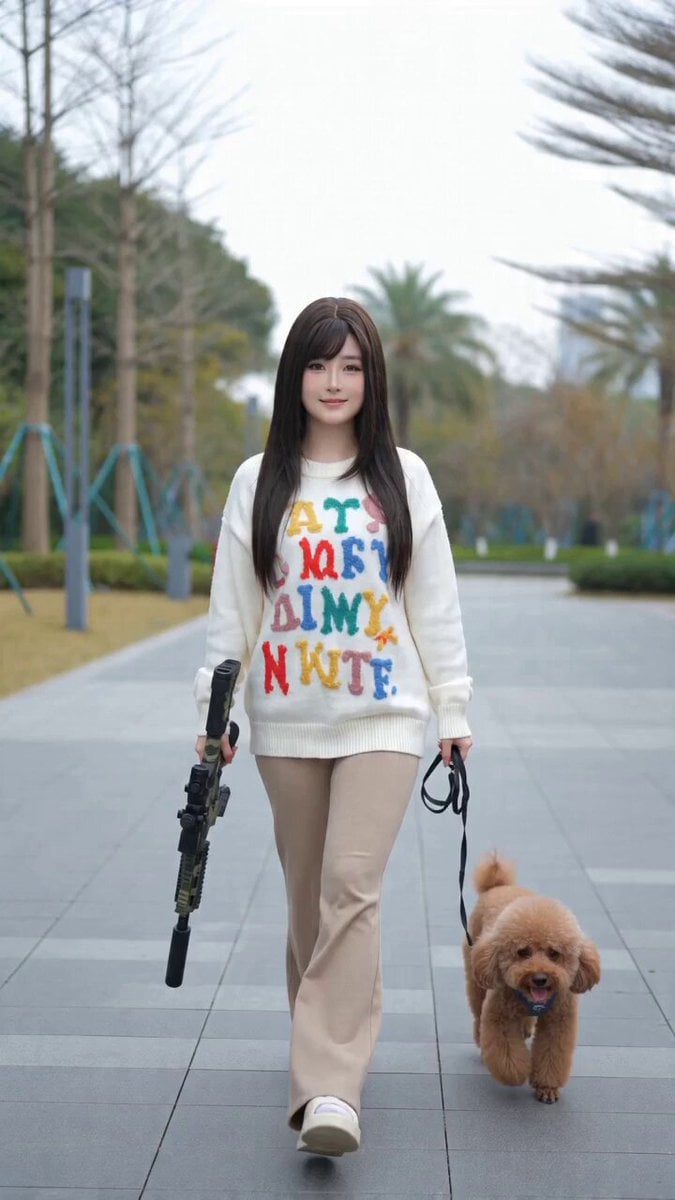
- Prompt included
- Model and format preset
- Premium template
The prompt behind this video
Copy the exact prompt behind Ice Princess Battle Transformation Video Prompt, or open it in the studio and make it yours.
[Shot 1]\n- Time: 00:00 - 00:01\n- Shot size and camera type: wide shot transitioning to medium shot, handheld tracking shot\n- Camera movement and pacing: the camera retreats slightly as the character walks toward it, overall pace moderate, with the slight shake and breathing feel of handheld cinematography\n- Subject action and expression: the character wears everyday casual clothes (a letter sweater with trousers), carries a prop gun in one hand, and walks forward with a small dog. She then stops, raises the gun one-handed into a casual ready pose, with a relaxed and confident expression\n- Visual effects: white disclaimer text stickers at the top of the frame, no post-production lighting effects, a natural live-action look\n- Overall tone and mood: cool grayish-white tones (background is a gray-green roller shutter door), the mood conveys everyday casualness with a hint of coolness\n[Shot 2]\n- Time: 00:01 - 00:02\n- Shot size and camera type: medium-close shot, fixed position with a handheld feel\n- Camera movement and pacing: the camera position is relatively fixed, cutting sharply (hard cut) from the previous shot, the pacing suddenly quickens, visual impact increases\n- Subject action and expression: the character turns quickly, raises the prop gun with both hands in a professional aiming stance, her gaze becomes extremely sharp and focused, expression serious\n- Visual effects: the disclaimer text sticker at the top continues, no complex transitions or lighting effects\n- Overall tone and mood: continues the cool, realistic tones of the previous shot, the mood shifts instantly from casual to tense, focused combat-ready state\n[Shot 3]\n- Time: 00:02 - 00:03\n- Shot size and camera type: extreme close-up on a detail, fixed shot\n- Camera movement and pacing: the camera position is completely fixed, with no noticeable movement, using the still frame to create an extreme tension of holding one's breath before firing\n- Subject action and expression: the frame is intensely focused on the character's profile close to the camouflage prop gun's scope, her eyes, and details of the gun body, her gaze locked tightly on the target, blinking clearly visible\n- Visual effects: the disclaimer text sticker at the top continues\n- Overall tone and mood: strong textural contrast between the camouflage gun body and her skin tone, the feeling of pressure reaches its peak for a real-world scene\n[Shot 4]\n- Time: 00:03 - 00:04\n- Shot size and camera type: first-person point of view (POV), simulating a push from medium shot to close-up inside the scope\n- Camera movement and pacing: a strong rapid push-in (zoom in) on the visual center, extremely fast, with the impact and sense of passing-through of locking onto a target\n- Subject action and expression: inside the scope appears another "target figure" wearing a gorgeous blue dress (i.e., the protagonist after her outfit change), the target figure slightly lifts her eyes as the camera pushes in and shows a faint, mysterious smile\n- Visual effects: a scope crosshair UI overlay covers the frame, the edges of the frame have black vignetting, combined with a strong digital zoom effect\n- Overall tone and mood: the tone shifts instantly from realistic gray-cold to being lit by the strange blue magical glow inside the scope, the mood is full of suspense, a fantastical feel, and a narrative twist\n[Shot 5]\n- Time: 00:04 - 00:09\n- Shot size and camera type: wide shot with a slight low angle, slow pull-back/slight pan\n- Camera movement and pacing: combined with slow motion to present extremely gentle movement, visually giving a gorgeous freeze-frame feeling of time slowing down, the slight low angle emphasizes the character's presence\n- Subject action and expression: the character has completely finished her outfit change, transformed into a gorgeous blue ice-and-snow style look, holding an upgraded, crystal-textured version of the prop gun, sitting with one leg bent in a floating magical background, her gaze proud and full of charm\n- Visual effects: rich post-production compositing effects. After a flash accompanying the transition, the frame fills with glowing blue animated butterflies, floating particle light spots, a magical light-effect glow, along with slow-motion treatment of the overall action\n- Overall tone and mood: highly visually striking, highly saturated deep blue and silver-white tones. The mood shifts completely from the realistic tension of combat to a dreamy, gorgeous, aesthetically beautiful queen-like presence, perfectly matching the theme "you have to look pretty even when you fight"
How to use Ice Princess Battle Transformation Video Prompt in 3 steps
- 1
Open
The prompt is already in the box next to the preview, with the template's model and format selected.
- 2…a portrait of your subject in softgolden-hour light, 85mm…
Personalize
Edit the subject and creative details for your destination.
- 3Generate
Generate
Press Generate — your video is created in PicX Studio, so you can compare it with the original and refine one variable at a time.
More like this
Templates with the same subject, style or setup. Open one to see its prompt.
Mecha Transformation vs Kaiju — 4-Scene Epic

Magical Room Transformation - Seedance 2.5

Dark Tokusatsu Transformation - Seedance 2.5

RX-7 to Mech Transformation Cyberpunk
Martial Arts Cyborg Battle and Transformation
School Monster Transformation Battle
Cinematic Fantasy Transformation Battle
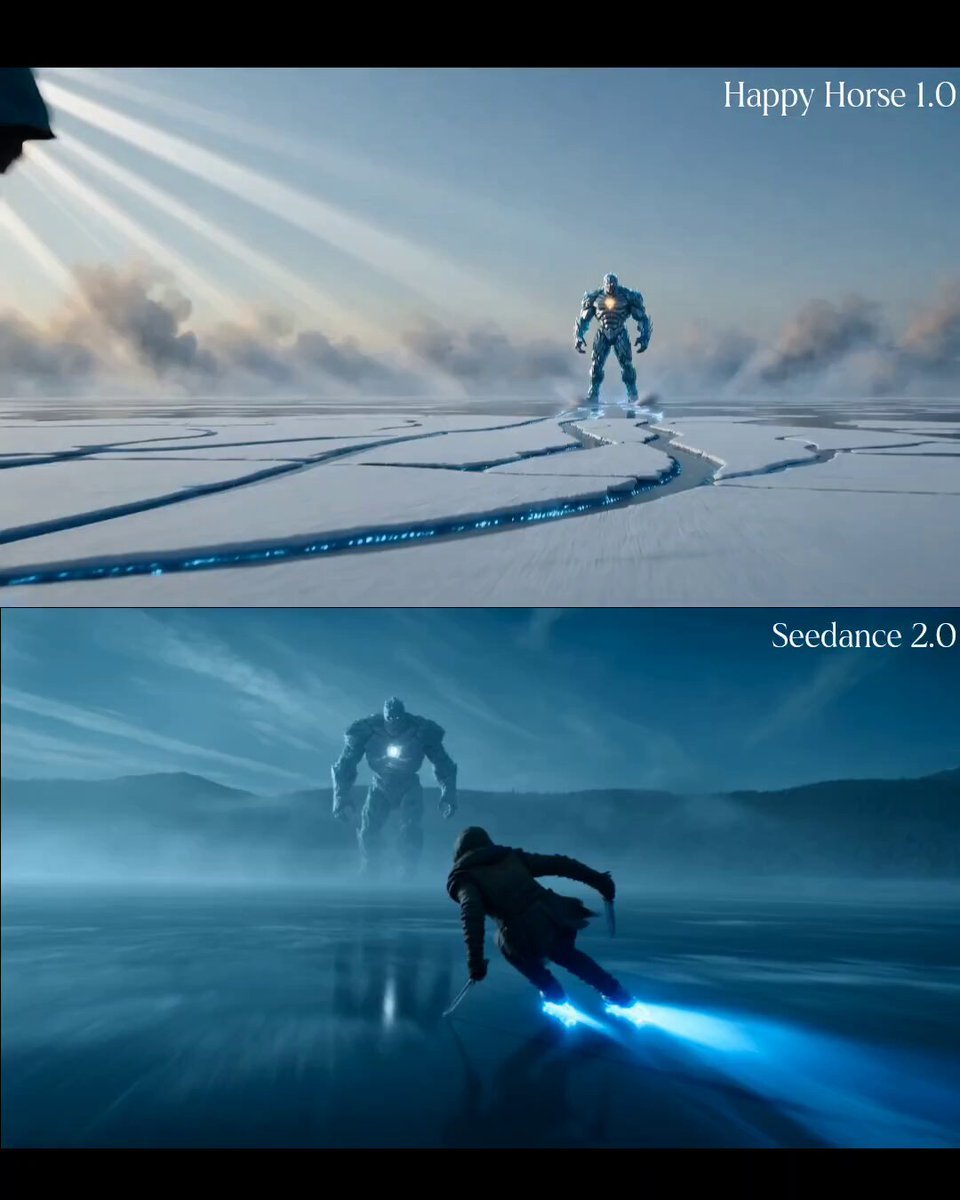
Enchanted Ice Skating Battle Prompt
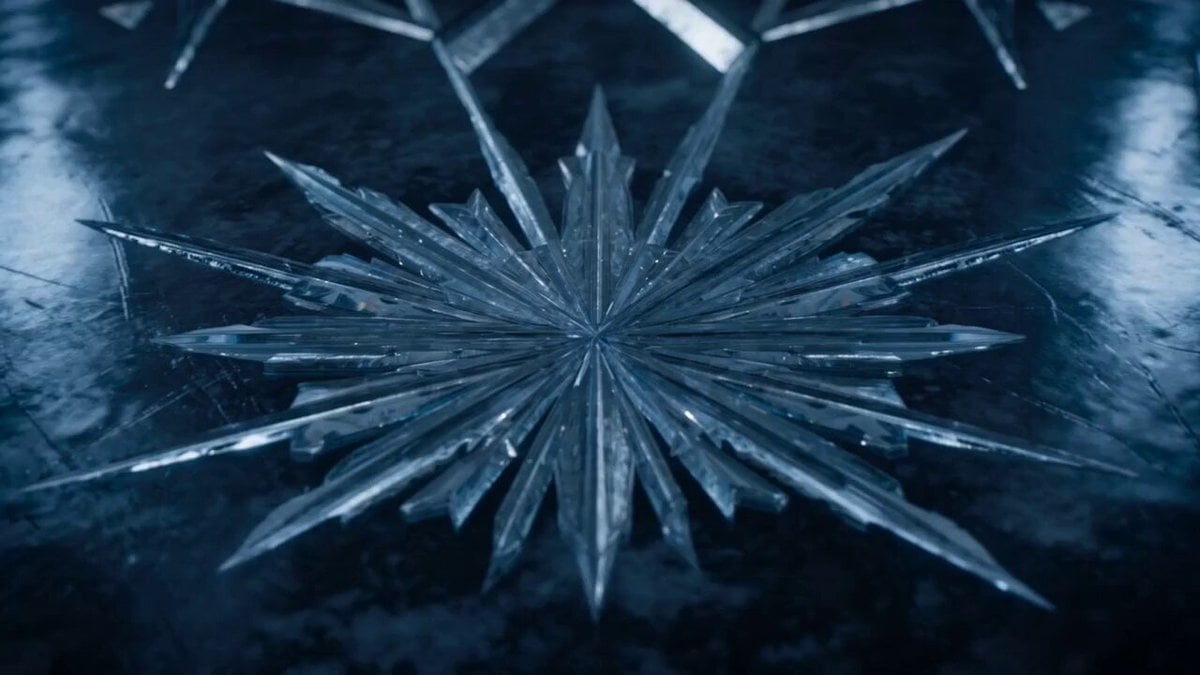
Ice Beast VFX Transformation
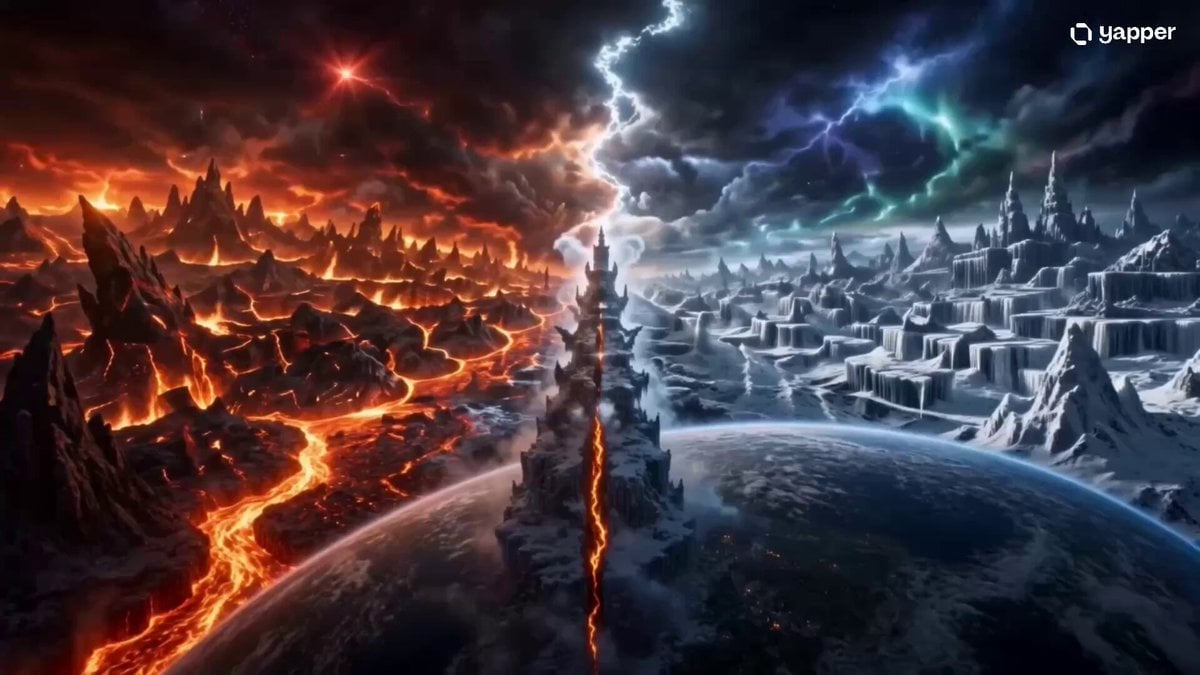
Elemental Ice and Fire Goddess Battle
Princess Castle Dance Transformation
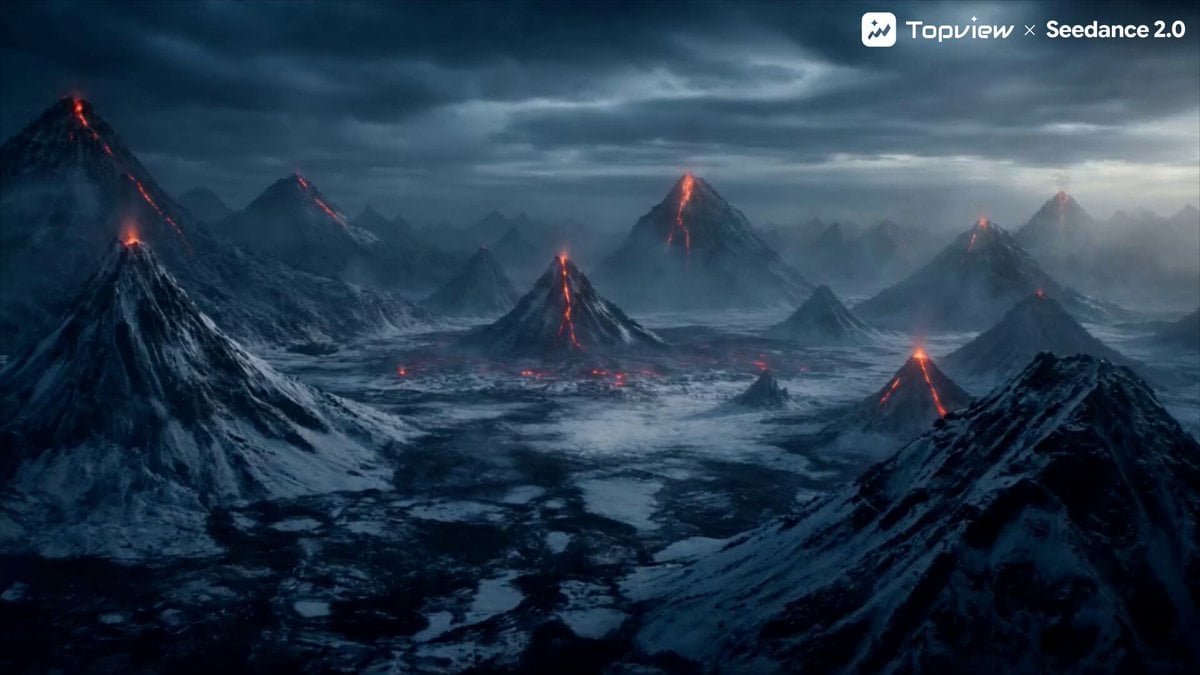
Elemental Battle Short Film Prompt (Fire vs. Ice)
Make it yours
Ice Princess Battle Transformation Video Prompt works as-is. These are the safest ways to change it without losing the look.
Change one field
Copy a single group, rewrite it, and generate again so you can see what that field is doing.
Keep the frame, change the subject
Hold the composition and light of Ice Princess Battle Transformation Video Prompt, then swap wardrobe, props or the person for a new take.
| If the result… | Why | Fix |
|---|---|---|
| The result drifts from the preview | Too many fields changed at once. | Reuse Ice Princess Battle Transformation Video Prompt as-is first, then change one group — subject, light, or setting. |
| The model over-stylizes the scene | The prose prompt leaves finish and camera underspecified. | Add one camera or lighting sentence and stay on Seedance 2.0. |
More Seedance 2.0 templates
Other prompts made for Seedance 2.0.

Comical Martial Arts Punch Scene

Maglev Train Action Sequence

Martial Arts Fight Sequence

Wuxia Protection and Trust Script

Vintage Korean Arcade MiniDV Vlog

Mercedes 190 SL Luxury Ad

Rainy Night Supernatural Reverse Comedy Video Script

Amazon Civilization Discovery

Futuristic South Asian City Transformation

Cozy Luxury Cafe Commercial
More video prompts
Fresh picks from across the catalog.
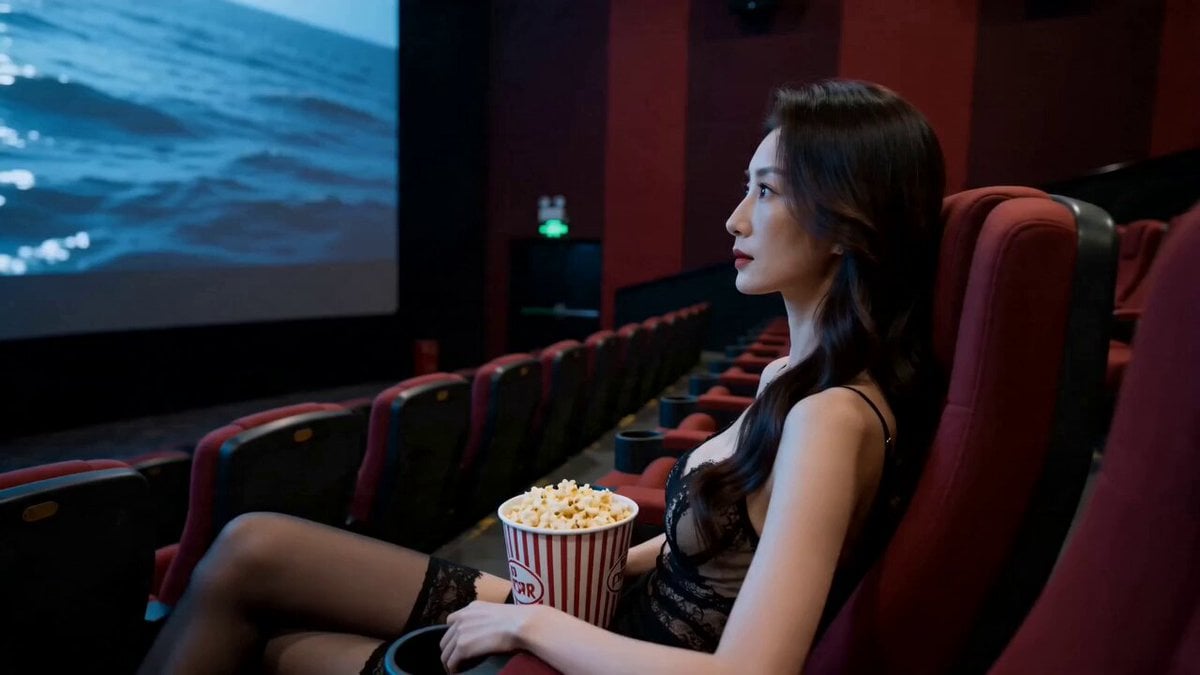
Realistic Handheld iPhone Cinematic Action Video
Ultra-Refined Motion Design Sequence
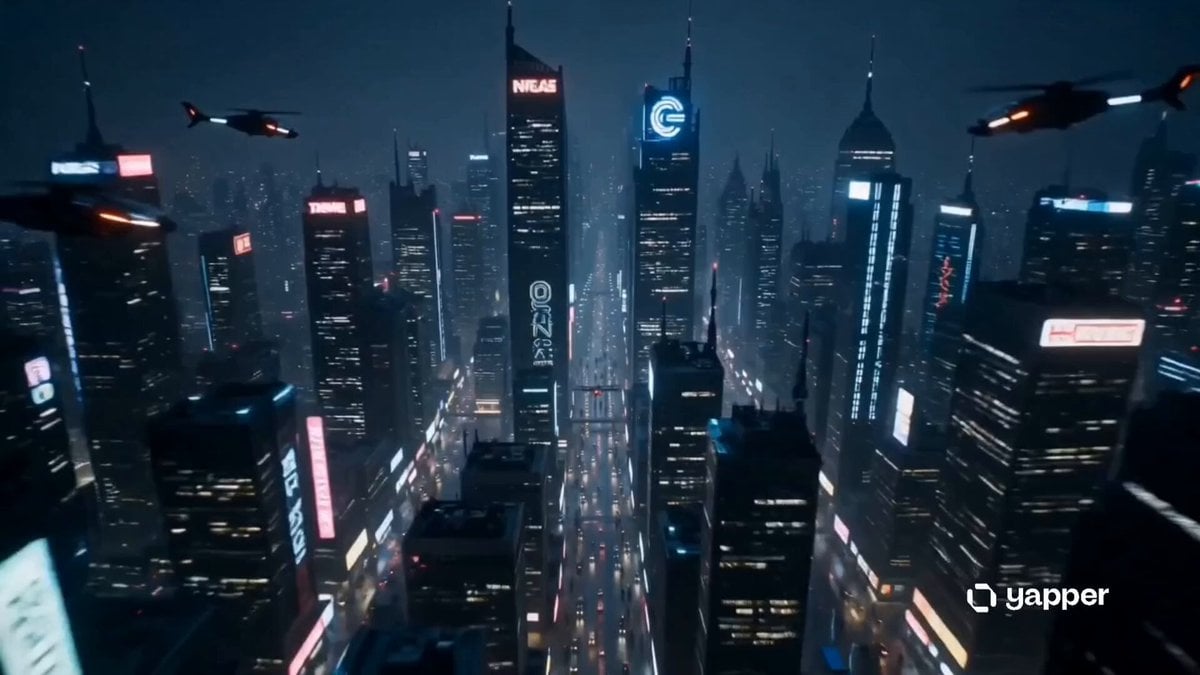
Sentient Robot Neon City Journey
Realistic Talking Cat Interaction
Cinematic Surfing Barrel Ride Video
Energetic EDM Dance with Dynamic Camera
Office Boardroom Tension with Twist

Lone Ship and Island Elephant
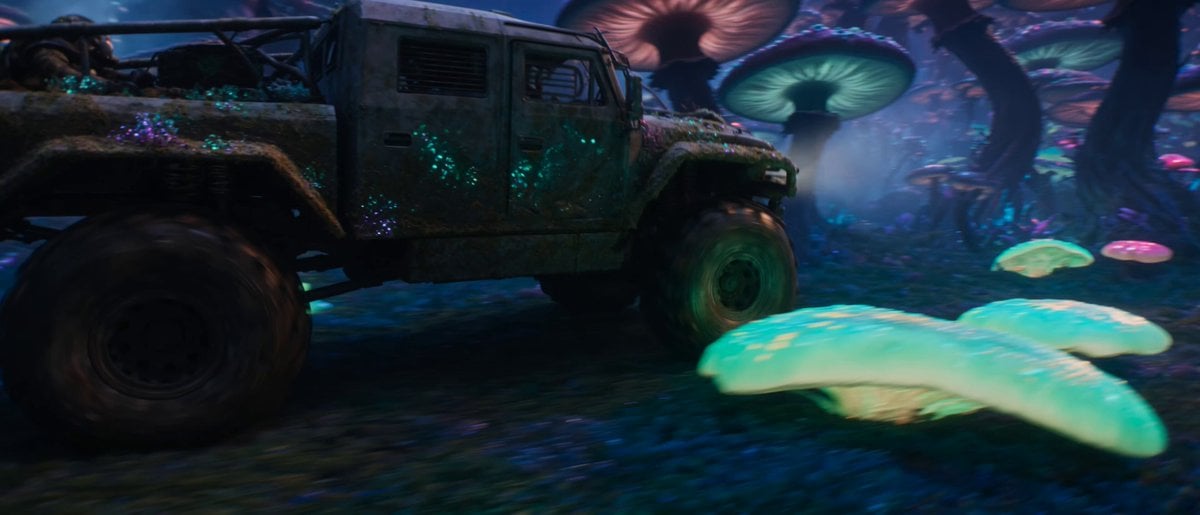
Sci-Fi Space Station Crash Scene
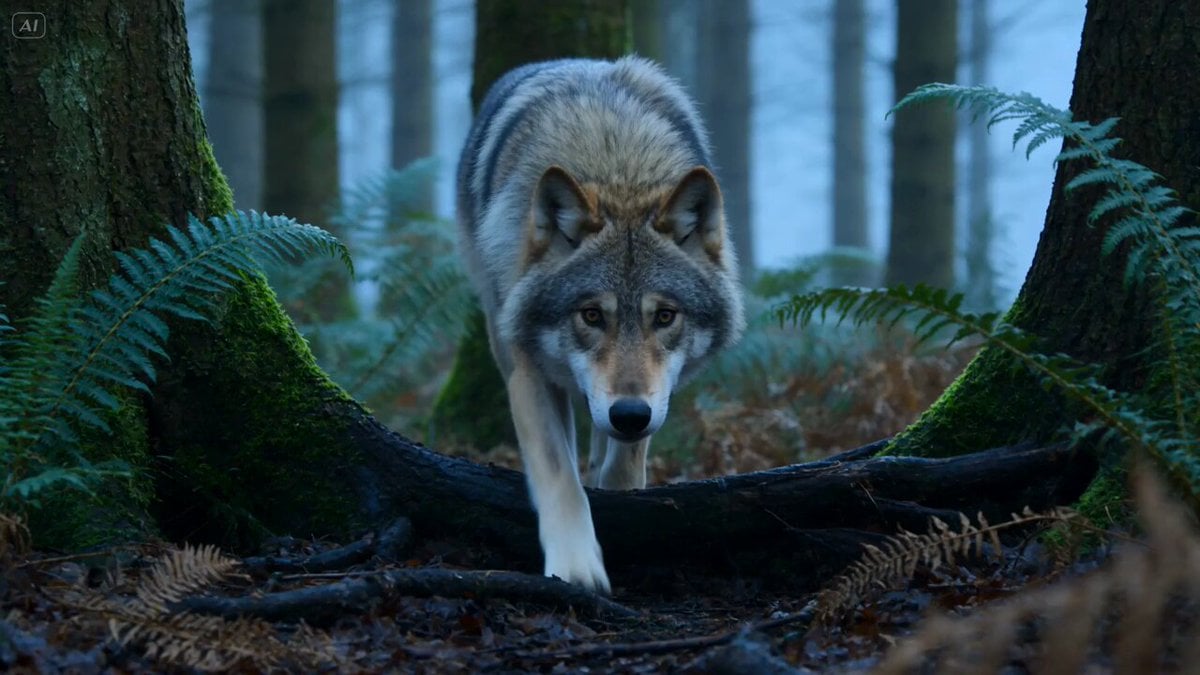
Wildlife Predator-Prey Chase
Browse template categories
Ice Princess Battle Transformation Video Prompt questions
How do I use the Ice Princess Battle Transformation Video Prompt template?
Add your photo if the template asks for one, edit the prompt if you like — the template's model and format are already selected — and press Generate. Your version opens in PicX Studio.
Can I customize the Ice Princess Battle Transformation Video Prompt template?
Yes. You can change the subject, setting, lighting, mood, format, and available model controls before creating your video.
Is the Ice Princess Battle Transformation Video Prompt template free?
Opening and editing this template is free. Generating uses credits, shown on the Generate button when you are signed in.
Which AI model should I use?
Start with Seedance 2.0, which is the model associated with this template. You can compare another compatible model for a different finish.
Looking for something else? Browse all templates.

Your photo, any look
Thousands of ready templates for every top image and video model, from one credit balance.