
Ultra-Refined Motion Design Sequence
An extremely detailed, multi-stage prompt for Seedance 2.0 designed to generate a complex motion graphics sequence.
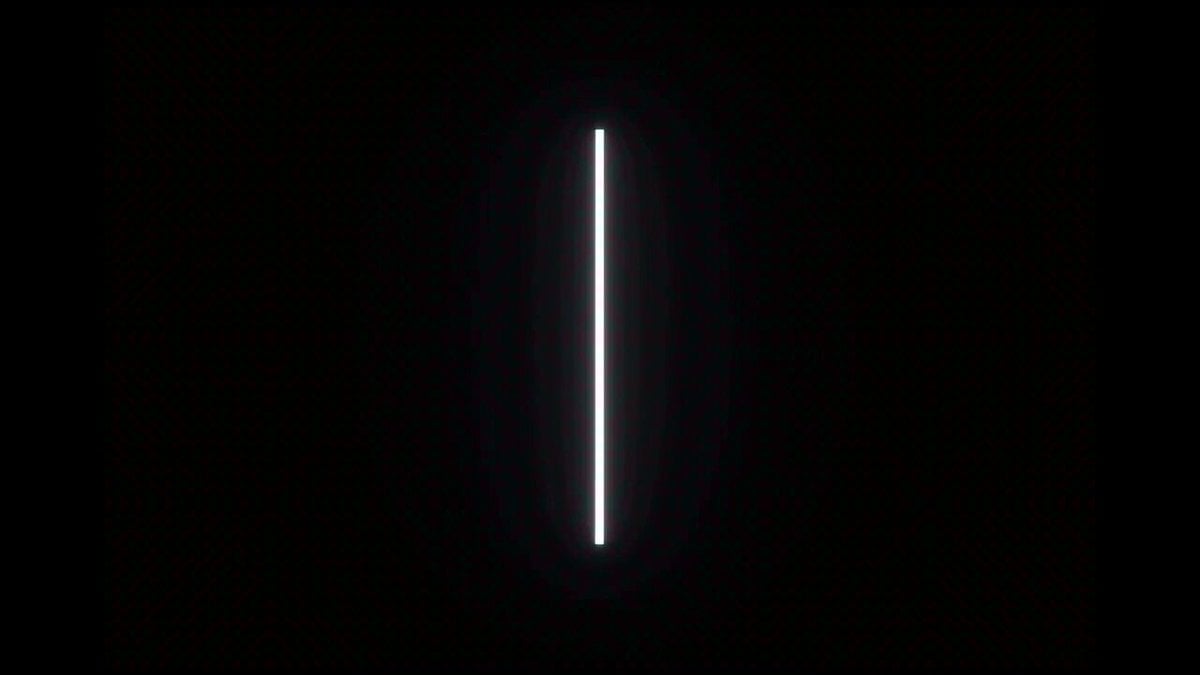
- Prompt included
- Model and format preset
- Free template
The prompt behind this video
Copy the exact prompt behind Ultra-Refined Motion Design Sequence, or open it in the studio and make it yours.
Ultra-refined motion design sequence. Absolute black background. Monochrome white visual language with subtle accents of negative space. Single continuous shot — no cuts, no camera movement. All transformation emerges from the center. Self-illuminated geometry, razor-sharp edges, no noise, no gradients. 0–1s [GENESIS] A thin vertical white beam fades into existence at center frame. It hums subtly, then splits into two parallel lines — perfectly symmetrical — before snapping back into one. 1–2s [FRACTURE] The line fractures into multiple short segments, evenly spaced. Each segment drifts slightly apart horizontally, creating a rhythmic broken-line pattern. 2–4s [WAVEFIELD] The segments begin oscillating vertically in a sine-wave motion. The wave propagates outward from center, forming a smooth, synchronized waveform across the frame. 4–6s [RIBBON → TORUS] The waveform thickens into a continuous flowing ribbon. It twists in 3D space, curling inward and seamlessly connecting into a rotating torus (donut shape), perfectly centered. 6–8s [TORUS → DATA RINGS] The torus splits into multiple concentric rotating rings. Each ring carries small evenly spaced white nodes, like data points orbiting in precise synchronization. 8–10s [NETWORK] Thin lines connect the orbiting nodes across rings, forming a dynamic geometric network. Connections appear and disappear algorithmically, suggesting intelligence and computation. 10–11.5s [COMPRESSION] The entire network contracts inward. Lines retract, nodes accelerate toward center, forming a dense glowing cluster. 11.5–13s [ENERGY CORE] The cluster stabilizes into a pulsating polyhedral core — a clean geometric solid made of interconnected edges. It rotates subtly, emitting faint rhythmic pulses. 13–14s [DISASSEMBLY] The core disintegrates into perfectly straight radial lines shooting outward briefly — then reversing direction, snapping back inward. 14–15s [IDENTITY REVEAL] All lines converge into a single horizontal baseline. From this line, minimal white typography rises upward — forming the brand logo in a clean sans-serif. A soft, brief glow radiates from below, then fades to pure black. Style: futuristic minimalism, Swiss design precision, computational elegance Mood: intelligent, controlled, inevitable, high-end tech brand identity
How to use Ultra-Refined Motion Design Sequence in 3 steps
- 1
Open
The prompt is already in the box next to the preview, with the template's model and format selected.
- 2…a portrait of your subject in softgolden-hour light, 85mm…
Personalize
Edit the subject and creative details for your destination.
- 3Generate
Generate
Press Generate — your video is created in PicX Studio, so you can compare it with the original and refine one variable at a time.
More like this
Templates with the same subject, style or setup. Open one to see its prompt.
Slow-Motion 90s Diner Explosion - Seedance 2.5
Nano Banana Seedance Environment Render Walk
Seedance Wind Guides Path
Stop-Motion Wolf Attack Sequence
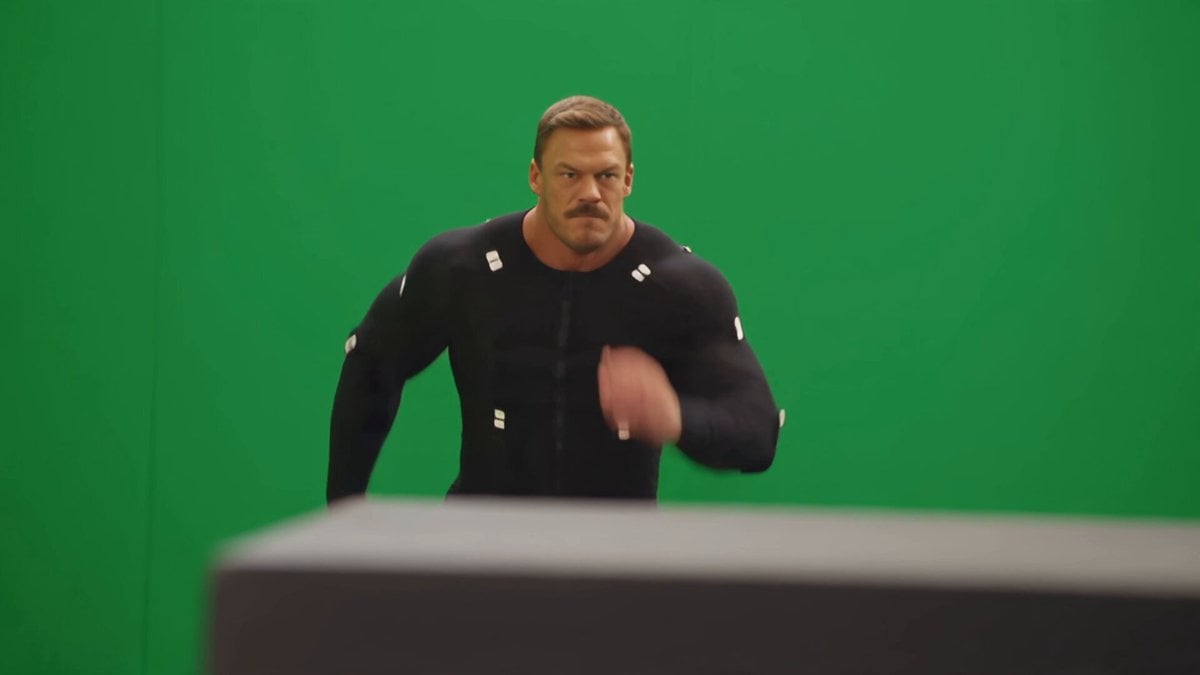
Side-Flip Motion Reproduction and Environment Adaptation
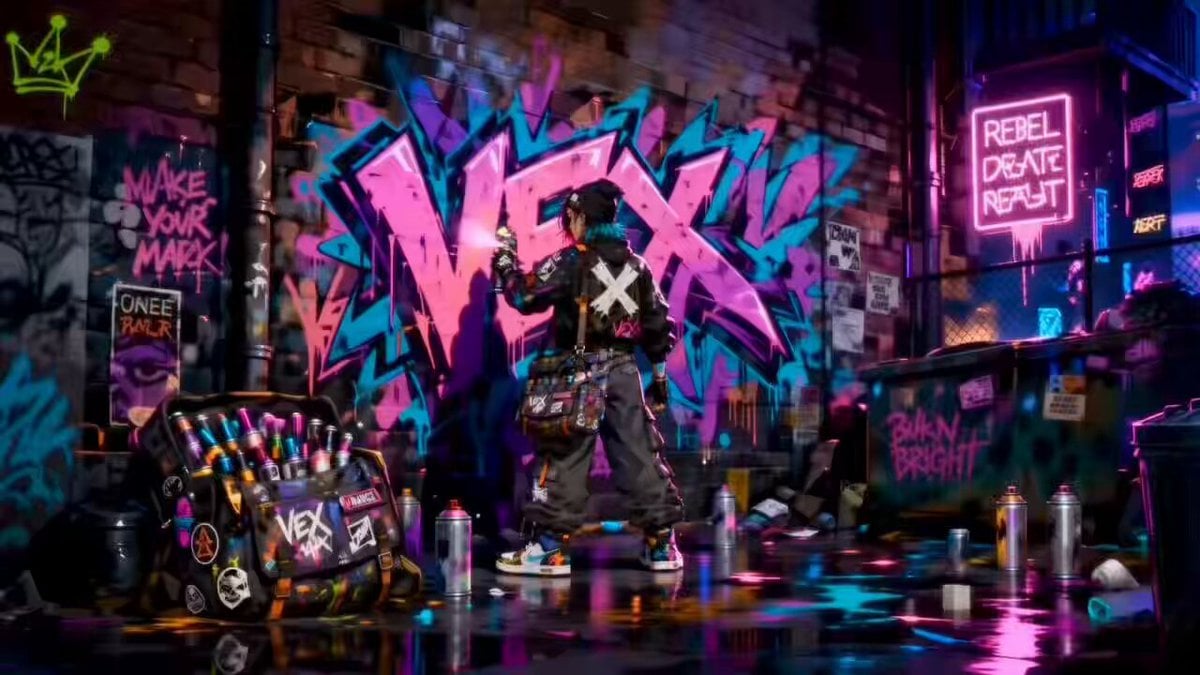
Rooftop Chase Motion Phrases

Coffee Cup Interaction Motion

Seedance 2.0 First Test — Dynamic Motion Showcase
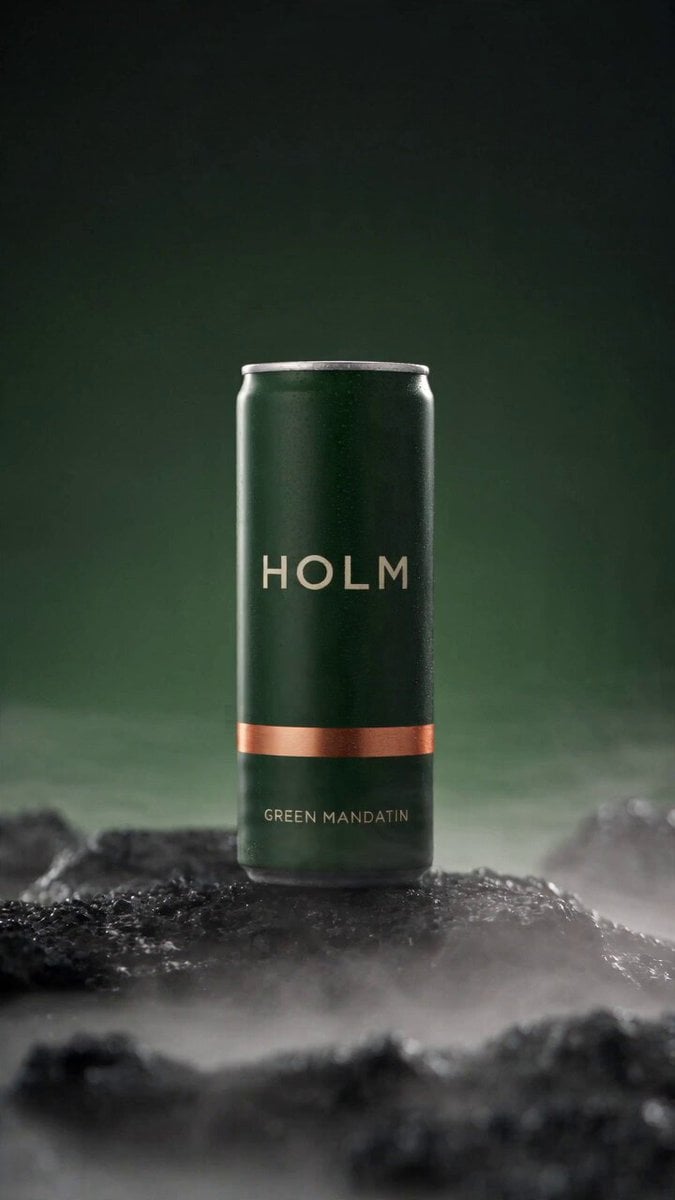
Rooftop Parkour Motion Control
Extreme Macro Glowing Ember Slow Motion
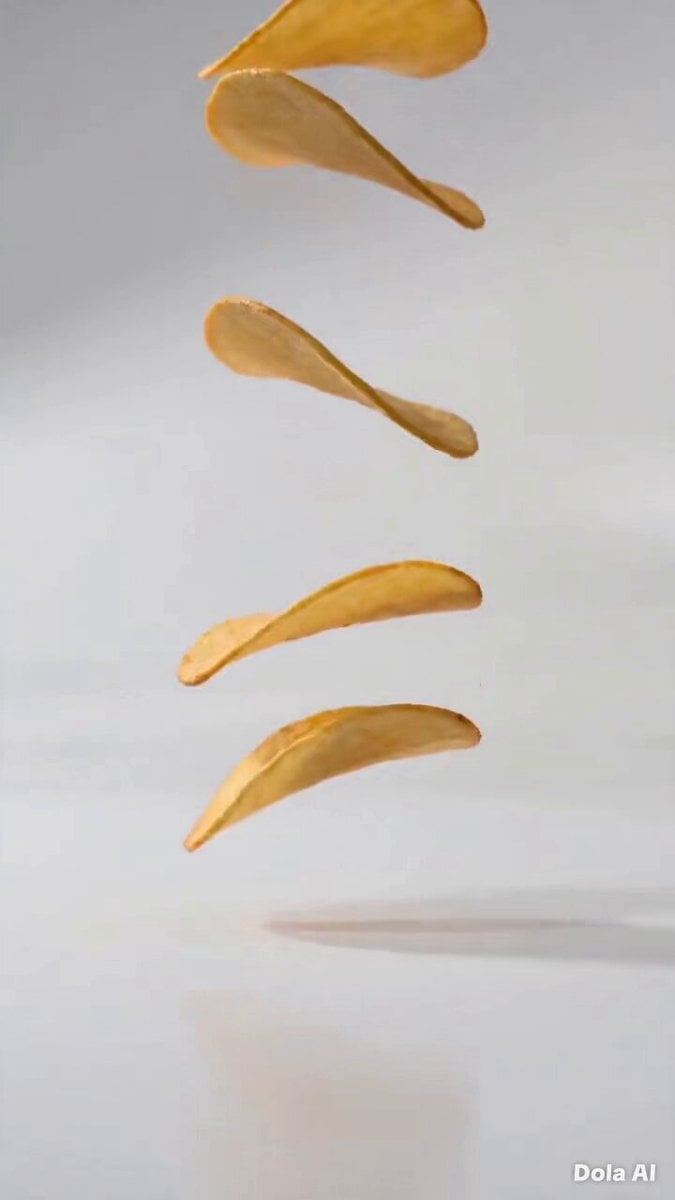
Stop-Motion Chip Stacking Animation
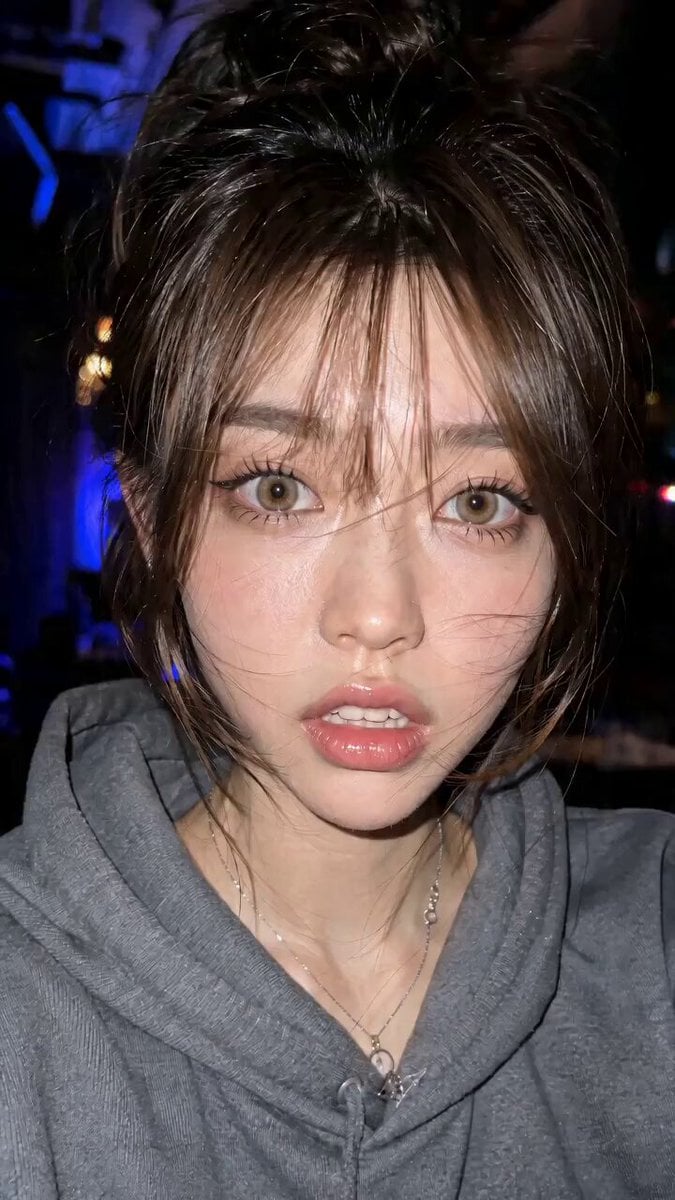
Micro Expressions Character Emotion Switch
Make it yours
Ultra-Refined Motion Design Sequence works as-is. These are the safest ways to change it without losing the look.
Change one field
Copy a single group, rewrite it, and generate again so you can see what that field is doing.
Keep the frame, change the subject
Hold the composition and light of Ultra-Refined Motion Design Sequence, then swap wardrobe, props or the person for a new take.
| If the result… | Why | Fix |
|---|---|---|
| The result drifts from the preview | Too many fields changed at once. | Reuse Ultra-Refined Motion Design Sequence as-is first, then change one group — subject, light, or setting. |
| The model over-stylizes the scene | The prose prompt leaves finish and camera underspecified. | Add one camera or lighting sentence and stay on Seedance 2.0. |
More Seedance 2.0 templates
Other prompts made for Seedance 2.0.

Comical Martial Arts Punch Scene

Maglev Train Action Sequence

Martial Arts Fight Sequence

Wuxia Protection and Trust Script

Vintage Korean Arcade MiniDV Vlog

Mercedes 190 SL Luxury Ad

Rainy Night Supernatural Reverse Comedy Video Script

Amazon Civilization Discovery

Futuristic South Asian City Transformation

Cozy Luxury Cafe Commercial
More video prompts
Fresh picks from across the catalog.
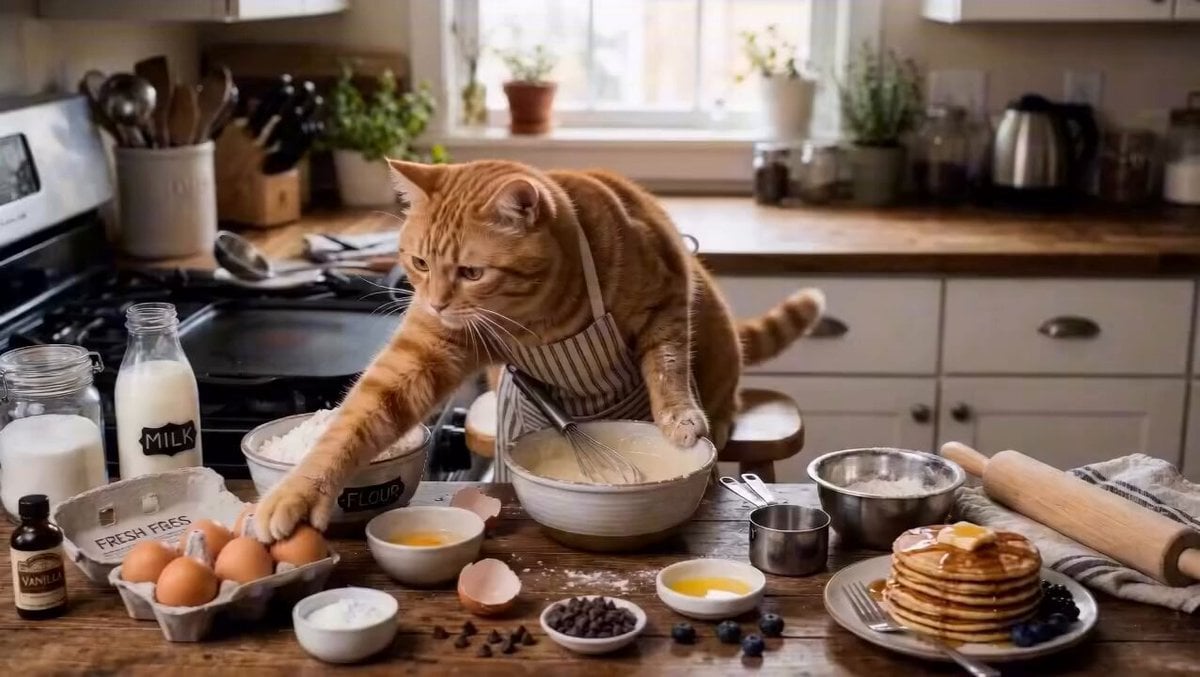
Cat Making Pancakes Cinematic Prompt

Albert Einstein birthday meme video prompt

Cottagecore Slow-Living Video

Tech Billionaire CEO Smoking Meats
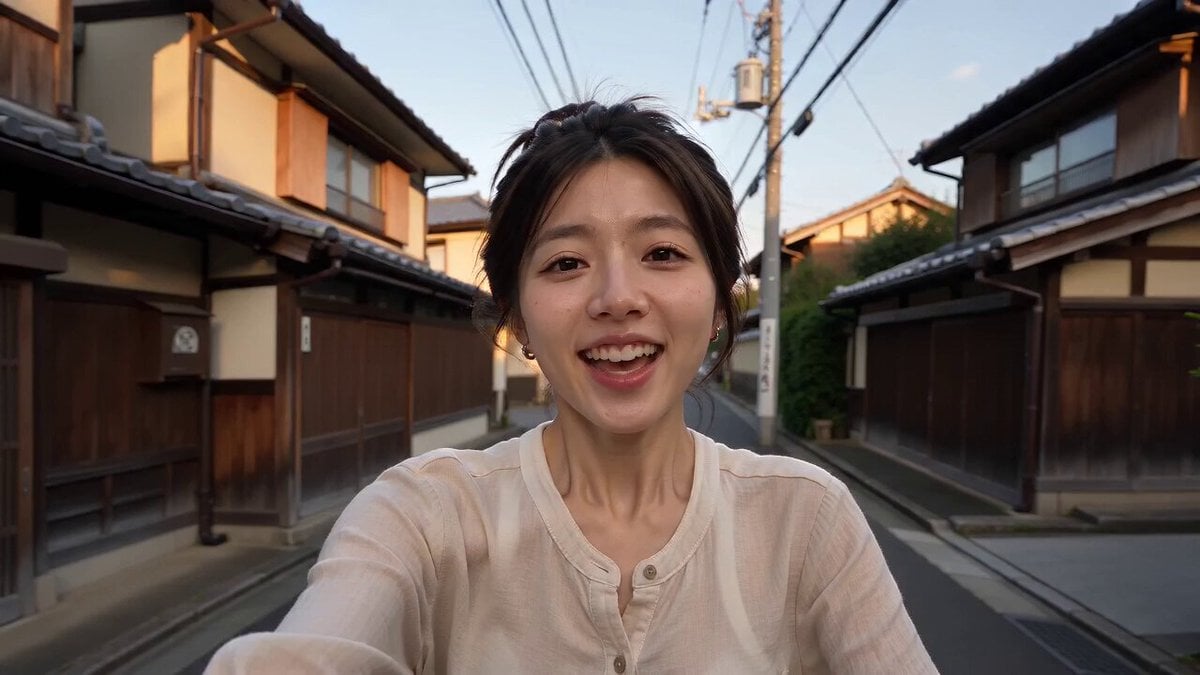
Kyoto Smartphone Vlog Simulation
Anime Girl Cheering Gamer

Realistic Football Cinematic
Ultra-Premium Bauhaus Workspace Campaign

Rainbow Dance Animation

Third Eye Cybernetic Transformation
Browse template categories
Ultra-Refined Motion Design Sequence questions
How do I use the Ultra-Refined Motion Design Sequence template?
Add your photo if the template asks for one, edit the prompt if you like — the template's model and format are already selected — and press Generate. Your version opens in PicX Studio.
Can I customize the Ultra-Refined Motion Design Sequence template?
Yes. You can change the subject, setting, lighting, mood, format, and available model controls before creating your video.
Is the Ultra-Refined Motion Design Sequence template free?
Opening and editing this template is free. Generating uses credits, shown on the Generate button when you are signed in.
Which AI model should I use?
Start with Seedance 2.0, which is the model associated with this template. You can compare another compatible model for a different finish.
Looking for something else? Browse all templates.

Your photo, any look
Thousands of ready templates for every top image and video model, from one credit balance.