
Cinematic Soccer Journey Across the World
A detailed 15-second cinematic sequence tracking a young boy's soccer journey from cobblestone alleys to a professional stadium.

- Prompt included
- Model and format preset
- Premium template
The prompt behind this video
Copy the exact prompt behind Cinematic Soccer Journey Across the World, or open it in the studio and make it yours.
A curly-haired young boy in his exact yellow jersey and blue shorts, with the same worn black-and-white soccer ball, carries one uninterrupted football journey across the world in a 15-second cinematic sequence: open in warm golden sunrise with a wide street-level view as he dribbles through cobblestone alleys past curious onlookers, dust glowing in the light; cut tighter to a low close tracking shot of nimble feet, muddy black cleats, and the ball skipping fast over stone; arc into a medium shot through a lantern-lit North African market as friends join the chase, joyful faces flashing under fabric canopies; snap into an extreme macro impact shot as the scuffed ball fills the frame at the instant of a powerful kick, leather seams and dust exploding with hints of neon magenta and teal; finish with a dynamic wide stadium reveal under blazing floodlights as the boy bursts toward goal, the keeper dives, the winning strike lands in slow-motion, and the moment crescendos into confetti, cheering multicultural crowds, and a victorious trophy lift, all in a rich palette of warm gold, cobalt blue, neon magenta, teal, and charcoal with anamorphic energy, motion blur, wet reflections, lens flares, and triumphant emotion.
How to use Cinematic Soccer Journey Across the World in 3 steps
- 1
Open
The prompt is already in the box next to the preview, with the template's model and format selected.
- 2…a portrait of your subject in softgolden-hour light, 85mm…
Personalize
Edit the subject and creative details for your destination.
- 3Generate
Generate
Press Generate — your video is created in PicX Studio, so you can compare it with the original and refine one variable at a time.
More like this
Templates with the same subject, style or setup. Open one to see its prompt.
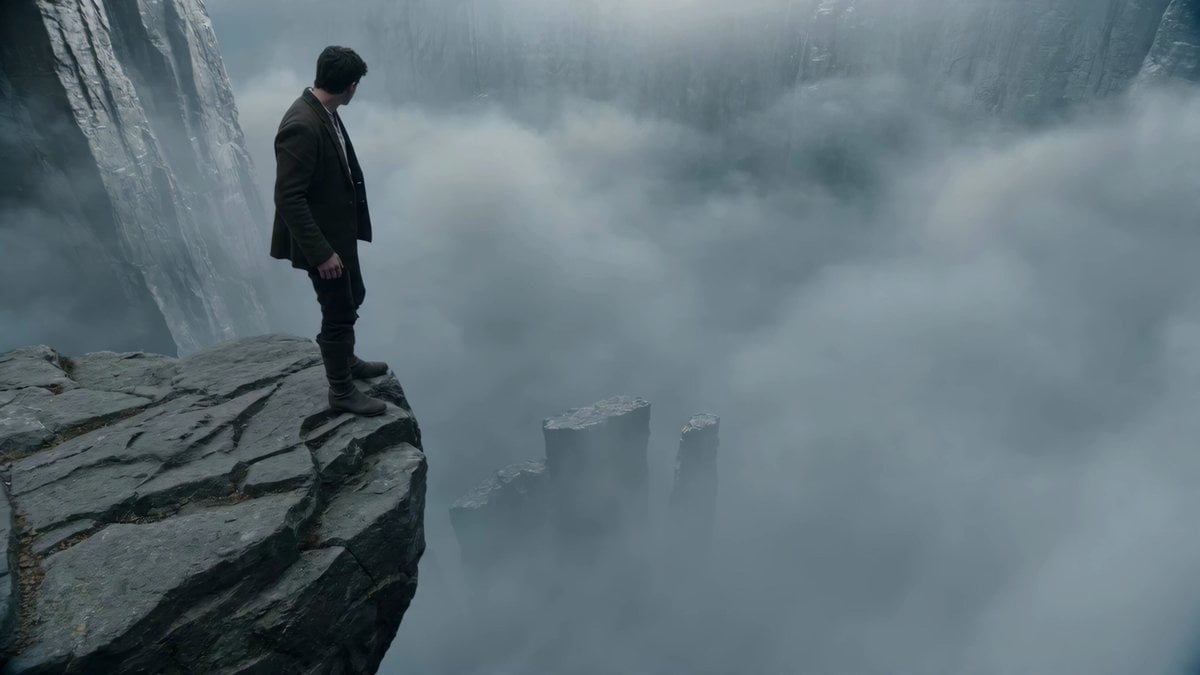
Adventurer Path Creator - Seedance 2

Rural Japanese Slice of Life Journey
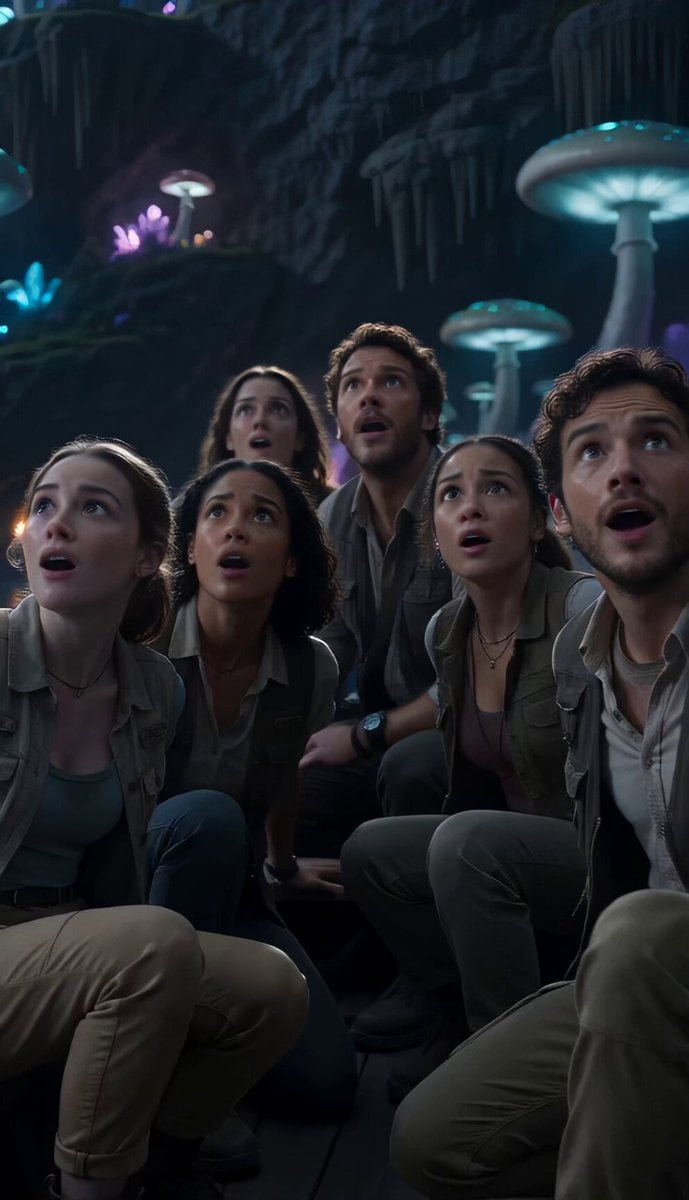
Underground Ocean Fantasy Journey
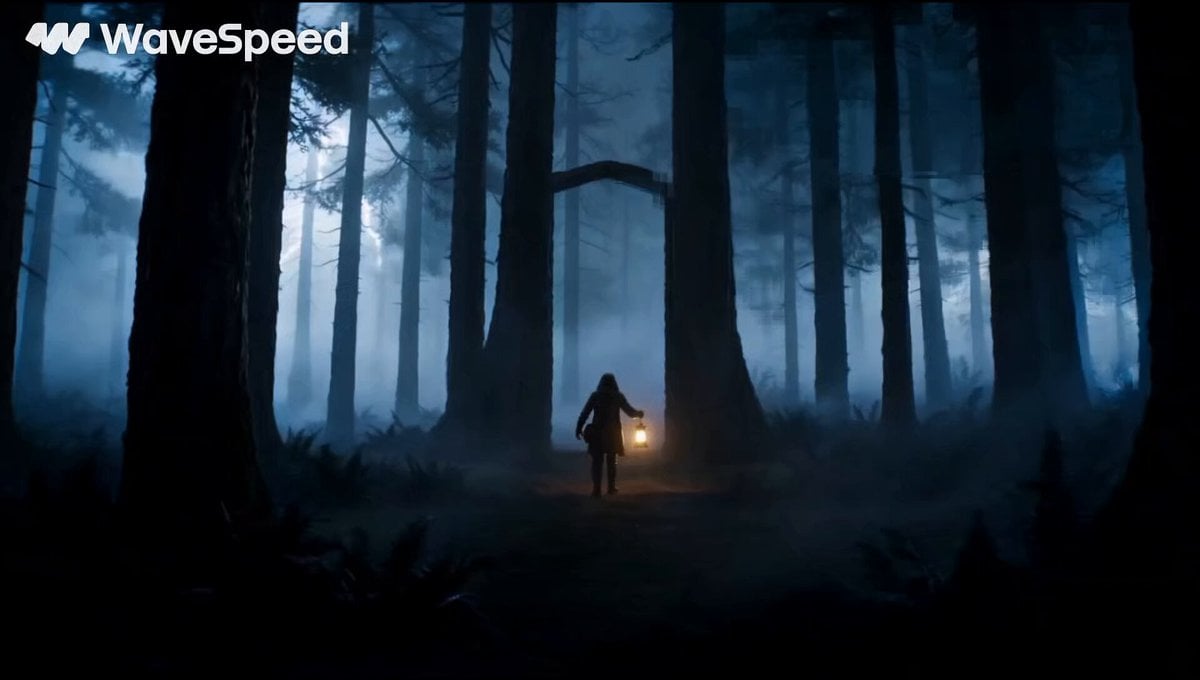
Magical Glowing Forest Portal Journey
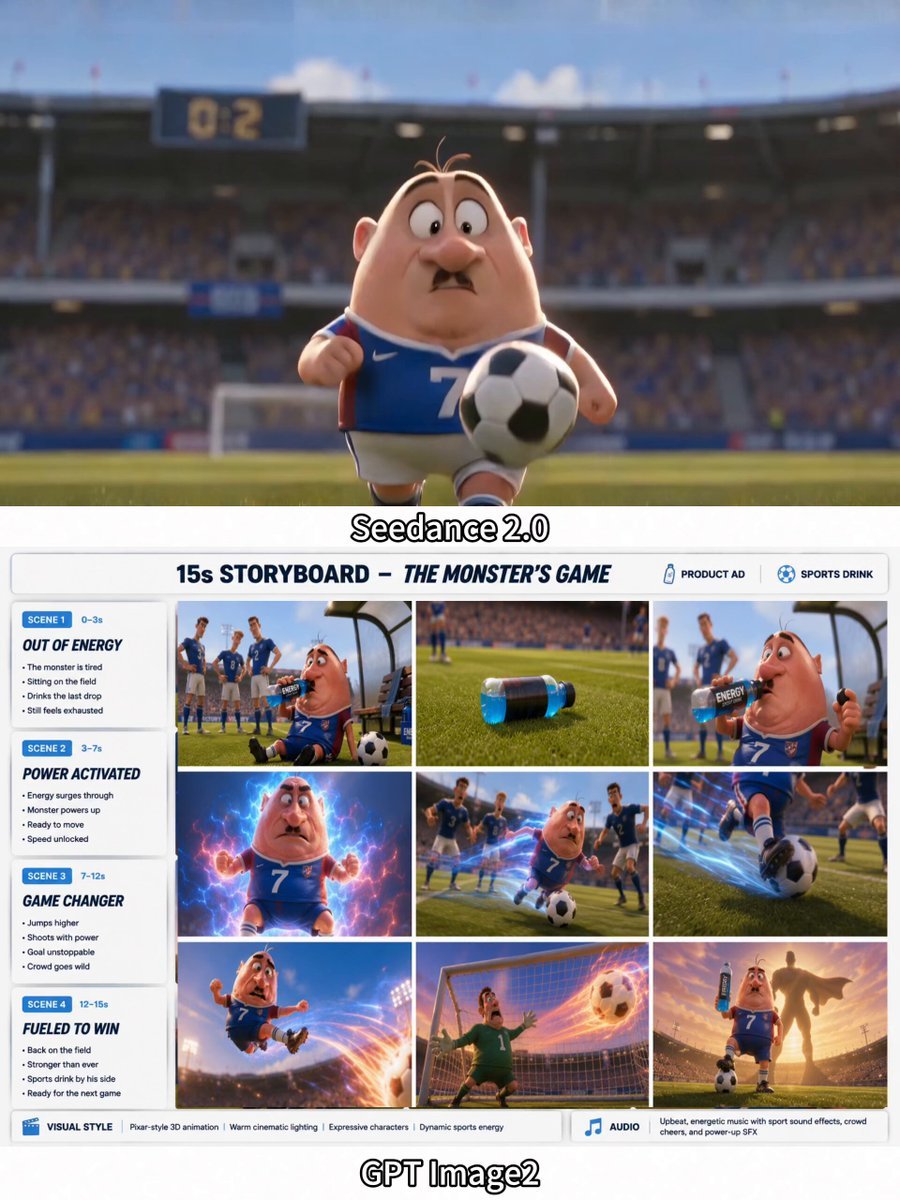
3D Soccer Energy Drink Commercial

Cinematic Symbolic Light Point Journey

Italian World Cup Reaction

Pterodactyl Transformation Journey
Psychedelic Purple Disc World Video

3D Animated Magical Miniature World

World Cup Final Emotional Drama
Anime Soccer Goalkeeper Epic Save
Make it yours
Cinematic Soccer Journey Across the World works as-is. These are the safest ways to change it without losing the look.
Change one field
Copy a single group, rewrite it, and generate again so you can see what that field is doing.
Keep the frame, change the subject
Hold the composition and light of Cinematic Soccer Journey Across the World, then swap wardrobe, props or the person for a new take.
| If the result… | Why | Fix |
|---|---|---|
| The result drifts from the preview | Too many fields changed at once. | Reuse Cinematic Soccer Journey Across the World as-is first, then change one group — subject, light, or setting. |
| The model over-stylizes the scene | The prose prompt leaves finish and camera underspecified. | Add one camera or lighting sentence and stay on Seedance 2.0. |
More Seedance 2.0 templates
Other prompts made for Seedance 2.0.

Comical Martial Arts Punch Scene

Maglev Train Action Sequence

Martial Arts Fight Sequence

Wuxia Protection and Trust Script

Vintage Korean Arcade MiniDV Vlog

Mercedes 190 SL Luxury Ad

Rainy Night Supernatural Reverse Comedy Video Script

Amazon Civilization Discovery

Futuristic South Asian City Transformation

Cozy Luxury Cafe Commercial
More video prompts
Fresh picks from across the catalog.

Tokyo Café Barista Latte Art Close-up

Grok Imagine Running Character Animation
Food Summoning POV Stop-Motion Video

Water Elemental rising from waves
Cinematic Hip-Hop Beach Music Video

Stylized New York Drift Animation
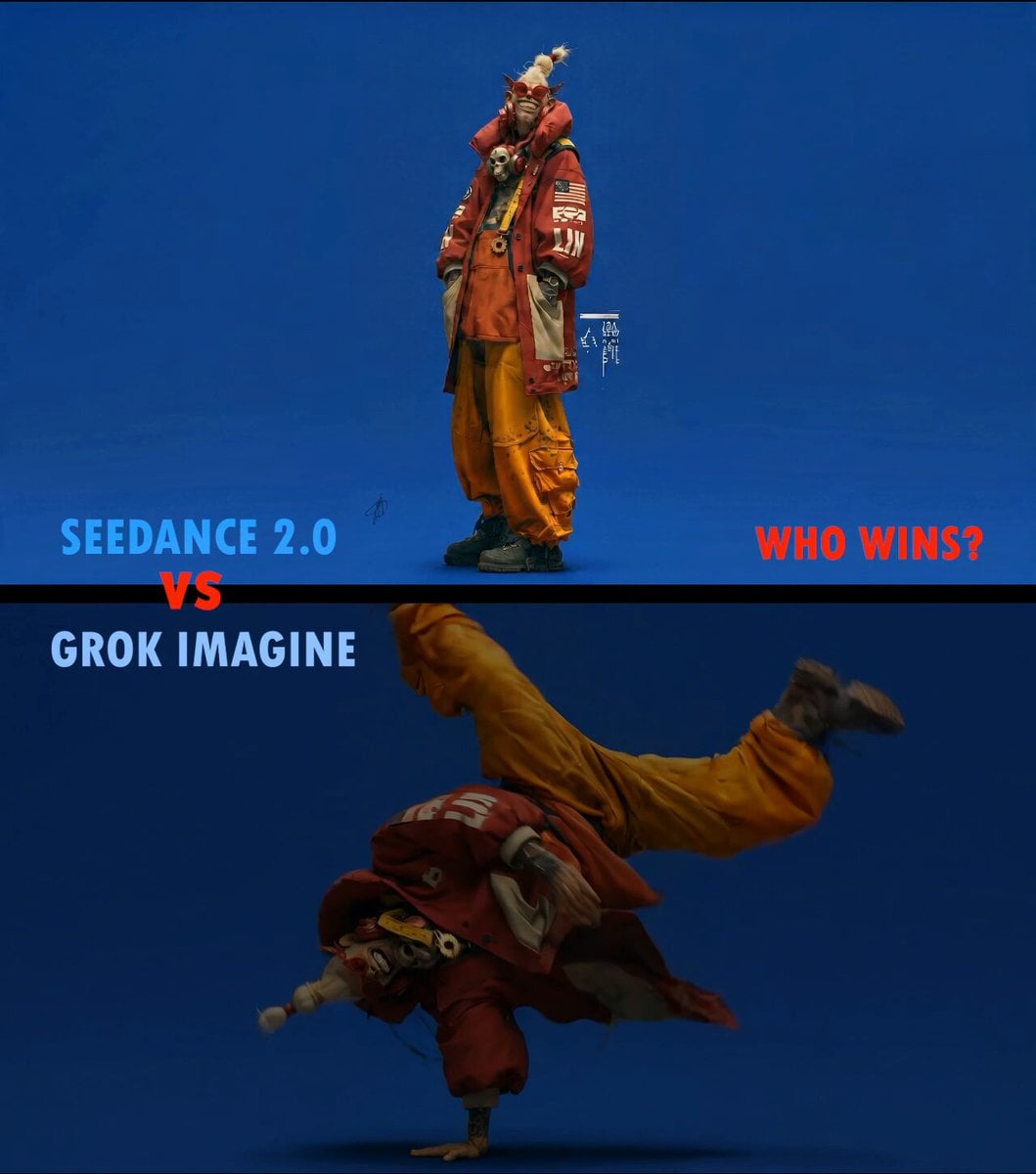
Slow Motion ASMR Breakdance Flip
Elevencreative Time Freeze
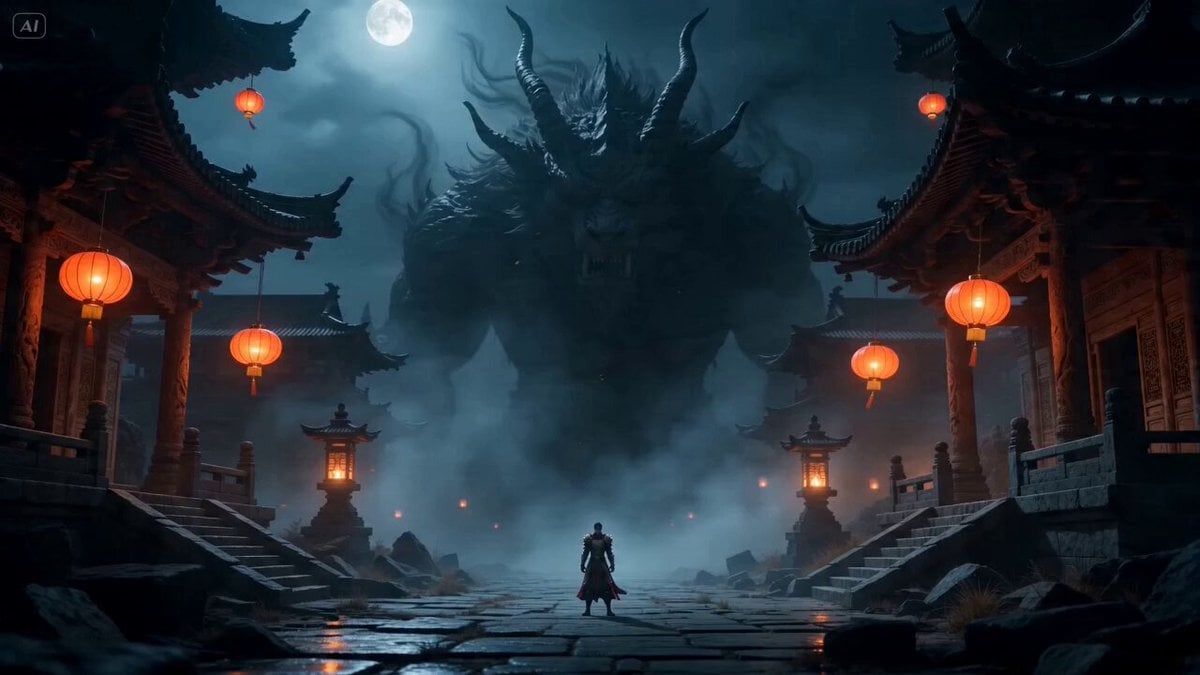
Cinematic Fantasy Action Scene

Seedance 2.5 - @oggii_0 - 307648
Browse template categories
Cinematic Soccer Journey Across the World questions
How do I use the Cinematic Soccer Journey Across the World template?
Add your photo if the template asks for one, edit the prompt if you like — the template's model and format are already selected — and press Generate. Your version opens in PicX Studio.
Can I customize the Cinematic Soccer Journey Across the World template?
Yes. You can change the subject, setting, lighting, mood, format, and available model controls before creating your video.
Is the Cinematic Soccer Journey Across the World template free?
Opening and editing this template is free. Generating uses credits, shown on the Generate button when you are signed in.
Which AI model should I use?
Start with Seedance 2.0, which is the model associated with this template. You can compare another compatible model for a different finish.
Looking for something else? Browse all templates.

Your photo, any look
Thousands of ready templates for every top image and video model, from one credit balance.