
Stylized New York Drift Animation
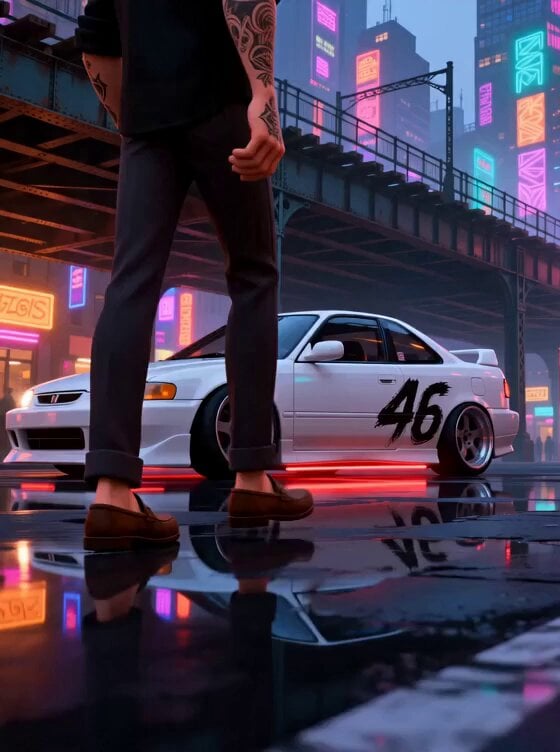
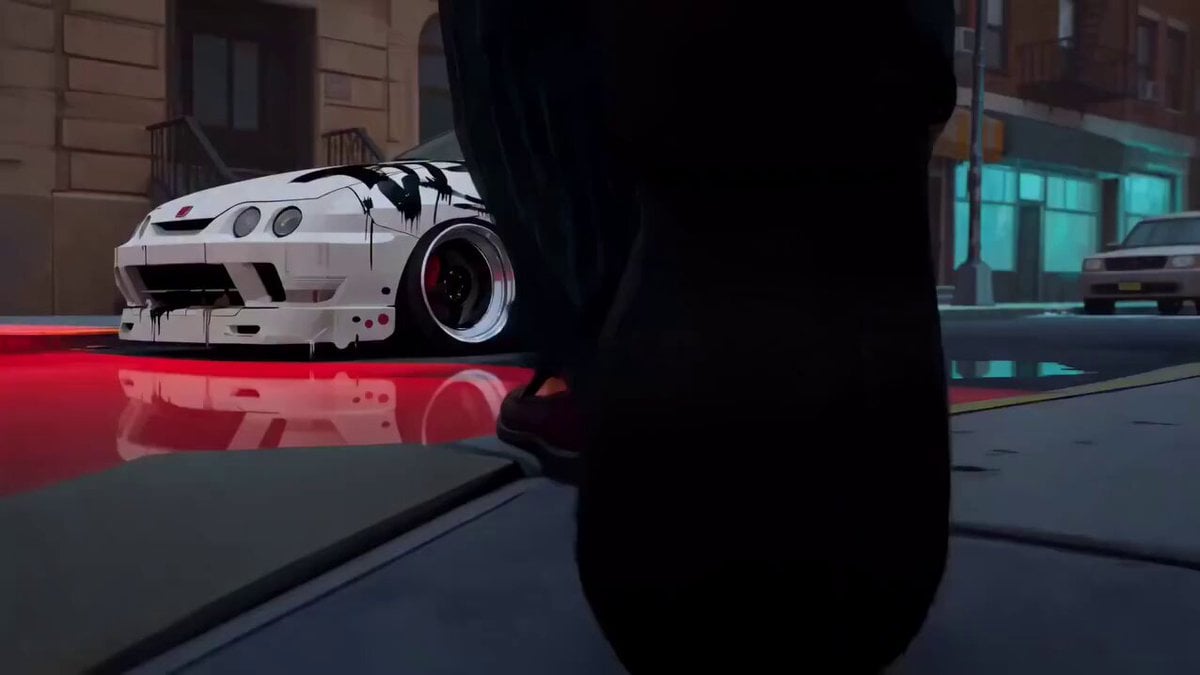
A stylized 3D animation prompt for a drift sequence in New York, featuring a modified Honda Integra and Spider-Verse inspired visuals.
- Prompt included
- Model and format preset
- Free template
The prompt behind this video
Copy the exact prompt behind Stylized New York Drift Animation, or open it in the studio and make it yours.
GLOBAL STYLE: Stylized 3D animation, cel shaded graphics, comic book rendering, Spider Verse inspired visual style, vibrant high contrast color palette, fluid dynamic motion, Unreal Engine 5 aesthetic, cinematic lighting, 4K quality. CHARACTER CONTINUITY: Stylized young male driver with wavy blonde hair, thick black glasses, short goatee, intricate black tattoo sleeves on both arms, black shirt, dark pants, brown loafers. VEHICLE CONTINUITY: Modified white 1990s Honda Integra, black brush stroke "46" side decal, glowing red underglow, deep dish rims, lowered stance, clean body kit. Keep the same car throughout. No logos or text changes. ENVIRONMENT: Neon lit New York inspired streets beneath elevated subway tracks at dusk, wet reflective asphalt, glowing storefronts, cinematic atmosphere. SEQUENCE: 0:00–0:05 Low angle tracking shot follows the driver walking confidently toward the parked white Honda Integra. The glowing red underglow reflects across the wet pavement. Close up of the tattooed hand pulling the door handle, entering the car, then turning the ignition key. Smooth cinematic transitions. 0:05–0:08 Macro shot of the exhaust pipe blasting thick stylized gray smoke. Quick cut to tattooed hands gripping the steering wheel tightly. Dashboard lights illuminate the driver's focused face. 0:08–0:11 Dashcam POV as the Integra rapidly accelerates beneath elevated train tracks. Neon storefronts streak past with heavy motion blur. Camera shakes naturally with speed. 0:11–0:15 Extreme close up of the driver's determined eyes reflected in the rearview mirror. Hard cut to an aggressive drift around a city corner. Thick tire smoke, glowing orange sparks from the wheels, vivid red underglow reflecting on the wet road. End with a cinematic action shoT
How to use Stylized New York Drift Animation in 3 steps
- 1
Open
The prompt is already in the box next to the preview, with the template's model and format selected.
- 2…a portrait of your subject in softgolden-hour light, 85mm…
Personalize
Edit the subject and creative details for your destination.
- 3Generate
Generate
Press Generate — your video is created in PicX Studio, so you can compare it with the original and refine one variable at a time.
More like this
Templates with the same subject, style or setup. Open one to see its prompt.
3D Glossy Fairy Animation - Seedance 2.5
Silk Road Pomegranate Folk Animation
Multilingual Creative Typography Loop
Walking Factory with Rebel on Hoverbike - Wasteland
Cartoon Bullfight Arena — Girl vs Bull (Seedance)
Dim Sum Chase — Shrimp Dumpling Monster
Chibi Cave Adventure — He Doesn't Know What's Coming
Stylized 3D Animation: Old Man and Pigeon
Stylized 3D Animation Adventure
New York FPV Drone Flight
Rally Car Coastal Drift Rescue
Spider-Verse Style Car Drift
Make it yours
Stylized New York Drift Animation works as-is. These are the safest ways to change it without losing the look.
Change one field
Copy a single group, rewrite it, and generate again so you can see what that field is doing.
Keep the frame, change the subject
Hold the composition and light of Stylized New York Drift Animation, then swap wardrobe, props or the person for a new take.
| If the result… | Why | Fix |
|---|---|---|
| The result drifts from the preview | Too many fields changed at once. | Reuse Stylized New York Drift Animation as-is first, then change one group — subject, light, or setting. |
| The model over-stylizes the scene | The prose prompt leaves finish and camera underspecified. | Add one camera or lighting sentence and stay on Seedance 2.0. |
More Seedance 2.0 templates
Other prompts made for Seedance 2.0.

Comical Martial Arts Punch Scene

Maglev Train Action Sequence

Martial Arts Fight Sequence

Wuxia Protection and Trust Script

Vintage Korean Arcade MiniDV Vlog

Mercedes 190 SL Luxury Ad

Rainy Night Supernatural Reverse Comedy Video Script

Amazon Civilization Discovery

Futuristic South Asian City Transformation

Cozy Luxury Cafe Commercial
More video prompts
Fresh picks from across the catalog.
Surreal time-bending reverie video prompt
JSON Prompt for Modern Anime Sakuga Fight Sequence
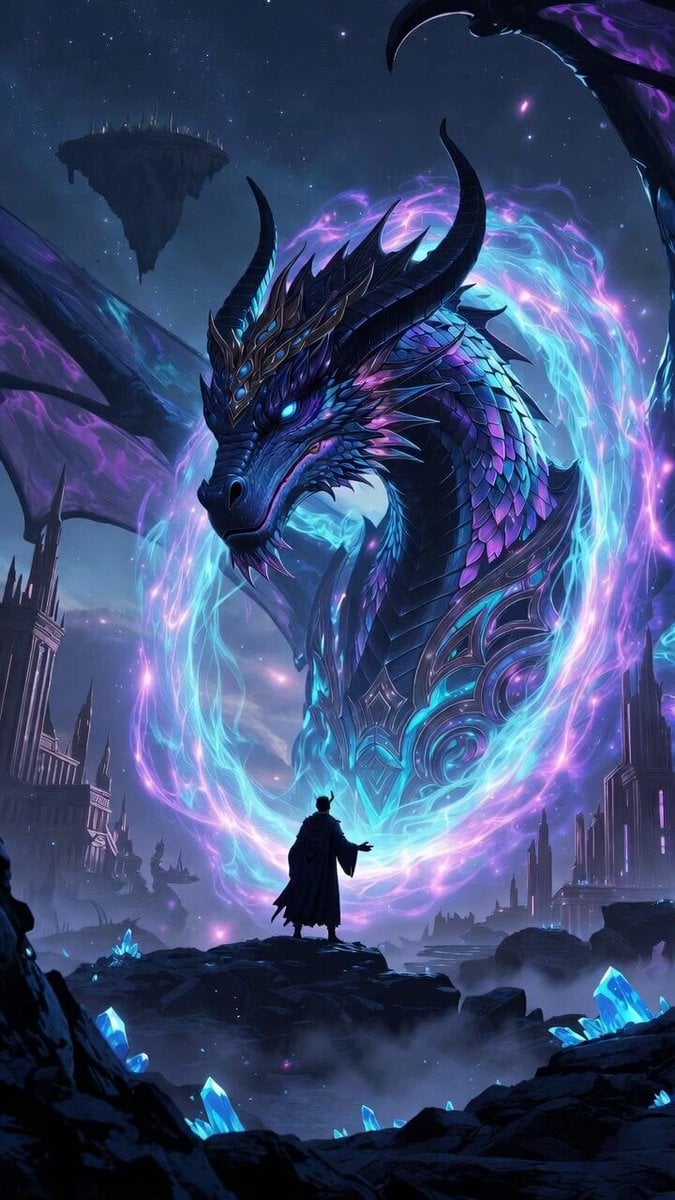
Dragon Realm simulation video
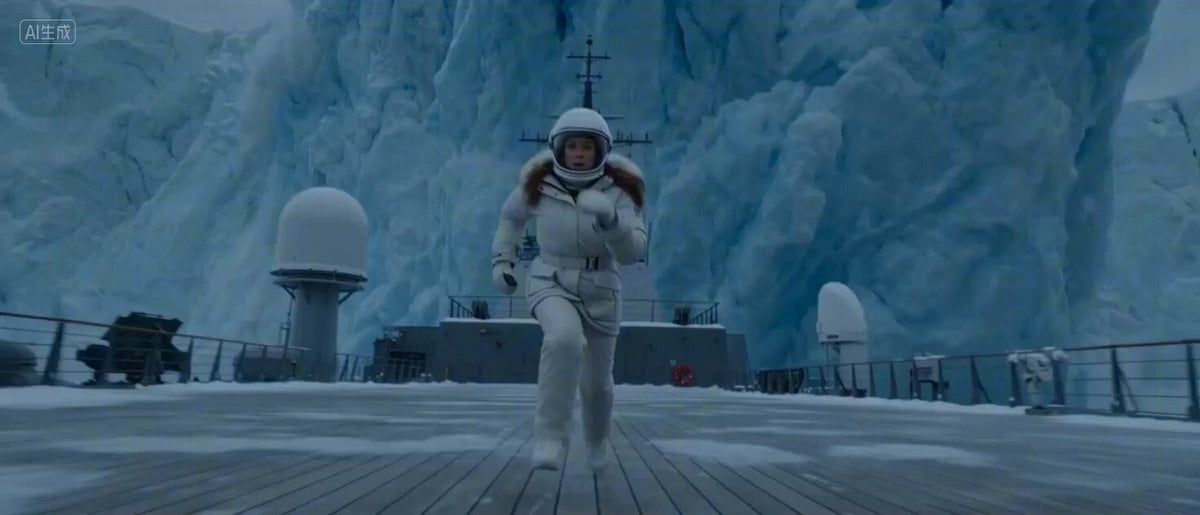
Arctic Glacier Collapse and Snowmobile Escape

Woman Juggling on Moving Car
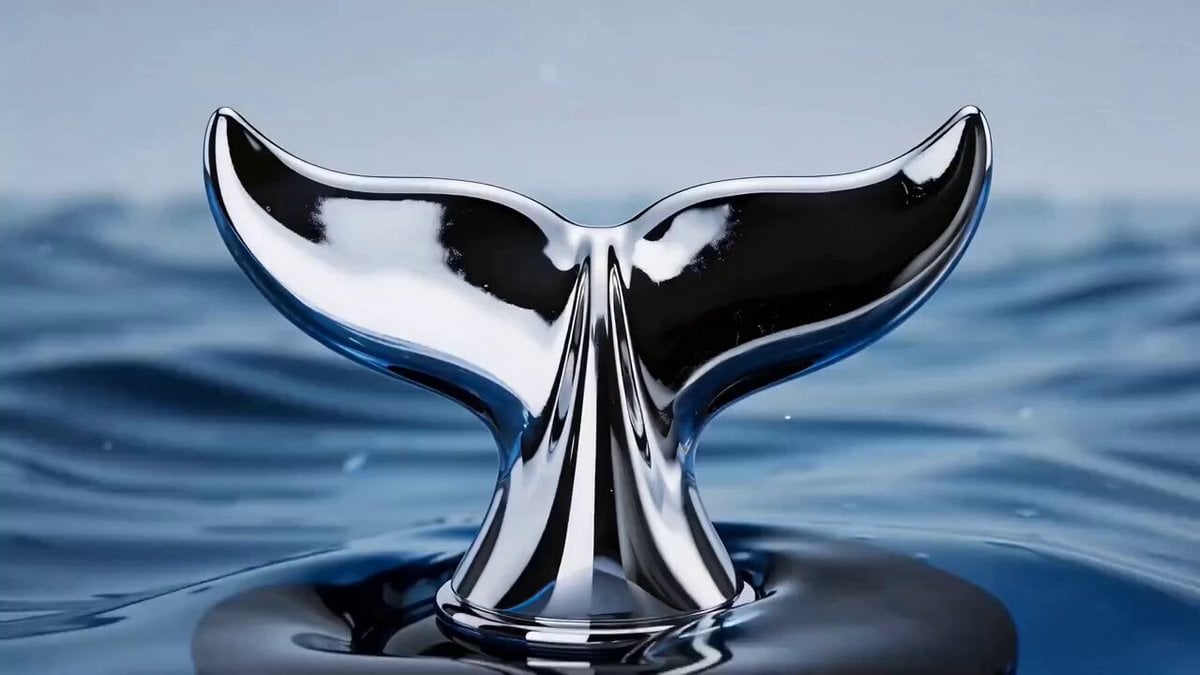
Perfume product advertisement generation prompt for Seedance 2.0
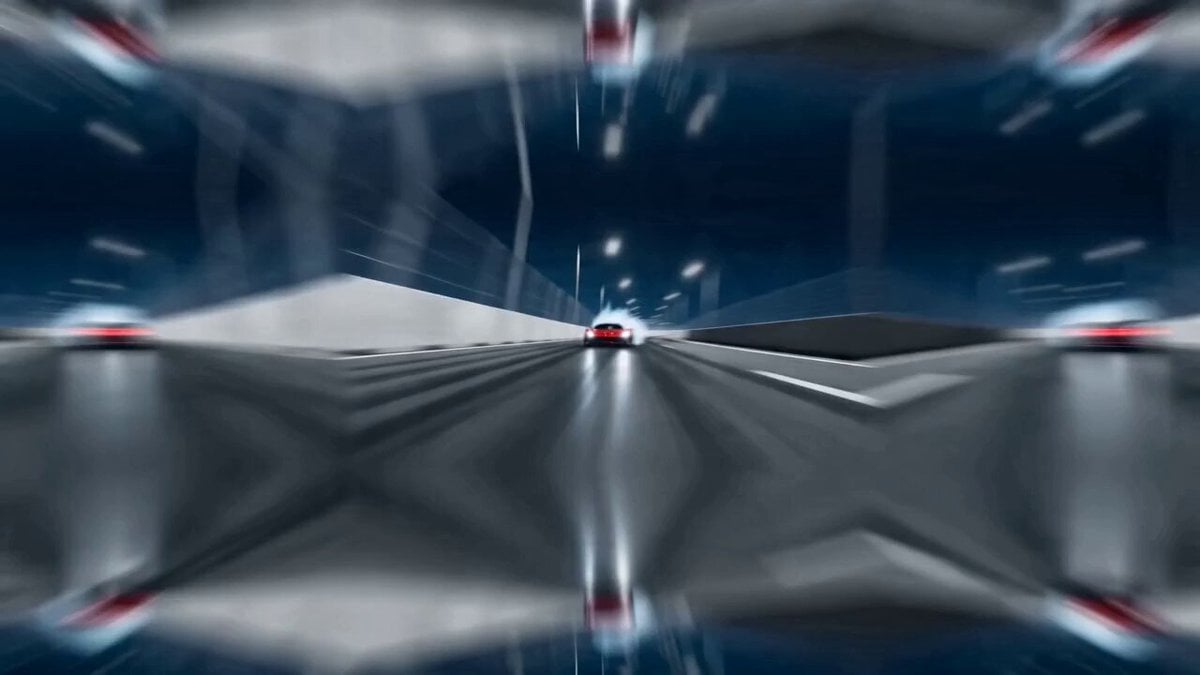
Action movie end credits sequence
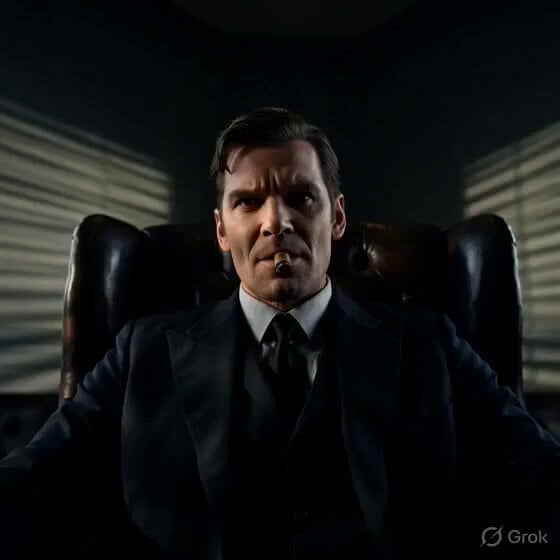
Film Noir Menacing Figure Cinematography
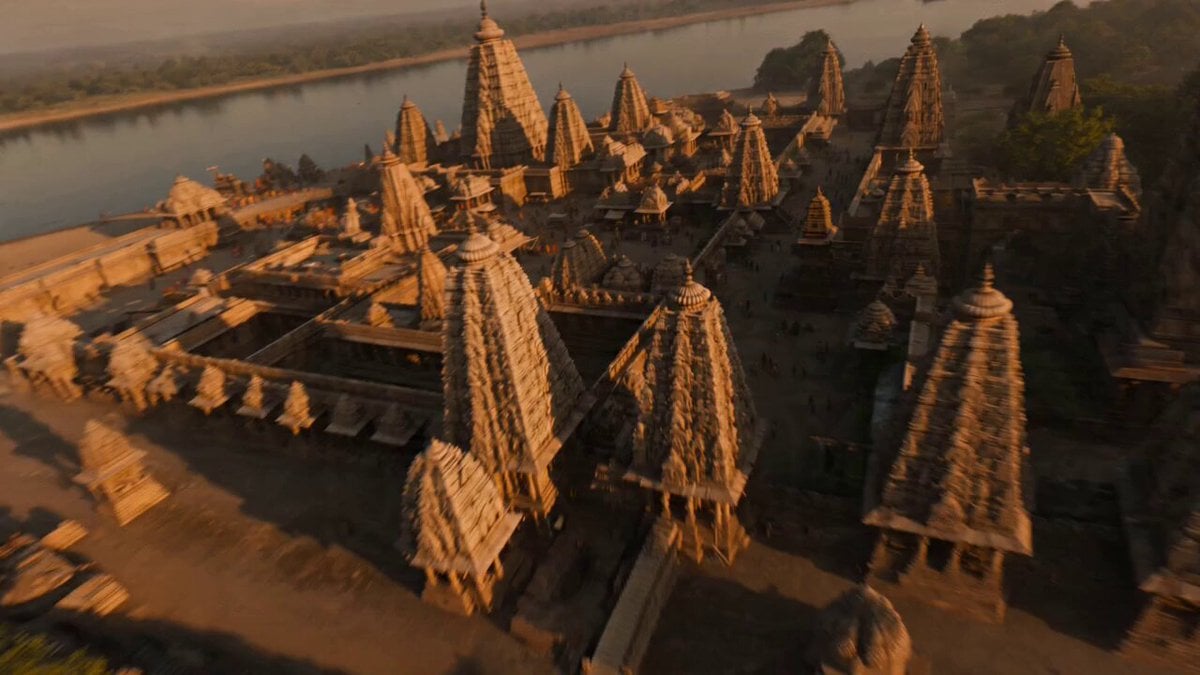
Ancient Indian Kingdom FPV Flight
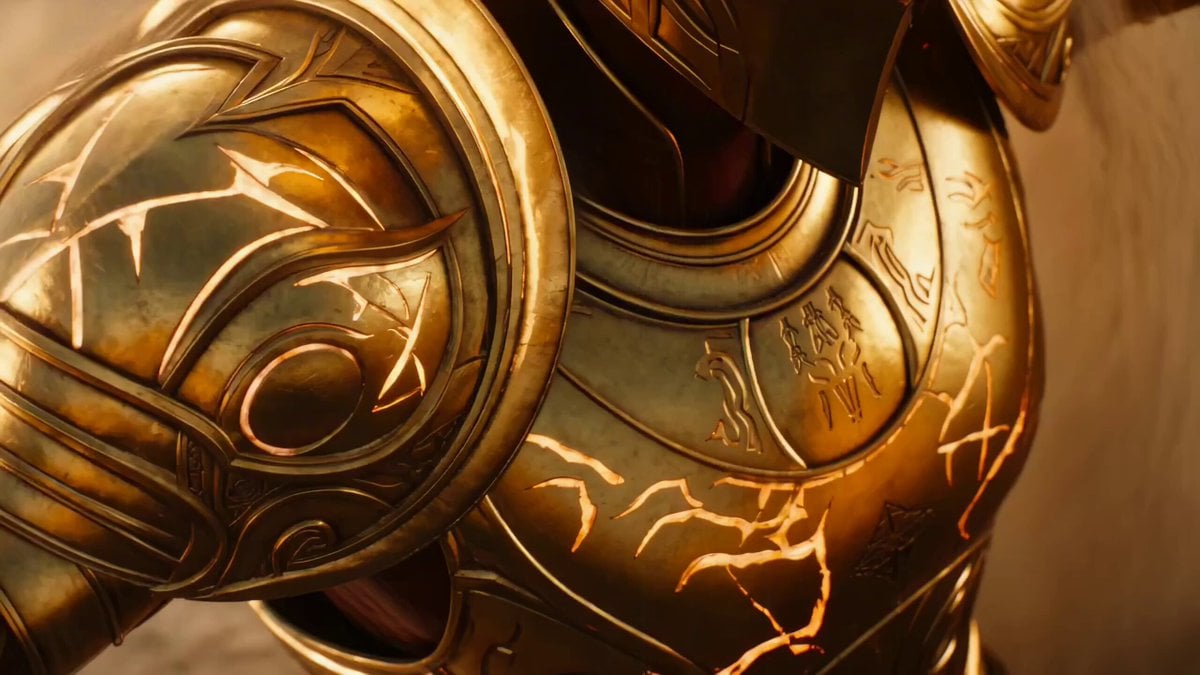
Cinematic Celestial Battle Storyboard Prompt
Browse template categories
Stylized New York Drift Animation questions
How do I use the Stylized New York Drift Animation template?
Add your photo if the template asks for one, edit the prompt if you like — the template's model and format are already selected — and press Generate. Your version opens in PicX Studio.
Can I customize the Stylized New York Drift Animation template?
Yes. You can change the subject, setting, lighting, mood, format, and available model controls before creating your video.
Is the Stylized New York Drift Animation template free?
Opening and editing this template is free. Generating uses credits, shown on the Generate button when you are signed in.
Which AI model should I use?
Start with Seedance 2.0, which is the model associated with this template. You can compare another compatible model for a different finish.
Looking for something else? Browse all templates.

Your photo, any look
Thousands of ready templates for every top image and video model, from one credit balance.