How do I use the Spider-Verse Style Car Drift template?
Edit the prompt in the box under the preview — the template's model and format are already selected — and press Generate. Your version appears right on this page.
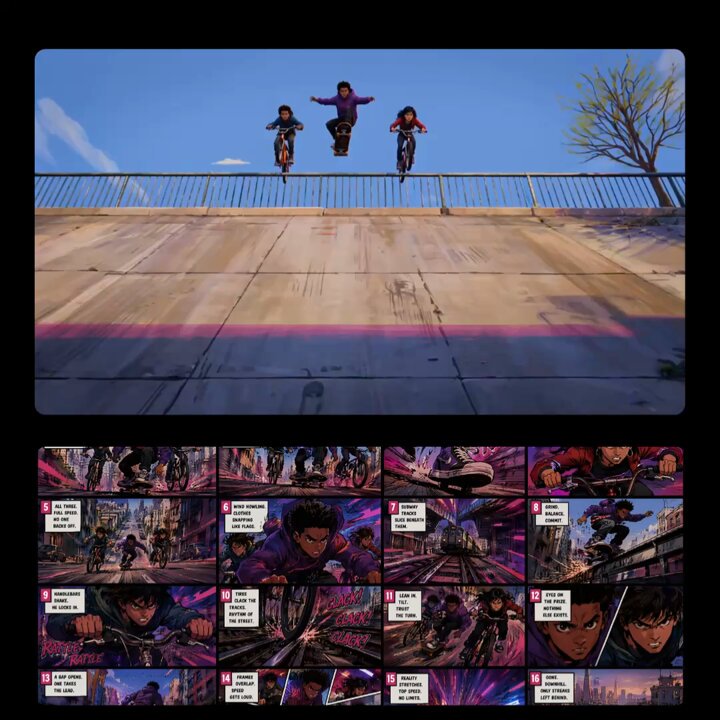
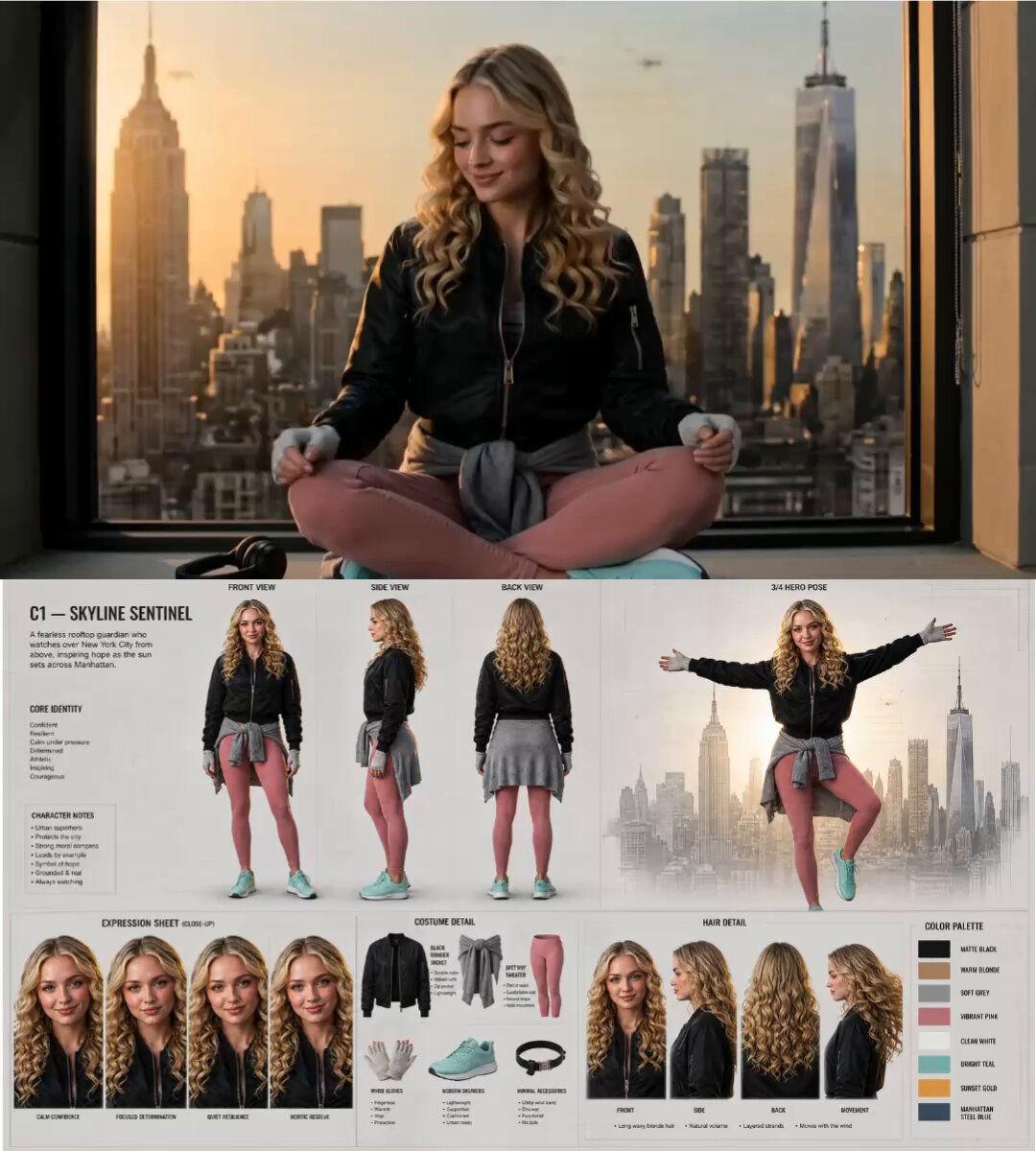
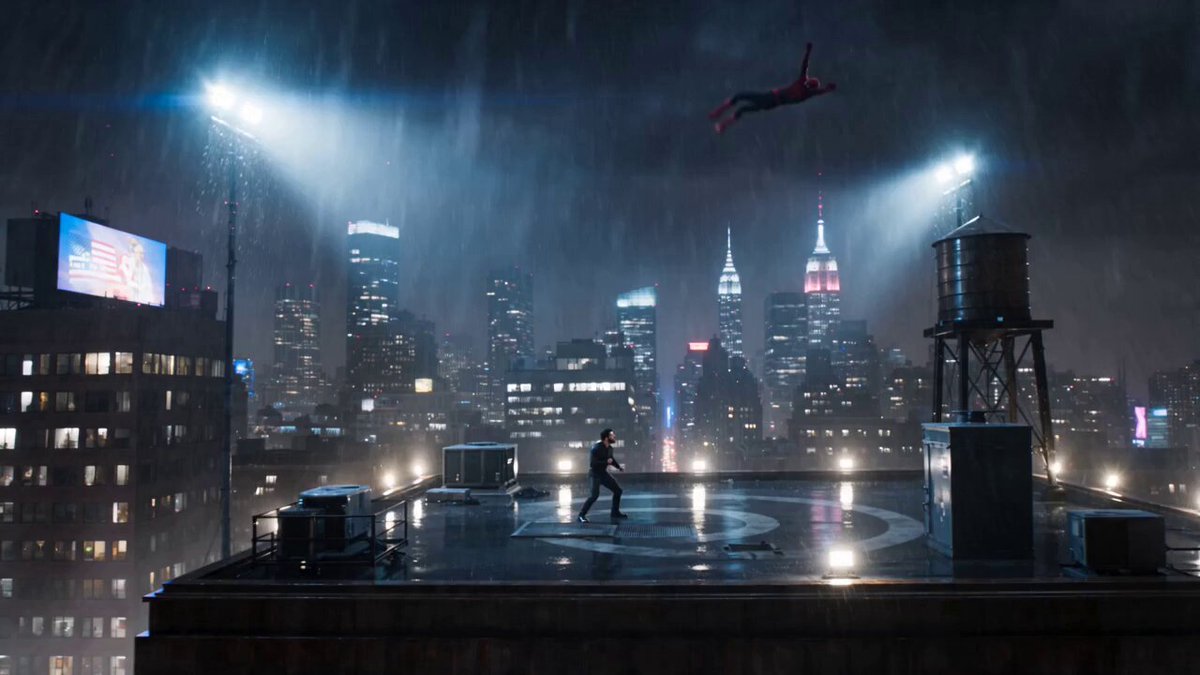
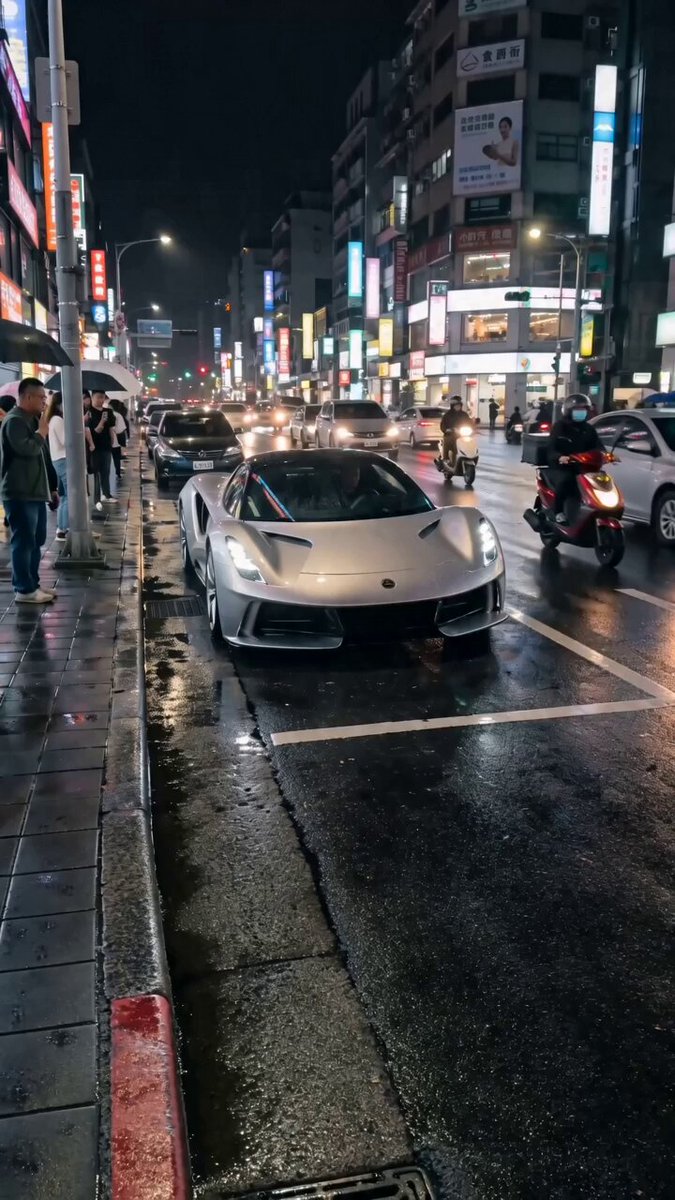
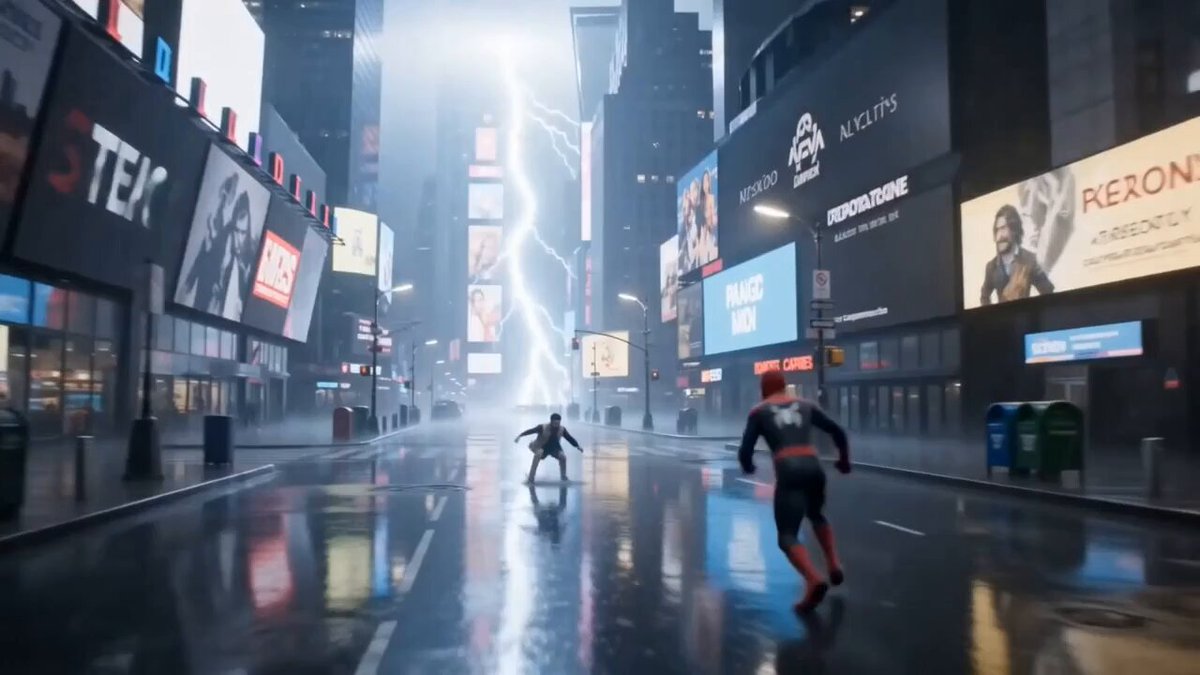
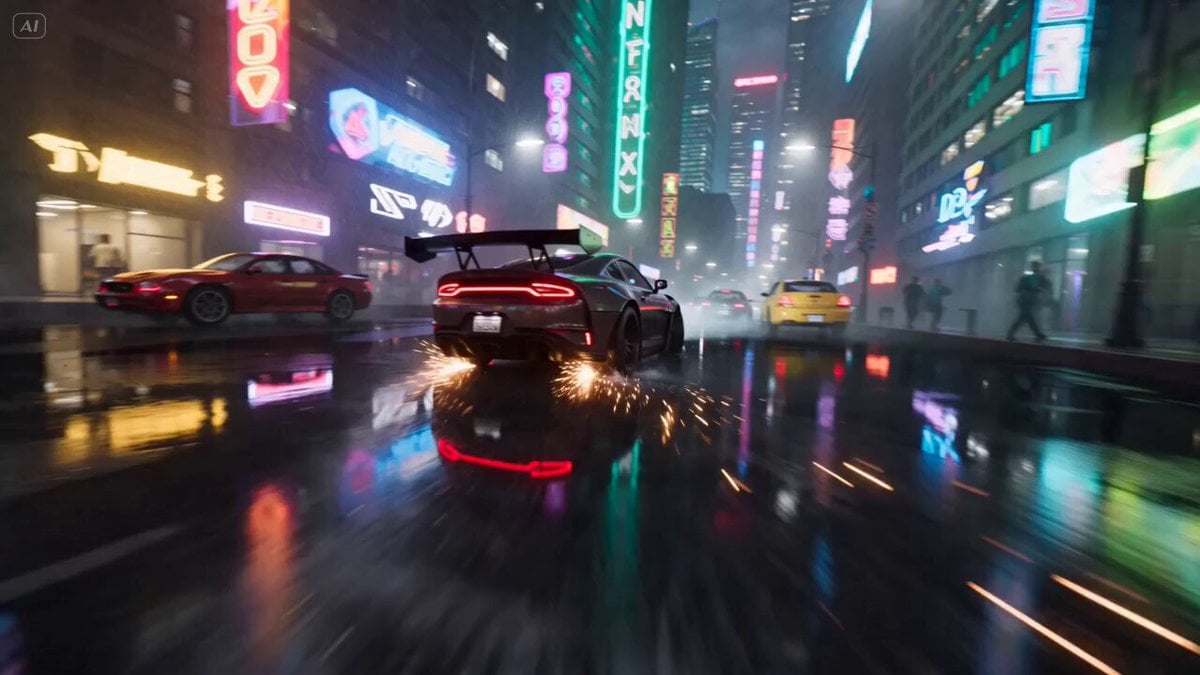
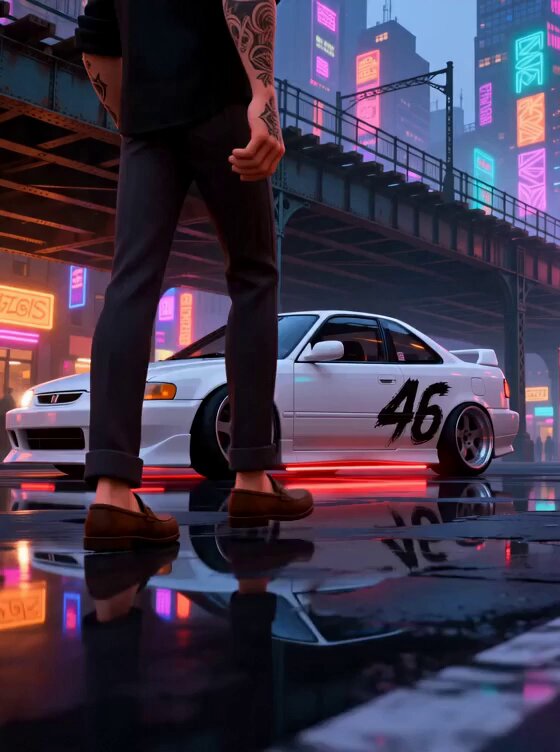
A stylized 3D animation featuring a highly consistent driver and modified Honda Integra in a neon-lit New York setting using the Continuity Block Method.
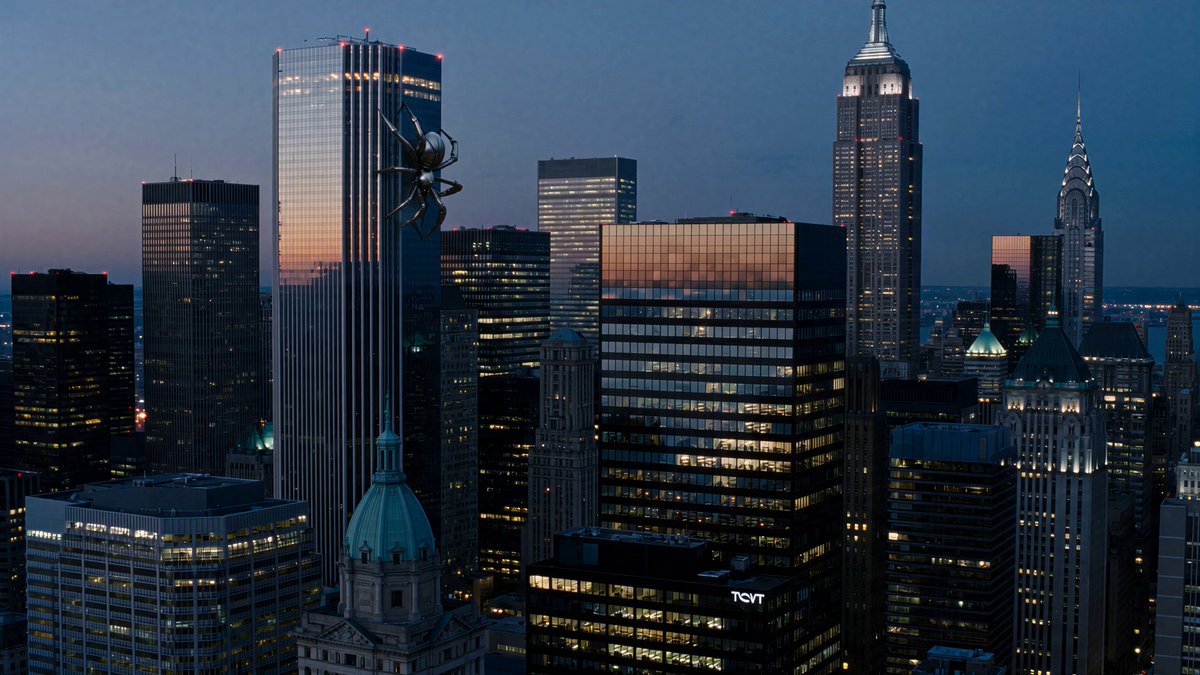
GLOBAL STYLE: Stylized 3D animation, cel shaded graphics, comic book rendering, Spider Verse inspired visual style, vibrant high contrast color palette, fluid dynamic motion, Unreal Engine 5 aesthetic, cinematic lighting, 4K quality. CHARACTER CONTINUITY: Stylized young male driver with wavy blonde hair, thick black glasses, short goatee, intricate black tattoo sleeves on both arms, black shirt, dark pants, brown loafers. VEHICLE CONTINUITY: Modified white 1990s Honda Integra, black brush stroke "46" side decal, glowing red underglow, deep dish rims, lowered stance, clean body kit. Keep the same car throughout. No logos or text changes. ENVIRONMENT: Neon lit New York inspired streets beneath elevated subway tracks at dusk, wet reflective asphalt, glowing storefronts, cinematic atmosphere. SEQUENCE (0:00–0:15): 0:00–0:05 — walk to car, door handle, ignition, underglow reflecting on wet pavement 0:05–0:08 — exhaust smoke, hands on wheel, dashboard lights on driver's face 0:08–0:11 — dashcam POV acceleration under train tracks, motion blur 0:11–0:15 — close-up on eyes in mirror, hard cut to drift, tire smoke, sparks
GLOBAL STYLE: Stylized 3D animation, cel shaded graphics, comic book rendering, Spider Verse inspired visual style, vibrant high contrast color palette, fluid dynamic motion, Unreal Engine 5 aesthetic, cinematic lighting, 4K quality. CHARACTER CONTINUITY: Stylized young male driver with wavy blonde hair, thick black glasses, short goatee, intricate black tattoo sleeves on both arms, black shirt, dark pants, brown loafers. VEHICLE CONTINUITY: Modified white 1990s Honda Integra, black brush stroke "46" side decal, glowing red underglow, deep dish rims, lowered stance, clean body kit. Keep the same car throughout. No logos or text changes. ENVIRONMENT: Neon lit New York inspired streets beneath elevated subway tracks at dusk, wet reflective asphalt, glowing storefronts, cinematic atmosphere. SEQUENCE (0:00–0:15): 0:00–0:05 — walk to car, door handle, ignition, underglow reflecting on wet pavement 0:05–0:08 — exhaust smoke, hands on wheel, dashboard lights on driver's face 0:08–0:11 — dashcam POV acceleration under train tracks, motion blur 0:11–0:15 — close-up on eyes in mirror, hard cut to drift, tire smoke, sparks
Edit the prompt in the box under the preview — the template's model and format are already selected — and press Generate. Your version appears right on this page.
Yes. You can change the subject, setting, lighting, mood, format, and available model controls before creating your video.
Opening and editing this template is free. Generating uses credits, shown on the Generate button when you are signed in.
Start with Seedance 2.0, which is the model associated with this template. You can compare another compatible model for a different finish.
Follow a topic to a crawlable collection of related PicX Studio templates.