How do I use the Modern Street-Style Spider-Woman Transformation template?
Edit the prompt in the box under the preview — the template's model and format are already selected — and press Generate. Your version appears right on this page.
A cinematic video prompt of a woman transforming into a street-style Spider-Woman in New York City, featuring web-swinging action and rooftop views at golden hour.
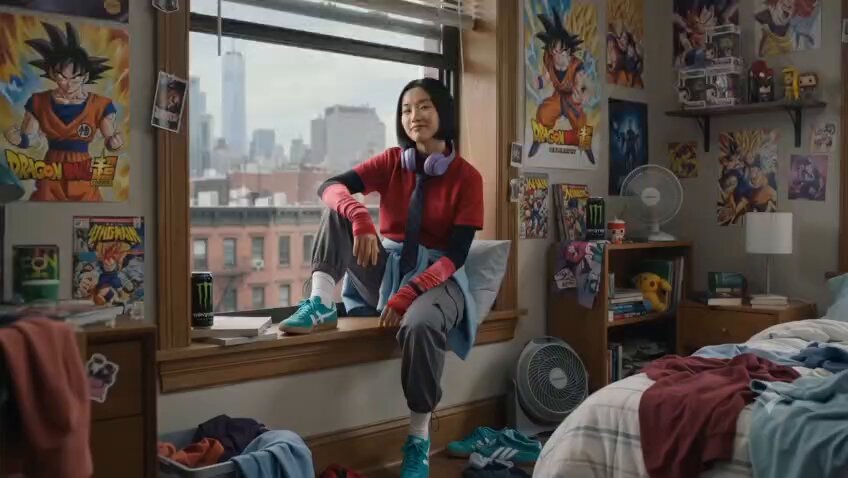
Cinematic 15-second video of a young woman with long blonde wavy hair transforming into a modern street-style Spider-Woman in New York City at golden hour. She sits cross-legged on a high-rise window ledge overlooking the Manhattan skyline, wearing a black bomber jacket, pink tights, grey sweater tied at her waist, white gloves, and teal sneakers, putting on large black over-ear headphones with a soft smile. She lies back with her teal sneakers against the glass. Close-up of her white-gloved hand shooting a thin white web. She swings acrobatically on the web through rainy NYC streets lined with brick buildings, fire escapes, and yellow taxis at dusk, leaping between walls, running and flipping through traffic, then landing on a rooftop. Final shot: she stands confidently on a water-tower rooftop against a dramatic orange sunset sky, arms outstretched in a powerful pose, city skyline behind her. Dynamic camera moves, smooth motion, realistic physics, cinematic lighting, high detail, photorealistic.
Cinematic 15-second video of a young woman with long blonde wavy hair transforming into a modern street-style Spider-Woman in New York City at golden hour. She sits cross-legged on a high-rise window ledge overlooking the Manhattan skyline, wearing a black bomber jacket, pink tights, grey sweater tied at her waist, white gloves, and teal sneakers, putting on large black over-ear headphones with a soft smile. She lies back with her teal sneakers against the glass. Close-up of her white-gloved hand shooting a thin white web. She swings acrobatically on the web through rainy NYC streets lined with brick buildings, fire escapes, and yellow taxis at dusk, leaping between walls, running and flipping through traffic, then landing on a rooftop. Final shot: she stands confidently on a water-tower rooftop against a dramatic orange sunset sky, arms outstretched in a powerful pose, city skyline behind her. Dynamic camera moves, smooth motion, realistic physics, cinematic lighting, high detail, photorealistic.
Edit the prompt in the box under the preview — the template's model and format are already selected — and press Generate. Your version appears right on this page.
Yes. You can change the subject, setting, lighting, mood, format, and available model controls before creating your video.
Opening and editing this template is free. Generating uses credits, shown on the Generate button when you are signed in.
Start with Seedance 2.0, which is the model associated with this template. You can compare another compatible model for a different finish.
Follow a topic to a crawlable collection of related PicX Studio templates.