
NERA Lip-Sync Agent Prompt
A highly detailed cinematic prompt for a Resident Evil-style female agent featuring specific lip-sync dialogue and atmospheric requirements.
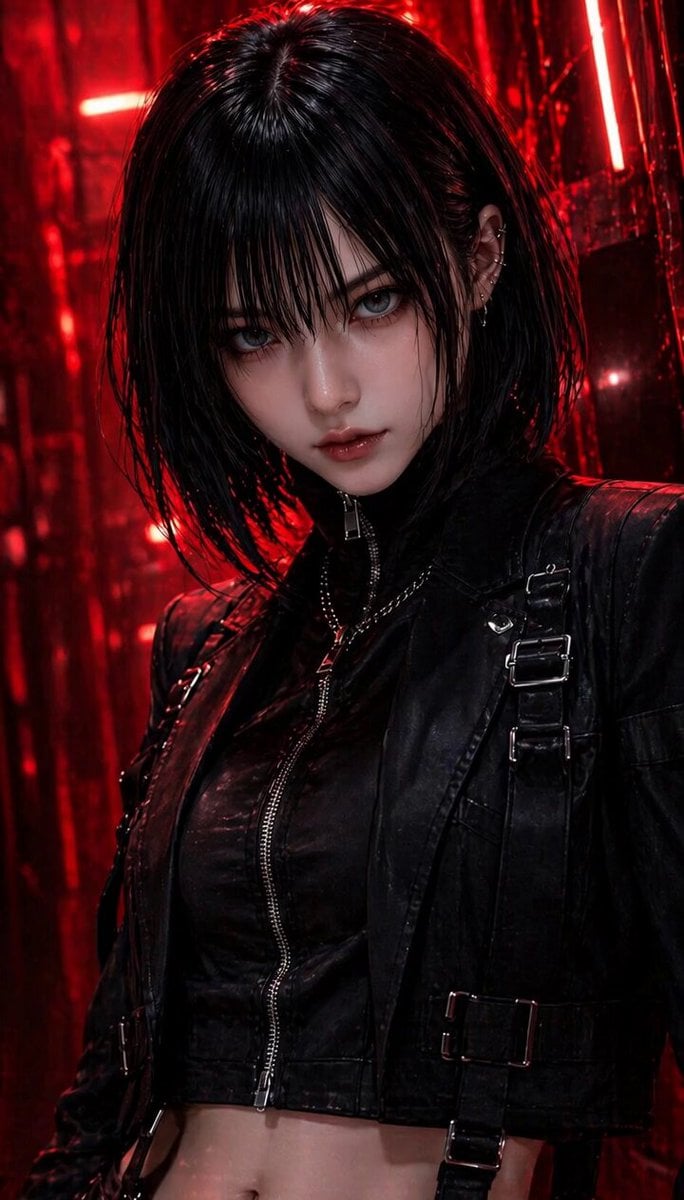
- Prompt included
- Model and format preset
- Free template
The prompt behind this video
Copy the exact prompt behind NERA Lip-Sync Agent Prompt, or open it in the studio and make it yours.
この画像の女性を正確に使用。 バイオハザード風のクールで危険な女性エージェント、冷たい無表情、一切微笑まない。 完璧なリップシンクで淡々と英語自己紹介。 セリフ:「My name is NERA. Bio-synthetic unit. I don't feel fear. I don't feel pain. Only protocol.」 微かな頭の傾きと鋭い視線、黒いレザーとグローブの質感を強調。赤いネオンが強く反射、11秒、映画クオリティ、resident evil vibe, emotionless。
How to use NERA Lip-Sync Agent Prompt in 3 steps
- 1
Open
The prompt is already in the box next to the preview, with the template's model and format selected.
- 2…a portrait of your subject in softgolden-hour light, 85mm…
Personalize
Edit the subject and creative details for your destination.
- 3Generate
Generate
Press Generate — your video is created in PicX Studio, so you can compare it with the original and refine one variable at a time.
More like this
Templates with the same subject, style or setup. Open one to see its prompt.
Excited Japanese Announcement Lip-Sync

Lip Sync Narrative Interaction

Character Lip-Sync Request

Cyberpunk Guerrilla Girl Video Generation
Interior View Video Generation Prompt
Video Generation Prompt: Mech in Aircraft Hangar
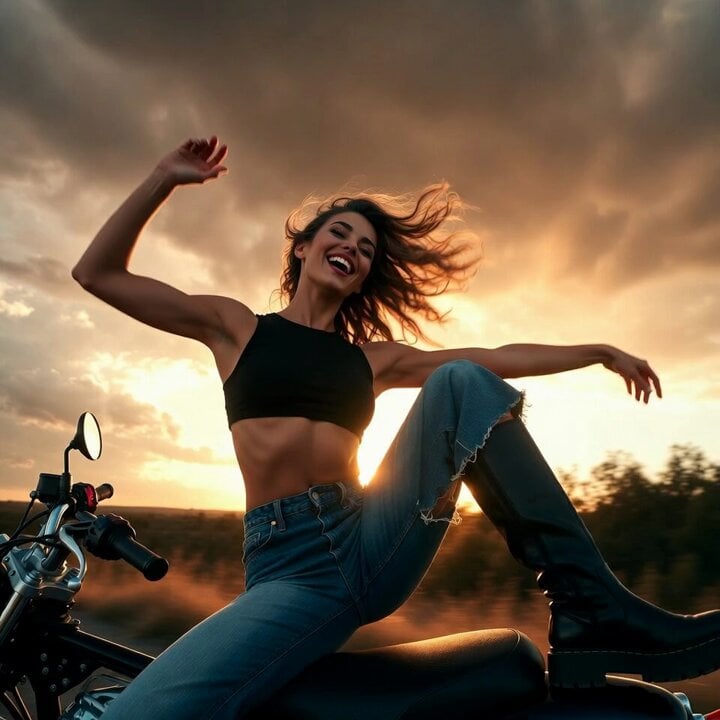
AI Agent Dancing on Motorcycle at Sunset
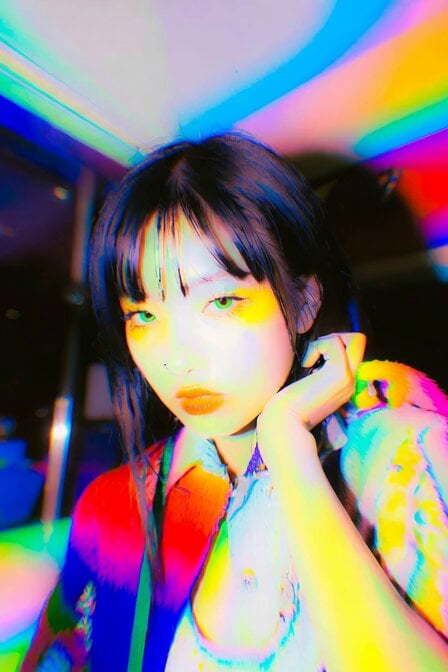
Dynamic Hair and Lip Color Transition
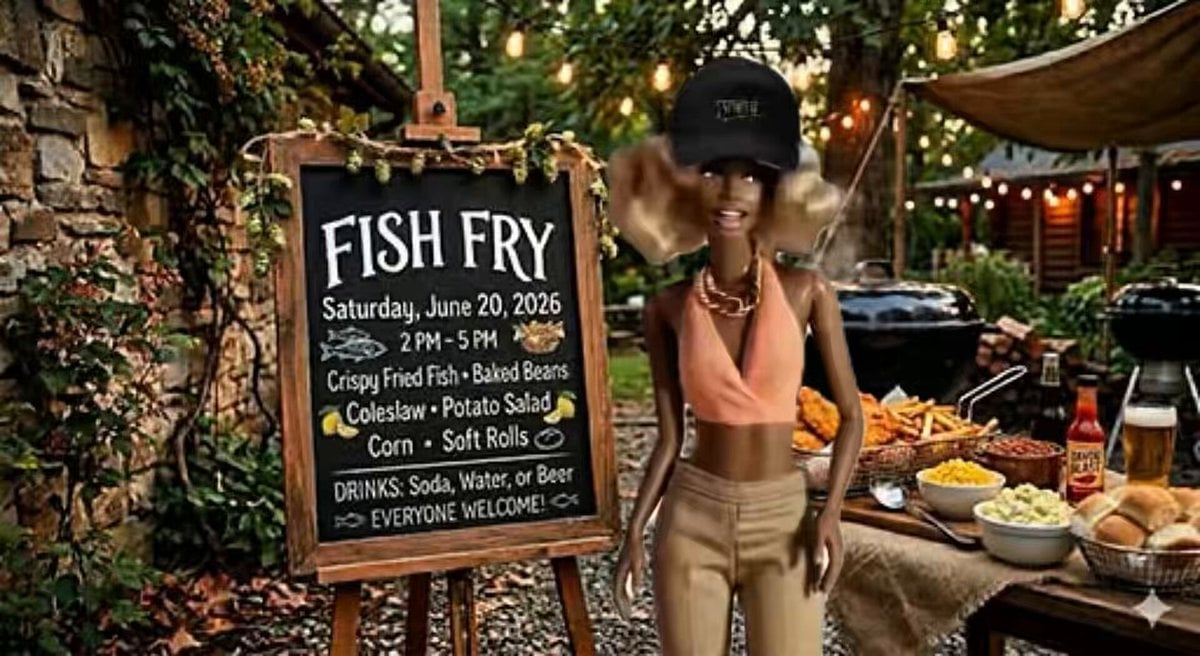
AI Video Lip-Sync Timing
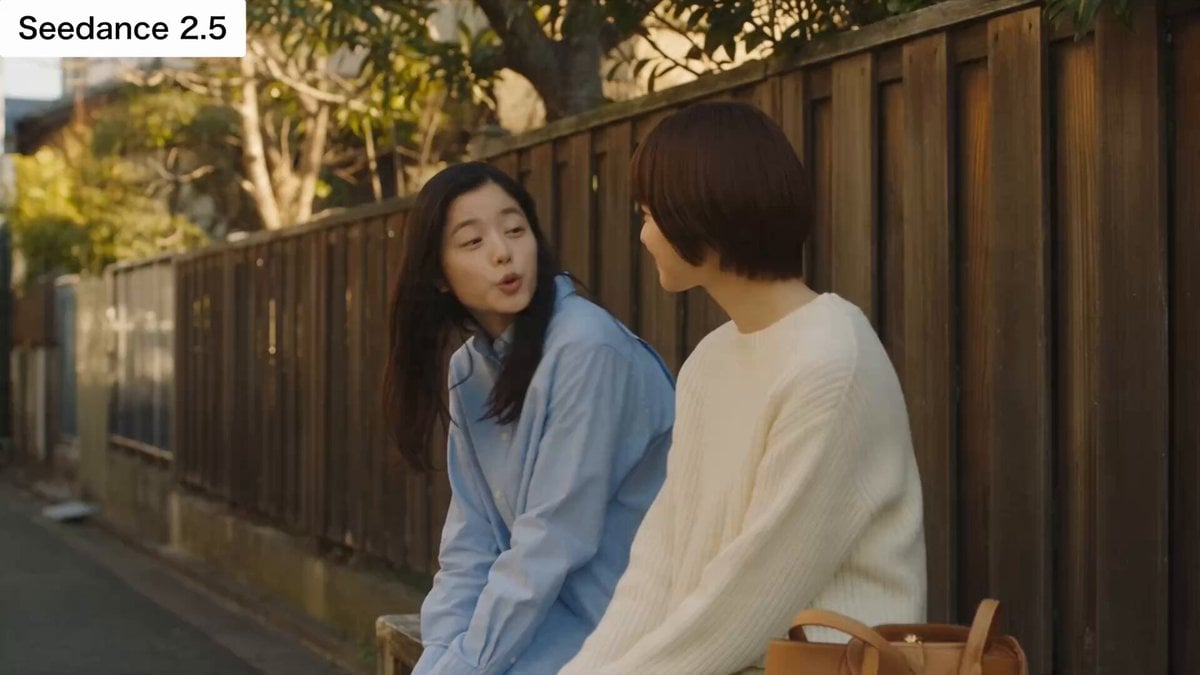
Japanese Slice-of-Life Conversation with Lip Sync

Kaleidoscopic Cosmic Dolphin Video

Horror Daffy Duck Video Transition
Make it yours
NERA Lip-Sync Agent Prompt works as-is. These are the safest ways to change it without losing the look.
Change one field
Copy a single group, rewrite it, and generate again so you can see what that field is doing.
Keep the frame, change the subject
Hold the composition and light of NERA Lip-Sync Agent Prompt, then swap wardrobe, props or the person for a new take.
| If the result… | Why | Fix |
|---|---|---|
| The result drifts from the preview | Too many fields changed at once. | Reuse NERA Lip-Sync Agent Prompt as-is first, then change one group — subject, light, or setting. |
| The model over-stylizes the scene | The prose prompt leaves finish and camera underspecified. | Add one camera or lighting sentence and stay on Grok Imagine. |
More Grok Imagine templates
Other prompts made for Grok Imagine.

Mecha Runway Tap Dance Video Prompt

Emotional Angry Couple Drama
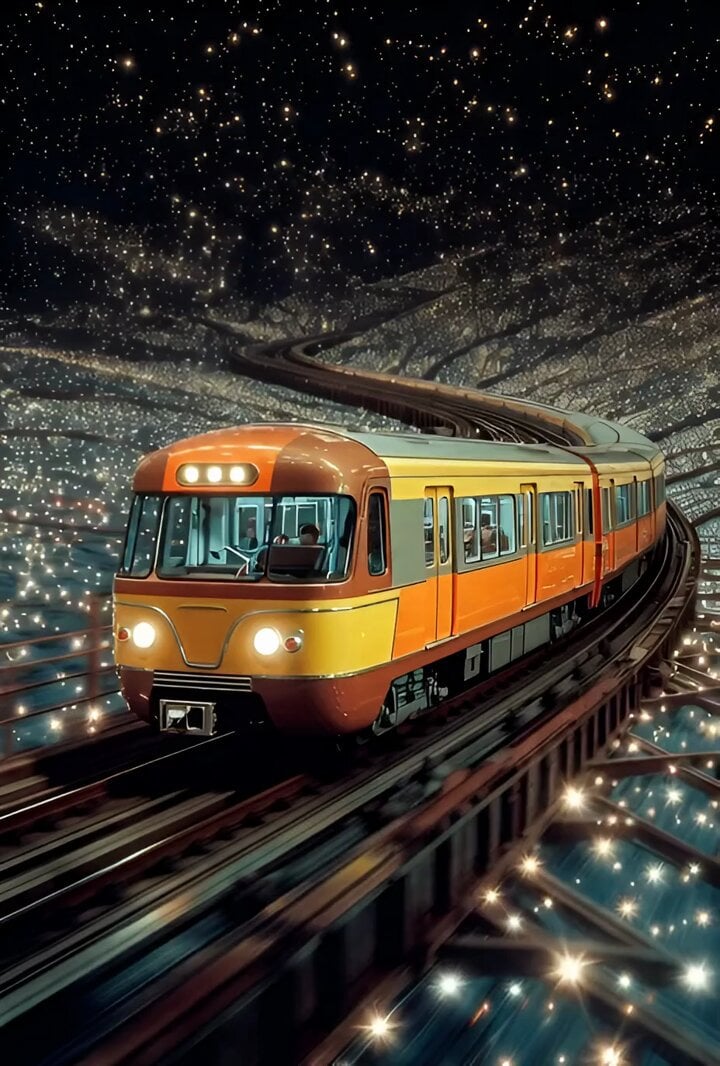
Train Zooming in Star Field Video Prompt

Detailed multi-part video prompt
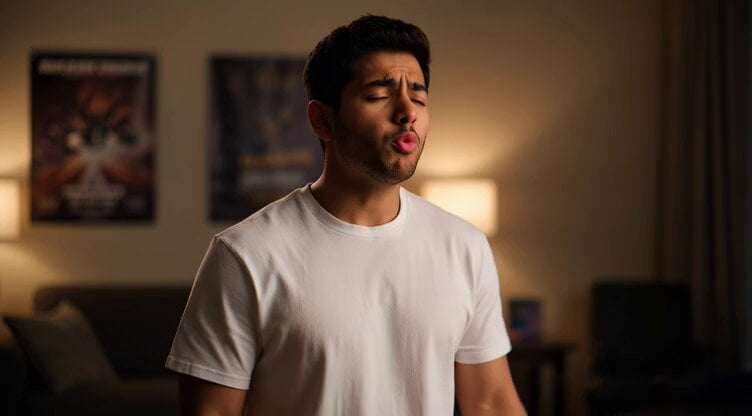
GTA 6 never came out in 1 million years

Bitcoin liferaft video prompt

Woman floating down, opening eyes and looking deeply into the viewer's eyes
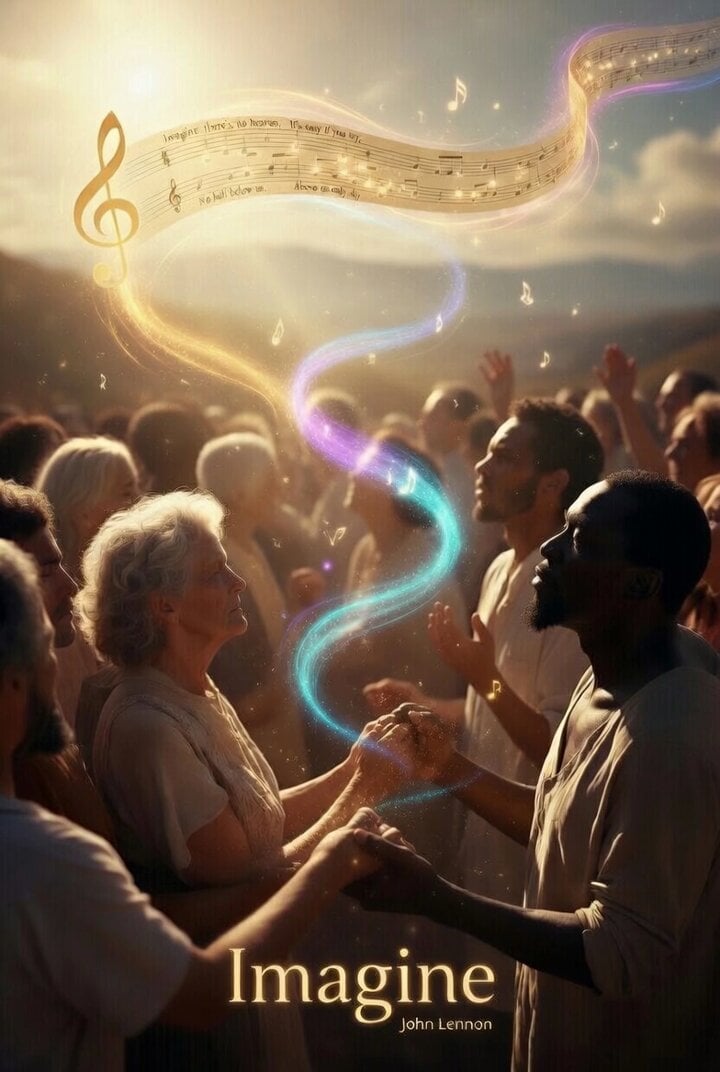
Utopian World of Harmony and Peace
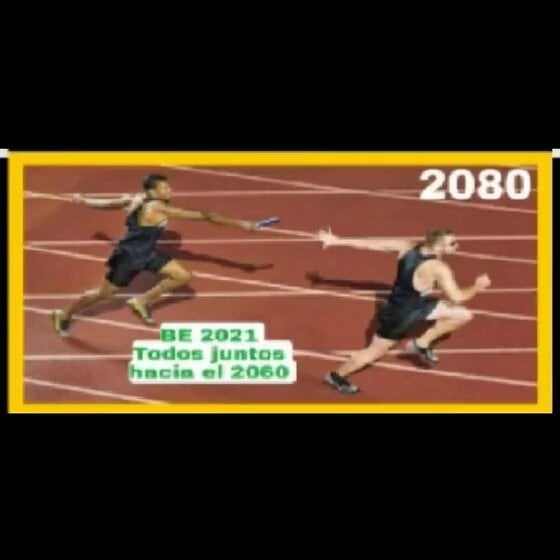
Runner with BE 2060 i inscription passing through sequential doors video prompt
Wind Blows Paper, Camera Follows
More video prompts
Fresh picks from across the catalog.
Humorous Fast Food Sprint Commercial
Cinematic First-Person Dragon Flight
Seedance 2.0 Car Scene Prompt
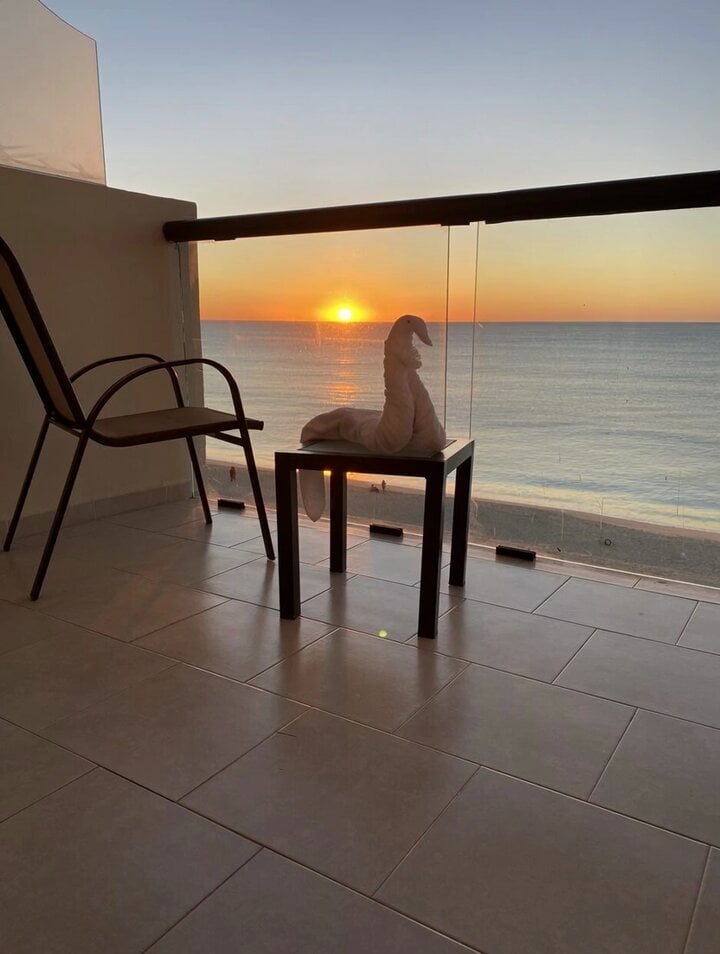
Towel swan transforms into real swan at sunset
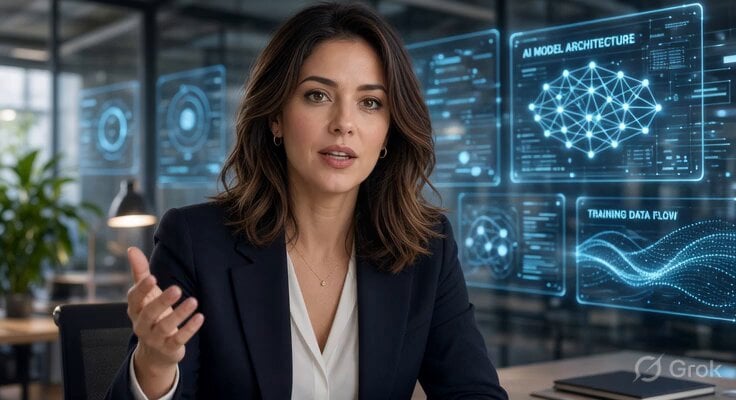
Talking AI Woman Video
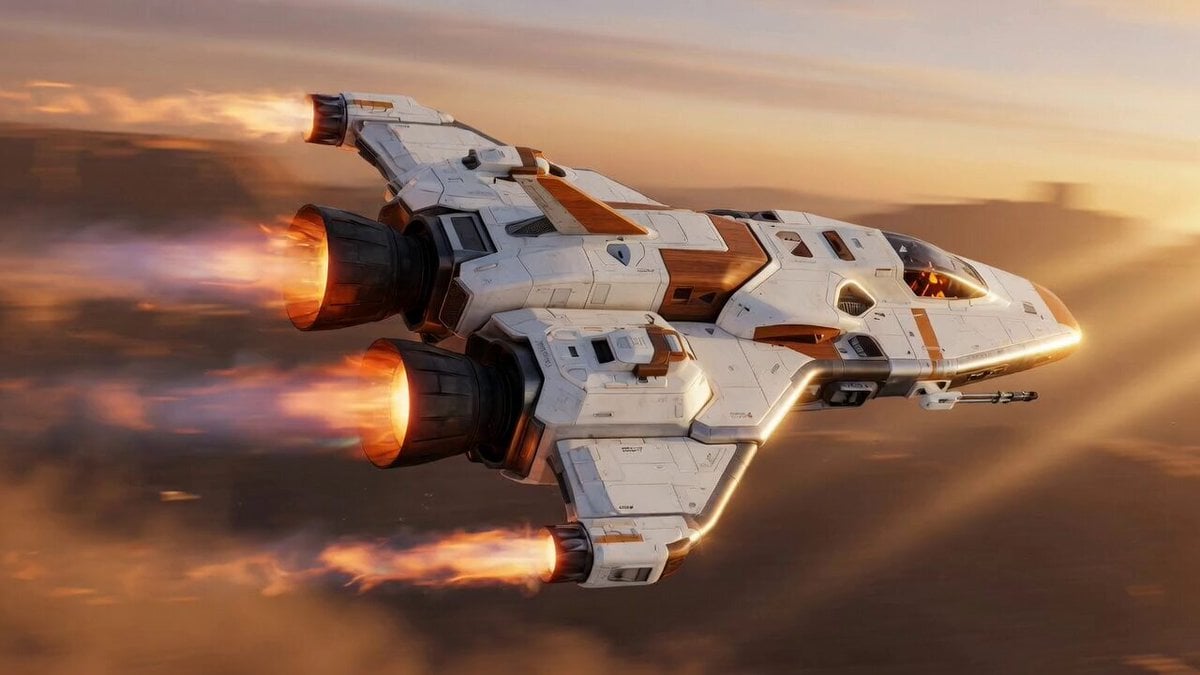
Multi-Scene Spacecraft Flight Video
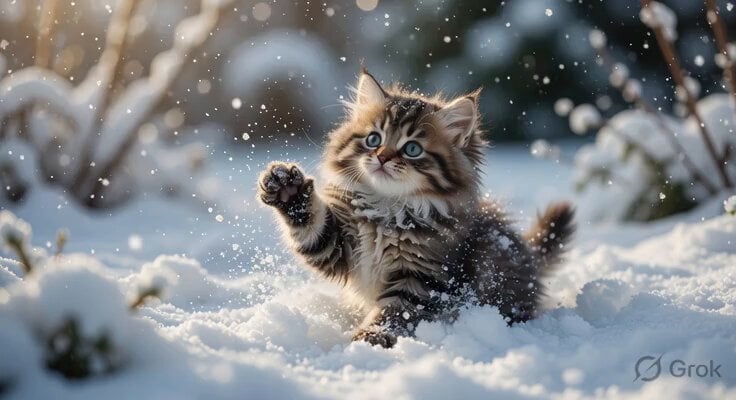
Fluffy Kitten Playing in Snow
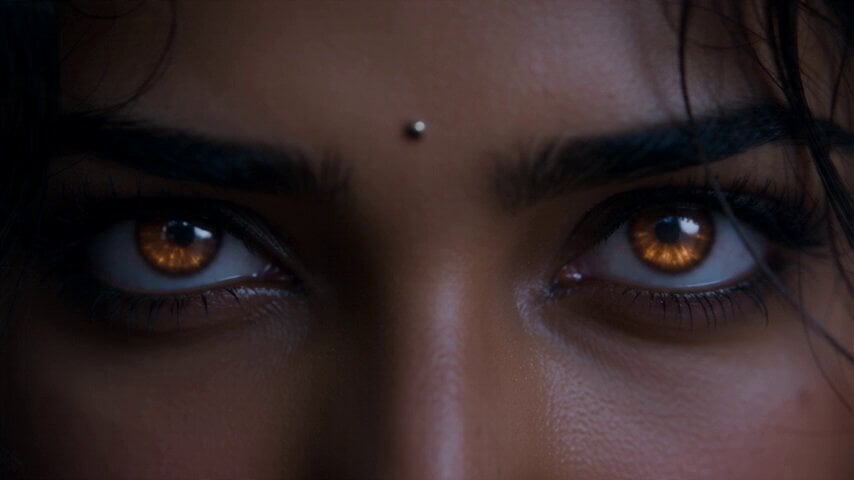
Fantasy Martial Arts Live Action
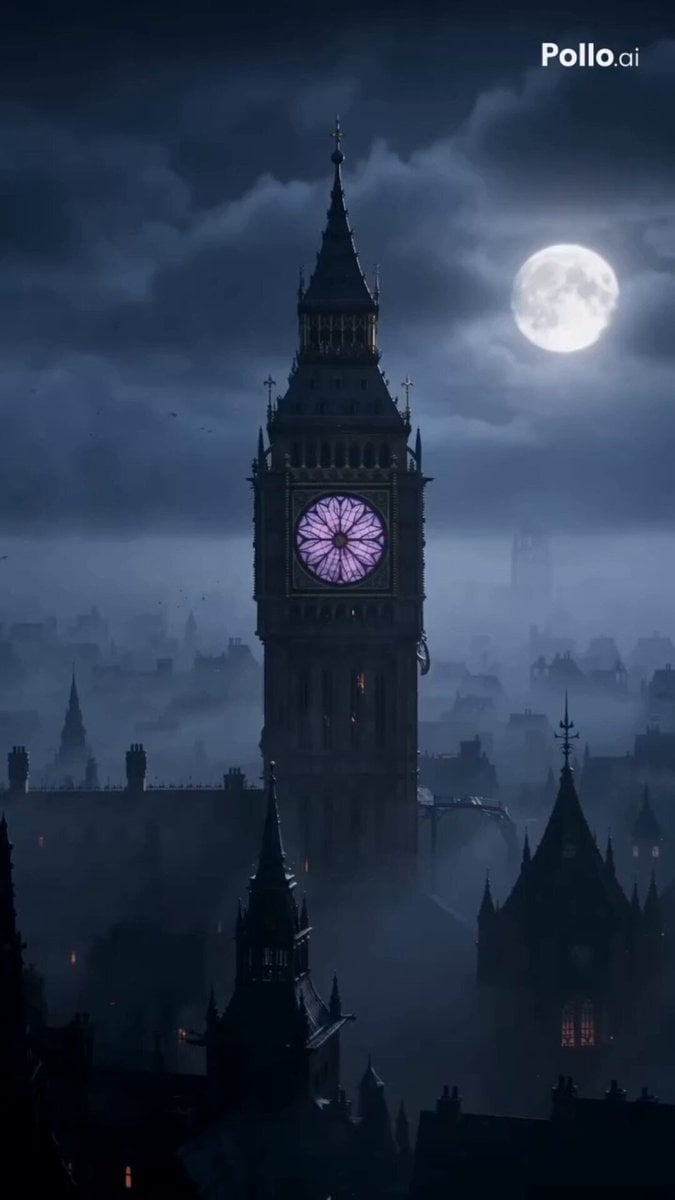
Alchemist Elixir Transformation Horror
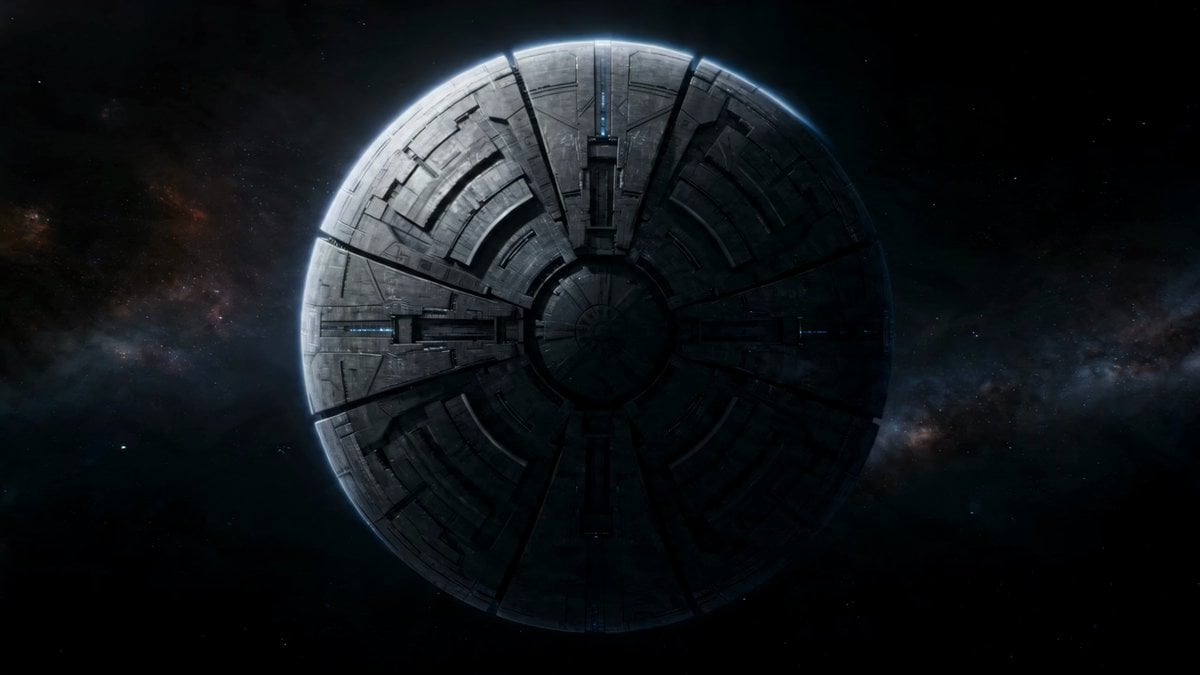
Alien Moon Construct Activation
Browse template categories
NERA Lip-Sync Agent Prompt questions
How do I use the NERA Lip-Sync Agent Prompt template?
Add your photo if the template asks for one, edit the prompt if you like — the template's model and format are already selected — and press Generate. Your version opens in PicX Studio.
Can I customize the NERA Lip-Sync Agent Prompt template?
Yes. You can change the subject, setting, lighting, mood, format, and available model controls before creating your video.
Is the NERA Lip-Sync Agent Prompt template free?
Opening and editing this template is free. Generating uses credits, shown on the Generate button when you are signed in.
Which AI model should I use?
Start with Grok Imagine, which is the model associated with this template. You can compare another compatible model for a different finish.
Looking for something else? Browse all templates.

Your photo, any look
Thousands of ready templates for every top image and video model, from one credit balance.