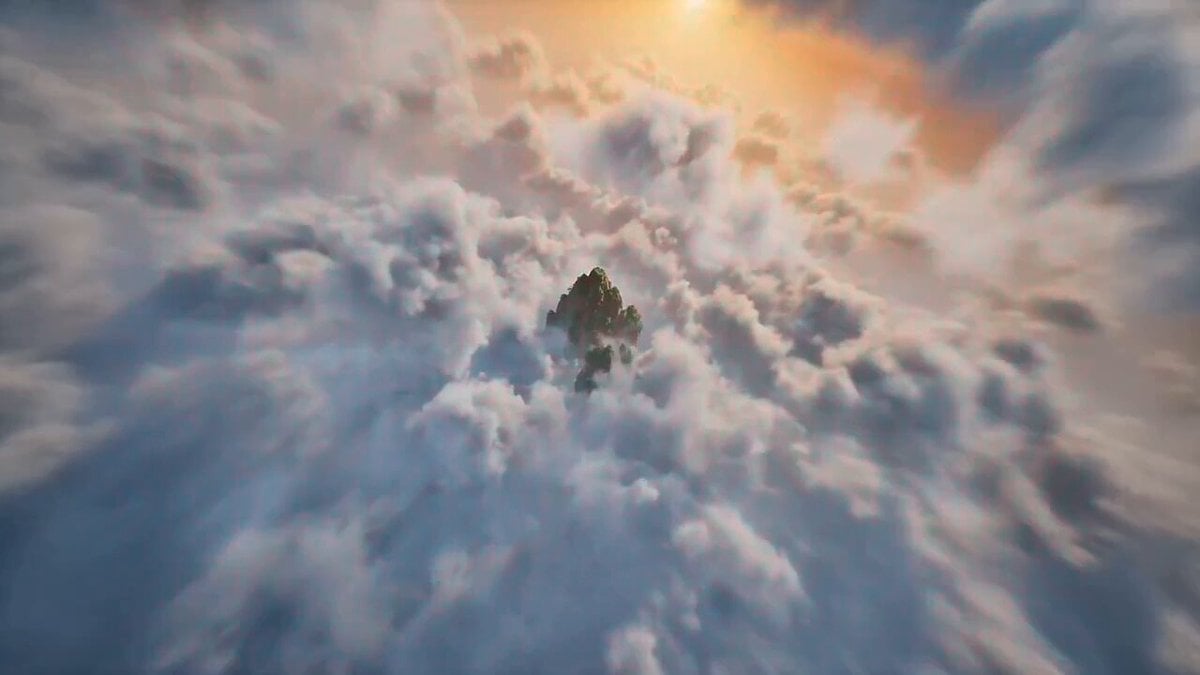
How do I use the Cinematic First-Person Dragon Flight template?
Edit the prompt in the box under the preview — the template's model and format are already selected — and press Generate. Your version appears right on this page.
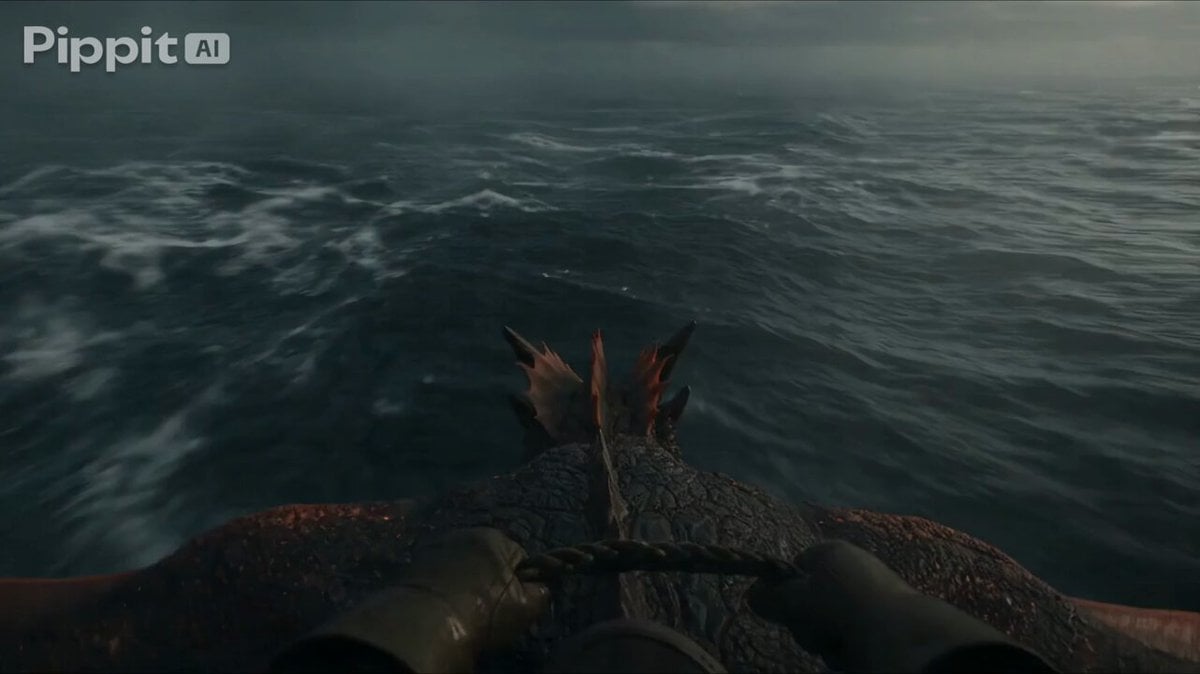
A complex, professional-grade prompt for a first-person perspective video of a dragon rider flying at high speeds through a mountain valley, using a specific design reference.
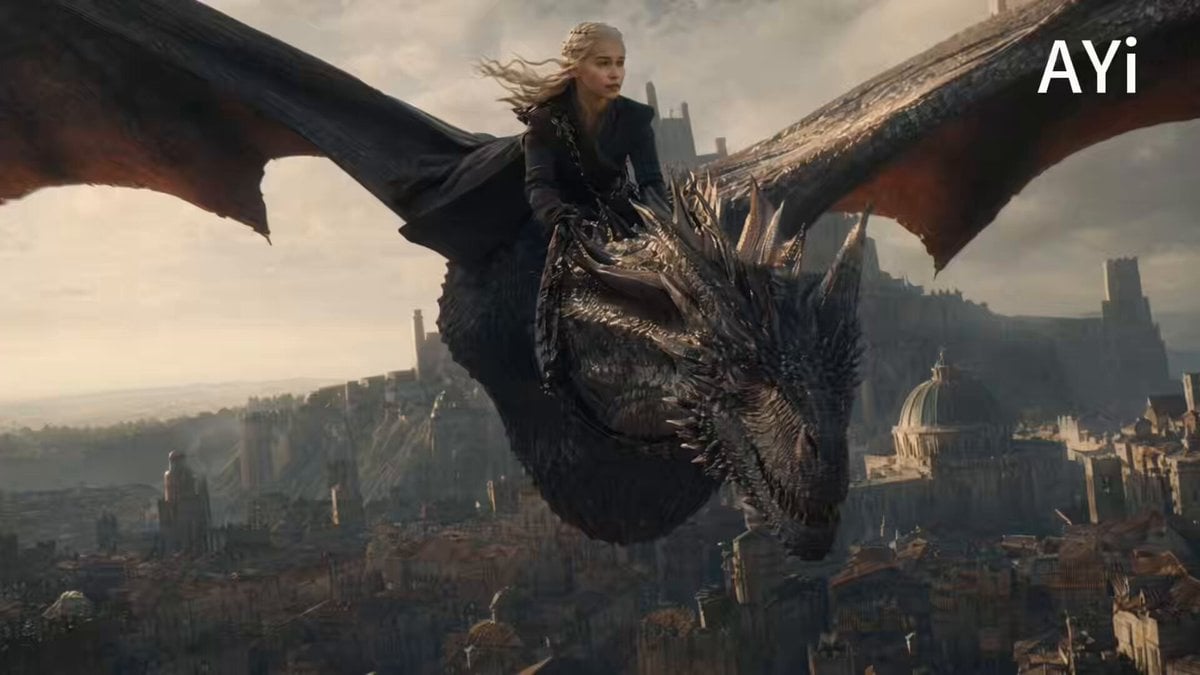
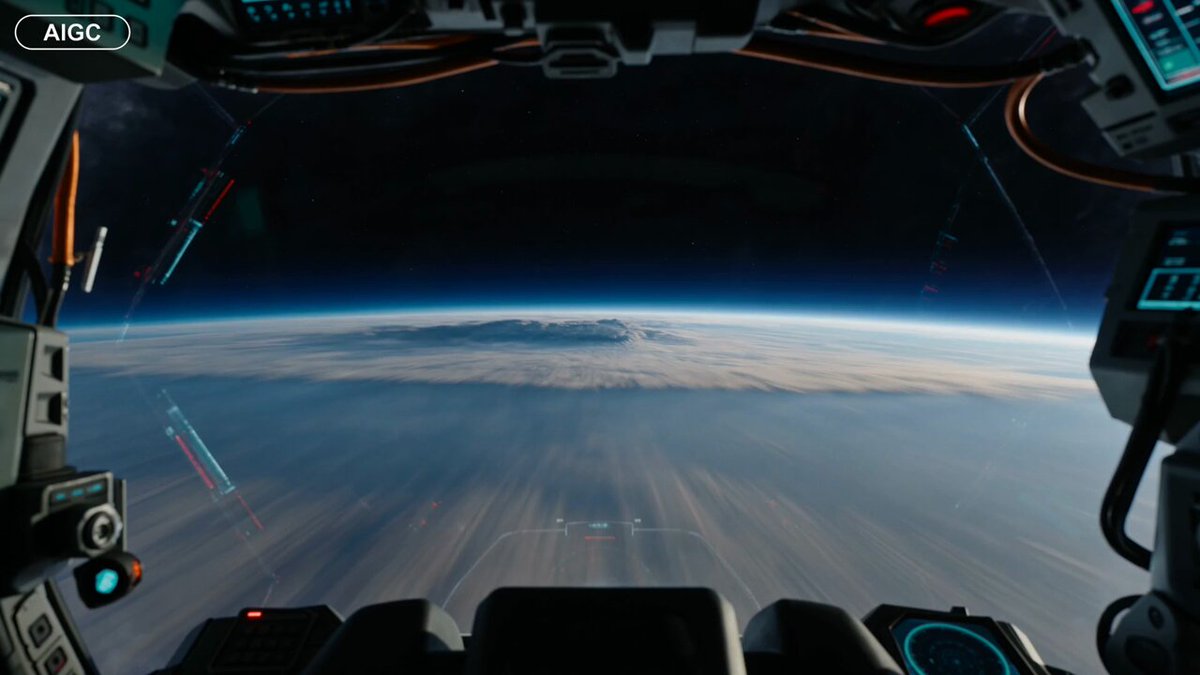
Use only the attached dragon reference sheet as the exact design source. Extract one consistent massive gray dragon from views A-I and ignore all grid lines, labels, text, and duplicate instances. First-person rider POV from a forward cockpit saddle fixed directly behind the neck base on the muscular shoulder area after the dorsal spikes, never on the rear back or near the tail. The aerodynamic saddle must be tightly anchored with visible girth straps, spine connectors, and harnesses wrapping around the body and integrated with the scales. No floating or loose equipment. Keep the saddle stable throughout. Rider’s hands grip the control harness and saddle handles in the foreground. The dragon flies at extreme speed at dangerously low altitude, skimming over green hills and winding rivers toward distant jagged mountains under a bright blue sky with dramatic cumulus clouds, god rays, and volumetric lighting. Show strong horizontal motion blur, powerful wingbeats, natural body undulation, realistic camera shake, and wind vibration. Hyper-realistic photorealism, detailed metallic gray overlapping scales, realistic dragon flight physics, cinematic 8K detail, smooth high-frame-rate 10-15 second video. No other dragons. No reference sheet elements.
Use only the attached dragon reference sheet as the exact design source. Extract one consistent massive gray dragon from views A-I and ignore all grid lines, labels, text, and duplicate instances. First-person rider POV from a forward cockpit saddle fixed directly behind the neck base on the muscular shoulder area after the dorsal spikes, never on the rear back or near the tail. The aerodynamic saddle must be tightly anchored with visible girth straps, spine connectors, and harnesses wrapping around the body and integrated with the scales. No floating or loose equipment. Keep the saddle stable throughout. Rider’s hands grip the control harness and saddle handles in the foreground. The dragon flies at extreme speed at dangerously low altitude, skimming over green hills and winding rivers toward distant jagged mountains under a bright blue sky with dramatic cumulus clouds, god rays, and volumetric lighting. Show strong horizontal motion blur, powerful wingbeats, natural body undulation, realistic camera shake, and wind vibration. Hyper-realistic photorealism, detailed metallic gray overlapping scales, realistic dragon flight physics, cinematic 8K detail, smooth high-frame-rate 10-15 second video. No other dragons. No reference sheet elements.
Edit the prompt in the box under the preview — the template's model and format are already selected — and press Generate. Your version appears right on this page.
Yes. You can change the subject, setting, lighting, mood, format, and available model controls before creating your video.
Opening and editing this template is free. Generating uses credits, shown on the Generate button when you are signed in.
Start with Grok Imagine, which is the model associated with this template. You can compare another compatible model for a different finish.
Follow a topic to a crawlable collection of related PicX Studio templates.