
Bus Stop Flyer Mishap
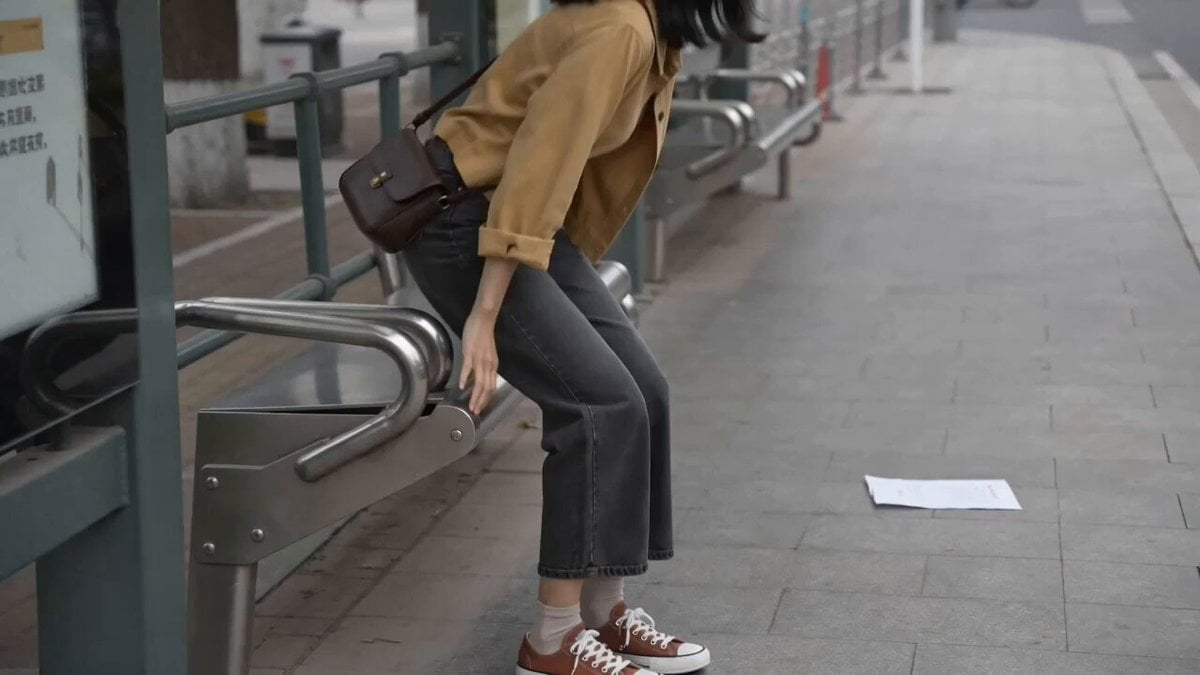
A comedic video prompt for Seedance 2.0 showing a girl at a bus stop dealing with a flyer stuck to her shoe, captured with a nostalgic DV aesthetic.
- Prompt included
- Model and format preset
- Premium template
The prompt behind this video
Copy the exact prompt behind Bus Stop Flyer Mishap, or open it in the studio and make it yours.
白天的街边公交站,女孩从长椅起身准备往前走,却没发现一张轻薄宣传单被鞋底踩住。她走出一步,纸张跟着鞋拖到身后,发出细小摩擦声;她回头才发现,单脚轻轻甩了两次都没甩掉,最后低头忍笑。朋友的旧 DV 先拍到她的鞋和地面,等她回头才慢半拍推近她尴尬的表情。
How to use Bus Stop Flyer Mishap in 3 steps
- 1
Open
The prompt is already in the box next to the preview, with the template's model and format selected.
- 2…a portrait of your subject in softgolden-hour light, 85mm…
Personalize
Edit the subject and creative details for your destination.
- 3Generate
Generate
Press Generate — your video is created in PicX Studio, so you can compare it with the original and refine one variable at a time.
More like this
Templates with the same subject, style or setup. Open one to see its prompt.

Rainy Bus Stop Memory

Real Estate Agent Shoe Mishap
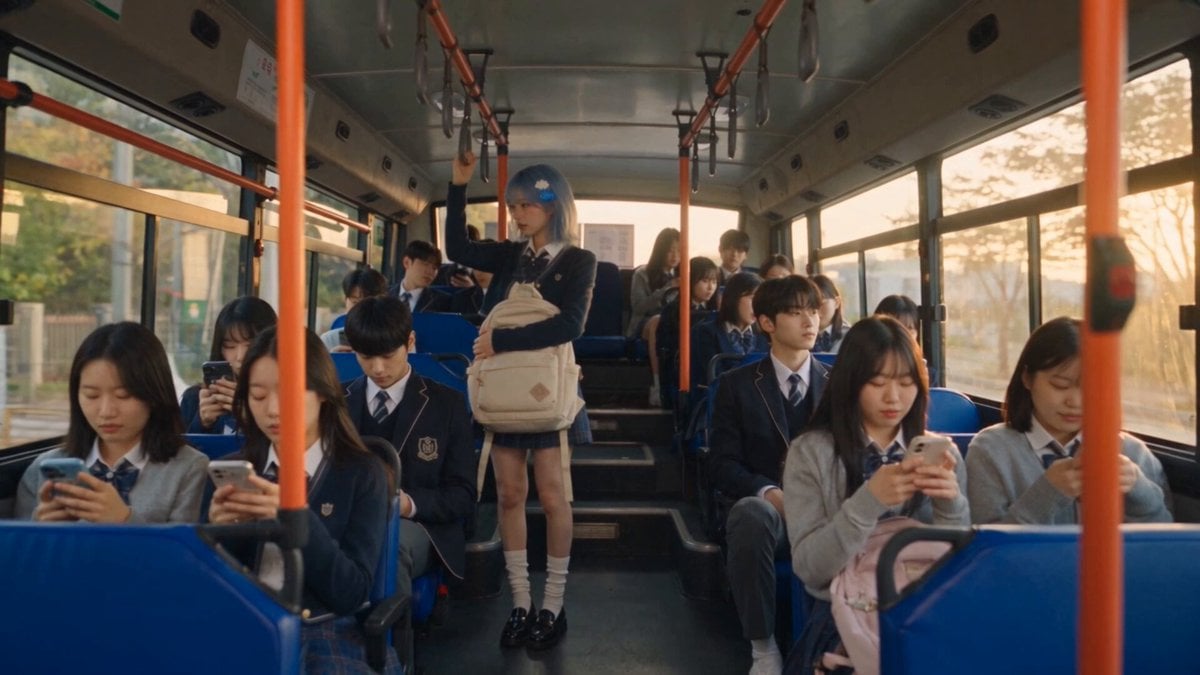
Korean Romantic Comedy Bus Scene Script
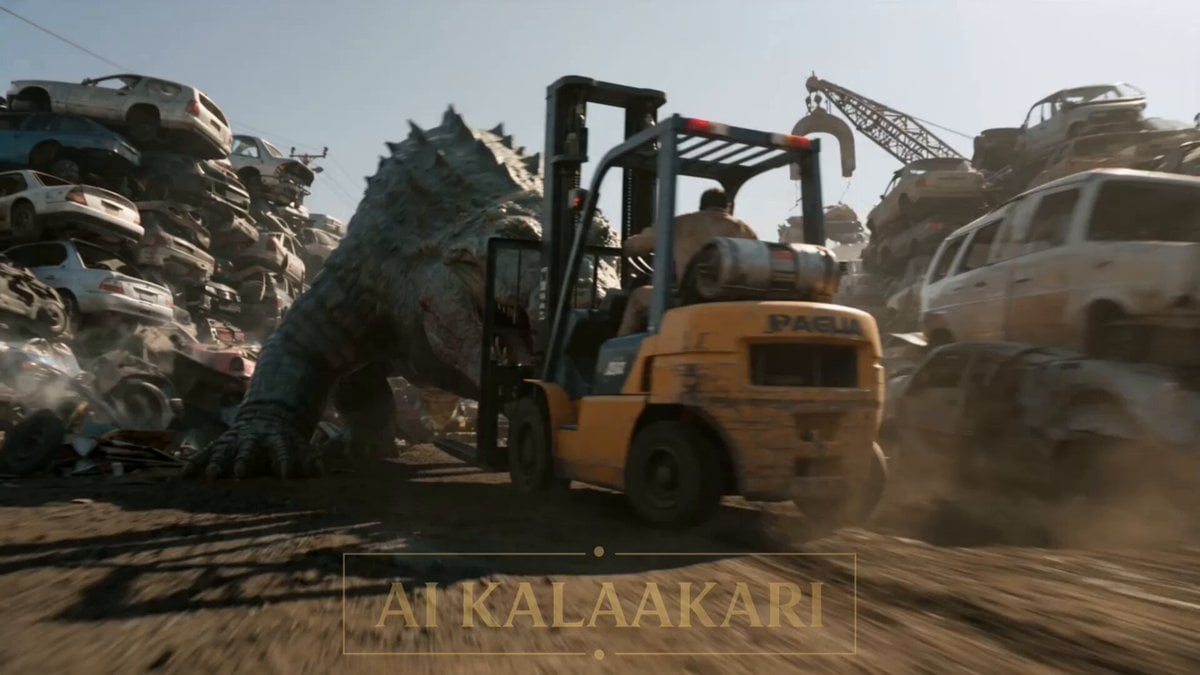
Scrapyard Mega Crocodile Ambush
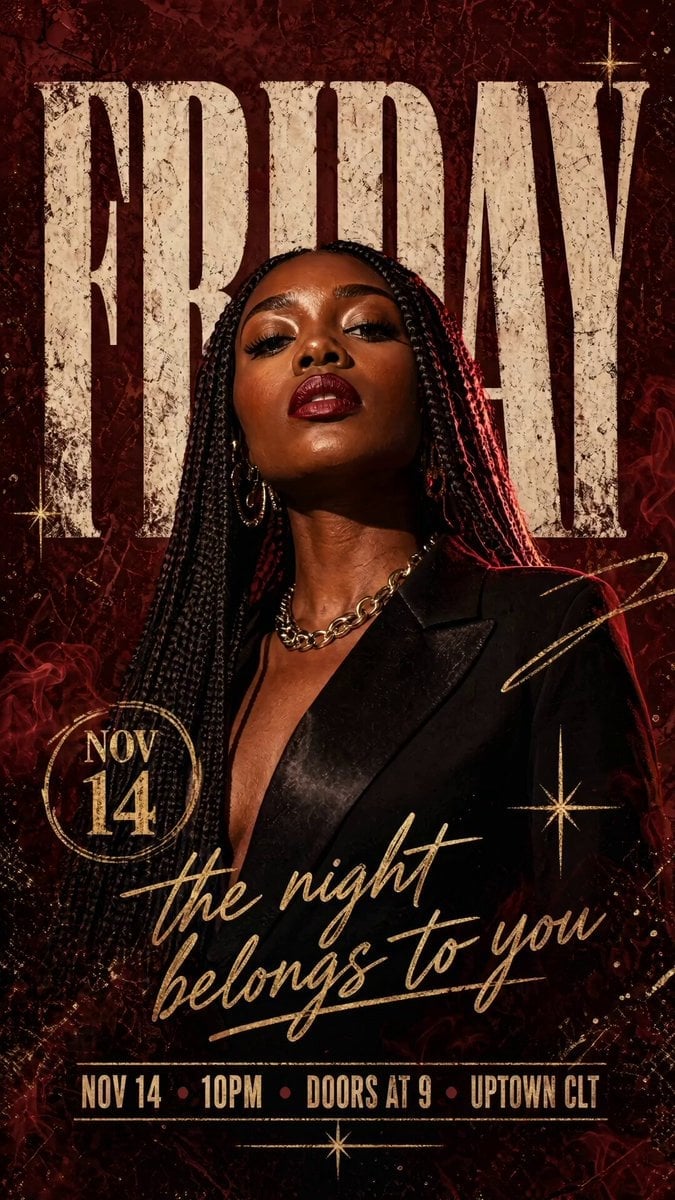
Nightclub Flyer Atmospheric Animation
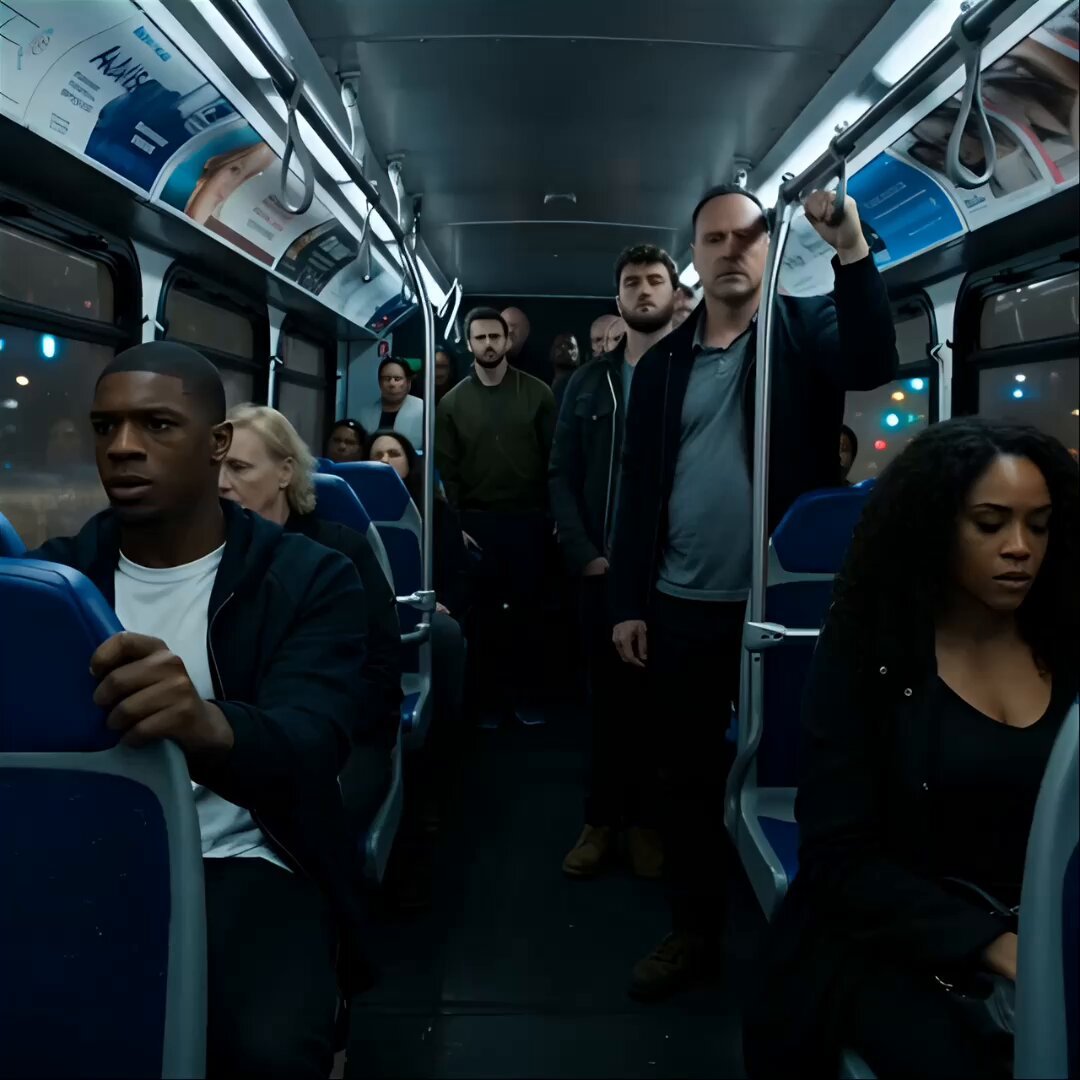
Alien Creature Under Bus Horror
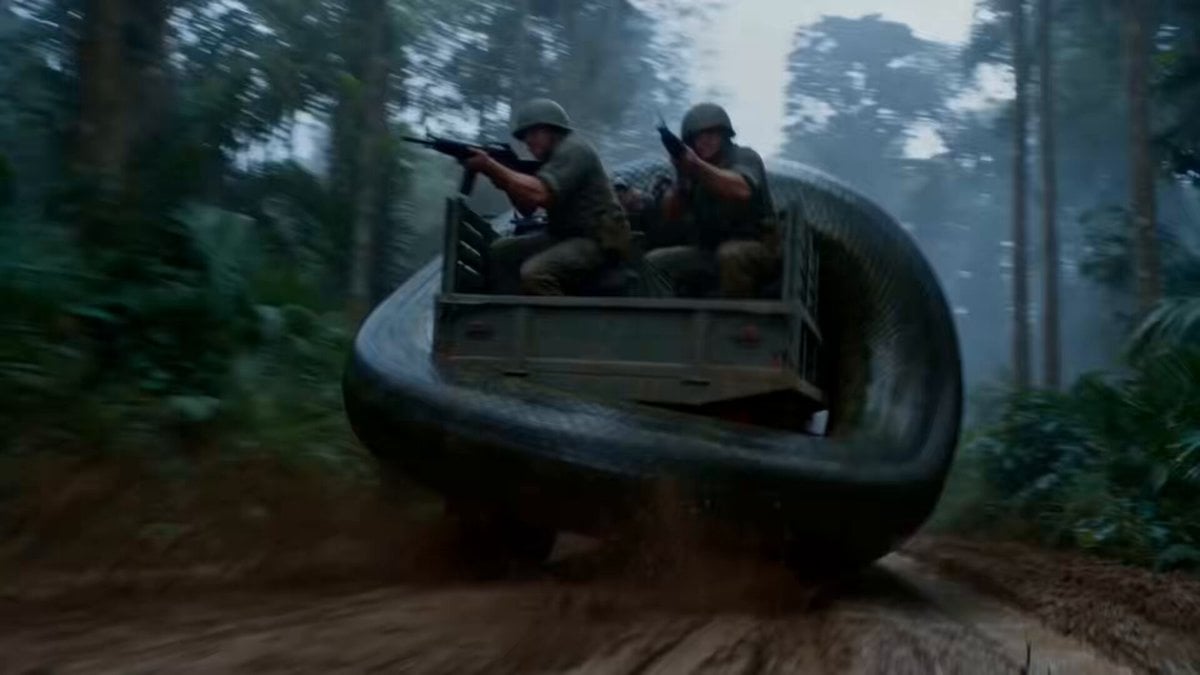
Jungle Supply Convoy Snake Ambush
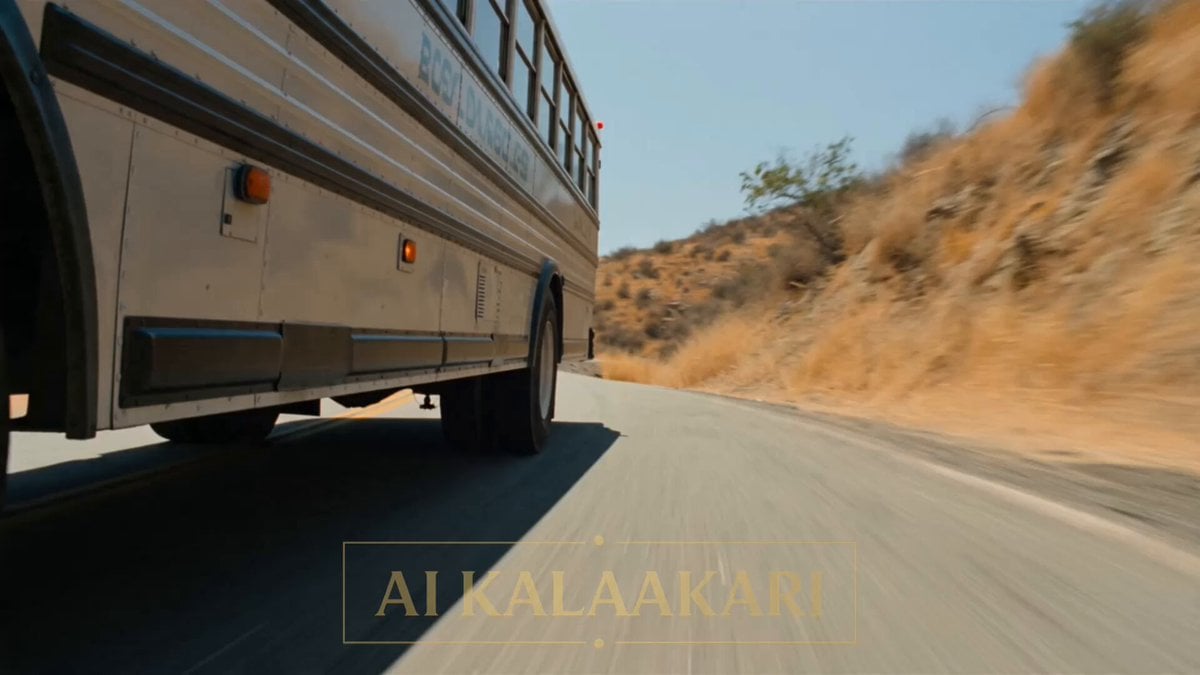
Cinematic Action Scene: Mega Crocodile vs Bus
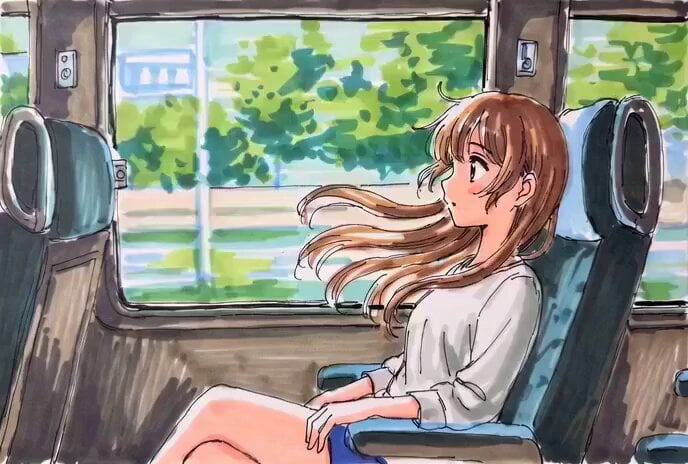
Hand-Drawn Anime Bus Scene Video Prompt

Bus transforming into a Cybertronian mechanical giant caterpillar
Bus Disassembly and Reorganization
Transforming School Bus Mecha
Make it yours
Bus Stop Flyer Mishap works as-is. These are the safest ways to change it without losing the look.
Change one field
Copy a single group, rewrite it, and generate again so you can see what that field is doing.
Keep the frame, change the subject
Hold the composition and light of Bus Stop Flyer Mishap, then swap wardrobe, props or the person for a new take.
| If the result… | Why | Fix |
|---|---|---|
| The result drifts from the preview | Too many fields changed at once. | Reuse Bus Stop Flyer Mishap as-is first, then change one group — subject, light, or setting. |
| The model over-stylizes the scene | The prose prompt leaves finish and camera underspecified. | Add one camera or lighting sentence and stay on Seedance 2.0. |
More Seedance 2.0 templates
Other prompts made for Seedance 2.0.

Comical Martial Arts Punch Scene

Maglev Train Action Sequence

Martial Arts Fight Sequence

Wuxia Protection and Trust Script

Vintage Korean Arcade MiniDV Vlog

Mercedes 190 SL Luxury Ad

Rainy Night Supernatural Reverse Comedy Video Script

Amazon Civilization Discovery

Futuristic South Asian City Transformation

Cozy Luxury Cafe Commercial
More video prompts
Fresh picks from across the catalog.
Apocalyptic Meteor Penguin Breakup
Cinematic Car Entry and Drive Sequence
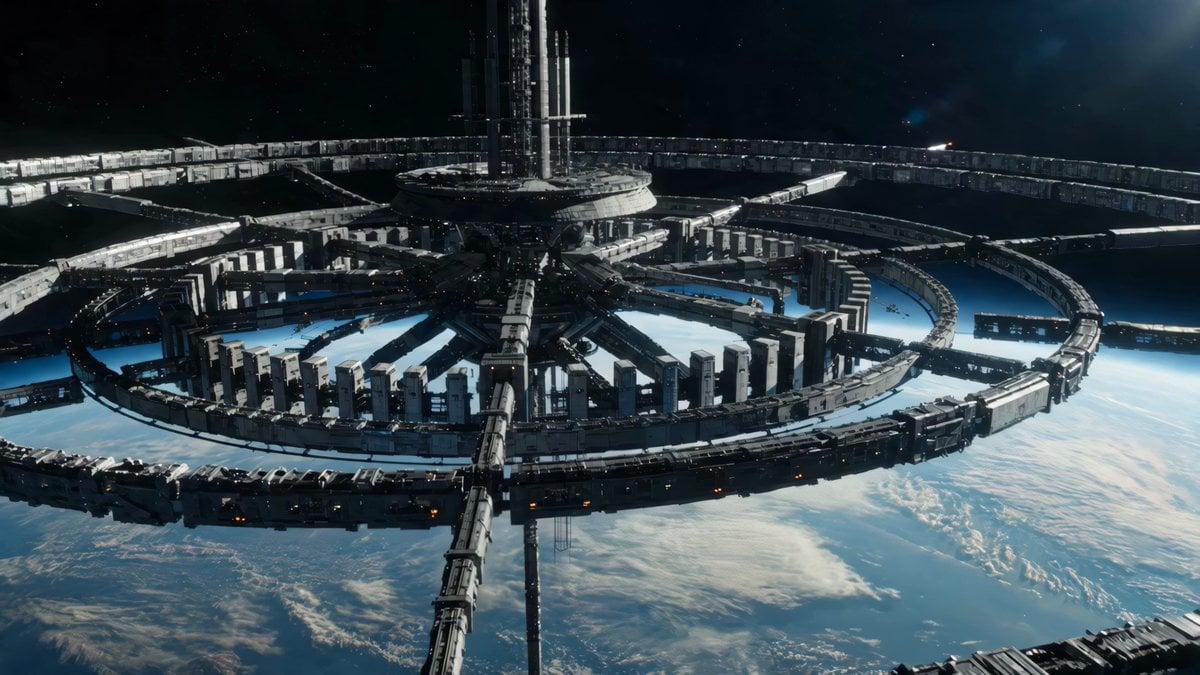
Sci-Fi Orbital Construction Collapse
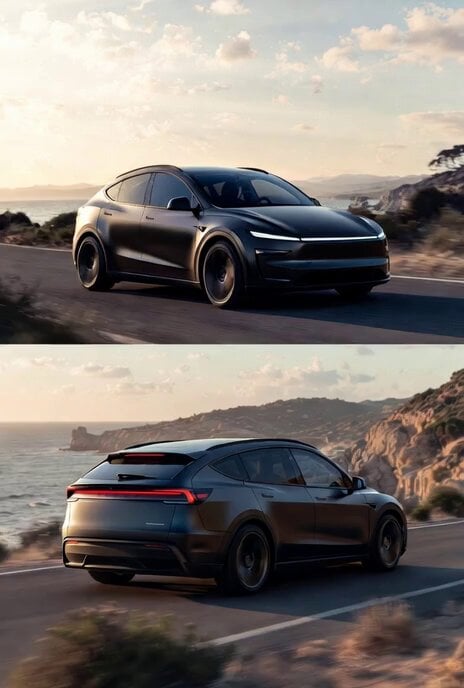
Photorealistic rendering of a Tesla Model Y as a classic European station wagon

Cinematic Luxury Arabian Portrait
Sci-Fi Cinematic Corridor Walk
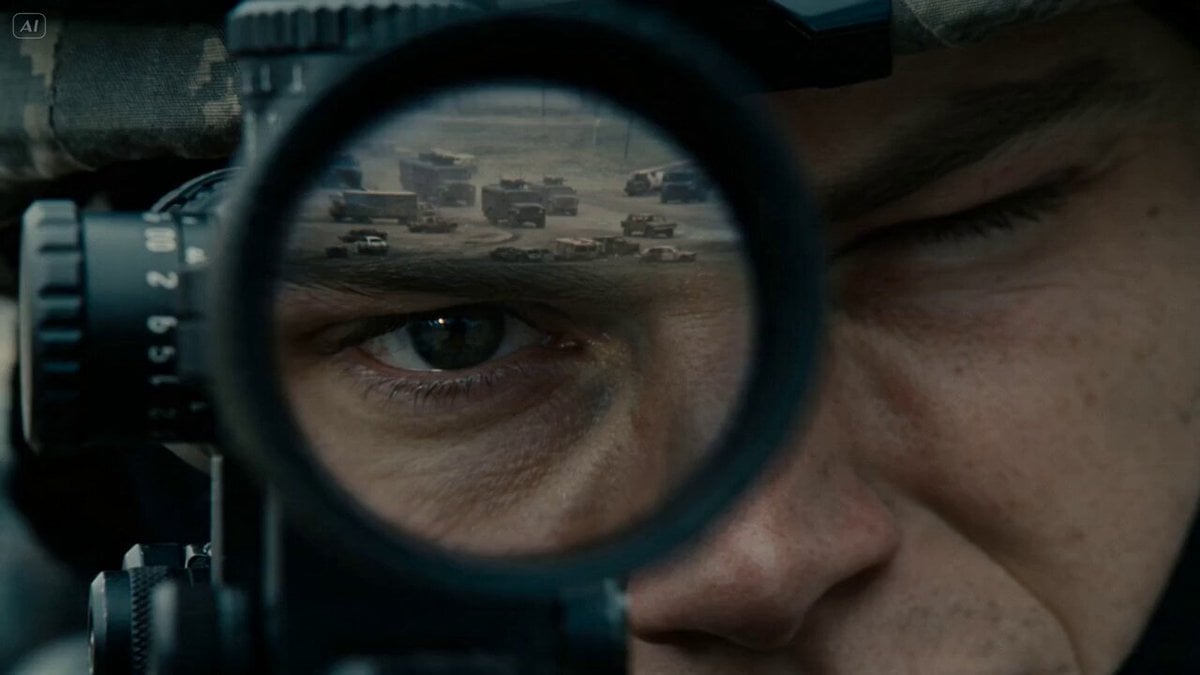
Lone Sniper in Ruined Tower
Hyperrealistic Fitness Athlete Cinematic

Ghibli Aesthetic Cooking Short

Migrating Living Mountains Landscape
Browse template categories
Bus Stop Flyer Mishap questions
How do I use the Bus Stop Flyer Mishap template?
Add your photo if the template asks for one, edit the prompt if you like — the template's model and format are already selected — and press Generate. Your version opens in PicX Studio.
Can I customize the Bus Stop Flyer Mishap template?
Yes. You can change the subject, setting, lighting, mood, format, and available model controls before creating your video.
Is the Bus Stop Flyer Mishap template free?
Opening and editing this template is free. Generating uses credits, shown on the Generate button when you are signed in.
Which AI model should I use?
Start with Seedance 2.0, which is the model associated with this template. You can compare another compatible model for a different finish.
Looking for something else? Browse all templates.

Your photo, any look
Thousands of ready templates for every top image and video model, from one credit balance.