
Nightclub Flyer Atmospheric Animation
A subtle animation prompt for Seedance 2.0 to bring background and lighting elements to life while keeping the subject locked
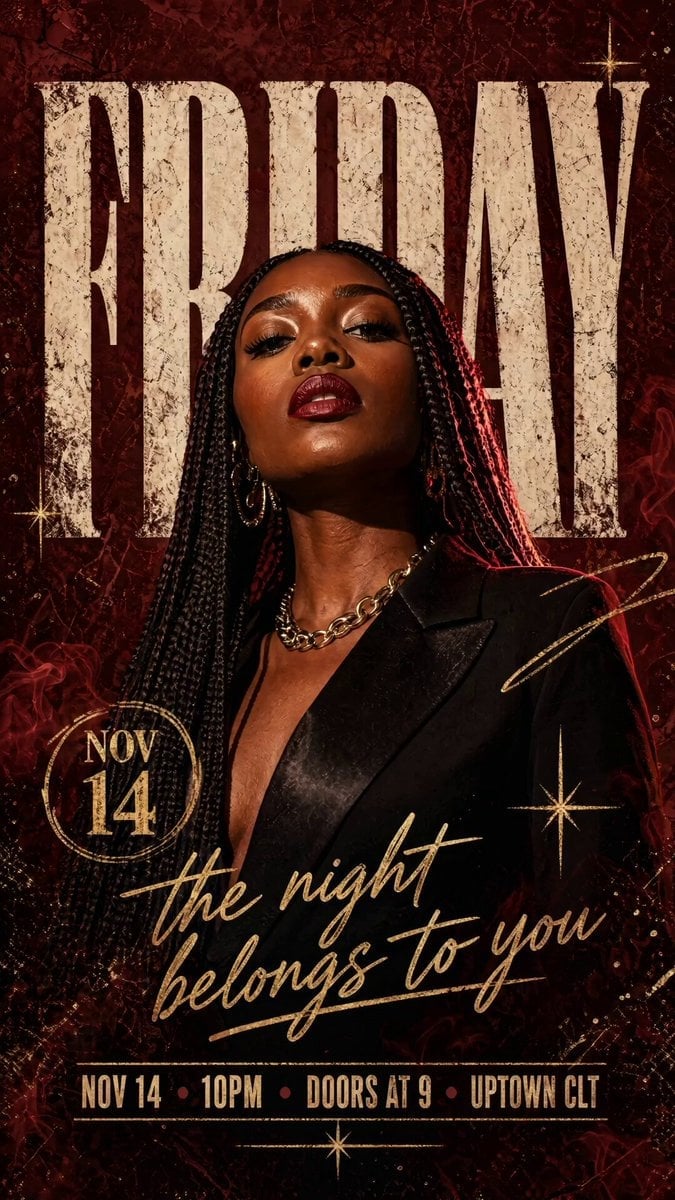
- Prompt included
- Model and format preset
- Free template
The prompt behind this video
Copy the exact prompt behind Nightclub Flyer Atmospheric Animation, or open it in the studio and make it yours.
Hyper-detailed nightclub event flyer, a Black woman with sleek long braids and bold red lipstick photographed in a confident chin-up power pose looking directly at camera, wearing a fitted black blazer with gold chain, dramatic red rim light from behind creating glowing edge, harder key light from front-left. Subject cut out over deep oxblood-red textured background with heavy film grain and subtle smoke haze. Behind her the massive display word "FRIDAY" in tall condensed slab serif, cream-white with grungy distressed edges, partially occluded by her shoulders and hair. Secondary script tagline "the night belongs to you" in elegant gold cursive. Bottom info block: "NOV 14 · 10PM · DOORS AT 9 · UPTOWN CLT". Scattered accents: small gold sparkle stars, one circled date stamp, thin gold scribble line. Palette strictly oxblood red, cream-white, gold, deep black. Warm cinematic grade. 4:5 vertical, 2048x2560, club poster quality. Negative: smooth AI skin, generic stock, watermarks. Animate only the background and atmospheric elements — subject, typography, and outfit remain completely locked. Slow rolling smoke haze drifts horizontally across the lower third of the frame behind her, low-opacity, dreamy. Red rim light behind her subtly pulses brighter then dimmer once over 5 seconds, like a slow heartbeat. Tiny gold sparkle particles float upward slowly from bottom edge. Film grain flickers naturally. Cream "FRIDAY" letters behind her have an almost imperceptible texture shimmer. Camera fully locked off, no pan, no zoom. 24fps, 5 seconds, cinematic nightclub mood. Negative: subject moving, face changing, lips moving, hands deforming, text warping.
How to use Nightclub Flyer Atmospheric Animation in 3 steps
- 1
Open
The prompt is already in the box next to the preview, with the template's model and format selected.
- 2…a portrait of your subject in softgolden-hour light, 85mm…
Personalize
Edit the subject and creative details for your destination.
- 3Generate
Generate
Press Generate — your video is created in PicX Studio, so you can compare it with the original and refine one variable at a time.
More like this
Templates with the same subject, style or setup. Open one to see its prompt.

3D Glossy Fairy Animation - Seedance 2.5

Silk Road Pomegranate Folk Animation

Multilingual Creative Typography Loop

Walking Factory with Rebel on Hoverbike - Wasteland
Cartoon Bullfight Arena — Girl vs Bull (Seedance)
Dim Sum Chase — Shrimp Dumpling Monster
Bus Stop Flyer Mishap
Neon Nightclub Dance Choreography
High-End Nightclub Party Cinematic Video
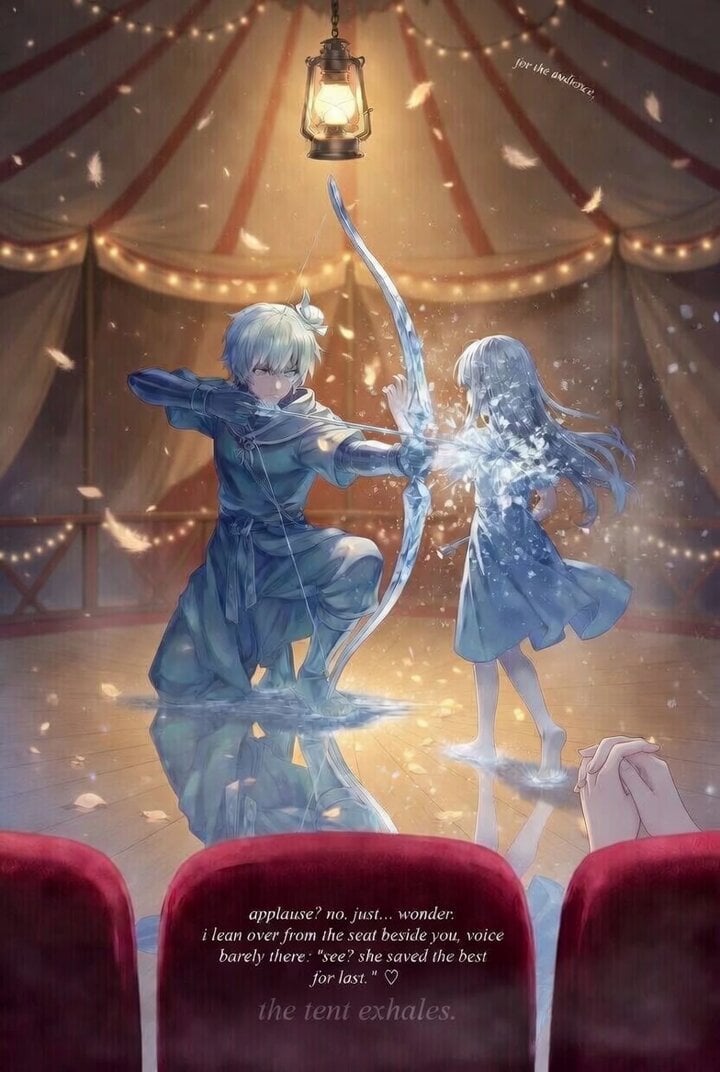
Grok Imagine prompt for a descriptive, atmospheric scene
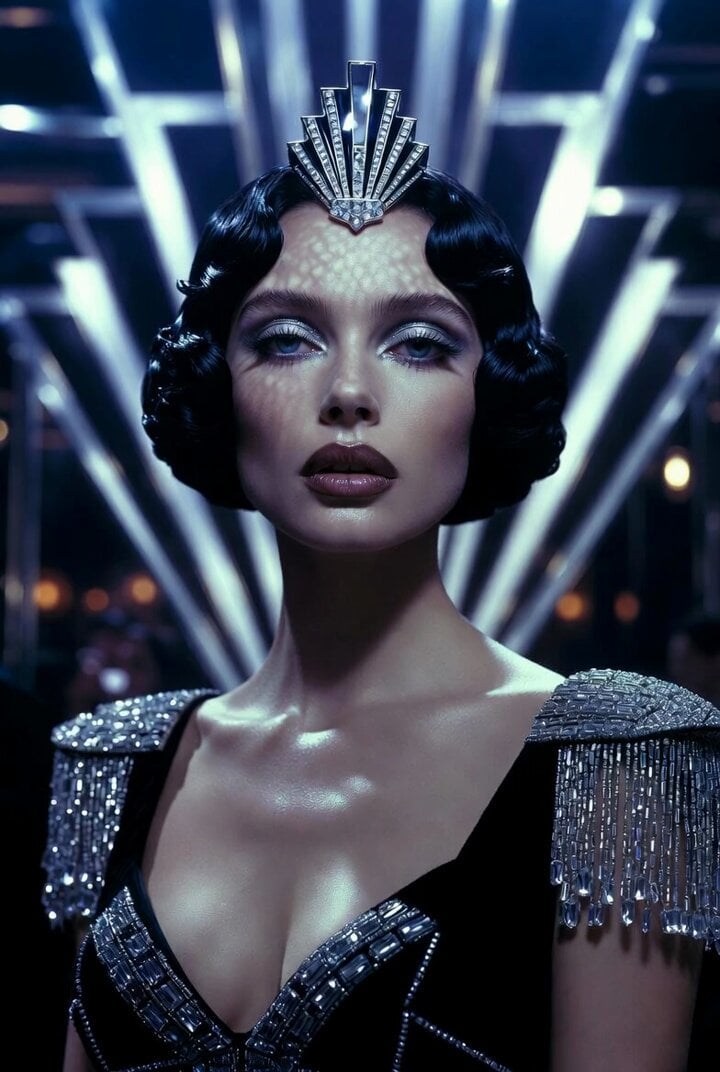
Ultra Realistic Art Deco Nightclub Queen Video Generation
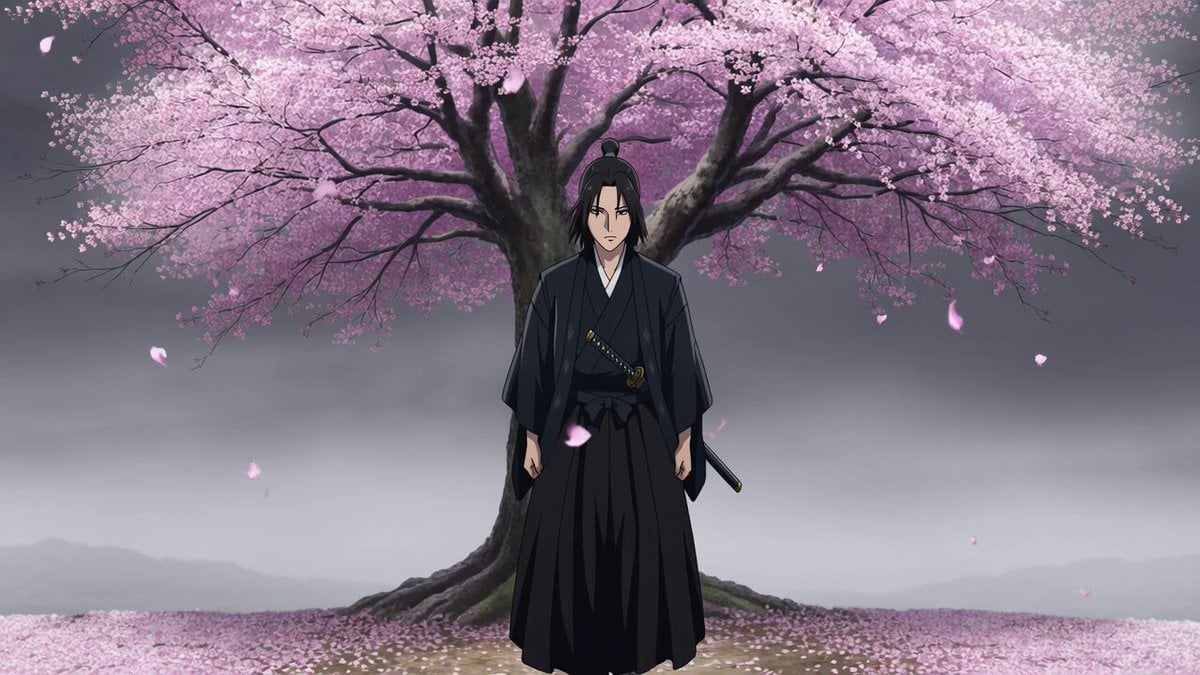
Atmospheric Anime Samurai Video Prompt
Make it yours
Nightclub Flyer Atmospheric Animation works as-is. These are the safest ways to change it without losing the look.
Change one field
Copy a single group, rewrite it, and generate again so you can see what that field is doing.
Keep the frame, change the subject
Hold the composition and light of Nightclub Flyer Atmospheric Animation, then swap wardrobe, props or the person for a new take.
| If the result… | Why | Fix |
|---|---|---|
| The result drifts from the preview | Too many fields changed at once. | Reuse Nightclub Flyer Atmospheric Animation as-is first, then change one group — subject, light, or setting. |
| The model over-stylizes the scene | The prose prompt leaves finish and camera underspecified. | Add one camera or lighting sentence and stay on Seedance 2.0. |
More Seedance 2.0 templates
Other prompts made for Seedance 2.0.

Comical Martial Arts Punch Scene

Maglev Train Action Sequence

Martial Arts Fight Sequence

Wuxia Protection and Trust Script

Vintage Korean Arcade MiniDV Vlog

Mercedes 190 SL Luxury Ad

Rainy Night Supernatural Reverse Comedy Video Script

Amazon Civilization Discovery

Futuristic South Asian City Transformation

Cozy Luxury Cafe Commercial
More video prompts
Fresh picks from across the catalog.
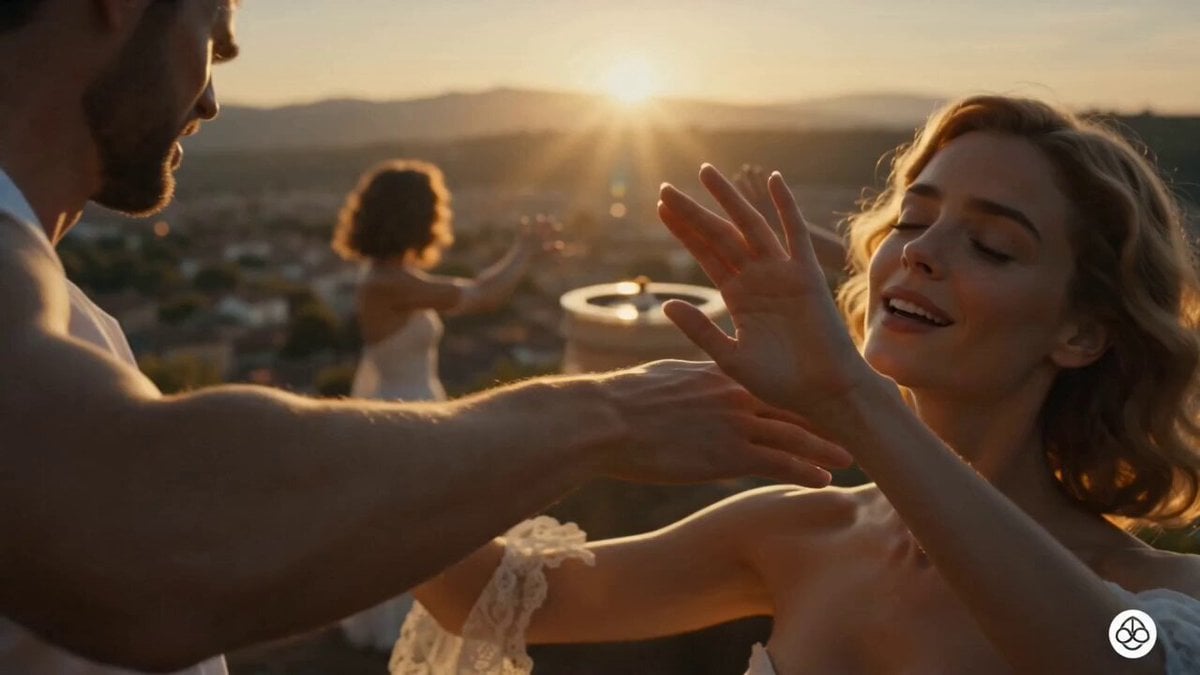
Magical Skincare Morning Ritual
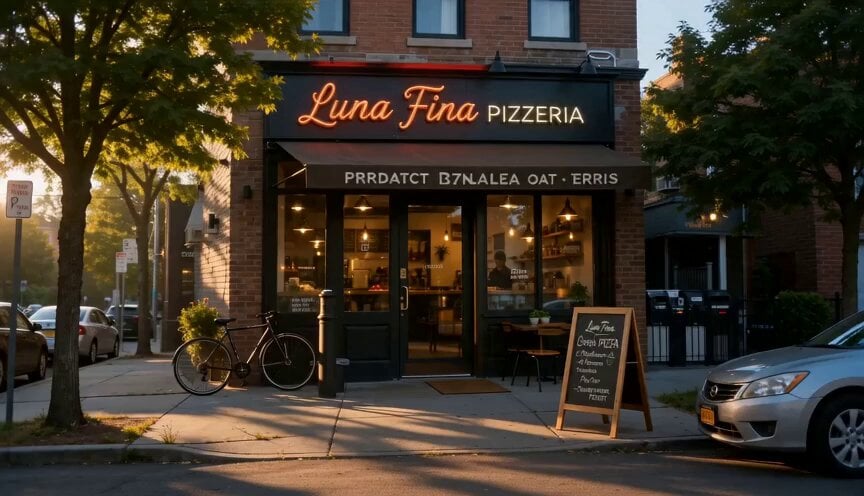
Cinematic Pizza Storefront Commercial
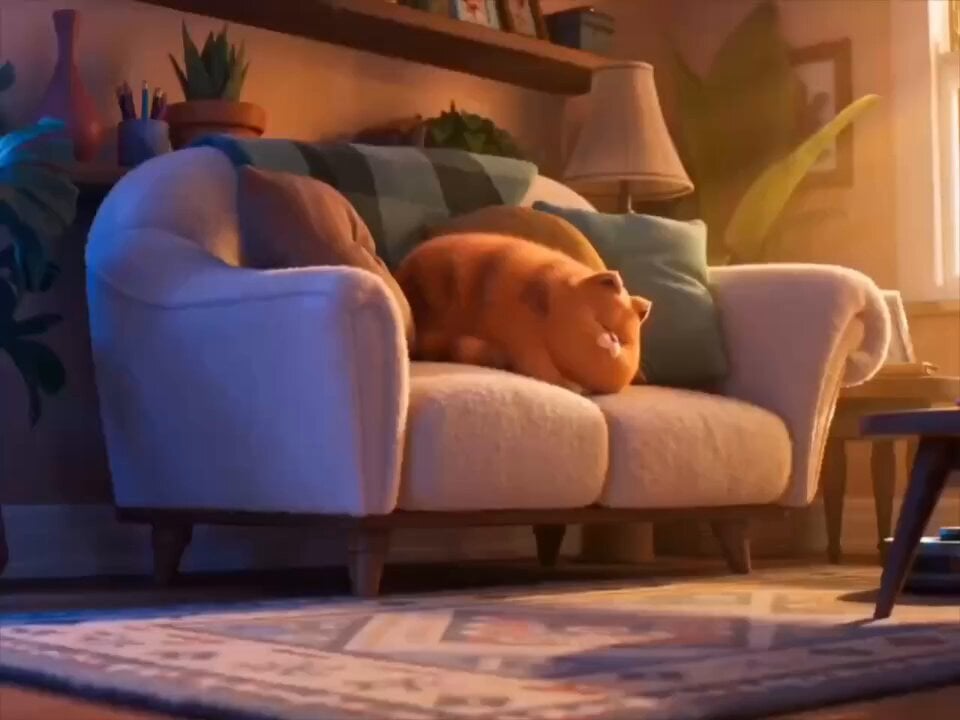
Cat and Robot Vacuum Narrative Script
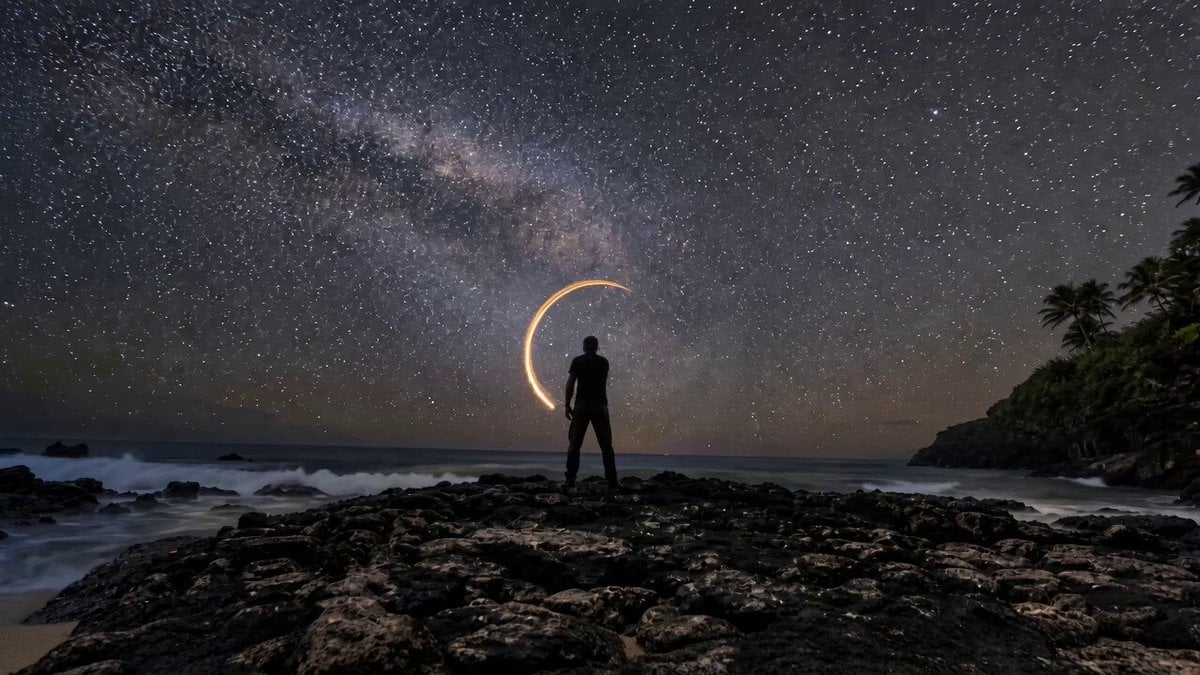
Amber Vortex Light Painting Video
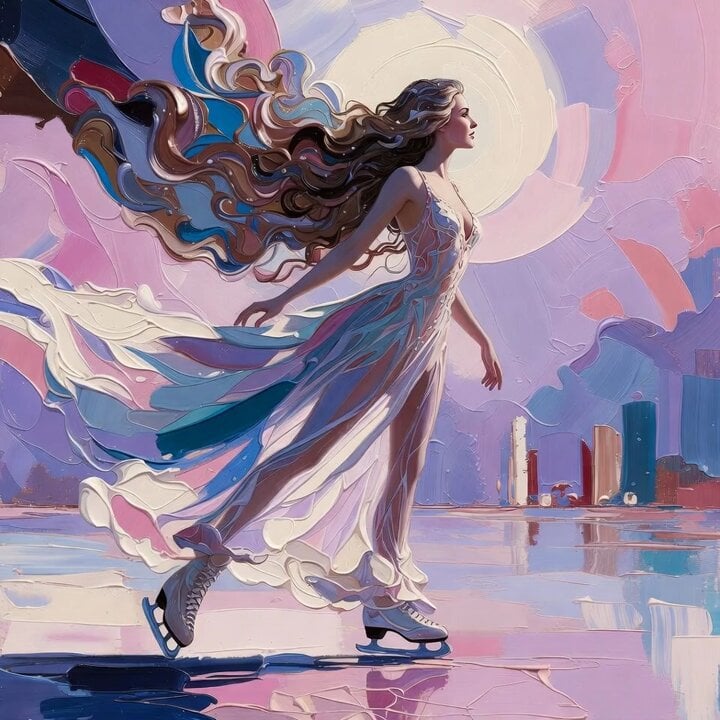
Grok Imagine Prompt: Ethereal 70s skating woman
Artisanal Chocolate Bar Sensory Indulgence
Emotional Neighborhood Short Film
Anthropomorphic Rock Band Live Concert - Seedance 2.5
Futuristic Eye Universe Transition
Skinwalker Night Vision Footage
Browse template categories
Nightclub Flyer Atmospheric Animation questions
How do I use the Nightclub Flyer Atmospheric Animation template?
Add your photo if the template asks for one, edit the prompt if you like — the template's model and format are already selected — and press Generate. Your version opens in PicX Studio.
Can I customize the Nightclub Flyer Atmospheric Animation template?
Yes. You can change the subject, setting, lighting, mood, format, and available model controls before creating your video.
Is the Nightclub Flyer Atmospheric Animation template free?
Opening and editing this template is free. Generating uses credits, shown on the Generate button when you are signed in.
Which AI model should I use?
Start with Seedance 2.0, which is the model associated with this template. You can compare another compatible model for a different finish.
Looking for something else? Browse all templates.

Your photo, any look
Thousands of ready templates for every top image and video model, from one credit balance.