
Hyperrealistic Fitness Athlete Cinematic
A high-intensity fitness video prompt featuring a calisthenics athlete performing advanced moves with dramatic lighting and rock music syncing.
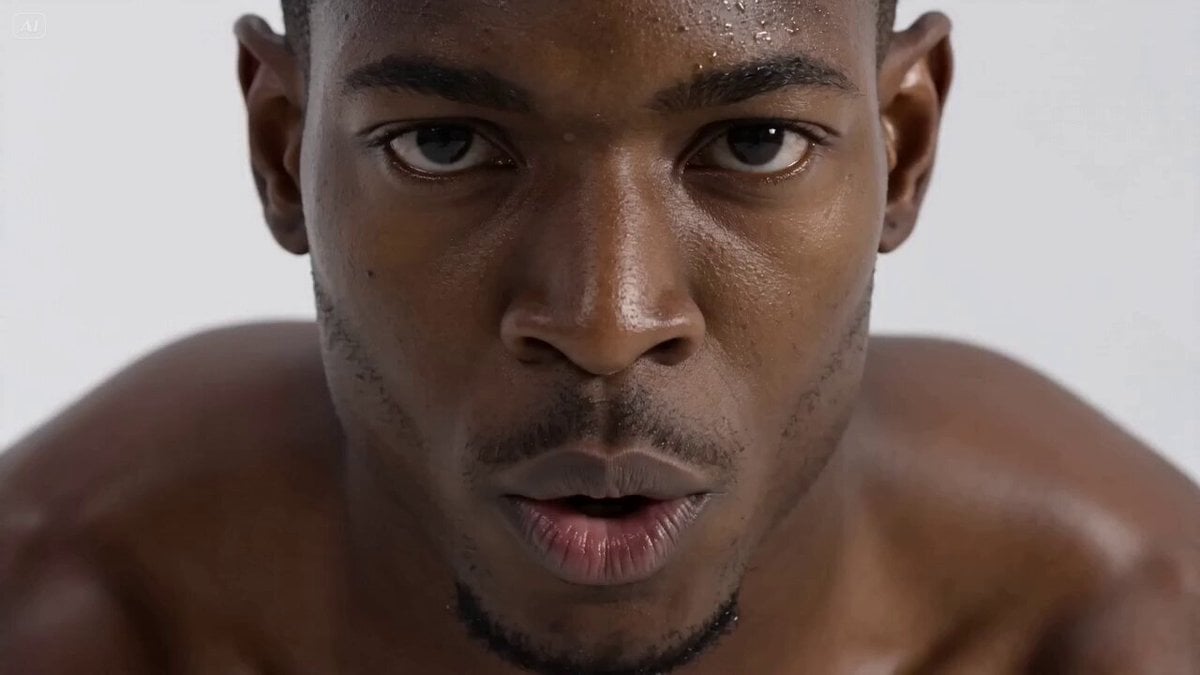
- Prompt included
- Model and format preset
- Free template
The prompt behind this video
Copy the exact prompt behind Hyperrealistic Fitness Athlete Cinematic, or open it in the studio and make it yours.
Style: Hyperrealistic fitness cinematic, high contrast lighting, clean studio background, dramatic shadows, powerful physique emphasis, energetic rock music throughout [00:00–00:02] Extreme close-up, muscular Black male athlete’s face, focused intense eyes, sweat on skin, breathing controlled. He whispers: “One week.” SFX: heartbeat + low bass hit [00:02–00:04] Fast cut to frog stand, low angle close-up, hands pressing into ground, body balancing forward. Camera: handheld micro-shake, dynamic tension SFX: subtle strain + floor contact [00:04–00:06] Medium shot, smooth transition into L-sit, legs extend sharply, core tight. Lighting highlights abs and muscle definition Music: rock beat kicks in stronger [00:06–00:08] Tracking shot, athlete shifts into tuck planche, body hovering above ground, controlled strength. Camera circles slightly to emphasize balance [00:08–00:10] Wide shot, explosive transition into elbow lever, body fully horizontal, held steady. SFX: whoosh + bass hit accent [00:10–00:12] Hard cut, upside-down headstand, clean vertical alignment. Camera slowly rotates 180° to match inversion perspective [00:12–00:14] Rapid montage flashes (0.3s cuts): frog stand → L-sit → planche → elbow lever → headstand Energy peaks, synced with rock music hits [00:14–00:15] Hero shot, full body, athlete stands upright, breathing strong, confident stare into camera. Text appears: “MASTER YOUR BODY” SFX: final bass impact + echo
How to use Hyperrealistic Fitness Athlete Cinematic in 3 steps
- 1
Open
The prompt is already in the box next to the preview, with the template's model and format selected.
- 2…a portrait of your subject in softgolden-hour light, 85mm…
Personalize
Edit the subject and creative details for your destination.
- 3Generate
Generate
Press Generate — your video is created in PicX Studio, so you can compare it with the original and refine one variable at a time.
More like this
Templates with the same subject, style or setup. Open one to see its prompt.

Hyperrealistic Dark Xianxia Technical Prompt
Inspirational Athlete Comeback Narrative
Hyperrealistic Orc vs Human UFC Fight
Athlete Obstacle Course Sprint

Hyperrealistic Miniature Girl on a Paper Airplane Video Prompt
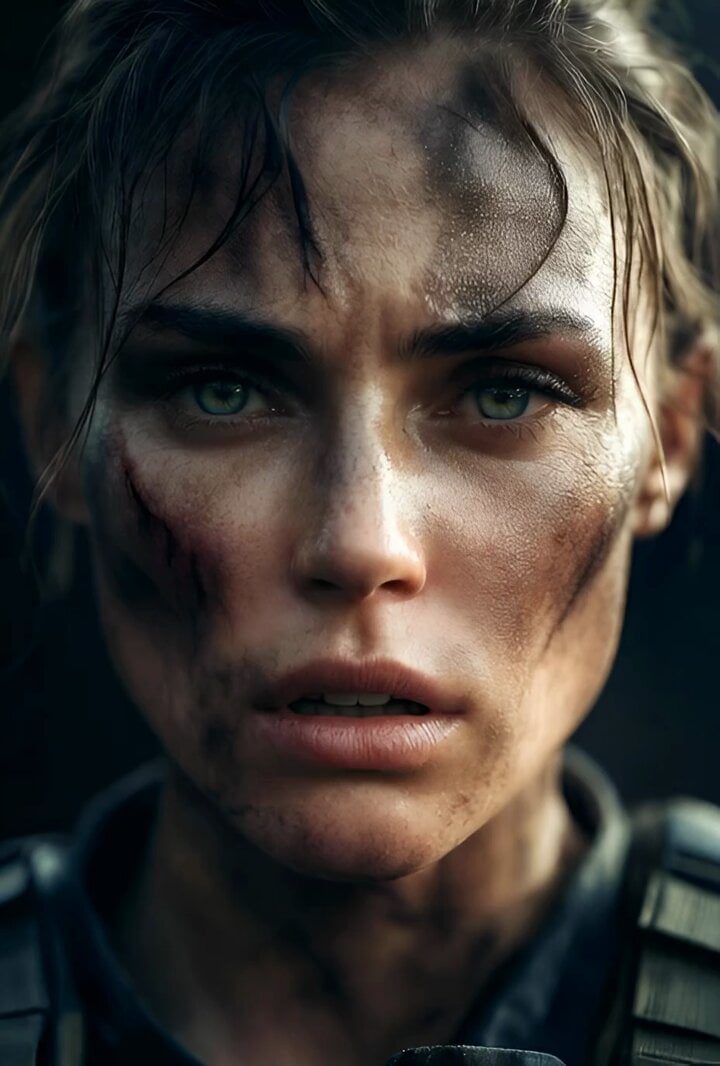
Cinematic Hyperrealistic Close-up of a Female Soldier

Hyperrealistic Soap Bubbles in a Park

Hyperrealistic spaceship launch prompt

Hyperrealistic Cosmic-Mechanical Celestial Being

Hyperrealistic Cosmic Scene
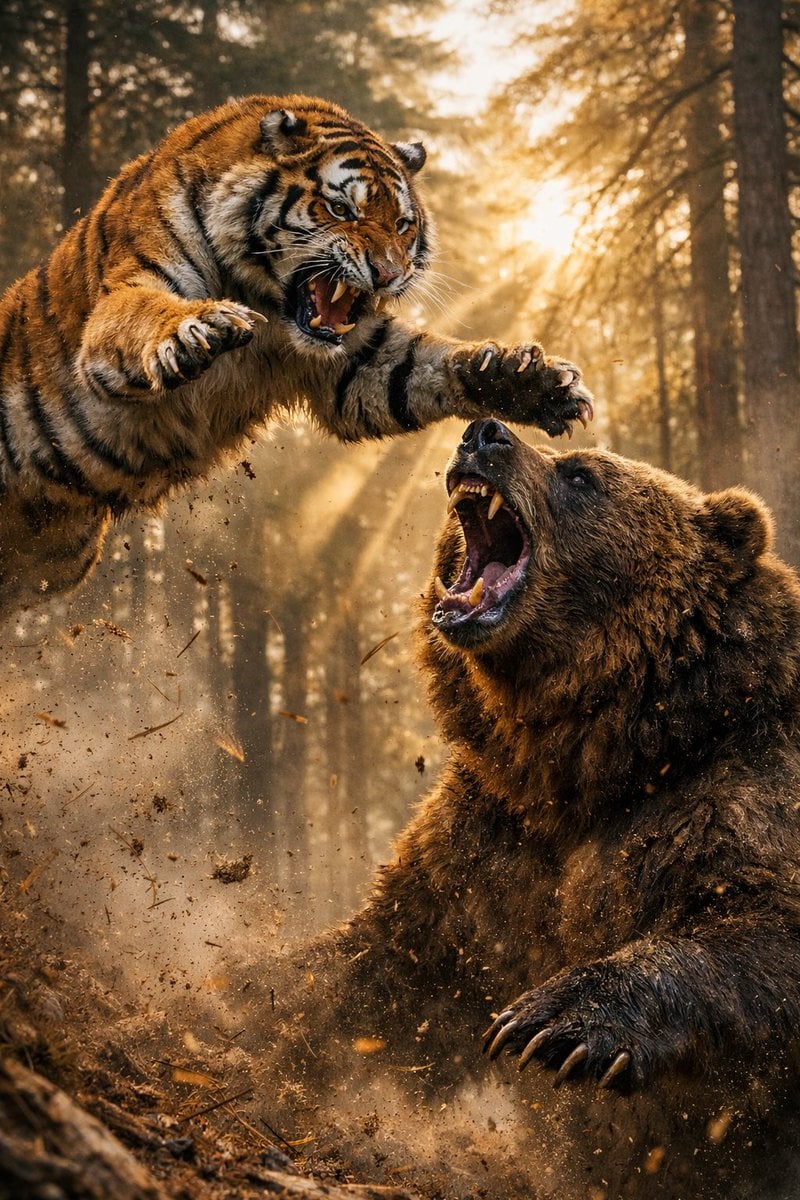
Hyperrealistic Action Photography Prompt
Hyperrealistic Physics and Inertia Prompt
Make it yours
Hyperrealistic Fitness Athlete Cinematic works as-is. These are the safest ways to change it without losing the look.
Change one field
Copy a single group, rewrite it, and generate again so you can see what that field is doing.
Keep the frame, change the subject
Hold the composition and light of Hyperrealistic Fitness Athlete Cinematic, then swap wardrobe, props or the person for a new take.
| If the result… | Why | Fix |
|---|---|---|
| The result drifts from the preview | Too many fields changed at once. | Reuse Hyperrealistic Fitness Athlete Cinematic as-is first, then change one group — subject, light, or setting. |
| The model over-stylizes the scene | The prose prompt leaves finish and camera underspecified. | Add one camera or lighting sentence and stay on Seedance 2.0. |
More Seedance 2.0 templates
Other prompts made for Seedance 2.0.

Comical Martial Arts Punch Scene

Maglev Train Action Sequence

Martial Arts Fight Sequence

Wuxia Protection and Trust Script

Vintage Korean Arcade MiniDV Vlog

Mercedes 190 SL Luxury Ad

Rainy Night Supernatural Reverse Comedy Video Script

Amazon Civilization Discovery

Futuristic South Asian City Transformation

Cozy Luxury Cafe Commercial
More video prompts
Fresh picks from across the catalog.
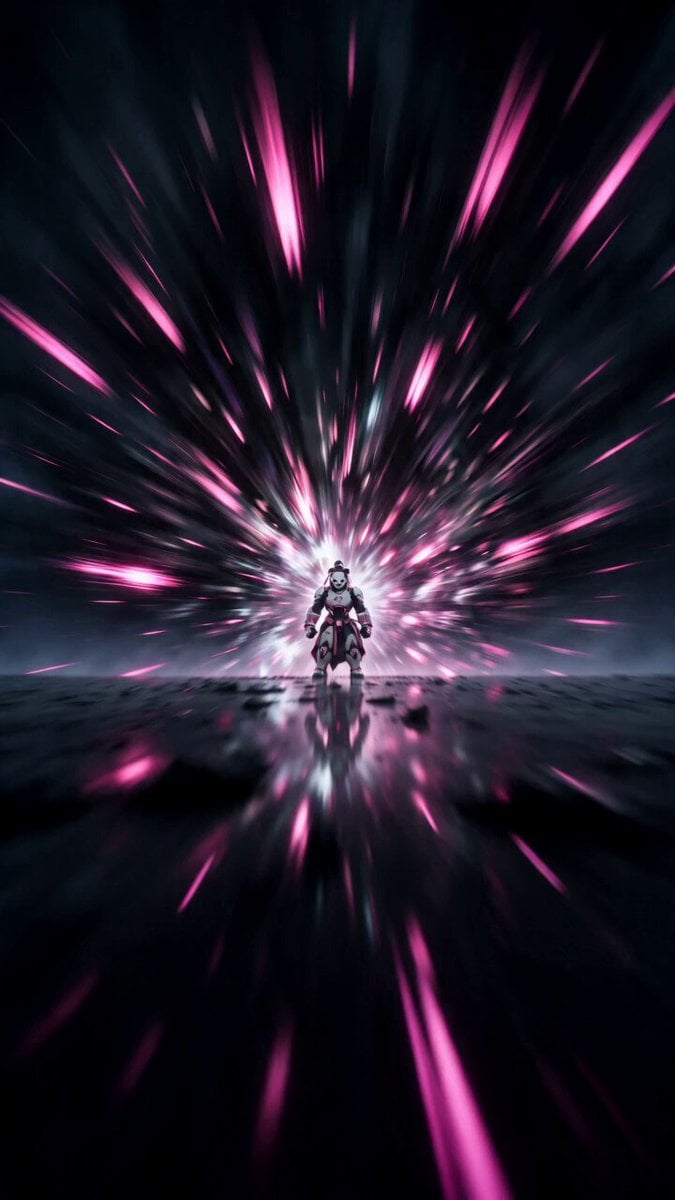
Cyber Panda Warrior 3D Artwork
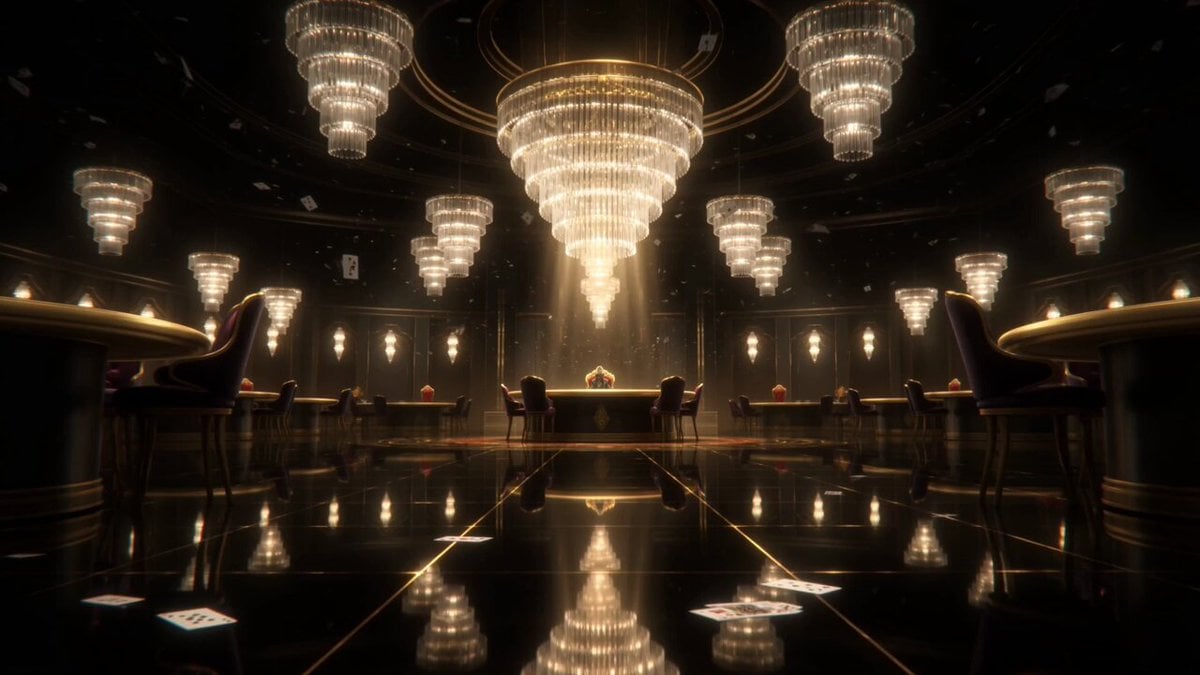
Supernatural Casino Card King Transformation

Han River Bicycle Influencer Vlog
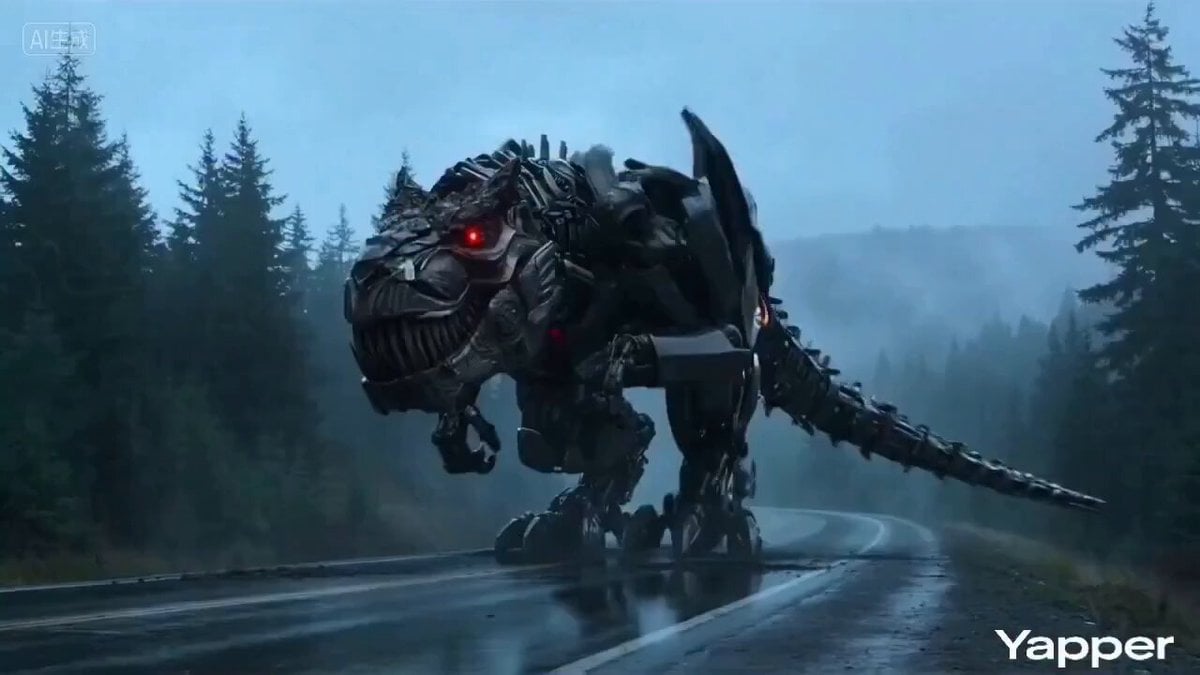
Transformation Blockbuster Video Prompt
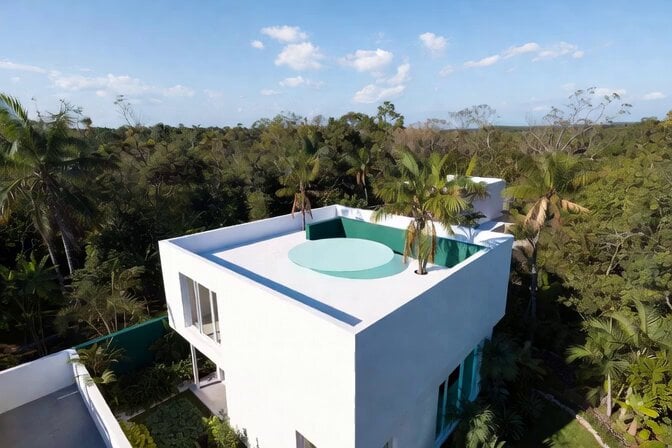
Futuristic Water Landing Platform
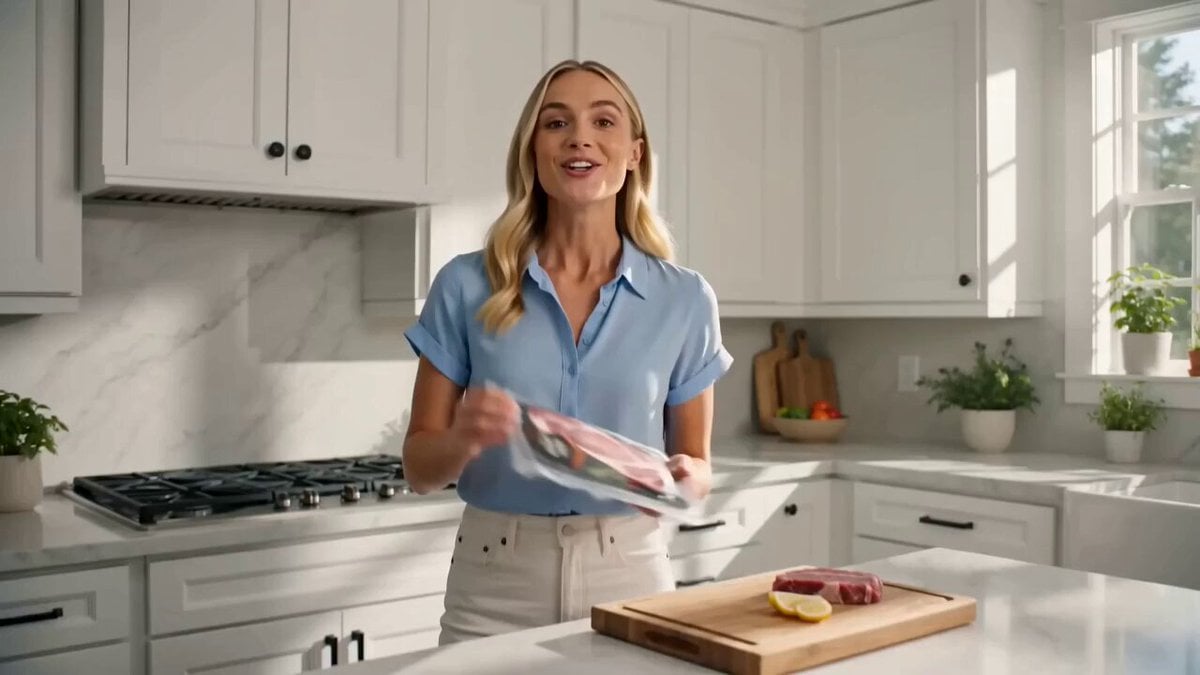
UGC Meat Commercial with Animation

Sci-Fi Ice Queen Action
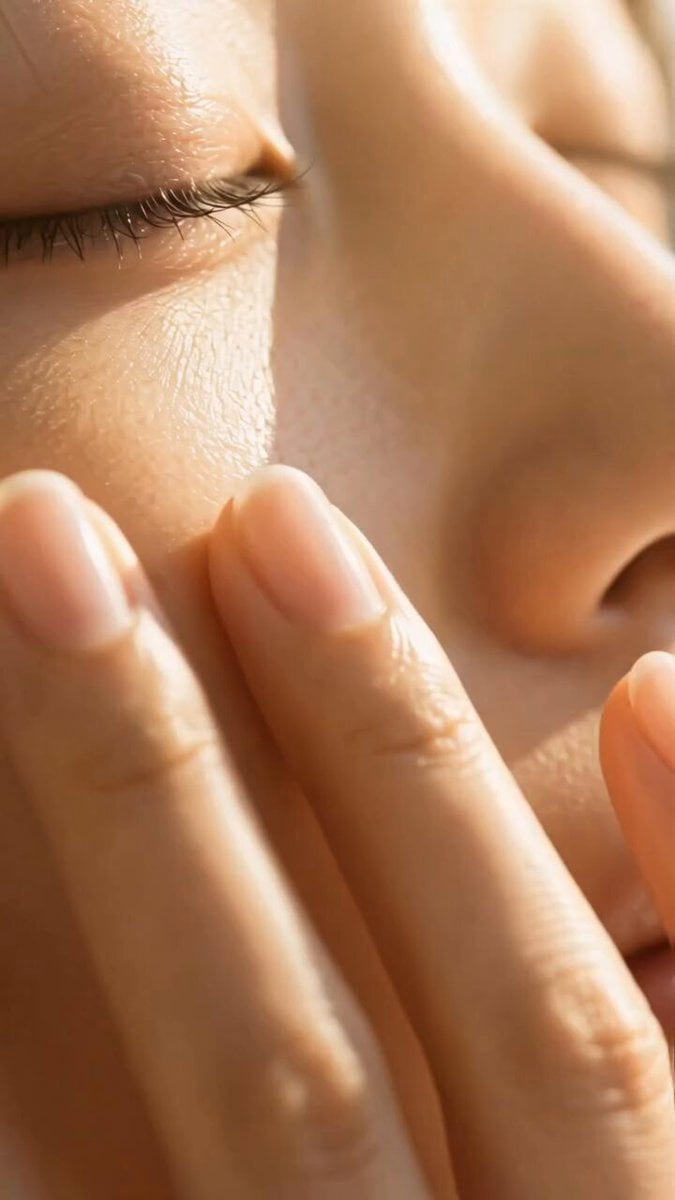
Luxury Skincare Serum Commercial
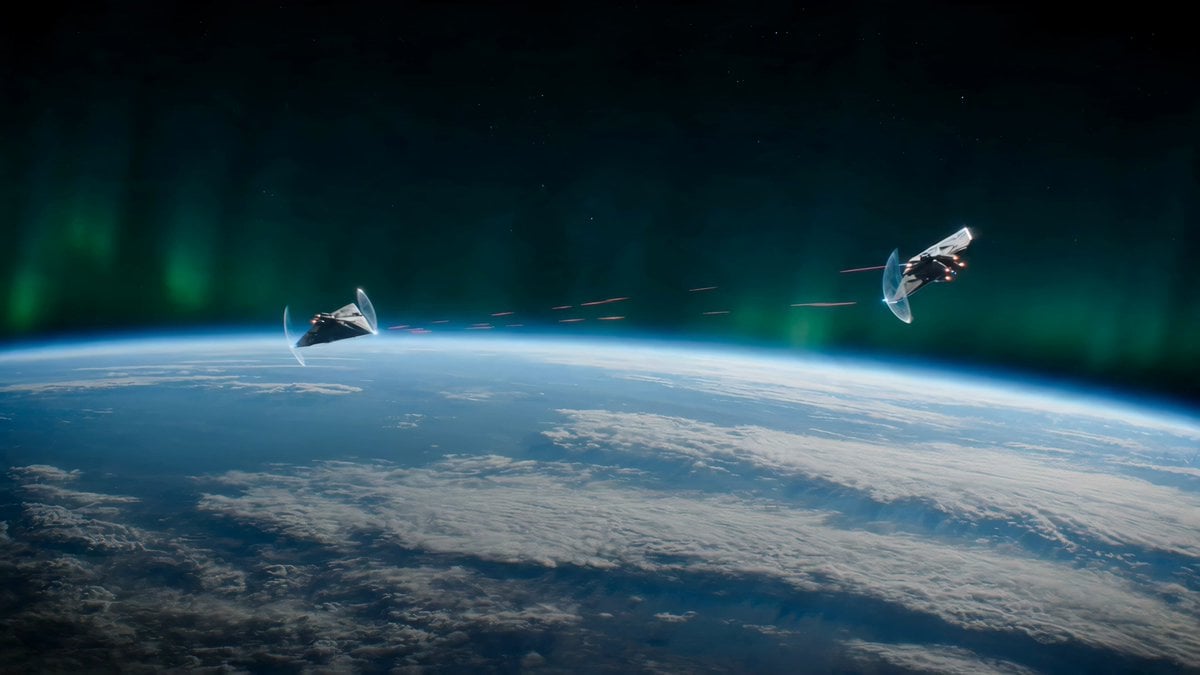
Alien Spacecraft Orbital Duel
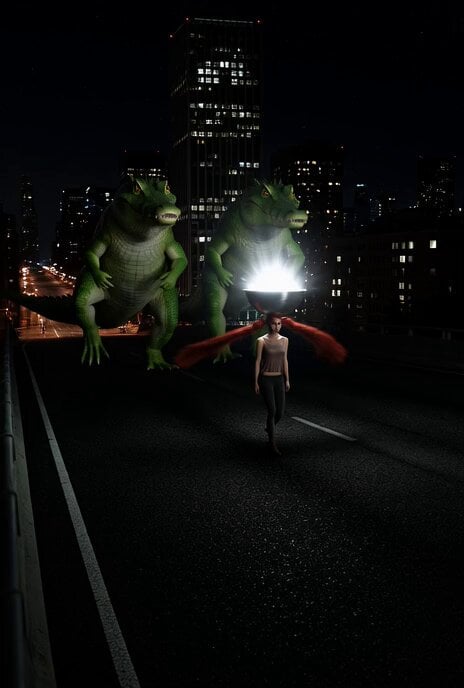
Surreal Sci-Fi Video Prompt: Giant Alligators Chasing a Silver Bowl
Browse template categories
Hyperrealistic Fitness Athlete Cinematic questions
How do I use the Hyperrealistic Fitness Athlete Cinematic template?
Add your photo if the template asks for one, edit the prompt if you like — the template's model and format are already selected — and press Generate. Your version opens in PicX Studio.
Can I customize the Hyperrealistic Fitness Athlete Cinematic template?
Yes. You can change the subject, setting, lighting, mood, format, and available model controls before creating your video.
Is the Hyperrealistic Fitness Athlete Cinematic template free?
Opening and editing this template is free. Generating uses credits, shown on the Generate button when you are signed in.
Which AI model should I use?
Start with Seedance 2.0, which is the model associated with this template. You can compare another compatible model for a different finish.
Looking for something else? Browse all templates.

Your photo, any look
Thousands of ready templates for every top image and video model, from one credit balance.