How do I use the UGC Meat Commercial with Animation template?
Edit the prompt in the box under the preview — the template's model and format are already selected — and press Generate. Your version appears right on this page.
A creative smartphone-style commercial prompt featuring a mix of live-action realism and cartoon character interactions for food marketing.
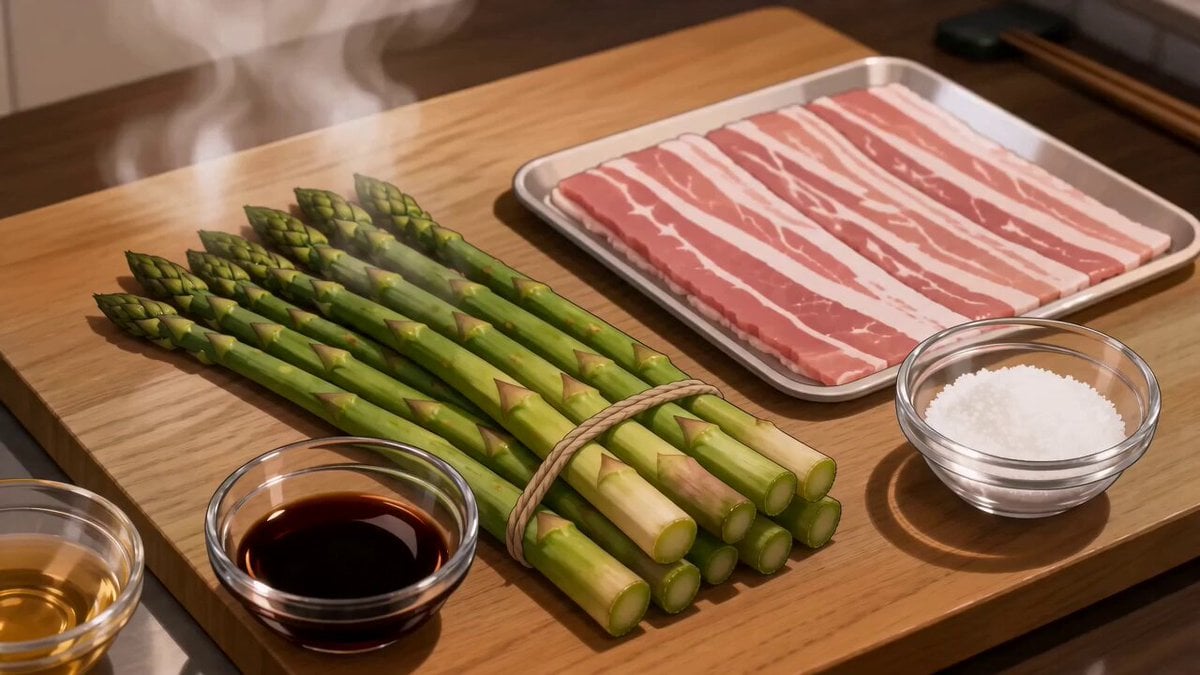
A highly realistic 12-second vertical UGC-style commercial filmed on a smartphone in a bright modern kitchen. A cheerful young creator holds up a pack of fresh premium meat and says excitedly, "You have to see how fresh this is!" As the package is opened, a mischievous orange cartoon cat with expressive eyes quietly sneaks toward the counter while a tiny clever brown mouse pops out and grabs a small piece of meat, triggering a funny, fast-paced chase. The creator laughs naturally while seasoning and cooking the meat in a sizzling pan. Cinematic macro shots show juicy texture, bubbling juices, golden caramelization, and rising steam. The cat and mouse comically stop, mesmerized by the delicious aroma, while the creator takes a bite, smiles directly at the camera, and says, "Now that's seriously delicious!" End with the product pack in focus and the text: "Fresh Taste. Every Bite." Ultra-realistic food details, natural handheld camera movement, authentic UGC vibe, warm daylight, soft shadows, HDR, 4K, lifelike textures, realistic physics, smooth transitions, energetic pacing, premium commercial quality.
A highly realistic 12-second vertical UGC-style commercial filmed on a smartphone in a bright modern kitchen. A cheerful young creator holds up a pack of fresh premium meat and says excitedly, "You have to see how fresh this is!" As the package is opened, a mischievous orange cartoon cat with expressive eyes quietly sneaks toward the counter while a tiny clever brown mouse pops out and grabs a small piece of meat, triggering a funny, fast-paced chase. The creator laughs naturally while seasoning and cooking the meat in a sizzling pan. Cinematic macro shots show juicy texture, bubbling juices, golden caramelization, and rising steam. The cat and mouse comically stop, mesmerized by the delicious aroma, while the creator takes a bite, smiles directly at the camera, and says, "Now that's seriously delicious!" End with the product pack in focus and the text: "Fresh Taste. Every Bite." Ultra-realistic food details, natural handheld camera movement, authentic UGC vibe, warm daylight, soft shadows, HDR, 4K, lifelike textures, realistic physics, smooth transitions, energetic pacing, premium commercial quality.
Edit the prompt in the box under the preview — the template's model and format are already selected — and press Generate. Your version appears right on this page.
Yes. You can change the subject, setting, lighting, mood, format, and available model controls before creating your video.
Opening and editing this template is free. Generating uses credits, shown on the Generate button when you are signed in.
Start with Seedance 2.0, which is the model associated with this template. You can compare another compatible model for a different finish.
Follow a topic to a crawlable collection of related PicX Studio templates.