
Video Prompt: Hyper-realistic Military CGI Scene
A highly detailed, multi-scene prompt for Seedance 2.0 specifying technical requirements (2.35:1 ultra-wide, 4K medical CGI, 24fps) and a complex 15-second military action sequence in a snowy environment.
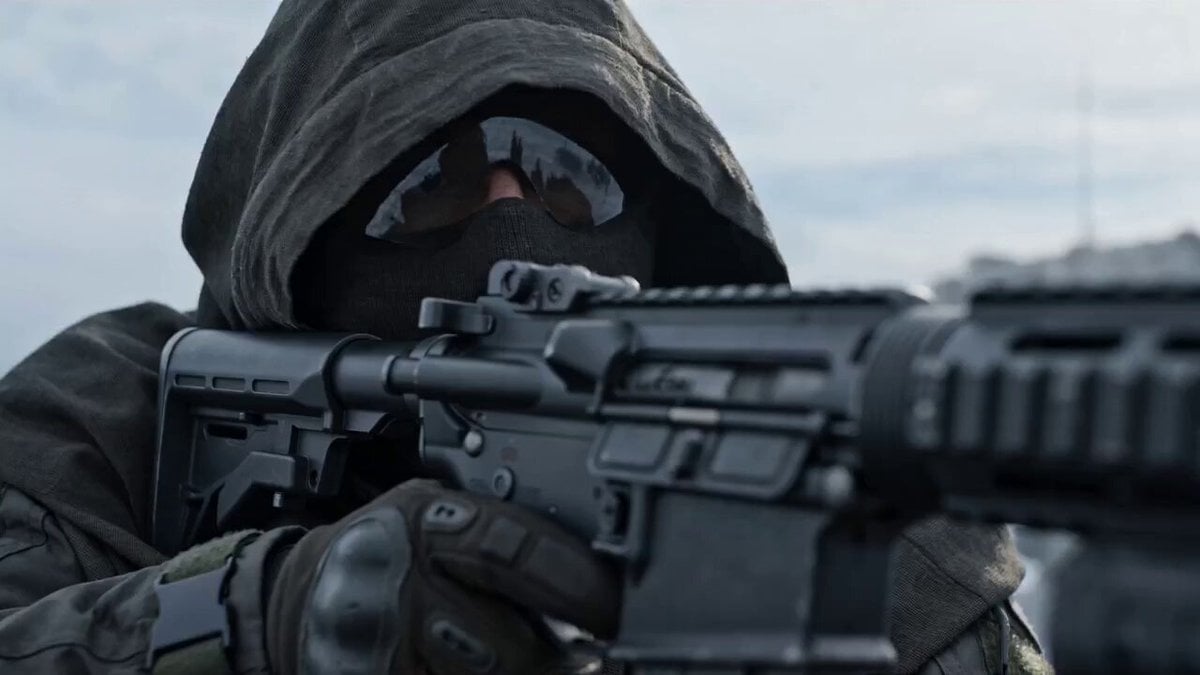
- Prompt included
- Model and format preset
- Premium template
The prompt behind this video
Copy the exact prompt behind Video Prompt: Hyper-realistic Military CGI Scene, or open it in the studio and make it yours.
Technical specs: 2.35:1 ultra-widescreen, native cinematic image quality, 4K-level CGI detail, differentiated modeling, 24fps. 0-3 seconds: starting from the first frame of 【@Image 1】. The camera holds a large close-up on a man in a cloak, his expression grim, shouting loudly in English through his mask: "All units, move out! Fire at will!" He holds his rifle level, its muzzle spitting out a heavily grained blue-white tongue of flame, casings flying. Note the realistic recoil of the stock against his shoulder, and the visible refraction distortion in the air above the barrel caused by the heat haze from continuous firing. 3-7 seconds: the camera rapidly pulls back toward the side and rear. The view spreads out along the diagonal path of 【@Image 1】's armored vehicle, but it's no longer a neat formation. Amid the thick smoke, a staggered cluster of heavy vehicles of completely different models suddenly comes into view: some are eight-wheel-drive infantry fighting vehicles, some carry huge parabolic radar dishes, and some are low-slung tracked tanks. All the vehicles advance in a scattered tactical formation at uneven spacing, each one showing noticeably different mud coverage and armor paint. 7-12 seconds: a quick cut to a close-up of a heavy, thickly armored vehicle, a soldier forcing open its heavy metal hatch with one hand, the hatch rebounding slightly under its own weight, the soldier nimbly crouching inside to operate a heavy machine gun, eyes scanning warily around. Off to the side and behind, a missile vehicle angles skyward, the missile's ignition producing a huge burst of white smoke and red light that instantly blasts away the snow around the vehicle; when the tank's main gun fires, the black smoke and muzzle flash from its muzzle brake carry an intensely realistic texture. 12-15 seconds: a huge overhead wide shot. This is a chaotic yet orderly torrent of steel, hundreds of advanced vehicles of varying shapes carving tracks of differing depth and width across the snow field. The vehicles bounce and shake realistically as they drive over the uneven, snow-covered ground, the density of exhaust and black smoke from each one's rear varying. The image is accompanied by a low-frequency engine rumble and the continuous flash of distant explosions, filled with an authentic sense of battlefield pressure. Sound: real, booming English commands, the heavy roar of tank cannons, the shrieking sound of missile ignition, the crunching sound of tracks crushing solid ice, together with an epic war-drum score. Prohibited: watermarks, subtitles, neat formations, repeated models.
How to use Video Prompt: Hyper-realistic Military CGI Scene in 3 steps
- 1Upload ImagePNG, JPG or paste
Add your photo
Upload the photo the template builds on. The prompt, model and format are already set.
- 2…a portrait of your subject in softgolden-hour light, 85mm…
Personalize
Edit the subject and creative details for your destination.
- 3Generate
Generate
Press Generate — your video is created in PicX Studio, so you can compare it with the original and refine one variable at a time.
More like this
Templates with the same subject, style or setup. Open one to see its prompt.
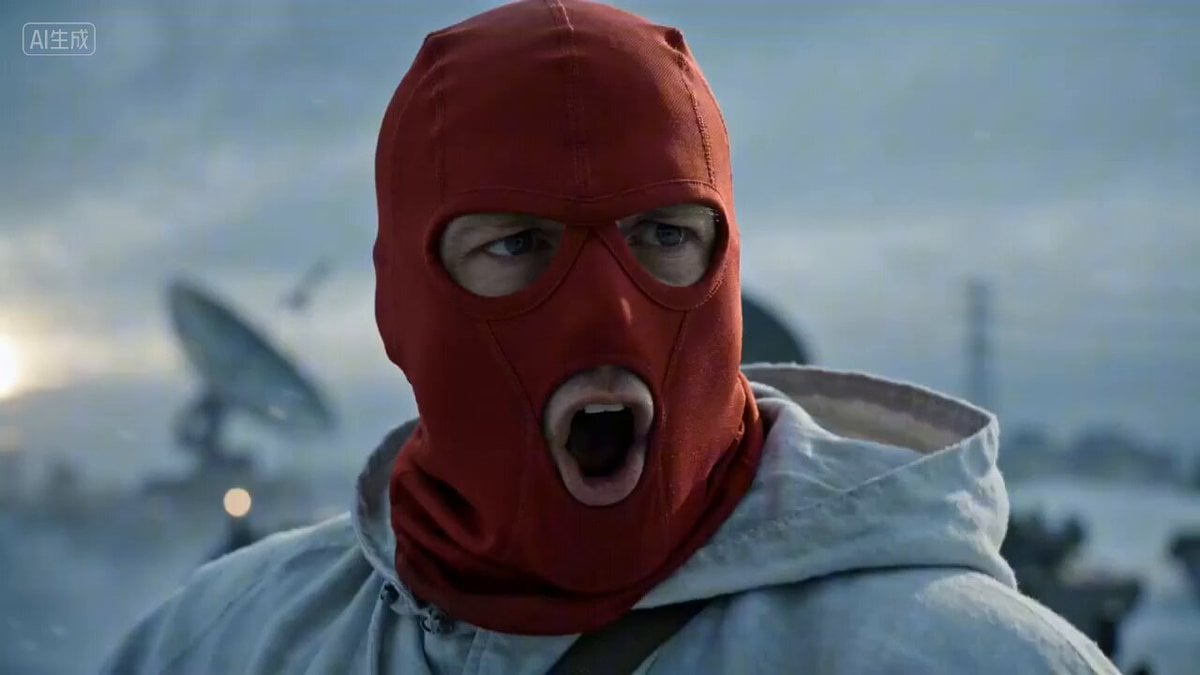
Cinematic 4K Military CGI Scene

Hyper-Realistic 3D CGI Collectible
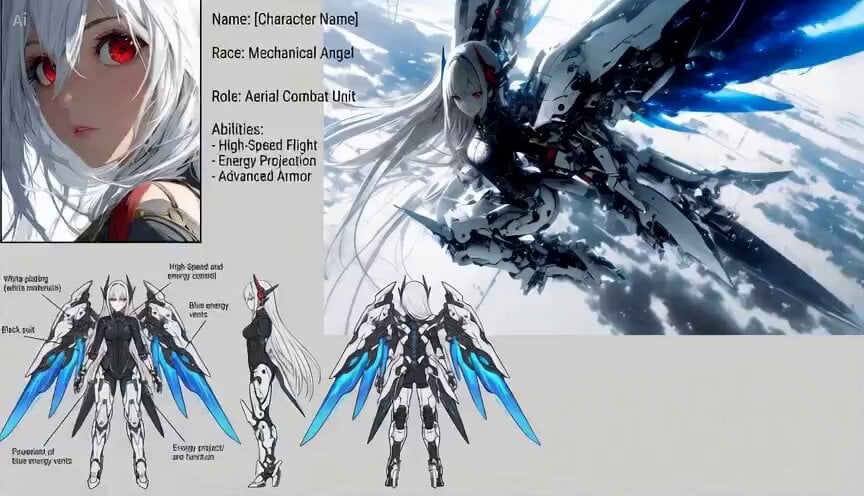
3D CGI Action Sequence Animation Prompt
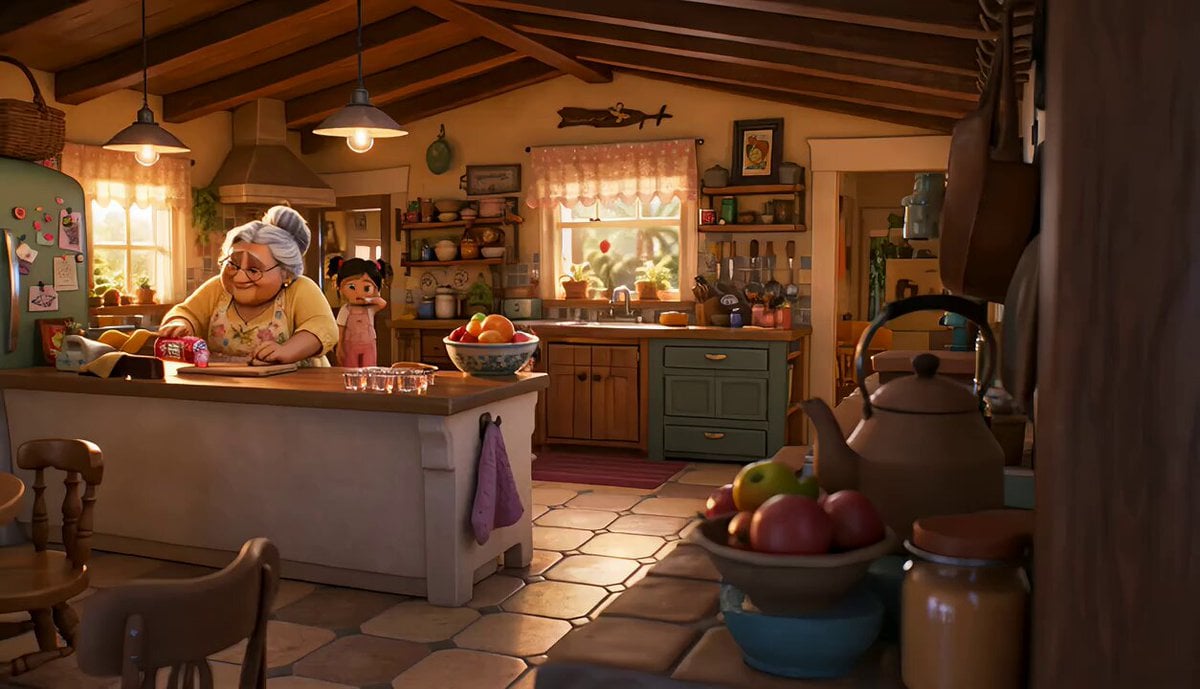
Fizz Pop CGI Drink Commercial
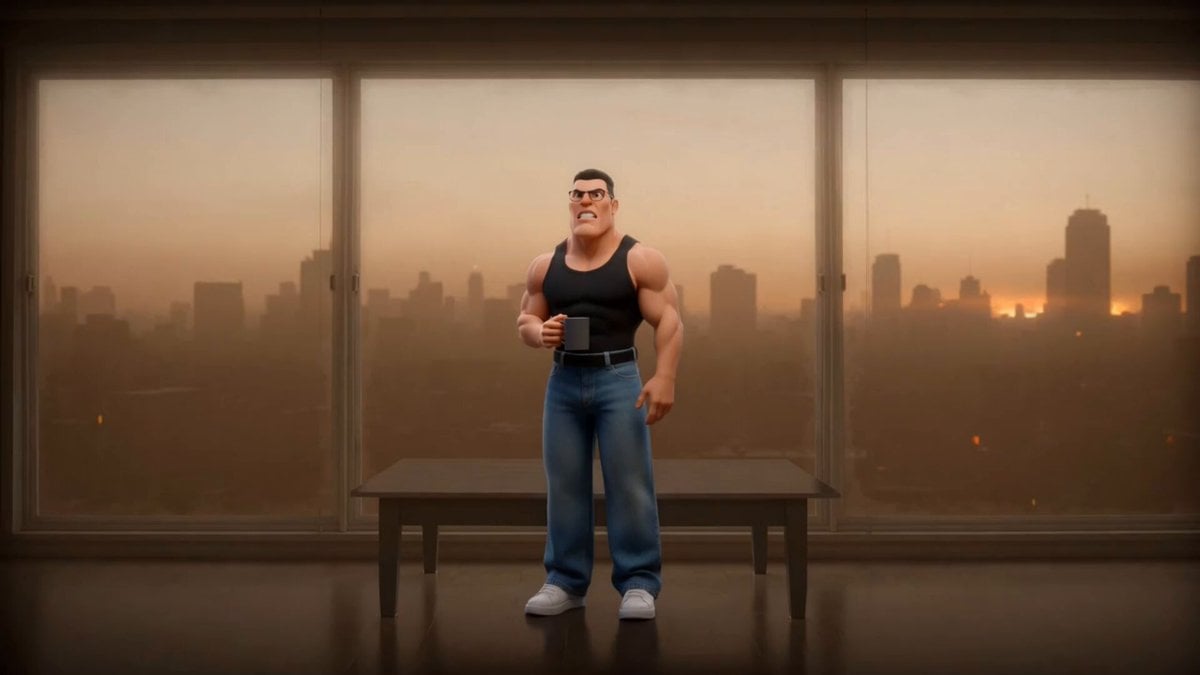
Cinematic CGI Trailer Scene: Smoggy Dawn
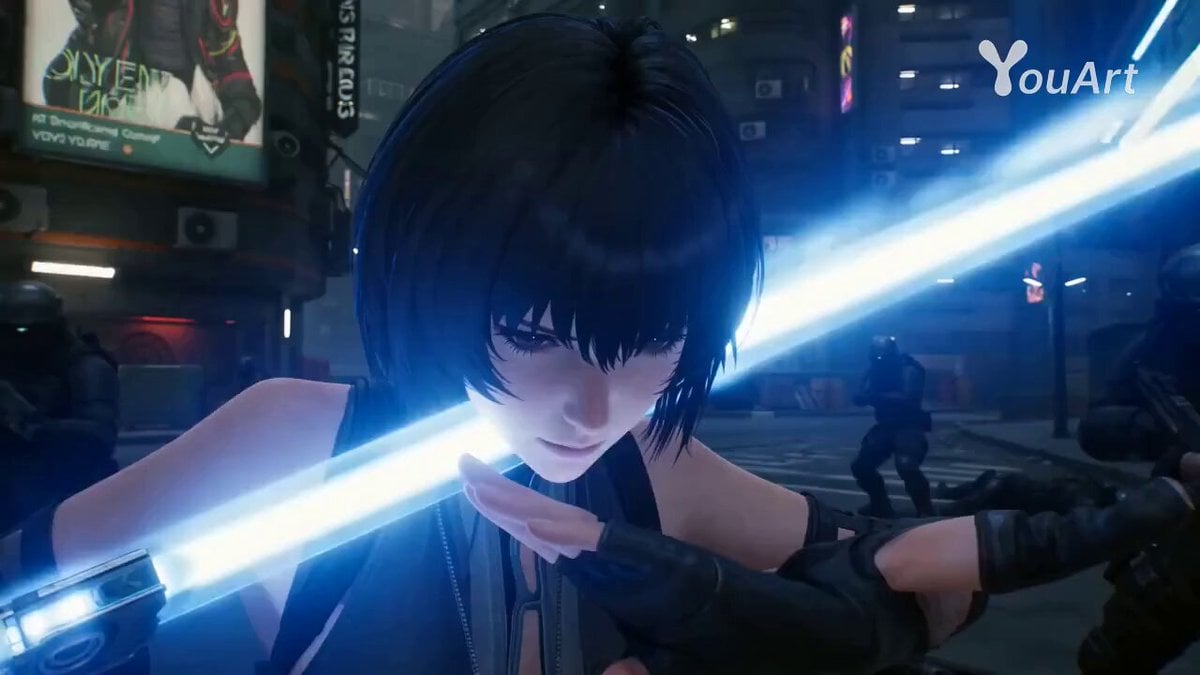
Cyberpunk Assassin CGI Scene
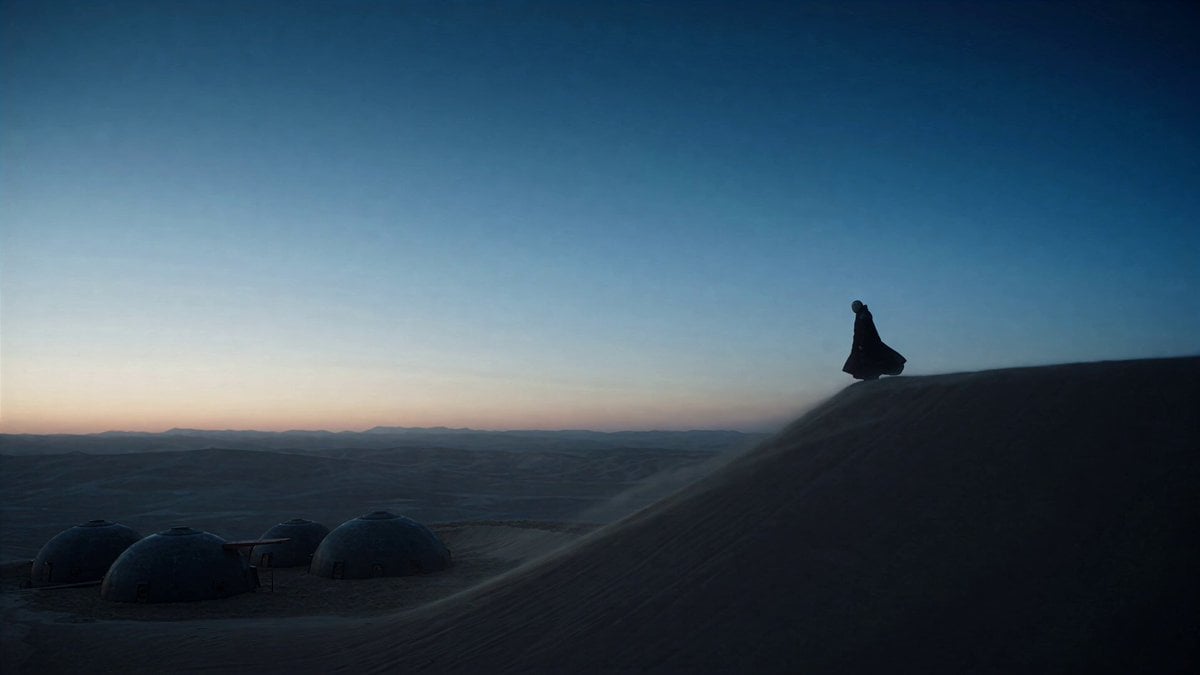
Dune Ridge Military Base Sequence
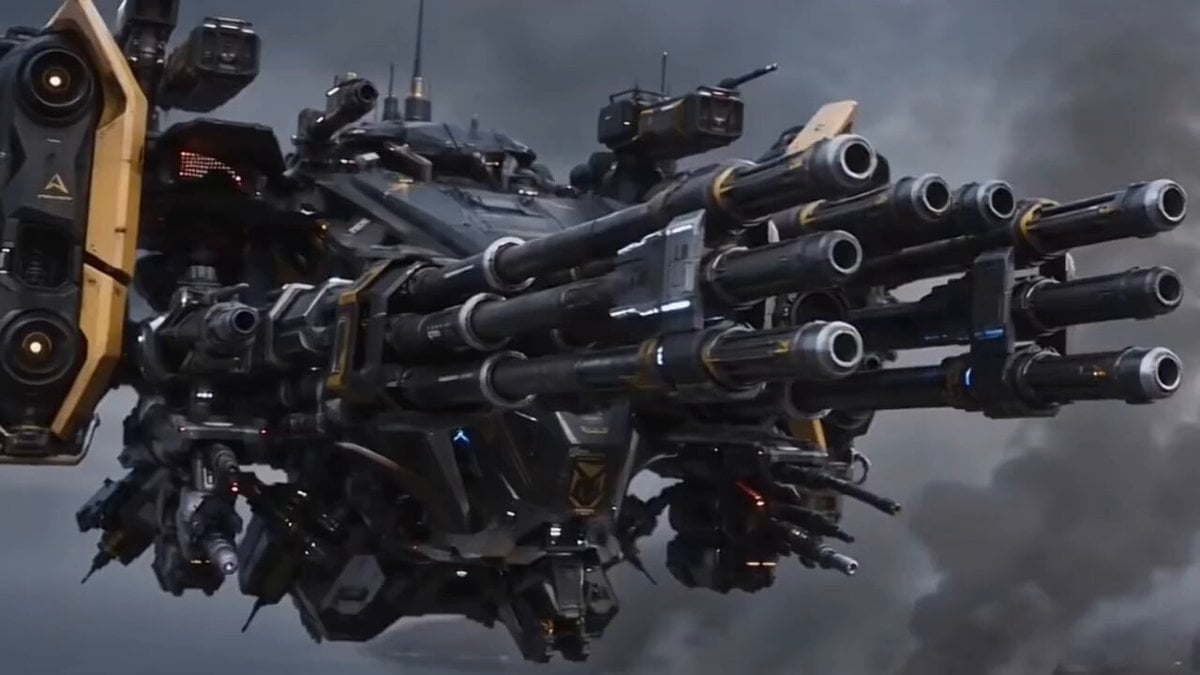
Futuristic Military Gunship Combat Scene
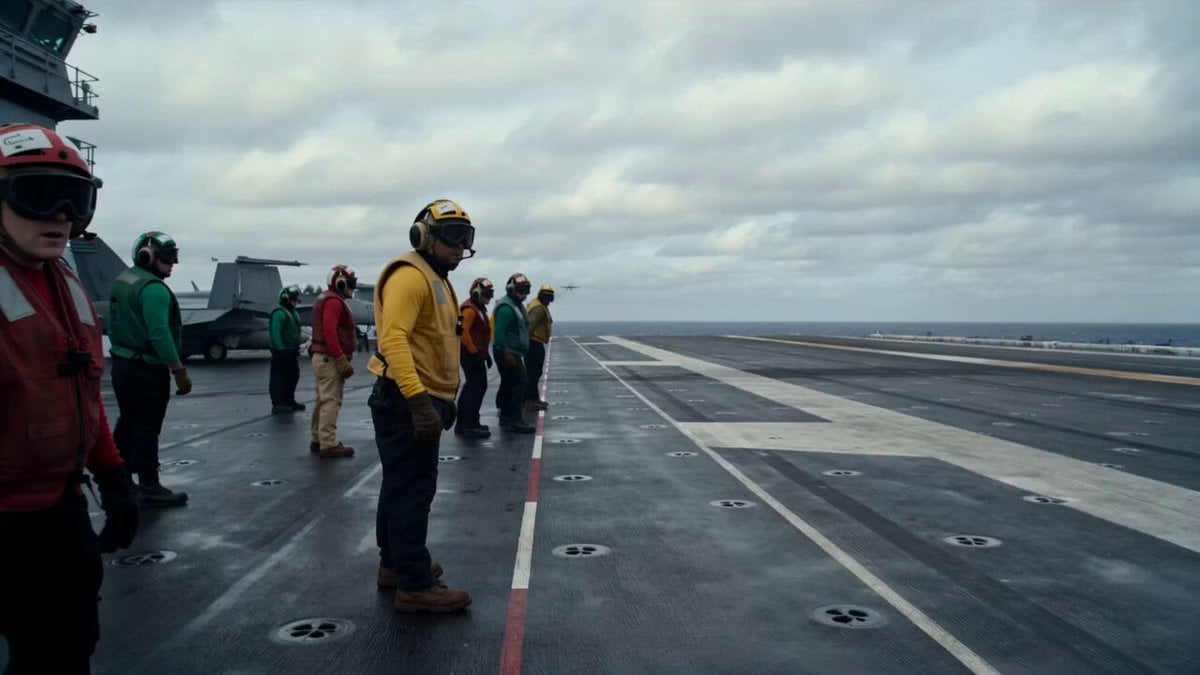
Military Carrier Emergency Documentary Prompt
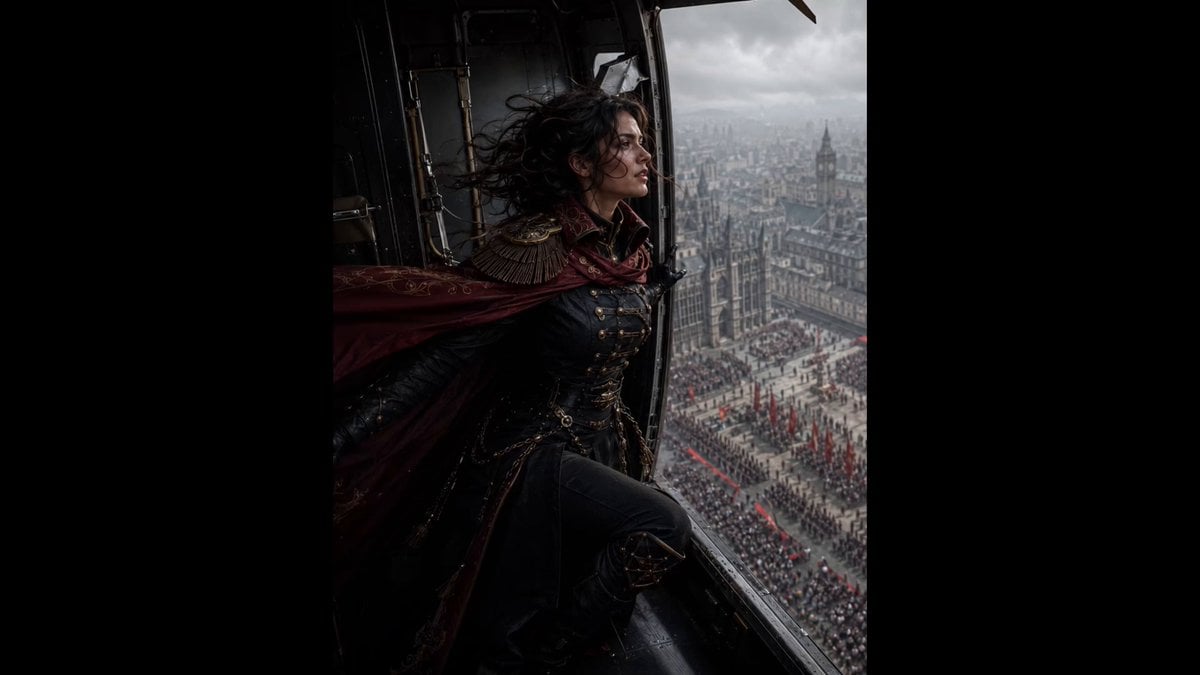
Cinematic Gothic Military Parade
Military Convoy Desert Chase
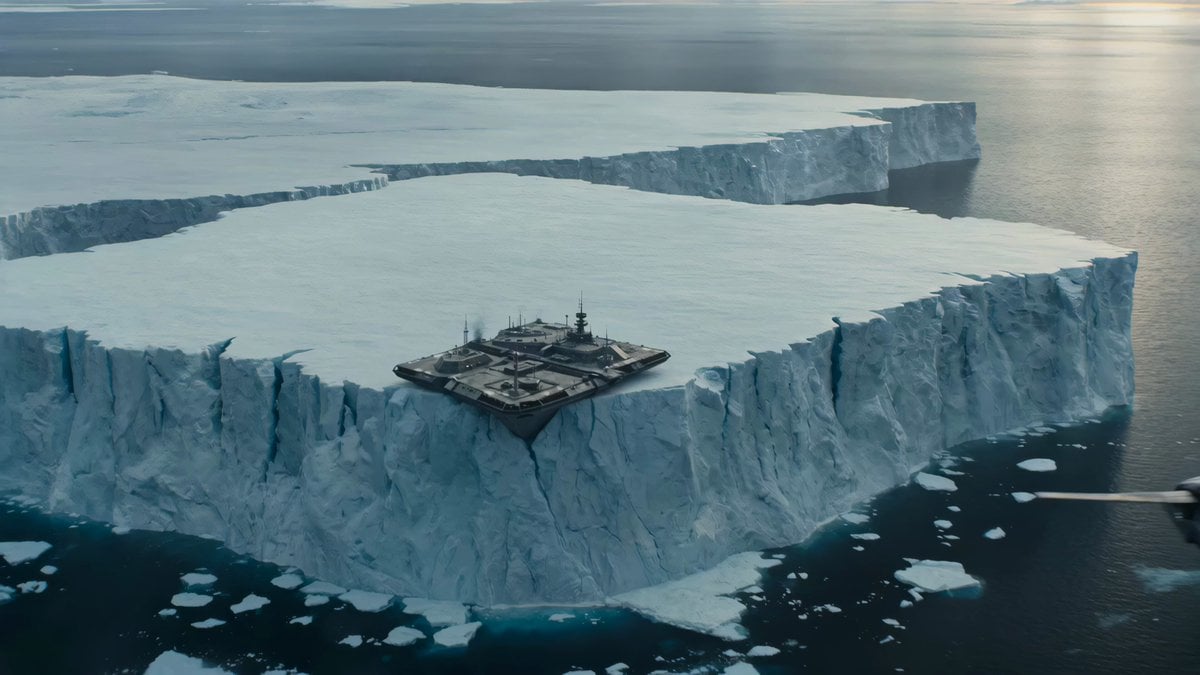
Iceberg Military Base Collapse
Make it yours
Video Prompt: Hyper-realistic Military CGI Scene works as-is. These are the safest ways to change it without losing the look.
Change one field
Copy a single group, rewrite it, and generate again so you can see what that field is doing.
Keep the frame, change the subject
Hold the composition and light of Video Prompt: Hyper-realistic Military CGI Scene, then swap wardrobe, props or the person for a new take.
| If the result… | Why | Fix |
|---|---|---|
| The result drifts from the preview | Too many fields changed at once. | Reuse Video Prompt: Hyper-realistic Military CGI Scene as-is first, then change one group — subject, light, or setting. |
| The model over-stylizes the scene | The prose prompt leaves finish and camera underspecified. | Add one camera or lighting sentence and stay on Seedance 2.0. |
More Seedance 2.0 templates
Other prompts made for Seedance 2.0.

Comical Martial Arts Punch Scene

Maglev Train Action Sequence

Martial Arts Fight Sequence

Wuxia Protection and Trust Script

Vintage Korean Arcade MiniDV Vlog

Mercedes 190 SL Luxury Ad

Rainy Night Supernatural Reverse Comedy Video Script

Amazon Civilization Discovery

Futuristic South Asian City Transformation

Cozy Luxury Cafe Commercial
More video prompts
Fresh picks from across the catalog.
Mediaeval War Scene
Cinematic Warm Gold Interior Couple Video
Late-Night Gym Found-Footage Horror
Power Girl
Seedance 2.0 Fashion Lookbook Video Prompt
Sand Titan Elemental Transformation
Space Colony Housing

Robotic Clock Emerging from a Portal
Successful Korean Man Lifestyle Vlog

Haruki Murakami Quote Video
Browse template categories
Video Prompt: Hyper-realistic Military CGI Scene questions
How do I use the Video Prompt: Hyper-realistic Military CGI Scene template?
Add your photo if the template asks for one, edit the prompt if you like — the template's model and format are already selected — and press Generate. Your version opens in PicX Studio.
Can I customize the Video Prompt: Hyper-realistic Military CGI Scene template?
Yes. You can change the subject, setting, lighting, mood, format, and available model controls before creating your video.
Is the Video Prompt: Hyper-realistic Military CGI Scene template free?
Opening and editing this template is free. Generating uses credits, shown on the Generate button when you are signed in.
Which AI model should I use?
Start with Seedance 2.0, which is the model associated with this template. You can compare another compatible model for a different finish.
Looking for something else? Browse all templates.

Your photo, any look
Thousands of ready templates for every top image and video model, from one credit balance.