
Seedance 2.0 Fashion Lookbook Video Prompt
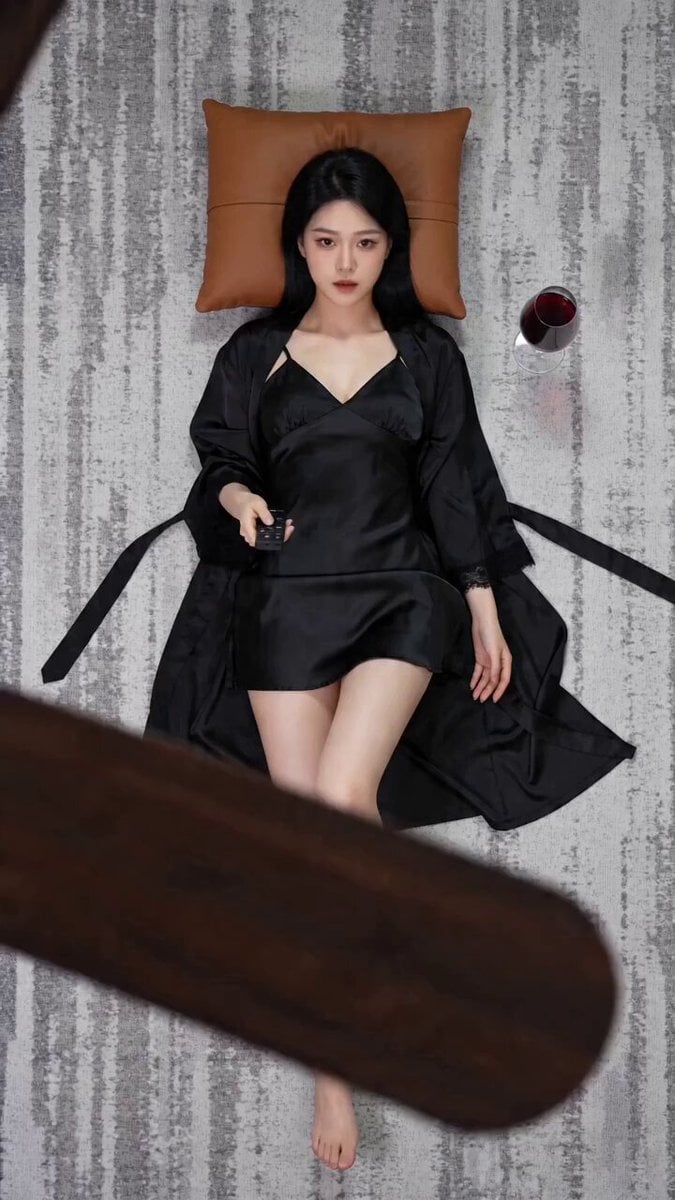
A detailed, multi-shot prompt for Seedance 2.0 to replicate a popular short video, featuring a top-down fashion lookbook with multiple outfit changes and specific camera movements and scene descriptions.
- Prompt included
- Model and format preset
- Premium template
The prompt behind this video
Copy the exact prompt behind Seedance 2.0 Fashion Lookbook Video Prompt, or open it in the studio and make it yours.
【风格】时尚杂志固定俯拍变装卡点(Top-Down Fashion Lookbook),电影质感,8K超清,丝滑卡点,极具冲击力的视觉节奏 【时长】13秒 【场景】固定俯拍视角(Bird's Eye View),镜头锁定正下方不移动。前景:模糊深棕色木质吊扇叶片缓慢旋转,偶尔遮挡镜头,营造空间景深。灰白纹理地毯,棕色方形靠垫。 【角色】年轻亚洲女性,黑色长直发,始终平躺地毯同一位置头枕靠垫,换装时主体位置固定,仅服装配饰道具和手部姿态丝滑闪切,@人物 [00:00-00:03] 造型1:慵懒丝绸(Silk Robe) 黑色丝绸吊带短裙与长袖睡袍,丝绸反射柔光。右侧地板放一杯红酒,右手举黑色遥控器指向镜头上方,神态慵懒。 [00:03-00:05] 造型2:纯白优雅(All White|瞬间闪切) 全白系:白色挂脖上衣、白色百褶短裙、半透明袖套、白色细皮带。双手手腕交叉轻放胸前,姿态优雅。 [00:05-00:06] 造型3:狂野猫耳(Leopard Cat|极速闪变) 豹纹紧身吊带上衣配白色百褶裙,黑色猫耳发饰,缎带choker,白色长袜与高跟鞋。双手随意举过头顶放靠垫边缘。 [00:06-00:08] 造型4:冷峻豹纹(Leopard Dress|丝滑切换) 紧身豹纹连衣短裙,黑色长袜。双手自然放身体两侧地板,眼神冷峻直视镜头。 [00:08-00:09] 造型5:职场特工(Office Tie|硬切) 白色修身短袖衬衫、黑色领带、豹纹短裙。左侧地板出现白色平板电脑,右侧出现银色小方包,左手轻放腹部上方。 [00:09-00:10] 造型6:暗黑摇滚(Rock Black|瞬间变身) 全黑:黑皮夹克、黑背心、黑皮短裤、黑色过膝长筒袜、半指皮手套。怀里斜抱浅色木吉他。 [00:10-00:13] 造型7:复古惊艳(Vintage Qipao|定格收束) 红黑印花复古无袖短款旗袍,左侧发际别一朵红花,黑色过膝长筒袜。右手持半开黑色折扇置于胸前,右侧地板摆红色高跟鞋。红黑配色收束全片。
How to use Seedance 2.0 Fashion Lookbook Video Prompt in 3 steps
- 1
Open
The prompt is already in the box next to the preview, with the template's model and format selected.
- 2…a portrait of your subject in softgolden-hour light, 85mm…
Personalize
Edit the subject and creative details for your destination.
- 3Generate
Generate
Press Generate — your video is created in PicX Studio, so you can compare it with the original and refine one variable at a time.
More like this
Templates with the same subject, style or setup. Open one to see its prompt.

Sneaker Product Commercial

Cinematic Short Film Scene
Luxury Handbag Commercial — Hollywood VFX Ad

Wholesome Puppy and Kitten Story - Seedance 2.5

Mysterious Home Exploration Vlog - Seedance 2.5

Dark Tokusatsu Transformation - Seedance 2.5

Cinematic Xinjiang Drone Landscapes - Seedance 2.5

Late Night Kitchen Phone Recording - Seedance 2.5

3D Animated Cat and Old Man - Seedance

Realistic City Street Story Cinematic Video - Seedance

Seedance 2.0 First Test — Dynamic Motion Showcase

Dragon Rider Cinematic Flight — Seedance 2.5
Make it yours
Seedance 2.0 Fashion Lookbook Video Prompt works as-is. These are the safest ways to change it without losing the look.
Change one field
Copy a single group, rewrite it, and generate again so you can see what that field is doing.
Keep the frame, change the subject
Hold the composition and light of Seedance 2.0 Fashion Lookbook Video Prompt, then swap wardrobe, props or the person for a new take.
| If the result… | Why | Fix |
|---|---|---|
| The result drifts from the preview | Too many fields changed at once. | Reuse Seedance 2.0 Fashion Lookbook Video Prompt as-is first, then change one group — subject, light, or setting. |
| The model over-stylizes the scene | The prose prompt leaves finish and camera underspecified. | Add one camera or lighting sentence and stay on Seedance 2.0. |
More Seedance 2.0 templates
Other prompts made for Seedance 2.0.

Comical Martial Arts Punch Scene

Maglev Train Action Sequence

Martial Arts Fight Sequence

Wuxia Protection and Trust Script

Vintage Korean Arcade MiniDV Vlog

Mercedes 190 SL Luxury Ad

Rainy Night Supernatural Reverse Comedy Video Script

Amazon Civilization Discovery

Futuristic South Asian City Transformation

Cozy Luxury Cafe Commercial
More video prompts
Fresh picks from across the catalog.
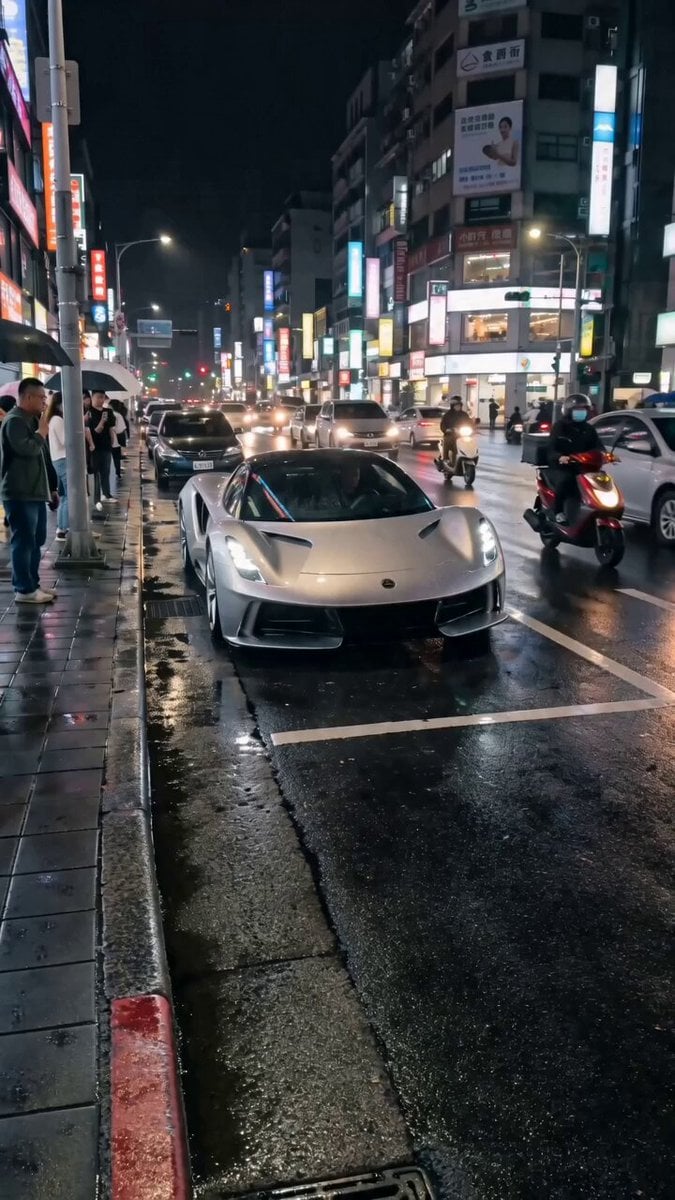
Silver Lotus Evija Urban Night Drift
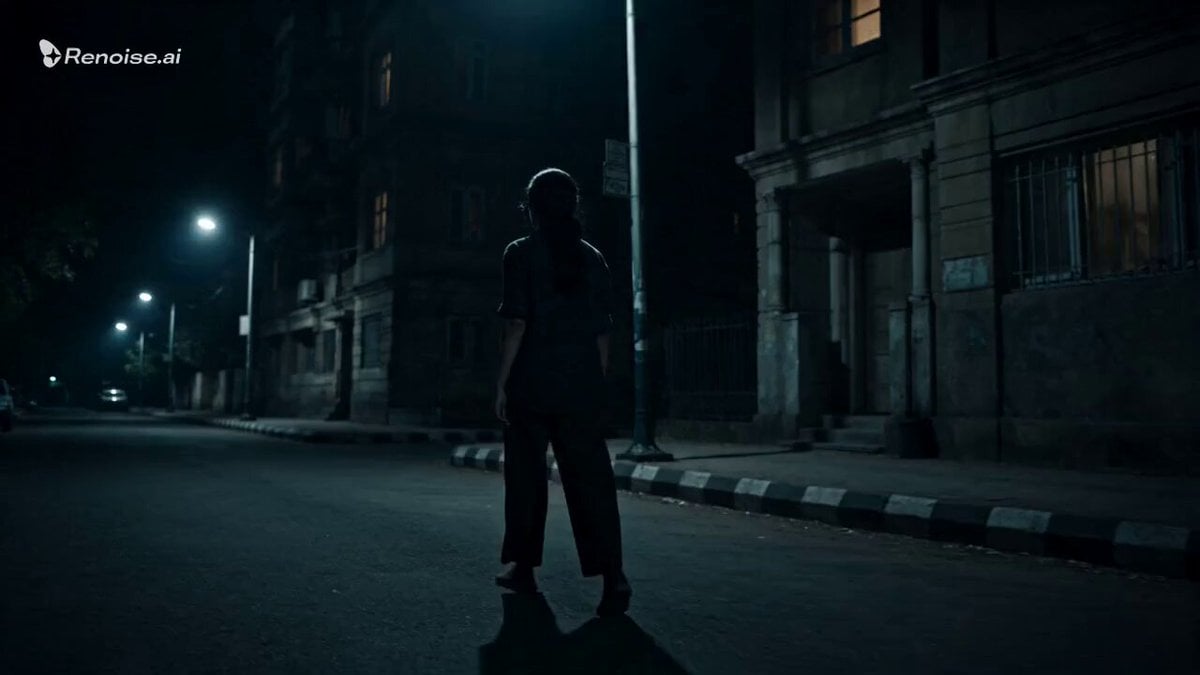
Psychological Horror Window Doppelganger
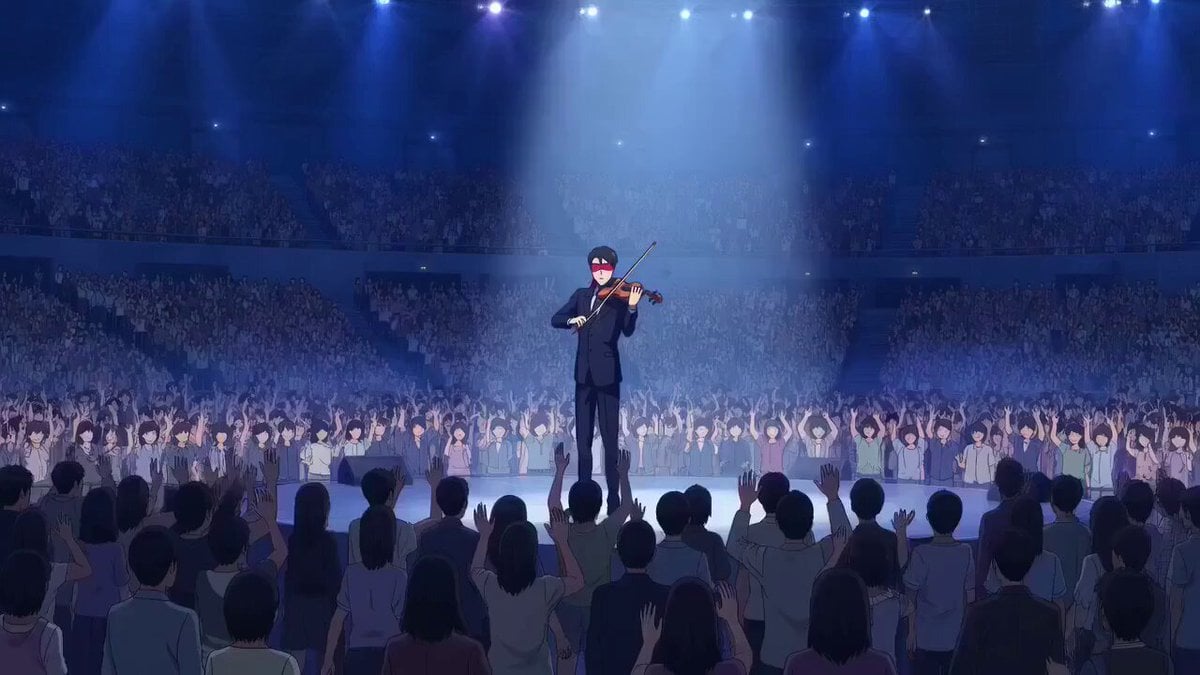
OVA anime style violinist with levitation and sinister observer
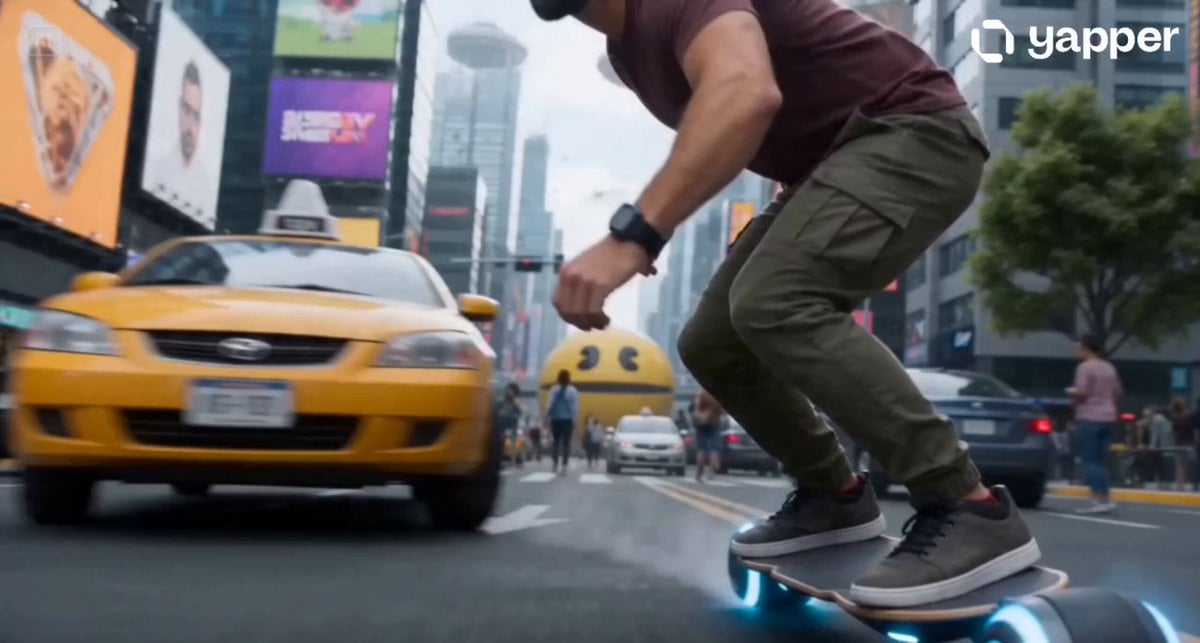
Cyberpunk Neo-Tokyo Survival Chase with Pac-Man
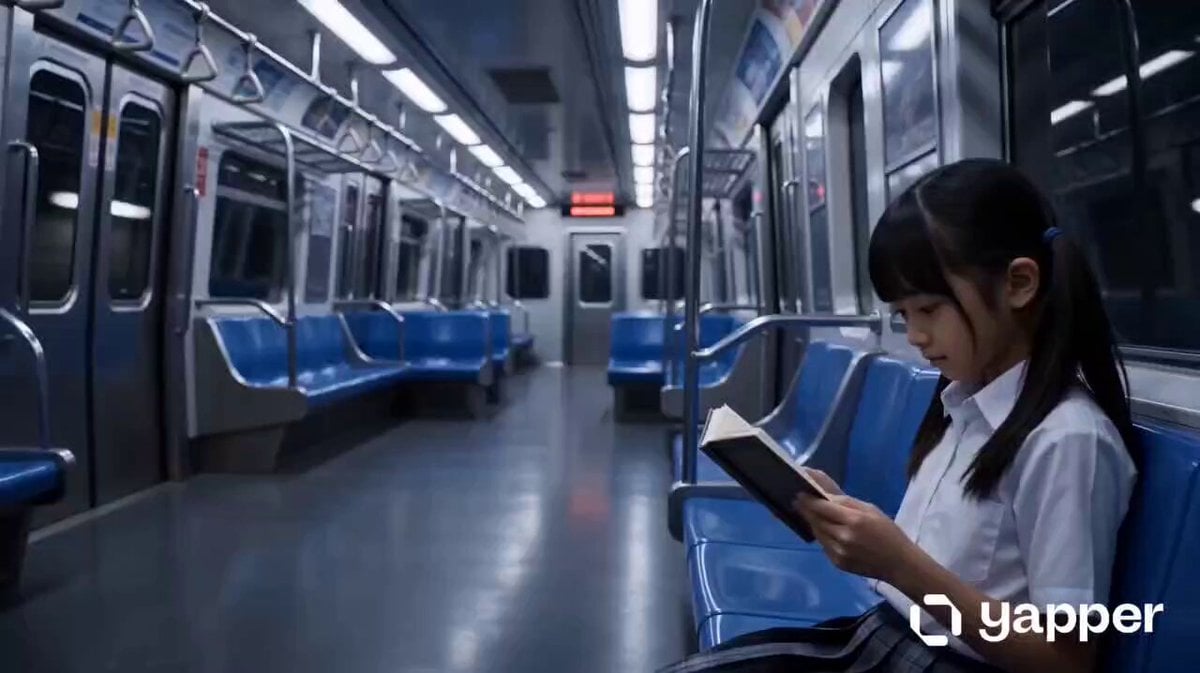
Cyber Transformation Subway Fight
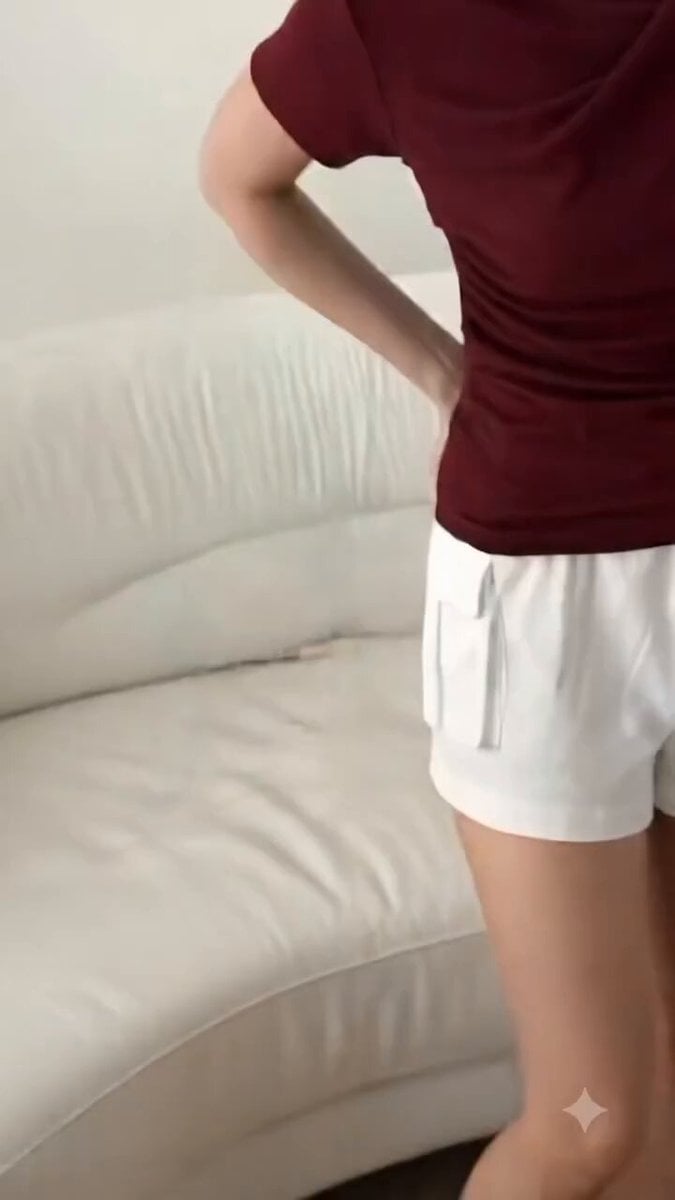
High-End Fashion UGC Campaign
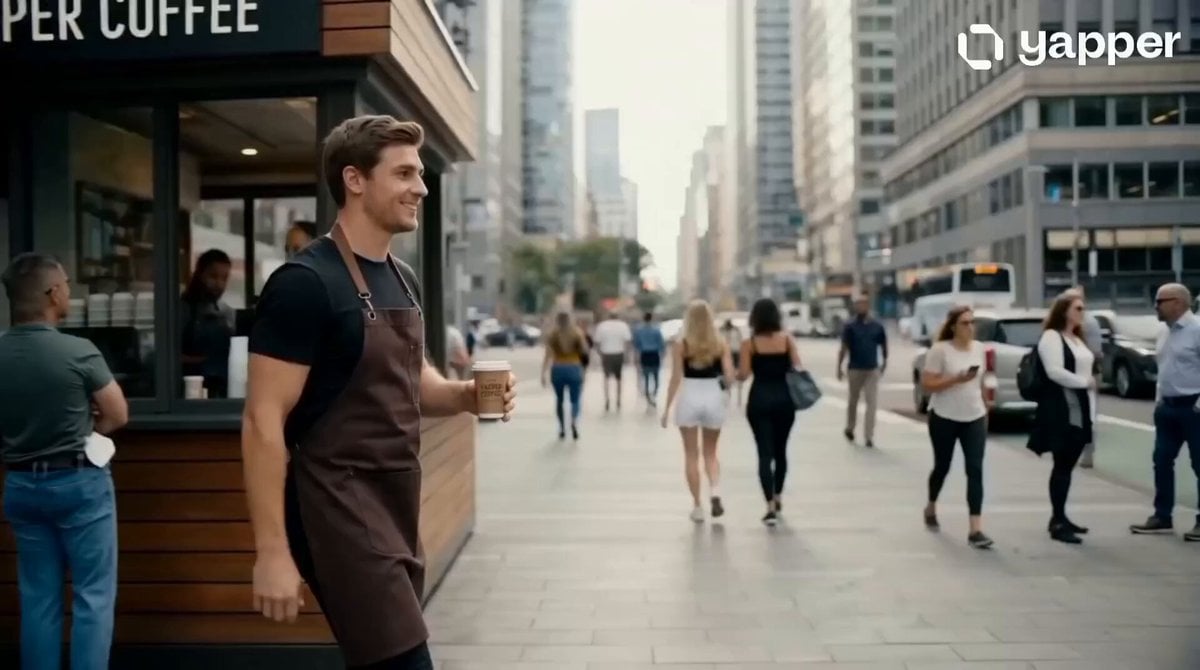
Barista Cinematic Commercial Video Prompt
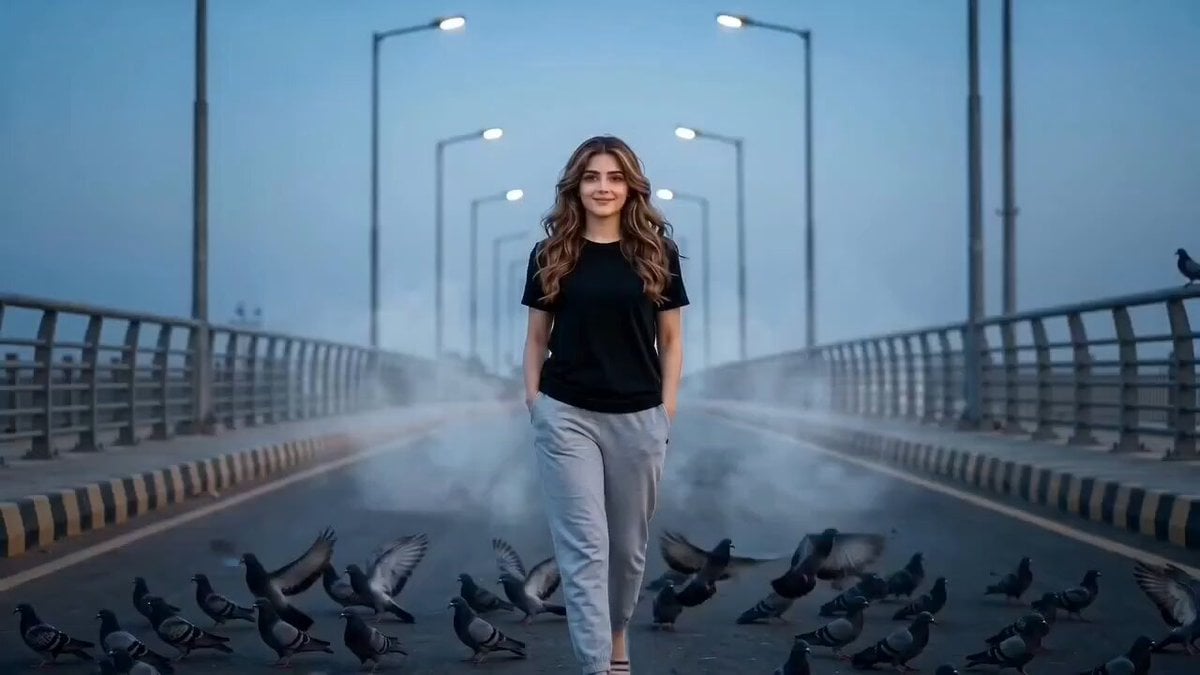
Cinematic Girl and Pigeons on Bridge
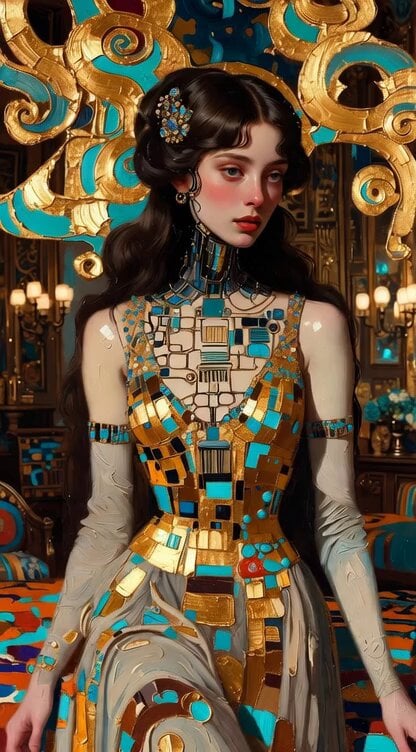
Impasto Oil Painting of Female Robot, Klimt Style
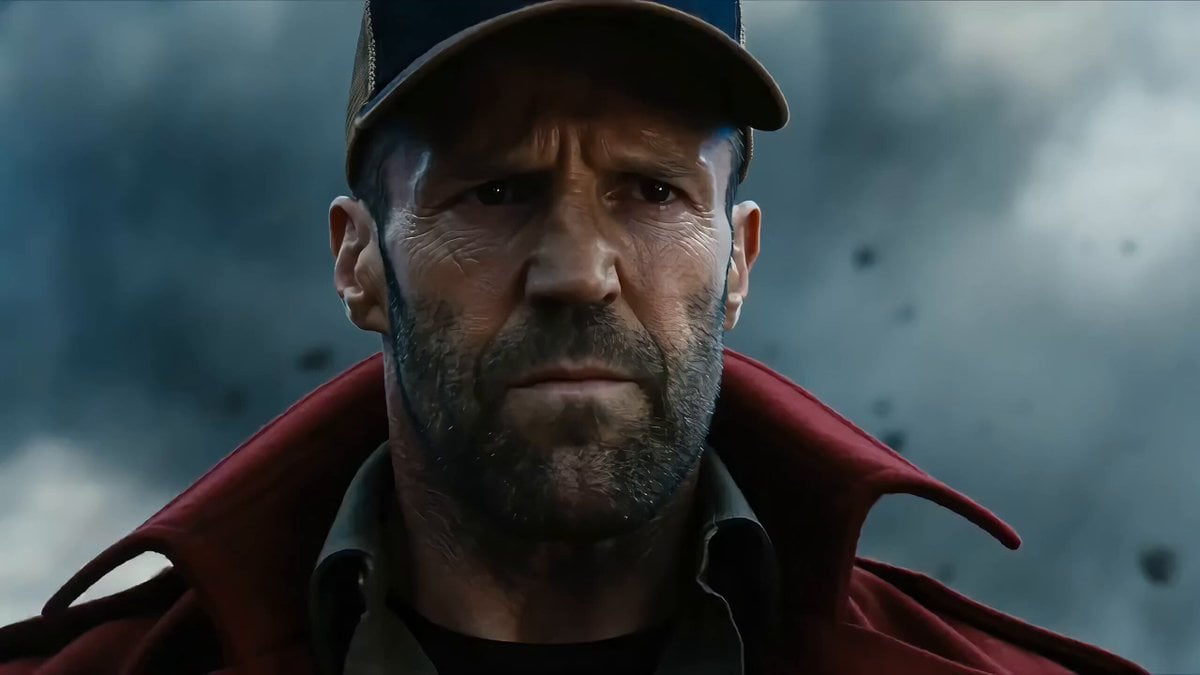
Elemental Clash Action Scene: Magma General vs. Fire Youth
Browse template categories
Seedance 2.0 Fashion Lookbook Video Prompt questions
How do I use the Seedance 2.0 Fashion Lookbook Video Prompt template?
Add your photo if the template asks for one, edit the prompt if you like — the template's model and format are already selected — and press Generate. Your version opens in PicX Studio.
Can I customize the Seedance 2.0 Fashion Lookbook Video Prompt template?
Yes. You can change the subject, setting, lighting, mood, format, and available model controls before creating your video.
Is the Seedance 2.0 Fashion Lookbook Video Prompt template free?
Opening and editing this template is free. Generating uses credits, shown on the Generate button when you are signed in.
Which AI model should I use?
Start with Seedance 2.0, which is the model associated with this template. You can compare another compatible model for a different finish.
Looking for something else? Browse all templates.

Your photo, any look
Thousands of ready templates for every top image and video model, from one credit balance.