
Cyber Transformation Subway Fight
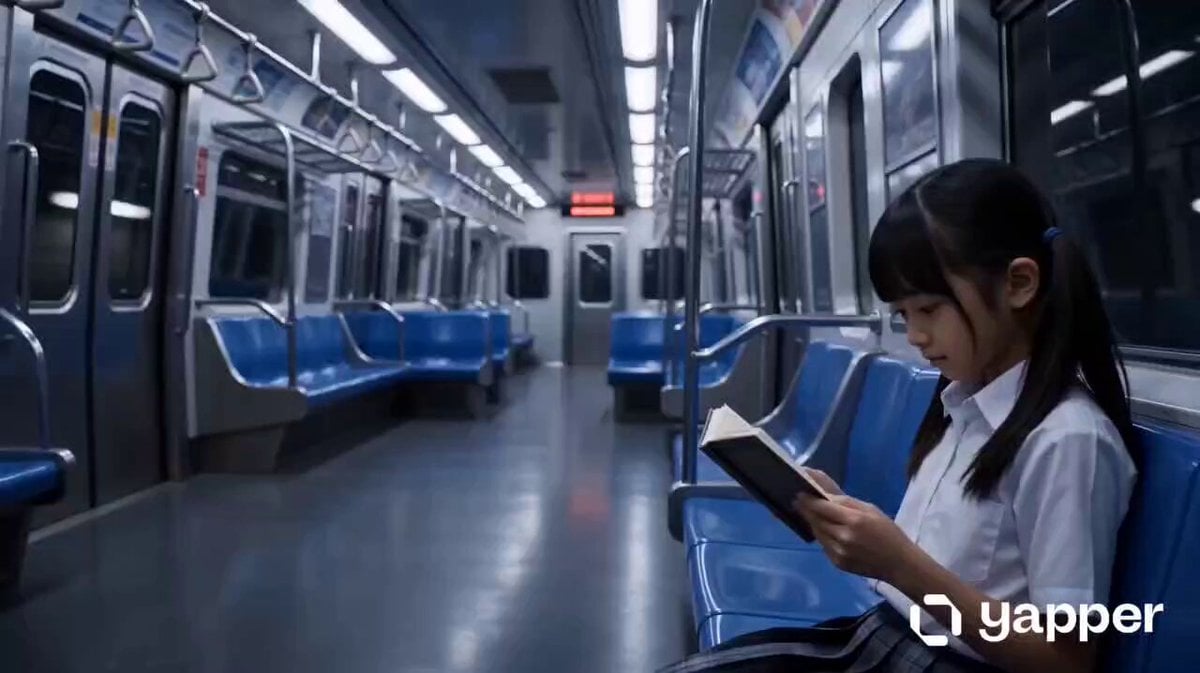
A complex multi-shot action sequence prompt featuring a student's cinematic transformation into a cyber-armored hero to fight a monster on a subway train.
- Prompt included
- Model and format preset
- Premium template
The prompt behind this video
Copy the exact prompt behind Cyber Transformation Subway Fight, or open it in the studio and make it yours.
Cinematic 15-second multi-shot action sequence in a realistic modern subway carriage at night, dim fluorescent lighting with flickering overhead lights, cool blue and purple tones, high contrast shadows, subtle film grain, photorealistic style with dynamic camera work. Shot 1 (0-4s): Medium shot, slight handheld camera. A cute 18-year-old East Asian girl with long black hair in twin pigtails and bangs, wearing a casual white blouse and pleated skirt, sits calmly on a subway seat reading a small book. She looks peaceful and immersed. The empty subway car sways gently. Subway windows show dark tunnel lights passing by. Sudden chaos: A massive, terrifying monstrous creature (grotesque alien-like with sharp claws, tentacles, glowing red eyes, dark slimy skin, and jagged teeth) bursts violently into the carriage from the left, smashing seats and roaring aggressively. Debris flies, dramatic motion blur on the attack. Shot 2 (4-8s): Fast-paced action, dynamic camera tracking and quick cuts. The girl looks up startled for a split second, then her body glows with intense bright blue cyber energy. Epic transformation sequence: Her clothes dissolve into glowing blue cybernetic armor with futuristic metallic plates, neon blue accents, holographic elements, and sleek helmet. Energy particles and light trails swirl around her. She stands up powerfully. Shot 3 (8-12s): High-energy fight sequence, orbiting camera and low-angle heroic shots. The armored girl unleashes powers — blue energy blasts from her hands, summoned energy sword and weapons. She dodges the monster's attacks with agile movements, counters with powerful slashes, punches, and energy explosions that damage the monster and subway interior (sparks, broken seats, shattered windows). Intense motion, particle effects, glowing trails, dramatic lighting flashes. Shot 4 (12-15s): Calm resolution, smooth pull-back camera. The monster is defeated and dissipates. The girl’s armor glows and fades away, transforming back to her normal casual outfit and pigtails. She sits back down peacefully on the seat, picks up her book, and resumes reading calmly as if nothing happened. Subway continues moving smoothly. Peaceful atmosphere returns. Highly detailed, consistent character face and proportions throughout, smooth transitions between shots, strong motion control, cinematic lighting, realistic physics on debris and energy effects, no text, no watermark, 16:9 aspect ratio, 1080p or higher, fluid 24fps motion.
How to use Cyber Transformation Subway Fight in 3 steps
- 1
Open
The prompt is already in the box next to the preview, with the template's model and format selected.
- 2…a portrait of your subject in softgolden-hour light, 85mm…
Personalize
Edit the subject and creative details for your destination.
- 3Generate
Generate
Press Generate — your video is created in PicX Studio, so you can compare it with the original and refine one variable at a time.
More like this
Templates with the same subject, style or setup. Open one to see its prompt.

RX-7 to Mech Transformation Cyberpunk
Subway Fight Scene Cinematic Prompt
Subway Station Martial Arts Fight

Cinematic Istanbul Night Fight - Seedance 2.5

Magical Room Transformation - Seedance 2.5

Dark Tokusatsu Transformation - Seedance 2.5
Post-Apocalyptic Cybernetic Transformation
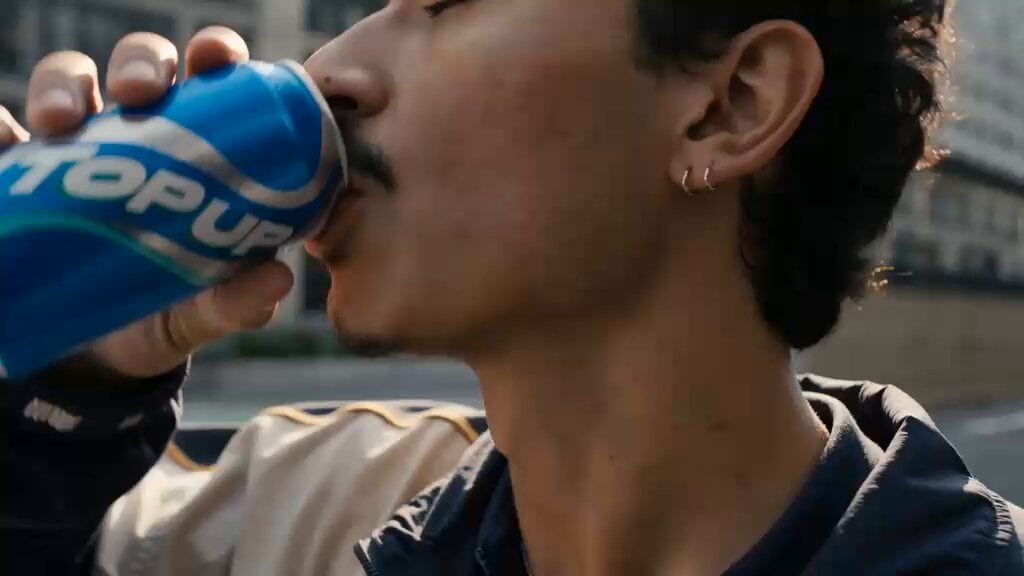
Cinematic Cyberpunk Armor Transformation

Cyber Ronin Nanotech Transformation Video
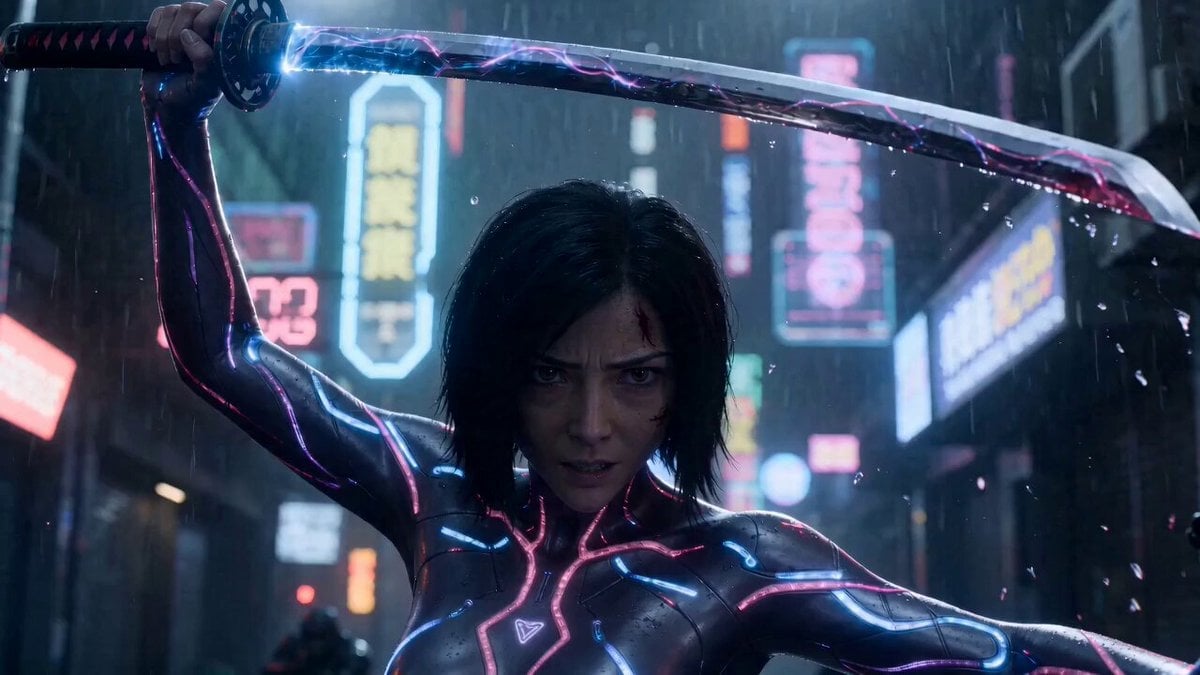
Cyber Ronin Cinematic Fight Scene
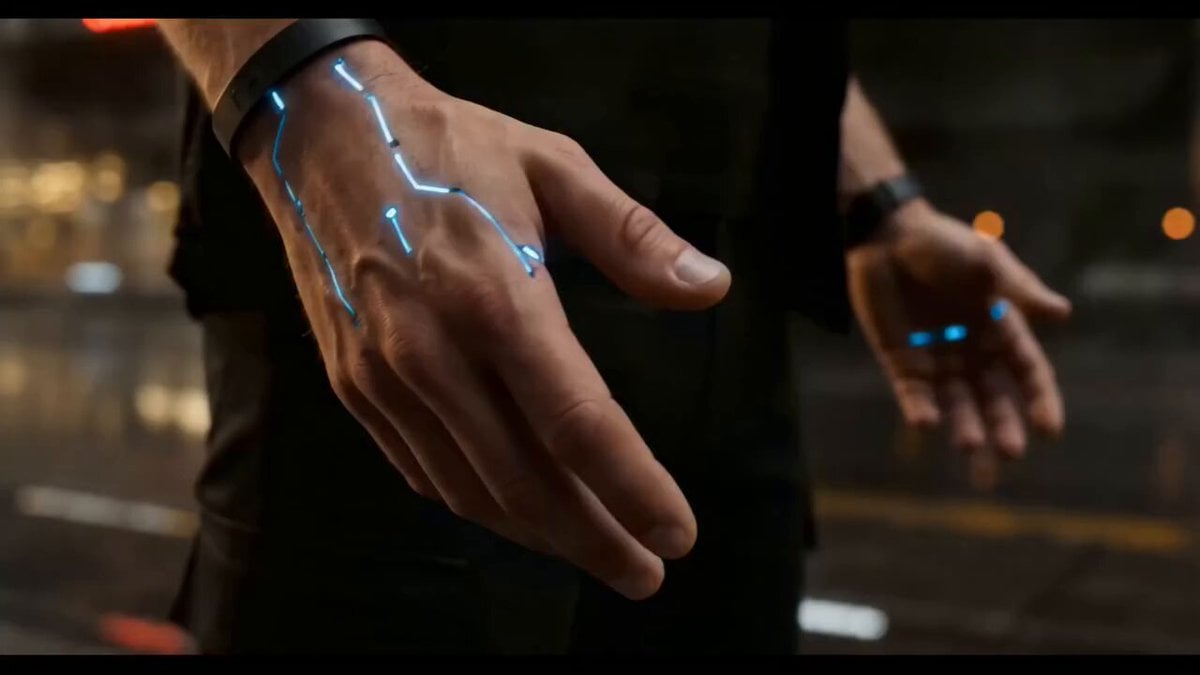
Cyberpunk Exosuit Transformation Sequence
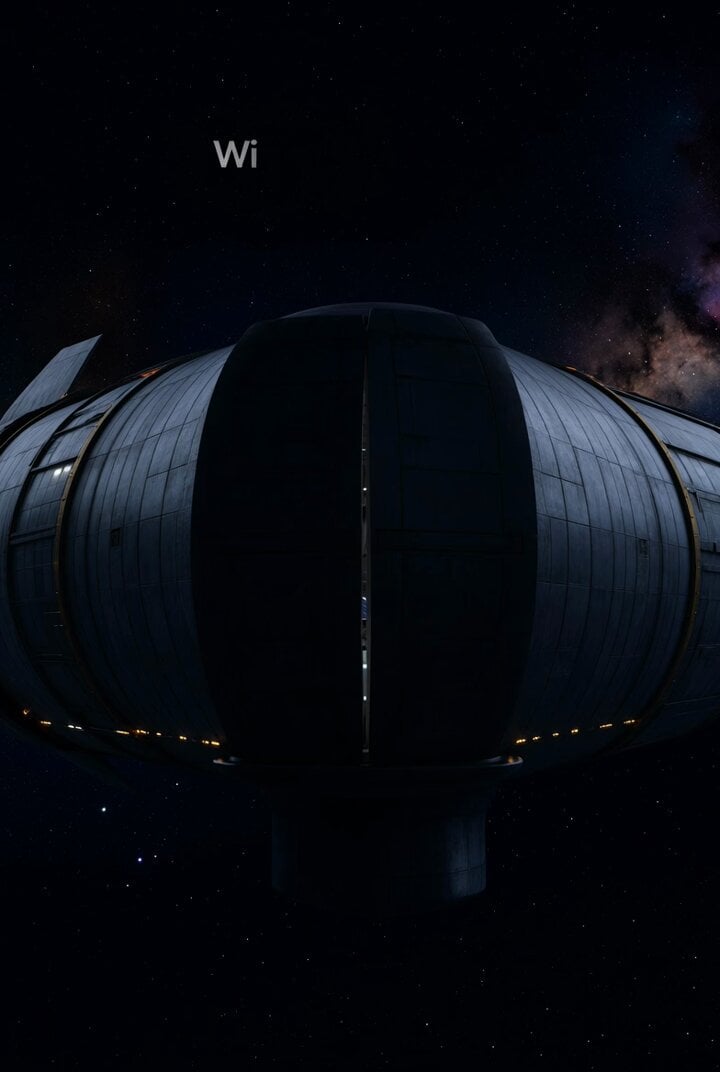
SpaceX Cyber Truck transformation video prompt
Make it yours
Cyber Transformation Subway Fight works as-is. These are the safest ways to change it without losing the look.
Change one field
Copy a single group, rewrite it, and generate again so you can see what that field is doing.
Keep the frame, change the subject
Hold the composition and light of Cyber Transformation Subway Fight, then swap wardrobe, props or the person for a new take.
| If the result… | Why | Fix |
|---|---|---|
| The result drifts from the preview | Too many fields changed at once. | Reuse Cyber Transformation Subway Fight as-is first, then change one group — subject, light, or setting. |
| The model over-stylizes the scene | The prose prompt leaves finish and camera underspecified. | Add one camera or lighting sentence and stay on Seedance 2.0. |
More Seedance 2.0 templates
Other prompts made for Seedance 2.0.

Comical Martial Arts Punch Scene

Maglev Train Action Sequence

Martial Arts Fight Sequence

Wuxia Protection and Trust Script

Vintage Korean Arcade MiniDV Vlog

Mercedes 190 SL Luxury Ad

Rainy Night Supernatural Reverse Comedy Video Script

Amazon Civilization Discovery

Futuristic South Asian City Transformation

Cozy Luxury Cafe Commercial
More video prompts
Fresh picks from across the catalog.
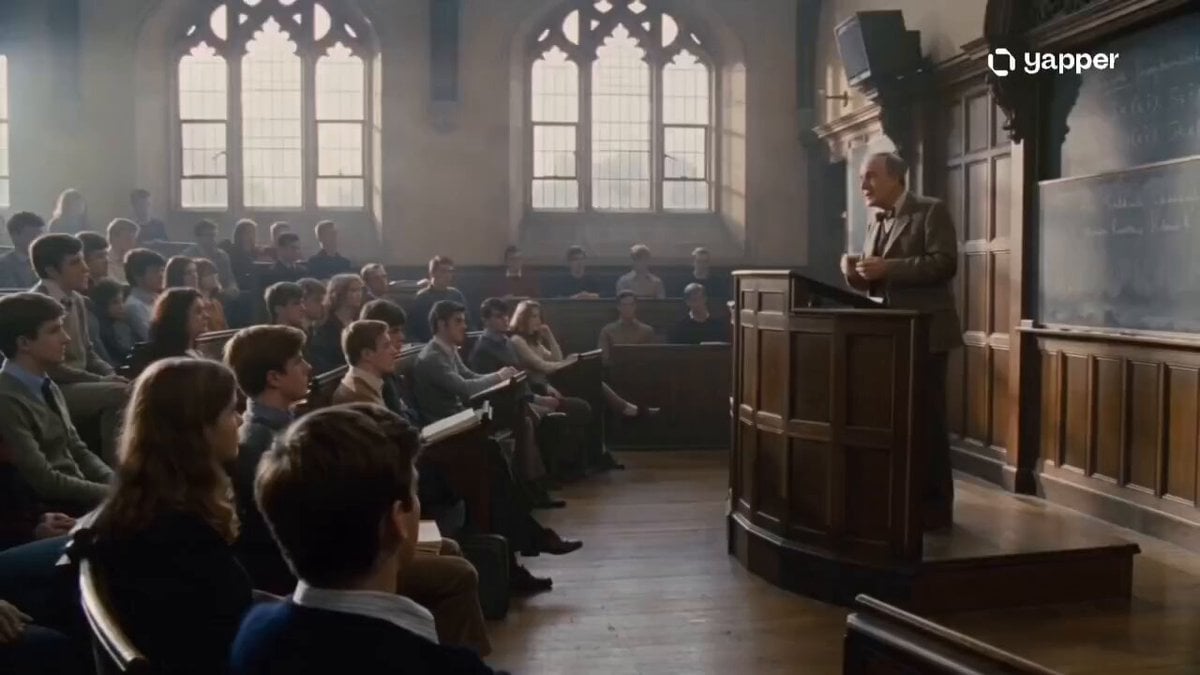
1970s Academic Lecture Drama
Epic Stormborn Dragon Rider
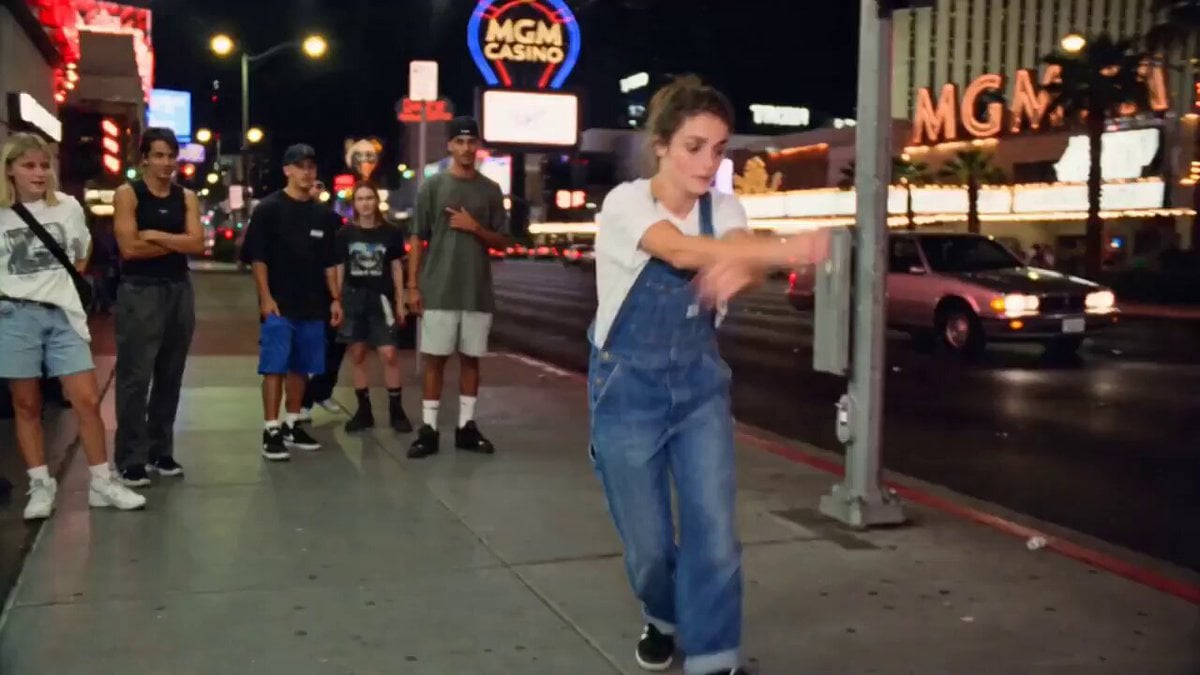
90s Street Dance VHS Style
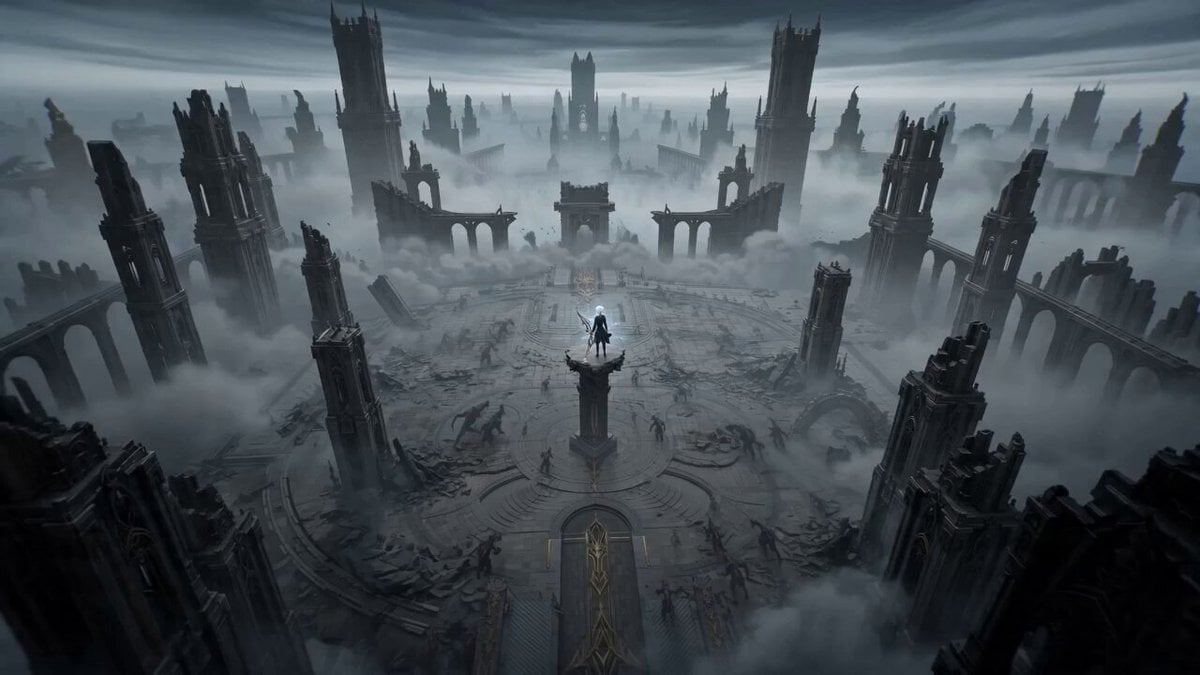
Anime Superhero Battle Storyboard
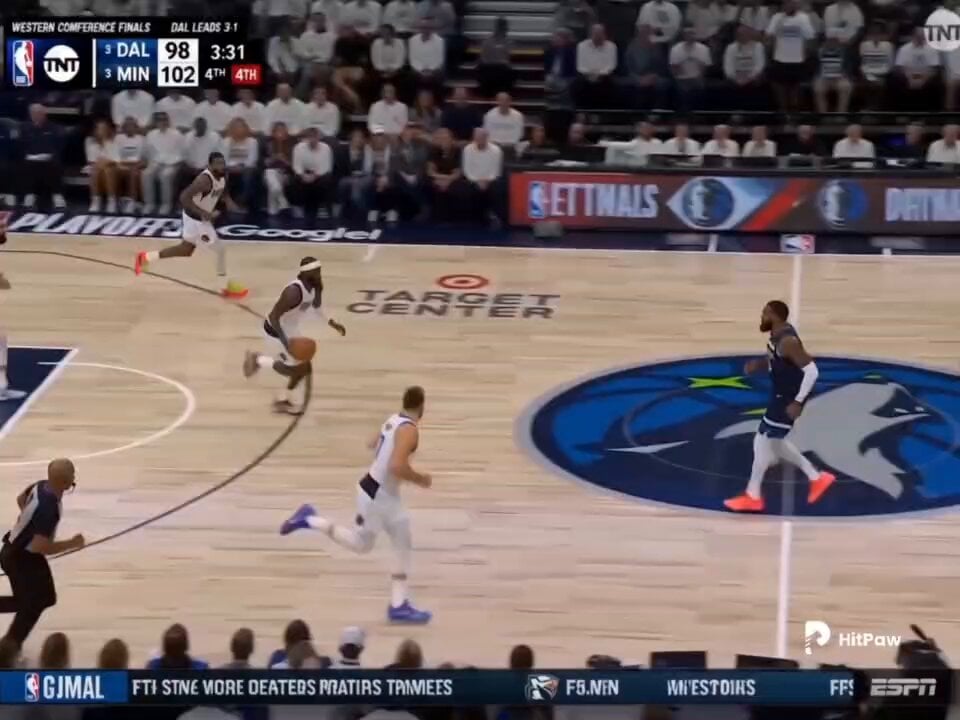
Basketball Broadcast Motion Sequence

Horror Short Guesthouse Box
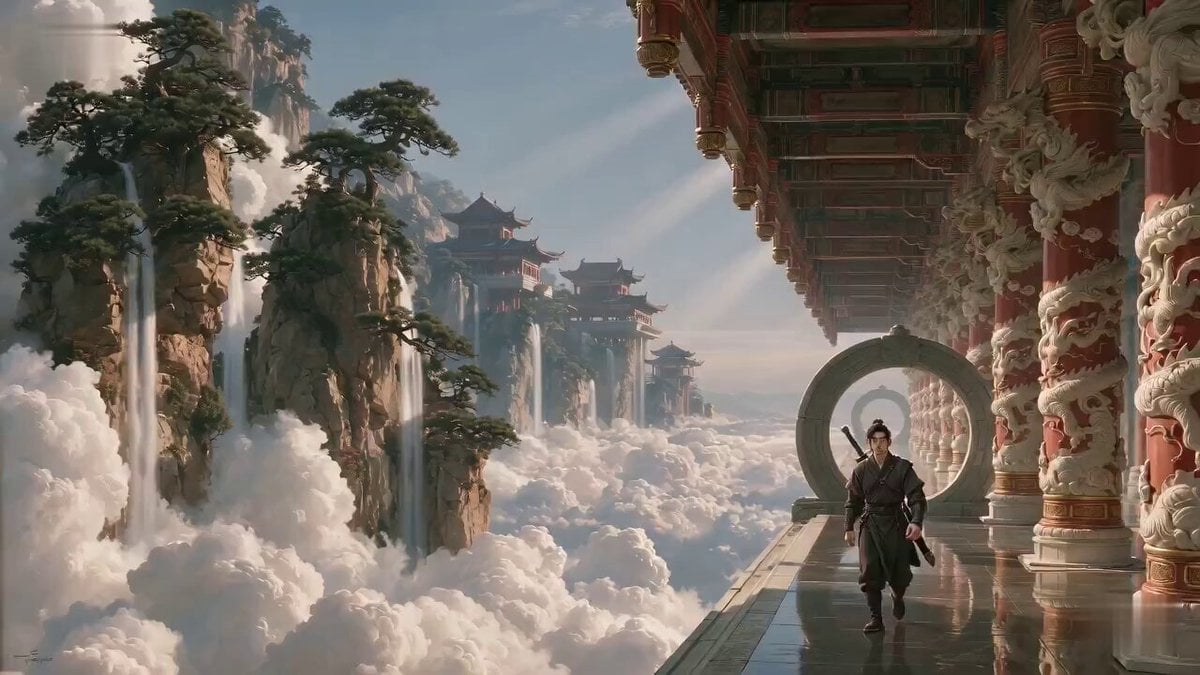
Xianxia Salary Increase Challenge Comedy

Sunset City Skyscraper Rooftop View
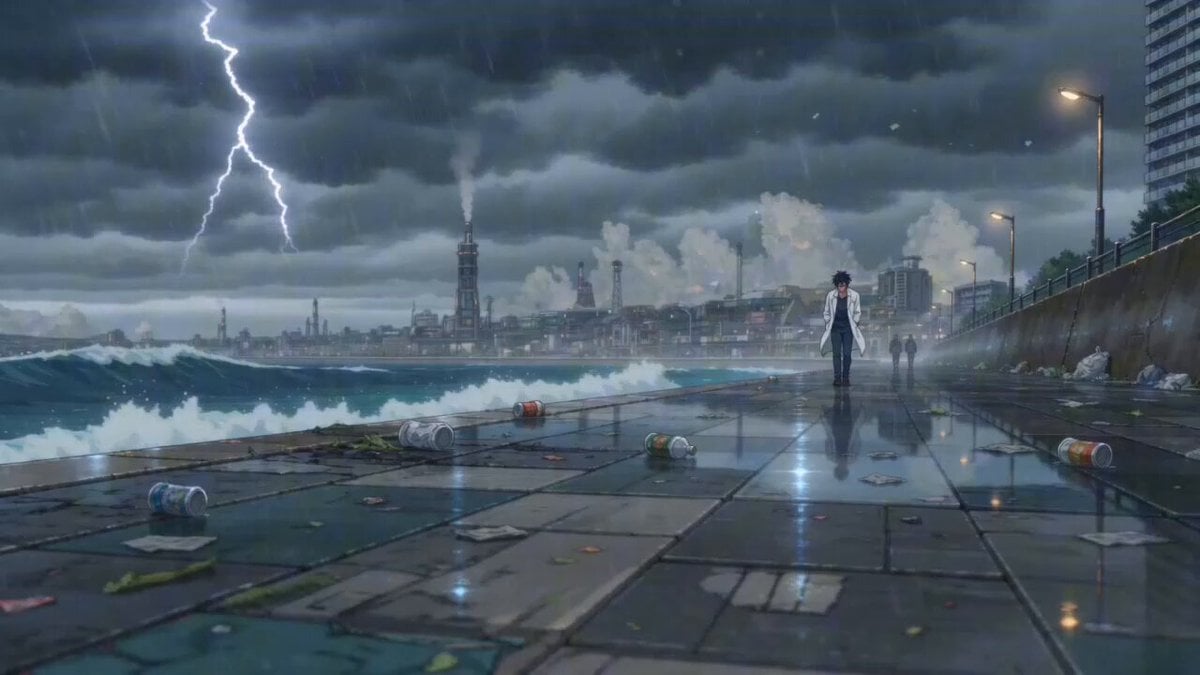
Cinematic Anime Scene: Stormy Seaside Promenade
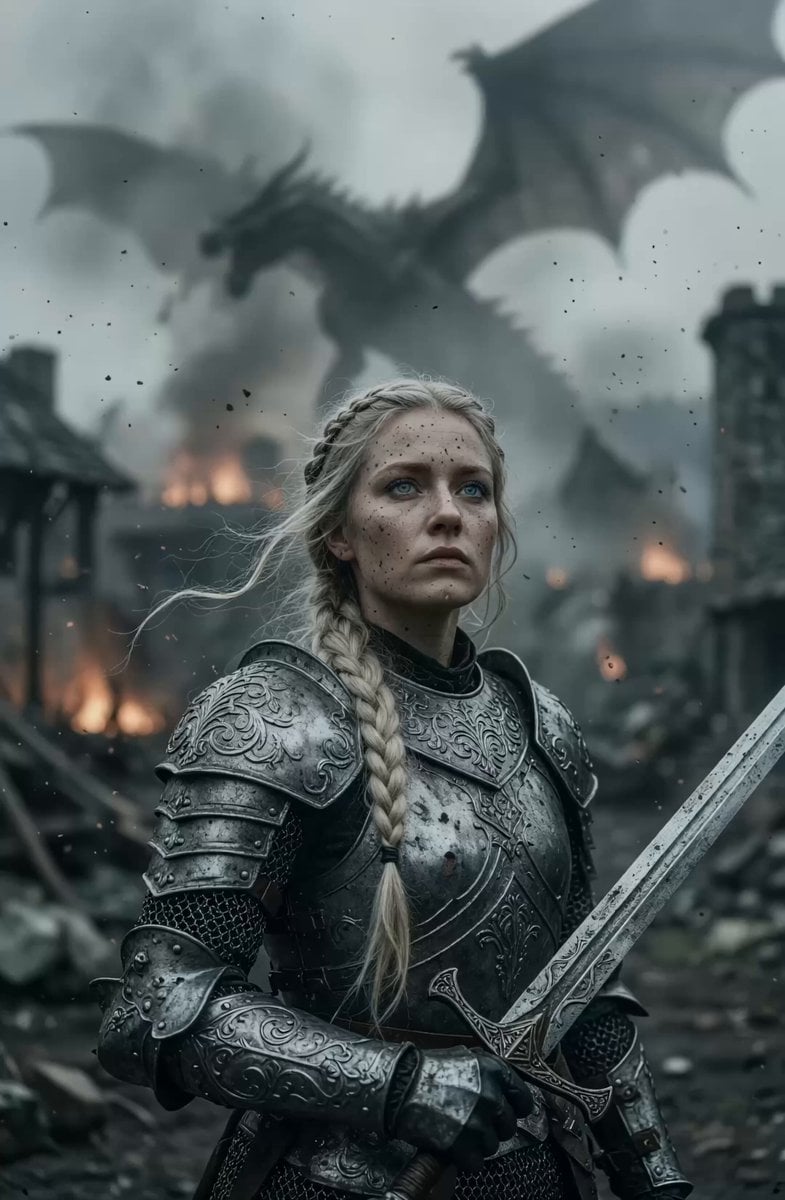
Cinematic Warrior Woman in Burning Village
Browse template categories
Cyber Transformation Subway Fight questions
How do I use the Cyber Transformation Subway Fight template?
Add your photo if the template asks for one, edit the prompt if you like — the template's model and format are already selected — and press Generate. Your version opens in PicX Studio.
Can I customize the Cyber Transformation Subway Fight template?
Yes. You can change the subject, setting, lighting, mood, format, and available model controls before creating your video.
Is the Cyber Transformation Subway Fight template free?
Opening and editing this template is free. Generating uses credits, shown on the Generate button when you are signed in.
Which AI model should I use?
Start with Seedance 2.0, which is the model associated with this template. You can compare another compatible model for a different finish.
Looking for something else? Browse all templates.

Your photo, any look
Thousands of ready templates for every top image and video model, from one credit balance.