
Subway Fight Scene Cinematic Prompt
A complex JSON-structured prompt for a handheld close-combat fight sequence inside a subway car, featuring an orange-haired woman.
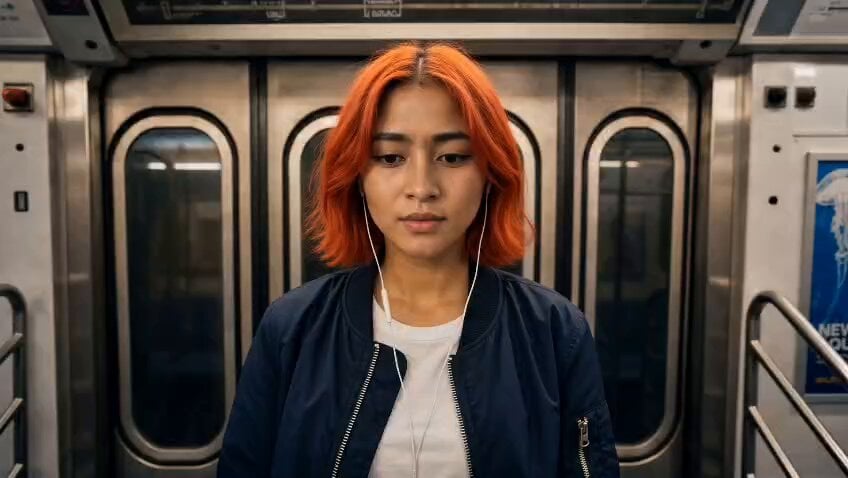
- Prompt included
- Model and format preset
- Free template
The prompt behind this video
Copy the exact prompt behind Subway Fight Scene Cinematic Prompt, or open it in the studio and make it yours.
{ "model": "seedance-2.0", "task_type": "generation", "task": "generate_video", "priority": { "primary": "handheld close-combat fight sequence inside a moving subway car — young woman with orange hair dismantles multiple male attackers using poles, seats, tight-space acrobatics, then walks away unfazed", "secondary": "casual dominance — size disparity, effortless precision against brute force, nonchalant aftermath as if nothing happened" }, "reference": { "use_reference": "<<image_1>>", "description": "young east asian woman, chin-length bright orange-red hair, white wired earphones, dark bomber jacket over white t-shirt, blue slim jeans, boots — lean athletic build, composed neutral expression; attackers: 3–4 men of varying builds — one slim in black jacket, one stocky bearded in grey hoodie, one large dark coat, one in khaki pants" }, "sound": { "type": "diegetic only", "layers": [ "subway car rattle and wheel screech on rails, constant low rumble", "sharp impact thuds — fist and boot on body, deep meaty hits", "metal pole clang — hands and bodies slamming against grab bars", "fabric rip and shuffle — jacket friction during grapples", "heavy bodies hitting plastic seats and floor, hollow thud", "earphone dangling click against jacket zipper between strikes", "muffled PA announcement bleeding through speakers" ] }, "camera": { "type": "handheld tracking, tight interior coverage", "height": "shoulder level ~150cm, drops to hip level during ground exchanges", "movement": "reactive handheld — follows the woman's movement through the car, quick pans on strikes, slight push-ins on impacts, pulls back for acrobatic beats, stabilizes for aftermath wide shot" }, "environment": { "setting": "interior of a moving subway car — blue molded plastic seats, chrome grab bars and poles, overhead fluorescent panel lighting, ad posters and route maps on walls, sliding doors with dark windows", "lighting": "harsh overhead fluorescent — cool white, unflattering, creates hard shadows under brows and jawlines, specular glints on chrome poles, warm orange spill from tunnel lights streaking past windows", "atmosphere": "confined, claustrophobic, rattling — car sways and lurches during the fight" }, "action": { "phase_1": "0:00–0:03 — woman stands near door with earphones in, one attacker grabs her shoulder from behind; she reacts instantly, pivots", "phase_2": "0:03–0:08 — explosive close-quarters combat — she uses the grab pole as leverage for an aerial kick, sends the first attacker into seats, engages second attacker with rapid strikes and a headbutt", "phase_3": "0:08–0:12 — fight escalates to multiple opponents — she blocks, counters, uses tight space to advantage, slams one man into the door, knees another, grapples using overhead bars", "phase_4": "0:12–0:15 — all attackers are down on seats" }
How to use Subway Fight Scene Cinematic Prompt in 3 steps
- 1
Open
The prompt is already in the box next to the preview, with the template's model and format selected.
- 2…a portrait of your subject in softgolden-hour light, 85mm…
Personalize
Edit the subject and creative details for your destination.
- 3Generate
Generate
Press Generate — your video is created in PicX Studio, so you can compare it with the original and refine one variable at a time.
More like this
Templates with the same subject, style or setup. Open one to see its prompt.
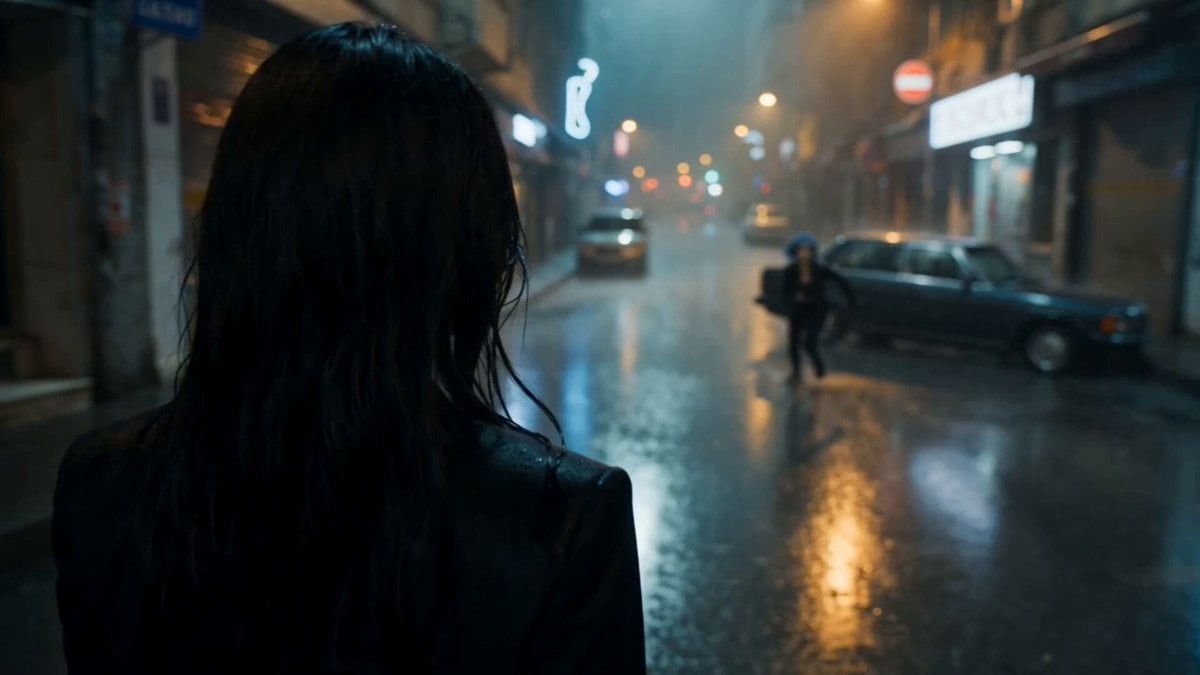
Cinematic Istanbul Night Fight - Seedance 2.5
Swordsman vs Shadow Monster — Bamboo Forest Battle
Subway Flood — Epic Tunnel Chaos
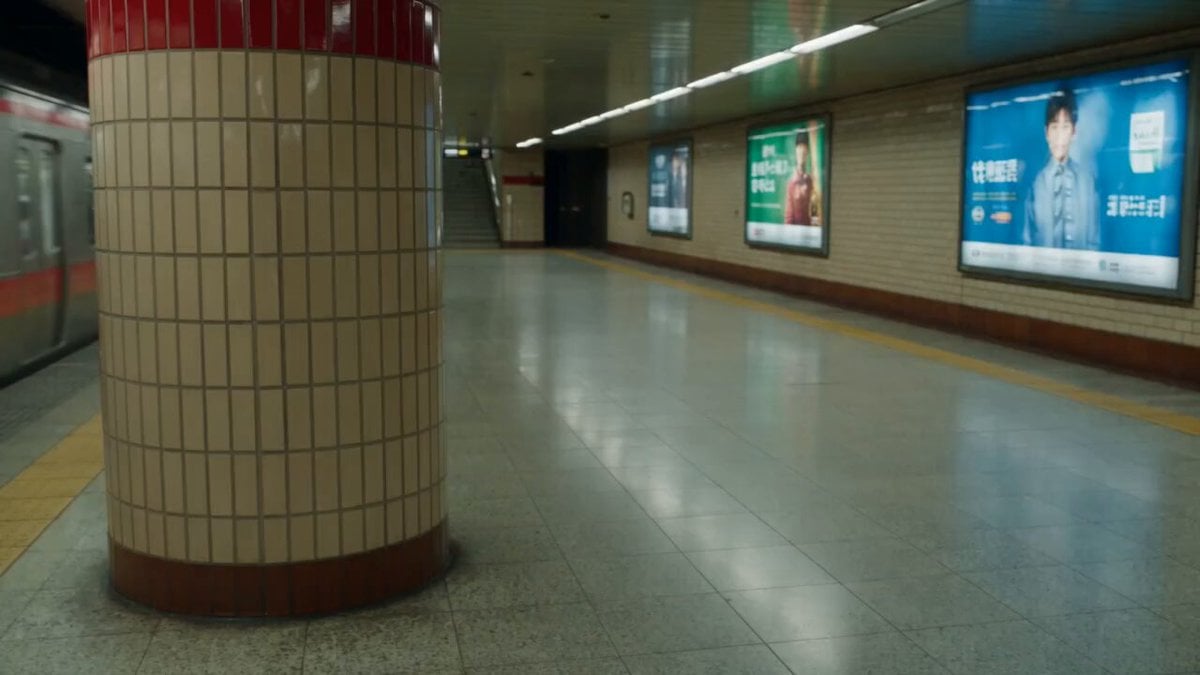
Subway Station Martial Arts Fight
Cyber Transformation Subway Fight
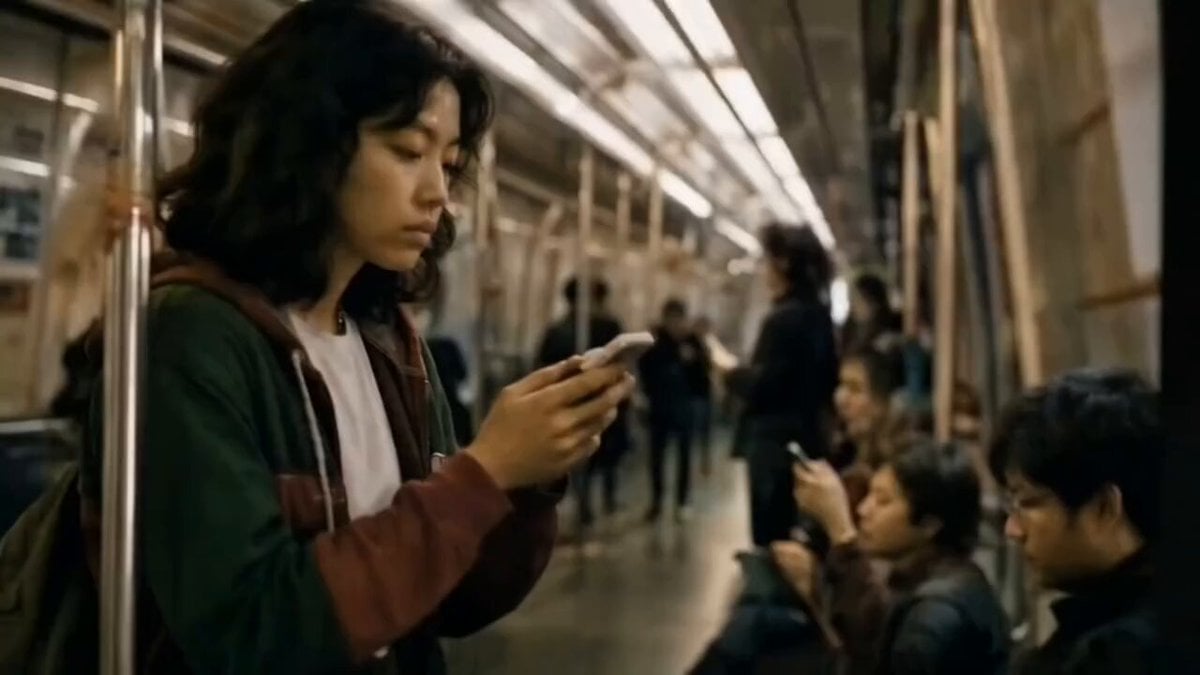
Cinematic Subway Commute Scene
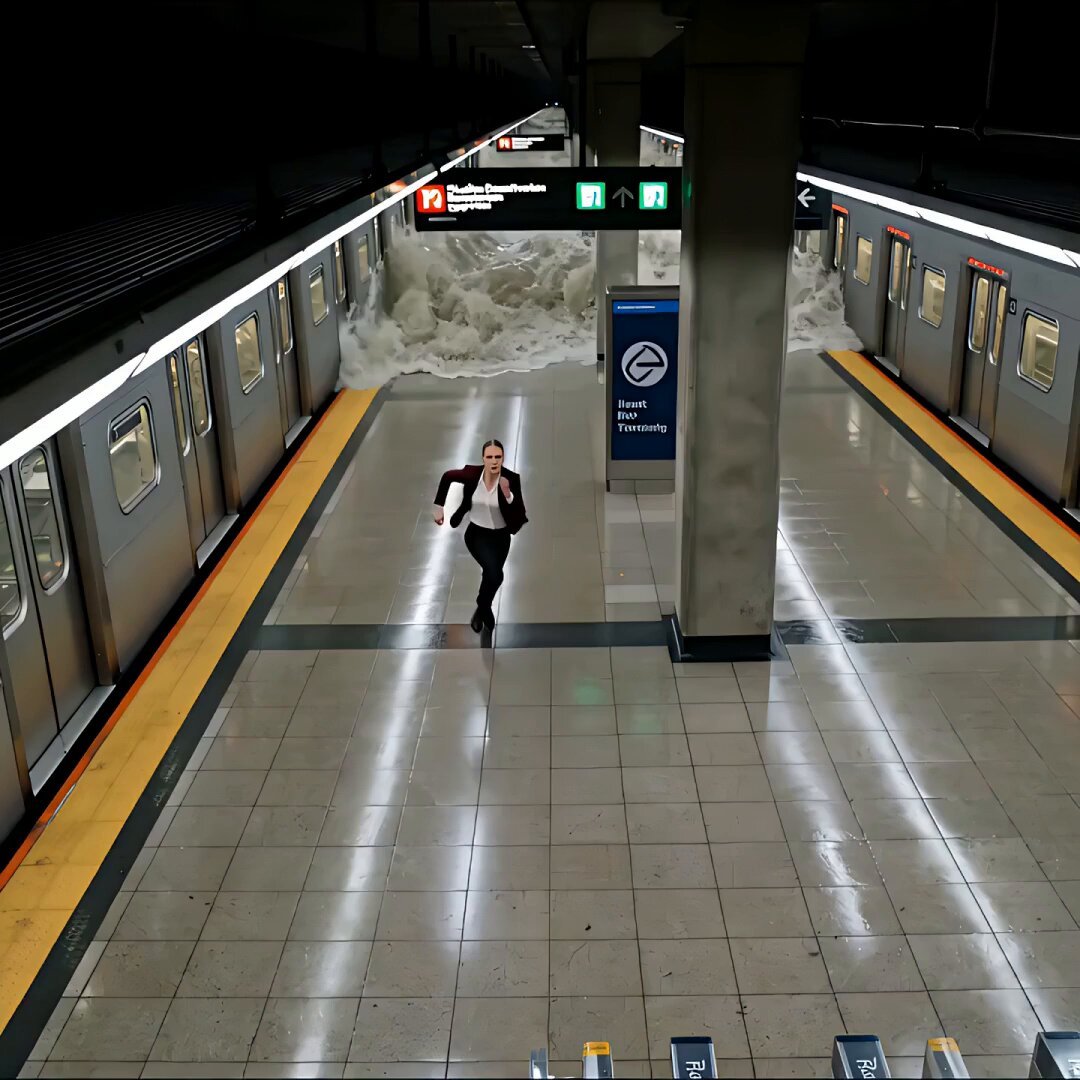
Cinematic Subway Flood Escape
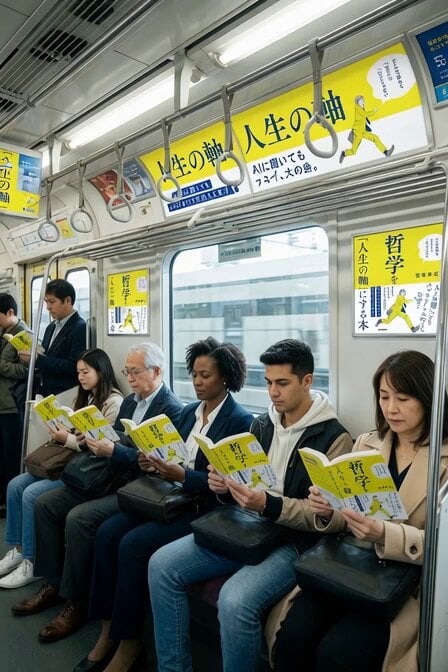
Subway Crowd Reading Scene
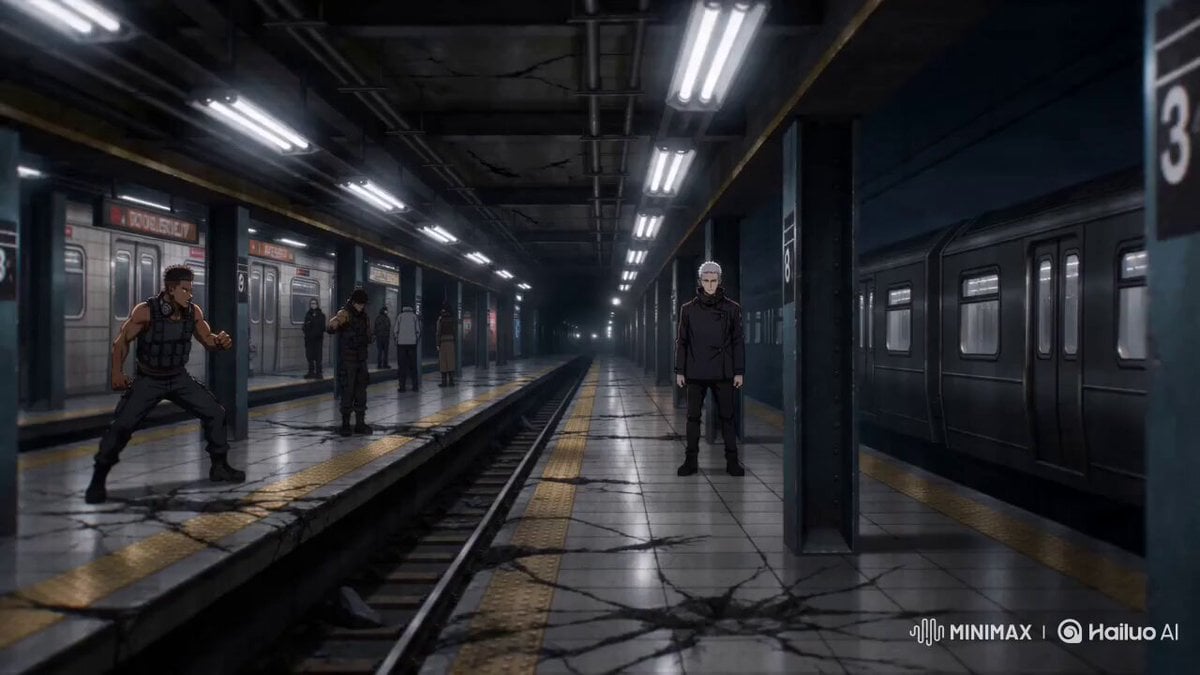
Sakuga Anime Subway Duel
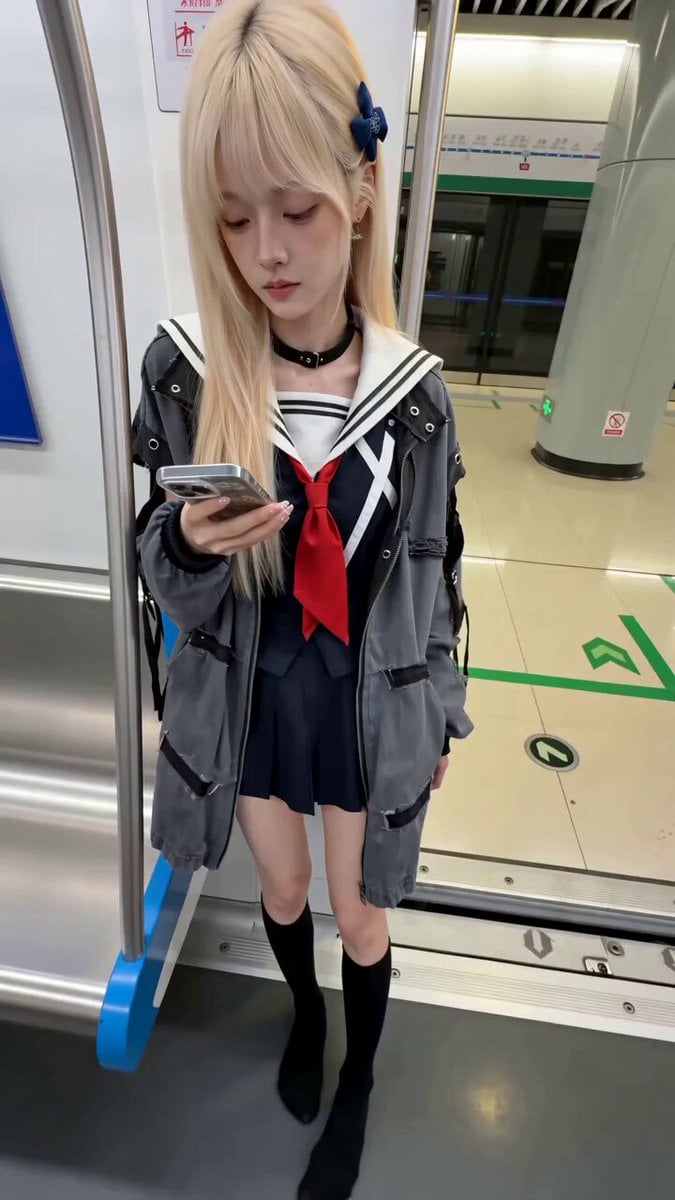
Subway Prank Video Storyboard Sequence
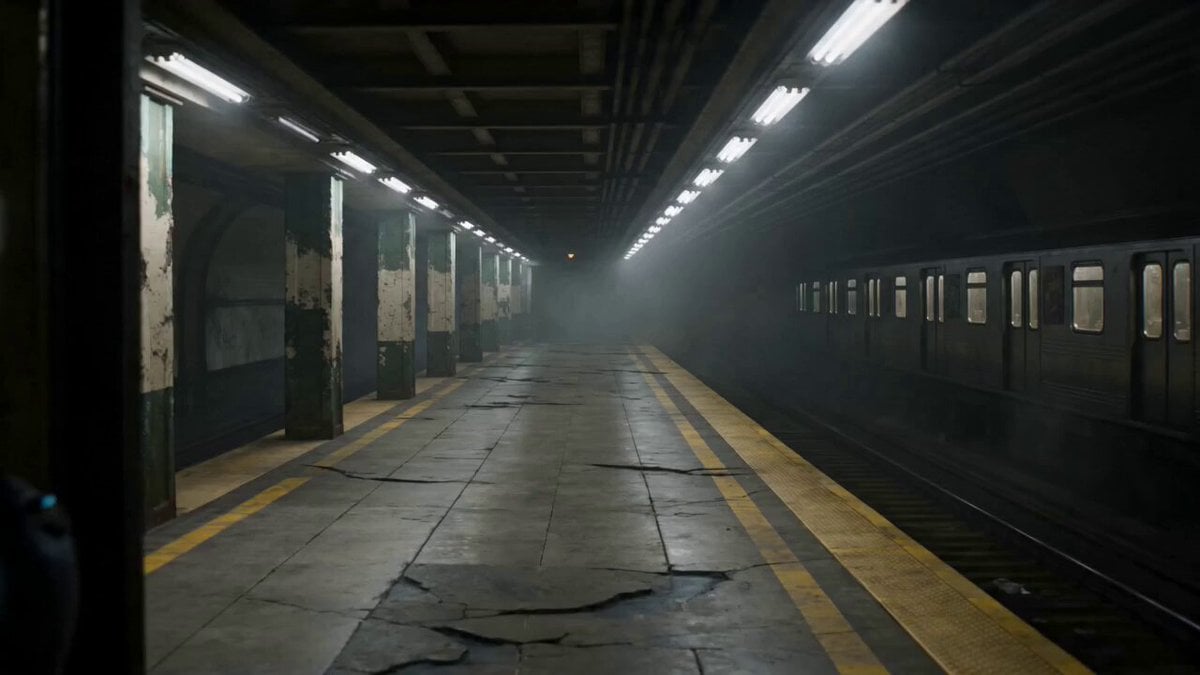
Futuristic Special Forces Subway Action Video Prompt
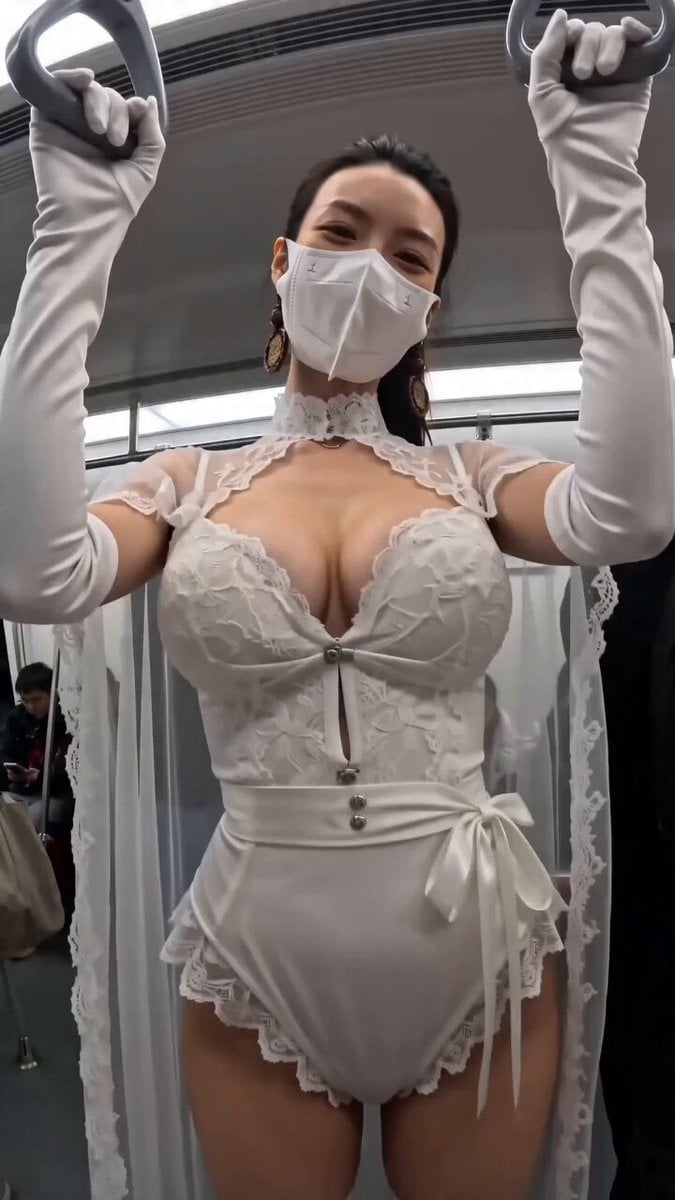
Subway POV Interaction Prank Prompt
Make it yours
Subway Fight Scene Cinematic Prompt works as-is. These are the safest ways to change it without losing the look.
Change one field
Copy a single group, rewrite it, and generate again so you can see what that field is doing.
Keep the frame, change the subject
Hold the composition and light of Subway Fight Scene Cinematic Prompt, then swap wardrobe, props or the person for a new take.
| If the result… | Why | Fix |
|---|---|---|
| The result drifts from the preview | Too many fields changed at once. | Reuse Subway Fight Scene Cinematic Prompt as-is first, then change one group — subject, light, or setting. |
| The model over-stylizes the scene | The prose prompt leaves finish and camera underspecified. | Add one camera or lighting sentence and stay on Seedance 2.0. |
More Seedance 2.0 templates
Other prompts made for Seedance 2.0.

Comical Martial Arts Punch Scene

Maglev Train Action Sequence

Wuxia Protection and Trust Script

Vintage Korean Arcade MiniDV Vlog

Mercedes 190 SL Luxury Ad

Rainy Night Supernatural Reverse Comedy Video Script

Amazon Civilization Discovery

Futuristic South Asian City Transformation

Cozy Luxury Cafe Commercial

Cyber Ronin Nanotech Transformation Video
More video prompts
Fresh picks from across the catalog.
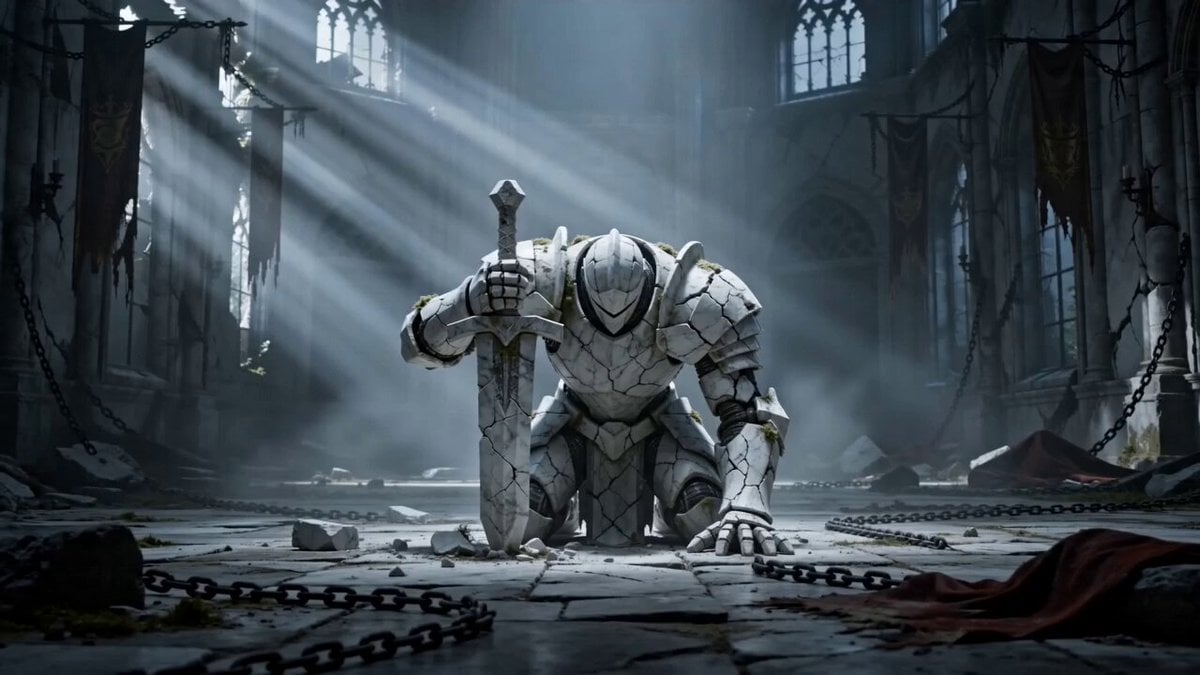
Awakening Marble Knight Prompt
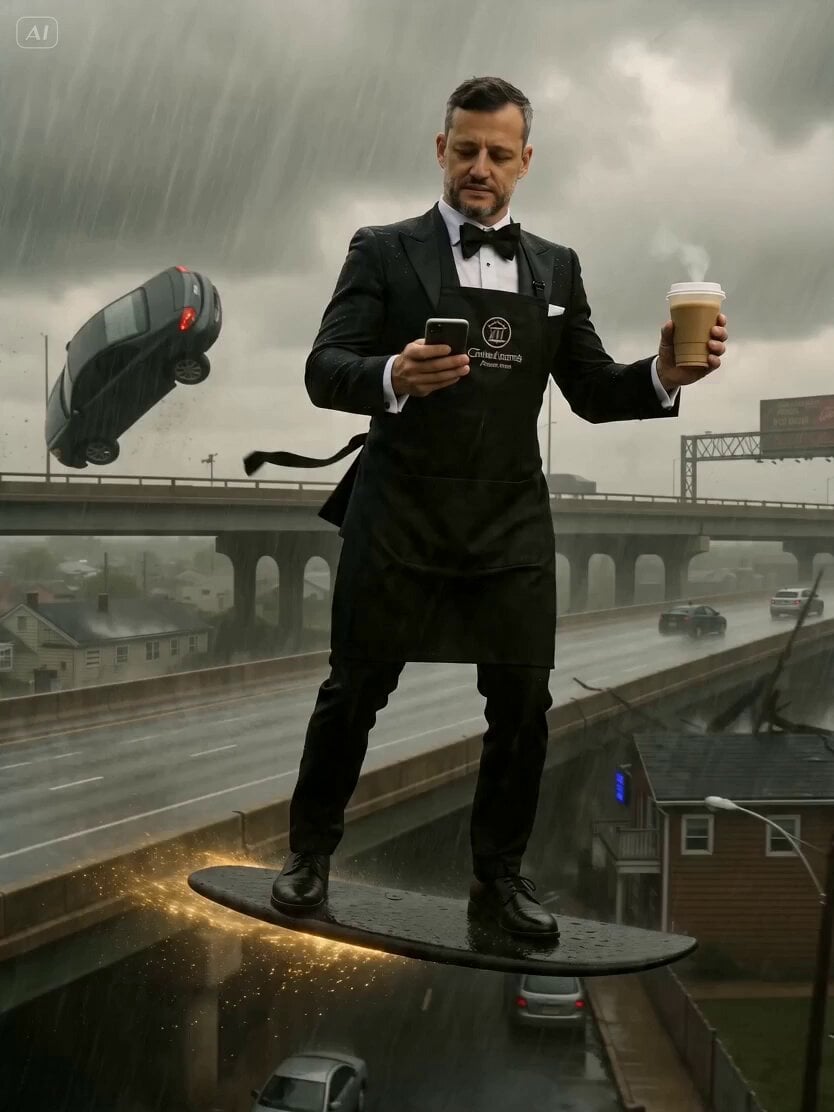
Barista and Customer Character Prompt
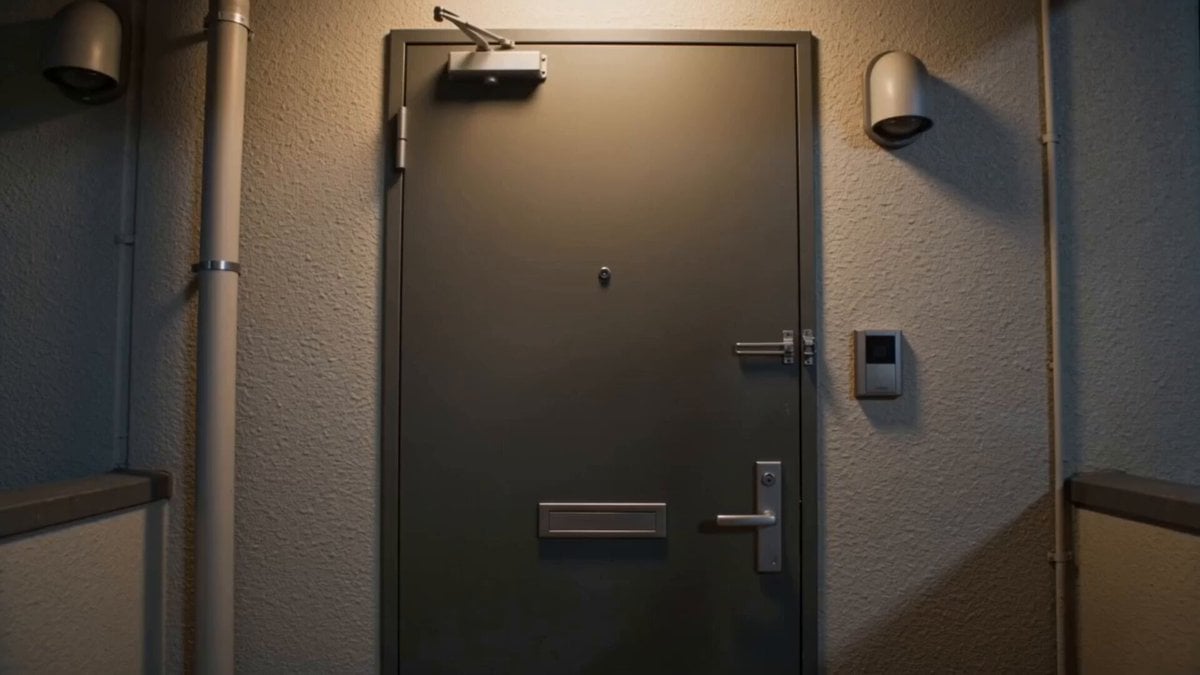
High-Octane Izakaya Jet Entrance
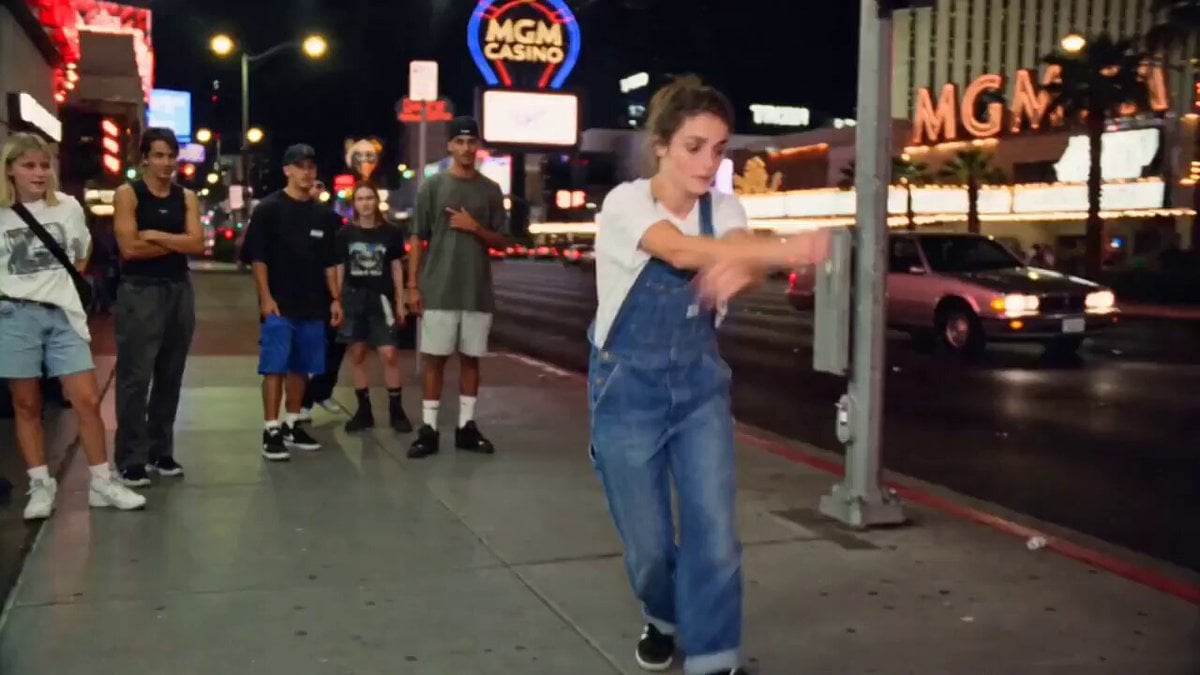
90s Street Dance VHS Style
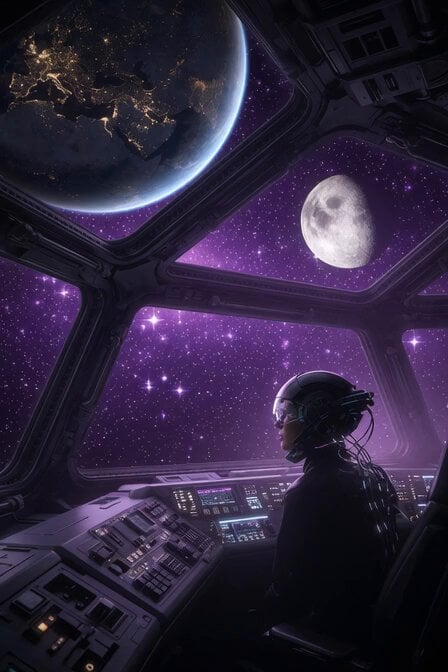
Cinematic Space Panorama Pan
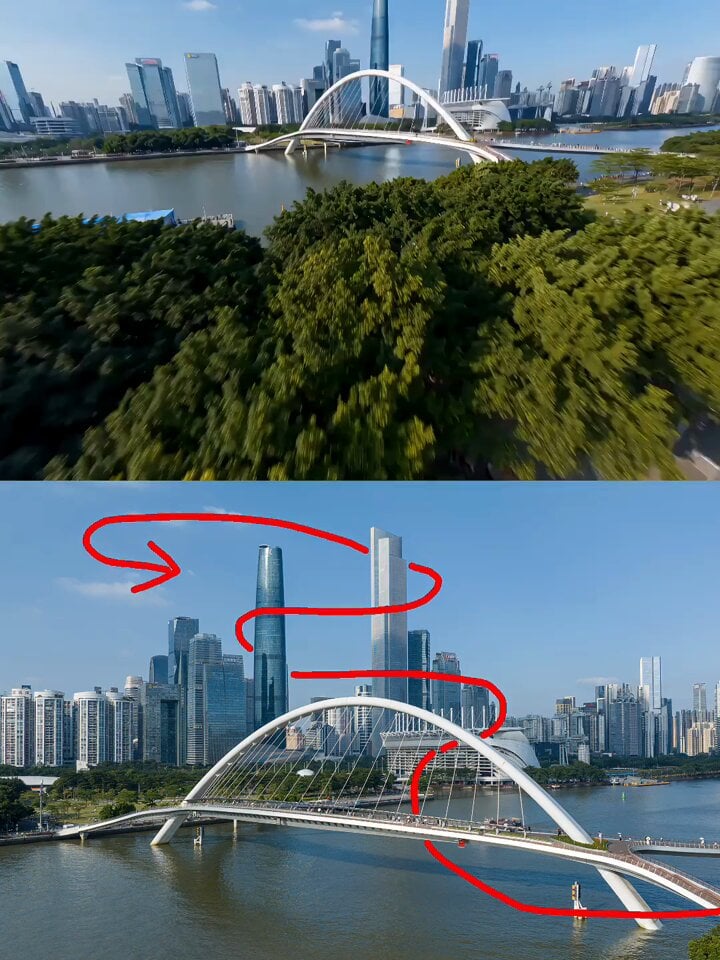
Guangzhou FPV City Flight
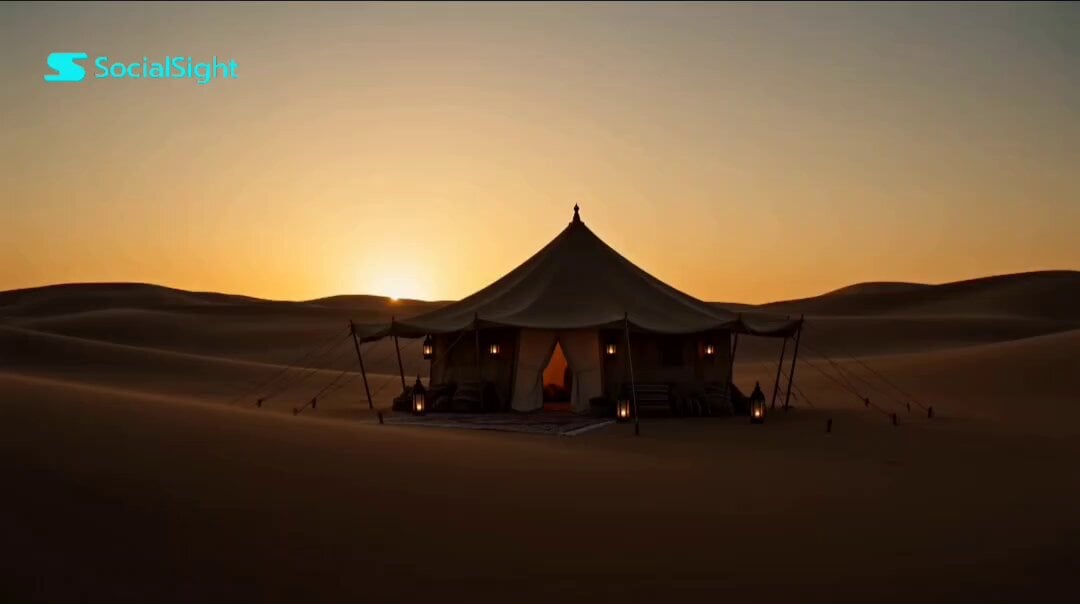
Emotional Arabian Desert Eid Short Film
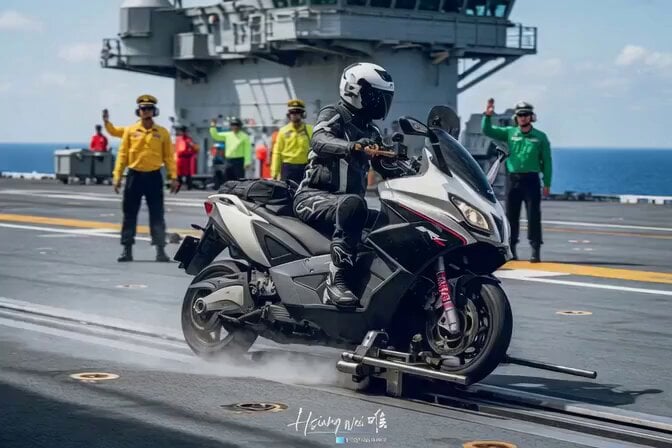
Epic Michael Bay style aircraft carrier launch
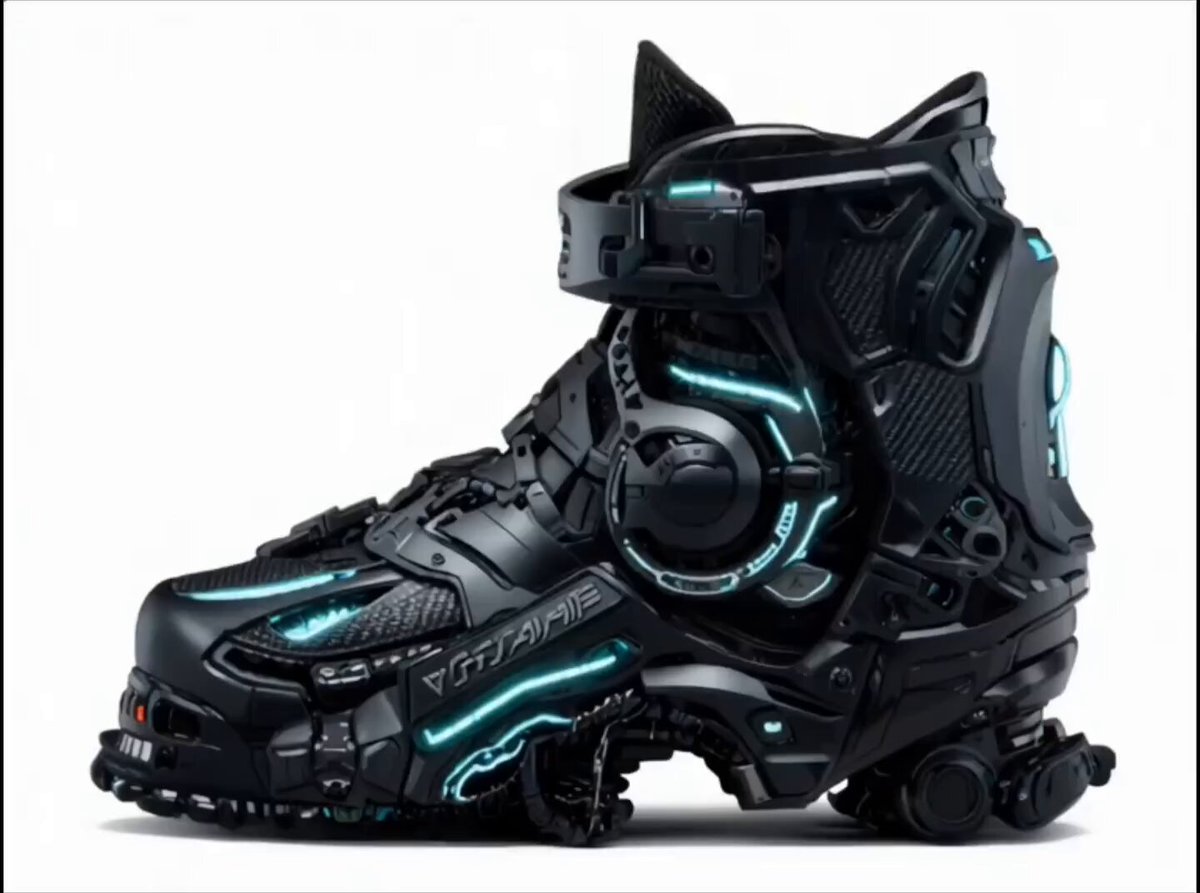
Futuristic Cyberpunk Boot Morphing Video
Smartphone Style Slapstick Comedy Fall
Browse template categories
Subway Fight Scene Cinematic Prompt questions
How do I use the Subway Fight Scene Cinematic Prompt template?
Add your photo if the template asks for one, edit the prompt if you like — the template's model and format are already selected — and press Generate. Your version opens in PicX Studio.
Can I customize the Subway Fight Scene Cinematic Prompt template?
Yes. You can change the subject, setting, lighting, mood, format, and available model controls before creating your video.
Is the Subway Fight Scene Cinematic Prompt template free?
Opening and editing this template is free. Generating uses credits, shown on the Generate button when you are signed in.
Which AI model should I use?
Start with Seedance 2.0, which is the model associated with this template. You can compare another compatible model for a different finish.
Looking for something else? Browse all templates.

Your photo, any look
Thousands of ready templates for every top image and video model, from one credit balance.