
Futuristic Special Forces Subway Action Video Prompt
An action-packed video generation prompt for Seedance 2.0 featuring a silver-haired operative in tactical combat within an abandoned subway.
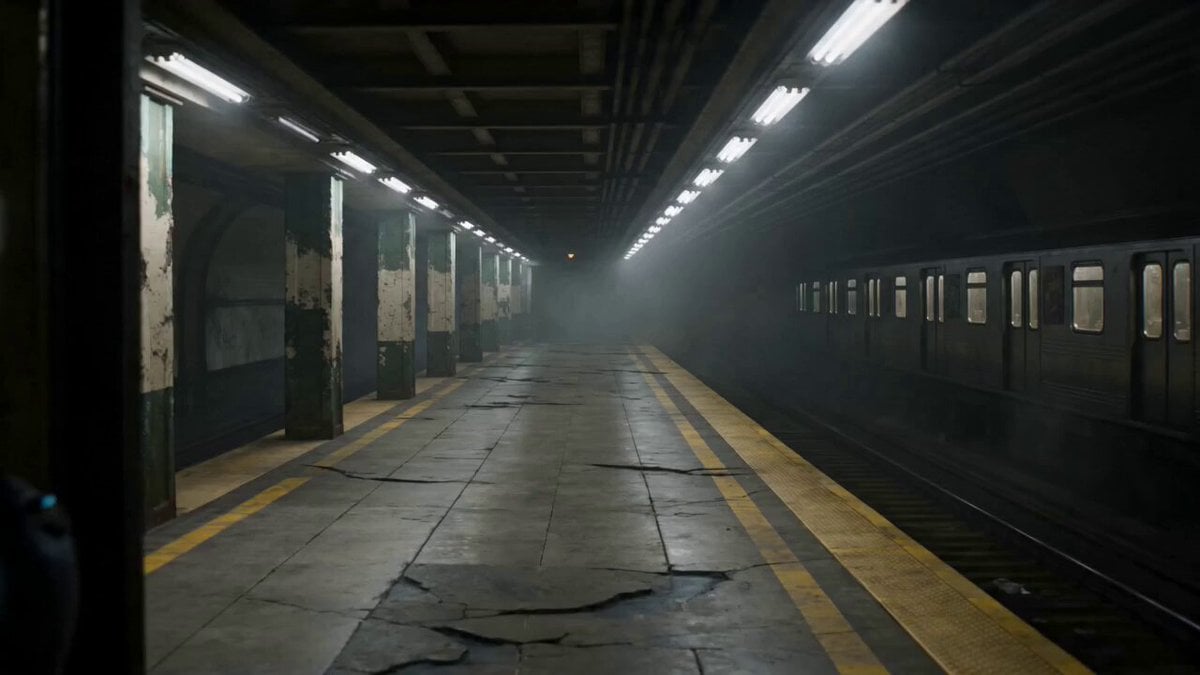
- Prompt included
- Model and format preset
- Premium template
The prompt behind this video
Copy the exact prompt behind Futuristic Special Forces Subway Action Video Prompt, or open it in the studio and make it yours.
A futuristic special forces operative with short silver hair, tactical exosuit, carbon armor plates and twin combat blades, calm and focused expression - enters an abandoned subway station occupied by heavily armed mercenaries, camera gliding behind her through flickering lights and drifting smoke; - launches into close-quarters combat, seamlessly combining knife techniques, evasive rolls and disarming maneuvers while explosions ripple through the tunnels, handheld transitions alternating with elegant slow motion; - Defeats the final squad leader before a train crashes through the station, ending with her walking calmly through the dust as sparks rain from the ceiling Ultra-realistic tactical action, grounded choreography, cinematic lighting, practical VFX, blockbuster pacing.
How to use Futuristic Special Forces Subway Action Video Prompt in 3 steps
- 1
Open
The prompt is already in the box next to the preview, with the template's model and format selected.
- 2…a portrait of your subject in softgolden-hour light, 85mm…
Personalize
Edit the subject and creative details for your destination.
- 3Generate
Generate
Press Generate — your video is created in PicX Studio, so you can compare it with the original and refine one variable at a time.
More like this
Templates with the same subject, style or setup. Open one to see its prompt.
Subway Flood — Epic Tunnel Chaos
Futuristic Samurai Cinematic Action
Futuristic Moon Ice Racer Action
Special Forces Alien Ambush VFX Prompt
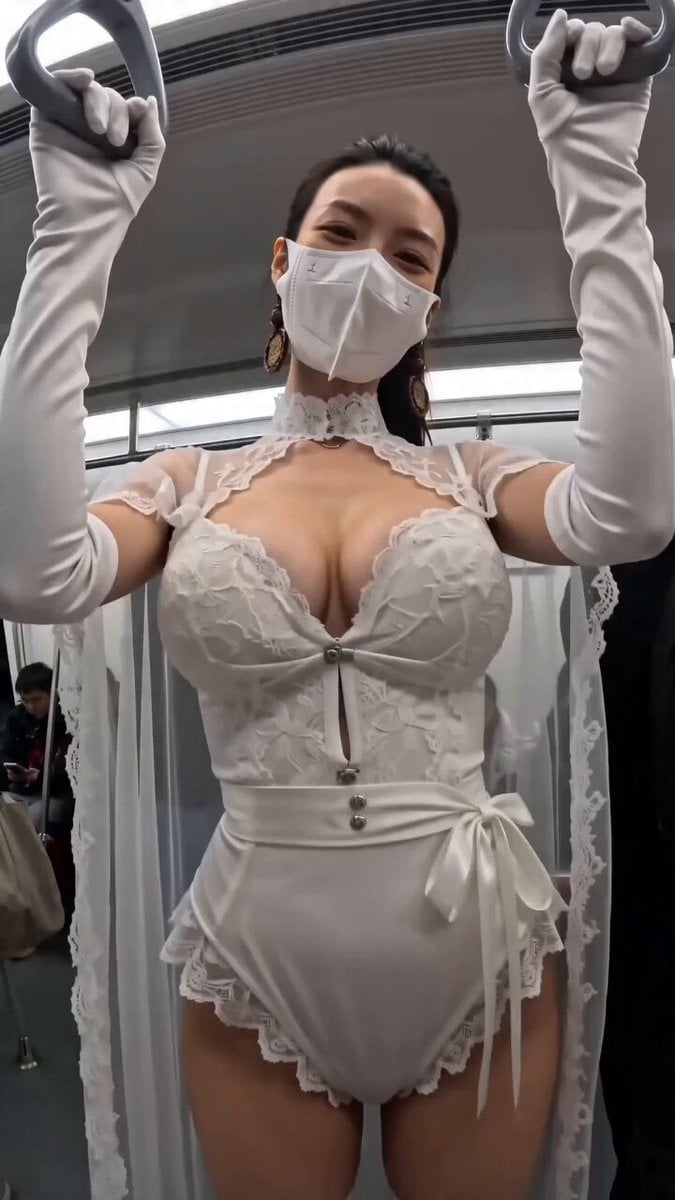
Subway POV Interaction Prank Prompt
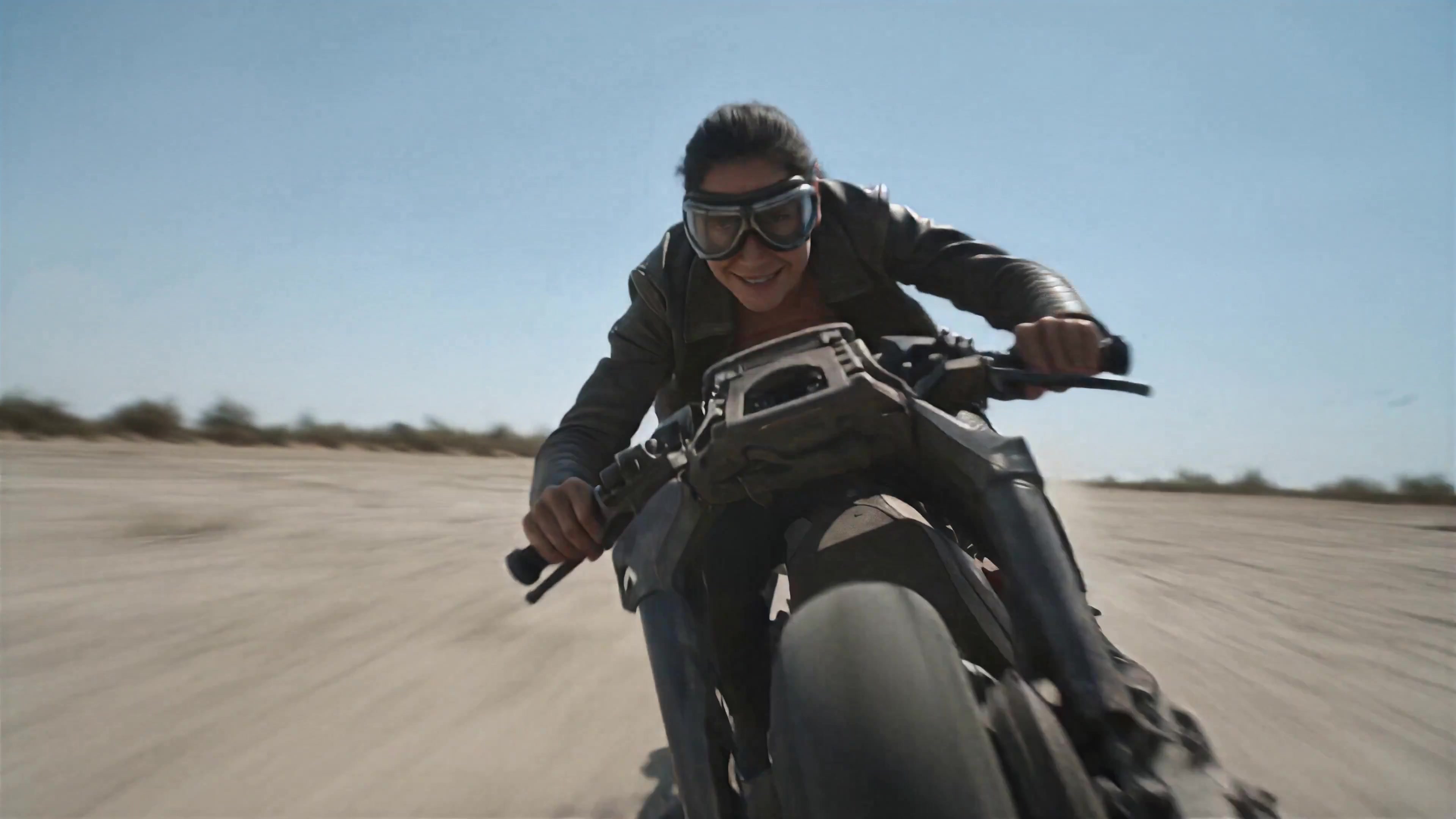
Walking Factory with Rebel on Hoverbike - Wasteland
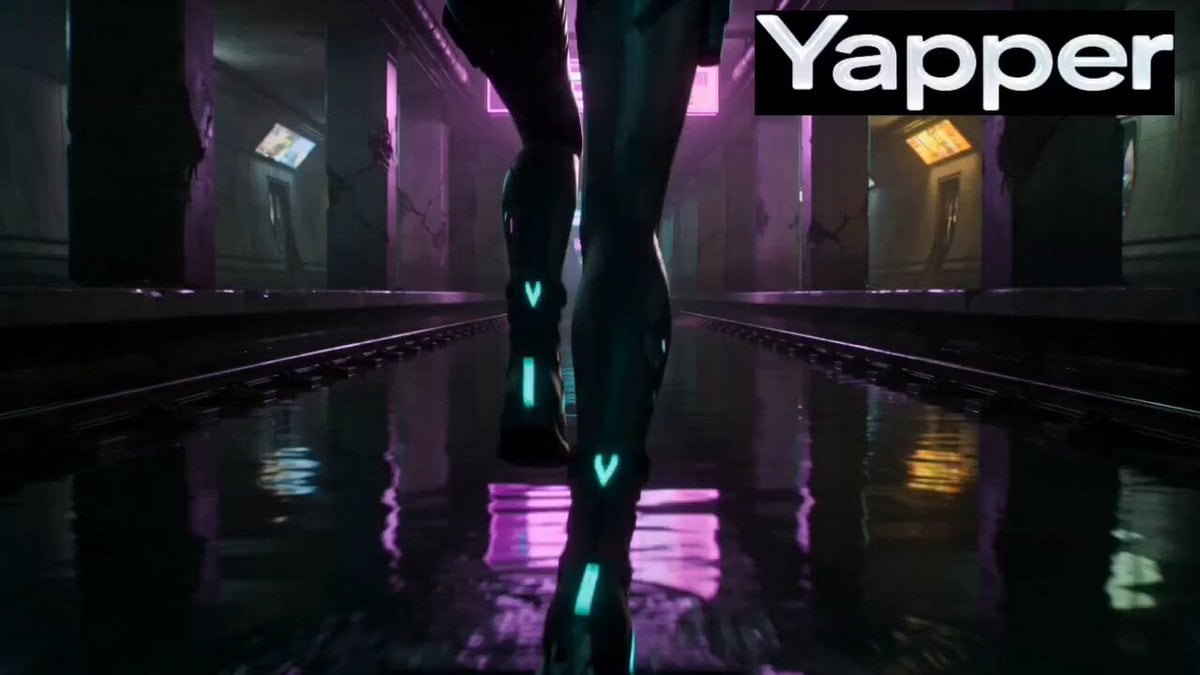
Cyberpunk Subway Hacker Action
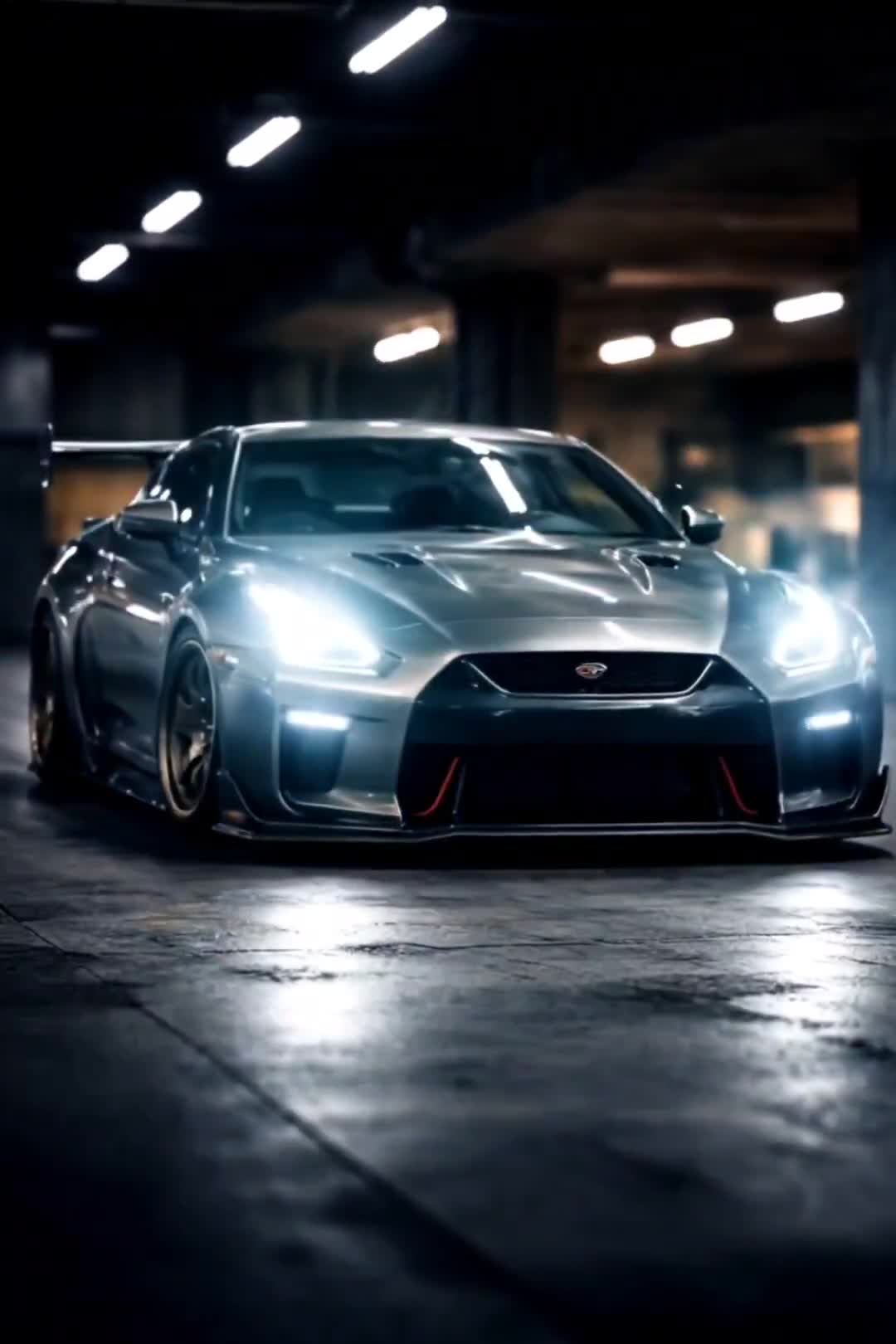
Cinematic Car Scene and Video Sequence Prompt
Thornmaw Monarch — Crimson Glass Desert Beast
Warhorse Sprint on Cliff Aqueduct
Parametric Fight Scenes Seedance
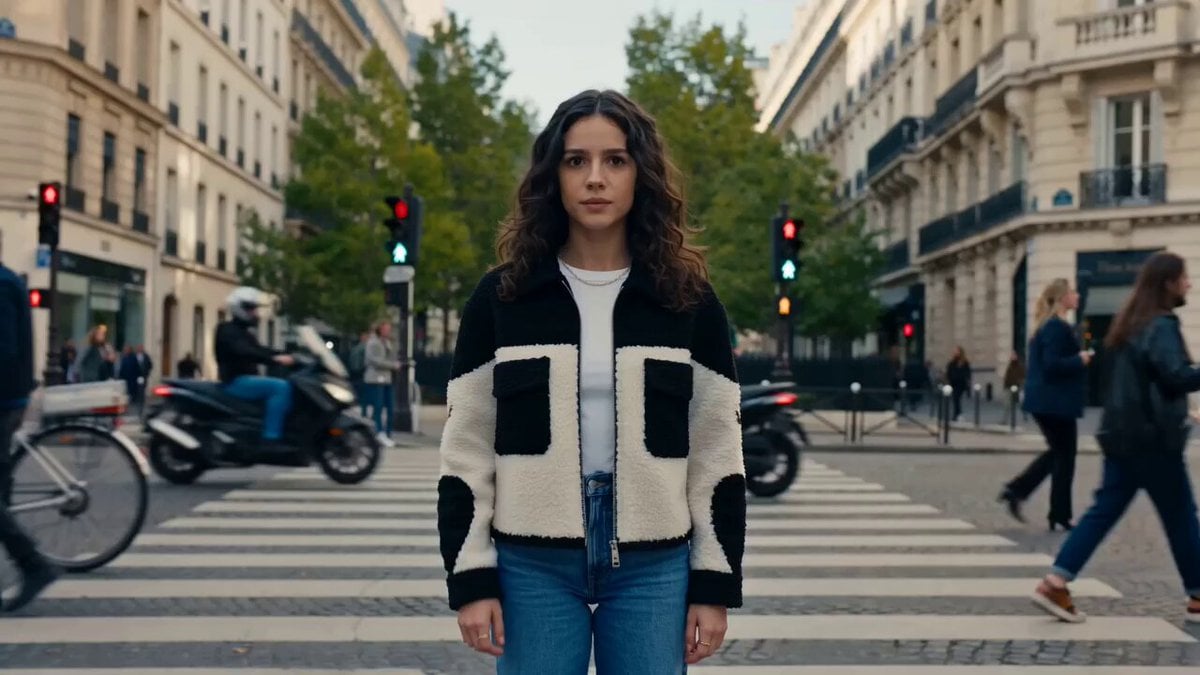
Nano Banana Seedance Time Control Streets
Make it yours
Futuristic Special Forces Subway Action Video Prompt works as-is. These are the safest ways to change it without losing the look.
Change one field
Copy a single group, rewrite it, and generate again so you can see what that field is doing.
Keep the frame, change the subject
Hold the composition and light of Futuristic Special Forces Subway Action Video Prompt, then swap wardrobe, props or the person for a new take.
| If the result… | Why | Fix |
|---|---|---|
| The result drifts from the preview | Too many fields changed at once. | Reuse Futuristic Special Forces Subway Action Video Prompt as-is first, then change one group — subject, light, or setting. |
| The model over-stylizes the scene | The prose prompt leaves finish and camera underspecified. | Add one camera or lighting sentence and stay on Seedance 2.0. |
More Seedance 2.0 templates
Other prompts made for Seedance 2.0.

Comical Martial Arts Punch Scene

Maglev Train Action Sequence

Martial Arts Fight Sequence

Wuxia Protection and Trust Script

Vintage Korean Arcade MiniDV Vlog

Mercedes 190 SL Luxury Ad

Rainy Night Supernatural Reverse Comedy Video Script

Amazon Civilization Discovery

Futuristic South Asian City Transformation

Cozy Luxury Cafe Commercial
More video prompts
Fresh picks from across the catalog.
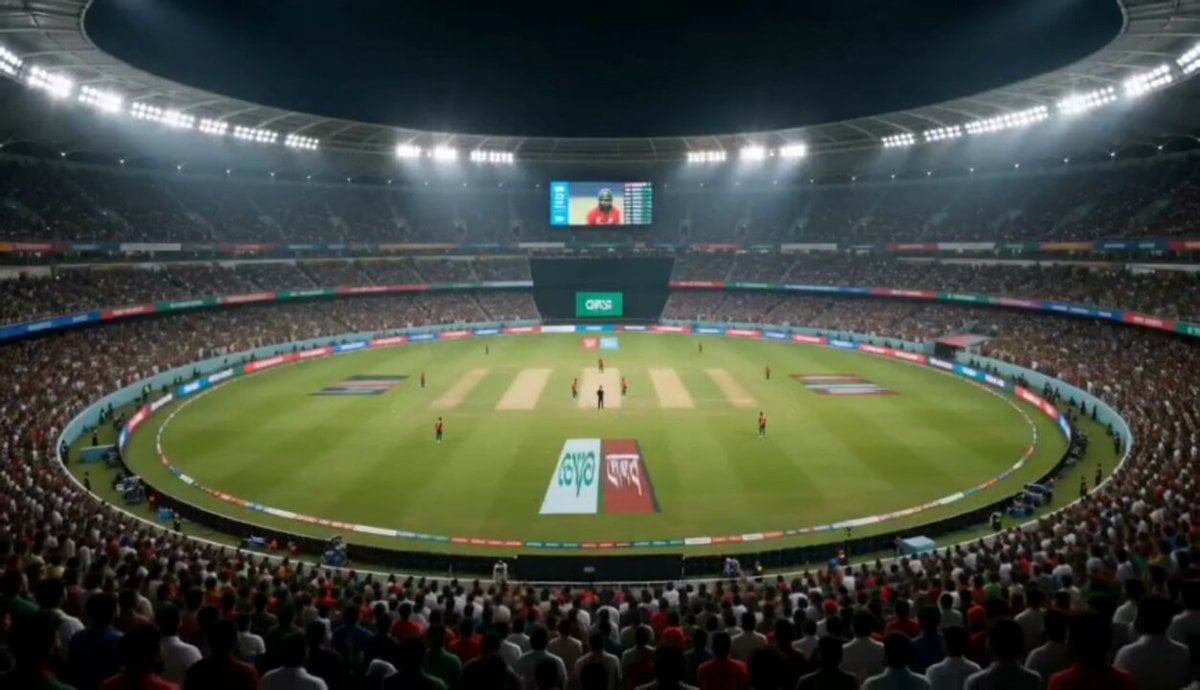
Cricket Stadium Fan Broadcast

Singing Anime Chibi Video
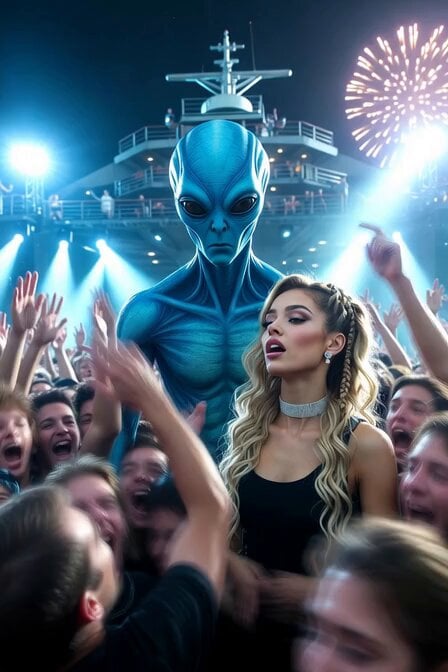
Spaceship Concert Moshpit

Living Magazine Cover Animation
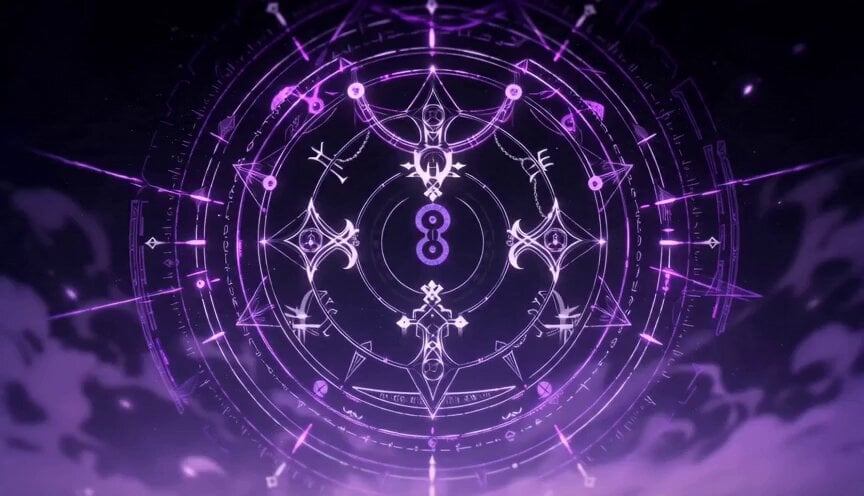
Dark Fantasy Anime Opening Prompt
Cake Design and Eating Video Prompt
Character Dance MV Master Template

Overwatch Mercy Valkyrie Heart Video
Surreal Alien Jungle Hoverbike Chase
Grok Imagine Prompt: Floating in space with Tesla outfit
Browse template categories
Futuristic Special Forces Subway Action Video Prompt questions
How do I use the Futuristic Special Forces Subway Action Video Prompt template?
Add your photo if the template asks for one, edit the prompt if you like — the template's model and format are already selected — and press Generate. Your version opens in PicX Studio.
Can I customize the Futuristic Special Forces Subway Action Video Prompt template?
Yes. You can change the subject, setting, lighting, mood, format, and available model controls before creating your video.
Is the Futuristic Special Forces Subway Action Video Prompt template free?
Opening and editing this template is free. Generating uses credits, shown on the Generate button when you are signed in.
Which AI model should I use?
Start with Seedance 2.0, which is the model associated with this template. You can compare another compatible model for a different finish.
Looking for something else? Browse all templates.

Your photo, any look
Thousands of ready templates for every top image and video model, from one credit balance.