How do I use the Cyberpunk Subway Hacker Action template?
Edit the prompt in the box under the preview — the template's model and format are already selected — and press Generate. Your version appears right on this page.
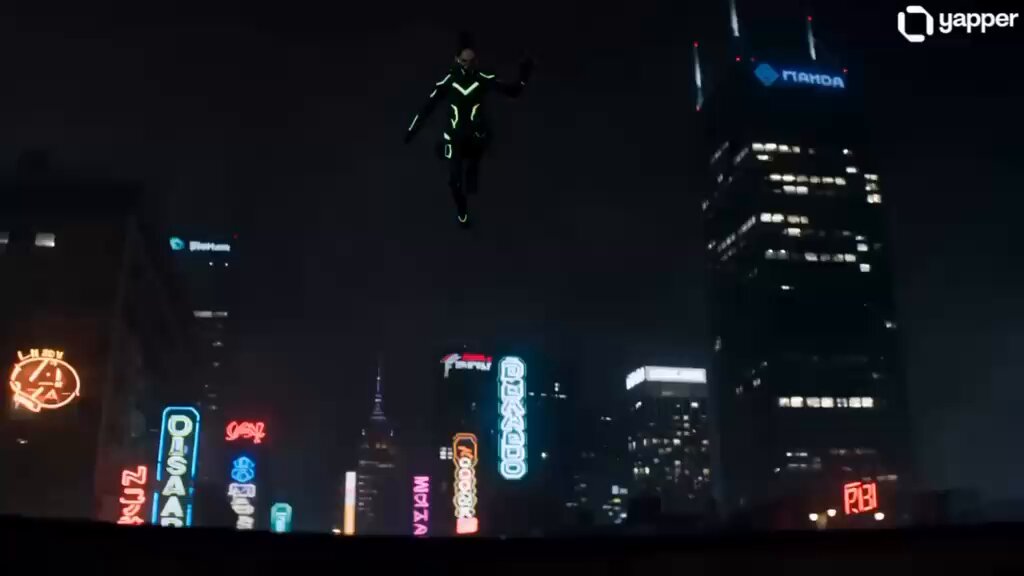
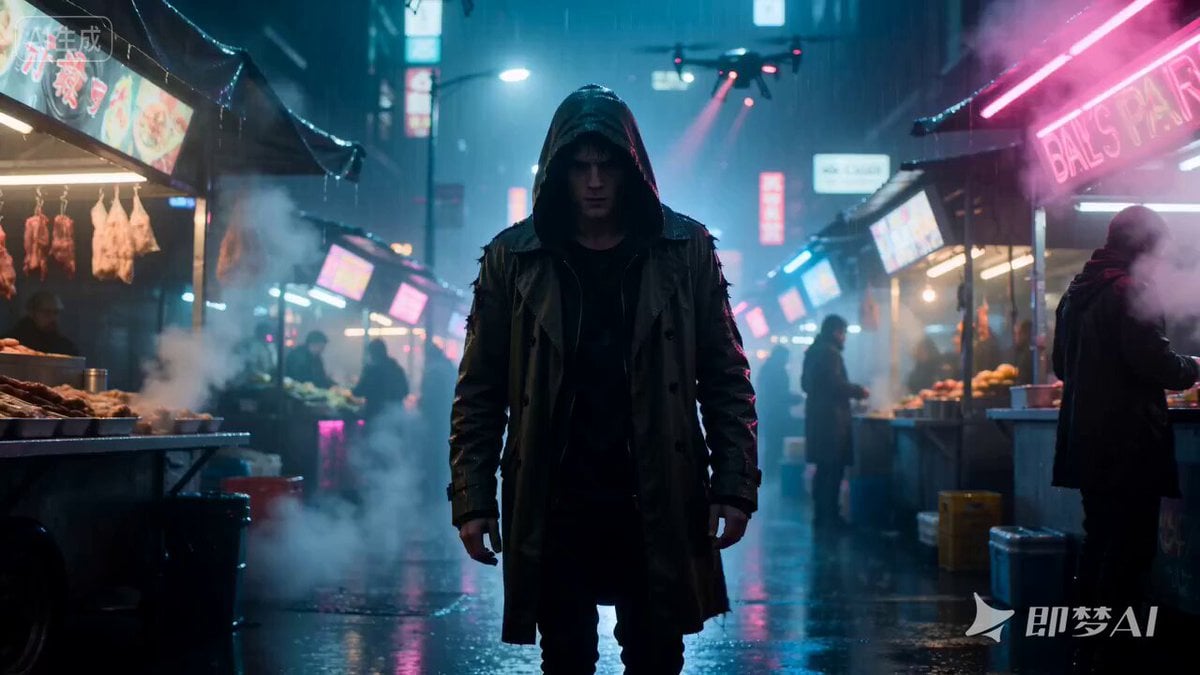
A dark cyberpunk anime thriller scene following a street hacker being chased by surveillance drones in a flooded abandoned subway tunnel.
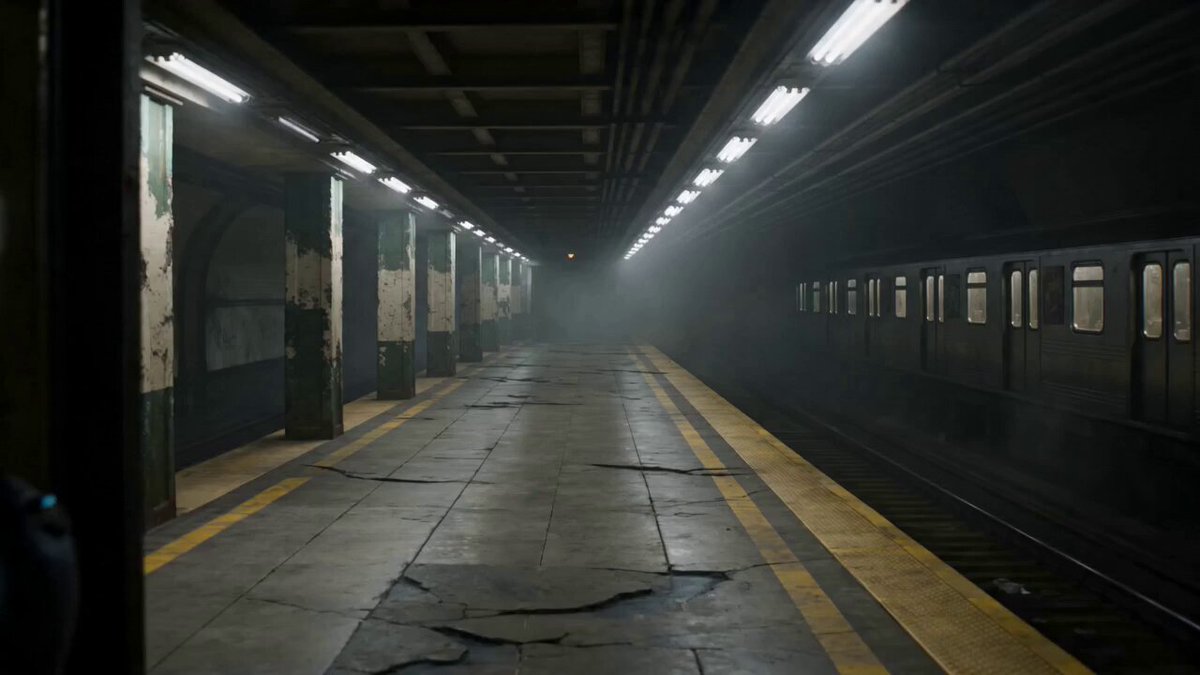
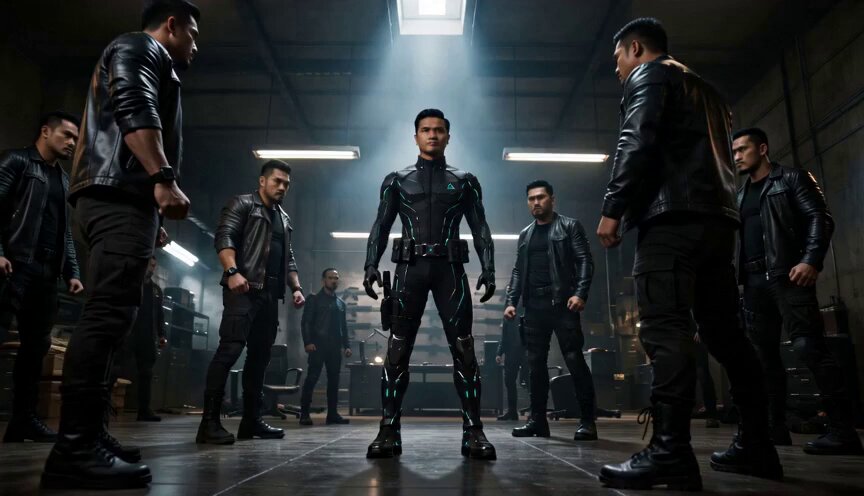
Characters: Augmented street hacker matching Character Design: Neon Shadow Runner. Compact surveillance drones with rotating lens arrays. Scene: Abandoned subway tunnel beneath a futuristic city. Cracked concrete pillars, flooded tracks reflecting neon signage from above. Style: Dark cyberpunk anime thriller. Moody, cinematic tension, slow-burn action with sharp bursts of movement. Lighting: Dim violet and teal neon spill from street grates above, contrasted with flickering white emergency lights and piercing yellow drone scanners. Audio: Echoing water drips, distant subway rumble, electrical buzzing, sharp scanner pings, sudden plasma discharge, splashing footsteps. Avoid: Motion blur overload, unstable framing, cluttered visuals, inconsistent character proportions, erratic camera speed. [0–3s] Camera: Slow tracking shot from behind, waist level. Action: The hacker runs along the flooded tracks, boots splashing through shallow water. Their visor flickers with glitching data streams. Lighting: Purple neon reflections ripple across the water surface, casting distorted light onto tunnel walls. [3–6s] Camera: Tilt up with slight zoom. Action: Two surveillance drones activate mid-air near the tunnel ceiling, their rotating lenses locking onto the hacker. Yellow scanning beams sweep across the environment. Lighting: Sharp yellow cones slice through mist and dust particles. [6–9s] Camera: Tight side-profile close-up. Action: The hacker skids to a stop behind a cracked pillar, breathing hard. Their augmented eye pulses with a bright cyan glow as they calculate an escape route. Lighting: Flickering white light stutters, creating rhythmic shadow flashes. [9–12s] Camera: Fast over-the-shoulder shot from the hacker. Action: A drone fires a rapid plasma burst, melting chunks of concrete from the pillar. The hacker rolls forward into the shallow water to evade. Lighting: Intense blue-white plasma flashes illuminate debris mid-air. [12–15s] Camera: Wide cinematic shot, low angle. Action: The hacker slides across the flooded ground, grabbing a loose cable and yanking it free. Sparks erupt violently as the cable electrifies the water, short-circuiting one drone mid-air. Lighting: Bright electric arcs ripple across the water, blending cyan and white flashes with dark shadows.
Characters: Augmented street hacker matching Character Design: Neon Shadow Runner. Compact surveillance drones with rotating lens arrays. Scene: Abandoned subway tunnel beneath a futuristic city. Cracked concrete pillars, flooded tracks reflecting neon signage from above. Style: Dark cyberpunk anime thriller. Moody, cinematic tension, slow-burn action with sharp bursts of movement. Lighting: Dim violet and teal neon spill from street grates above, contrasted with flickering white emergency lights and piercing yellow drone scanners. Audio: Echoing water drips, distant subway rumble, electrical buzzing, sharp scanner pings, sudden plasma discharge, splashing footsteps. Avoid: Motion blur overload, unstable framing, cluttered visuals, inconsistent character proportions, erratic camera speed. [0–3s] Camera: Slow tracking shot from behind, waist level. Action: The hacker runs along the flooded tracks, boots splashing through shallow water. Their visor flickers with glitching data streams. Lighting: Purple neon reflections ripple across the water surface, casting distorted light onto tunnel walls. [3–6s] Camera: Tilt up with slight zoom. Action: Two surveillance drones activate mid-air near the tunnel ceiling, their rotating lenses locking onto the hacker. Yellow scanning beams sweep across the environment. Lighting: Sharp yellow cones slice through mist and dust particles. [6–9s] Camera: Tight side-profile close-up. Action: The hacker skids to a stop behind a cracked pillar, breathing hard. Their augmented eye pulses with a bright cyan glow as they calculate an escape route. Lighting: Flickering white light stutters, creating rhythmic shadow flashes. [9–12s] Camera: Fast over-the-shoulder shot from the hacker. Action: A drone fires a rapid plasma burst, melting chunks of concrete from the pillar. The hacker rolls forward into the shallow water to evade. Lighting: Intense blue-white plasma flashes illuminate debris mid-air. [12–15s] Camera: Wide cinematic shot, low angle. Action: The hacker slides across the flooded ground, grabbing a loose cable and yanking it free. Sparks erupt violently as the cable electrifies the water, short-circuiting one drone mid-air. Lighting: Bright electric arcs ripple across the water, blending cyan and white flashes with dark shadows.
Edit the prompt in the box under the preview — the template's model and format are already selected — and press Generate. Your version appears right on this page.
Yes. You can change the subject, setting, lighting, mood, format, and available model controls before creating your video.
Opening and editing this template is free. Generating uses credits, shown on the Generate button when you are signed in.
Start with Seedance 2.0, which is the model associated with this template. You can compare another compatible model for a different finish.
Follow a topic to a crawlable collection of related PicX Studio templates.