How do I use the Dark Fantasy Anime Opening Prompt template?
Edit the prompt in the box under the preview — the template's model and format are already selected — and press Generate. Your version appears right on this page.
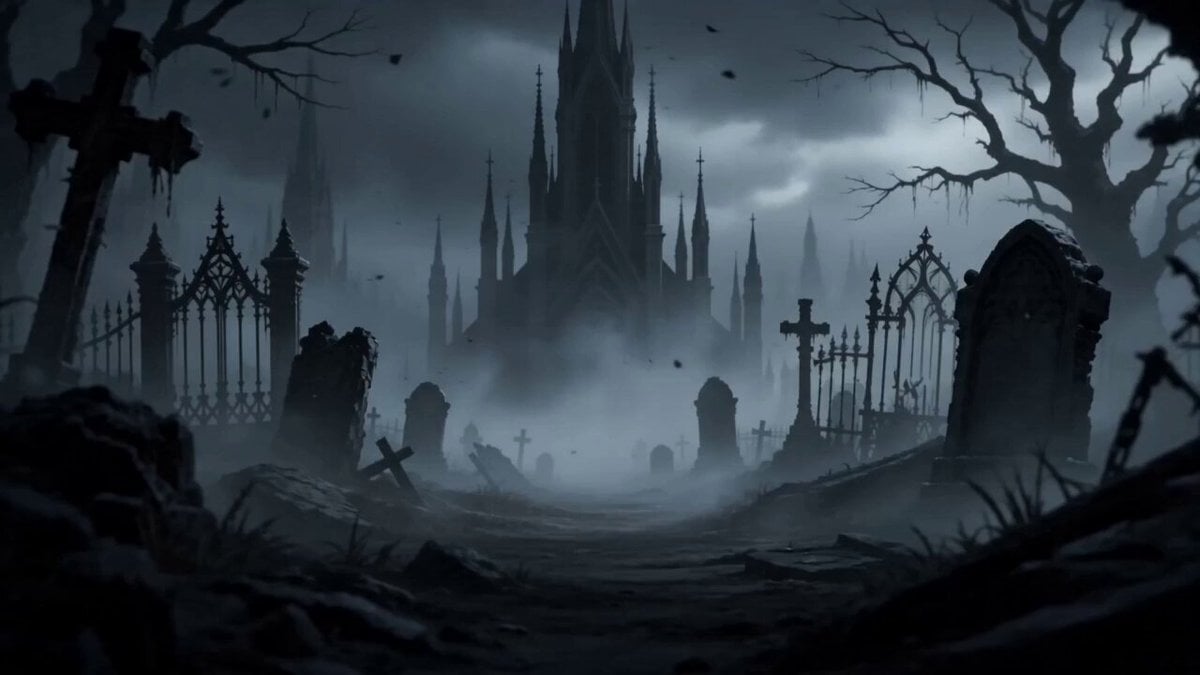
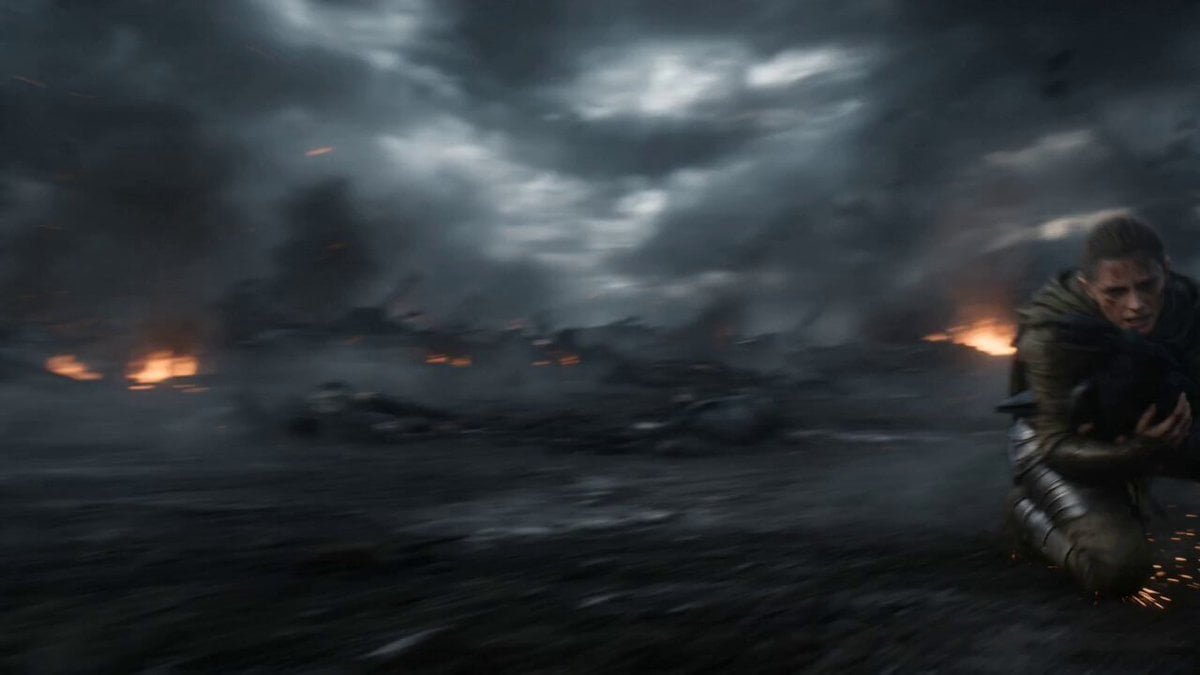
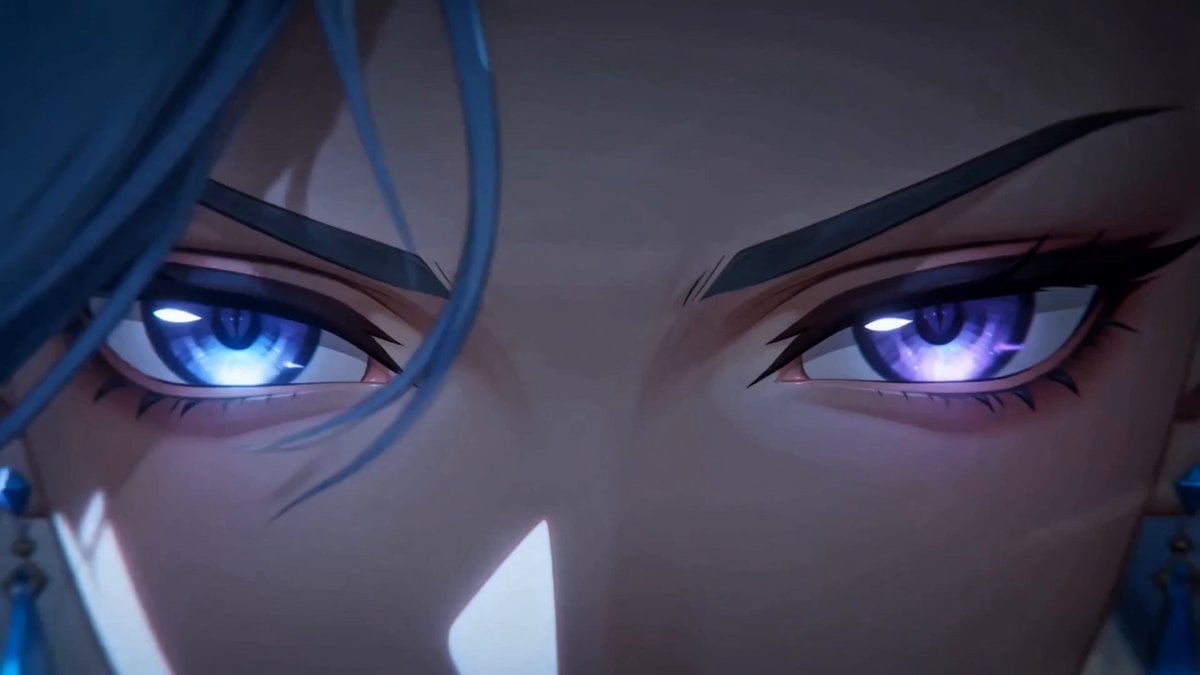
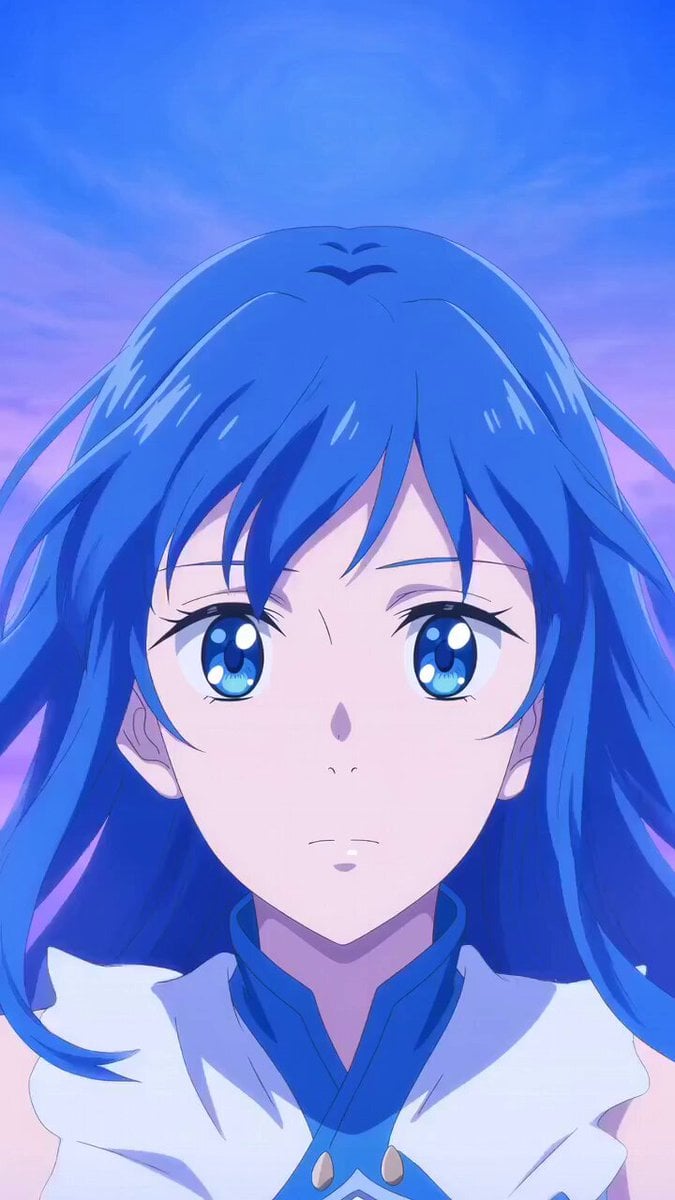
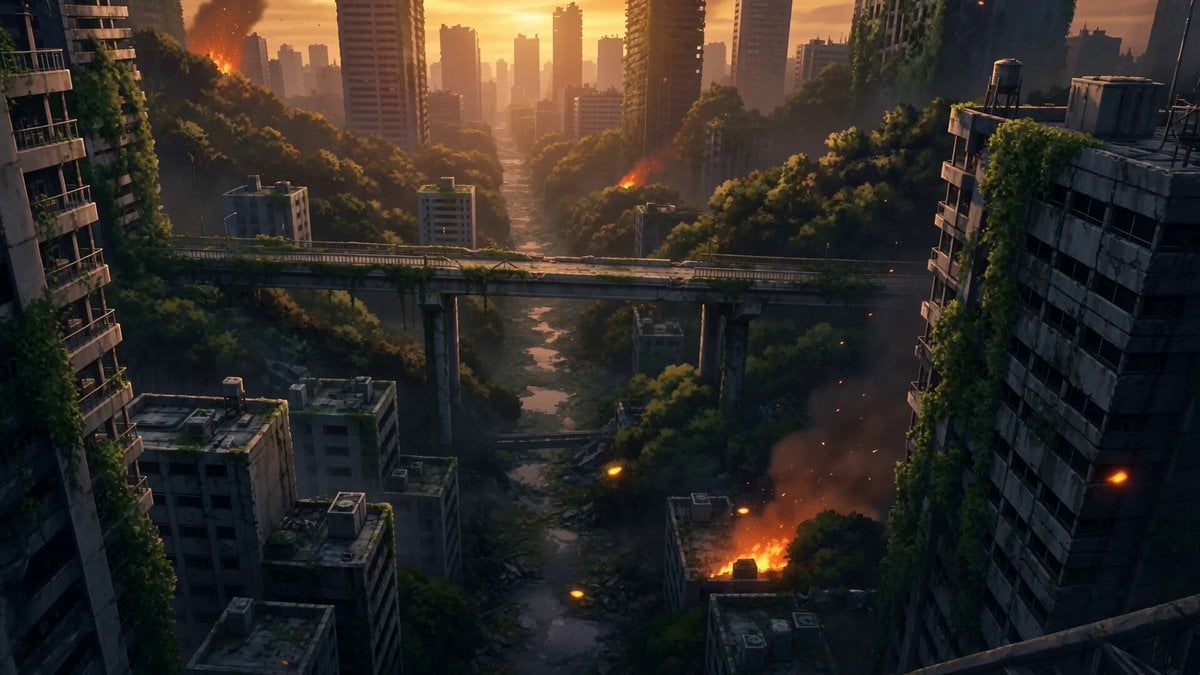
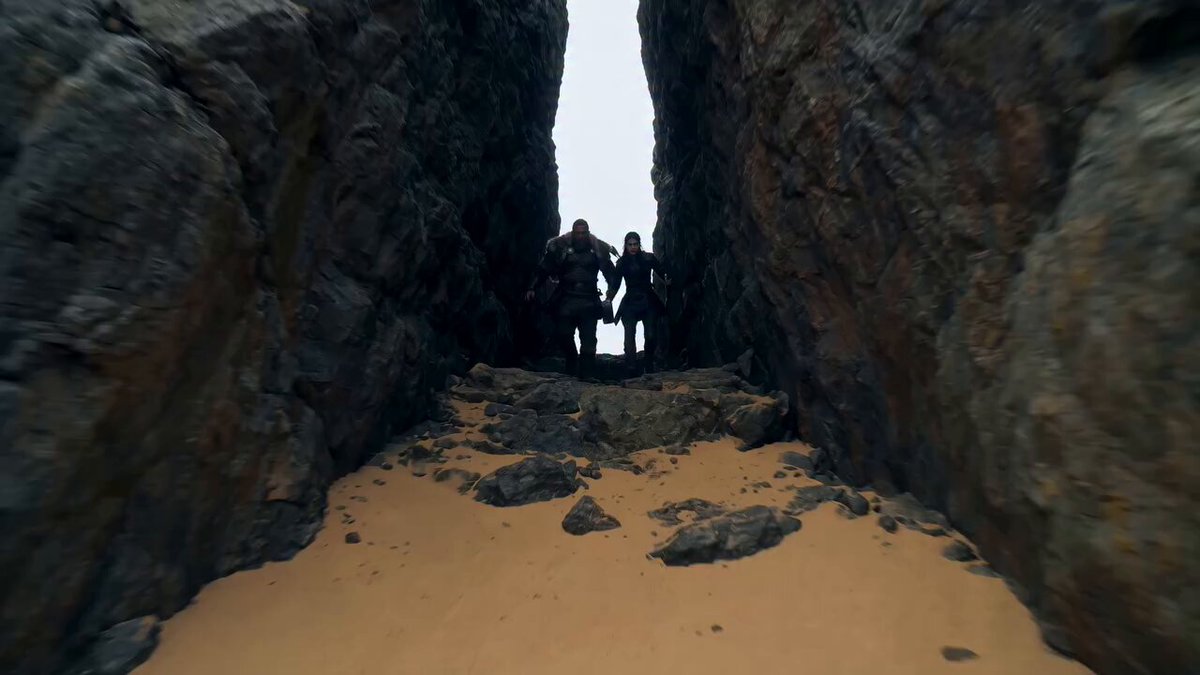
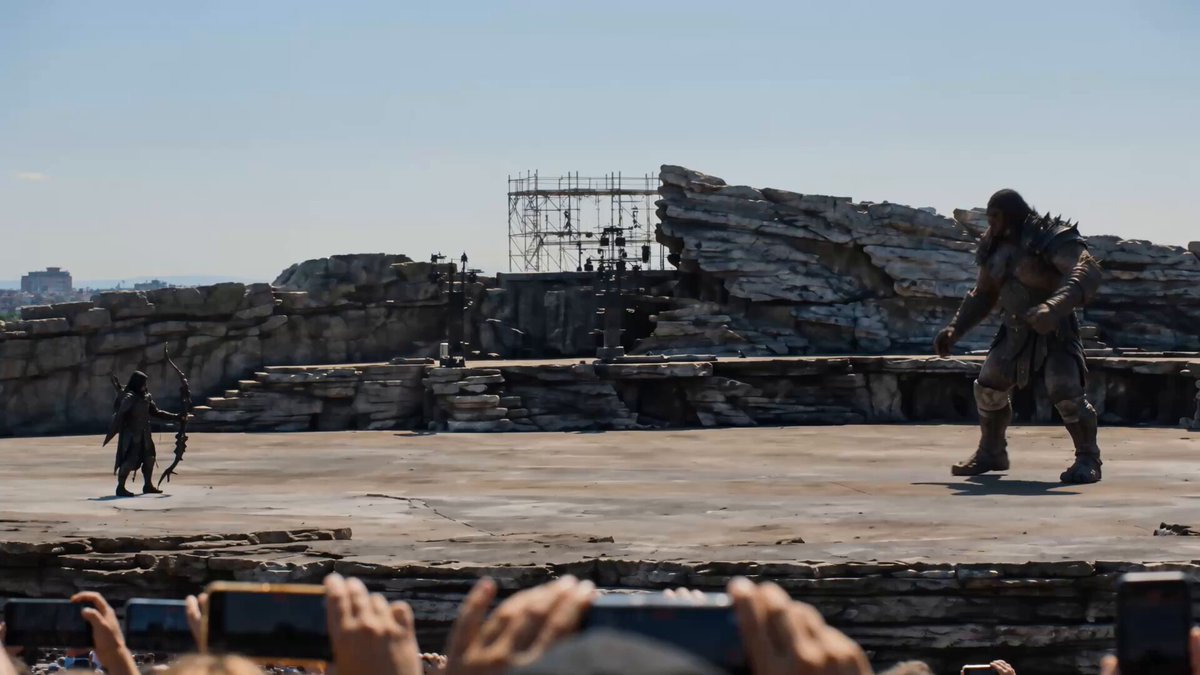
A detailed anime-style video prompt for Seedance 2.0 featuring fast cuts and a battle scene from a dark fantasy sequence.
日本のフルカラーアニメ、高速なカット割り、作画枚数多め、24FPS。架空ダークファンタジーアニメOP。巨大な魑魅魍魎jとの戦闘を描く迫力あるシーンの連続。登場人物は彩乃のみで魑魅魍魎との対決を描く。
日本のフルカラーアニメ、高速なカット割り、作画枚数多め、24FPS。架空ダークファンタジーアニメOP。巨大な魑魅魍魎jとの戦闘を描く迫力あるシーンの連続。登場人物は彩乃のみで魑魅魍魎との対決を描く。
Edit the prompt in the box under the preview — the template's model and format are already selected — and press Generate. Your version appears right on this page.
Yes. You can change the subject, setting, lighting, mood, format, and available model controls before creating your video.
Opening and editing this template is free. Generating uses credits, shown on the Generate button when you are signed in.
Start with Seedance 2.0, which is the model associated with this template. You can compare another compatible model for a different finish.
Follow a topic to a crawlable collection of related PicX Studio templates.