
Original Character Cosmetic Commercial Video
A detailed prompt for generating a high-quality, cinematic cosmetic advertisement featuring an original character and a custom-designed eyeshadow palette.

- Prompt included
- Model and format preset
- Free template
The prompt behind this video
Copy the exact prompt behind Original Character Cosmetic Commercial Video, or open it in the studio and make it yours.
画像1の人物またはキャラクターを使い、15秒の高品質な縦型コスメCMを生成する。画像1を基に、そのキャラクター専用の完全オリジナルアイシャドウパレットを新規デザインし、デザインは最後まで保持する。キャラクター本人が広告モデルとして出演する限定コスメCMにする。高品質、シネマティック、美容広告、洗練、高級感、上品、少し幻想的、百貨店コスメの限定コレクション風。登場人物は画像1の1人のみ。顔立ち、髪型、髪色、体型、衣装シルエット、配色、アクセサリー、表情、雰囲気、画風を維持し、別人化・不要な実写化/アニメ化/3DCG化は禁止。商品は髪色、瞳、衣装、装飾、モチーフ、性格、世界観を落とし込んだ6〜12色の高級アイシャドウパレット。普段使い色と象徴色を両立し、マット、シマー、サテン、メタリック、グリッターなど質感差を出す。ケースは金属、ガラス、偏光パール、箔押し、彫金、宝石風装飾などでジュエリーボックスのように仕上げ、形状・装飾・中身の配色と配置は全カットで一貫させる。キャラクターはパレットを持つ、開く、見つめる、鏡越しに映る、目元に色をまとう、振り返るなど自然で上品な所作を見せる。背景は高級ドレッサー、メイクルーム、柔らかな抽象空間、花・ガラス・水・粒子を含む幻想空間など。VFXは光、粒子、ラメ、反射、色のヴェール程度に抑え、顔や商品を隠さない。1〜2秒ごとに自然に切り替え、冒頭で画像からモチーフを考えてエフェクト、スムーズなフェードで美しい瞳を写し、閉じたパレットのアップ、次に外装、続いて開いた中身、後半はキャラクターと商品を一体的に見せ、最後はキャラがコスメを持ちながらヒーローショットで余韻を残す。最後にロゴ風文字【 】と表示して終わる。人物追加、手足や顔の破綻、安っぽい商品、読みにくい文字、長文テキスト、不要なロゴ、過度なCG感、激しいダンスは禁止。「このキャラクターのコスメが欲しい」と思える完成度を最優先する。音質の良い音の広がりを感じさせるBGMと効果音。
How to use Original Character Cosmetic Commercial Video in 3 steps
- 1
Open
The prompt is already in the box next to the preview, with the template's model and format selected.
- 2…a portrait of your subject in softgolden-hour light, 85mm…
Personalize
Edit the subject and creative details for your destination.
- 3Generate
Generate
Press Generate — your video is created in PicX Studio, so you can compare it with the original and refine one variable at a time.
More like this
Templates with the same subject, style or setup. Open one to see its prompt.
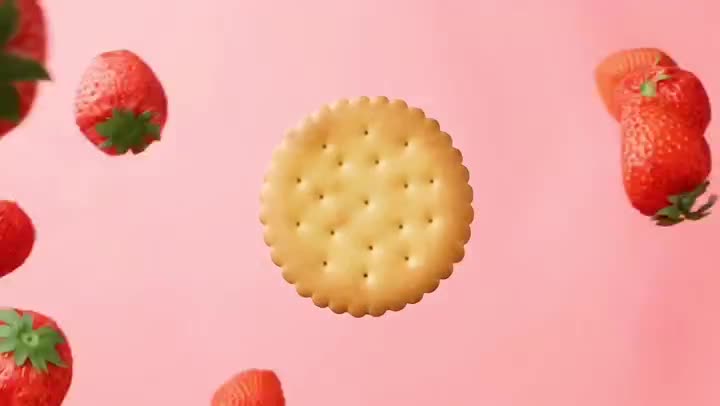
Fruit Cookie Commercial

Silk Road Pomegranate Folk Animation

Mechanical Flower Bloom Brand Film

Crystal Ball Match-Cut Brand Film

Sneaker Product Commercial

Skincare Product Commercial 3

Cinematic Portrait Study 3

Product UGC Commercial

Cinematic Portrait Study
Skincare Product Commercial
Luxury Handbag Commercial — Hollywood VFX Ad
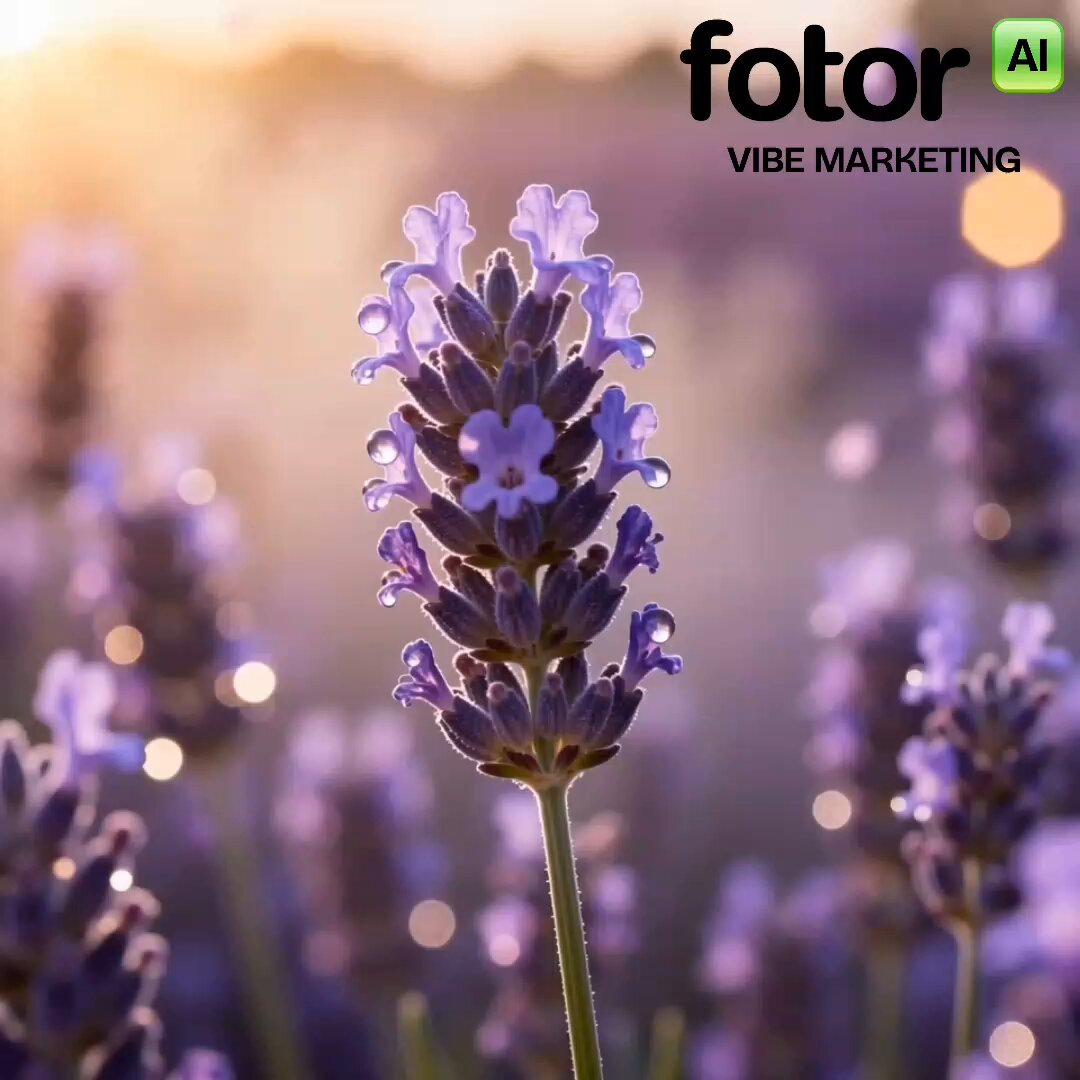
Lavender Bliss Cosmetics Commercial
Make it yours
Original Character Cosmetic Commercial Video works as-is. These are the safest ways to change it without losing the look.
Change one field
Copy a single group, rewrite it, and generate again so you can see what that field is doing.
Keep the frame, change the subject
Hold the composition and light of Original Character Cosmetic Commercial Video, then swap wardrobe, props or the person for a new take.
| If the result… | Why | Fix |
|---|---|---|
| The result drifts from the preview | Too many fields changed at once. | Reuse Original Character Cosmetic Commercial Video as-is first, then change one group — subject, light, or setting. |
| The model over-stylizes the scene | The prose prompt leaves finish and camera underspecified. | Add one camera or lighting sentence and stay on Seedance 2.0. |
More Seedance 2.0 templates
Other prompts made for Seedance 2.0.

Comical Martial Arts Punch Scene

Maglev Train Action Sequence

Martial Arts Fight Sequence

Wuxia Protection and Trust Script

Vintage Korean Arcade MiniDV Vlog

Mercedes 190 SL Luxury Ad

Rainy Night Supernatural Reverse Comedy Video Script

Amazon Civilization Discovery

Futuristic South Asian City Transformation

Cozy Luxury Cafe Commercial
More video prompts
Fresh picks from across the catalog.
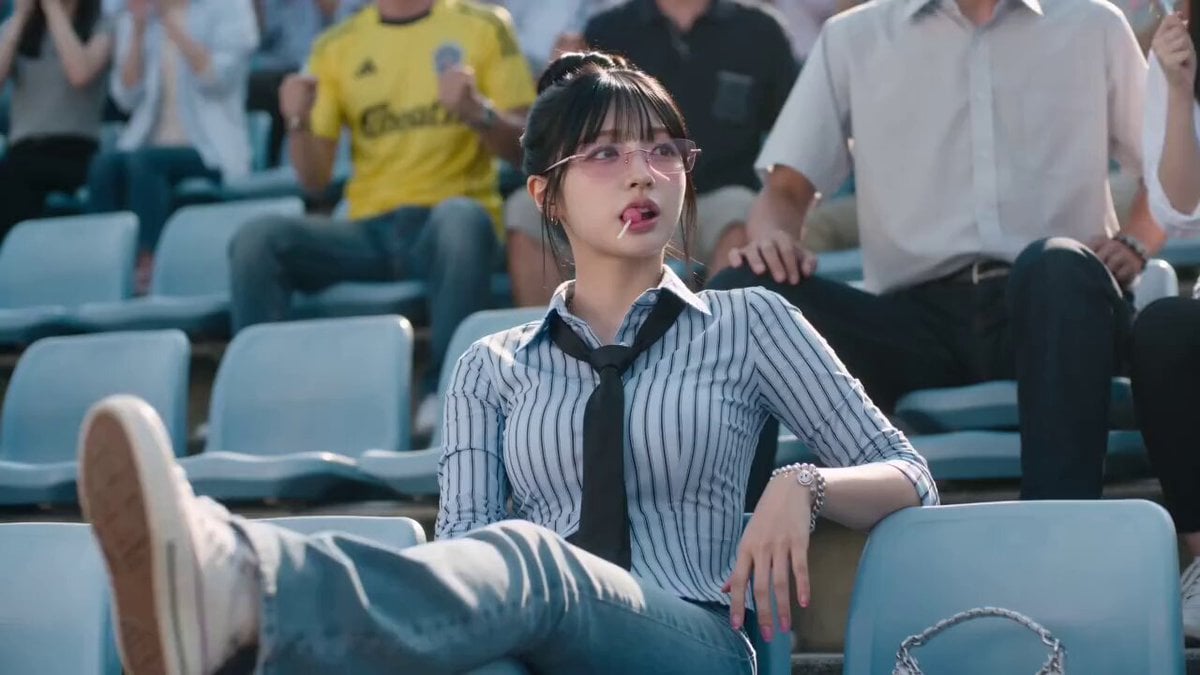
Cinematic Soccer Goal Sequence

Roman Gladiator Coliseum Epic
Tesla Optimus Robots Guiding Group
Japanese Influencer Kitchen Vlog
Soccer to Baseball Transformation
Light at the End of the Tunnel

Harbor Break Run Cinematic Pursuit
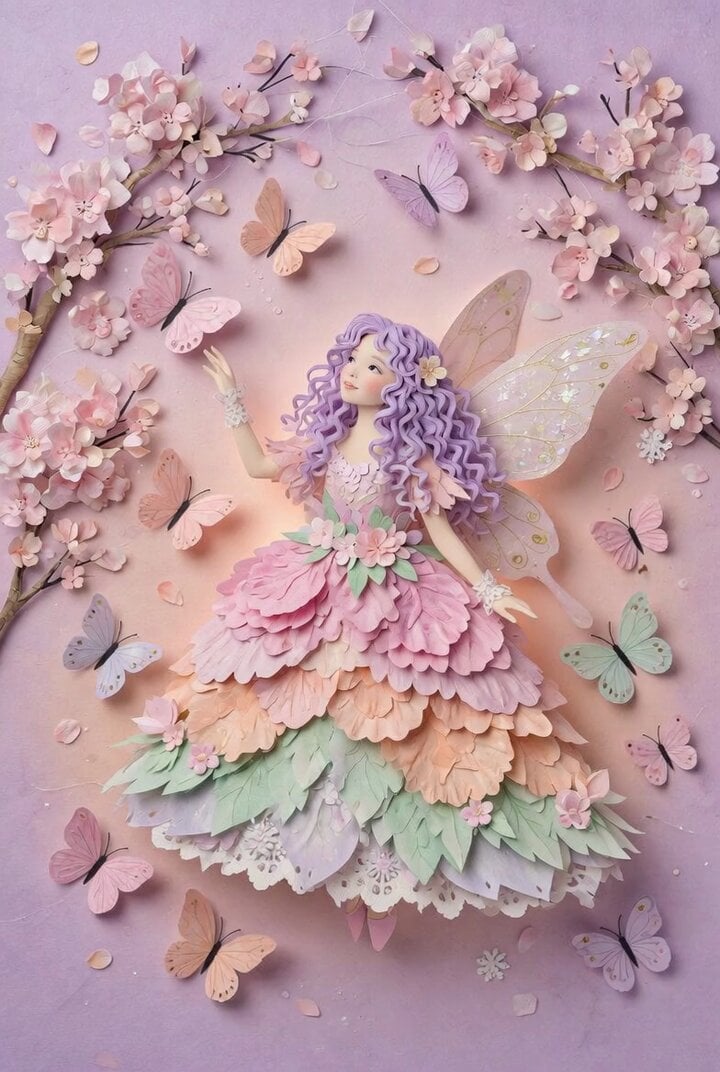
Colorful Paper Art Fairy Queen Prompt
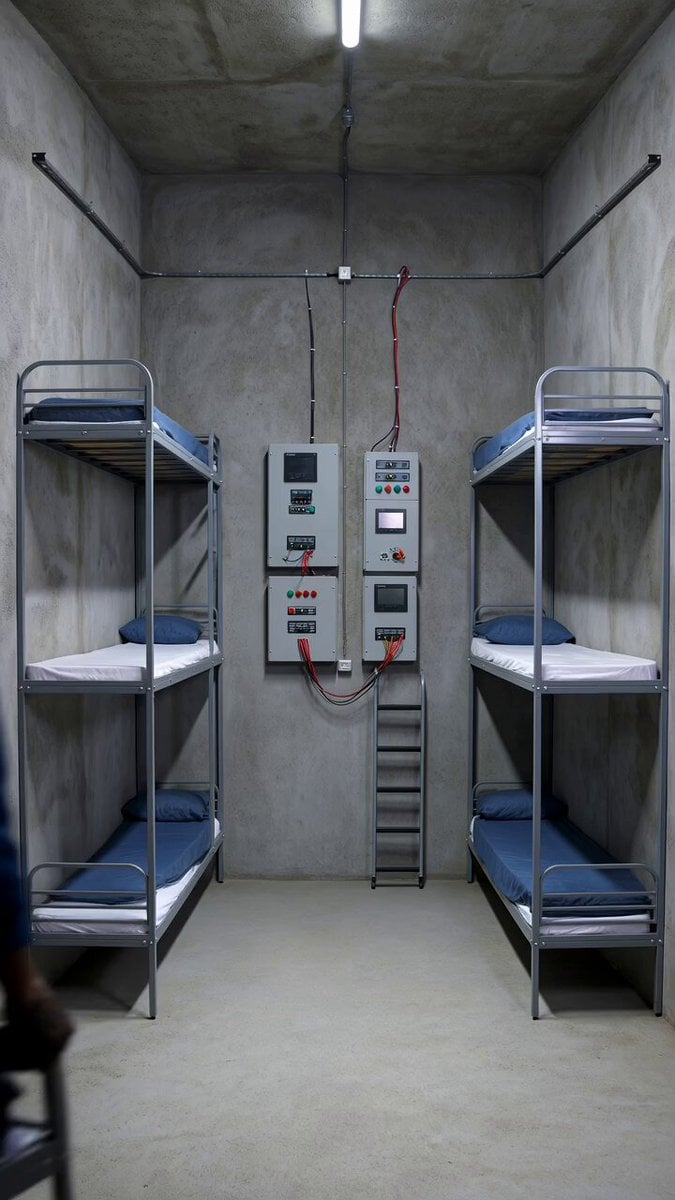
Staging Bunker Interior Timelapse Prompt
Magical Paper Origami Dragon
Browse template categories
Original Character Cosmetic Commercial Video questions
How do I use the Original Character Cosmetic Commercial Video template?
Add your photo if the template asks for one, edit the prompt if you like — the template's model and format are already selected — and press Generate. Your version opens in PicX Studio.
Can I customize the Original Character Cosmetic Commercial Video template?
Yes. You can change the subject, setting, lighting, mood, format, and available model controls before creating your video.
Is the Original Character Cosmetic Commercial Video template free?
Opening and editing this template is free. Generating uses credits, shown on the Generate button when you are signed in.
Which AI model should I use?
Start with Seedance 2.0, which is the model associated with this template. You can compare another compatible model for a different finish.
Looking for something else? Browse all templates.

Your photo, any look
Thousands of ready templates for every top image and video model, from one credit balance.