How do I use the Magical Paper Origami Dragon template?
Edit the prompt in the box under the preview — the template's model and format are already selected — and press Generate. Your version appears right on this page.
A detailed prompt for Seedance 2.0 describing a magical realism scene where a paper origami dragon unfolds from a book in a crumbling bookshop and ignites other books, releasing more paper creatures that fill the room…
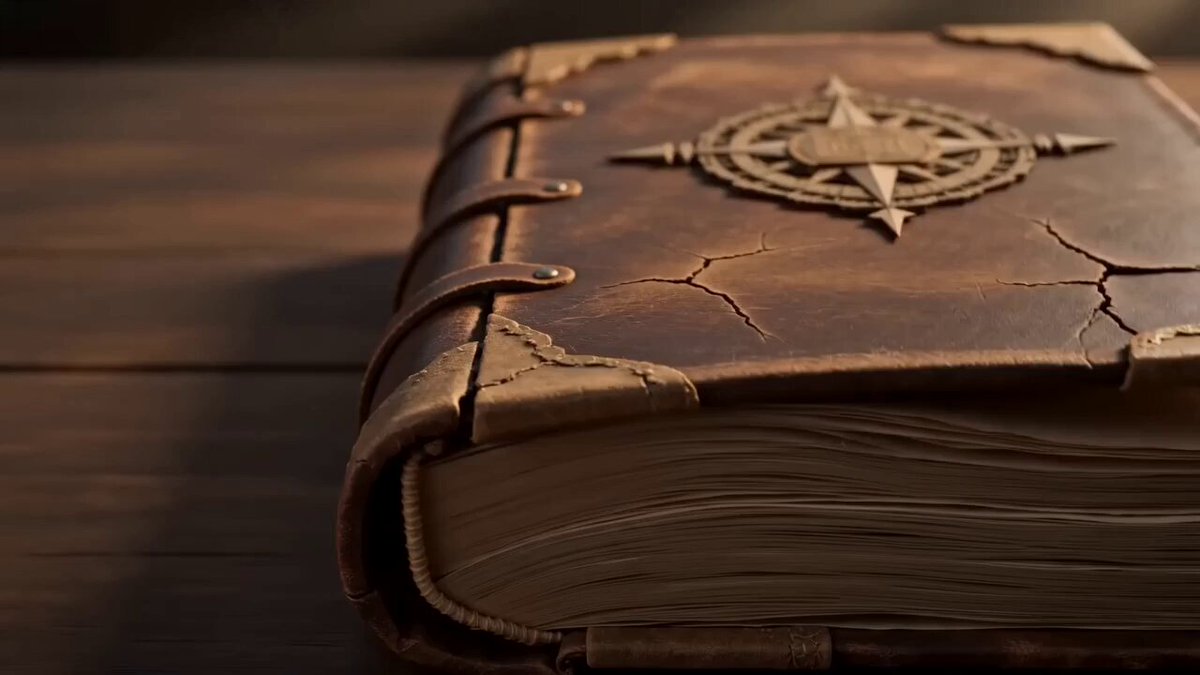
A crumbling old bookshop at midnight. A single book on a shelf slowly opens by itself, and from its pages a tiny paper origami dragon unfolds, stretches its wings, and takes flight through the shop, breathing miniature flames that ignite other books, each one releasing paper birds, whales, and castles that fill the room in a swirling paper universe. Warm candlelight, dust particles catching light, magical realism, storybook aesthetic
A crumbling old bookshop at midnight. A single book on a shelf slowly opens by itself, and from its pages a tiny paper origami dragon unfolds, stretches its wings, and takes flight through the shop, breathing miniature flames that ignite other books, each one releasing paper birds, whales, and castles that fill the room in a swirling paper universe. Warm candlelight, dust particles catching light, magical realism, storybook aesthetic
Edit the prompt in the box under the preview — the template's model and format are already selected — and press Generate. Your version appears right on this page.
Yes. You can change the subject, setting, lighting, mood, format, and available model controls before creating your video.
Opening and editing this template is free. Generating uses credits, shown on the Generate button when you are signed in.
Start with Seedance 2.0, which is the model associated with this template. You can compare another compatible model for a different finish.
Follow a topic to a crawlable collection of related PicX Studio templates.