How do I use the Da Vinci Style Calendar Machine template?
Edit the prompt in the box under the preview — the template's model and format are already selected — and press Generate. Your version appears right on this page.
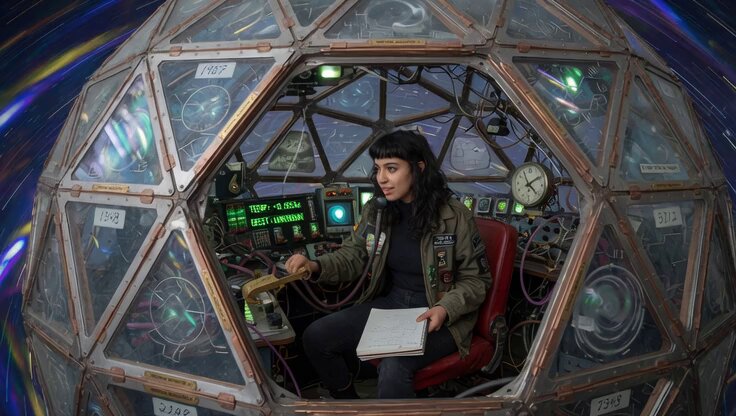
An intricate video prompt describing a complex mechanical calendar in the style of Leonardo da Vinci's sketches, featuring interlocking bronze wheels and planetary alignment.
(Where applicable, picture a da Vinci-style sketch: like his Codex Atlanticus gear trains but for time itself—interlocking bronze wheels labeled “360-day Egypt,” “Venus comet path,” and “Mars sling,” with a sudden axle tilt cracking the mechanism; tiny human figures (pharaohs, Maya priests) scramble to add five “holy days” while a swirling vortex of planets realigns the whole calendar machine in perfect Renaissance perspective!)
(Where applicable, picture a da Vinci-style sketch: like his Codex Atlanticus gear trains but for time itself—interlocking bronze wheels labeled “360-day Egypt,” “Venus comet path,” and “Mars sling,” with a sudden axle tilt cracking the mechanism; tiny human figures (pharaohs, Maya priests) scramble to add five “holy days” while a swirling vortex of planets realigns the whole calendar machine in perfect Renaissance perspective!)
Edit the prompt in the box under the preview — the template's model and format are already selected — and press Generate. Your version appears right on this page.
Yes. You can change the subject, setting, lighting, mood, format, and available model controls before creating your video.
Opening and editing this template is free. Generating uses credits, shown on the Generate button when you are signed in.
Start with Grok Imagine, which is the model associated with this template. You can compare another compatible model for a different finish.
Follow a topic to a crawlable collection of related PicX Studio templates.