
Stealth mini-game heist video prompt
A multi-scene video generation prompt for Seedance 2.0 depicting a stealth mini-game where a character steals sake from a sleeping Tengu yokai in a mountain cave.
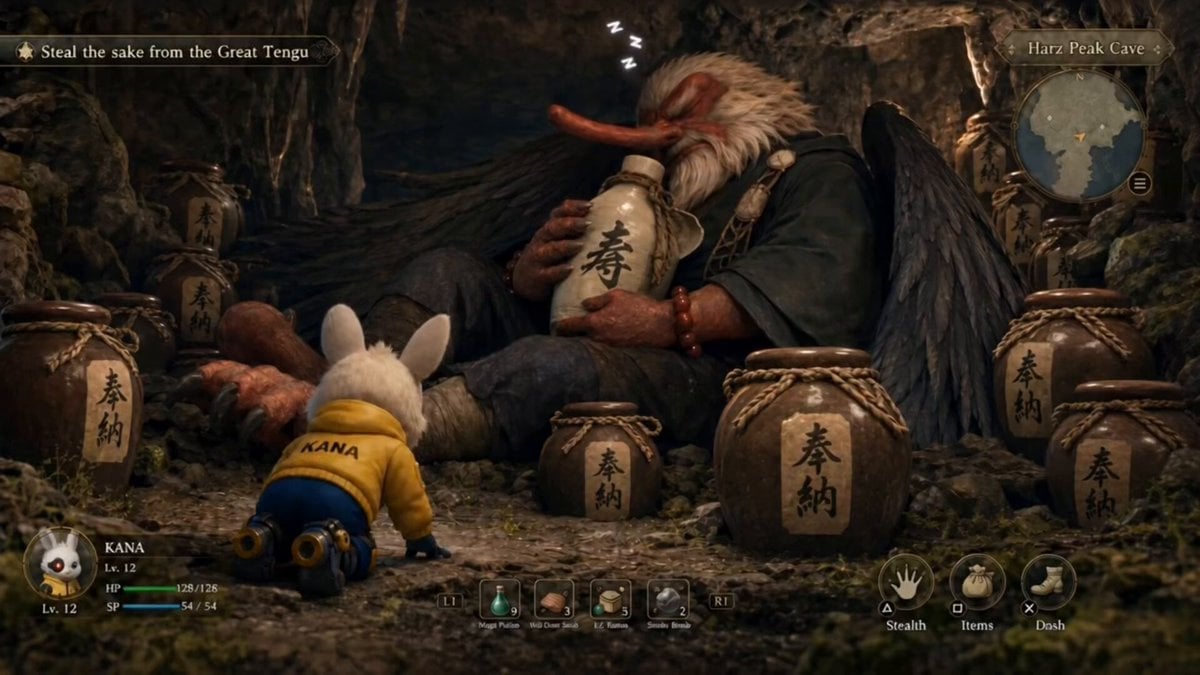
- Prompt included
- Model and format preset
- Premium template
The prompt behind this video
Copy the exact prompt behind Stealth mini-game heist video prompt, or open it in the studio and make it yours.
A mini-game style stealth theft scene, with exaggerated, humorous actions and expressions. No subtitles. High definition, 30fps. A massive tengu-like yokai is drunk, asleep deep inside a mountain cave, clutching a large sake jar in its arms, snoring loudly as it sleeps. The cave is filled with numerous sake jars, with several particularly fine ones placed around the creature. In the foreground, the player character is seen from behind, crouching low with one hand on the ground, quietly approaching. They begin feeling around the sake jars near the sleeping yokai. A glowing effect appears. Cut to a front-facing shot: the player character struggles to lift a large sake barrel. A companion dialogue box pops up. The player character crouches again, continuing to search around. The tengu snores heavily, still fast asleep. Another glow effect appears. The player character stands up with difficulty, holding a large sake barrel. A companion dialogue box appears again. Carrying the oversized barrel, the player character turns and runs toward the cave entrance. At that moment, intense boss battle music—typical of an action combat game—suddenly kicks in. A companion dialogue box appears. The player character hastens their pace, running in a zigzag pattern, struggling to move forward while carrying the heavy load. Then the scene forcefully transitions into a battle interface. The tengu awakens, waving a feather fan and striking a flashy, dramatic combat pose. On screen, large bold black calligraphy appears: “バトル開始”
How to use Stealth mini-game heist video prompt in 3 steps
- 1
Open
The prompt is already in the box next to the preview, with the template's model and format selected.
- 2…a portrait of your subject in softgolden-hour light, 85mm…
Personalize
Edit the subject and creative details for your destination.
- 3Generate
Generate
Press Generate — your video is created in PicX Studio, so you can compare it with the original and refine one variable at a time.
More like this
Templates with the same subject, style or setup. Open one to see its prompt.
Chibi Cave Adventure — He Doesn't Know What's Coming
AAA Stealth Action Gameplay Sequence
Pixel Game Style Grocery Store Heist

Stealth Fighter Jet Missile Evasion

Vintage Korean Arcade MiniDV Vlog
ASMR Plant Care Mini DV Vlog
Miniature Kittens Breakfast Table Dance
Cats Chasing via Red Mini Motorcycle
Cinematic Emerald Gown Action Heist
Multi-Shot Heist Sequence — Kling 3.0 O3 Pro
MiniMax H3 Character Introduction
Cinematic Heist Industrial Port Action
Make it yours
Stealth mini-game heist video prompt works as-is. These are the safest ways to change it without losing the look.
Change one field
Copy a single group, rewrite it, and generate again so you can see what that field is doing.
Keep the frame, change the subject
Hold the composition and light of Stealth mini-game heist video prompt, then swap wardrobe, props or the person for a new take.
| If the result… | Why | Fix |
|---|---|---|
| The result drifts from the preview | Too many fields changed at once. | Reuse Stealth mini-game heist video prompt as-is first, then change one group — subject, light, or setting. |
| The model over-stylizes the scene | The prose prompt leaves finish and camera underspecified. | Add one camera or lighting sentence and stay on Seedance 2.0. |
More Seedance 2.0 templates
Other prompts made for Seedance 2.0.

Comical Martial Arts Punch Scene

Maglev Train Action Sequence

Martial Arts Fight Sequence

Wuxia Protection and Trust Script

Mercedes 190 SL Luxury Ad

Rainy Night Supernatural Reverse Comedy Video Script

Amazon Civilization Discovery

Futuristic South Asian City Transformation

Cozy Luxury Cafe Commercial

Cyber Ronin Nanotech Transformation Video
More video prompts
Fresh picks from across the catalog.
Tropical Seaplane Aerial Adventure
Vertical Character Dance MV
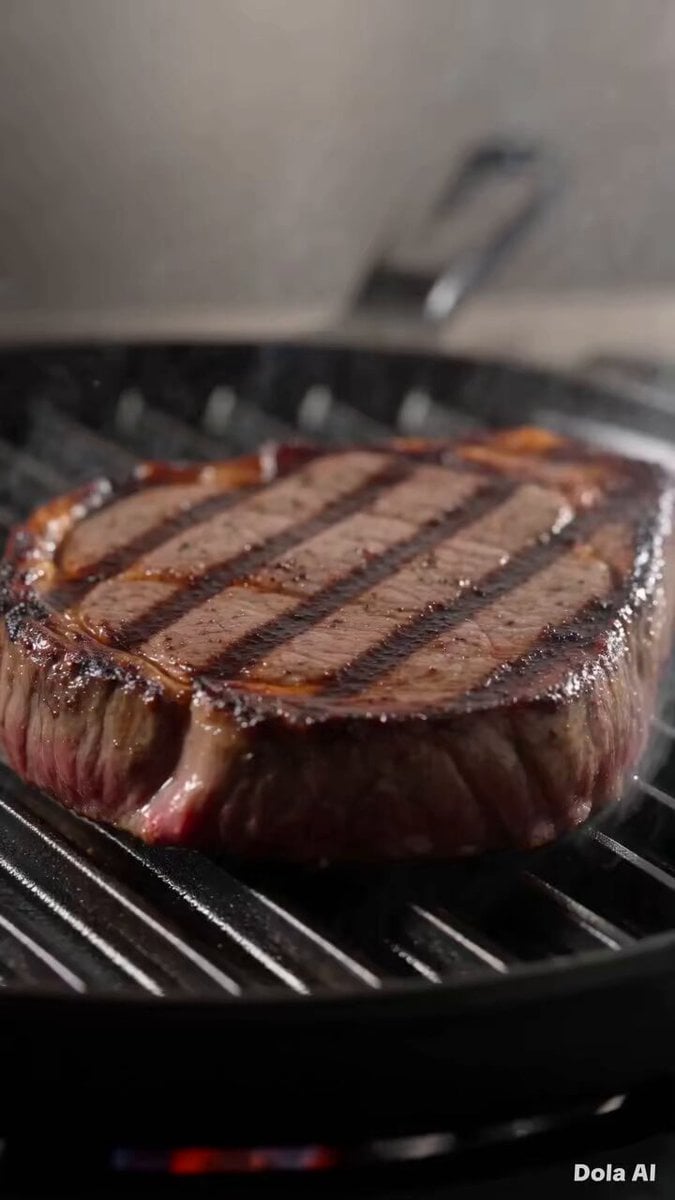
Fresh Food Restaurant Commercial
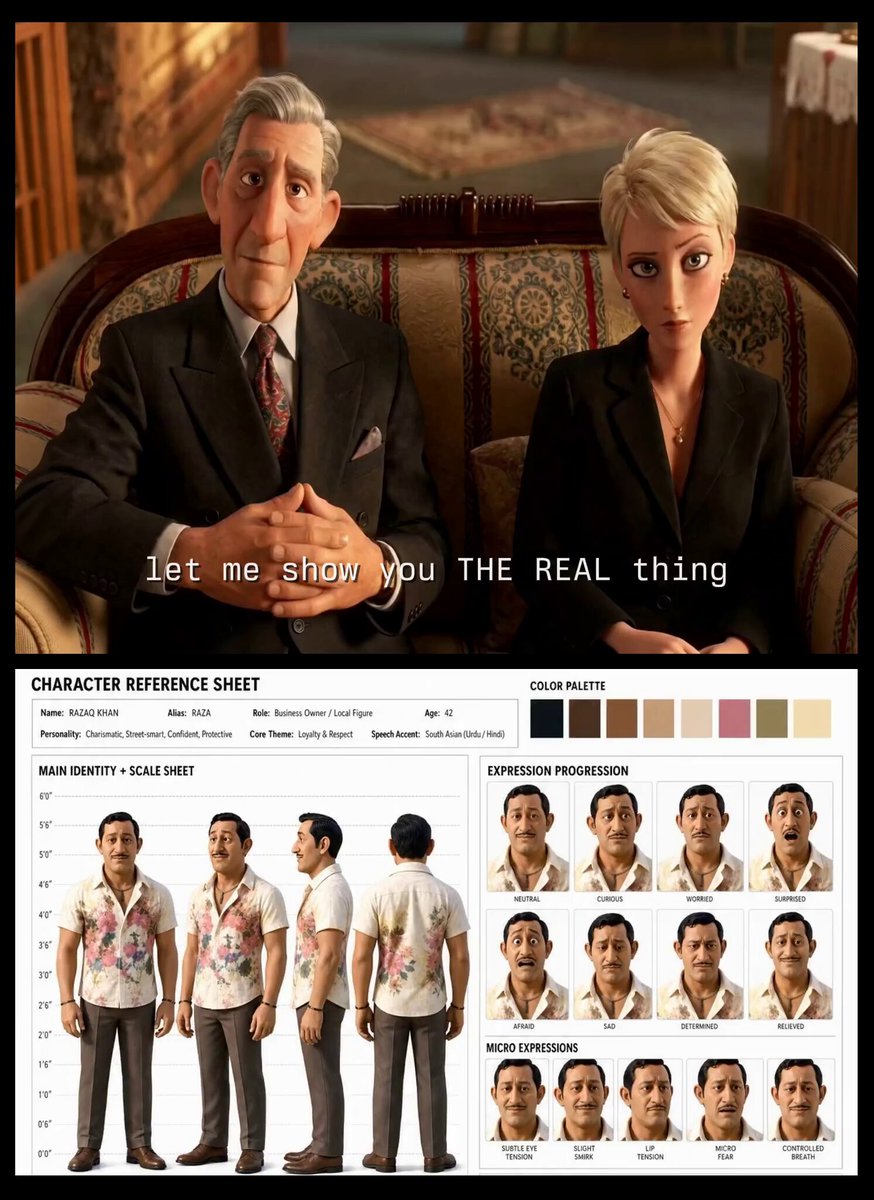
Turkish Carpet Seller Multi-Cut Video
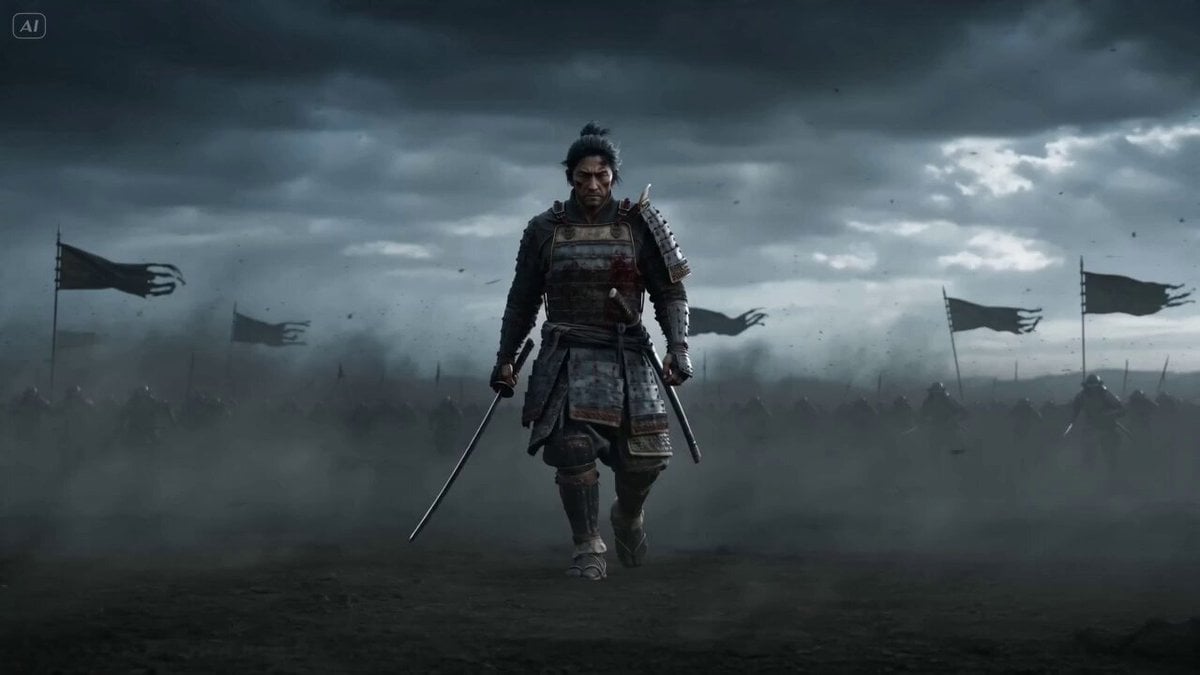
Epic Samurai Multi-Slash Sequence

Rainy Neon Tokyo Violinist
Comprehensive Seedance 2.0 Prompt Tutorial and Example

Fantasy Dessert World Transformation
Eastern Wuxia Ultimate Showdown with Extreme Kinetic Energy
Action Movie Scene Prompt with Cinematic Style
Browse template categories
Stealth mini-game heist video prompt questions
How do I use the Stealth mini-game heist video prompt template?
Add your photo if the template asks for one, edit the prompt if you like — the template's model and format are already selected — and press Generate. Your version opens in PicX Studio.
Can I customize the Stealth mini-game heist video prompt template?
Yes. You can change the subject, setting, lighting, mood, format, and available model controls before creating your video.
Is the Stealth mini-game heist video prompt template free?
Opening and editing this template is free. Generating uses credits, shown on the Generate button when you are signed in.
Which AI model should I use?
Start with Seedance 2.0, which is the model associated with this template. You can compare another compatible model for a different finish.
Looking for something else? Browse all templates.

Your photo, any look
Thousands of ready templates for every top image and video model, from one credit balance.