
Cyberpunk Neo-Tokyo Survival Chase with Pac-Man
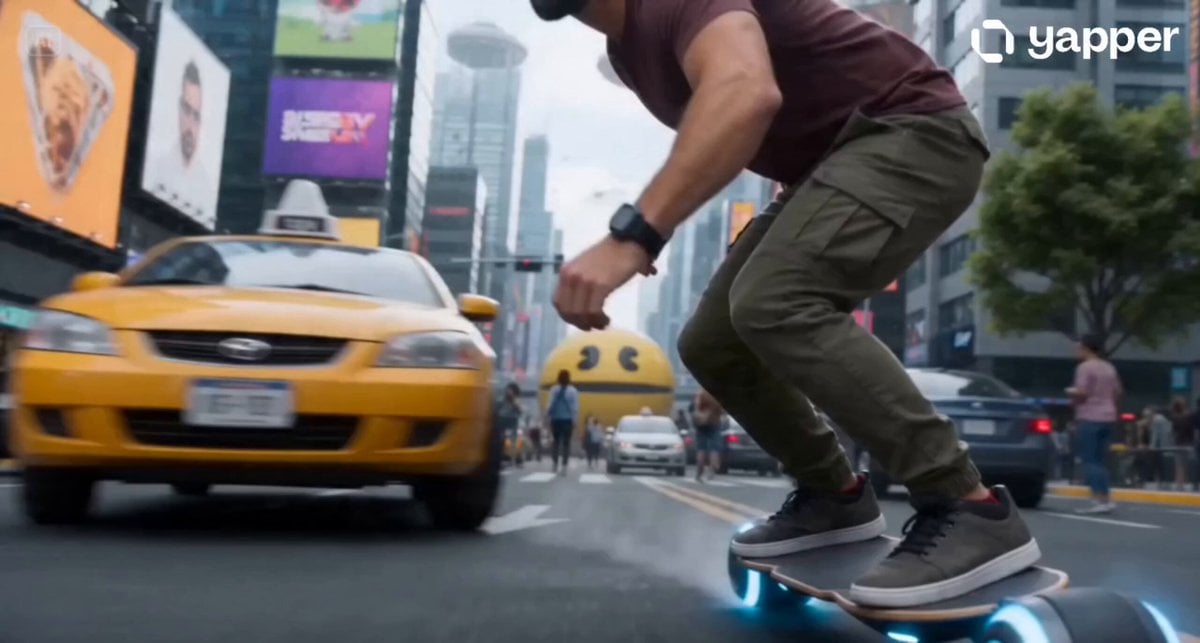
A cinematic sci-fi video prompt featuring an intense hoverboard chase through a collapsing futuristic city, including complex mechanical transformations and a giant digital entity.
- Prompt included
- Model and format preset
- Free template
The prompt behind this video
Copy the exact prompt behind Cyberpunk Neo-Tokyo Survival Chase with Pac-Man, or open it in the studio and make it yours.
Duration: 10 seconds Style: Ultra-realistic cinematic sci-fi destruction, live-action realism, hyper-detailed visuals, brutal high-speed chaos, grounded physics, catastrophic cyberpunk apocalypse, explosive action, blockbuster-scale destruction, aggressive pacing, premium VFX overload. Camera: Highly dynamic chaotic cinematic movement, aggressive pursuit tracking, destruction-heavy street shots, impact shakes, tunnel chase, low-angle action shots, tactical landing shots, full mechanical transformation close-ups, explosive final combat framing. Main character: A slender young man (based on reference image, maintain exact facial identity), wearing a maroon red t-shirt, olive green cargo pants, sneakers, futuristic wristwatch, futuristic headphones, riding a futuristic hoverboard from the beginning. Environment: Neo-Tokyo futuristic megacity in full-scale chaos, overcrowded roads, collapsing traffic systems, panicked civilians, glitching holograms, exploding vehicles, shattered streets, digital destruction, collapsing infrastructure. Scene: 0.0–1.5s: The young man aggressively rides his futuristic hoverboard in low-hover mode through a packed Neo-Tokyo city street, speeding between vehicles, crowded intersections, and dense pedestrian zones. 1.5–3.0s: Sudden citywide digital catastrophe erupts. Giant holographic systems violently glitch, roads rupture, vehicles crash, explosions erupt, pedestrians scatter, skyscraper billboards distort, and a colossal hyper-realistic yellow digital Pac-Man entity materializes from the corrupted holographic network. Pac-Man aggressively tears through the city, devouring cars, roads, traffic lights, billboards, and entire chunks of infrastructure in massive explosive chaos. 3.0–7.0s: Full survival chase. The young man pushes his hoverboard to maximum speed through total urban destruction, narrowly escaping collapsing highways, exploding vehicles, debris storms, tunnel collapses, and entire streets being consumed behind him by the giant Pac-Man. Pac-Man relentlessly destroys everything in pursuit, causing shockwaves, digital fragmentation, massive explosions, and citywide devastation. 7.0–8.0s: At extreme speed, the young man launches himself off the hoverboard forward into the main roadway, then performs a brutal realistic combat roll across shattered asphalt, sliding, flipping, and grinding across debris-covered pavement while chaos erupts around him. 8.0–9.0s: While he is actively rolling across the street, the hoverboard remains in synchronized motion beside him and visibly transforms in full mechanical detail into a gigantic white-and-gold super laser cannon: anti-gravity engines split apart, metallic body panels rotate and expand, weaponized structures deploy, internal energy chambers ignite, cyan plasma core overloads, glowing energy rings form, and the complete transformation happens on-screen during the roll. 9.0–9.7s: The young man rises directly from the final
How to use Cyberpunk Neo-Tokyo Survival Chase with Pac-Man in 3 steps
- 1Upload ImagePNG, JPG or paste
Add your photo
Upload the photo the template builds on. The prompt, model and format are already set.
- 2…a portrait of your subject in softgolden-hour light, 85mm…
Personalize
Edit the subject and creative details for your destination.
- 3Generate
Generate
Press Generate — your video is created in PicX Studio, so you can compare it with the original and refine one variable at a time.
More like this
Templates with the same subject, style or setup. Open one to see its prompt.

Cyberpunk Holographic Dance Performance - Seedance 2.5
Cyberpunk Tokyo Rainy Car Chase
Neon Tokyo Cyberpunk Action Sequence
Neo-Tokyo Cyberpunk Pursuit
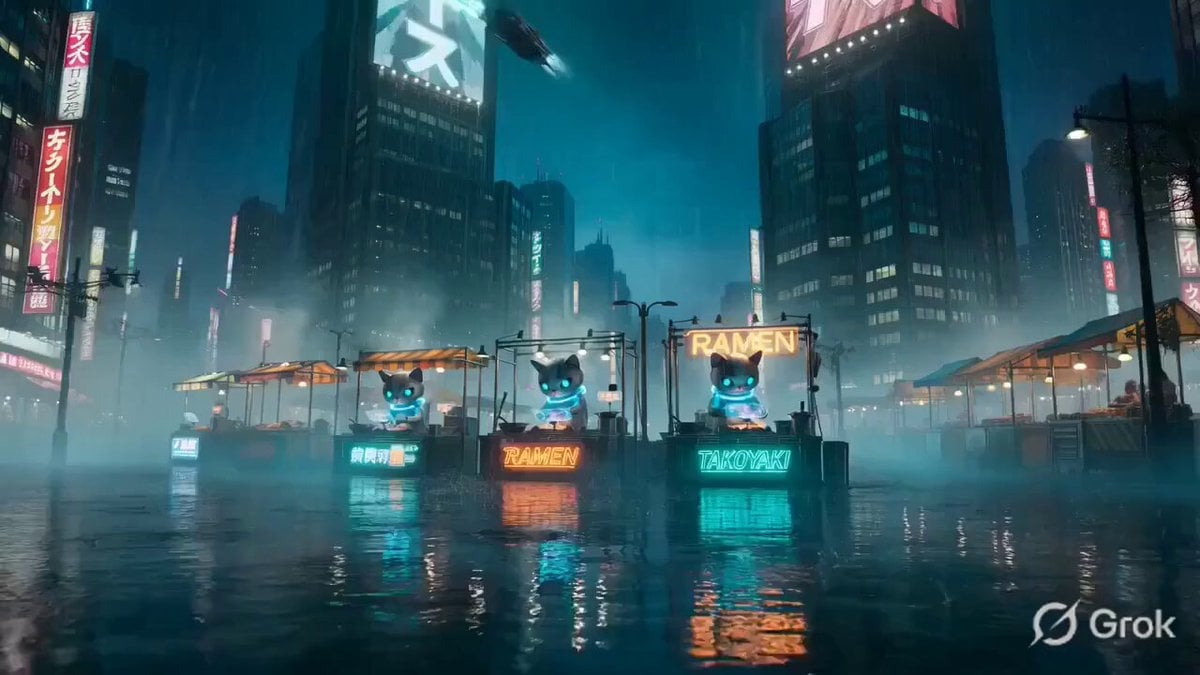
Cinematic Cyberpunk Neo-Tokyo Street Market
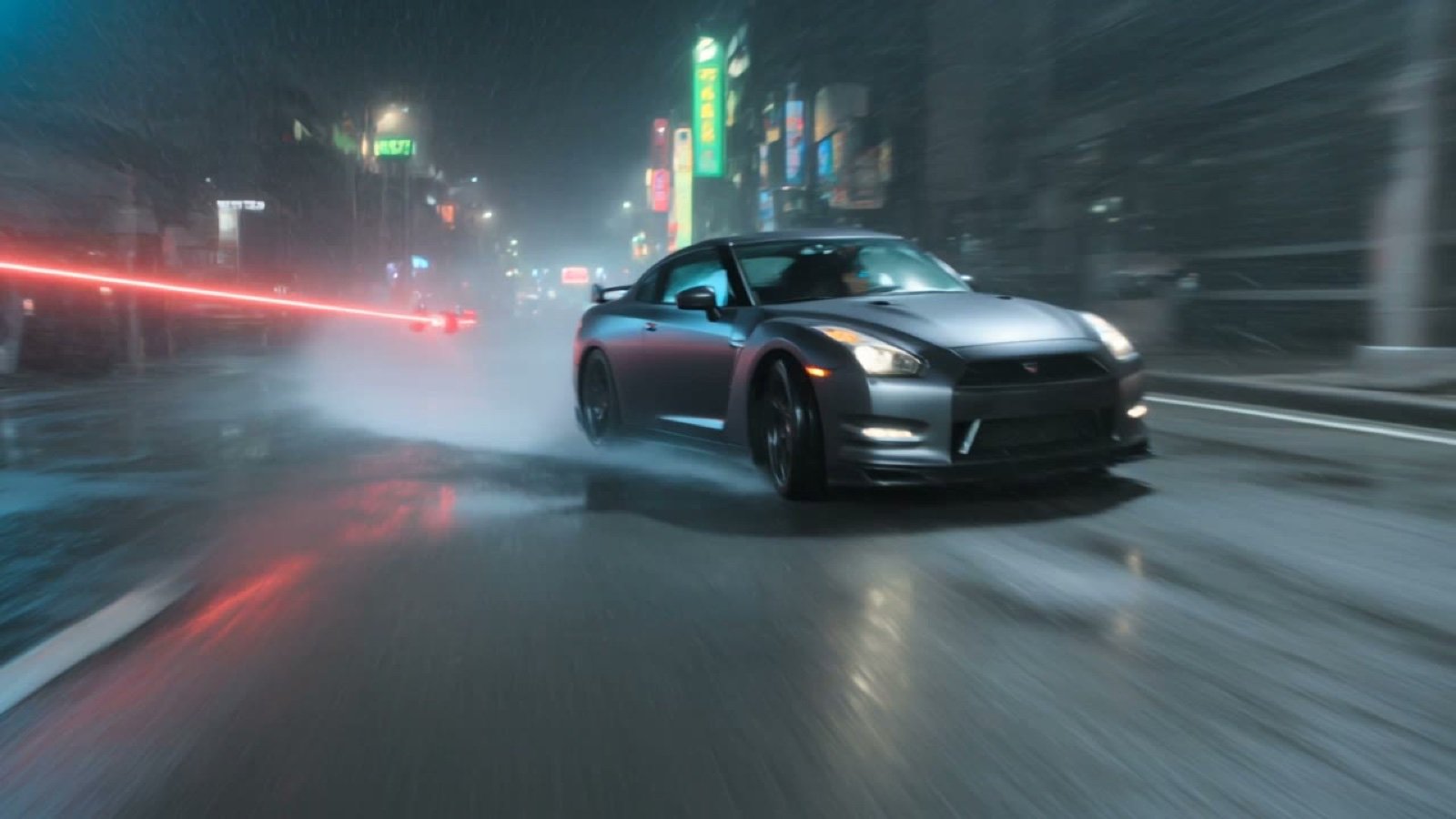
Cyberpunk Tokyo Kung Fu Chase
Urban Survival Street Chase Short

3D Animated Cat and Old Man - Seedance

Handheld Tokyo Travel Vlog - Seedance 2.5

RX-7 to Mech Transformation Cyberpunk

Smartphone Travel Vlog Tokyo Trip Identity Preserved

Cartoon Donut Heist Bakery Chase
Make it yours
Cyberpunk Neo-Tokyo Survival Chase with Pac-Man works as-is. These are the safest ways to change it without losing the look.
Change one field
Copy a single group, rewrite it, and generate again so you can see what that field is doing.
Keep the frame, change the subject
Hold the composition and light of Cyberpunk Neo-Tokyo Survival Chase with Pac-Man, then swap wardrobe, props or the person for a new take.
| If the result… | Why | Fix |
|---|---|---|
| The result drifts from the preview | Too many fields changed at once. | Reuse Cyberpunk Neo-Tokyo Survival Chase with Pac-Man as-is first, then change one group — subject, light, or setting. |
| The model over-stylizes the scene | The prose prompt leaves finish and camera underspecified. | Add one camera or lighting sentence and stay on Seedance 2.0. |
More Seedance 2.0 templates
Other prompts made for Seedance 2.0.

Comical Martial Arts Punch Scene

Maglev Train Action Sequence

Martial Arts Fight Sequence

Wuxia Protection and Trust Script

Vintage Korean Arcade MiniDV Vlog

Mercedes 190 SL Luxury Ad

Rainy Night Supernatural Reverse Comedy Video Script

Amazon Civilization Discovery

Futuristic South Asian City Transformation

Cozy Luxury Cafe Commercial
More video prompts
Fresh picks from across the catalog.
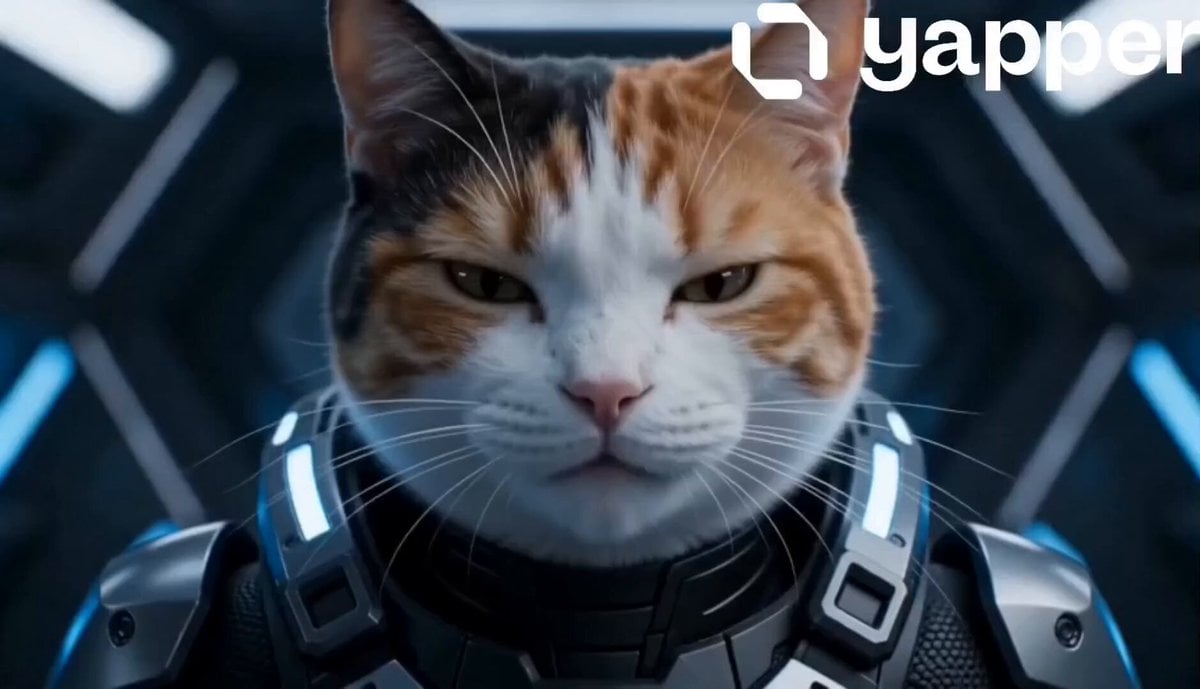
Futuristic Cat War Society
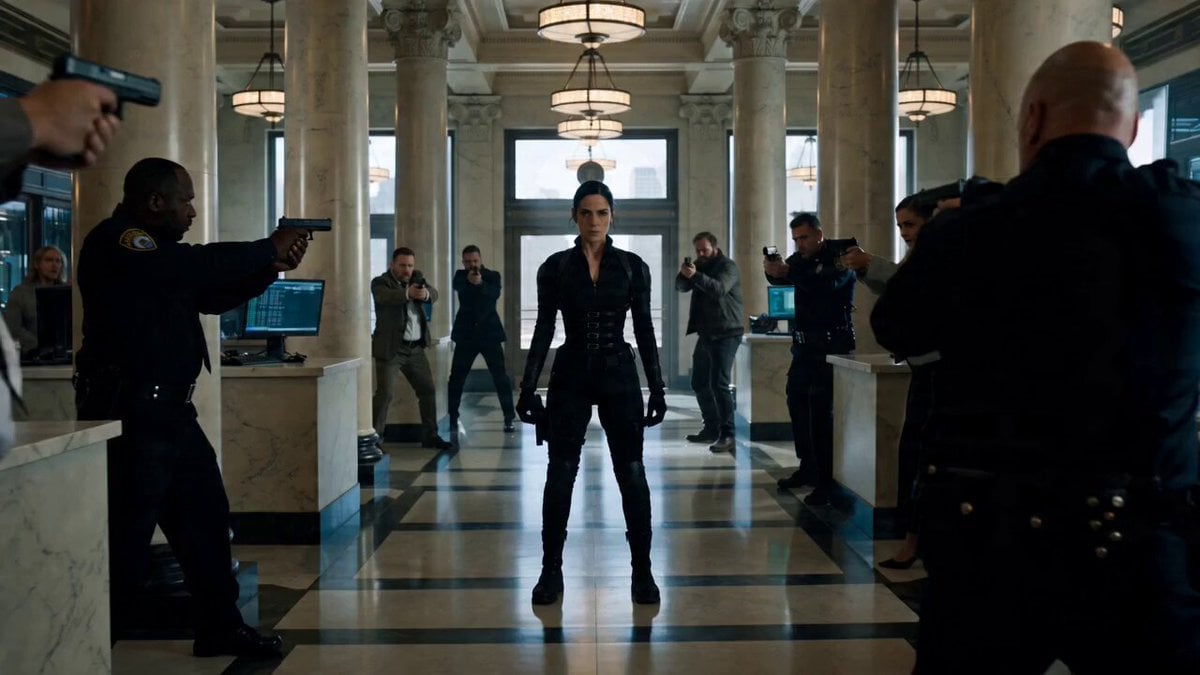
Cinematic Battle Prompt for Female Operative

Vibrant 3D Geometric Infinite Space

Grok Imagine Ethereal Woman and Bear Illustration Video Prompt
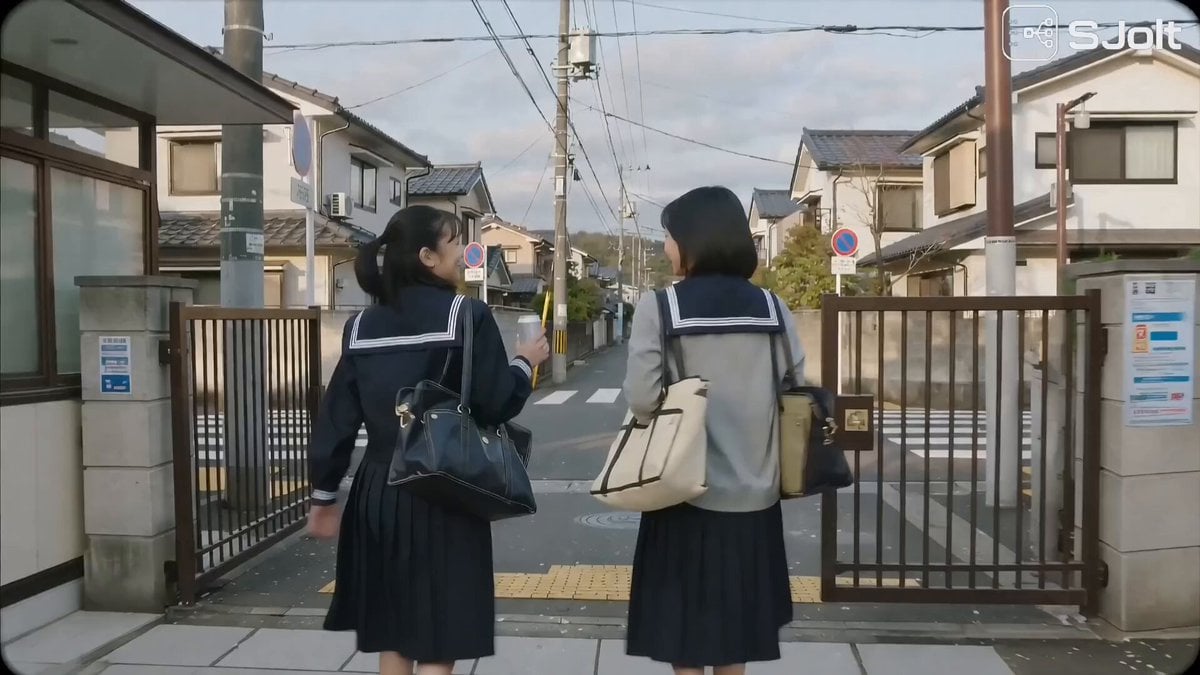
Japanese High School Golden Hour Walk
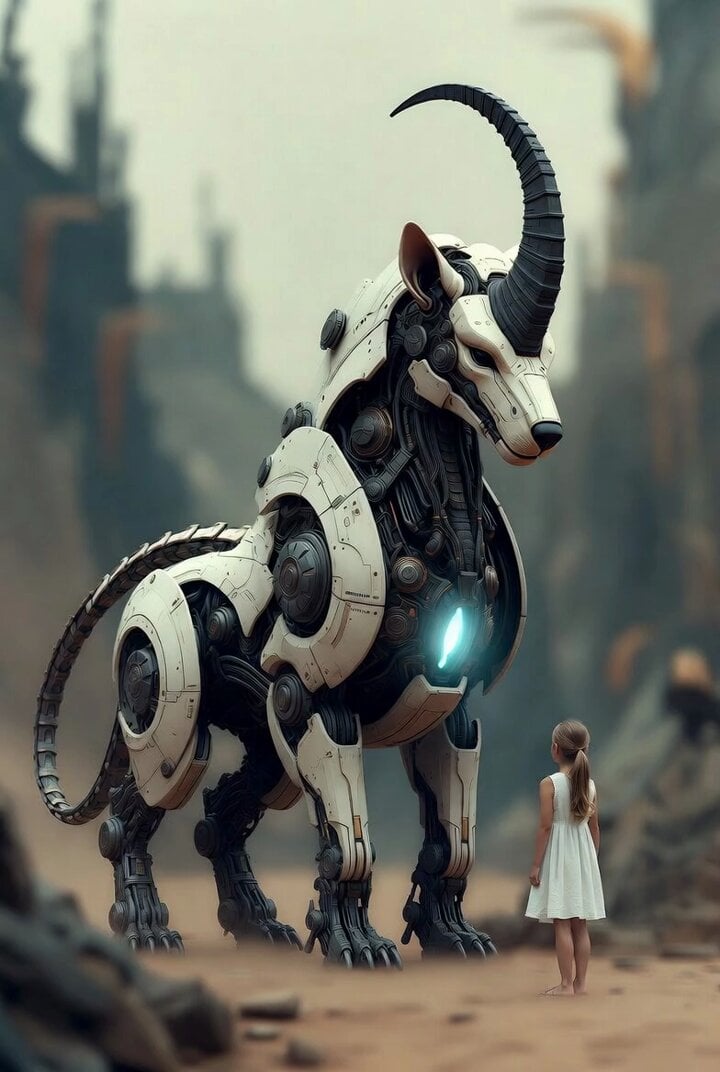
Surreal cyborg animal and young girl
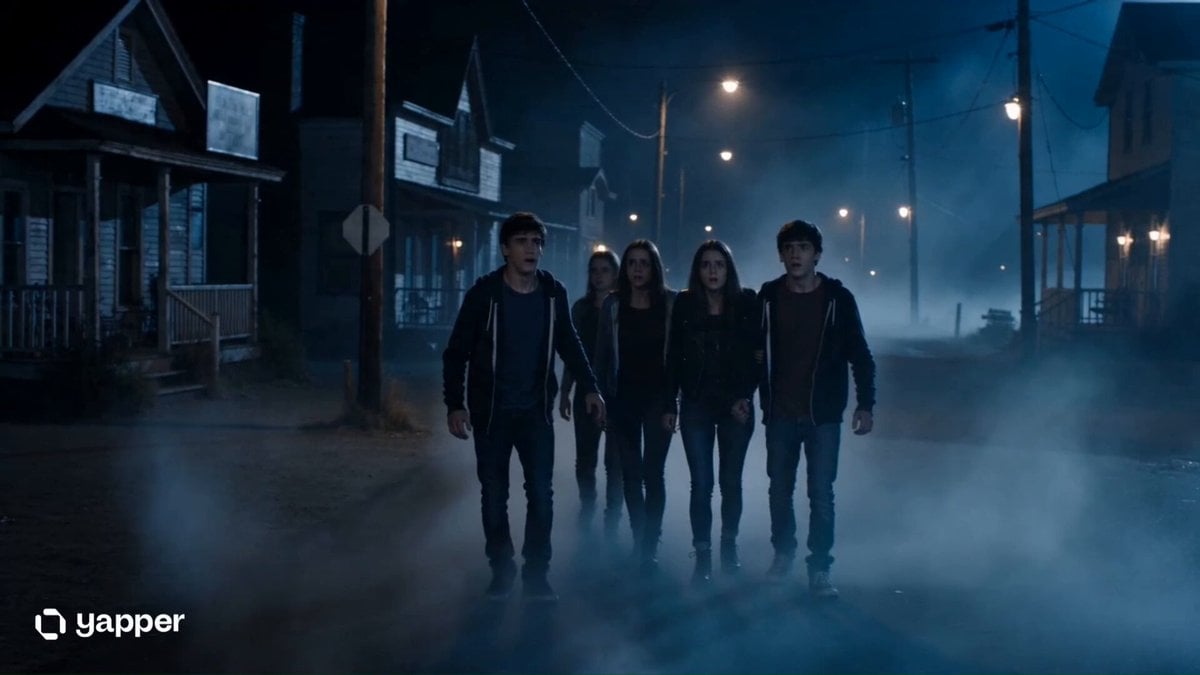
Supernatural Horror Thriller Scene

Tech Billionaire CEO Smoking Meats
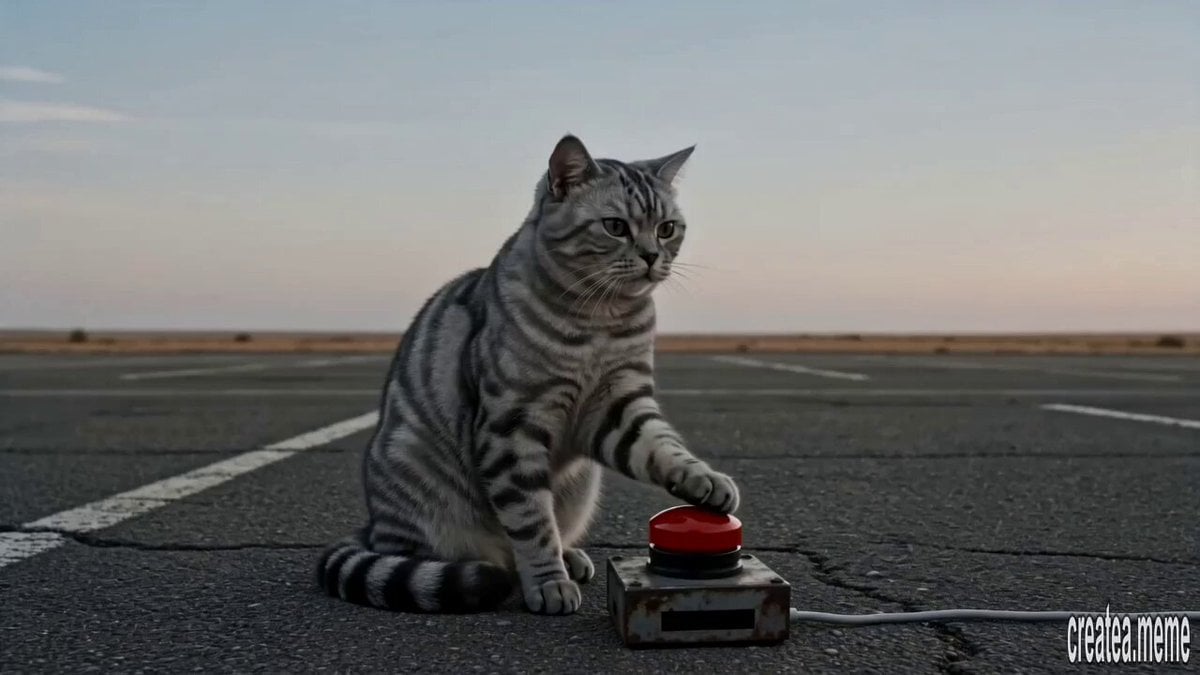
Cinematic Tabby Cat Explosion Meme
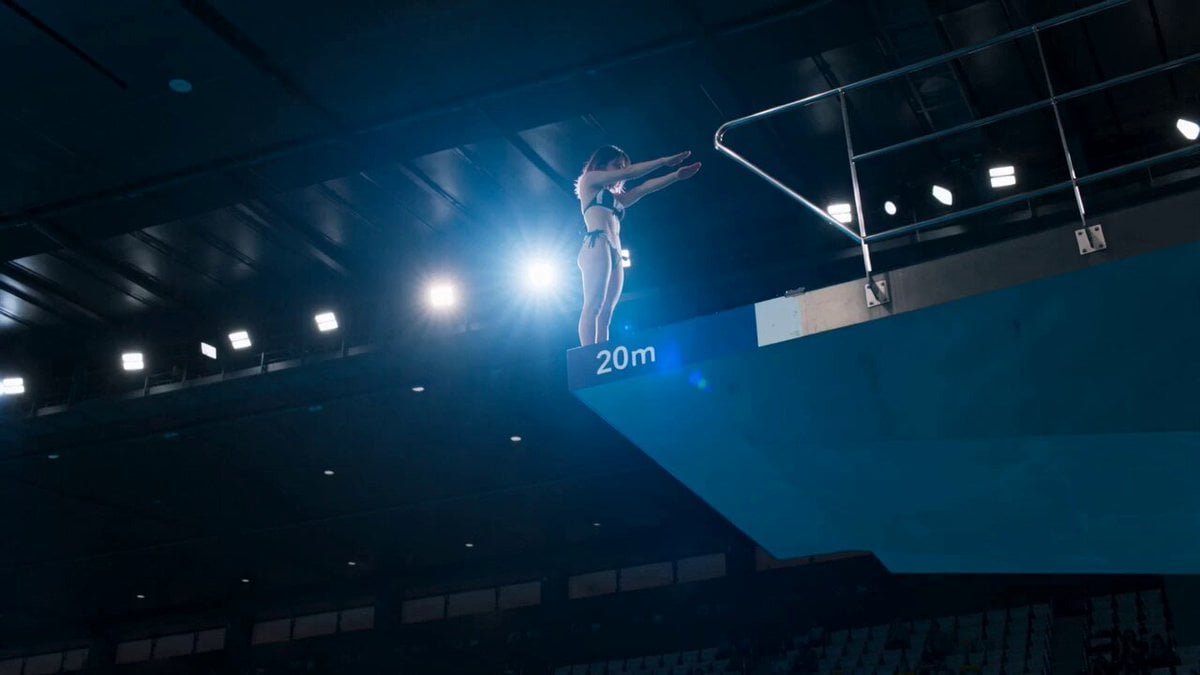
Olympic Platform Diving Cinematic Video
Browse template categories
Cyberpunk Neo-Tokyo Survival Chase with Pac-Man questions
How do I use the Cyberpunk Neo-Tokyo Survival Chase with Pac-Man template?
Add your photo if the template asks for one, edit the prompt if you like — the template's model and format are already selected — and press Generate. Your version opens in PicX Studio.
Can I customize the Cyberpunk Neo-Tokyo Survival Chase with Pac-Man template?
Yes. You can change the subject, setting, lighting, mood, format, and available model controls before creating your video.
Is the Cyberpunk Neo-Tokyo Survival Chase with Pac-Man template free?
Opening and editing this template is free. Generating uses credits, shown on the Generate button when you are signed in.
Which AI model should I use?
Start with Seedance 2.0, which is the model associated with this template. You can compare another compatible model for a different finish.
Looking for something else? Browse all templates.

Your photo, any look
Thousands of ready templates for every top image and video model, from one credit balance.