
Neon Tokyo Cyberpunk Action Sequence
A high-octane action sequence set in a rainy neon-lit Tokyo alley, featuring a katana-wielding protagonist battling drones.
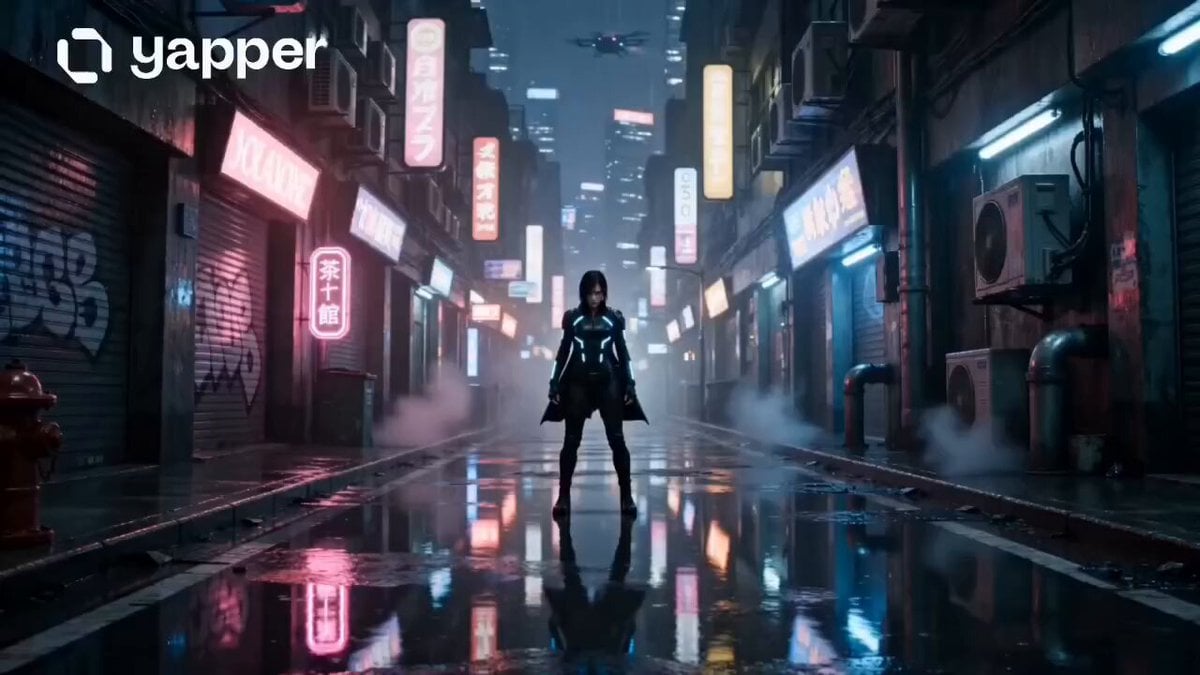
- Prompt included
- Model and format preset
- Premium template
The prompt behind this video
Copy the exact prompt behind Neon Tokyo Cyberpunk Action Sequence, or open it in the studio and make it yours.
Ultra cinematic action sequence starring a fearless young woman in a futuristic neon Tokyo alley during heavy rain at night. She wears a black tactical leather jacket with glowing blue accents, wet hair, intense sharp eyes, and subtle battle damage on her face. Camera opens with a slow-motion shot of her standing alone under flickering neon signs while rain pours around her. Suddenly multiple futuristic attack drones descend from the sky with red laser targeting systems. 0–3s: Massive cinematic wide shot. Rain splashes across puddles reflecting neon pink and blue lights. Her robotic katana slowly activates with glowing energy running through the blade. Wind blows her jacket dramatically. Background filled with cyberpunk billboards, steam vents, flying cars in distance. 3–7s: Fast aggressive combat begins. She dashes forward at superhuman speed slicing drones mid-air. Sparks explode everywhere. Slow-motion close-up of glowing eyes and water droplets flying from her hair. Dynamic camera shakes and whip transitions. One drone crashes into a ramen shop causing fiery debris explosion. 7–12s: She jumps from wall to wall while firing a futuristic pistol in mid-air. Massive explosion behind her lights the entire alley orange and blue. Final shot shows her standing on top of a destroyed police hover car breathing heavily while rain and smoke surround her. She stares directly into the camera with intense villain energy. Style: Hyper realistic cinematic action, John Wick meets Ghost in the Shell meets Cyberpunk 2077, dramatic lighting, Hollywood trailer energy, realistic rain physics, ultra detailed textures, emotional intensity, anamorphic lens, cinematic motion blur, volumetric smoke, realistic explosions, shallow depth of field, 9:16 vertical viral TikTok aesthetic.
How to use Neon Tokyo Cyberpunk Action Sequence in 3 steps
- 1
Open
The prompt is already in the box next to the preview, with the template's model and format selected.
- 2…a portrait of your subject in softgolden-hour light, 85mm…
Personalize
Edit the subject and creative details for your destination.
- 3Generate
Generate
Press Generate — your video is created in PicX Studio, so you can compare it with the original and refine one variable at a time.
More like this
Templates with the same subject, style or setup. Open one to see its prompt.
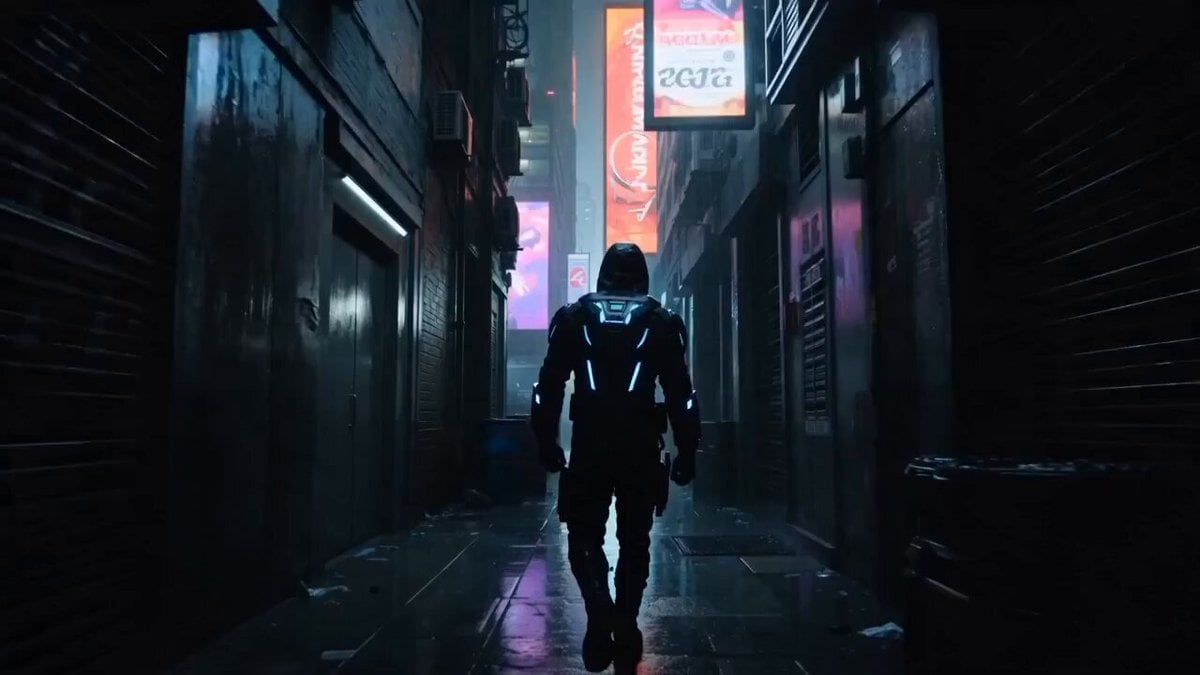
Cyberpunk Assassin Neon Action Sequence
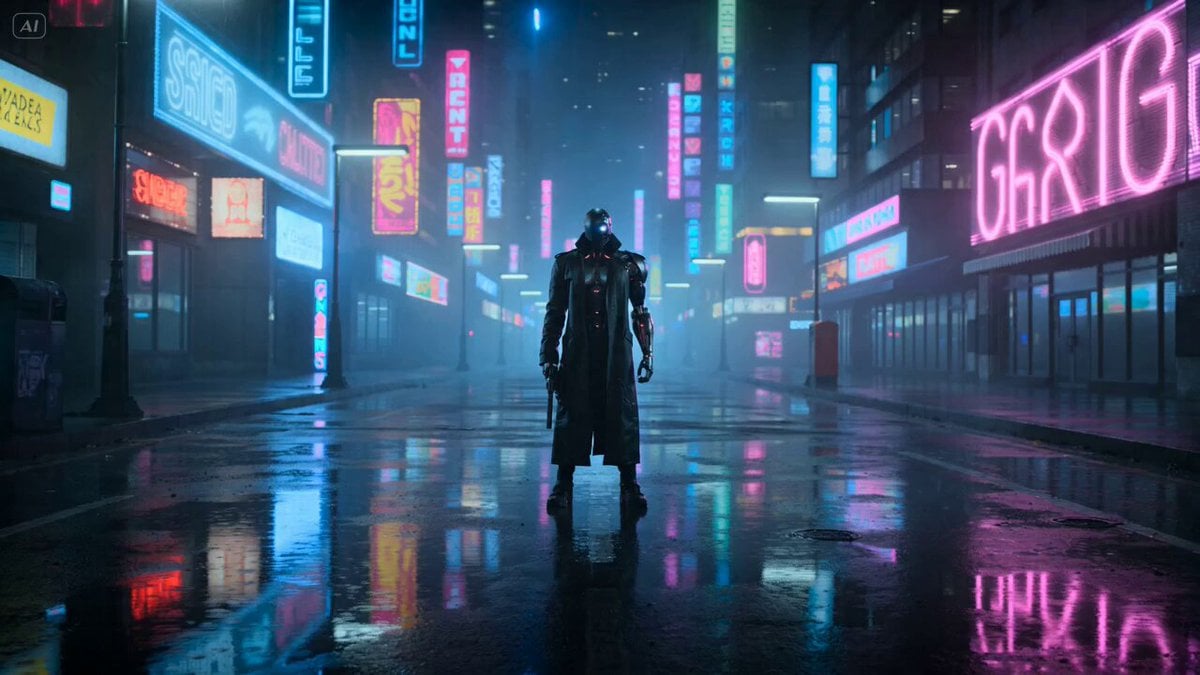
Cyberpunk Gunslinger Neon Sequence
Neon City Rooftop Action Sequence
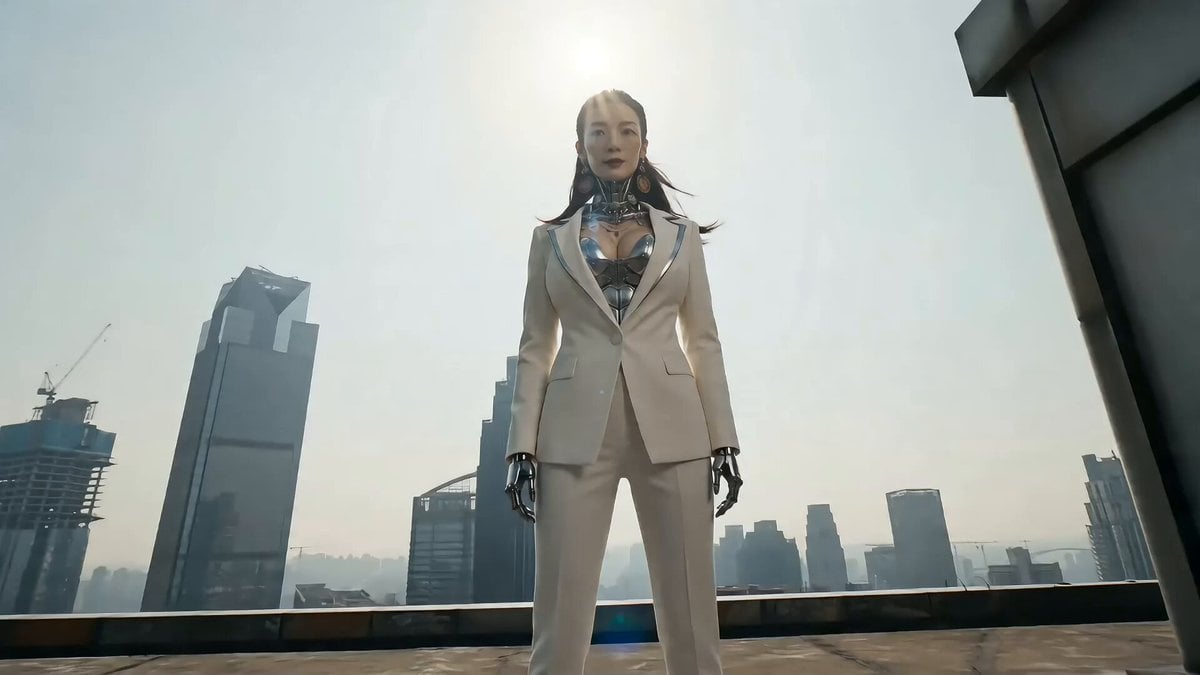
Cyberpunk Action Sequence: Elegant Female Agent Jumps from Skyscraper to Moving Car

Maglev Train Action Sequence

Cyberpunk RPG Anime Action
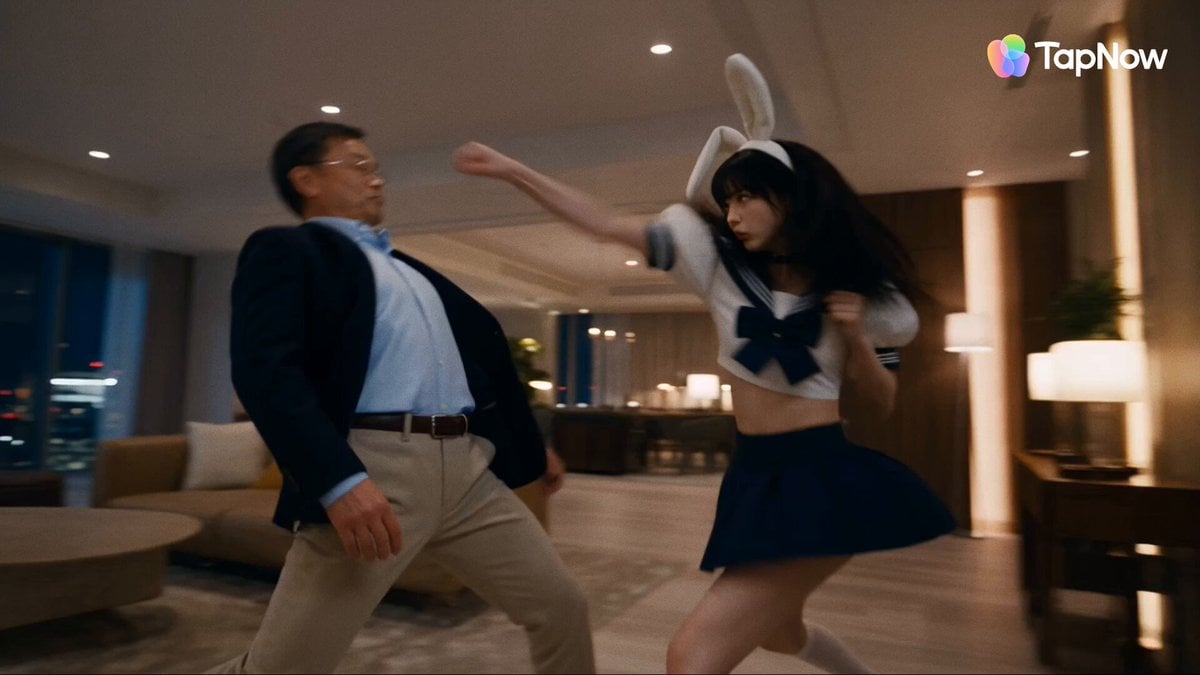
Tokyo Penthouse Action-Comedy Cinematic

Cyberpunk Holographic Dance Performance - Seedance 2.5

Handheld Tokyo Travel Vlog - Seedance 2.5
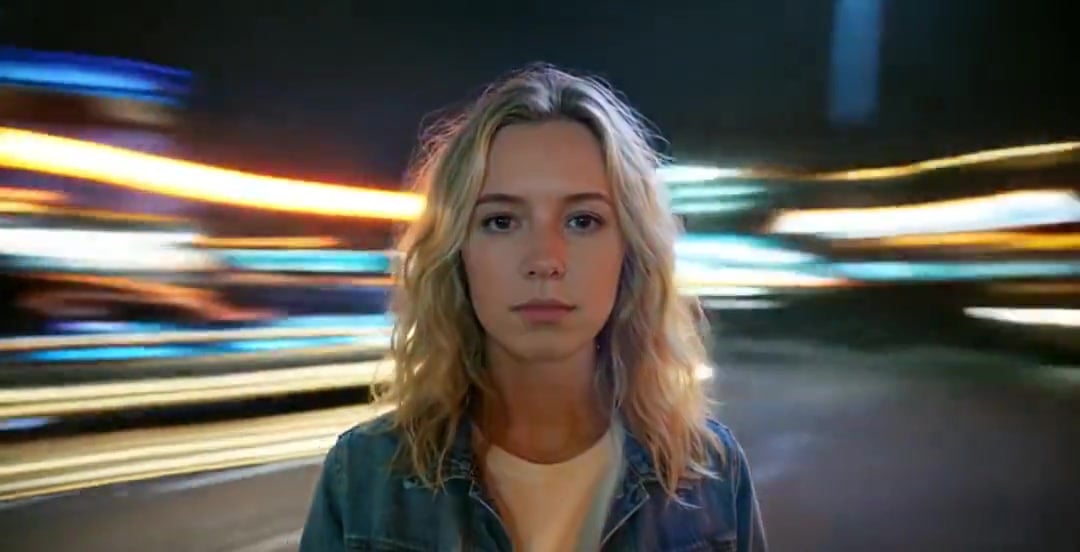
Handheld Neon Chaos Motion Blur — Kling 3.0 v3 Pro

RX-7 to Mech Transformation Cyberpunk

Smartphone Travel Vlog Tokyo Trip Identity Preserved
Make it yours
Neon Tokyo Cyberpunk Action Sequence works as-is. These are the safest ways to change it without losing the look.
Change one field
Copy a single group, rewrite it, and generate again so you can see what that field is doing.
Keep the frame, change the subject
Hold the composition and light of Neon Tokyo Cyberpunk Action Sequence, then swap wardrobe, props or the person for a new take.
| If the result… | Why | Fix |
|---|---|---|
| The result drifts from the preview | Too many fields changed at once. | Reuse Neon Tokyo Cyberpunk Action Sequence as-is first, then change one group — subject, light, or setting. |
| The model over-stylizes the scene | The prose prompt leaves finish and camera underspecified. | Add one camera or lighting sentence and stay on Seedance 2.0. |
More Seedance 2.0 templates
Other prompts made for Seedance 2.0.

Comical Martial Arts Punch Scene

Martial Arts Fight Sequence

Wuxia Protection and Trust Script

Vintage Korean Arcade MiniDV Vlog

Mercedes 190 SL Luxury Ad

Rainy Night Supernatural Reverse Comedy Video Script

Amazon Civilization Discovery

Futuristic South Asian City Transformation

Cozy Luxury Cafe Commercial

Cyber Ronin Nanotech Transformation Video
More video prompts
Fresh picks from across the catalog.

Cinematic Train Sequence Prompt for Seedance 2.0

POV Shark Attack
Duttasomrat Time Freeze Viral V2

Microscopic Photograph of Iron Whiskers and Crystals
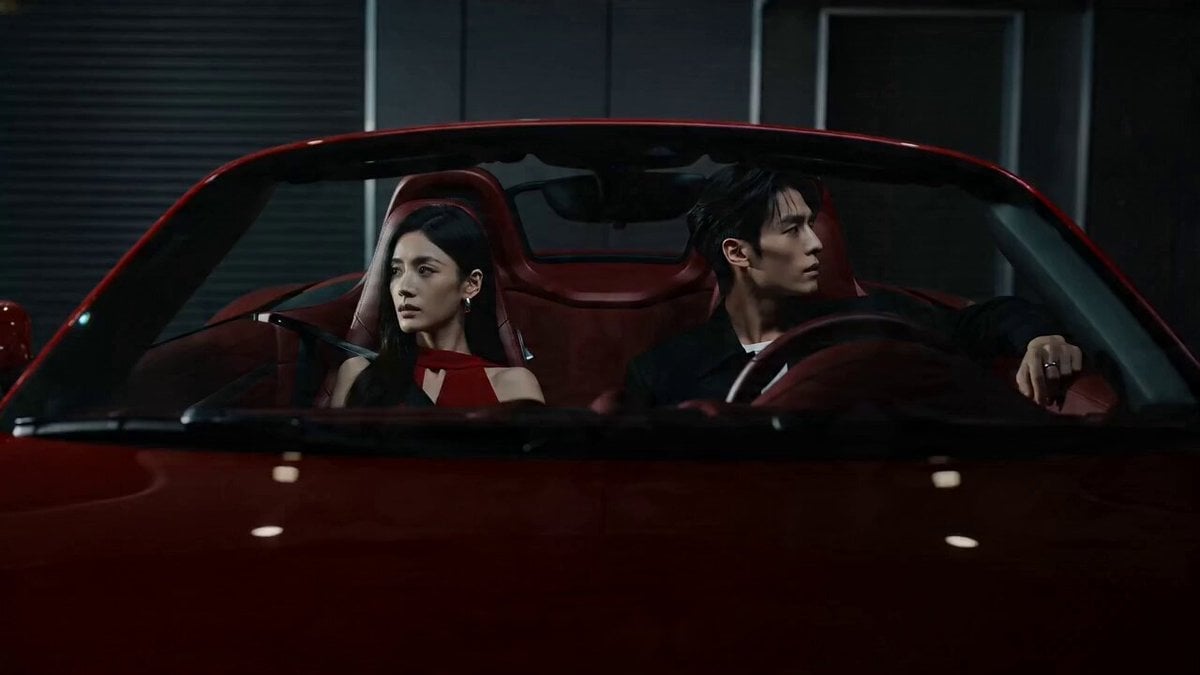
Cinematic Storyboard: Cool Couple in a Convertible

Mermaid Empress and Octopus Guardian
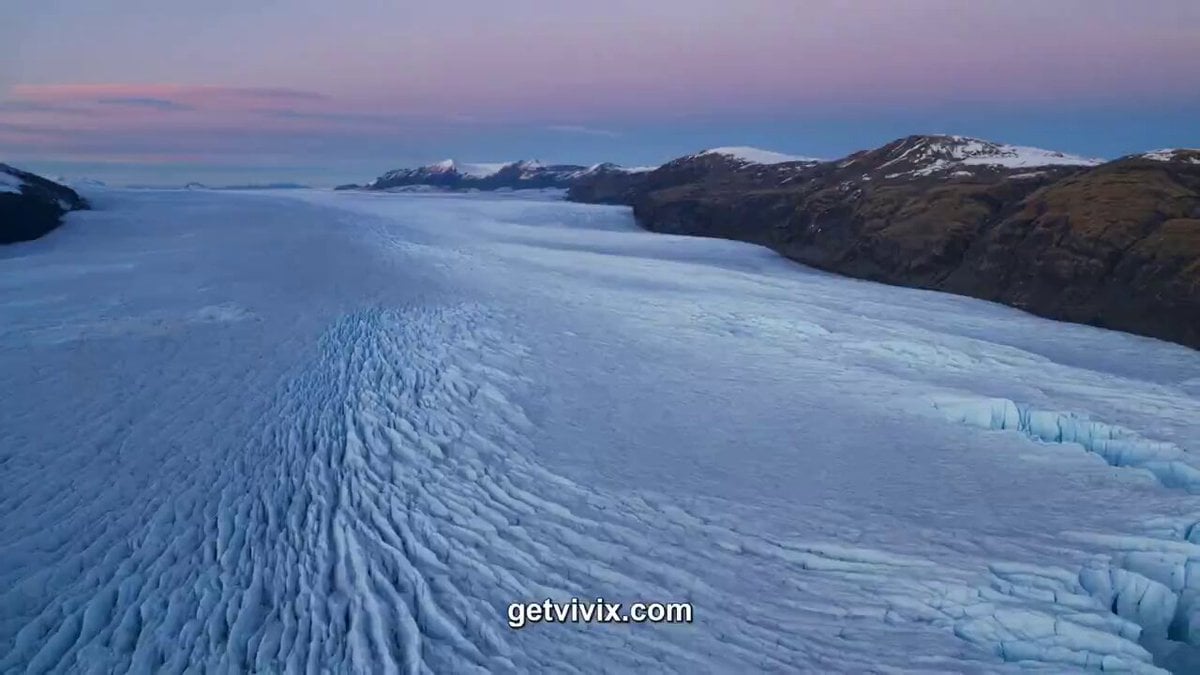
Patagonian Glacier Research Documentary
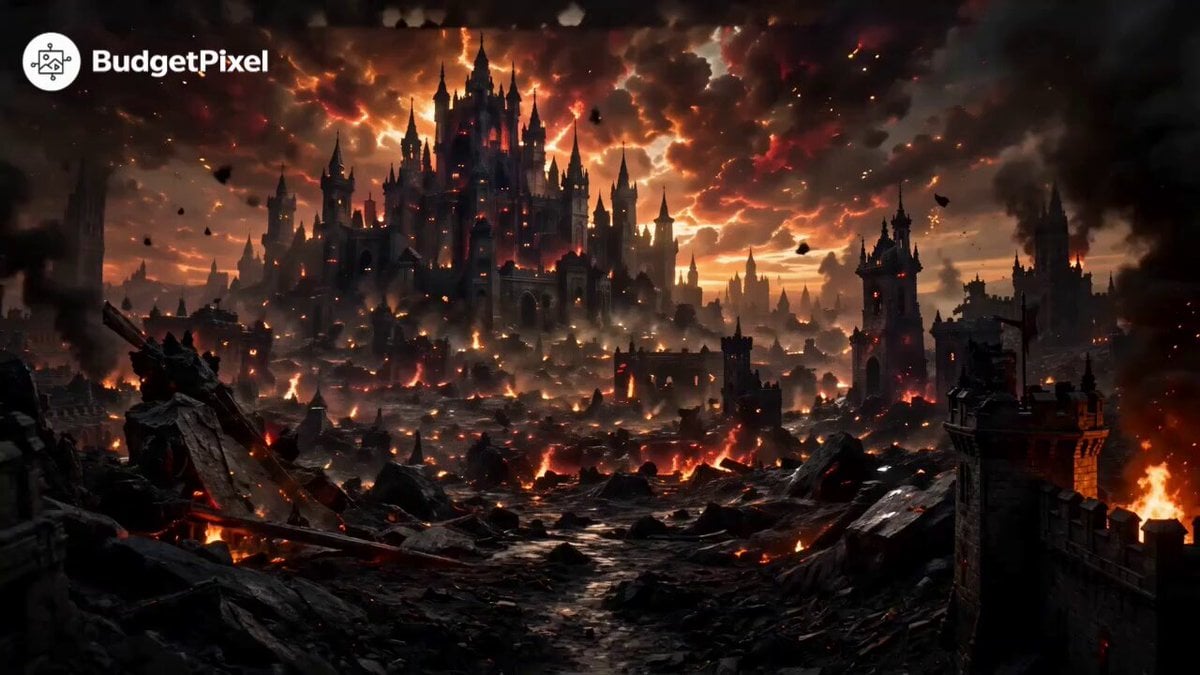
Hollywood Blockbuster Fantasy Trailer
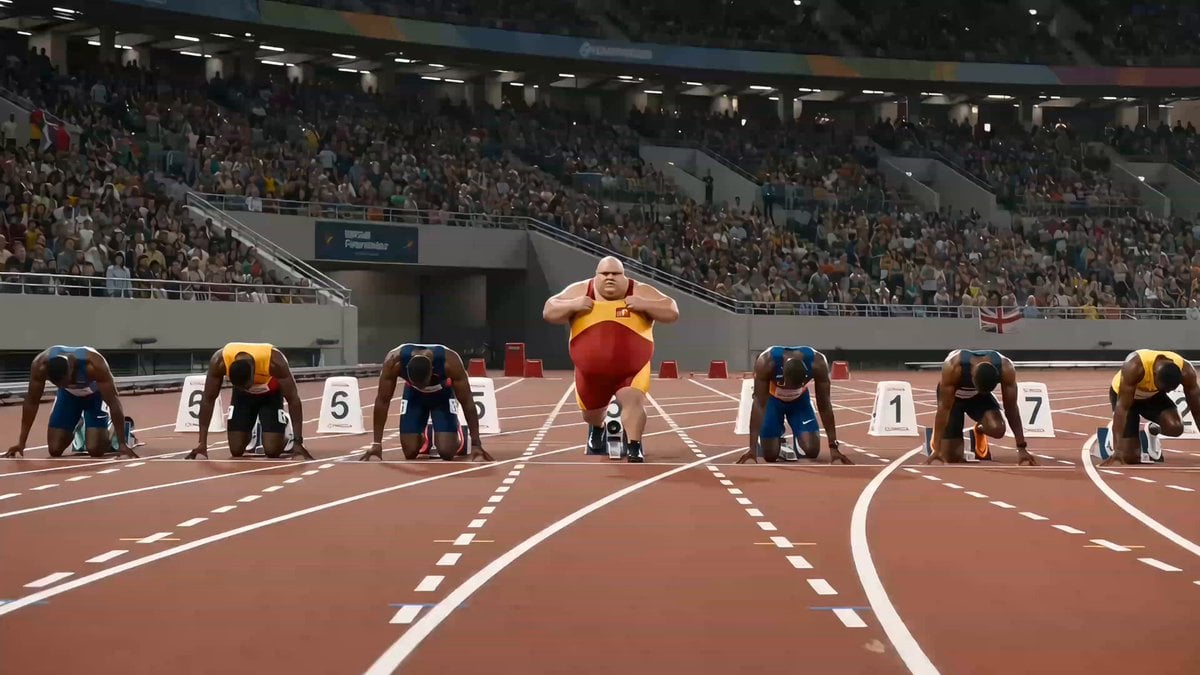
Humorous Fast Food Sprint Commercial
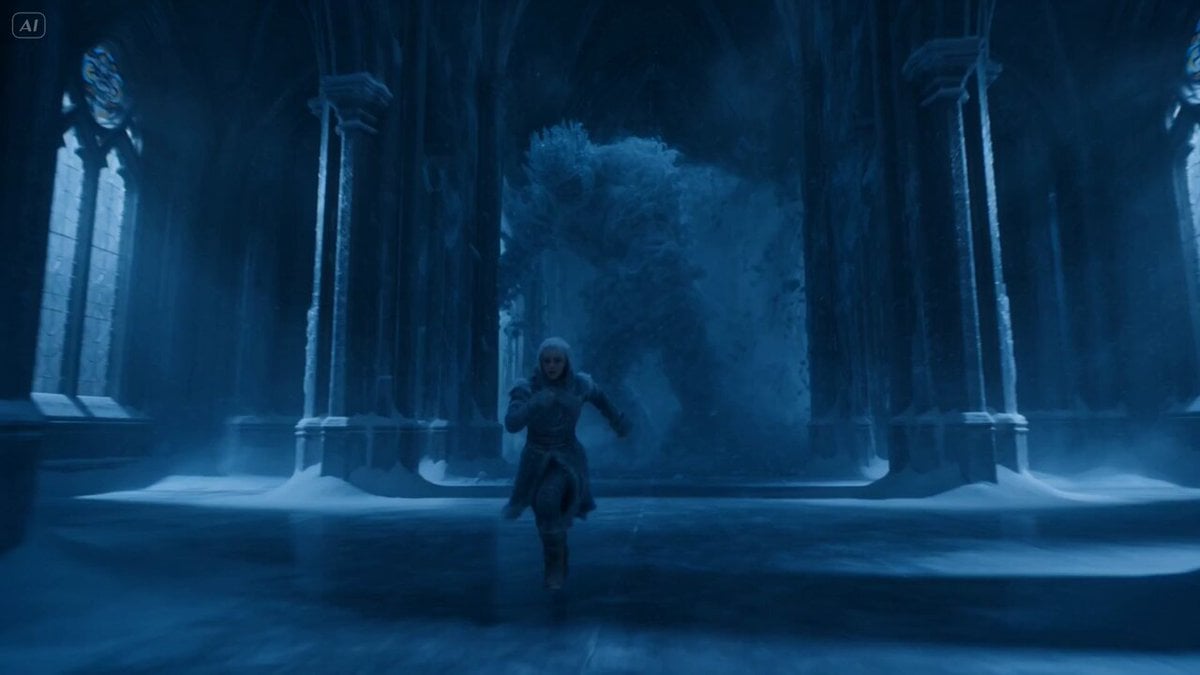
Frozen Cathedral Chase Sequence
Browse template categories
Neon Tokyo Cyberpunk Action Sequence questions
How do I use the Neon Tokyo Cyberpunk Action Sequence template?
Add your photo if the template asks for one, edit the prompt if you like — the template's model and format are already selected — and press Generate. Your version opens in PicX Studio.
Can I customize the Neon Tokyo Cyberpunk Action Sequence template?
Yes. You can change the subject, setting, lighting, mood, format, and available model controls before creating your video.
Is the Neon Tokyo Cyberpunk Action Sequence template free?
Opening and editing this template is free. Generating uses credits, shown on the Generate button when you are signed in.
Which AI model should I use?
Start with Seedance 2.0, which is the model associated with this template. You can compare another compatible model for a different finish.
Looking for something else? Browse all templates.

Your photo, any look
Thousands of ready templates for every top image and video model, from one credit balance.